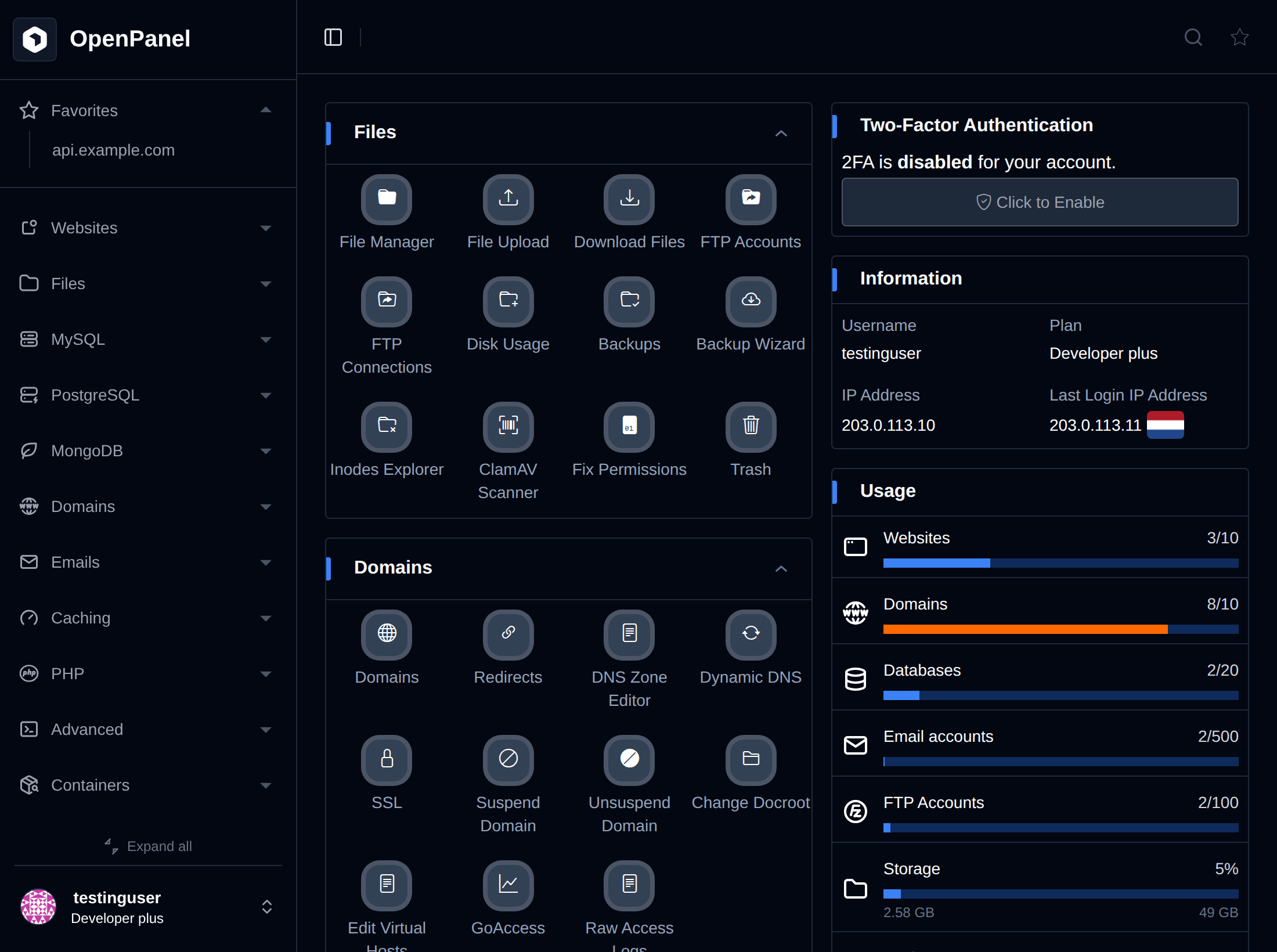
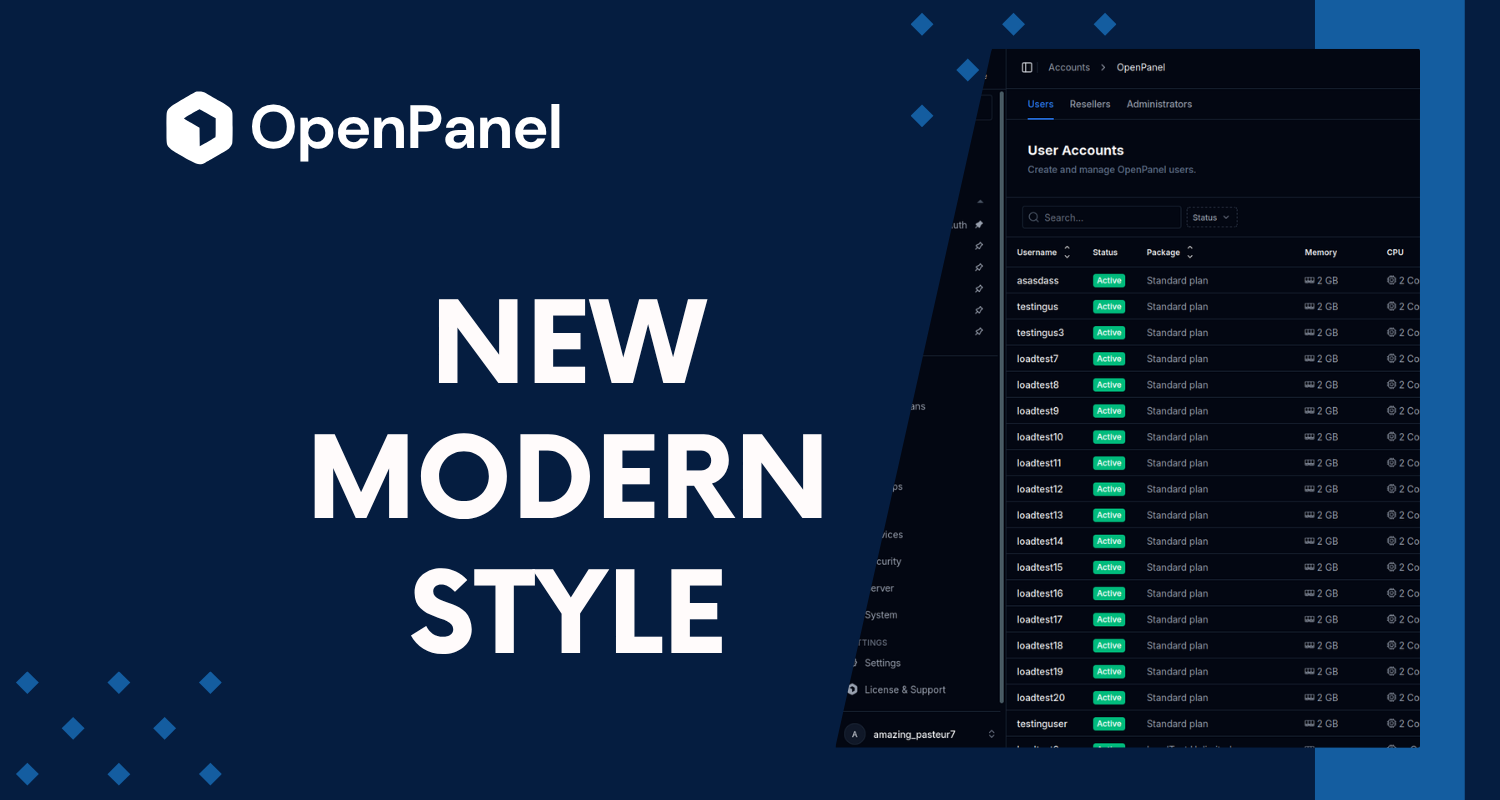
As OpenPanel grew, so did the sidebar. Every feature added a link, and areas like MySQL or Websites turned into long expandable groups. OpenPanel 2.0.11 introduces a new Modern menu style that keeps the sidebar short and moves the pages of each area into tabs.
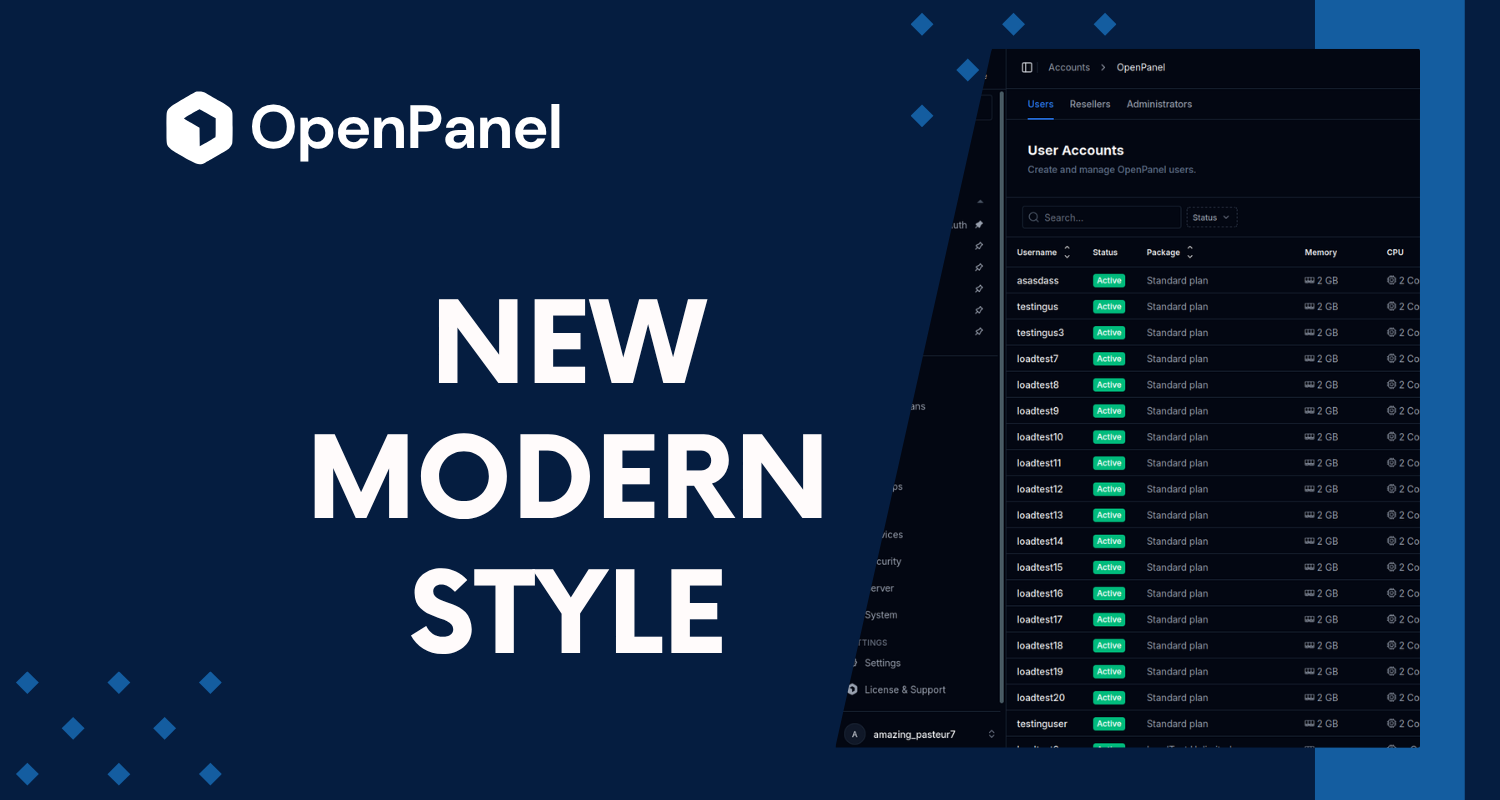
Classic and Modern
There are now two menu styles:
- Classic: the menu you already know, with features grouped in expandable sections in the sidebar.
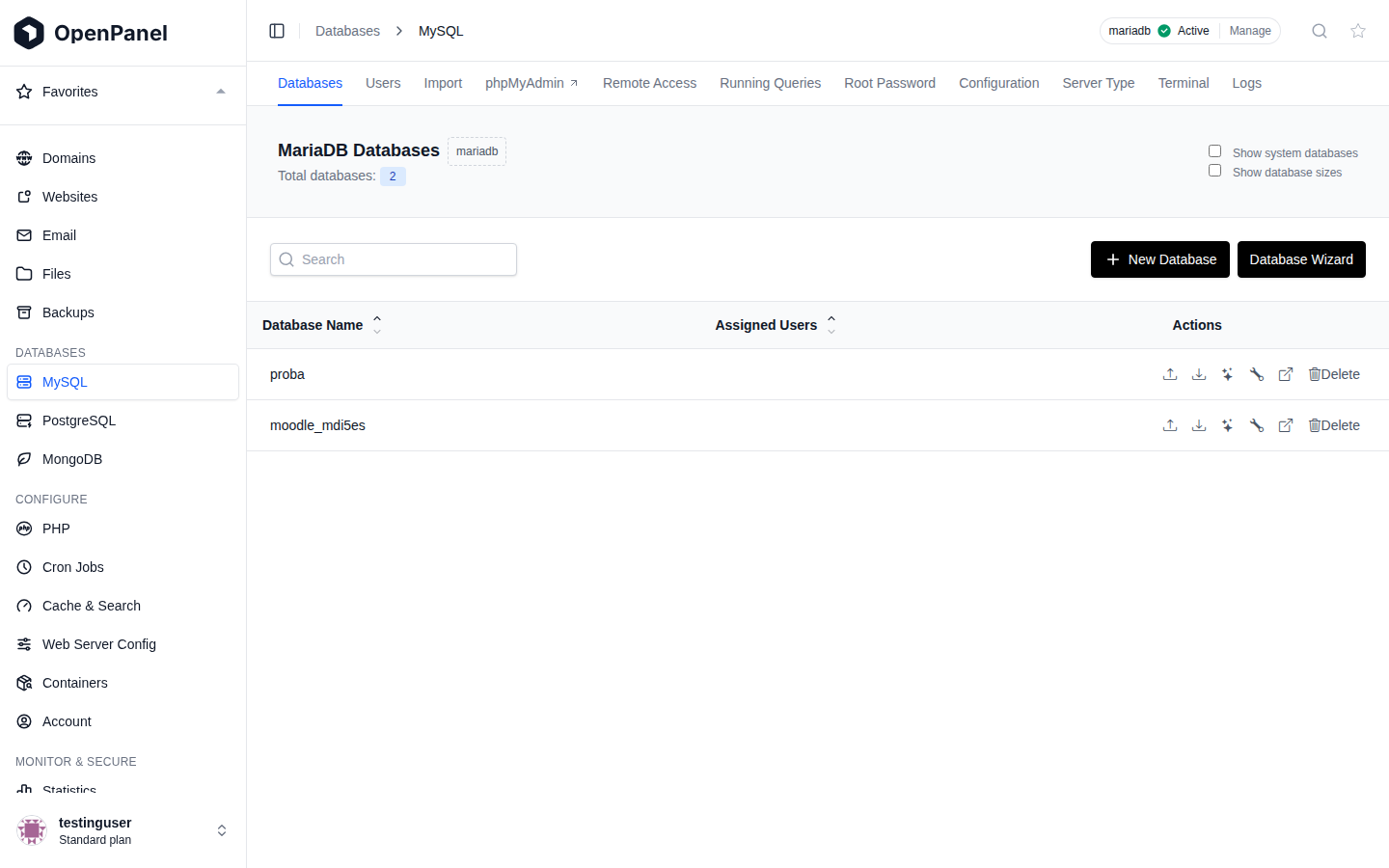
- Modern: one sidebar link per area, and the pages of that area shown as tabs at the top of the page. For example, MySQL opens the databases list, with tabs for Users, Import, phpMyAdmin, Remote Access and the rest.
Nothing was removed, every page is still there. Only the way you get to it changed.
Here is the MySQL page in OpenPanel, first with the Classic menu and then with the Modern one:
What's new in the Modern menu
- Grouped sidebar: main areas at the top (Domains, Websites, Email, Files, Backups), followed by Databases, Configure and Monitor & Secure sections.
- Page tabs: related pages live together, so switching between Databases, Users and Remote Access is one click.
- Service tabs: pages that manage a single service, like MySQL, Redis or the web server, get Terminal and Logs tabs for that service.
- Clearer breadcrumbs: they follow the same structure as the menu, for example Databases > MySQL > Users.
- External links marked: tabs that open in a new browser tab, like phpMyAdmin or Webmail, have an arrow icon.
- Dashboard in the same order: the dashboard sections follow the sidebar order.
- Upgrade page: when an upsell plan is set, users get an Upgrade now page comparing their current plan with the next one.
OpenAdmin too
The same setting switches the OpenAdmin menu. In the Modern style OpenAdmin gets:
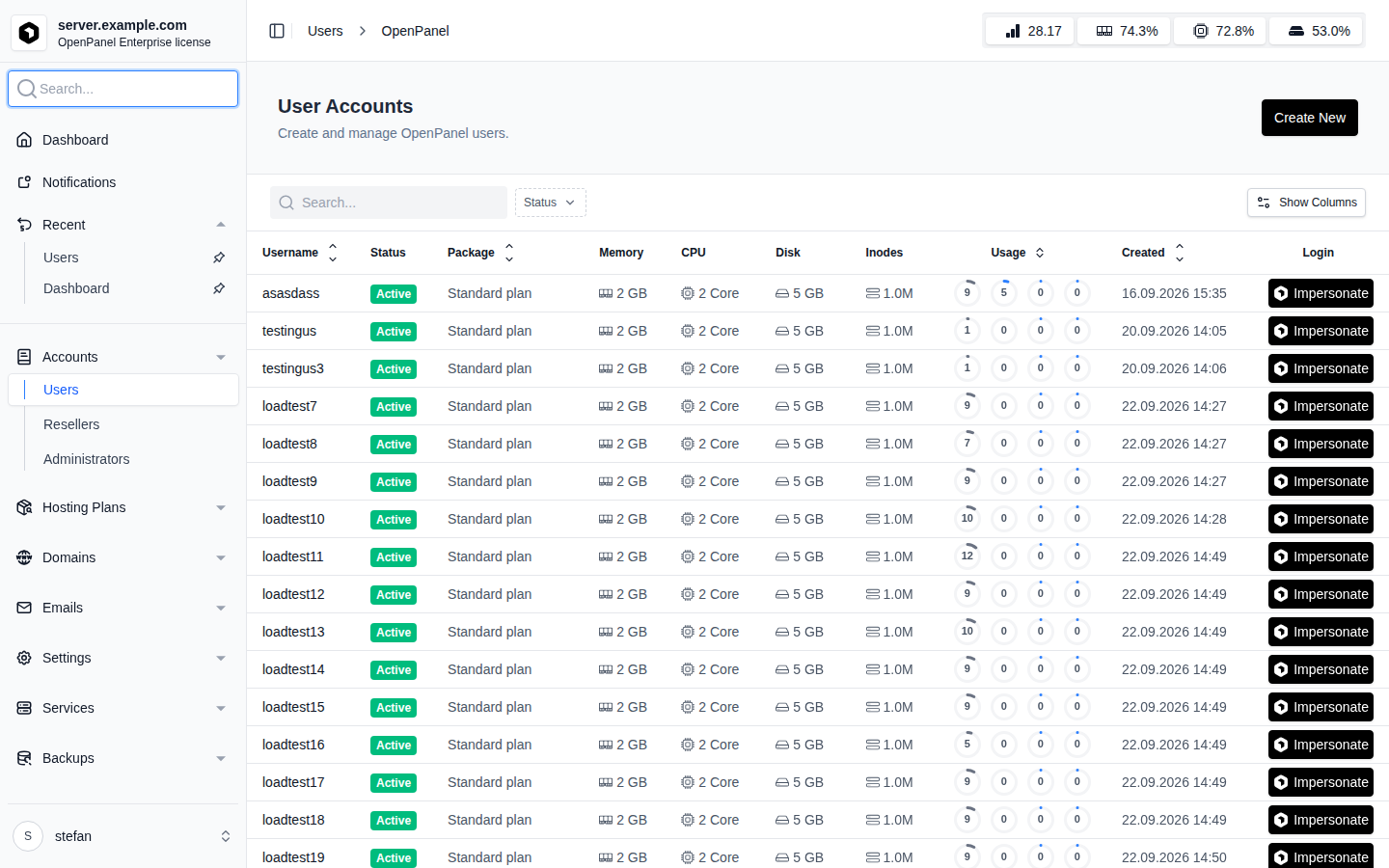
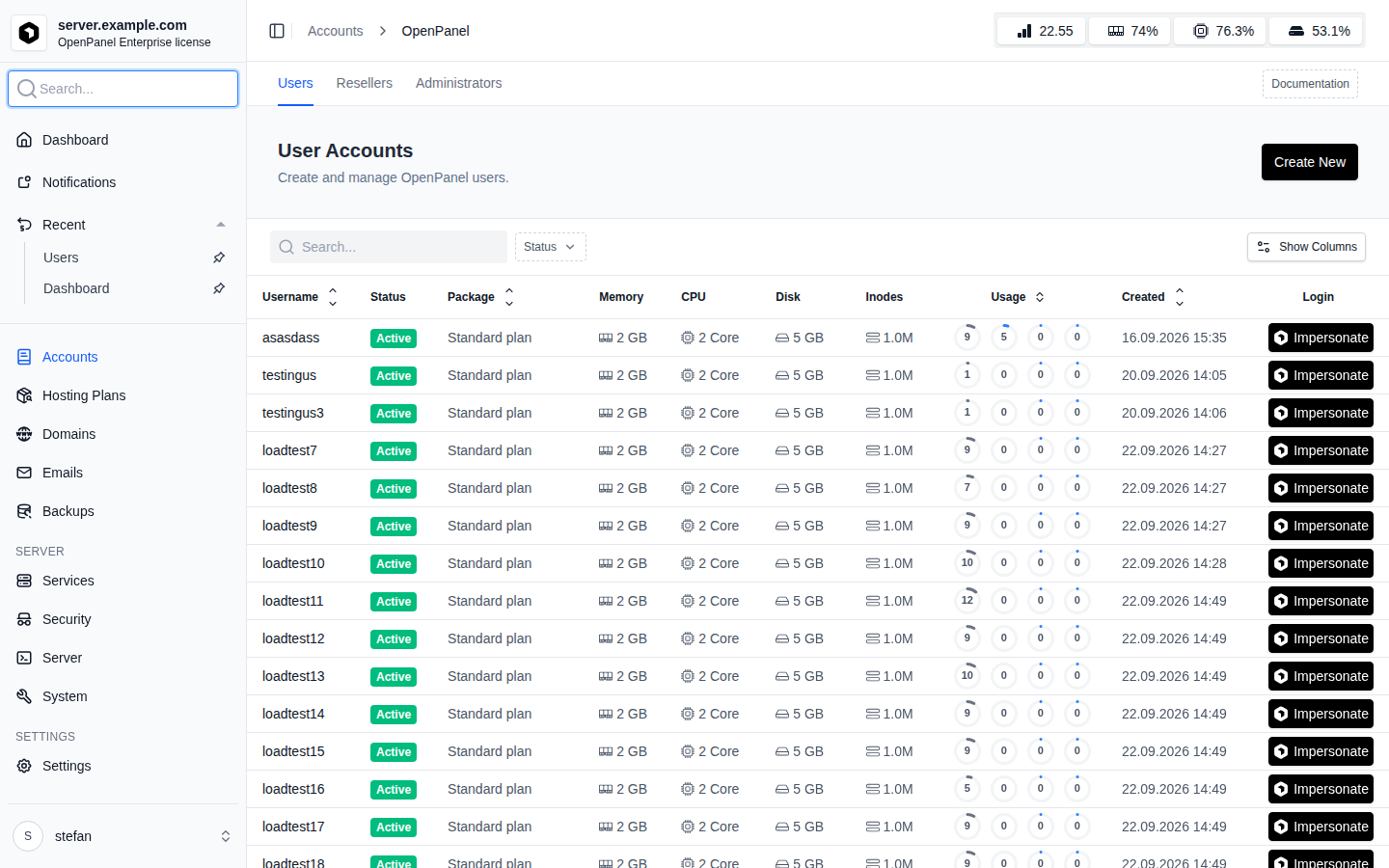
- One sidebar link per area (Accounts, Hosting Plans, Domains, Emails, Backups, Services, Security, Server, System, Settings), with pages as tabs.
- Status dots in the sidebar when a service is down or settings need a restart.
- A Documentation button next to the tabs that opens the docs for the current page, right inside OpenAdmin.
The Users page in OpenAdmin, Classic and Modern:
Who gets which style
- New installations use the Modern menu by default.
- Existing servers keep the Classic menu after updating to 2.0.11, so nothing changes for your users until you decide to switch.
How to switch
Administrators can set the default style from OpenAdmin > Settings > OpenPanel, with the Menu style option. The change applies to OpenPanel users and to OpenAdmin right after saving.
It can also be set from the terminal:
opencli config update menu_style modern
or back to the old menu:
opencli config update menu_style classic
Users can still pick the other style for themselves from their profile menu at the bottom of the sidebar. Their choice is saved in the browser.
For more details, see the Menu Style docs page.