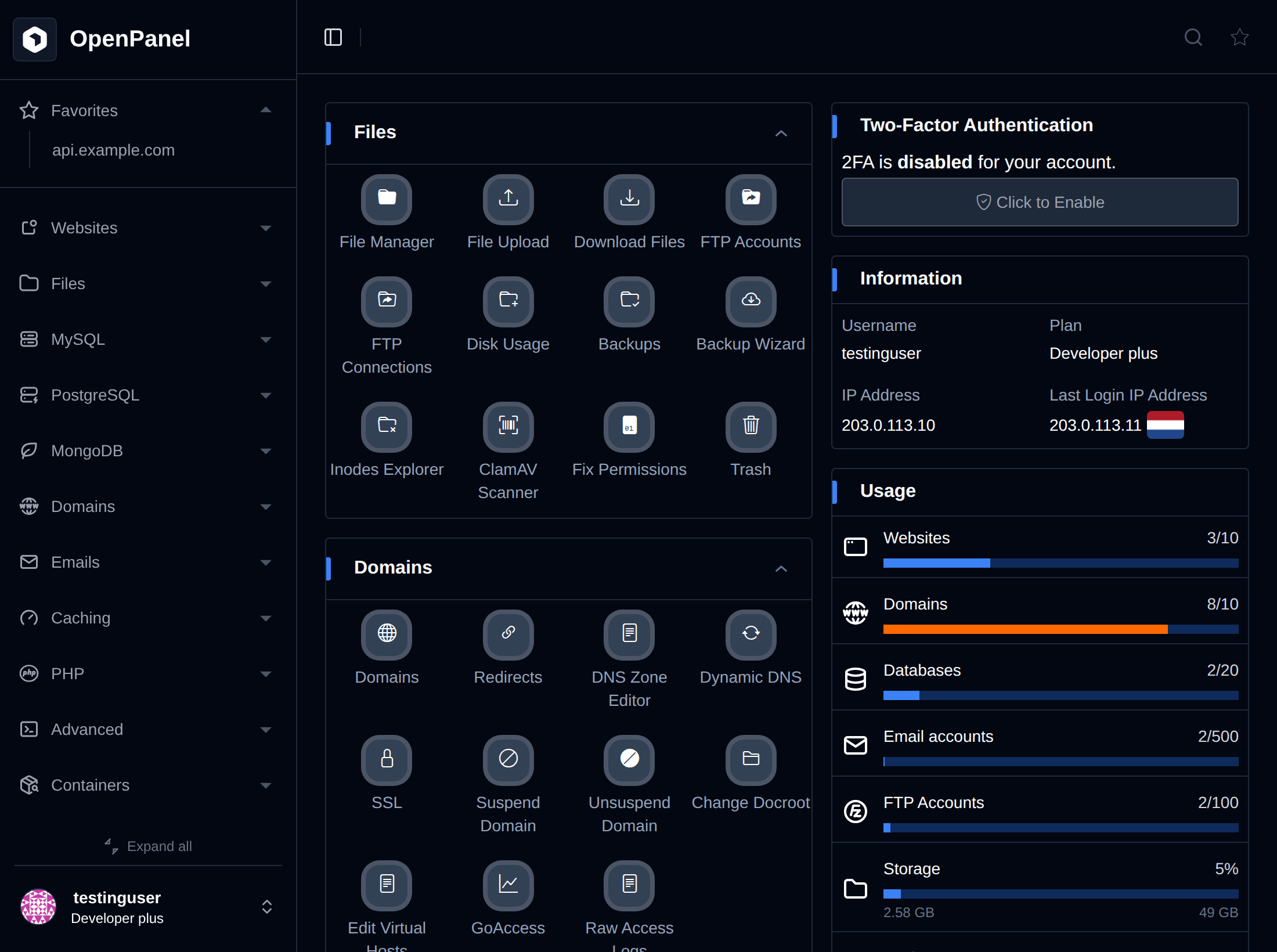
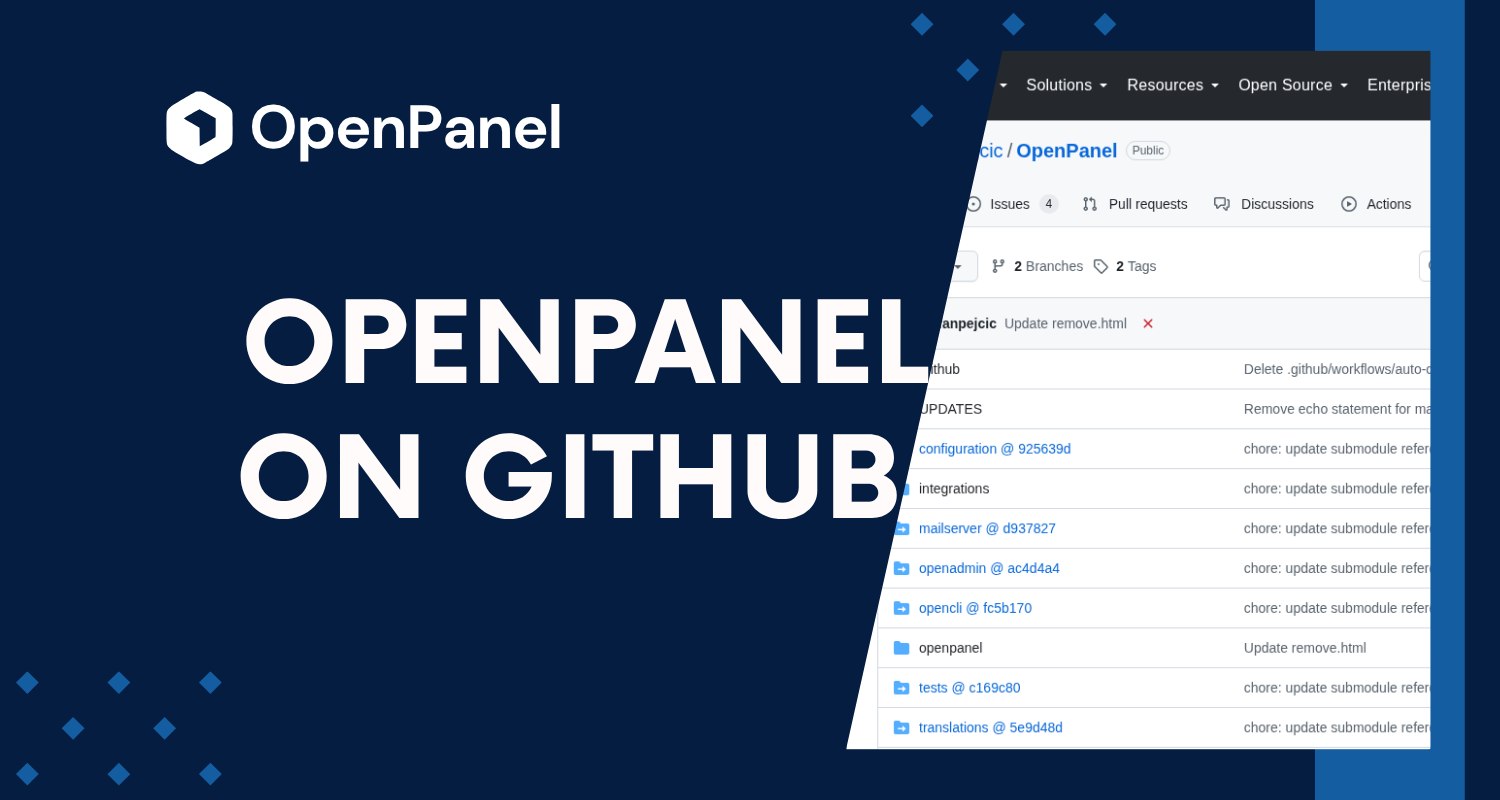
The source code is publicly available on GitHub, development happens in public, and anyone can inspect the code, report issues, follow development, and contribute to the project.
That said, there's a distinction we want to explain clearly: publicly available source code does not mean that OpenPanel is licensed as open-source software.
OpenPanel offers a free Community edition for personal, non-commercial use. Businesses and hosting providers that want to run OpenPanel commercially need an Enterprise license.
Public code, open development
You'll find the full OpenPanel source here: stefanpejcic/openpanel
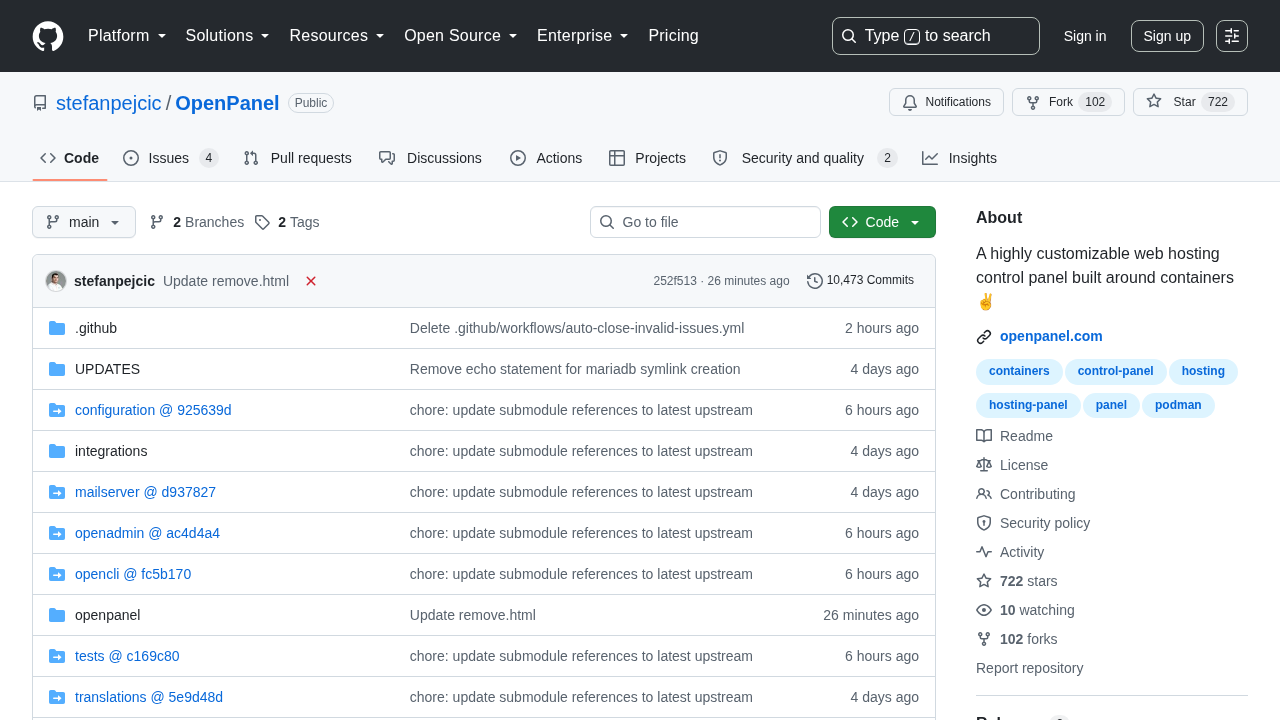
Anyone can read the code, see how a feature is actually implemented, flag bugs, track changes over time, or jump in and contribute.
We believe this is important for software that manages servers. OpenPanel touches websites, databases, containers, system resources, DNS, and SSL certificates — the kind of infrastructure where you shouldn't have to just trust a closed black box. Being able to see what the software does for yourself is part of the deal.
"Public" and "open source" aren't the same thing
This is the part worth slowing down on.
You can read every line of OpenPanel's source code on GitHub, but that visibility doesn't come with an open-source license granting free rights to redistribute or modify the software however you like.
Concretely: you're welcome to study the code and take part in the project, but that does not mean you can take the OpenPanel code, rebrand it, redistribute it as your own product, or use it as the basis for a competing commercial hosting panel without the appropriate rights.
We prefer being explicit about this rather than using "open source" as a vague marketing term.
Community edition: free for personal use, permanently
The Community edition costs nothing, indefinitely.
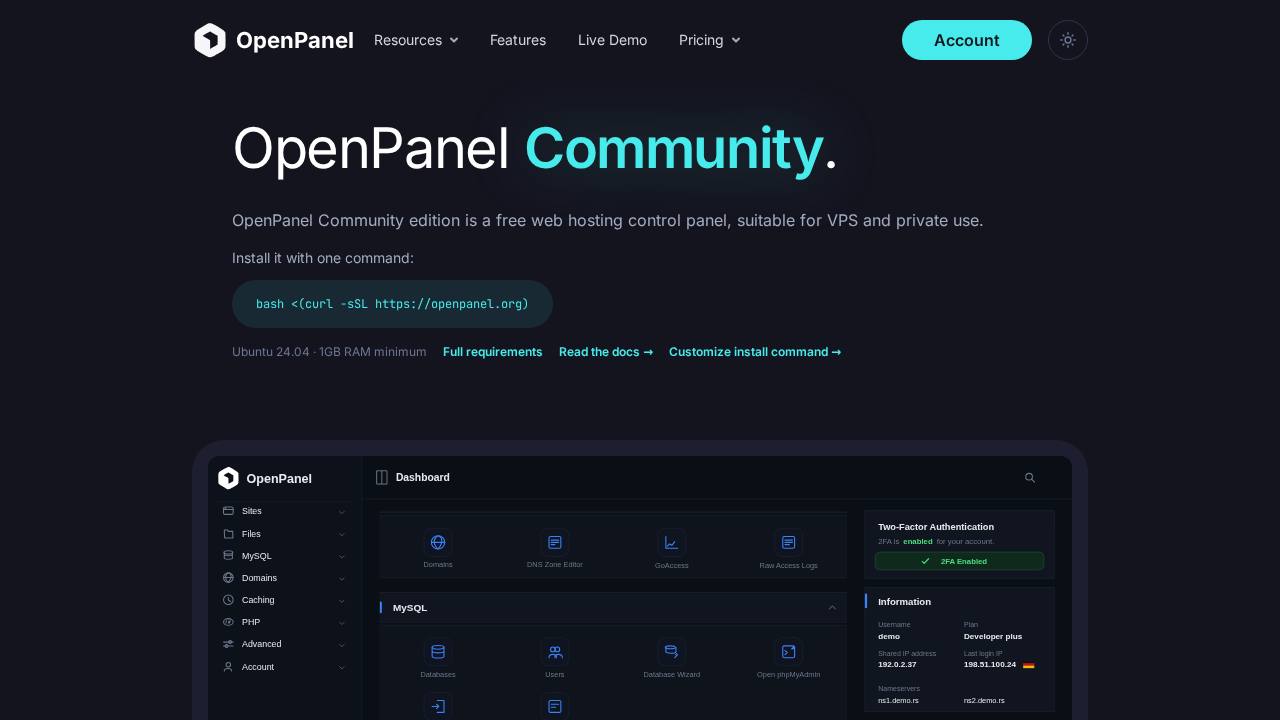
No trial clock, no card required. It's built for people running their own servers privately — currently capped at 3 user accounts and 50 websites.
That's plenty of room to install it, host your own sites, poke around the platform, and build personal projects on it without ever reaching for a wallet.
The idea is straightforward: if OpenPanel is just for you, you shouldn't be paying a subscription for it.
What if you're running a hosting business?
This is where licensing actually changes things.
Community isn't licensed for commercial hosting. If you're selling hosting, serving paying customers, or otherwise running OpenPanel as part of a commercial operation, you need Enterprise.
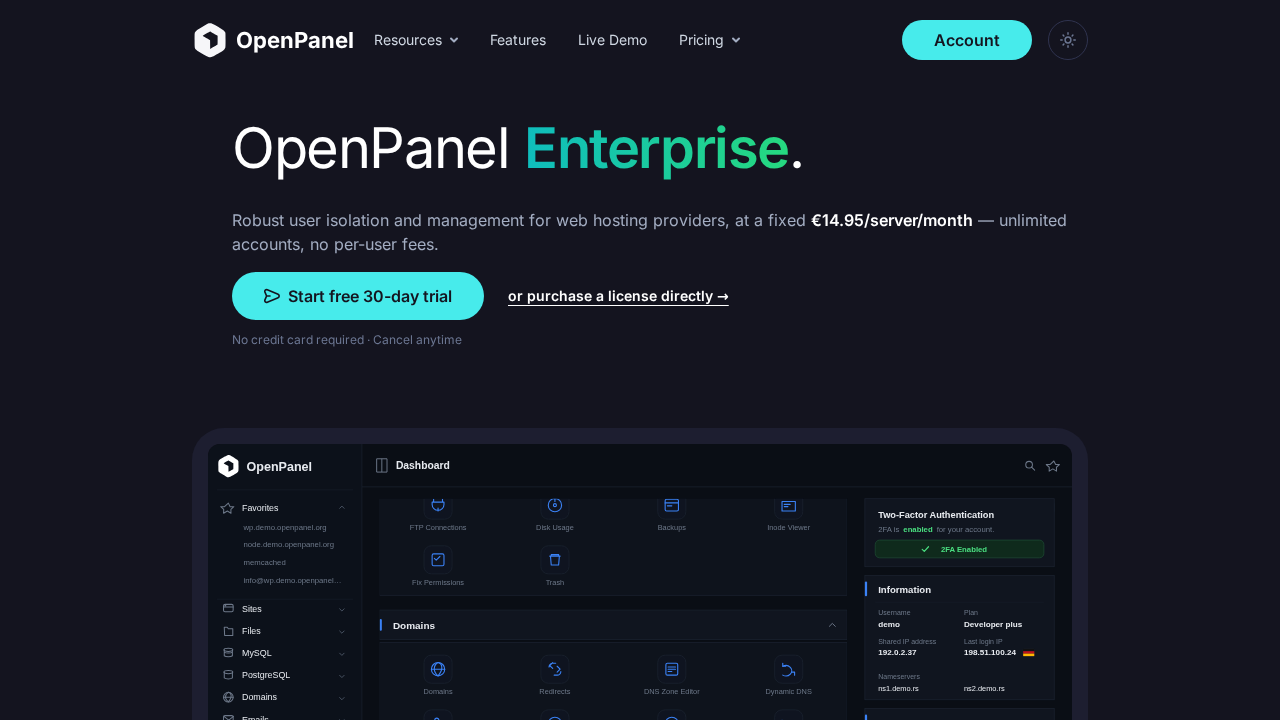
Enterprise is purpose-built for hosting providers. It drops the Community account and site caps and layers on the tooling a commercial multi-user hosting operation actually needs.
Pricing is per server, not per customer or per user — so growing your customer base on a server doesn't mean your license bill grows with it.
Why charge for Enterprise at all?
OpenPanel is built and maintained by a small team, and Enterprise is what keeps that sustainable. It gives hosting providers a way to fund ongoing development while getting features, support, and capabilities built specifically for running a hosting business.
That includes things like:
- Unlimited user accounts and websites
- Email, FTP and Container management
- PostgreSQL and MariaDB support
- API access
- Importing accounts from CyberPanel and cPanel backups
- Billing integrations: WHMCS, FOSSBilling, Blesta, and others
- White-labeling
- Priority support
This list keeps growing as OpenPanel does.
One license, one server — no per-customer math
We kept the Enterprise licensing model simple on purpose: it's per server, full stop. Not per customer, not per website.
Ten customers or ten thousand on that server — the license fee doesn't move. For a hosting provider, that matters: your control panel costs shouldn't climb every time you land a new customer.
Start with Community, upgrade when you're ready
You don't need to commit to anything up front.
Install the Community edition, run it privately, get a feel for the platform. If down the road you need Enterprise features or want to start hosting commercially, you can upgrade the same installation — no rebuild required.
Activate a license, and the Enterprise features and higher limits just unlock.
Try Enterprise free for 30 days
If you're a hosting provider and want to put OpenPanel through its paces before buying, Enterprise comes with a 30-day free trial, no card needed: get trial
Use that month to test it against your real infrastructure — actual customers, actual sites, actual resource limits and integrations.
Decide it's not for you? Remove the license and the installation just settles back into Community limits.
Quick reference
Not sure which edition fits you?
| Use case | Edition |
|---|---|
| Personal server | Community — Free |
| Private websites | Community — Free |
| Learning and testing | Community — Free |
| Up to 3 user accounts / 50 websites | Community — Free |
| Commercial hosting business | Enterprise |
| Hosting customers for profit | Enterprise |
| Unlimited hosting accounts | Enterprise |
| Advanced hosting-provider features | Enterprise |
Community stays free forever for the personal use it's meant for. Commercial hosting means Enterprise.
See for yourself
You shouldn't have to take our word for any of this — the source is right there: browse the OpenPanel source code on GitHub
Read it, inspect it, file an issue, follow along as it evolves.
Running a personal server? Start with the free Community edition. Running a hosting business? Go Enterprise, and help keep the project moving forward.