How to Self-Host n8n (Workflow Automation) on Your Own Server
n8n is an open-source workflow automation tool - a self-hosted alternative to Zapier and Make. With OpenPanel you can install it on your own domain in a few clicks, with HTTPS and webhooks working out of the box.
Why Self-Host n8n?
- No per-execution pricing - run as many workflows as your server can handle.
- Your data stays on your server - credentials and workflow data never leave it.
- Full access to community nodes and custom code.
Requirements
- The n8n module enabled for your hosting plan. n8n support is currently in beta. If you don't see Install n8n in the auto installer, ask your hosting provider or administrator to enable it.
- A domain or subdomain for n8n, e.g.
n8n.example.com, pointed to the server. - At least 1 GB of RAM available for the n8n container.
Step 1: Add a Domain
Add the domain or subdomain in OpenPanel → Domains - see Add a new domain. A dedicated subdomain like n8n.example.com is recommended, so n8n's editor and webhooks have their own address.
Wait until the domain resolves to the server, so the SSL certificate can be issued.
Step 2: Install n8n
Go to OpenPanel → Websites → Install App and click Install n8n. Fill in:
| Field | Description |
|---|---|
| Name | Name of the app and its container, e.g. n8n |
| Domain | The domain (and optional subfolder) where n8n will be available |
| Version | An n8n release from Docker Hub - pick the latest stable |
| First name / Last name / Email / Password | The n8n owner account |
| CPU / Memory / PIDs | Resource limits for the container - at least 1 CPU and 1 GB RAM |
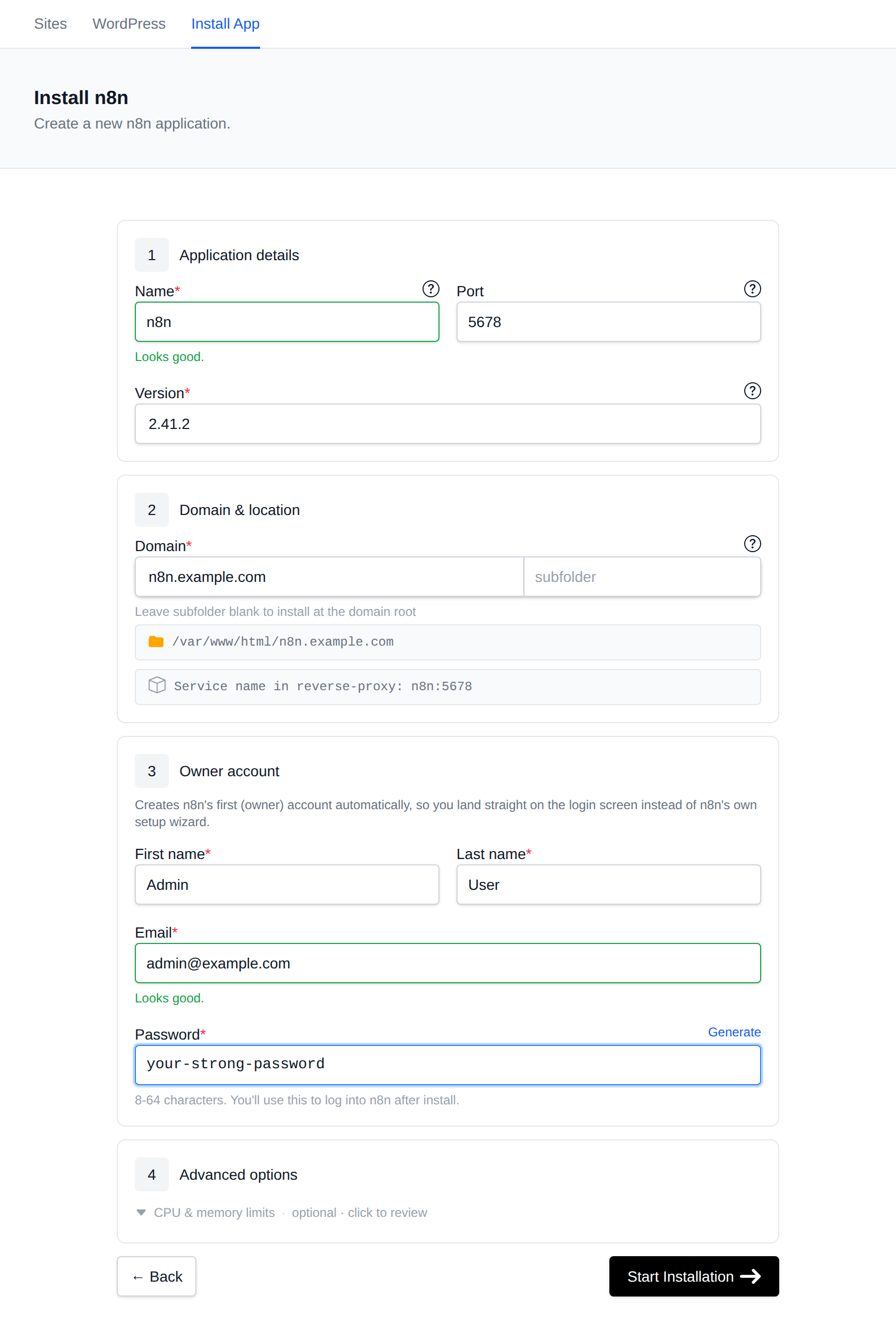
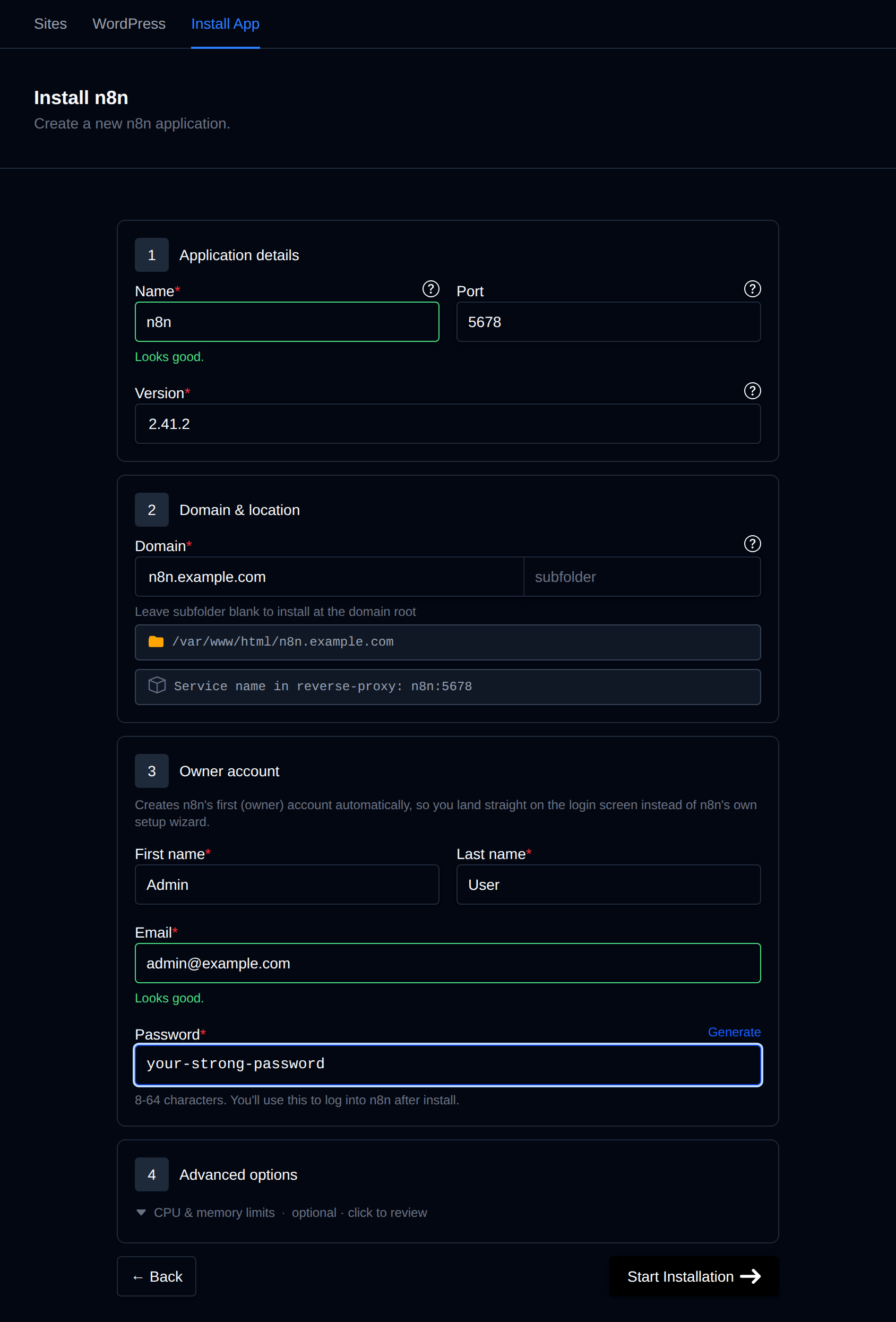
Click Start Installation. OpenPanel will:
- Create an
n8nio/n8ncontainer with its own persistent data volume. - Set
N8N_HOST,WEBHOOK_URLandN8N_EDITOR_BASE_URLto your domain, so webhooks use your real HTTPS address. - Configure the web server as a reverse proxy to n8n (with WebSocket support for the live editor).
- Create the owner account, so you land directly on the n8n login page instead of the setup wizard.
When it finishes, open https://n8n.example.com and log in with the email and password you entered.
Webhooks
Webhook URLs in n8n use your domain automatically, for example:
https://n8n.example.com/webhook/your-webhook-id
The SSL certificate is issued and renewed automatically, so services like Stripe, GitHub or Telegram can call your webhooks without extra setup.
Managing n8n
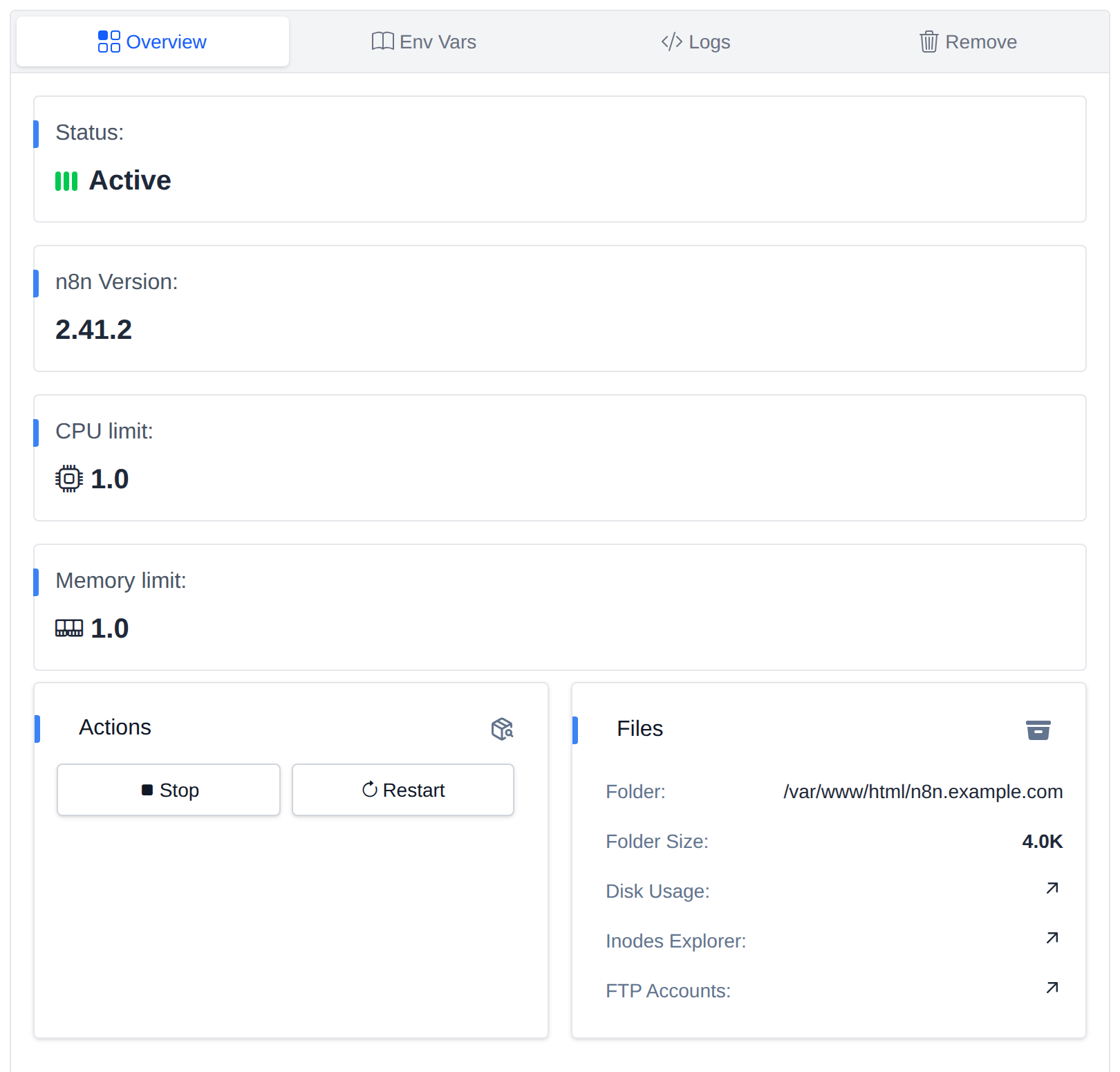
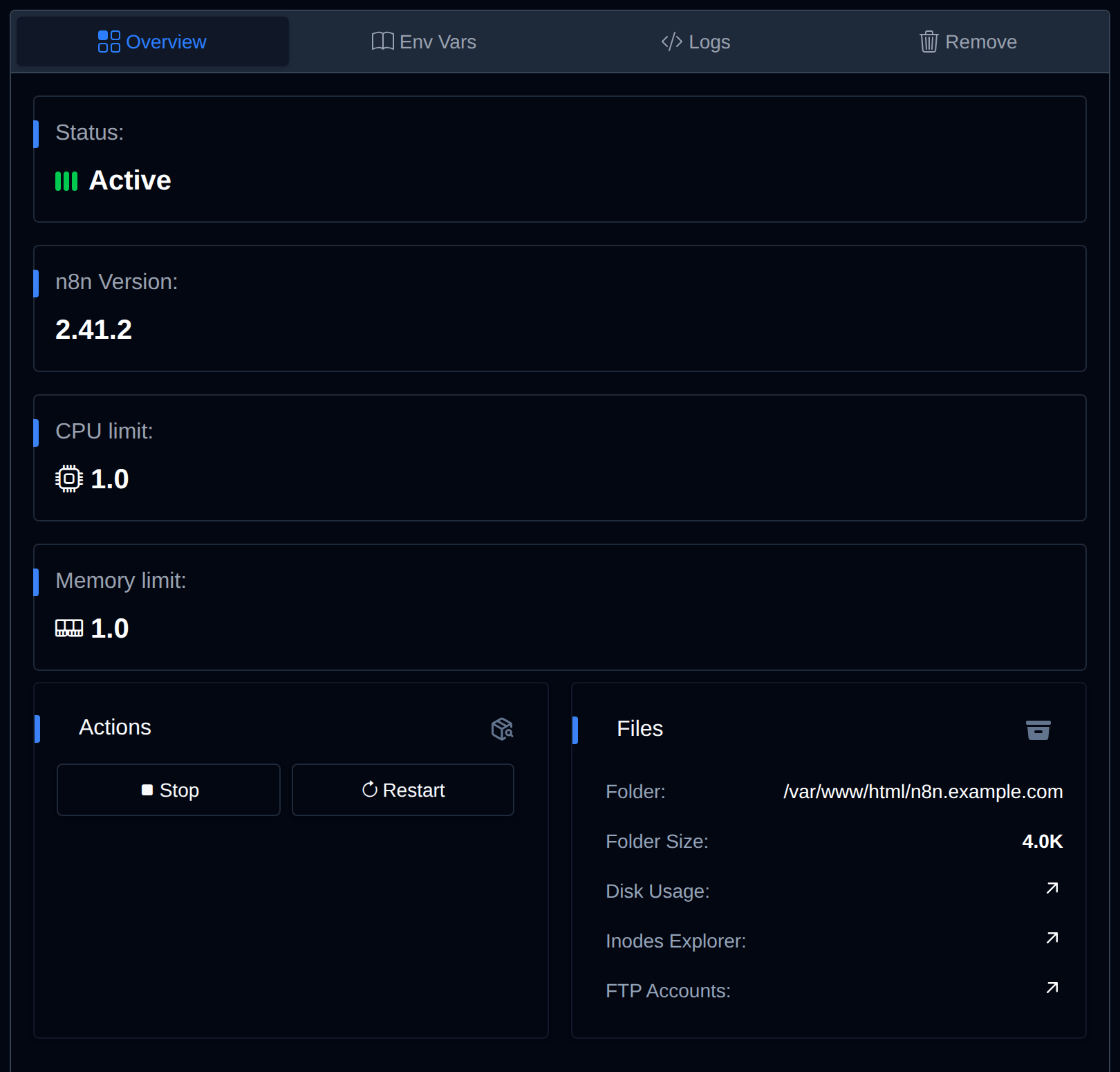
n8n appears in OpenPanel → Websites → Sites. Click Manage to:
- Start, stop or restart the container.
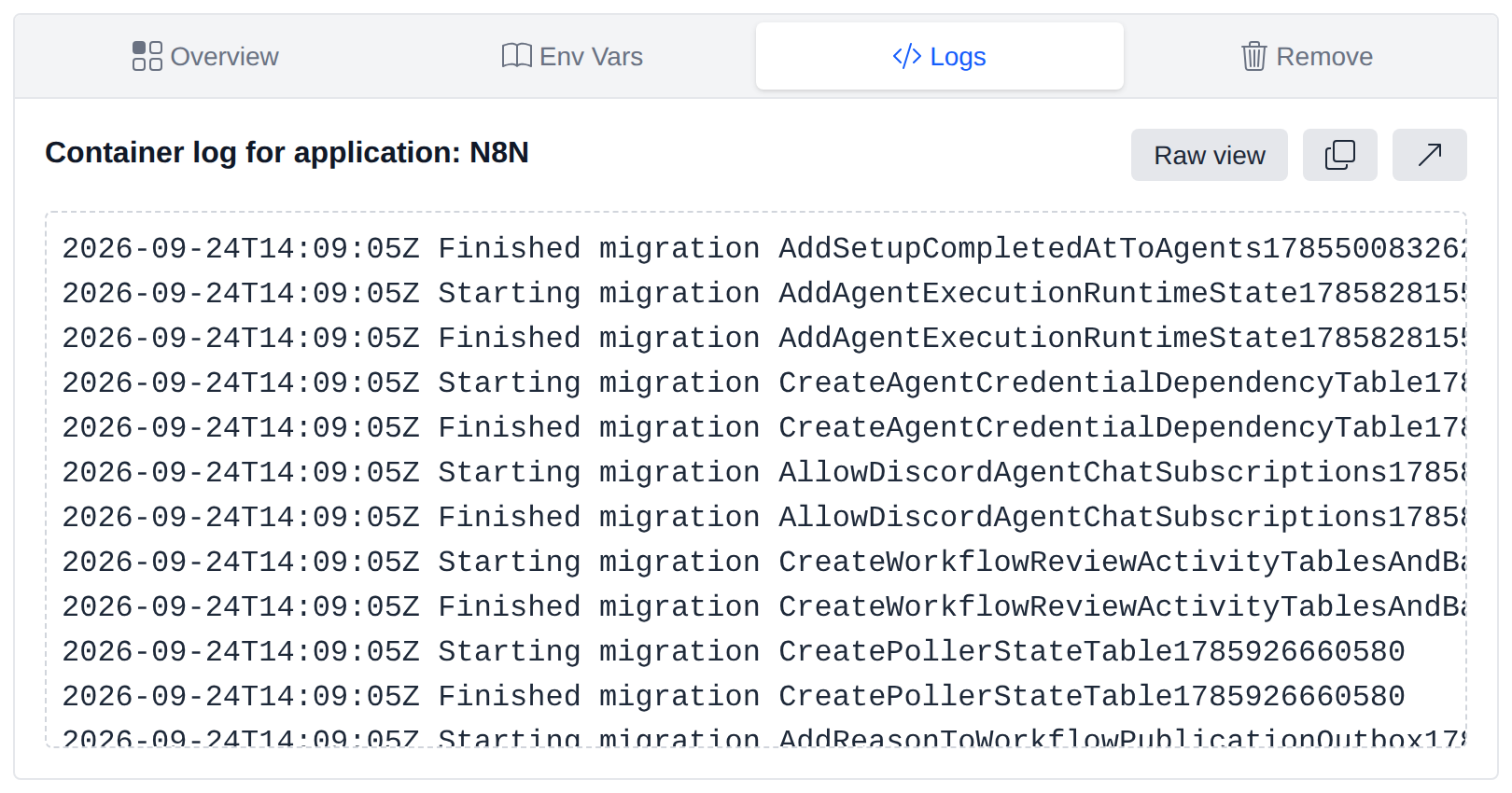
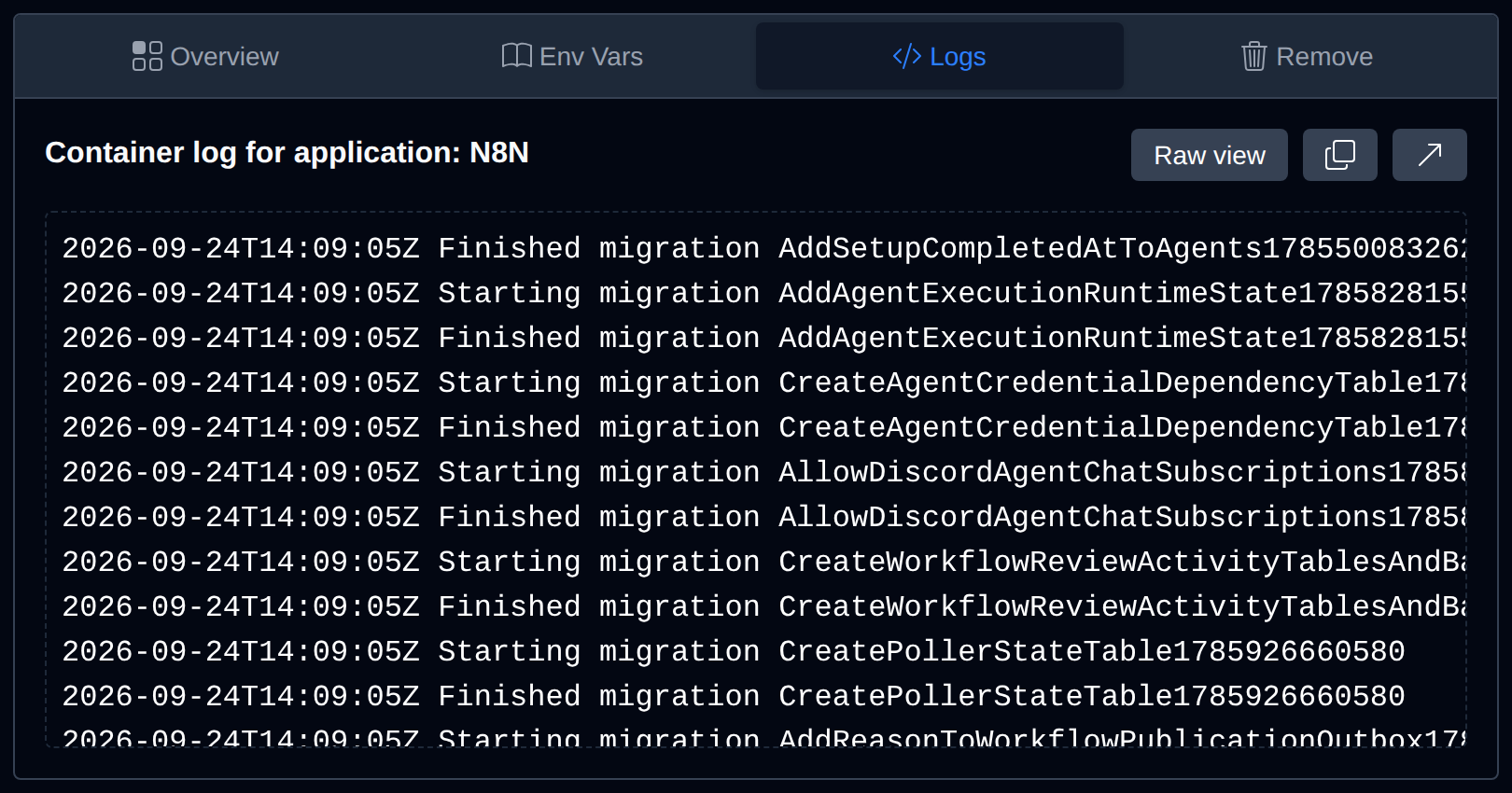
- View Logs - useful when a workflow or node fails to load.
- Change the CPU and memory limits. Increase memory if large workflows fail or the container restarts.
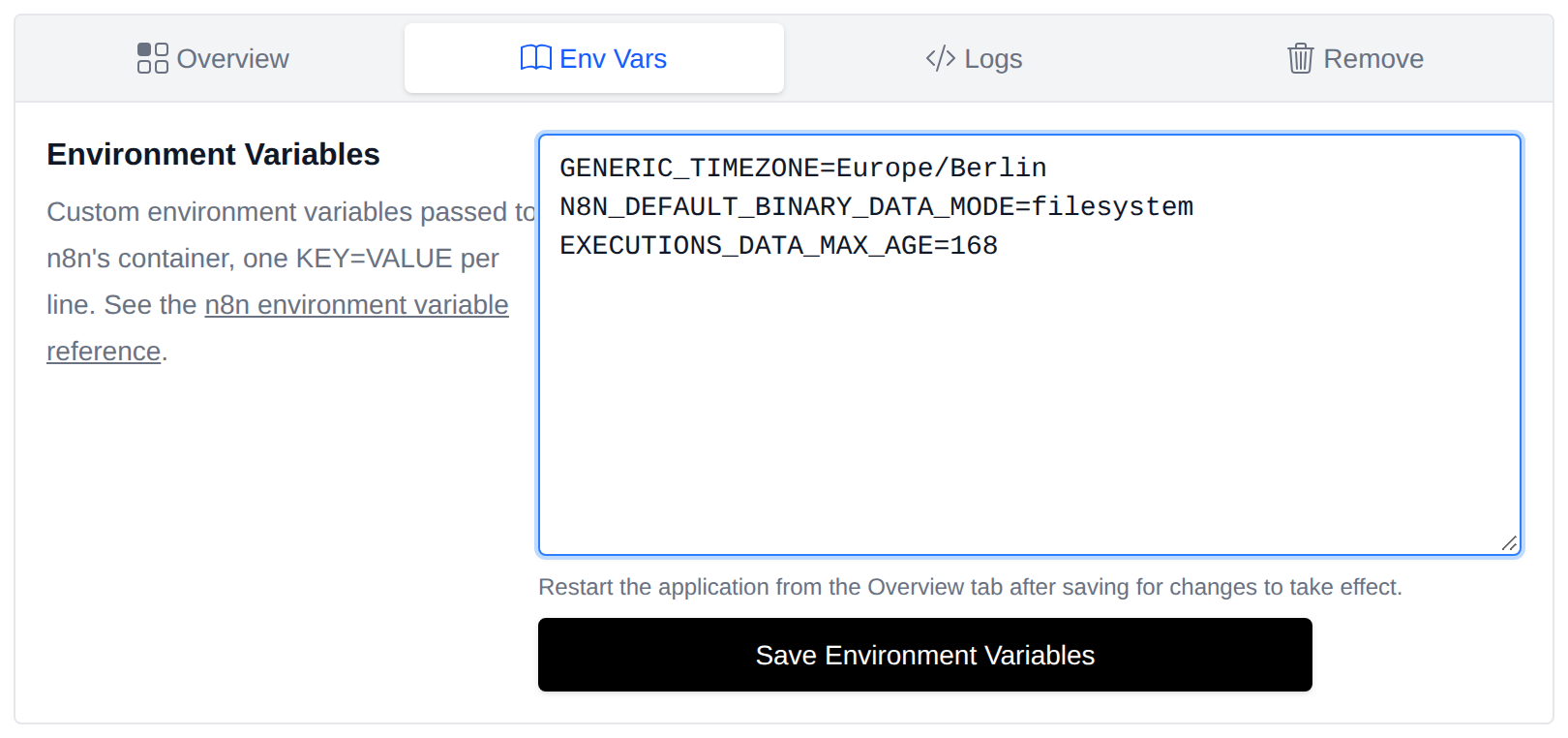
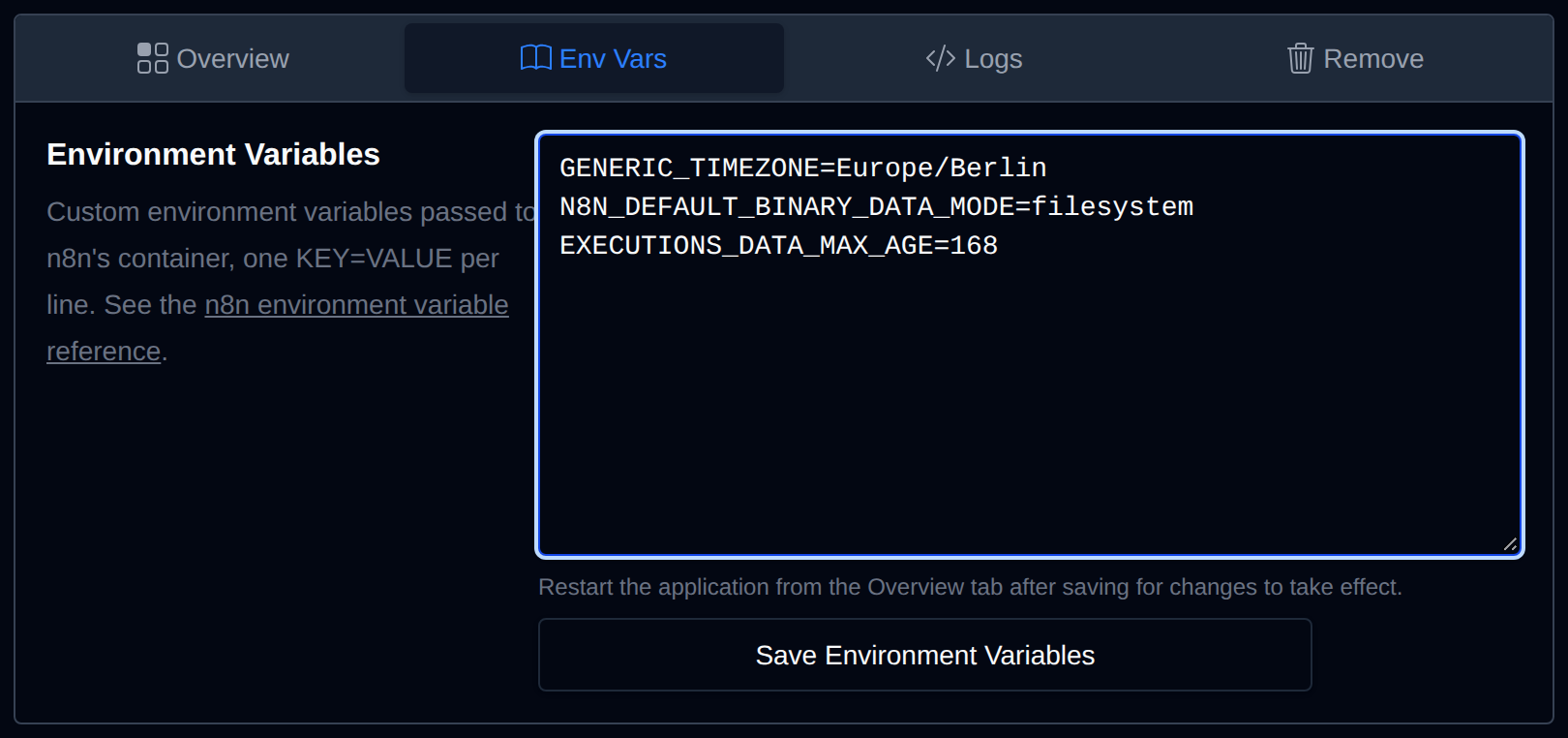
- Add custom environment variables in the Env Vars tab (for example
GENERIC_TIMEZONEor SMTP settings), then restart.
Updating n8n
Change the version on the app's manage page to a newer n8n release and restart the app. Your workflows and credentials are stored on the persistent data volume and are kept.
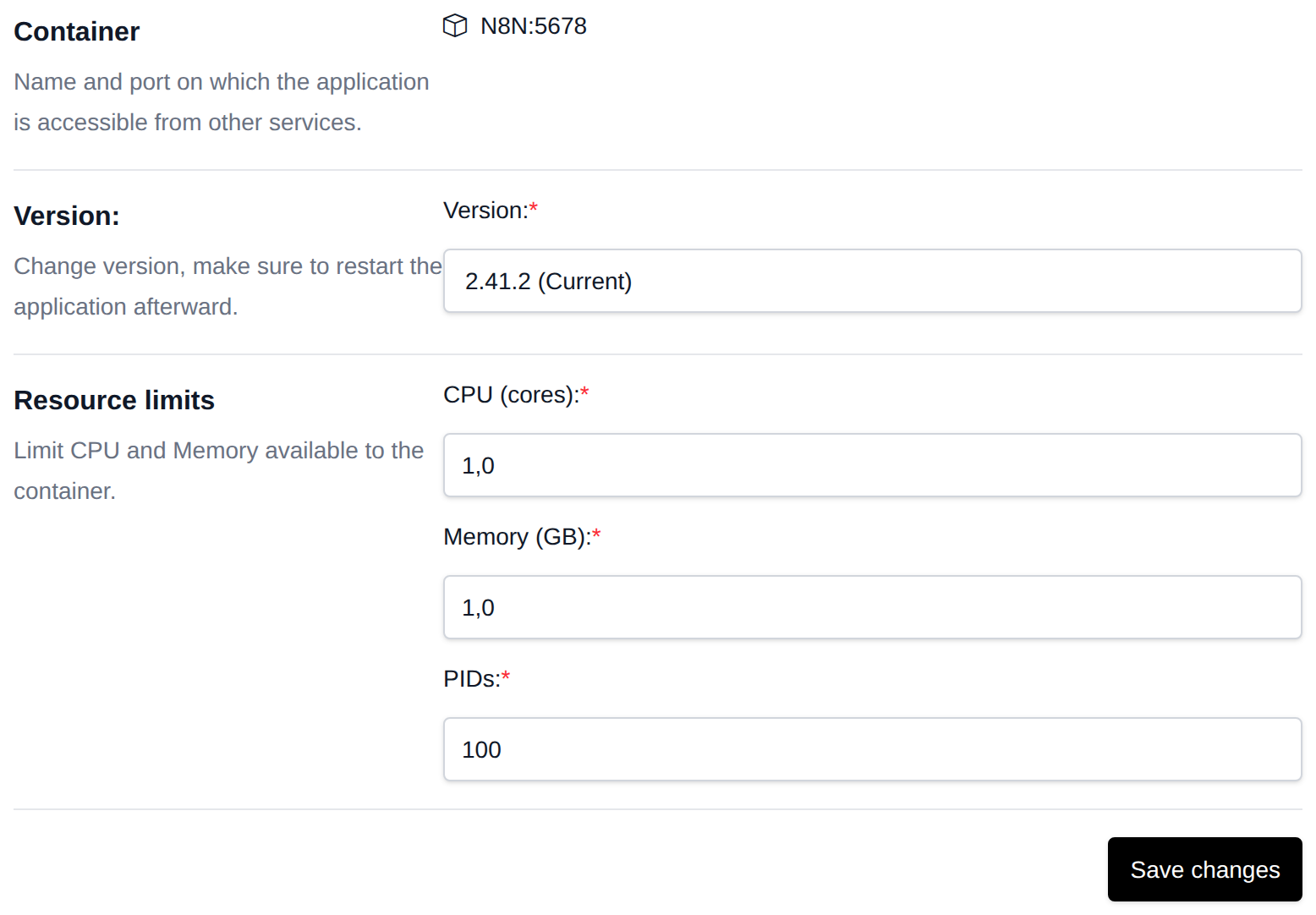
Before a major n8n upgrade, export your workflows (Workflows → ... → Download) or take an account backup.
Connecting n8n to Your Databases
n8n runs inside your account's network, so its MySQL, PostgreSQL and Redis nodes can connect to your account's databases using the service names as the host:
| Service | Host | Port |
|---|---|---|
| MySQL | mysql | 3306 |
| MariaDB | mariadb | 3306 |
| PostgreSQL | postgres | 5432 |
| Redis | redis | 6379 |
Troubleshooting
| Problem | Fix |
|---|---|
| 502 Bad Gateway right after install | n8n needs 20-60 seconds to start and run its migrations. Wait and reload. |
| Editor shows "Connection lost" | Check that the domain is accessed over https://, then restart the app. |
| Container keeps restarting | Increase the memory limit - n8n needs at least 1 GB. Check Logs for the exact error. |
Webhooks show localhost URLs | Reinstall n8n on the correct domain; the webhook URL is set from the domain chosen during installation. |