Version: 2.0.28
Server time
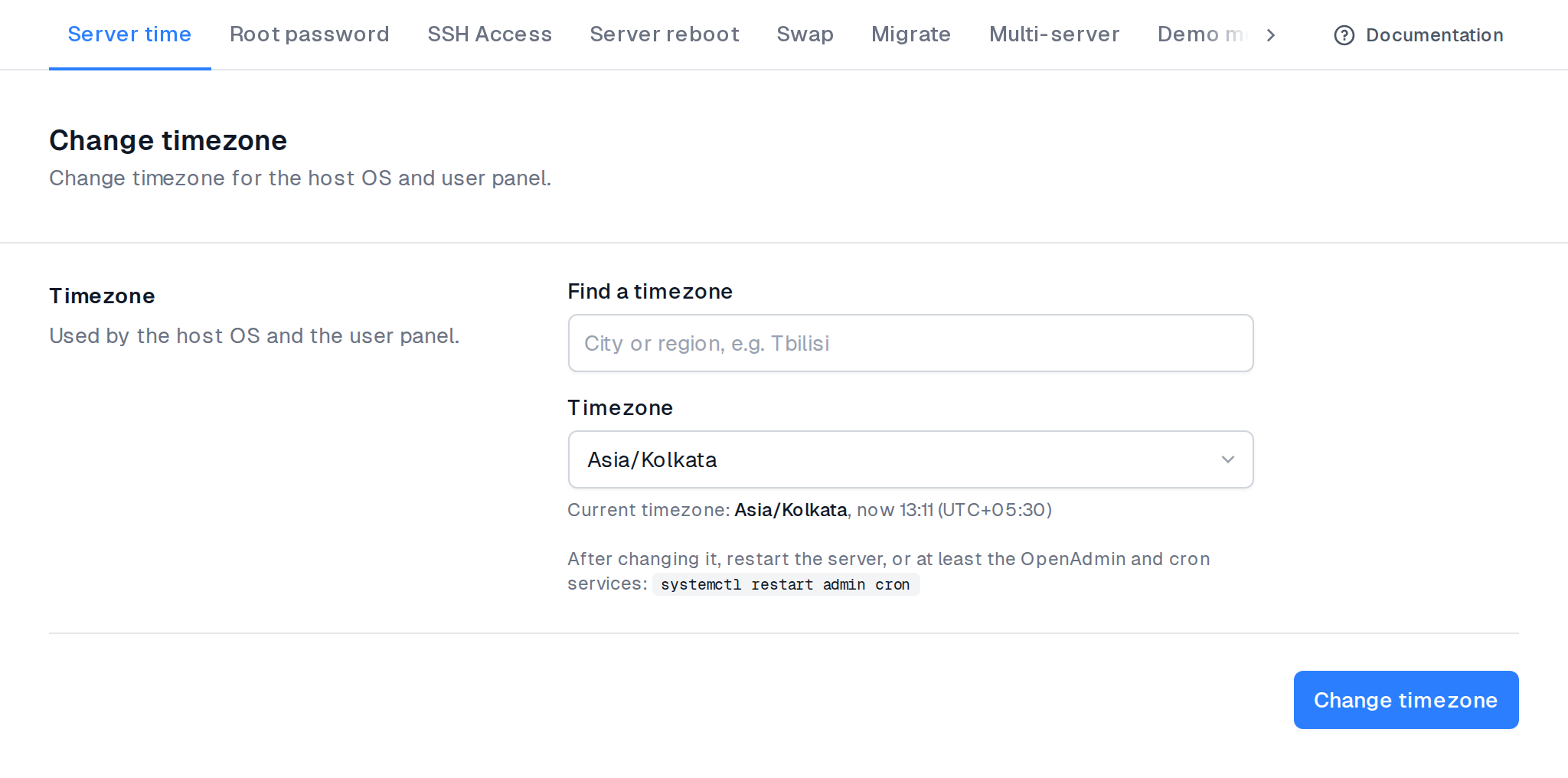
Use the System > Server time page to update the system-wide timezone for both the host operating system and the OpenPanel user interface.
Changing the timezone ensures that logs, scheduled tasks, and UI timestamps align with your desired regional time settings.
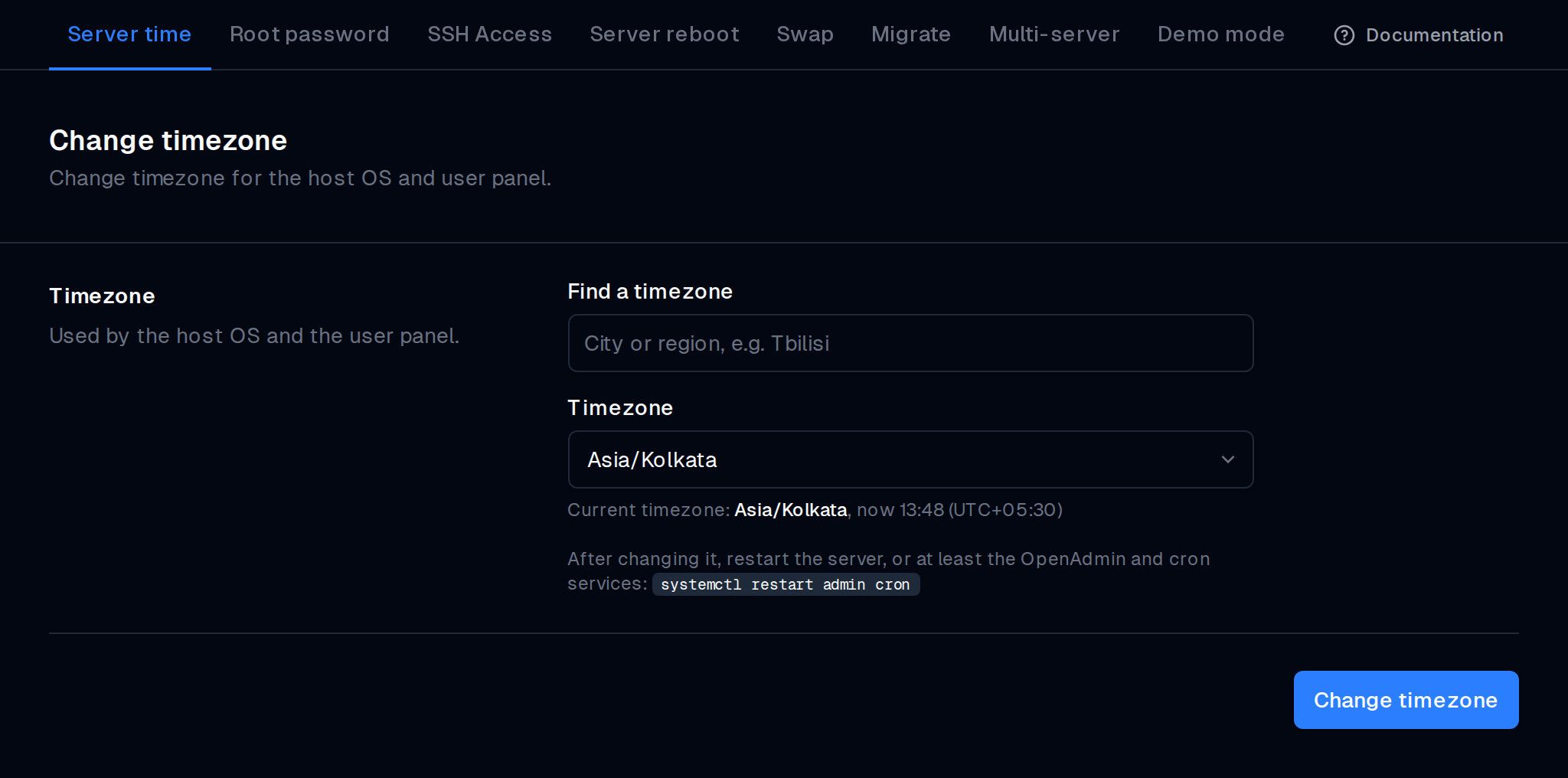
The page shows the current timezone. To change it, type a city or region in Find a timezone (for example Tbilisi) to narrow down the Timezone list, pick one and click Change timezone. A message confirms the change, and errors are shown on the page.
INFORMATION
After changing timezone, we recommend to restart the server or at least the OpenAdmin and Cron services: systemctl restart admin cron.
Was this helpful?