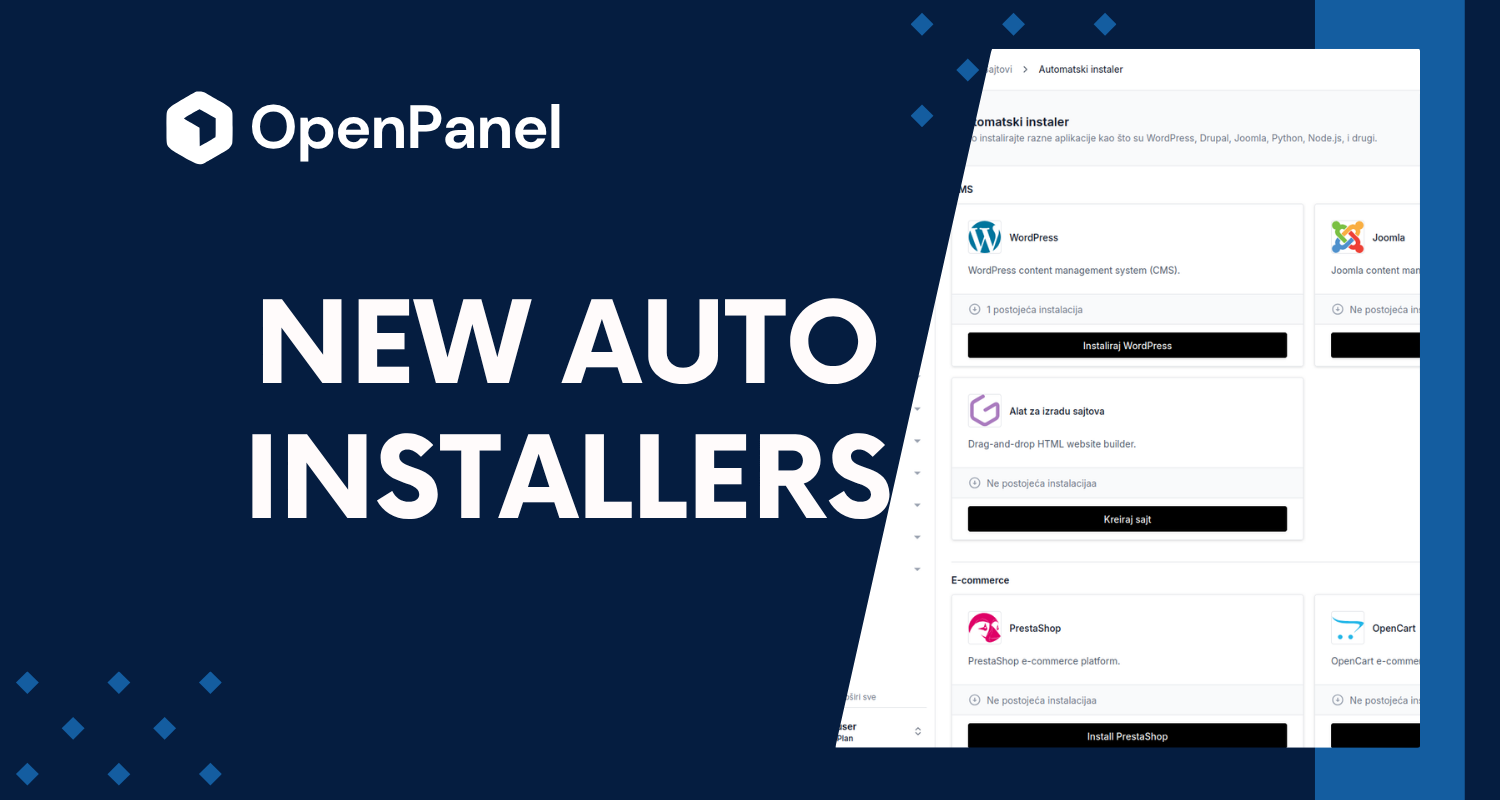
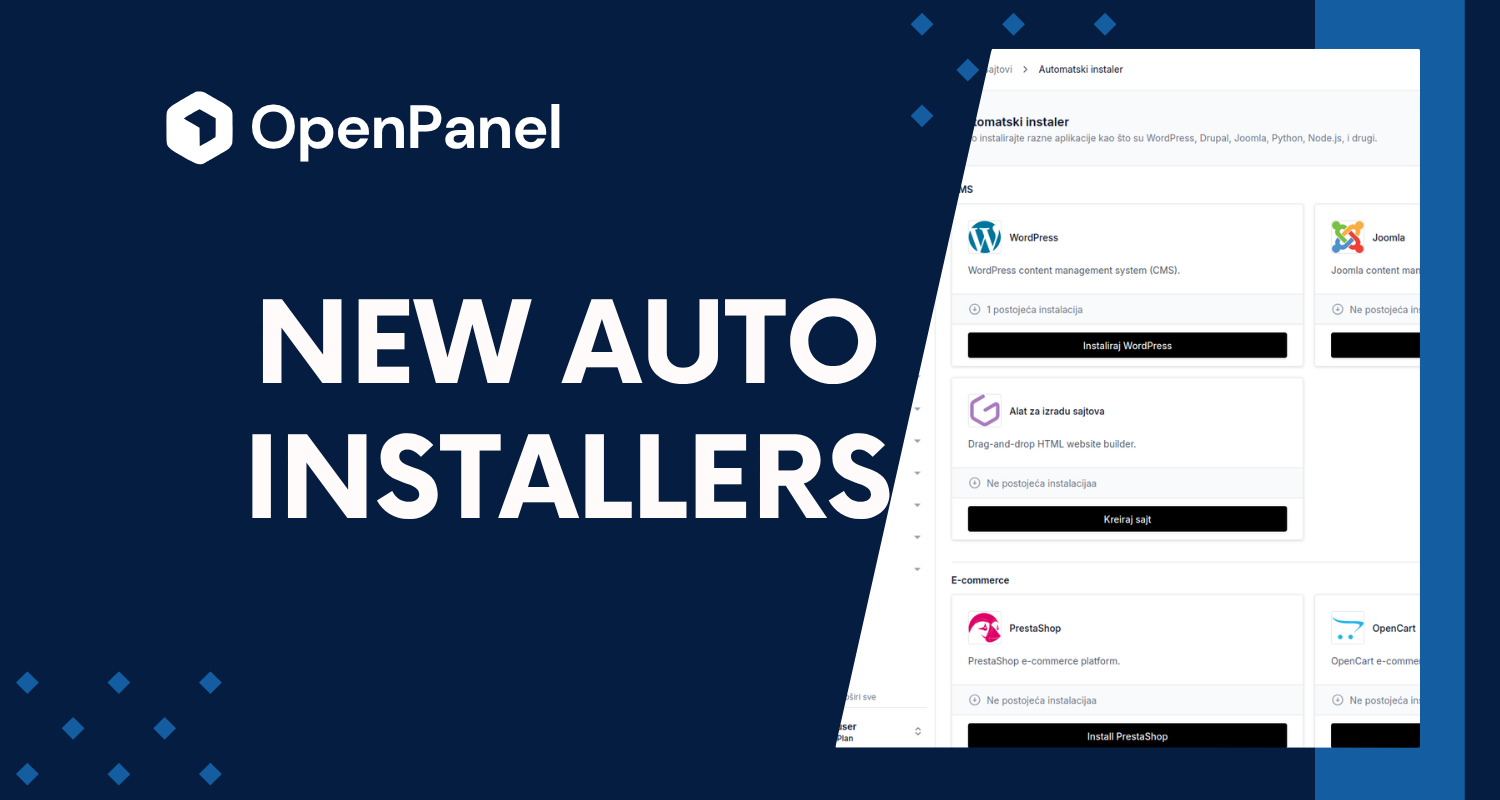
Auto Installer used to mean WordPress, NodeJS, Python, and Website Builder — a solid start, but a small one. As of OpenPanel 2.0.3, that list has grown a lot.
What's new
Auto Installer now covers a much wider range of platforms, grouped by category:
CMS platforms
- Drupal
- Joomla
- PrestaShop
- Moodle — learning management system
- MediaWiki
- DokuWiki
- SofaWiki
E-commerce
- OpenCart
- PrestaShop
Forums & community
- phpBB
- Flarum
Education & publishing
- Moodle
- OJS (Open Journal Systems) — for managing and publishing scholarly journals
Marketing & analytics
- Matomo
- Mautic
File management
- Nextcloud
- TinyFileManager
- TinyPhotoGallery
Developer runtimes
- Ruby Applications
- Java Applications
- PHP Applications
- Custom Docker Applications
All of these join the installers you already know — WordPress, NodeJS, Python, and Website Builder — on the same Auto Installer page, with the same one-click flow.
Consistent management, not just installs
Every new installer follows the same shape the existing ones already set: pick a domain, install, and manage the site from Site Manager afterward. Depending on the platform, that includes:
- Choosing a specific version at install time
- Cloning a site to a new domain or subdirectory
- Running and restoring backups
- Updating in place with one click
- Viewing error logs
- Logging in as the site admin with one click (auto-login), no separate credentials to dig up
Not every platform supports every one of these — a few flat-file tools like TinyPhotoGallery keep things intentionally minimal — but the CMS installers (Drupal, Joomla, Moodle, MediaWiki, Flarum, DokuWiki, OJS, and more) support the full set.
Feedback and bug reports
This is a big batch of new installers landing at once, and we'd rather hear about rough edges from you than not hear about them at all. If you run into a bug, or an app you'd like to see supported isn't here yet, open an issue on GitHub — that's where we track it and where you can follow progress.
Try it
Auto Installer is available from the panel sidebar. If a specific application isn't showing up, check that its module is enabled under OpenAdmin > Settings > Modules.
Not running OpenPanel yet? Get started here.