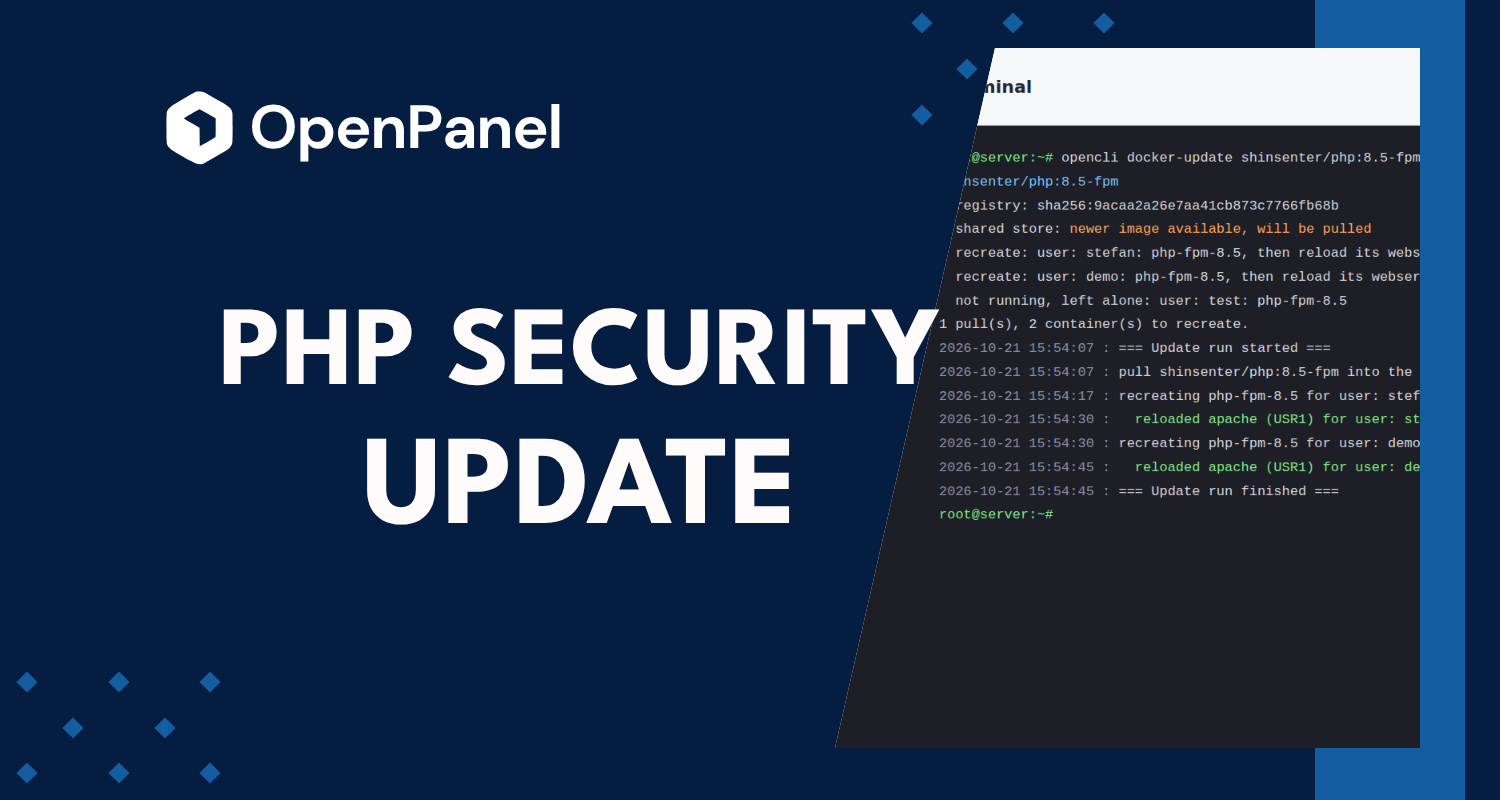
On October 21, 2026, the PHP project released PHP 8.5.12, 8.4.27, 8.3.36 and 8.2.35 with fixes for two critical remote code execution vulnerabilities, and published a security advisory titled "Critical remote code execution vulnerabilities, update now".
Both bugs affect every PHP installation that serves web requests, PHP-FPM included, which is what every website on an OpenPanel server runs on. OpenPanel 2.0.16 updates the PHP images on your server automatically. This post explains the vulnerabilities, what the update does, and how to update PHP yourself if you don't use automatic updates.
The vulnerabilities
| CVE | Advisory | Severity | What goes wrong |
|---|---|---|---|
| CVE-2026-109618 | GHSA-w8hw-w9fx-j79w | CVSS 4.0: 9.2 | Out-of-memory handling can interrupt PHP while request data is only partly set up, and the request cleanup then treats that half-built data as valid. |
| CVE-2026-109619 | GHSA-6wmf-4rv5-p3rp | CVSS 4.0: 9.2 | State owned by one request can survive after its memory is freed, and the next request handled by the same worker can use it before it's reset. |
Both are memory corruption bugs that an attacker can trigger with crafted HTTP requests, and both can lead to remote code execution: the attacker runs their own code with the permissions of the PHP process. No login, plugin or vulnerable website code is needed, PHP itself is the target.
The second bug is especially relevant to PHP-FPM: an FPM worker handles many requests one after another, so state left over from one request can be picked up by the next.
Affected and fixed versions
| PHP branch | Fixed in | Status |
|---|---|---|
| 8.5 | 8.5.12 | Supported |
| 8.4 | 8.4.27 | Supported |
| 8.3 | 8.3.36 | Security fixes only |
| 8.2 | 8.2.35 | Security fixes only, end of life on December 31, 2026 |
| 8.1 and older | No official release | End of life, only source patches for 7.4, 8.0 and 8.1 |
This is not the only security release this year. PHP 8.5.11 (September 24) alone fixed ten advisories, among them an IPv6 ACL bypass in the FPM listen.allowed_clients setting, TLS hostname verification falling back to the certificate CN, a heap overflow in OpenSSL wildcard name matching, and a TAR entry injection in Phar. PHP 8.5.9 (July 30) fixed an SQL injection in the PostgreSQL extension and an out-of-bounds write in bccomp(). Sites that stay on an old patch release collect these over time. The full list is in the PHP 8 changelog.
How PHP is updated on OpenPanel
Every OpenPanel user runs PHP in their own php-fpm container, one per PHP version their websites use. The containers are built from the shinsenter/php images (shinsenter/php:8.5-fpm, shinsenter/php:8.4-fpm and so on), which are rebuilt when PHP publishes a new release.
So updating PHP means two things:
- pull the new image for each PHP version, and
- recreate the php-fpm containers that run it, so they start from the new image.
Since 2.0.16, opencli docker-update does both for a single image. It pulls the image once into the shared image store that every user's containers read from, so 200 accounts on PHP 8.4 still mean one download. Then it recreates only the php-fpm containers that are running on the old image and reloads that user's web server, so it connects to the new container. Nothing else in the user's stack is stopped or restarted, and PHP versions that nobody uses are skipped.
Automatic: OpenPanel 2.0.16
If autopatch is enabled on your server (OpenAdmin > Settings > Updates, or opencli config get autopatch), 2.0.16 is installed automatically. As part of the update, it:
- finds every PHP version (
shinsenter/php:*-fpm) used in the default stack and in each user's stack, - runs
opencli docker-update <image> -yfor each of them, - recreates the running php-fpm containers on the new image and reloads each user's web server.
Nothing else is needed. The containers also pick up the new php-fpm pool sizing from 2.0.16 when they're recreated.
To install the update right away instead of waiting for the next scheduled check:
opencli update --force
Manual: update PHP yourself
If autopatch and autoupdate are off, or you want to update PHP again later (for example when the next PHP security release comes out), run opencli docker-update yourself.
1. See what would change, without pulling or recreating anything:
opencli docker-update --dry-run
This checks every image used on the server against its registry and lists which ones have a newer version and which containers would be recreated.
2. Update one PHP version:
opencli docker-update shinsenter/php:8.4-fpm -y
Example output
# opencli docker-update shinsenter/php:8.5-fpm -y
shinsenter/php:8.5-fpm
  registry: sha256:9acaa2a26e7aa41cb873c7766fb68b480c18fff118627070c8fee952d3f33f7d
  shared store: newer image available, will be pulled
  recreate: user: stefan: php-fpm-8.5, then reload its webserver
  recreate: user: demo: php-fpm-8.5, then reload its webserver
  not running, left alone: user: test: php-fpm-8.5
1 pull(s), 2 container(s) to recreate.
2026-10-21 15:54:07 : === Update run started ===
2026-10-21 15:54:07 : pull shinsenter/php:8.5-fpm into the shared store
2026-10-21 15:54:17 : recreating php-fpm-8.5 for user: stefan
2026-10-21 15:54:30 :   reloaded apache (USR1) for user: stefan
2026-10-21 15:54:30 : recreating php-fpm-8.5 for user: demo
2026-10-21 15:54:45 :   reloaded apache (USR1) for user: demo
2026-10-21 15:54:45 : === Update run finished ===
3. Update every PHP version on the server in one go:
for v in 5.6 7.0 7.1 7.2 7.3 7.4 8.0 8.1 8.2 8.3 8.4 8.5; do
  opencli docker-update shinsenter/php:${v}-fpm -y
done
Versions nobody uses print No stack uses shinsenter/php:X-fpm. and are skipped.
Without -y, the command lists the changes and asks for confirmation for 10 seconds, then exits without changing anything if there's no answer. Everything it does is logged to /var/log/openpanel/admin/docker/<date>.log.
4. Check the PHP version the new image has:
podman --root /var/lib/containers/shared-storage run --rm --entrypoint php shinsenter/php:8.4-fpm -v
It should show 8.5.12, 8.4.27, 8.3.36 or 8.2.35 (or newer) for the supported branches.
If a user's web server was created depending on their php-fpm container, opencli docker-update recreates it together with the php-fpm container instead of only reloading it, so that user's sites are unavailable for a few seconds.
If you can't update right away
The PHP advisory lists settings that reduce the exposure until PHP is updated. They don't make PHP safe, so update as soon as you can:
session.upload_progress.enabled=0post_max_size=8M(or32Mif uploads are needed), withupload_max_filesizebelow it- on PHP 8.5:
fatal_error_backtraces=0
Set them in the php.ini of each PHP version from OpenPanel > PHP > PHP.INI Editor, not with ini_set() or .user.ini. Saving there restarts that PHP version, so every worker picks them up.
If any of your users are still on PHP 8.1 or older, this is a good time to move them to a supported version: those versions get no official PHP release for these bugs.