Version: 1.X.X
How to Reset a OpenPanel Account Password
If you forget your Openpanel account password, follow these steps:
-
Click the Forgot password? link on the login page.
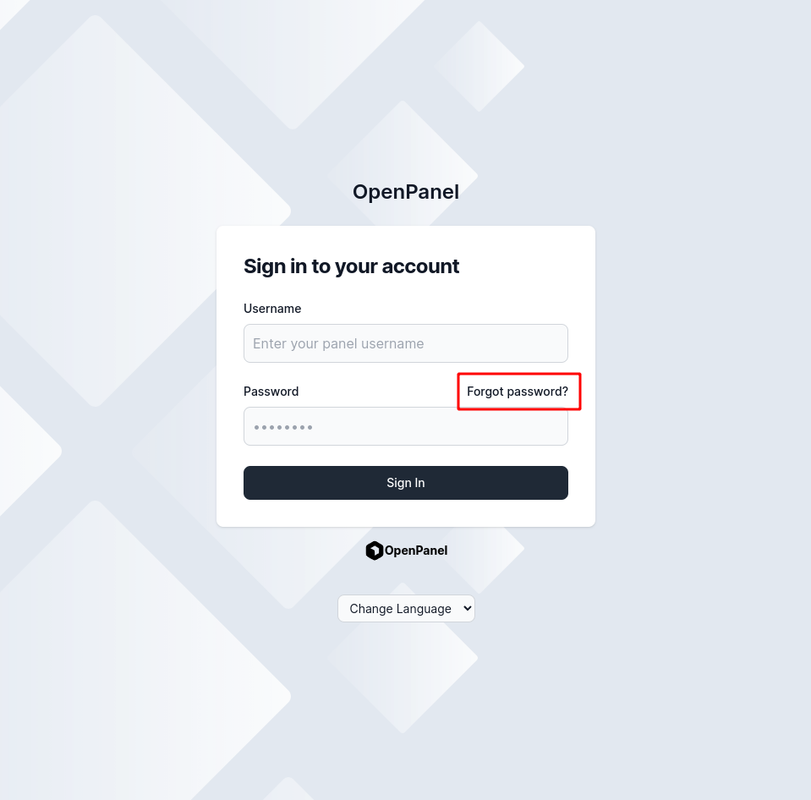
NOTE: If the Forgot Password? link does not appear on the login form, email-based password reset is disabled by your hosting provider. In this case, you must either:
- Auto-login to OpenPanel through their billing panel and reset your password via Account > Settings, or
- Contact your hosting provider to reset the password for you.
-
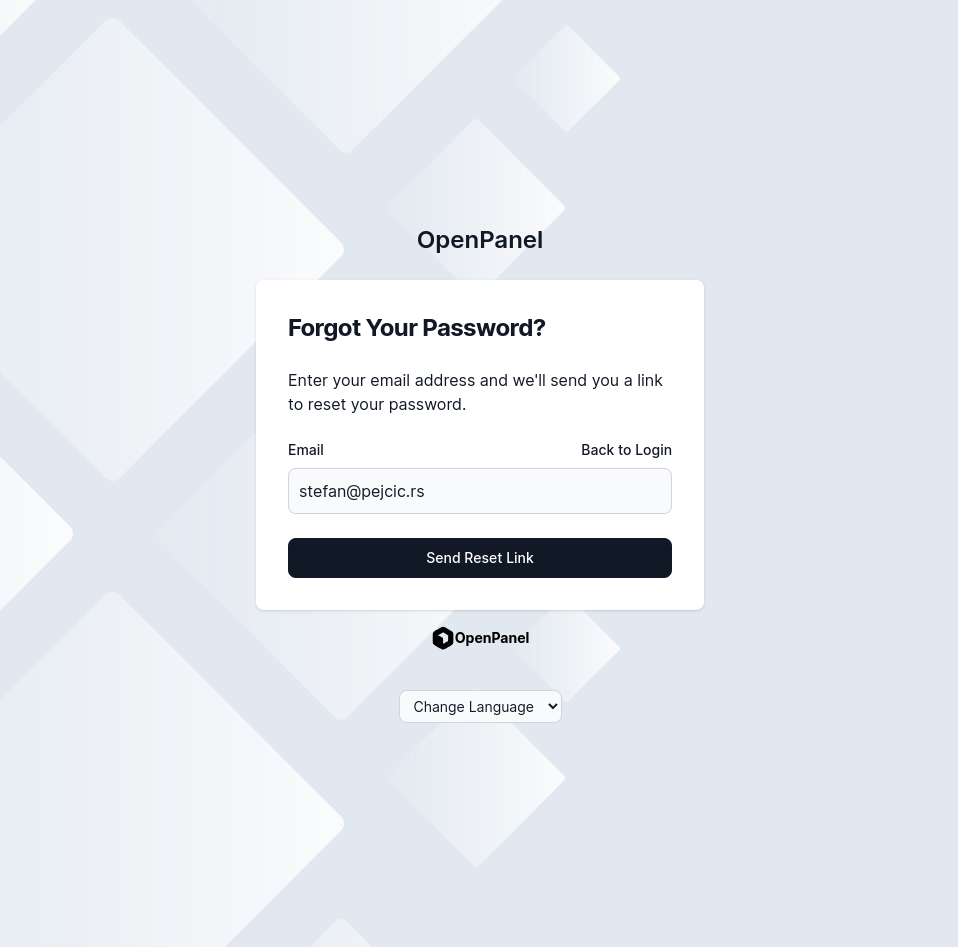
Enter your email address and click Send Reset Link.
-
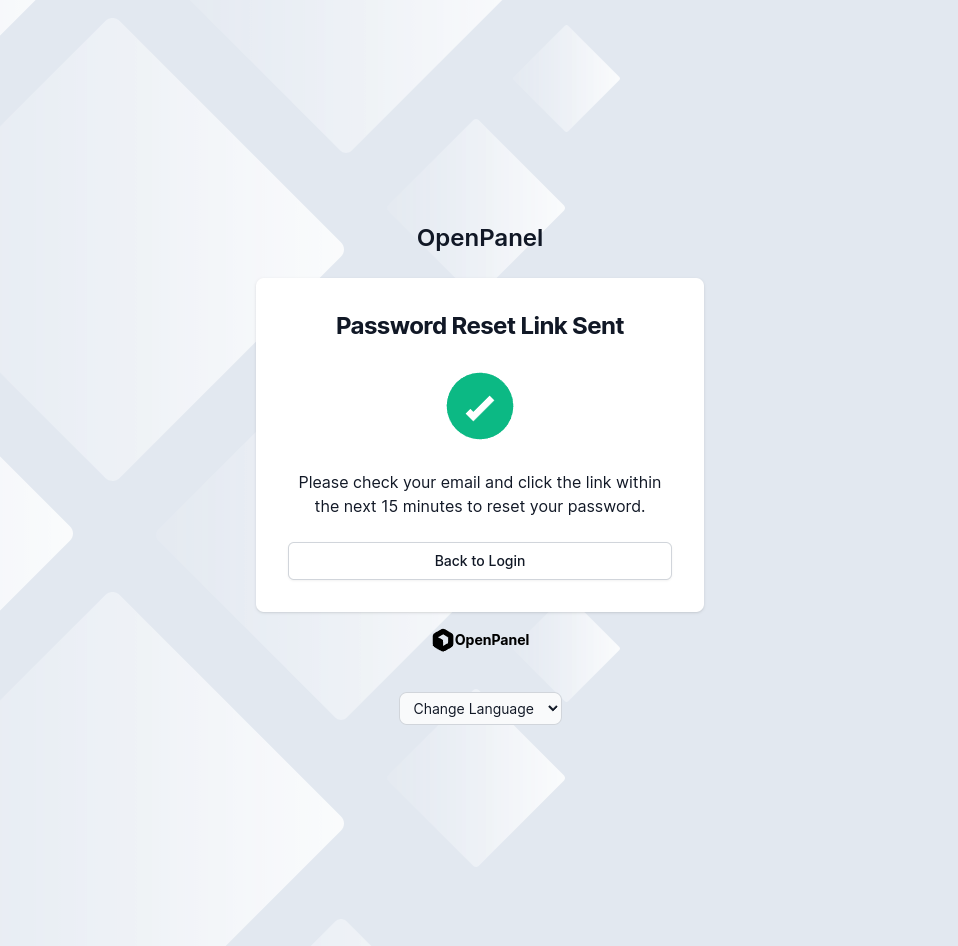
If your email is associated with an account, you will receive a password reset email (link valid for 15 minutes).
-
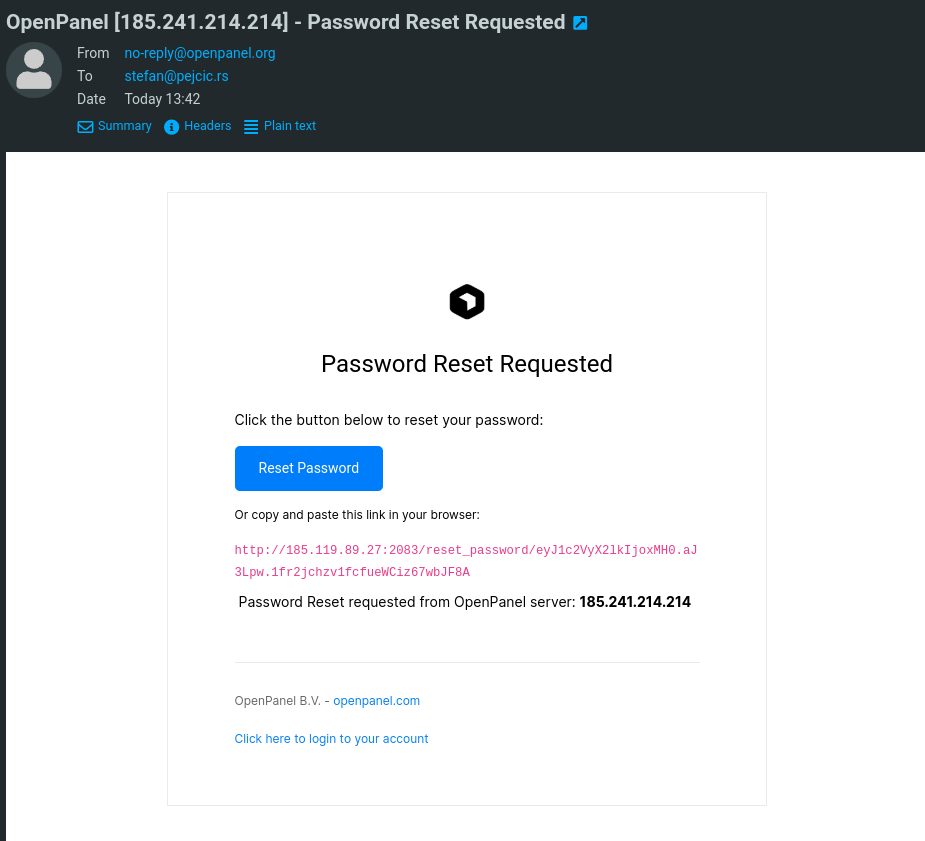
Open the email and click the reset link.
-
Enter your new password, confirm it, and click Change Password.
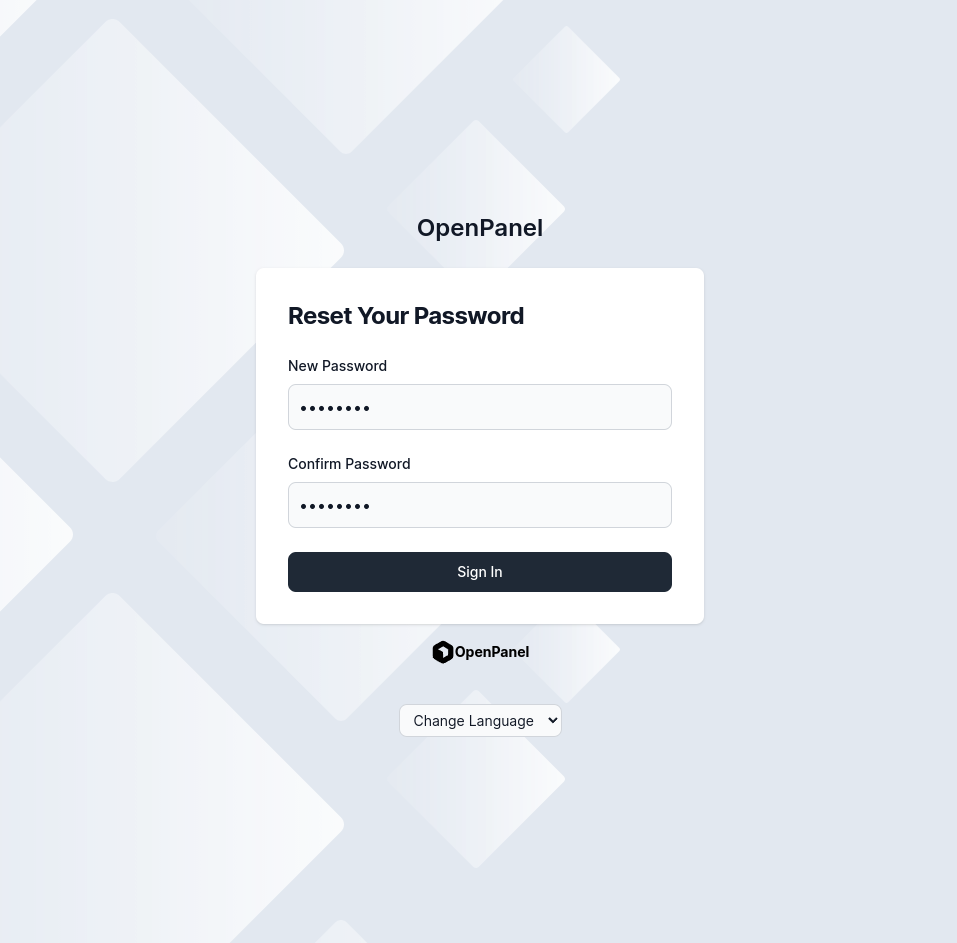
You can now log in using your newly set password.