Version: 2.0.10
Queue
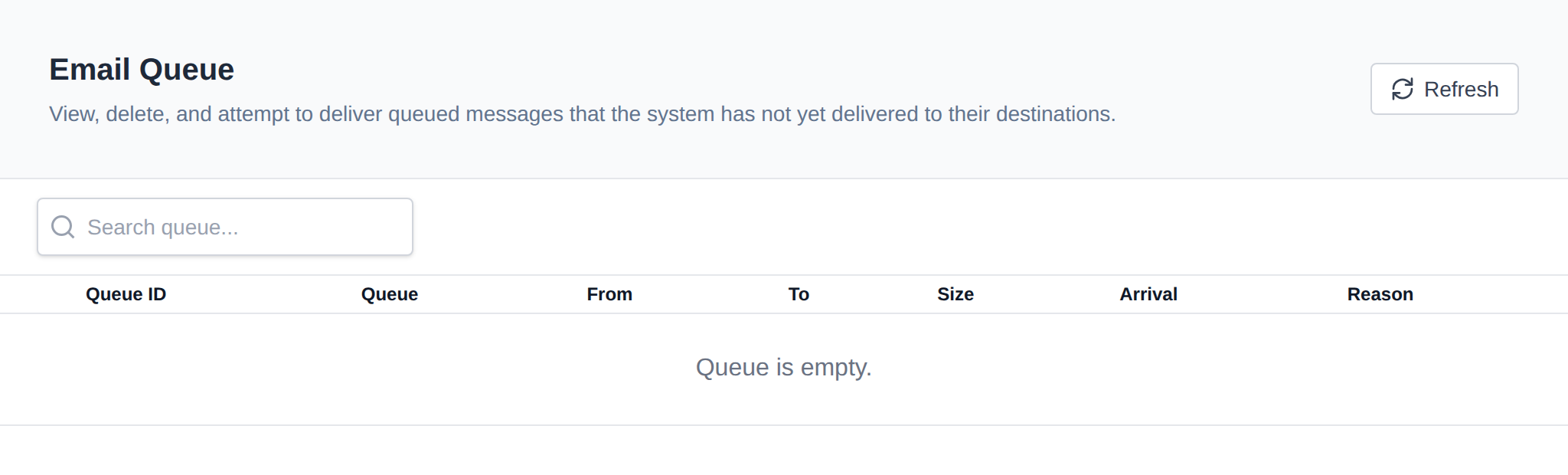
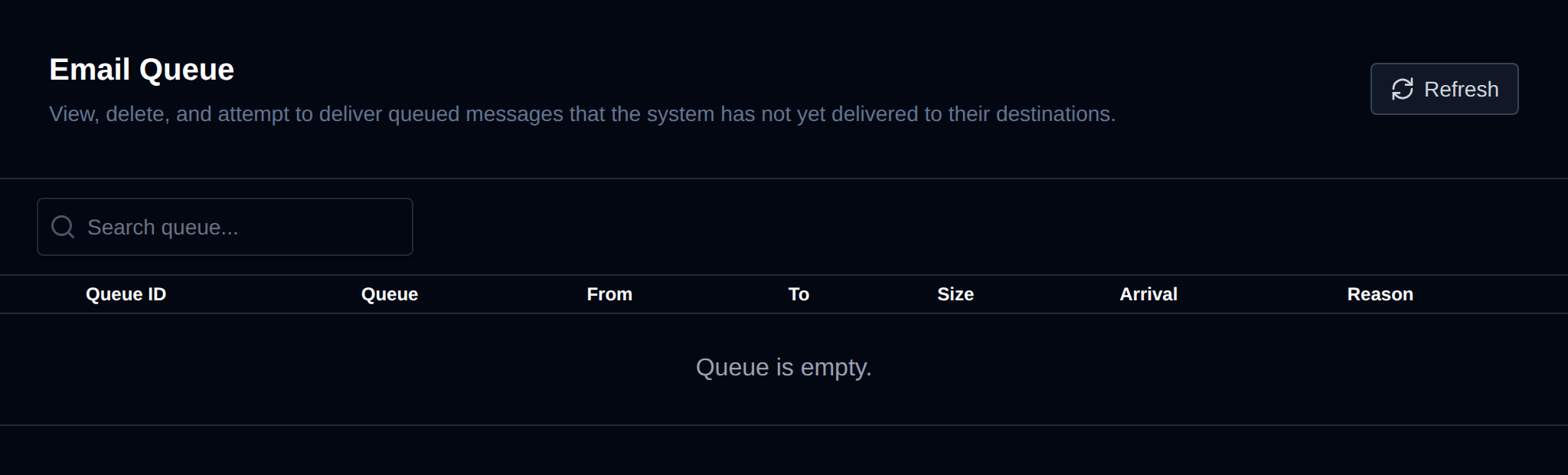
View and manage mail that's queued but not yet delivered by the mailserver (Postfix).
Use OpenAdmin > Emails > Queue to access it.
Queue Table
Each row shows one queued message, including its queue ID, sender, recipient(s), size, and the reason delivery is being retried.
Actions
- Retry – Force an immediate delivery retry, for a selected message or for all queued messages.
- Delete – Permanently remove a message from the queue, for a selected message or for all queued messages.
Bulk actions (retry/delete all) apply to the entire queue at once — use with care.
Was this helpful?