Version: 2.0.10
Notifications
Notifications are accessible via the 'Notifications' menu item in OpenAdmin.
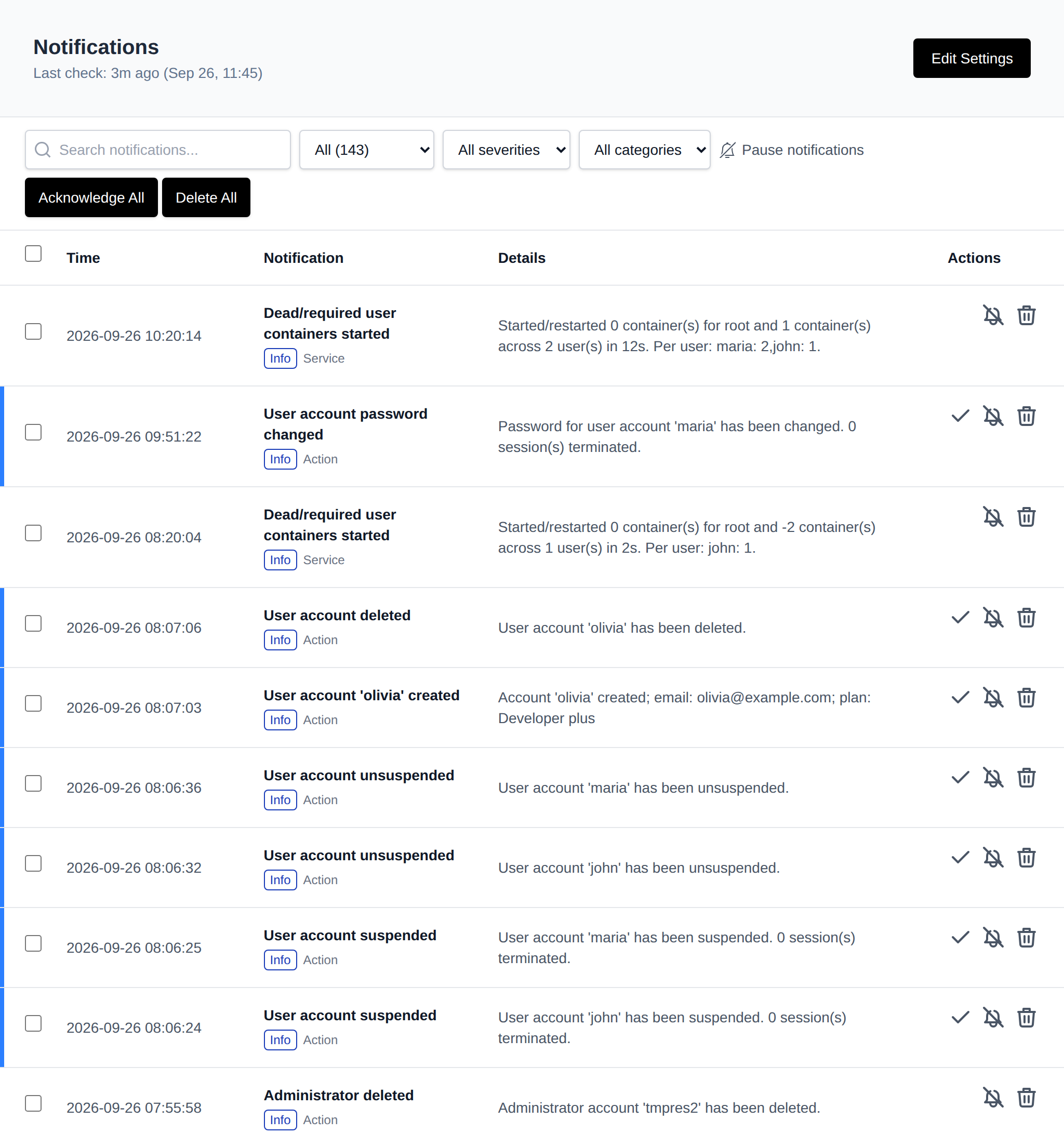
OpenPanel tracks and notifies you of these events, grouped into categories:
- Services: OpenPanel, OpenAdmin, Caddy, MySQL, Podman, BIND9, or Sentinel Firewall becoming unresponsive
- Resource Usage: Load average, CPU, Memory, Disk, and SWAP usage exceeding a set threshold
- Server actions: Server reboot, unusual traffic or SYN flood, Out of Memory (OOM) errors, DNS issues (misconfigured/unresolving domain or nameservers), OpenAdmin login from a new IP address, SSH login from a new IP address, and new version available
- Website traffic: Total connections or connections per IP exceeding a set threshold
- User actions: account and domain changes, such as admin/reseller/user accounts being created, suspended, renamed, or having their password changed; domains being added, removed, suspended, or having SSL/HSTS toggled; FTP accounts being created or deleted; and WAF being enabled or disabled
Each notification type can be individually disabled, and admins can set custom threshold limits.
Click the bell icon next to the search box to pause email/webhook alerts for a set time (10 min up to 1 day) — see Pause Notifications.
To manage notification settings, click the Edit Settings button on the Notifications page or navigate to: Settings > Notifications.
Was this helpful?