Version: 2.0.10
Process Manager
The Process Manager allows you to view and manage running system processes directly from the OpenPanel interface. It's a powerful tool for monitoring system activity and taking quick action when needed.
The process table includes the following details:
- PID – Process ID. Options are available to trace the process or kill it directly.
- Owner – The user that owns the process.
- Priority – The process's current scheduling priority.
- CPU – Percentage of CPU usage.
- Memory – Percentage of Memory usage.
- Command – The command or service that launched the process.
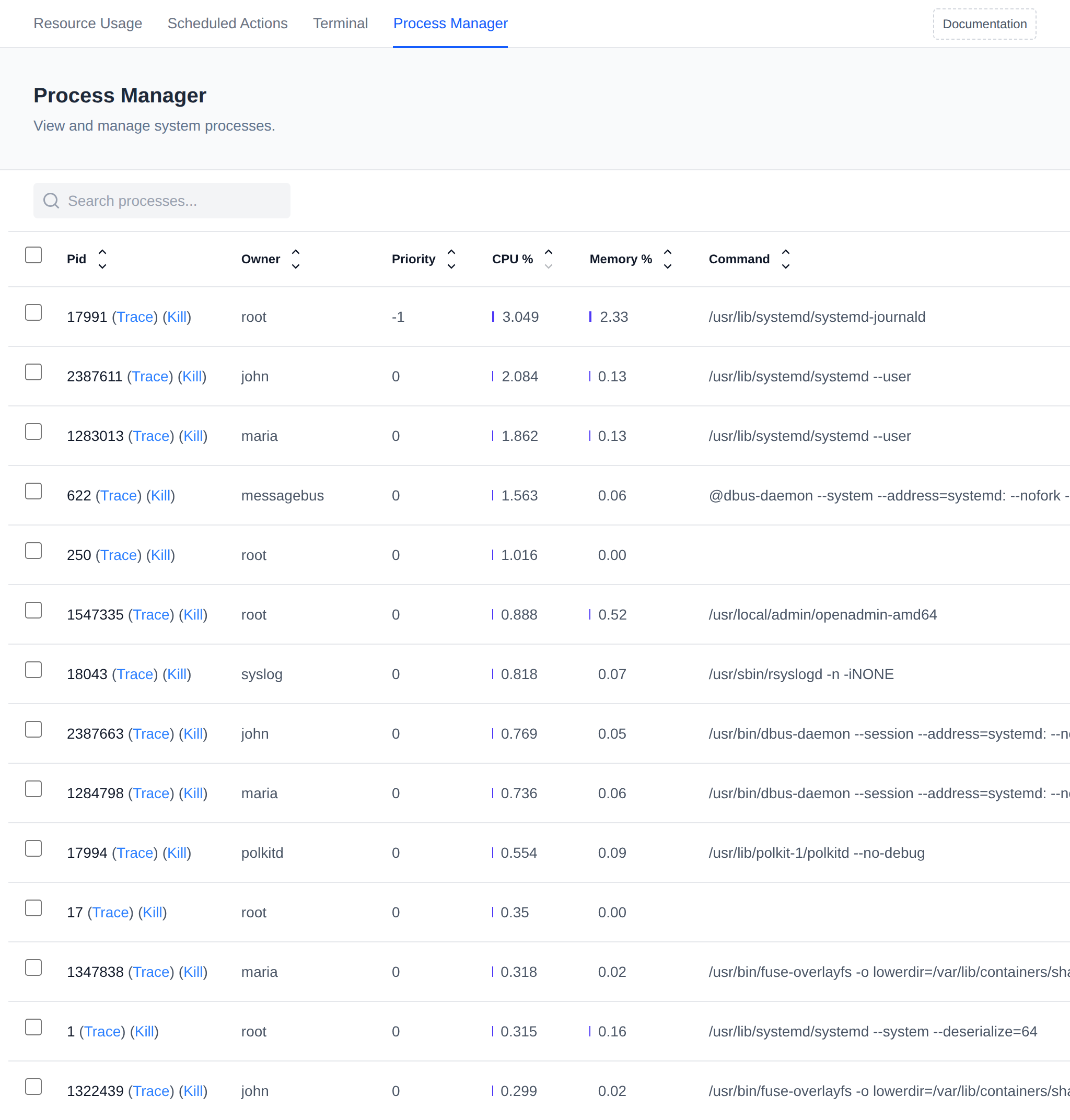
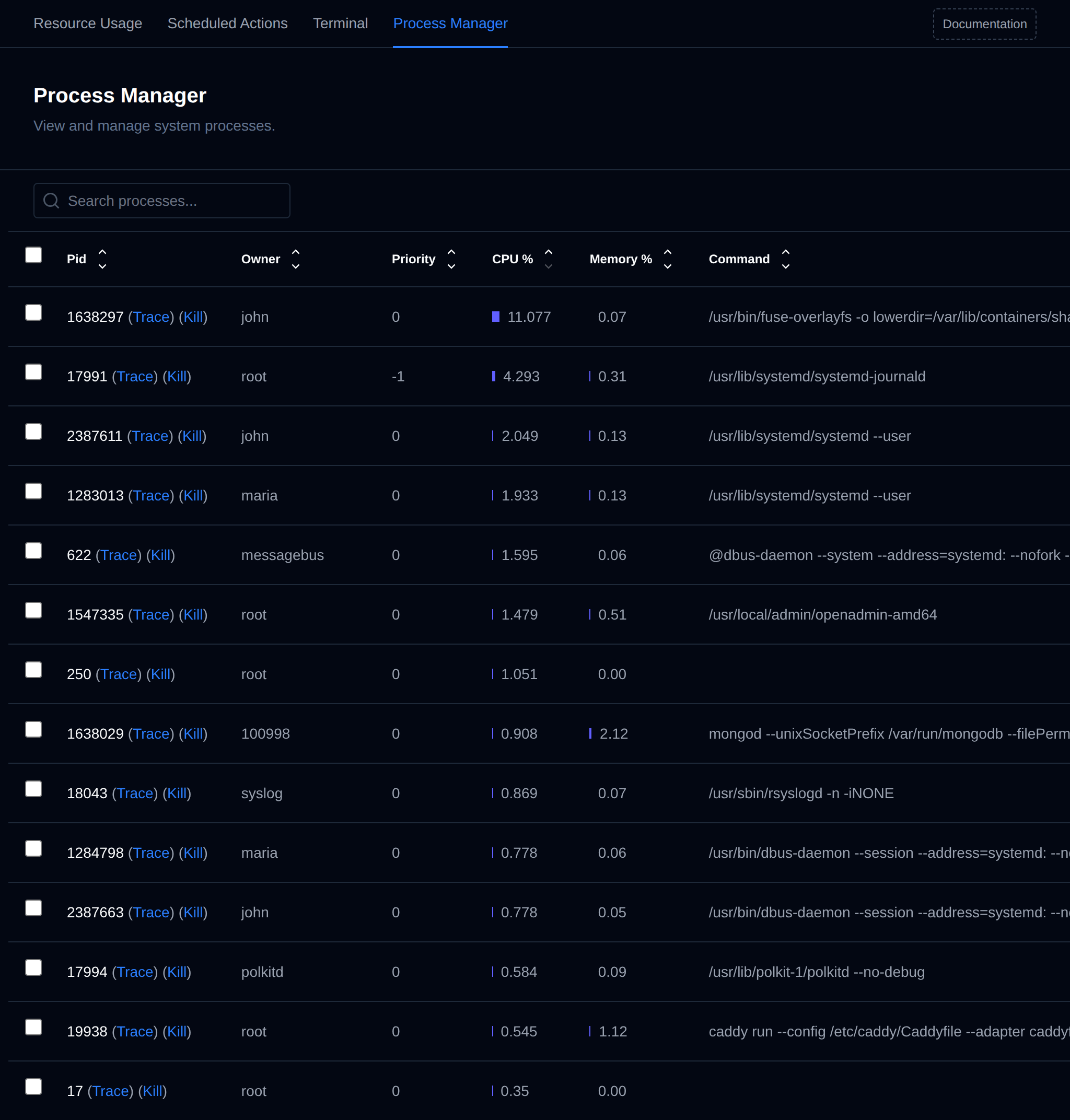
Use this tool to identify resource-heavy or suspicious processes, manage system load, or terminate unresponsive services.
Was this helpful?