Version: 2.0.10
Blacklist UA
Block visitors whose HTTP User-Agent header matches an entry on a blacklist — useful for keeping out known bad bots and scrapers.
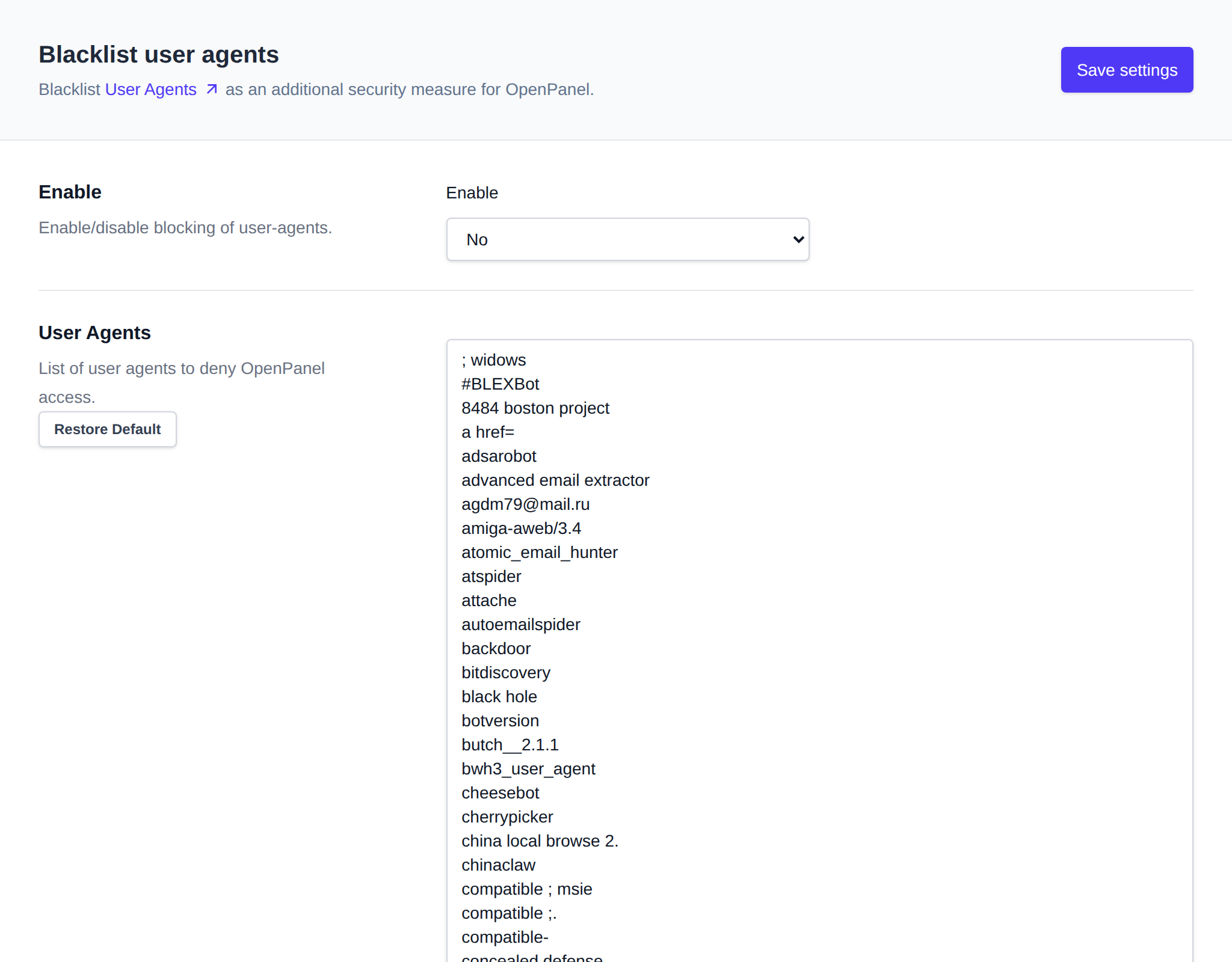
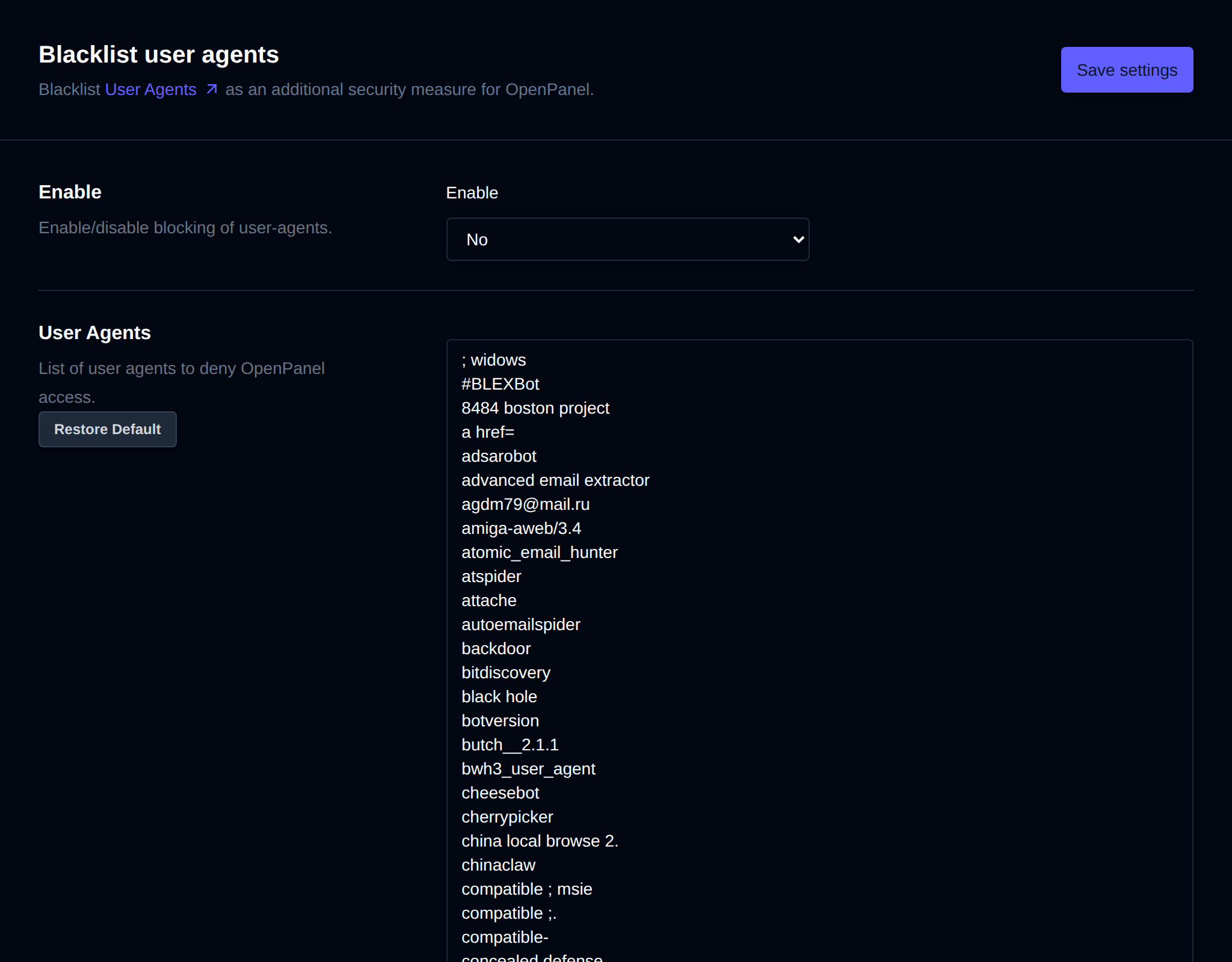
Use OpenAdmin > Security > Blacklist UA to manage it.
Enable
Set Enable to Yes and click Save settings to turn user-agent blocking on server-wide. Set it to No to disable it.
Editing the List
Edit the list of blocked user-agent strings (one per line) in the text area, then click Save settings.
The list is stored at /etc/openpanel/openpanel/conf/blacklist_useragents.txt on the server.
Was this helpful?