Version: 2.0.10
SSH Access
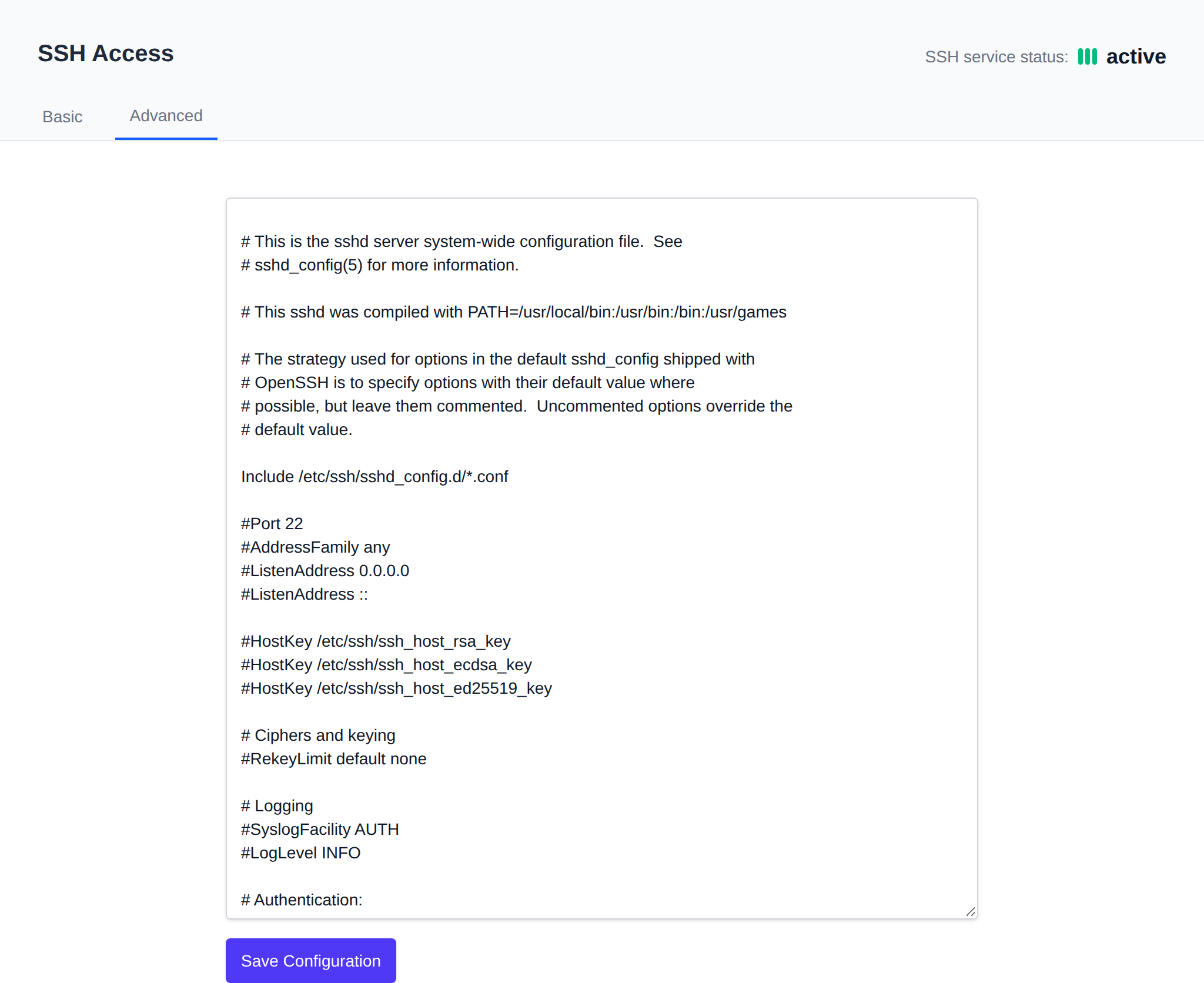
OpenAdmin > Server > SSH Access allows Administrators to view and modify current server SSH configuration. The current SSH service status (active/inactive) is shown in the top-right of the page.
Basic SSH Settings
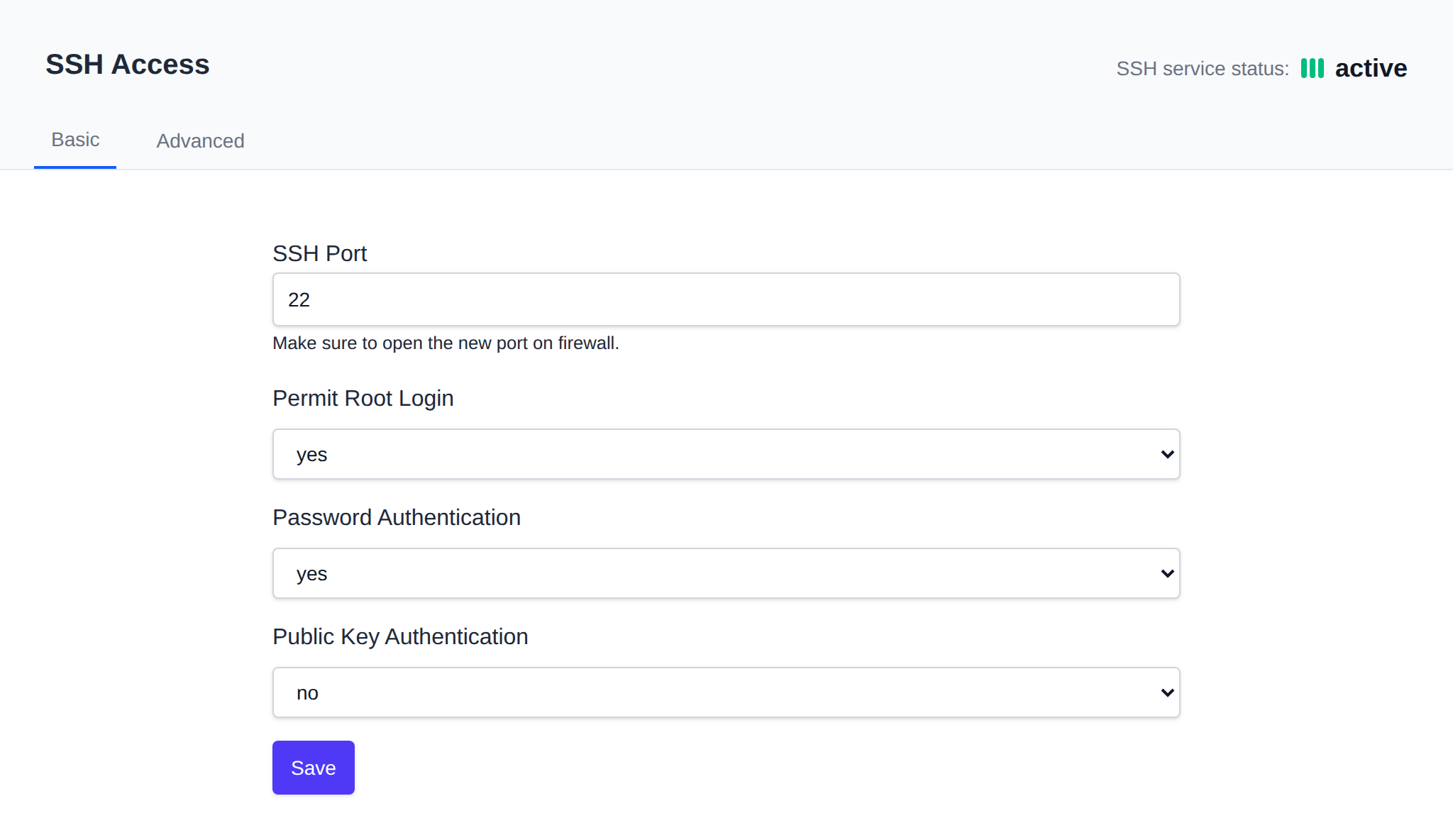
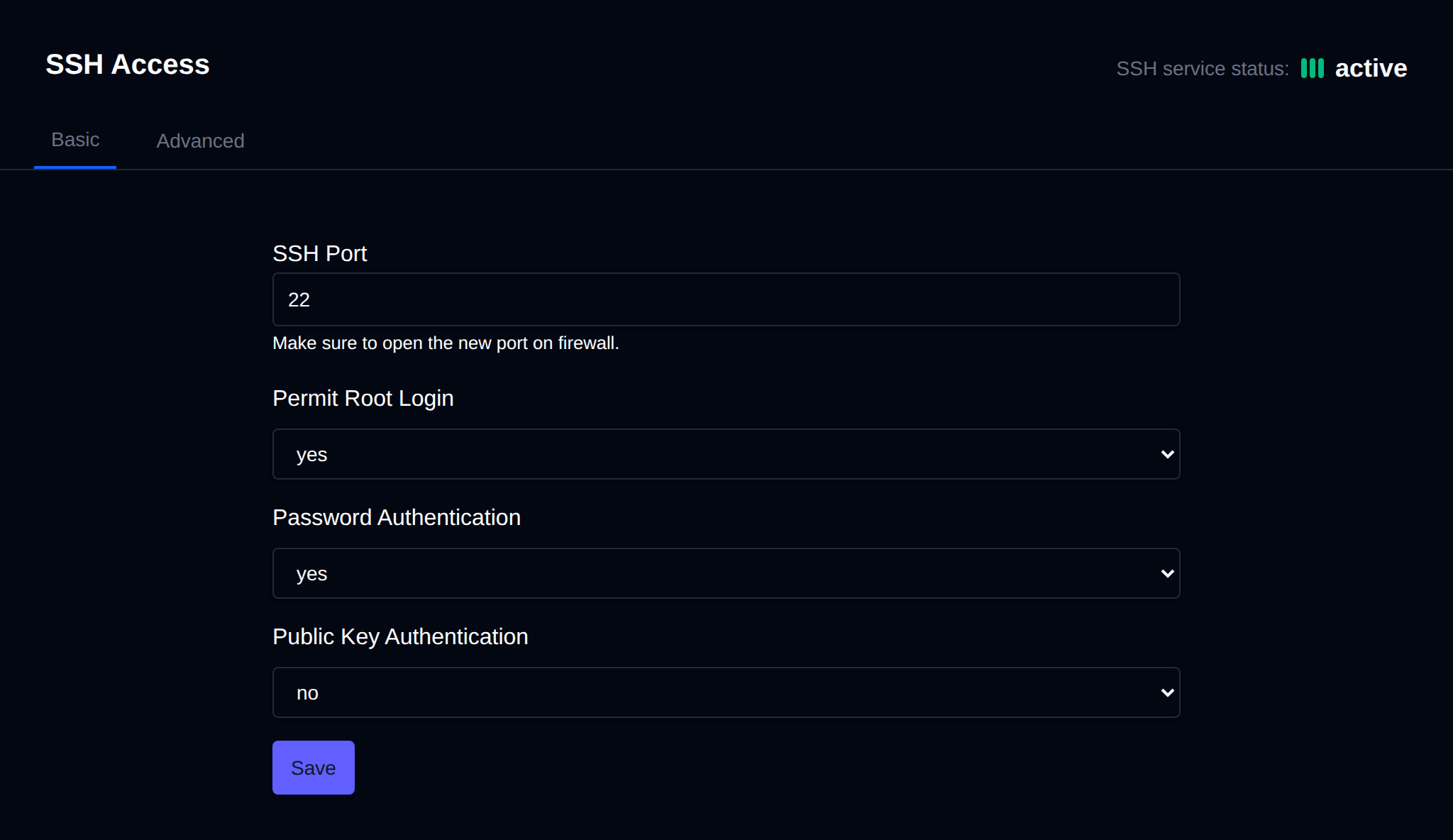
This tab displays:
- SSH Port - current SSH port
- Permit Root Login - allow login for root user (
PermitRootLogin) - Password Authentication - enable usage of passwords for ssh (
PasswordAuthentication) - Public Key Authentication - enable usage of ssh keys (
PubkeyAuthentication)
You can change any value and click on the save button to apply.
Authorized Keys
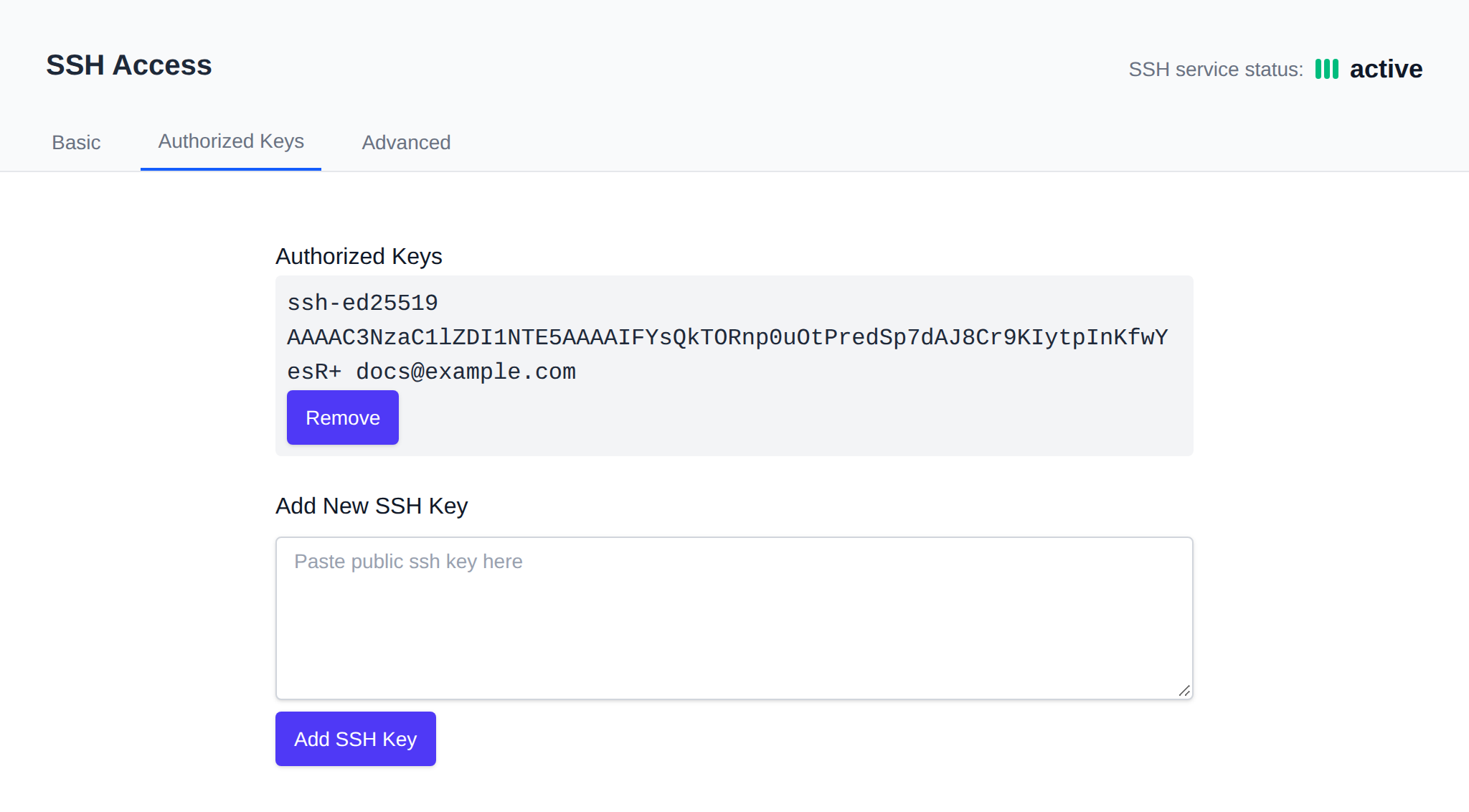
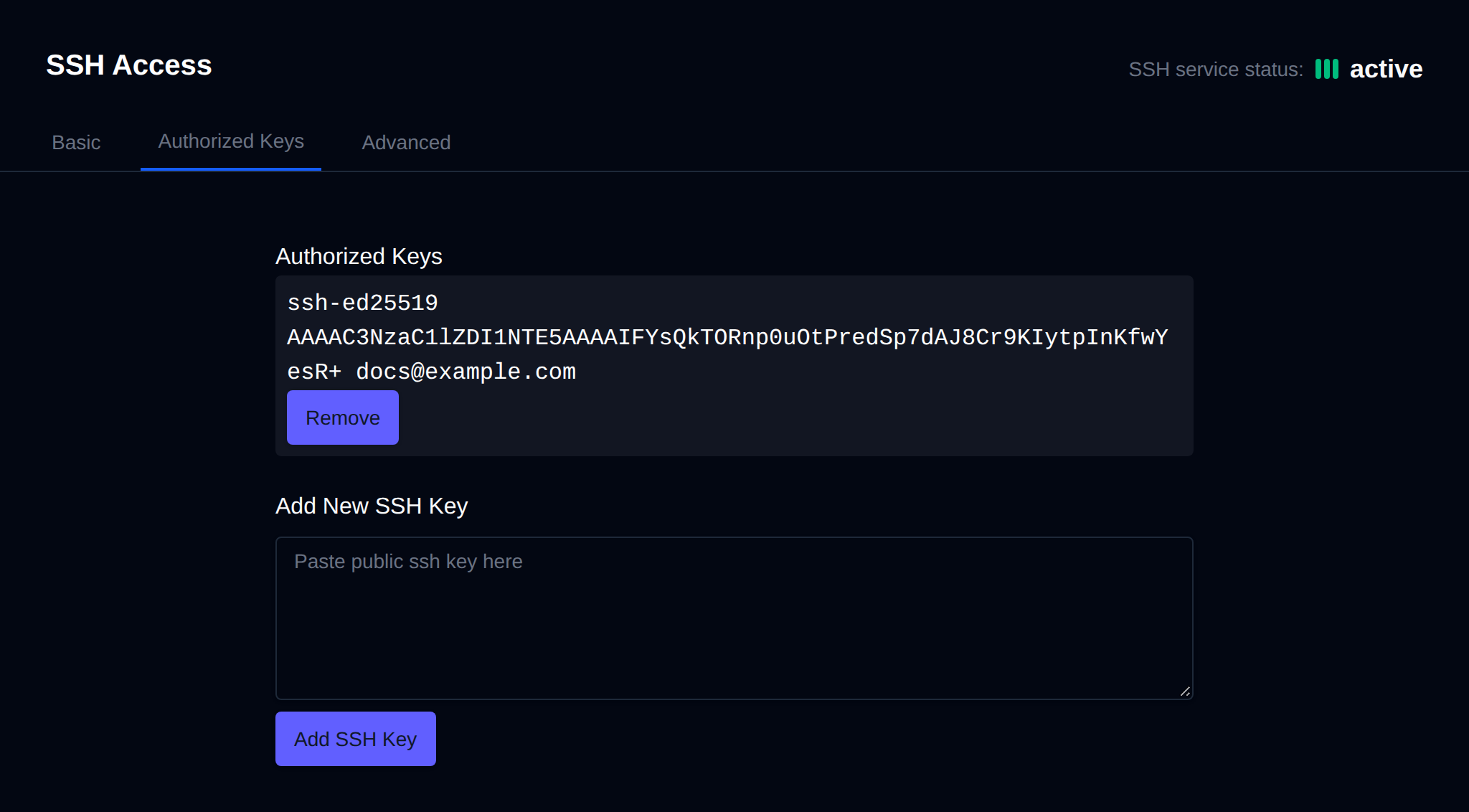
This tab is only shown when Public Key Authentication is enabled. Here you can view current authorized ssh keys, remove them, or add a new key.
Advanced
Here you can edit the raw SSH configuration file: /etc/ssh/sshd_config
Was this helpful?