Locales (Languages)
Manage the languages available to OpenPanel users.
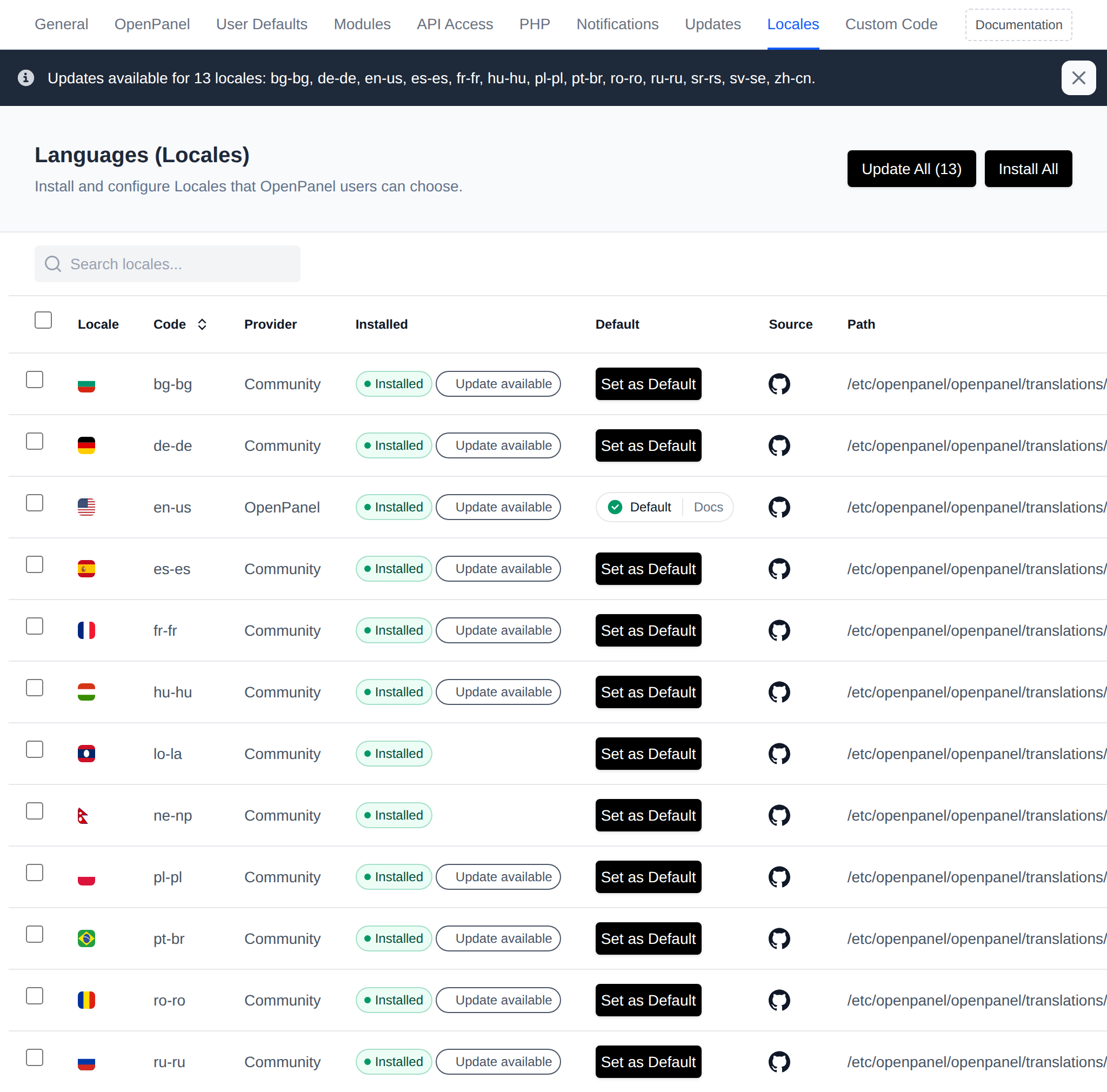
Install Locale
By default, only the EN locale is installed. To enable other locales, they must be installed first.
- With OpenAdmin
- With OpenCLI
To install a locale, go to OpenAdmin > Settings > Locales and click the Install button next to the desired locale.
To install a locale from the terminal, use its locale prefix from Github and run:
opencli locale <LOCALE_HERE>
Example: Install Turkish locale:
opencli locale tr-tr
Example: Install multiple locales:
opencli locale sr-sr tr-tr zh-cn
Example: Install all available locales:
opencli locale $(curl -s "https://api.github.com/repos/stefanpejcic/openpanel-translations/contents" | jq -r '.[] | select(.type=="dir") | .name' | tr '\n' ' ')
Default Locale
- With OpenAdmin
- From Terminal
To make a specific locale the default, go to OpenAdmin > Settings > Locales and click the Set as Default button next to the desired locale.
To set a default locale from the terminal:
echo <LOCALE_HERE> > /etc/openpanel/openpanel/default_locale
Example: Set Turkish as the default:
echo tr > /etc/openpanel/openpanel/default_locale
Changing the default will not automatically update existing users’ settings; their browser preferences and account configurations will take precedence. For more details, see How-to Guides > Setting the Default Locale.
Edit Locale
To edit a locale, click the GitHub icon next to it in the table. This opens the source on GitHub, where you can fork the repository and edit the translation file.
Create a Locale
To create a new locale:
- Fork the translations repository.
- Copy the
en_usfolder to a new locale folder, e.g.,es_es. - Translate the
messages.potfile. - Submit a pull request.