Version: 2.0.10
PHP Settings
Manage the default PHP version and configuration files for new user accounts.
Default Version
The default PHP version used for new user accounts is not set on this page — it is configurable from the Edit User Defaults page.


Available Options
These options determine which PHP settings users can modify from their OpenPanel > PHP Options page.
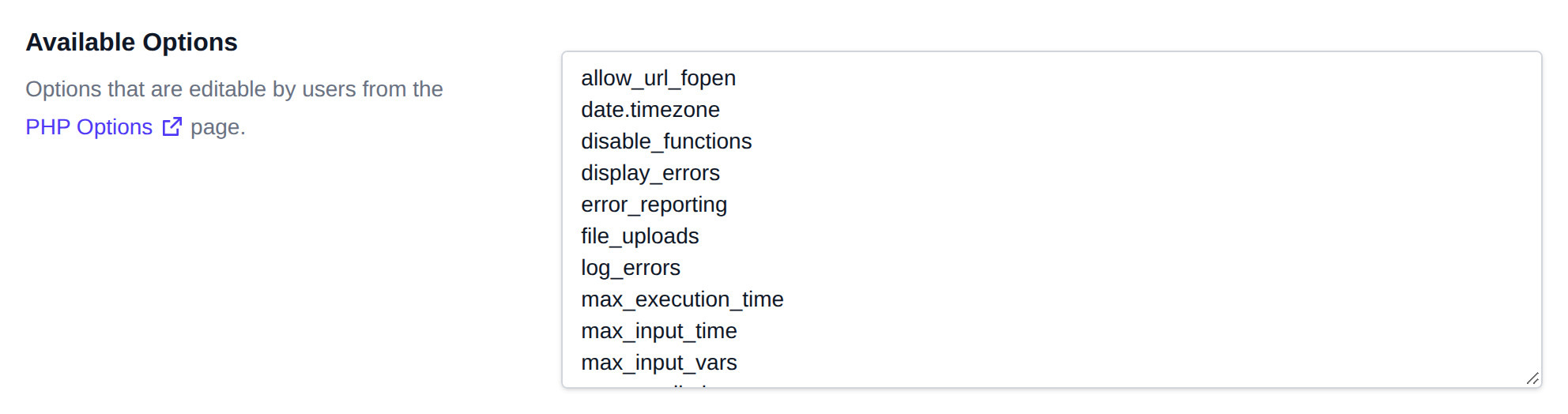

The default editable options include:
allow_url_fopen
date.timezone
disable_functions
display_errors
error_reporting
file_uploads
log_errors
max_execution_time
max_input_time
max_input_vars
memory_limit
open_basedir
output_buffering
post_max_size
short_open_tag
upload_max_filesize
zlib.output_compression
Default PHP.INI Files
Here you can edit the PHP.INI configuration files that will be applied to new user accounts.
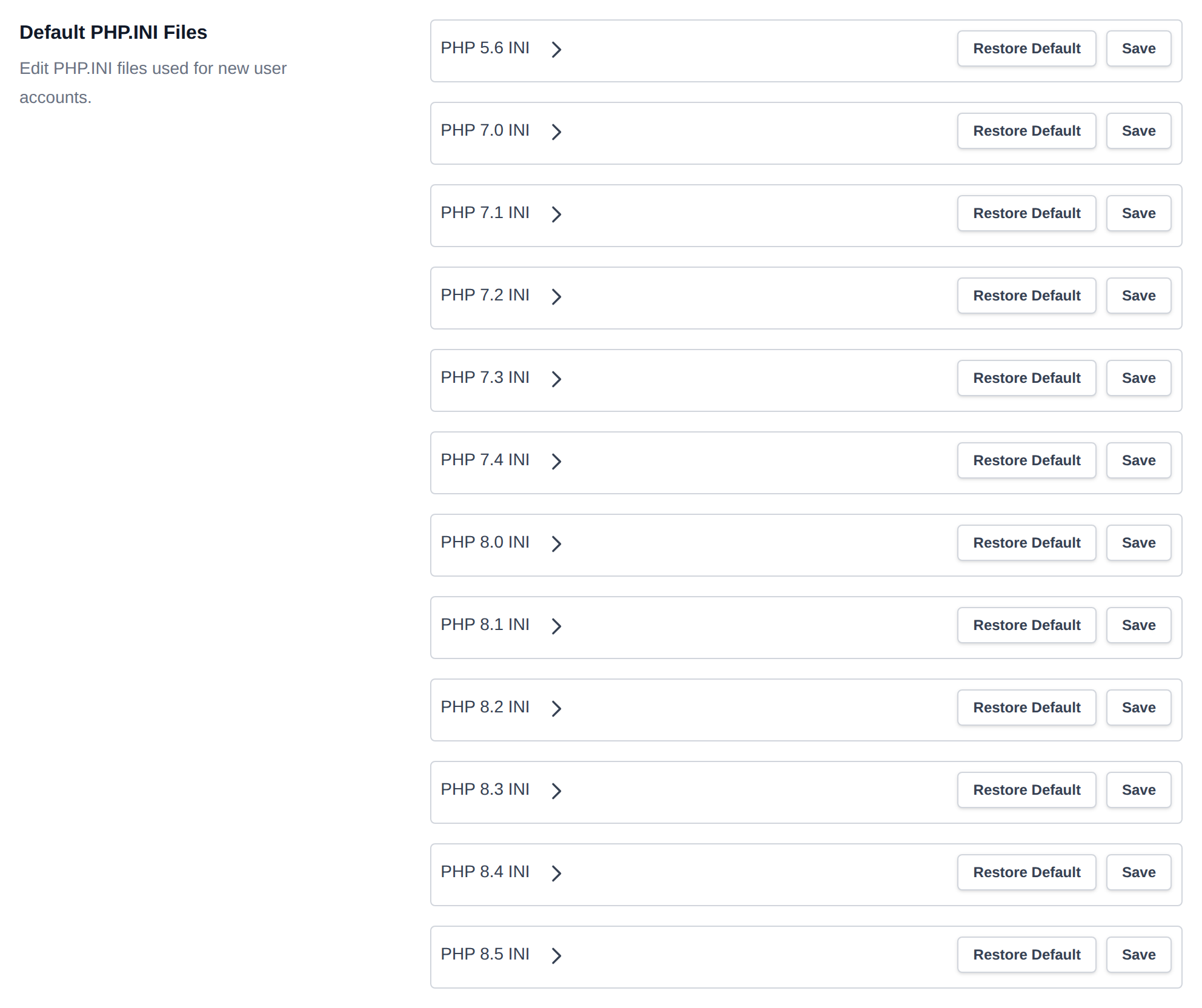
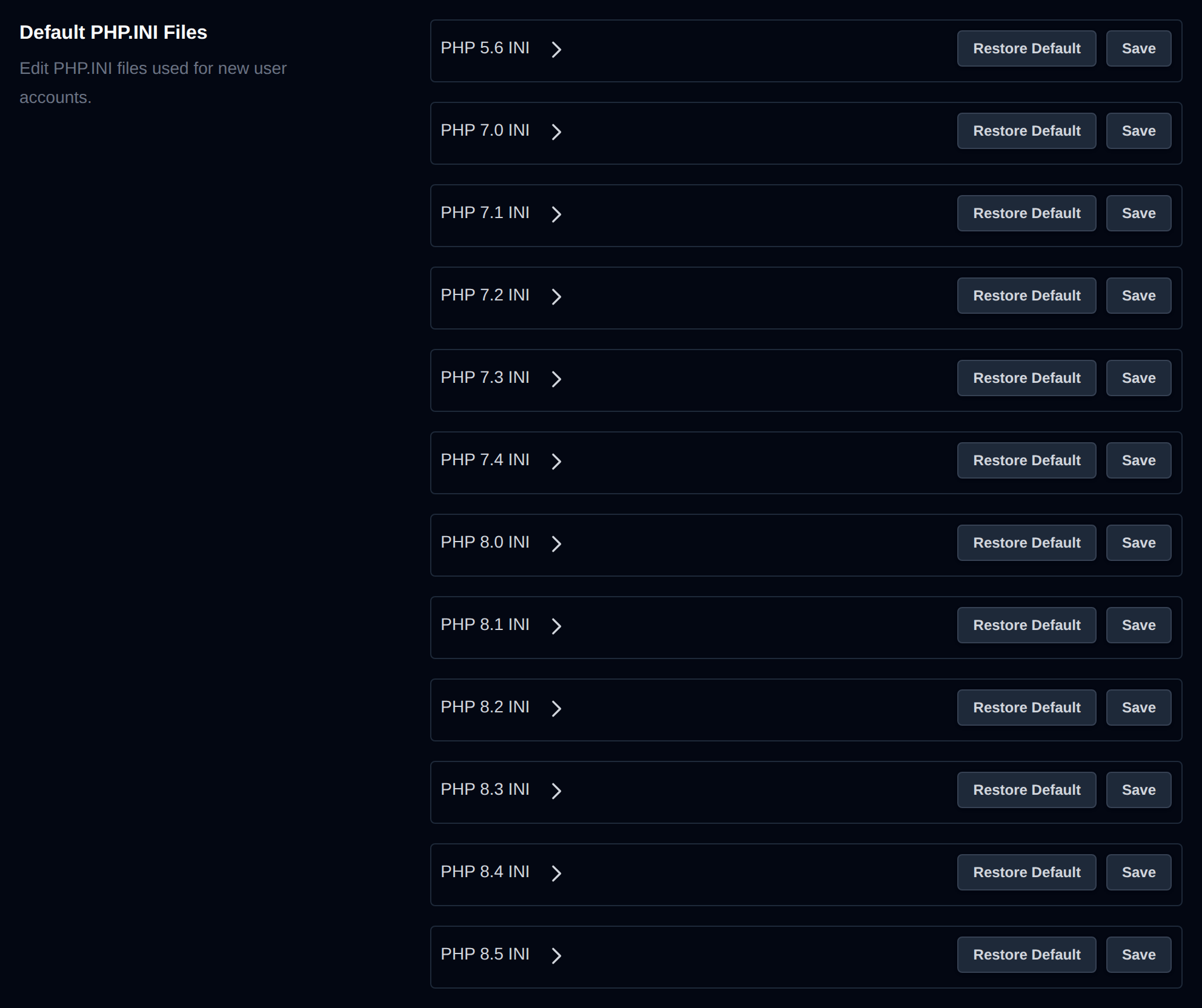
Select a PHP version to open its php.ini file for editing. After making changes, click Save to apply them.
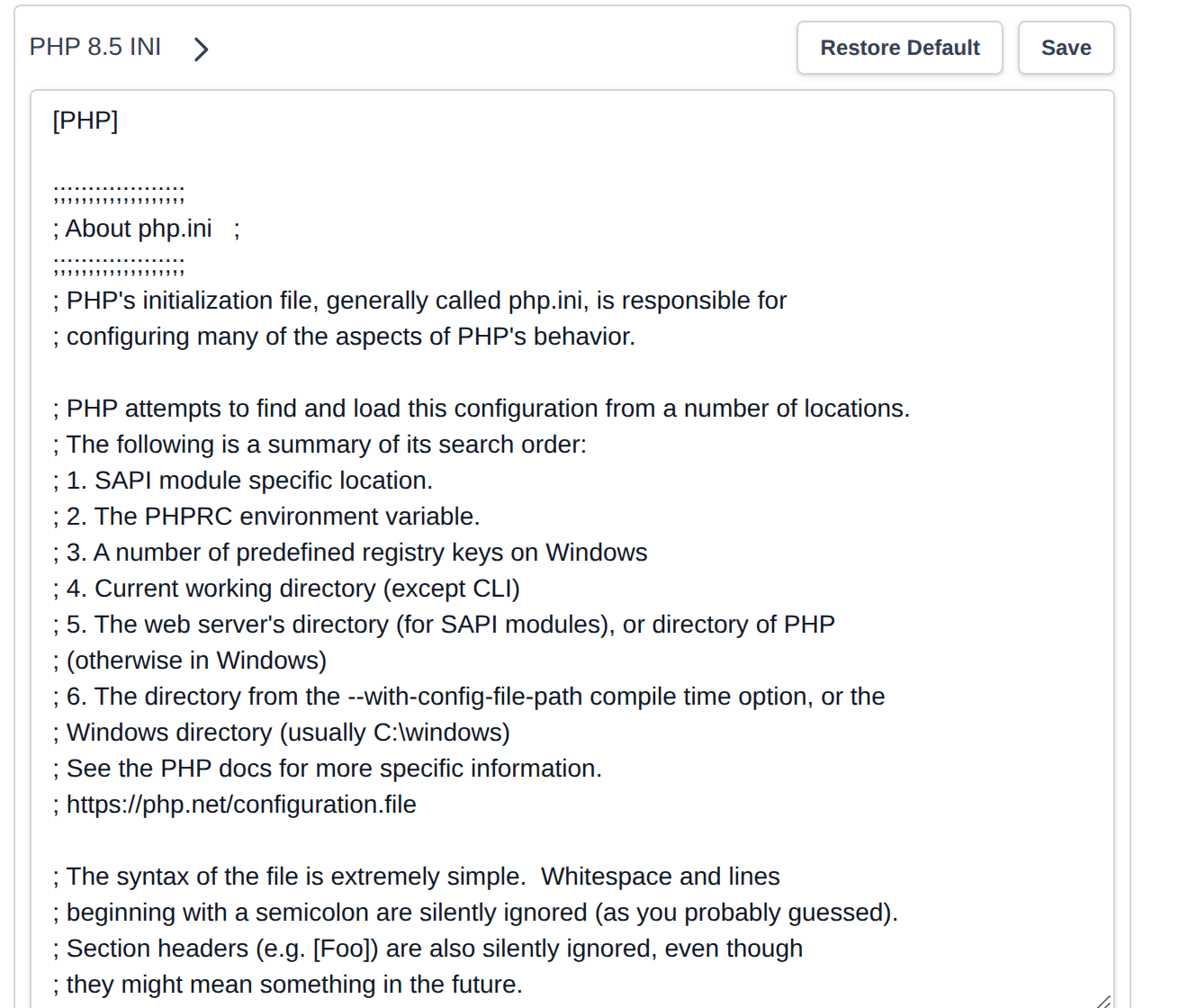
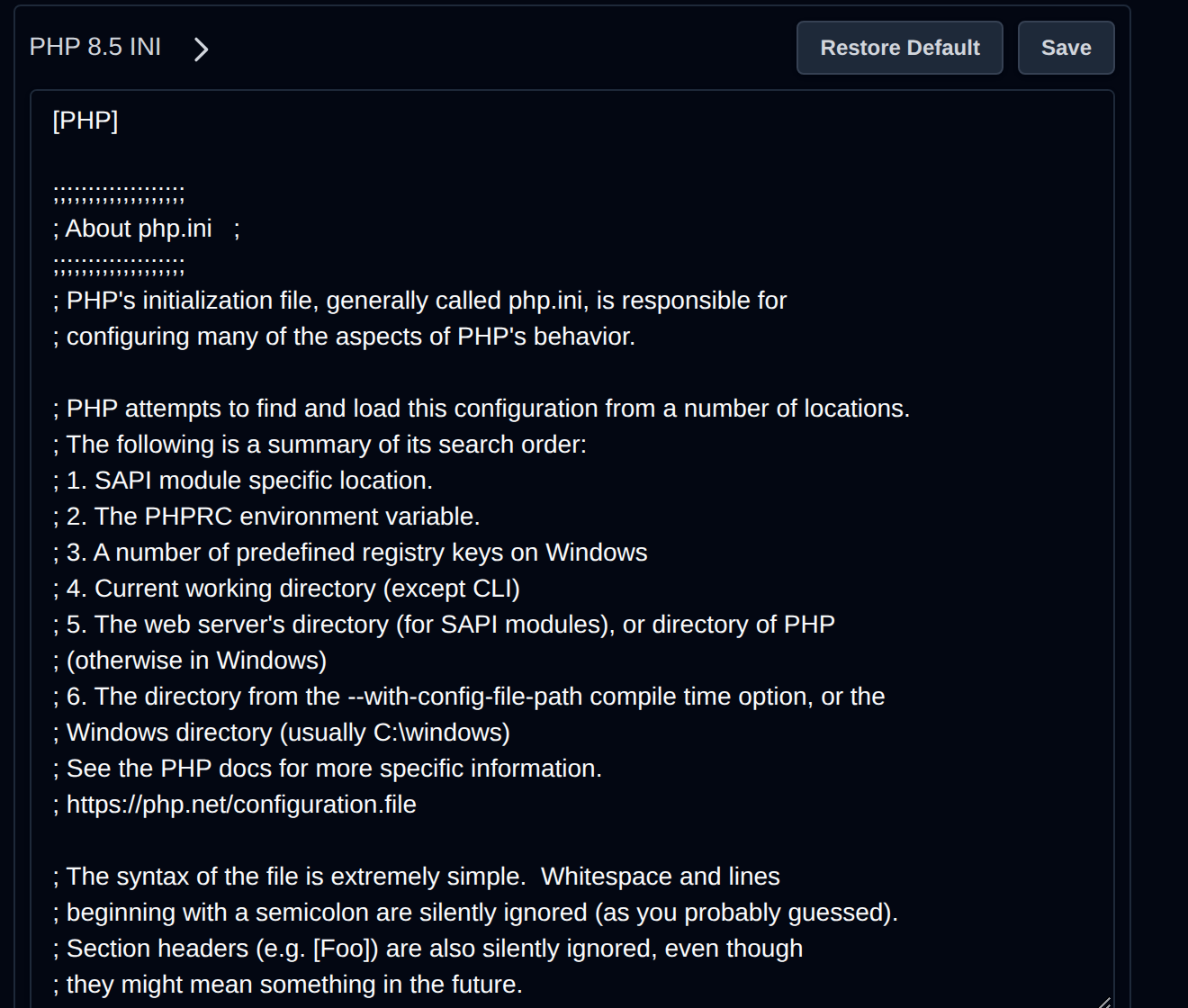
To revert to the original PHP.INI settings, click Restore Default, then click Save.
Was this helpful?