API Access
The API Access page is only available with an Enterprise license. It is also disabled while HTTP Basic Authentication is enabled for OpenAdmin — disable Basic Authentication first to use API Access.
Use the API Access page to browse every API endpoint, test API calls, and see request and response examples.
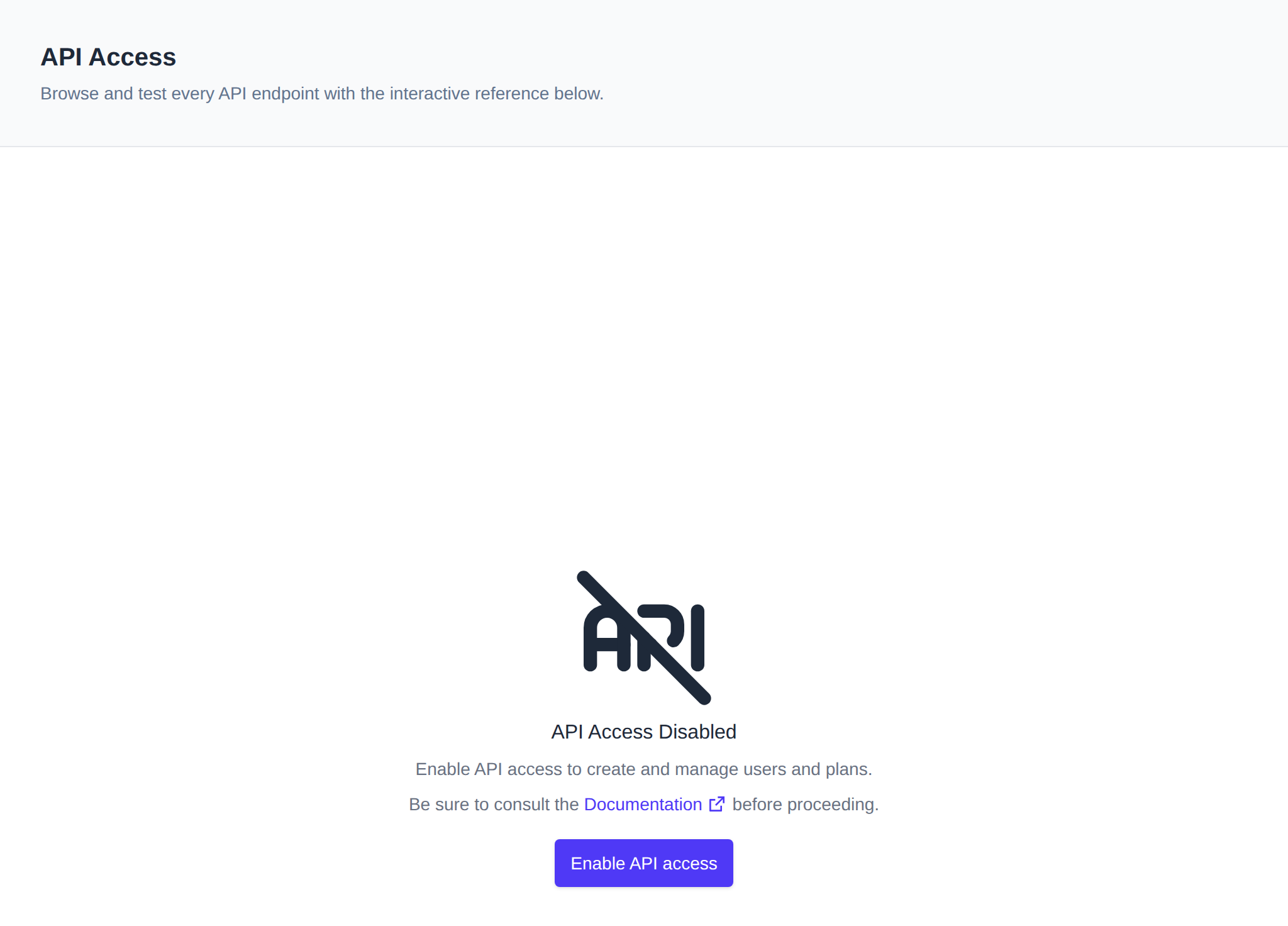
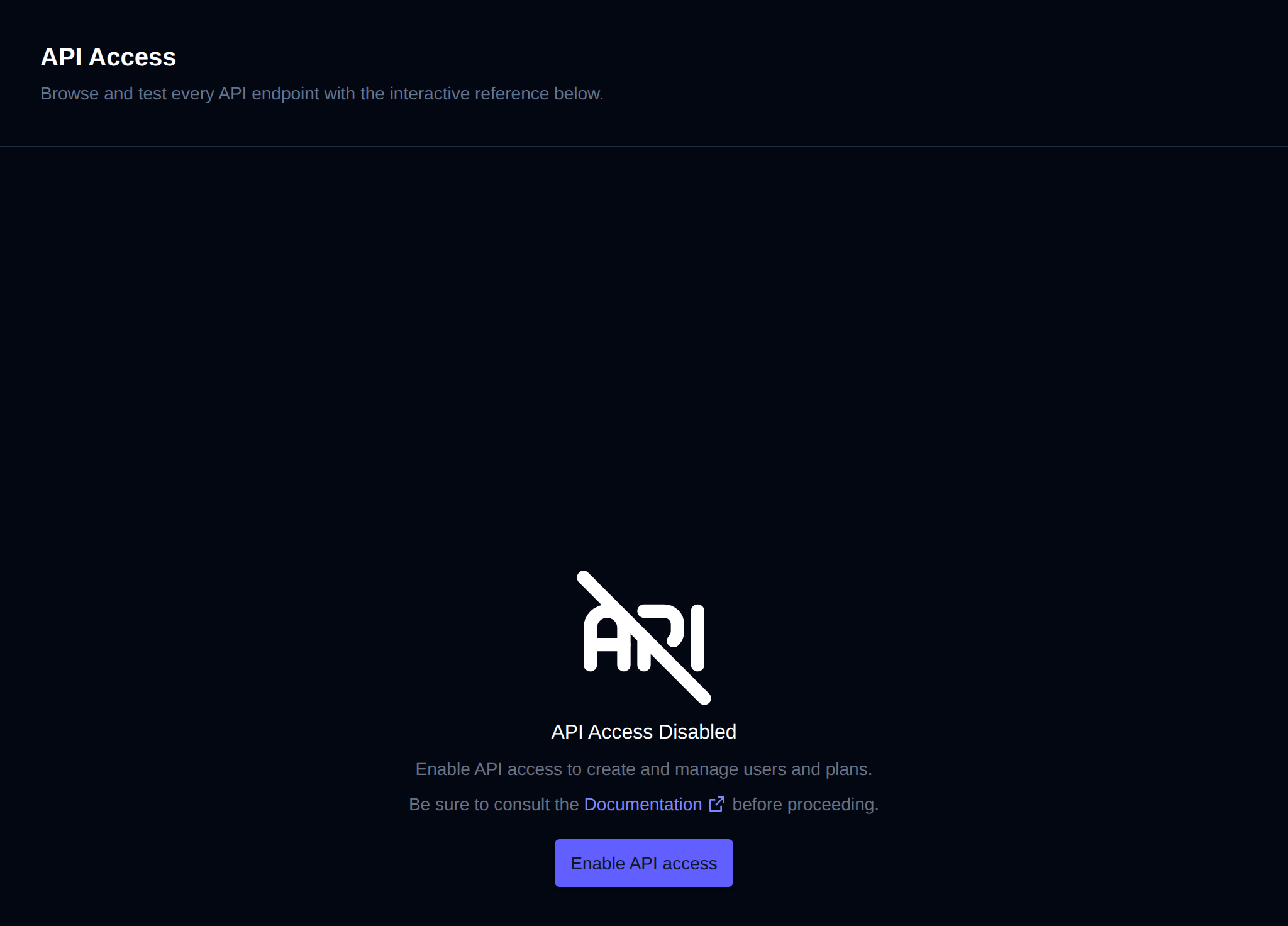
To begin:
-
Enable API Access
Click Enable API access to turn on the API and the interactive reference.
-
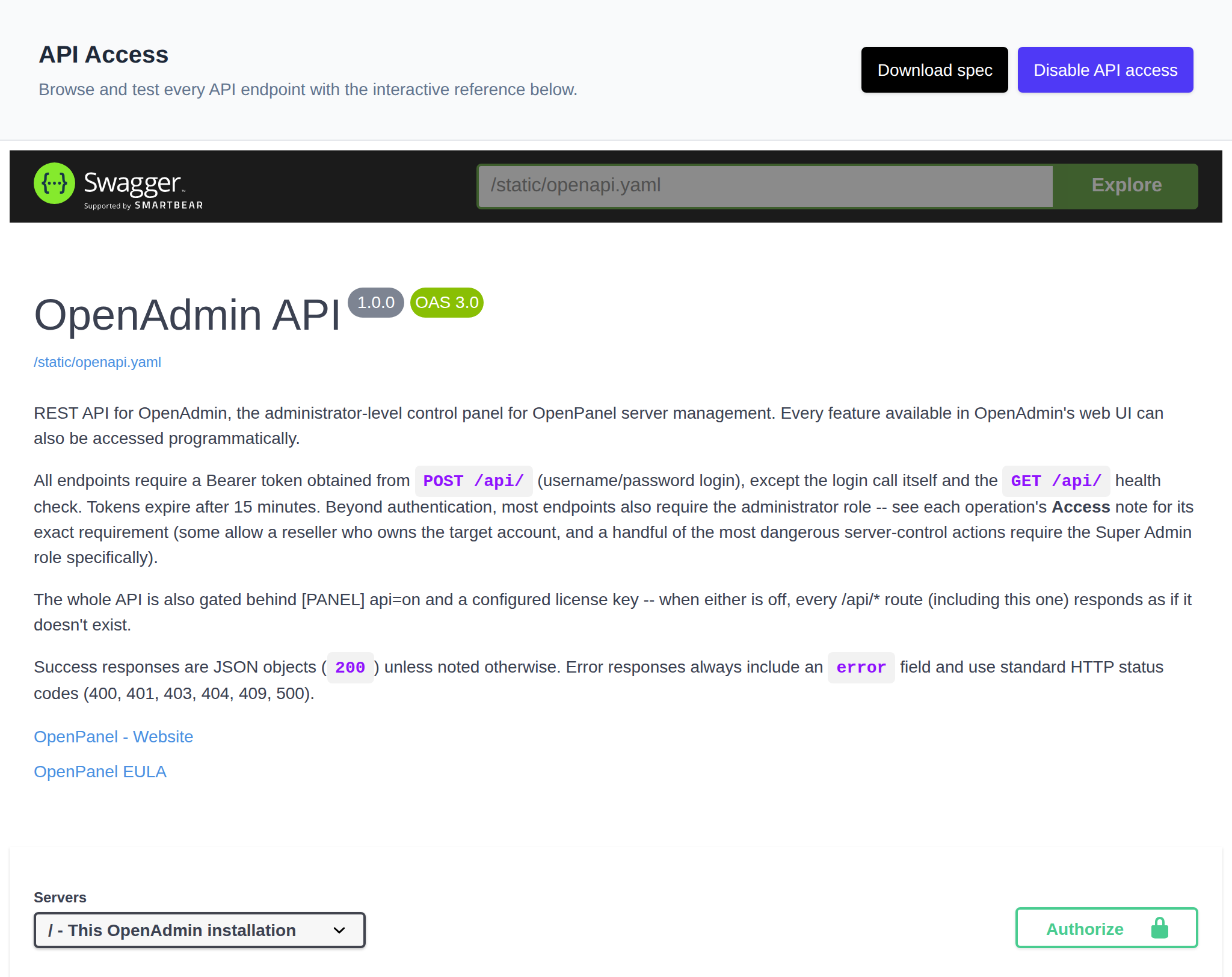
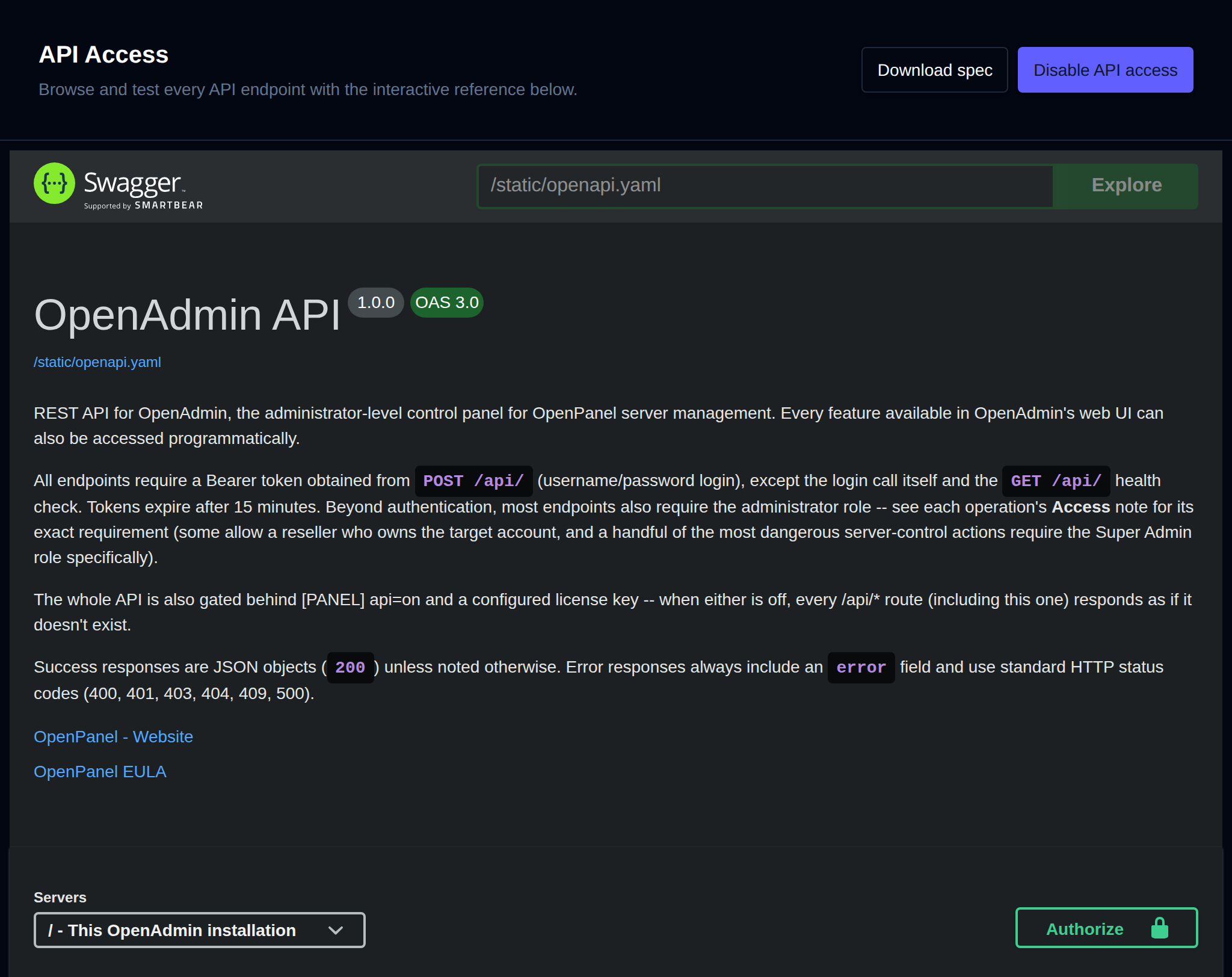
Browse the API reference
Once enabled, the page shows the interactive OpenAdmin API reference, with every endpoint grouped by section (Authentication, Users, Domains, Plans, Containers, DNS, Email, and more). Use Download spec to download the OpenAPI specification file, or Disable API access to turn the API off again.
-
Authorize
Most endpoints require a Bearer token. Expand POST /api/ in the Authentication section, click Try it out, enter an admin username and password, and click Execute to get a token. Then click Authorize, paste the token, and confirm. Tokens expire after 15 minutes.
-
Send a request
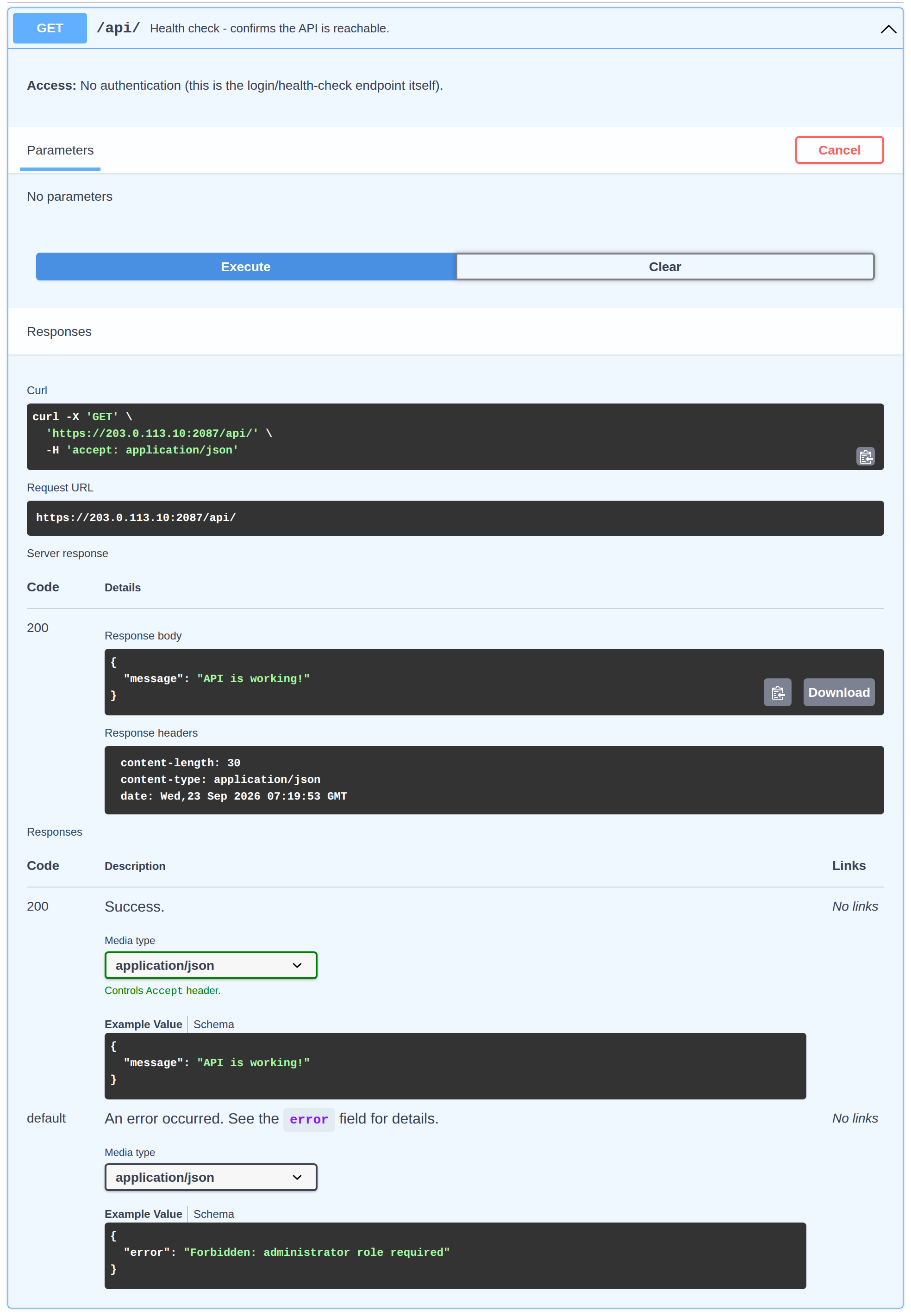
Expand any endpoint, click Try it out, fill in its parameters, and click Execute.
-
View the response and curl command
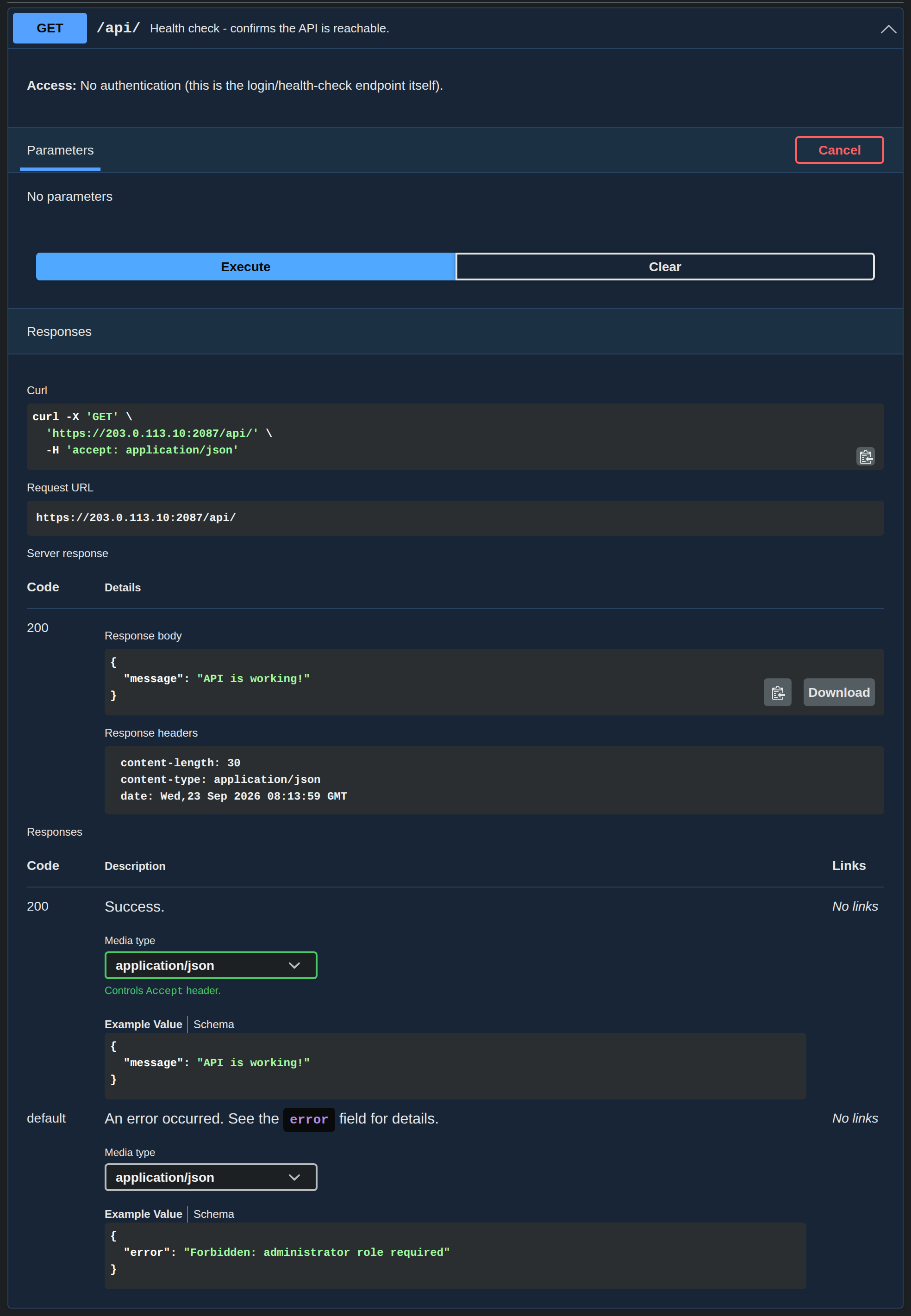
Below the request you'll see the equivalent curl command, the request URL, and the server response with its status code, body and headers.
For full API reference and additional endpoints, please refer to OpenAdmin API Specification.