Version: 2.0.10
Defaults
From OpenAdmin > Settings > Edit User Defaults Administrators can edit values for the docker-compose.yml and .env files used for new users.
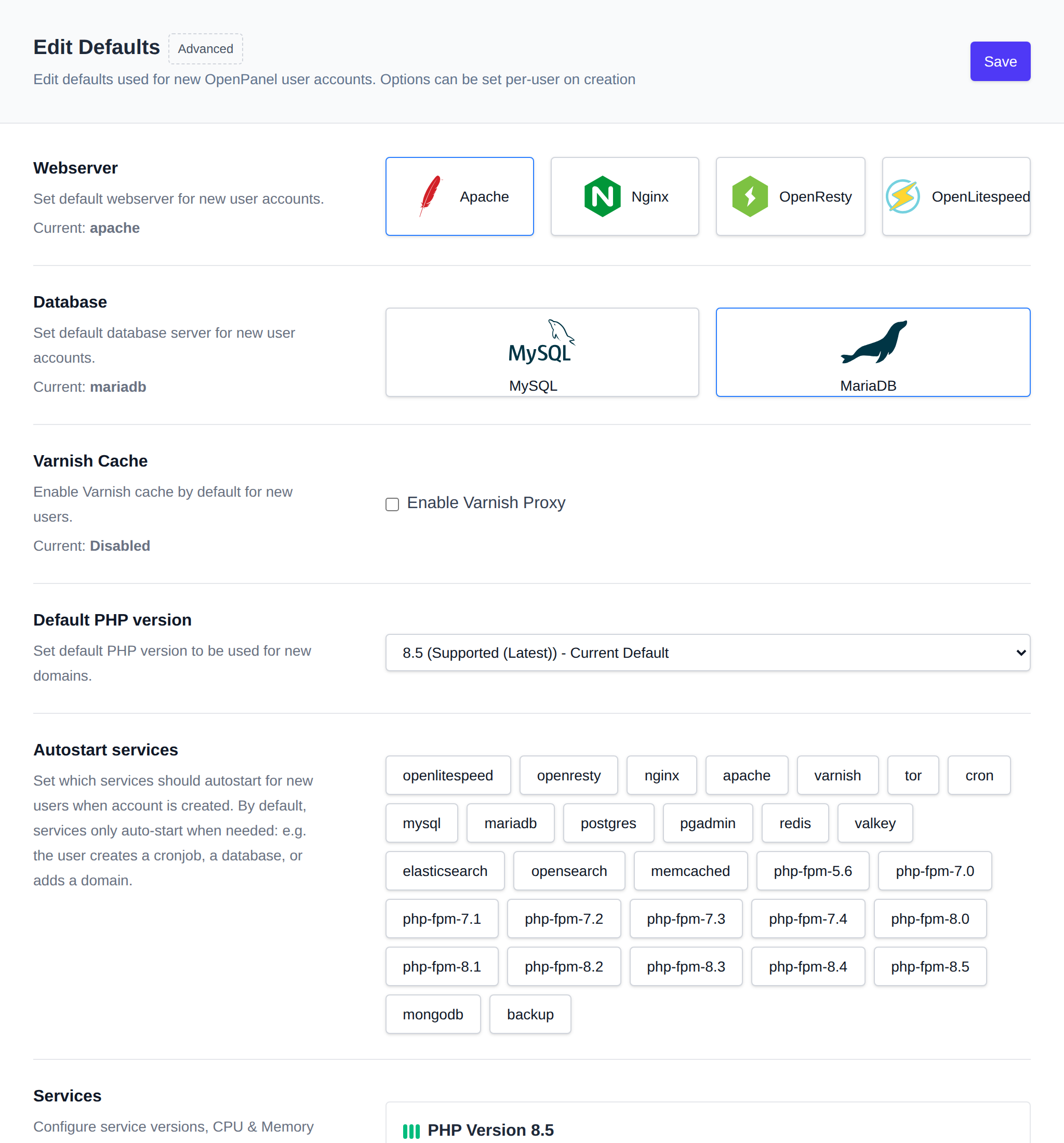
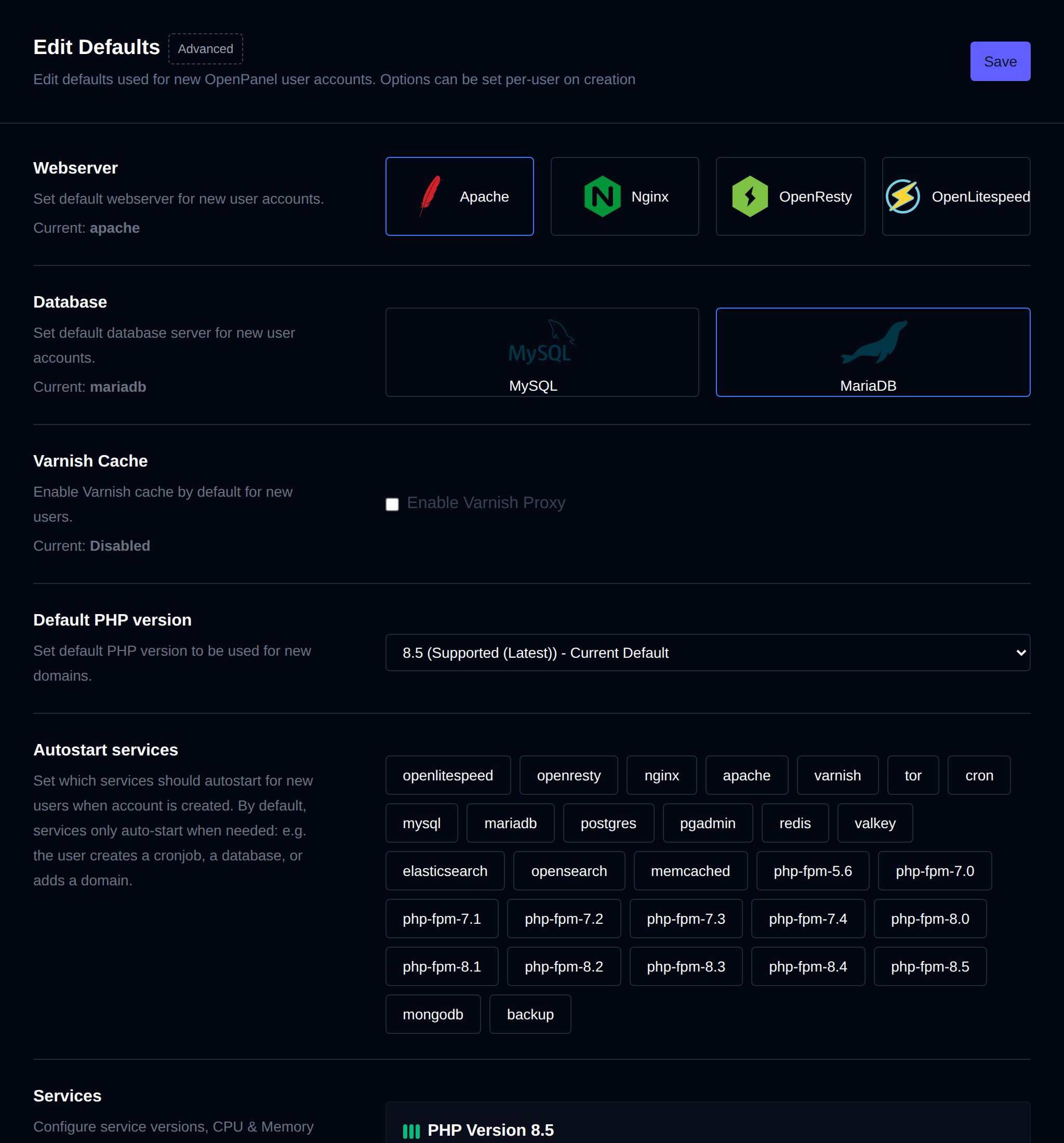
These files determine services and limits for new users.
How to setup Apache, Nginx, OpenResty, OpenLiteSpeed, and Varnish as default webserver How to setup MySQL, MariaDB or Percona for default database type
Using the 'Advanced' option you can directly edit the files.
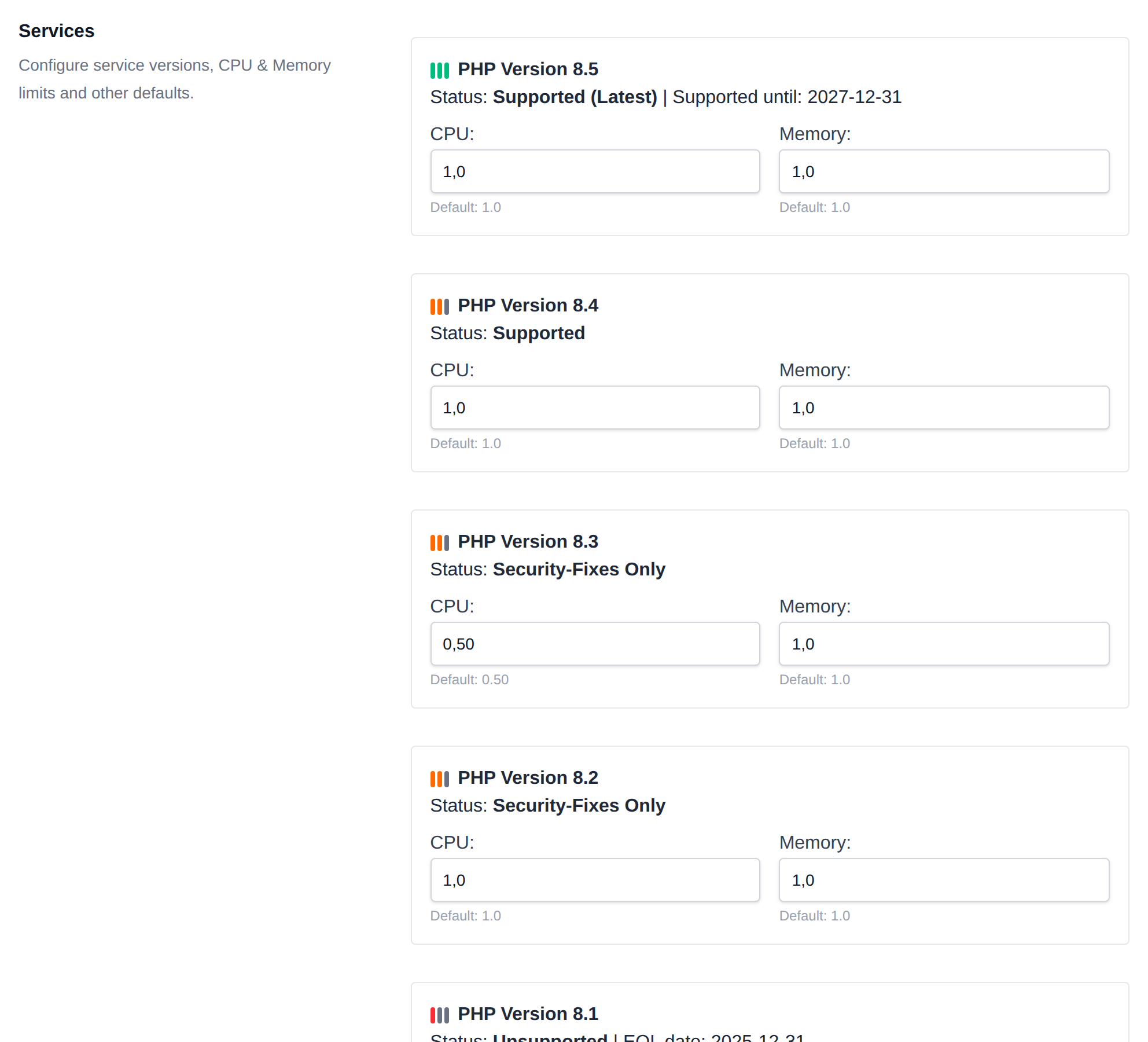
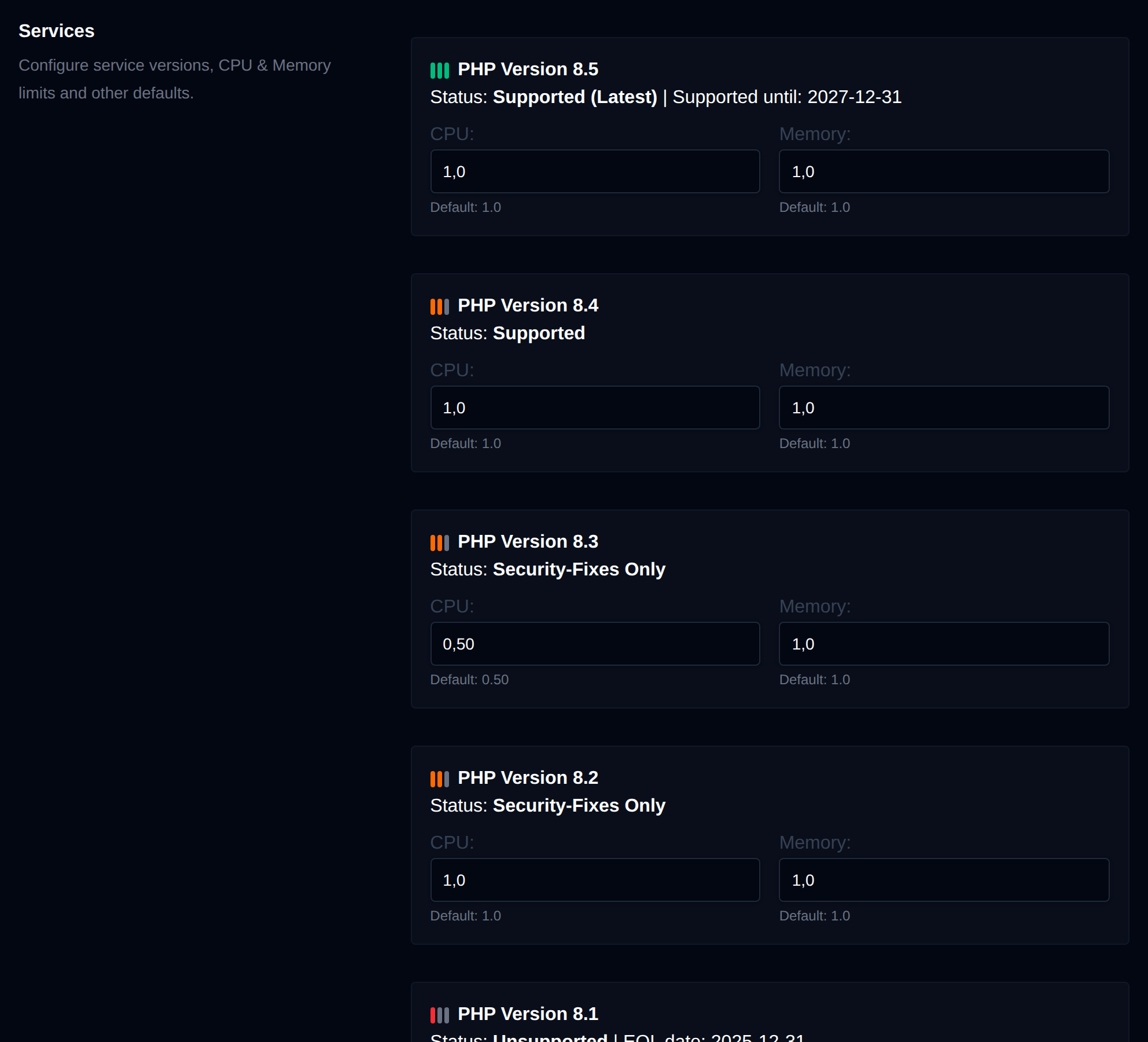
In these files you can configure additional services (docker containers) and change defaults for existing services.
Keep in mind that this is intended for advanced users and misconfiguration can cause exposed system ports, user hogging resources or exceeding disk limits.
For more information refer to How to add custom docker images
Was this helpful?