Blocked User Agents
Block requests to the OpenPanel user panel whose HTTP User-Agent header matches an entry on a blacklist, useful for keeping vulnerability scanners and known bad bots away from the login page.
It protects the panel itself (port 2083), not the websites hosted on the server. To limit bots on websites, use Rate Limiting or block user agents in the domain's VirtualHost.
Use OpenAdmin > Security > Blocked User Agents to manage it. The page is available to the Super Admin and Admin roles - resellers can't access it.
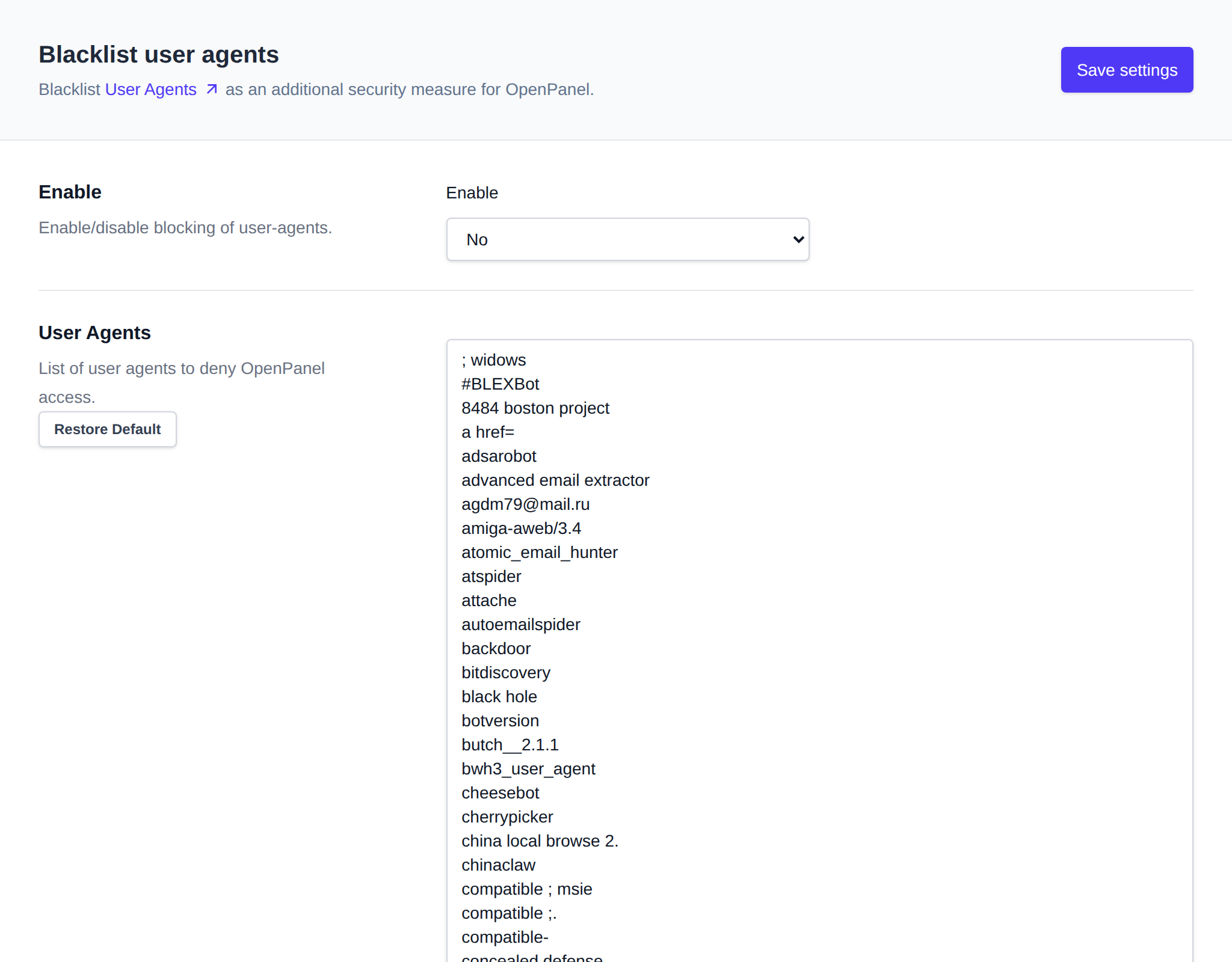
Enable
Set Enable to Yes and click Save settings to turn user-agent blocking on server-wide. Set it to No to disable it.
Editing the List
Edit the list of blocked user-agent strings (one per line) in the text area, then click Save settings.
A request is blocked when its User-Agent contains any line of the list, ignoring case. Empty lines and lines starting with # are skipped, so #BLEXBot keeps that entry in the list without blocking it. Blocked requests get a 403 Forbidden. Changes to the list and to Enable apply within a few seconds, OpenPanel doesn't need to be restarted.
The list is stored at /etc/openpanel/openpanel/conf/blacklist_useragents.txt on the server.