Defaults
From OpenAdmin > Settings > User Defaults Administrators can edit values for the docker-compose.yml and .env files used for new users.
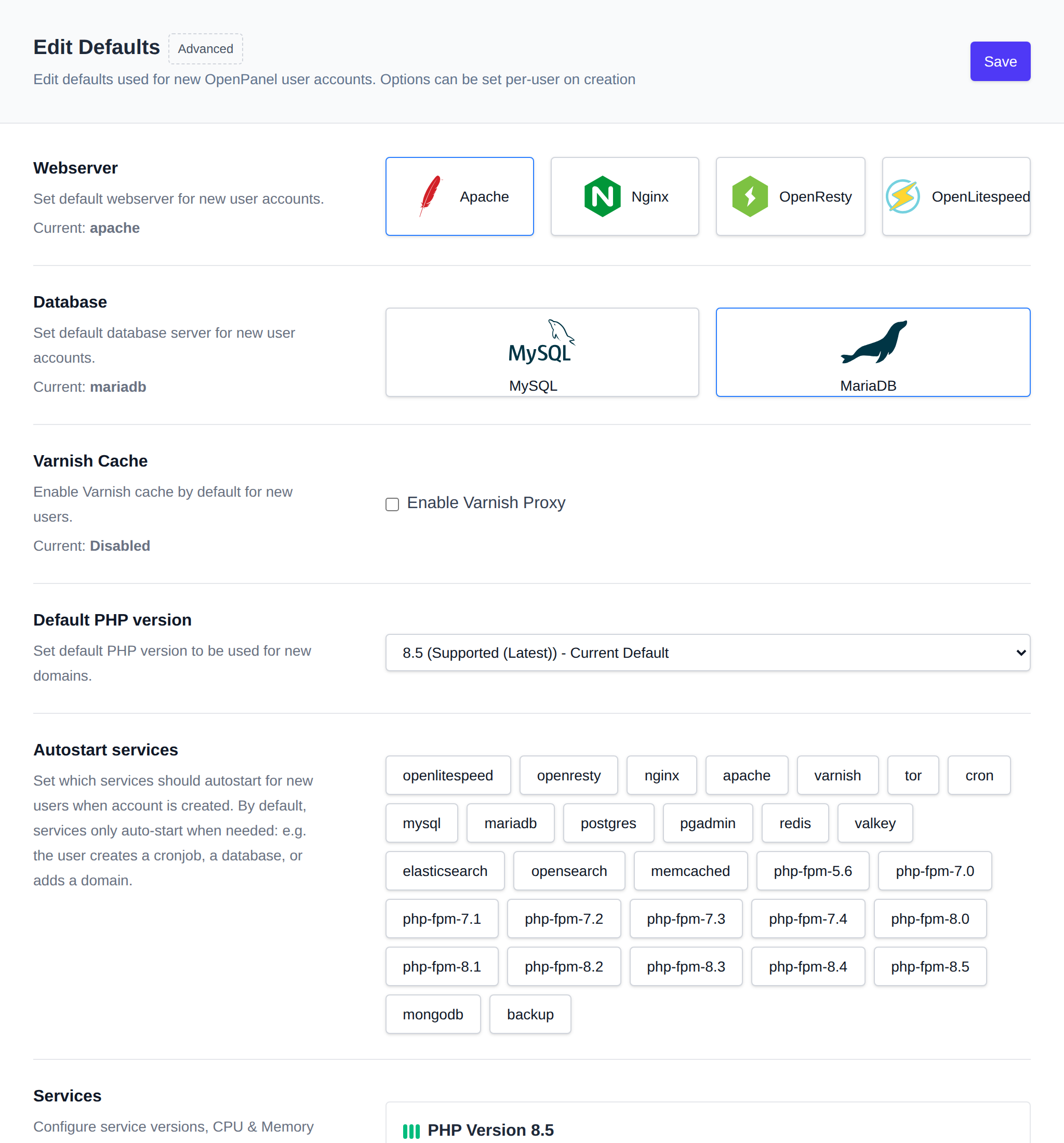
These files determine services and limits for new users.
Recommendations
The page shows recommendations based on the sites, plans and services already on the server, only when the current setting differs from them:
- Webserver: based on the most common site type on the server. WordPress sites perform best on OpenLiteSpeed, or Apache if they rely on
.htaccessrules. Node.js and Python apps run best behind Nginx, the fastest reverse proxy. Java and Ruby apps run best on OpenResty, since it can be scripted with Lua. Other CMS and PHP sites run well on Apache or Nginx. - Database: MySQL uses about 100 MB more RAM per user than MariaDB, so MariaDB is recommended.
- Varnish Cache: recommended for new users when there are WordPress sites on the server, since WordPress pages cache well behind it.
- Default PHP version: the latest stable PHP version installed on the server.
- Autostart services: recommended to leave off, since autostarted services use resources on every new account whether it uses them or not. By default services only start when needed, for example when the user creates a cronjob, a database or adds a domain.
- Service CPU/RAM limits: for PHP-FPM, the webservers and MySQL/MariaDB, a limit below the smallest plan in use (by CPU and RAM) means that service can't use everything the plan allows, so the plan's values are recommended as the minimum.
0means unlimited and never shows a recommendation.
How to setup Apache, Nginx, OpenResty, OpenLiteSpeed, and Varnish as default webserver How to setup MySQL, MariaDB or Percona for default database type
Available webservers
The webservers offered on this page, on the Add User form and to users are the ones defined in the docker-compose.yml template, not a fixed list. A service counts as a webserver if it mounts the webserver_data volume and publishes ports.
To stop offering a webserver, for example OpenLiteSpeed, remove its service block from the default docker-compose.yml using the 'Advanced' option. New accounts won't get it and it disappears from the Defaults page and the Add User form. Existing accounts keep their own copy of the file, so their current webserver isn't affected. To hide it from one existing user, remove the block from that user's docker-compose.yml.
Using the 'Advanced' option you can directly edit the files.
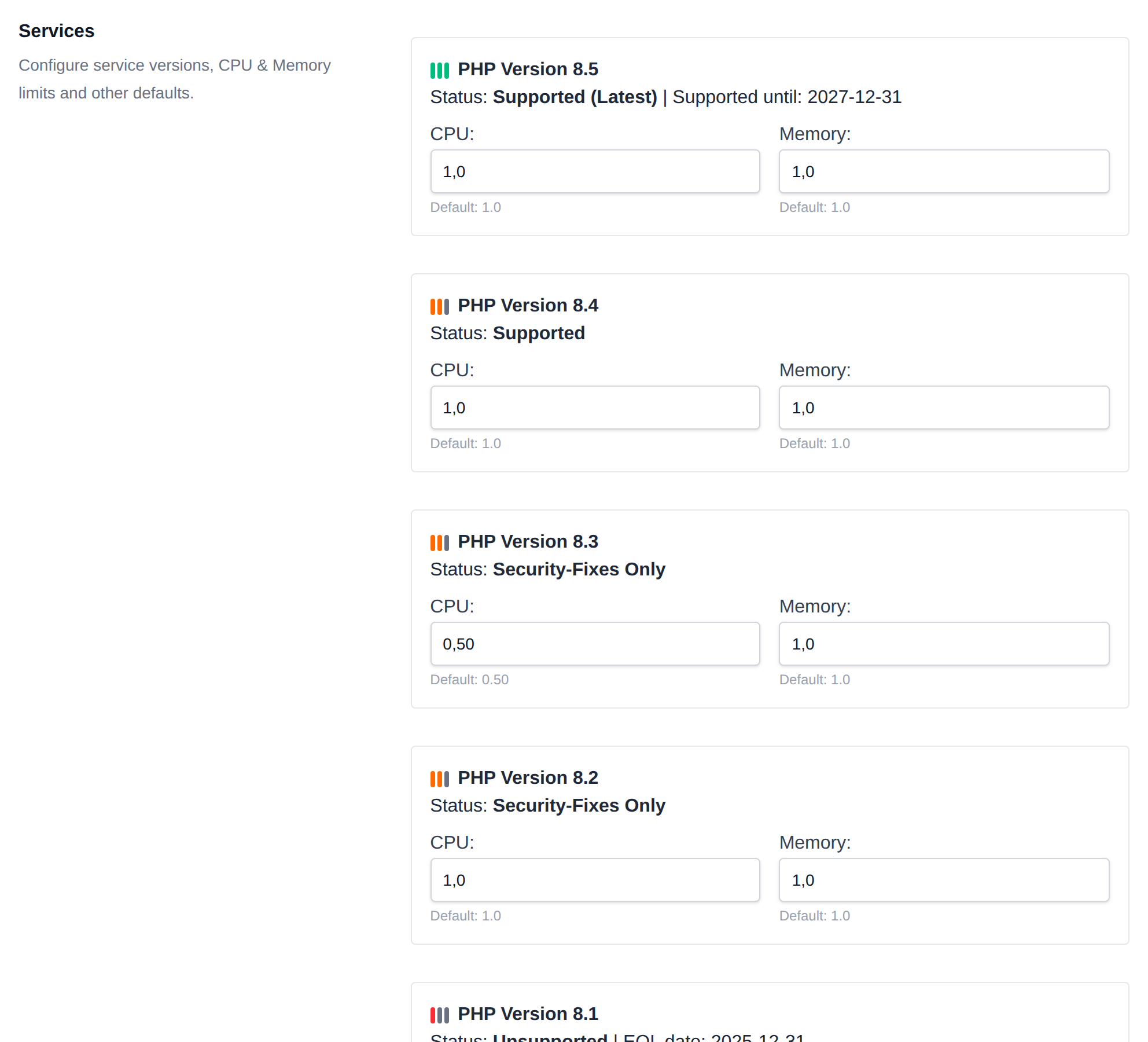
In these files you can configure additional services (docker containers) and change defaults for existing services.
Keep in mind that this is intended for advanced users and misconfiguration can cause exposed system ports, user hogging resources or exceeding disk limits.
For more information refer to How to add custom container images