Version: 2.0.10
Change Docroot
The Change Docroot option allows you to set a custom document root (docroot) for your domain.
By default, OpenPanel serves websites from the /var/www/html/{domain} directory. However, advanced users may want to change this location—for example, to serve a subdirectory like /var/www/html/{domain}/public or to point to a different folder entirely.
This is useful when:
- Hosting multiple applications under the same domain.
- Serving static content from a specific folder.
- Using a framework that requires a
public/orhtdocs/root.
Changing document root
To change a document root for a domain in OpenPanel:
- Go to the Domains page.
- Select the domain you want to modify.
- Click on Change Docroot.
- Enter the new path starting with the
/var/www/html/. - Click Change docroot to save your changes.
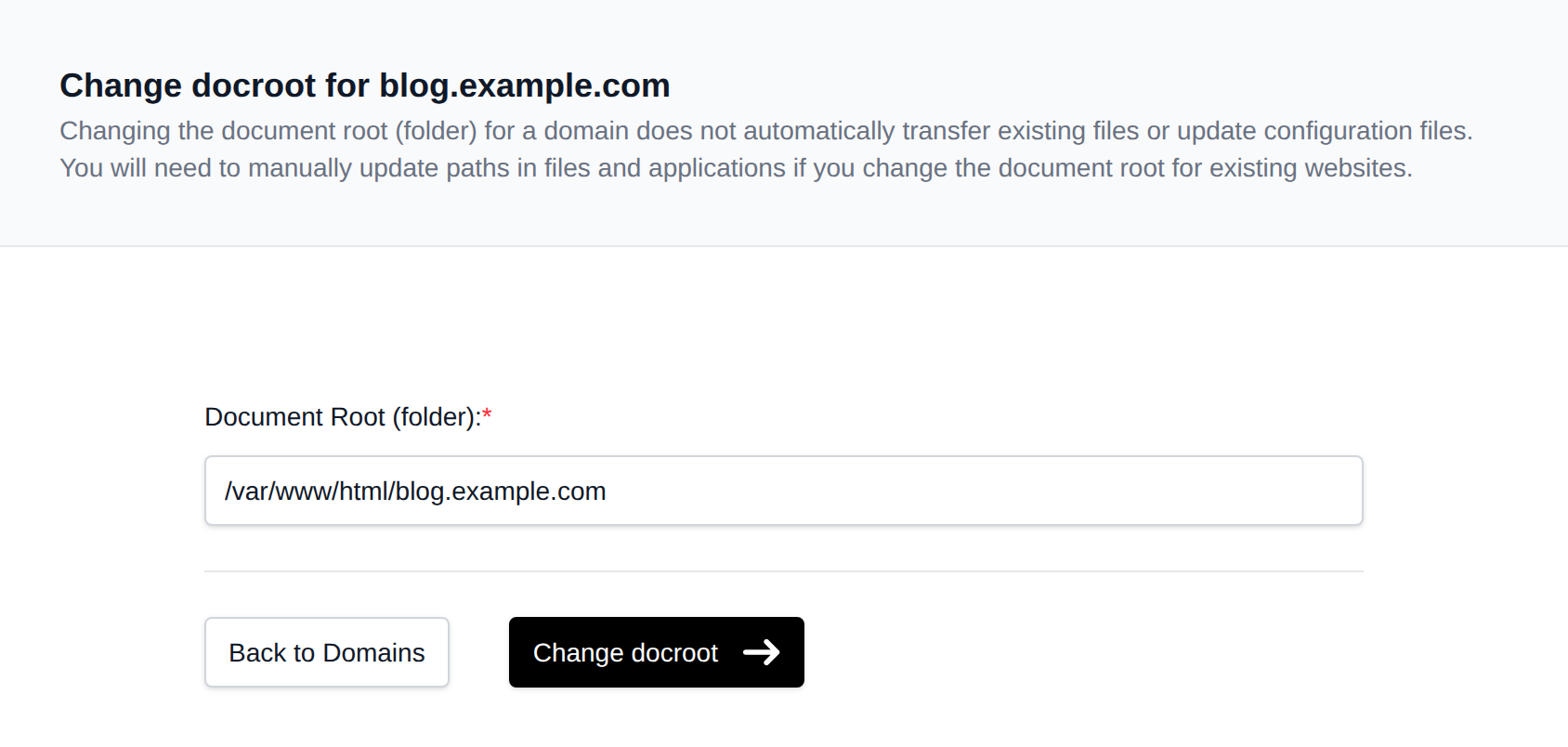
OpenPanel will automatically update your web server configuration to reflect the new docroot.
Was this helpful?