Extensions
The PHP Extensions page lets you install, enable, and disable PHP extensions for each PHP version running on your account.
How to Manage Extensions
- Open OpenPanel and navigate to PHP > PHP Extensions.
- Select the PHP version you want to manage.
- On the extensions table, toggle an extension on or off.
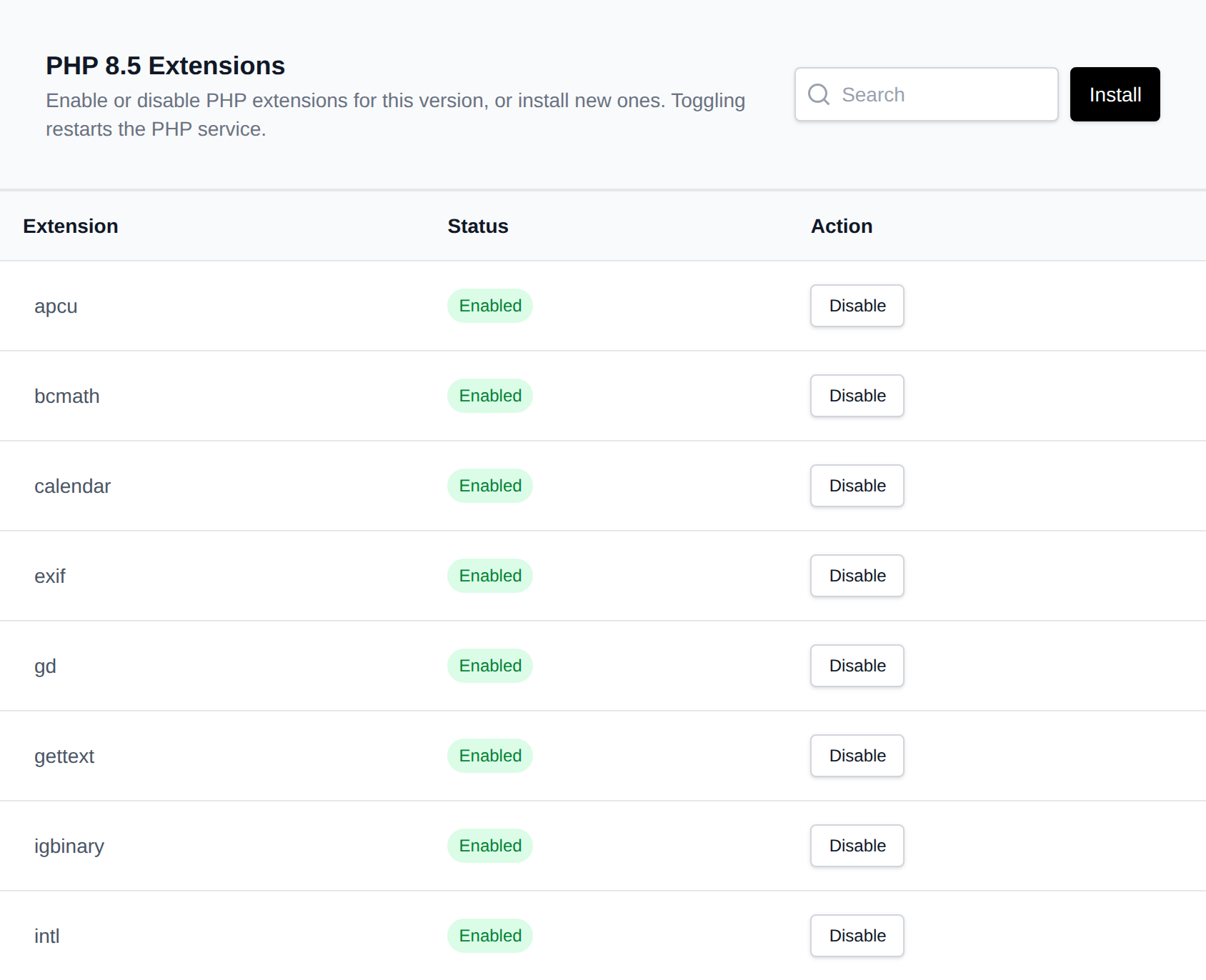
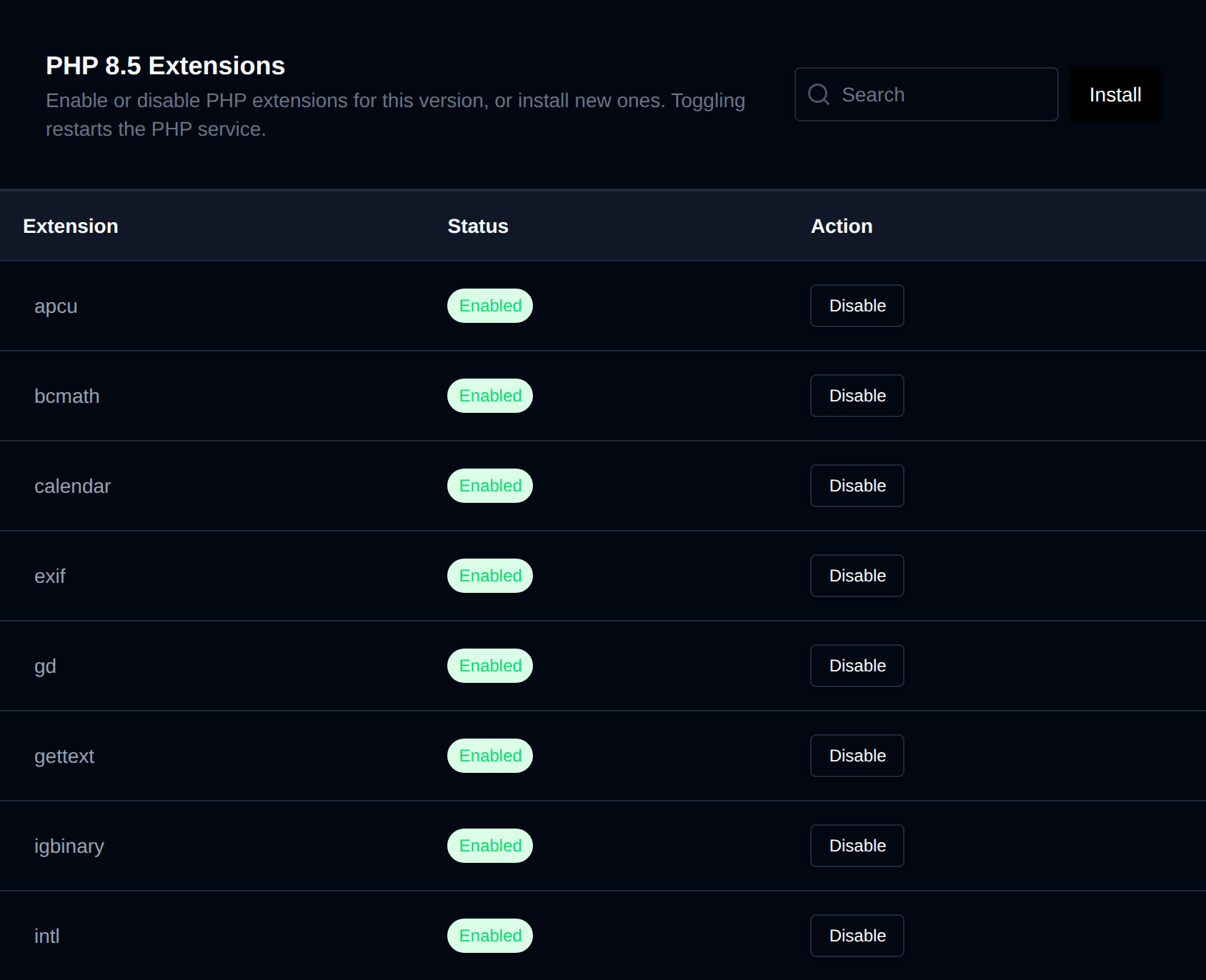
Toggling an extension restarts the PHP container for that version to apply the change — this affects all domains using it.
Installing New Extensions
Extensions not yet installed are shown as Not Installed. Use Install Extensions to select one or more extensions and install them; installation runs in the background and progress is shown on the page.
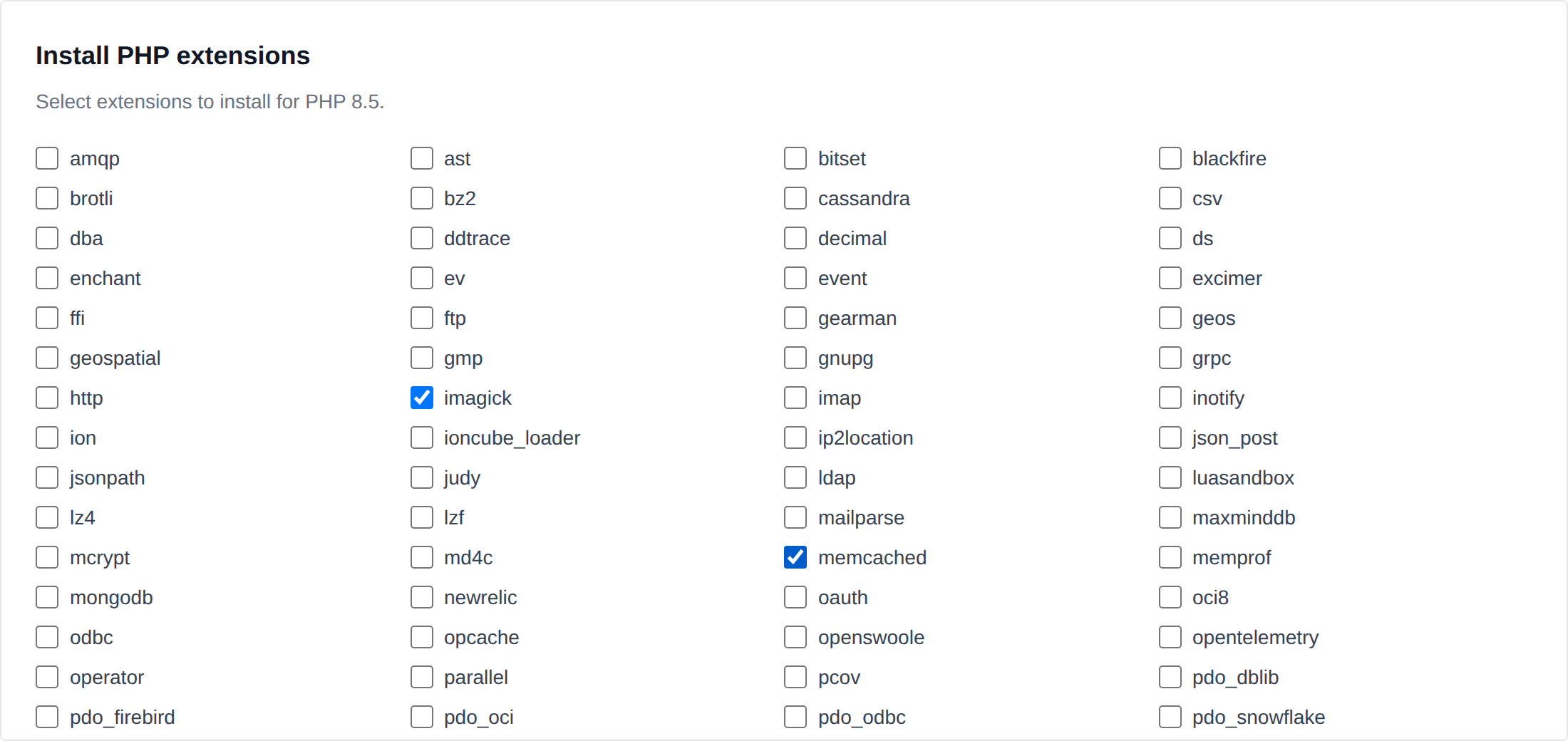
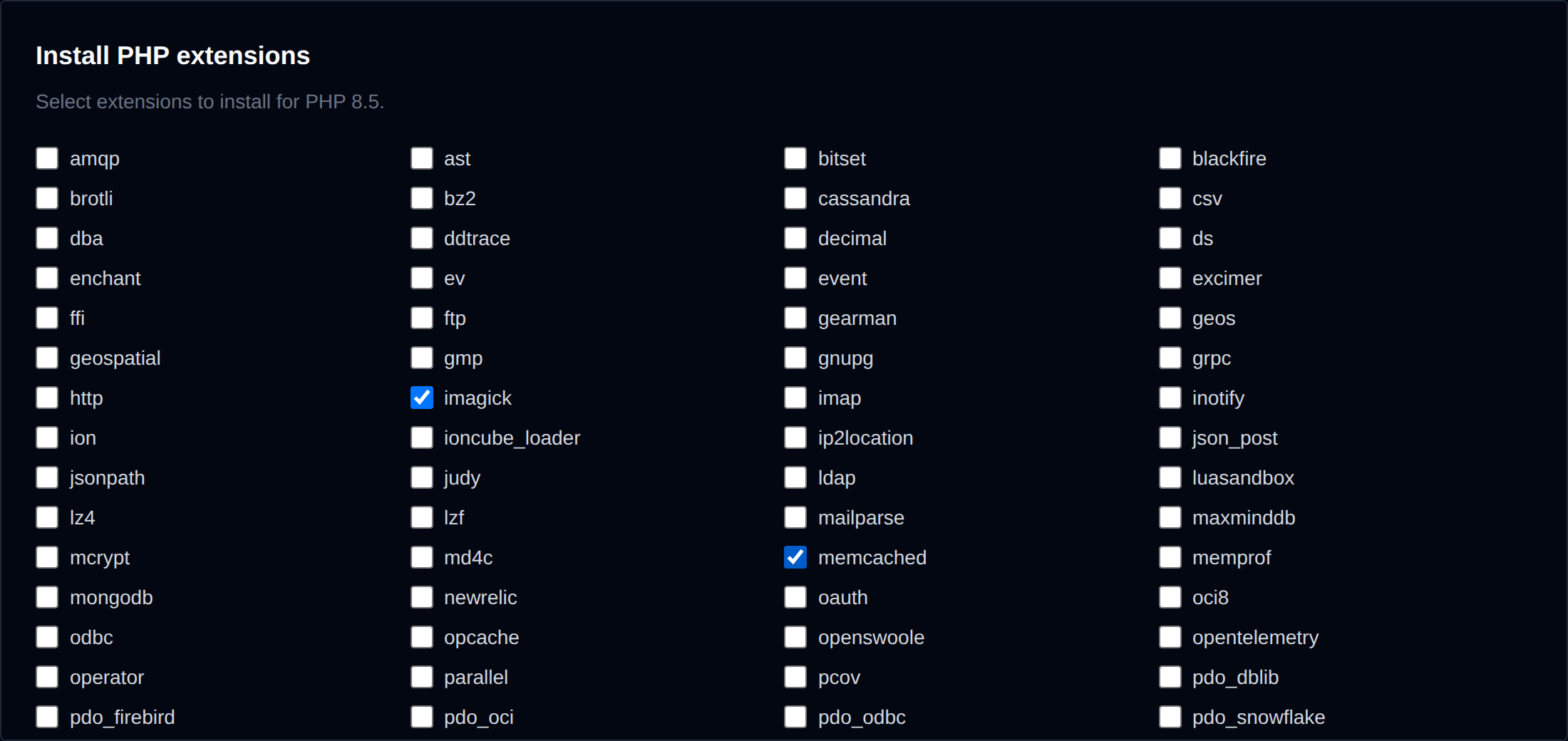
Only extensions supported by the selected PHP version are offered — the available list is pulled from the docker-php-extension-installer compatibility table (cached for 24 hours).
A history of recently removed extensions is kept per PHP version, so you can see what was previously installed even after it's been uninstalled.
On OpenLiteSpeed accounts, extensions are managed the LiteSpeed way and the available list may differ slightly from the Nginx/Apache/OpenResty extensions table.