Version: 2.0.10
Email Accounts
If the Emails module is enabled on the server and your user account has access, you'll see a table listing all current email accounts, the total number of accounts, a search bar, and an option to add a new account.
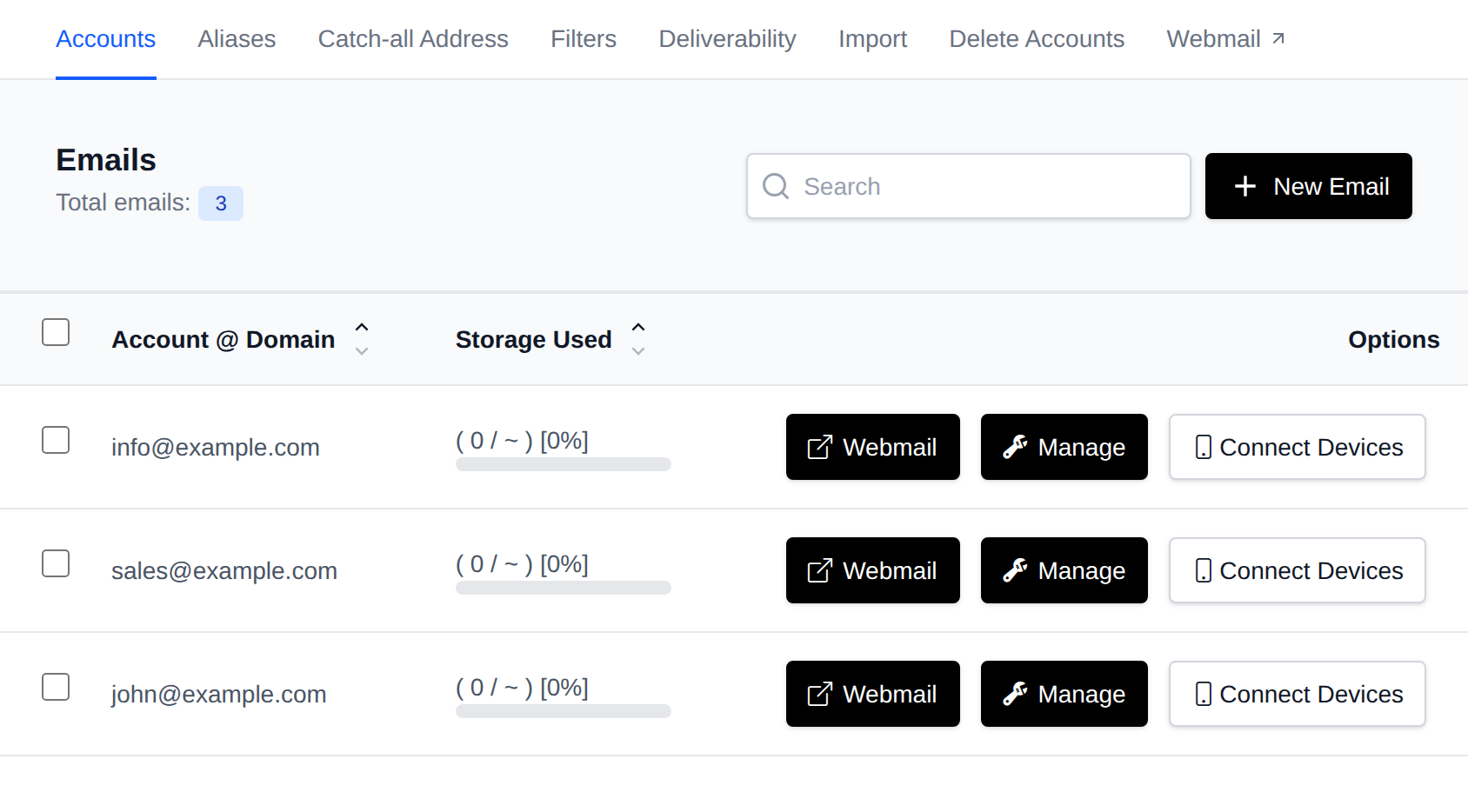
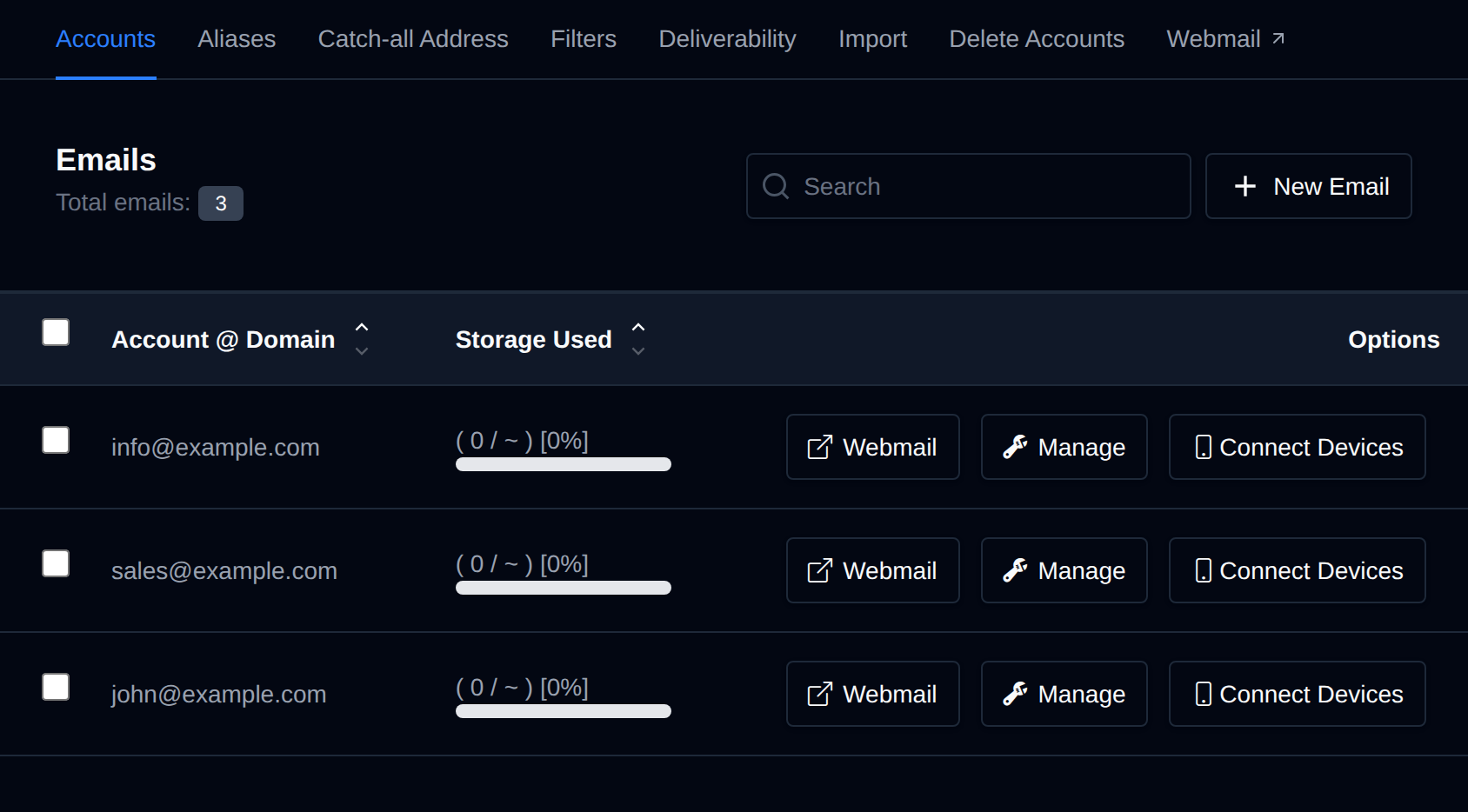
- The total number of email accounts is displayed at the top left.
- A search bar is available on the top right for quick filtering.
From this interface, you can view all your email accounts and their details:
- Account @ Domain: the full email address
- Storage Used: quota usage with a percentage indicator (unit depends on the mailbox's allocated quota: KiB, MiB, GiB, or TiB)
- Options: buttons for Webmail, Manage, and Connect Devices
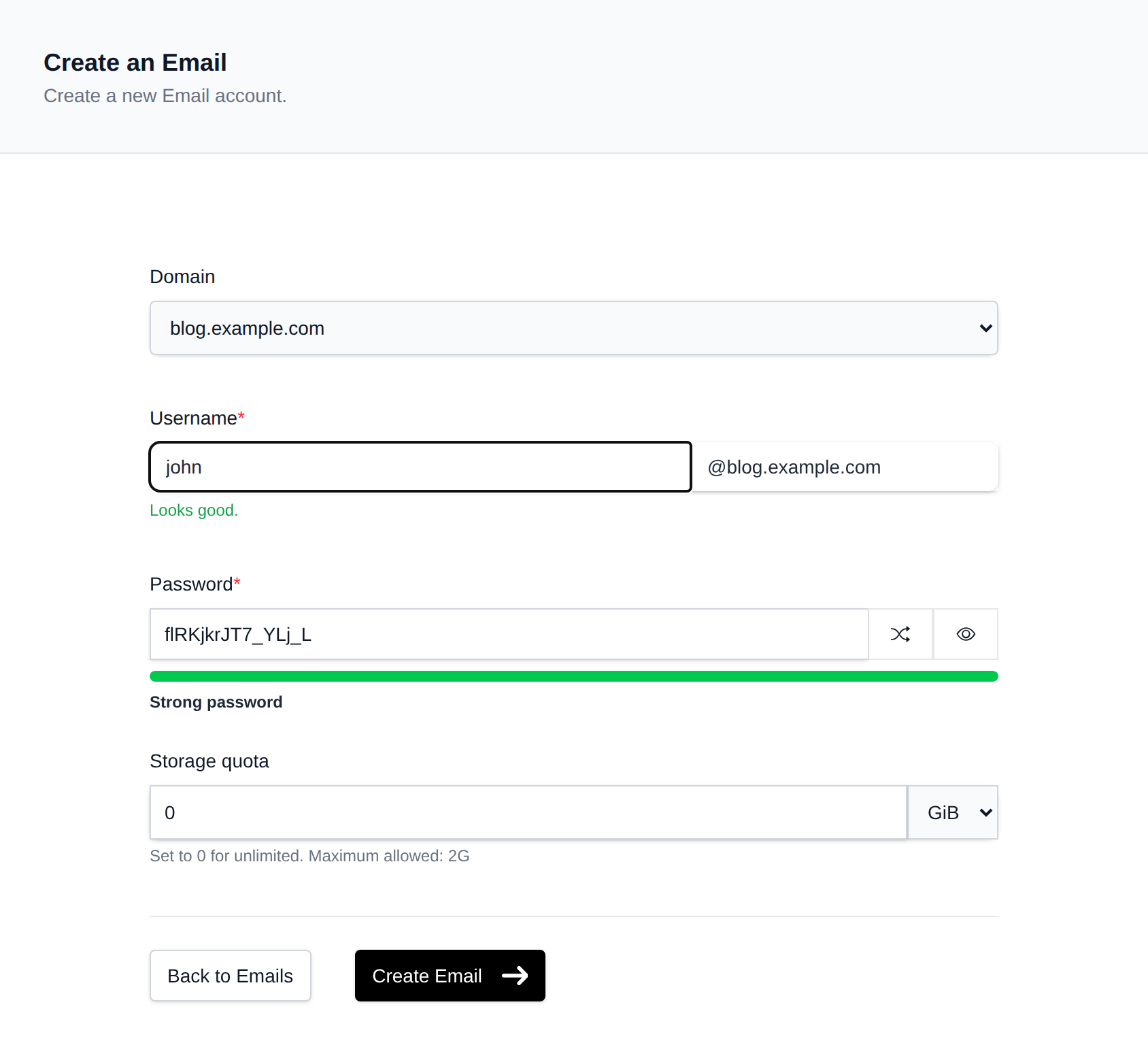
Create Email
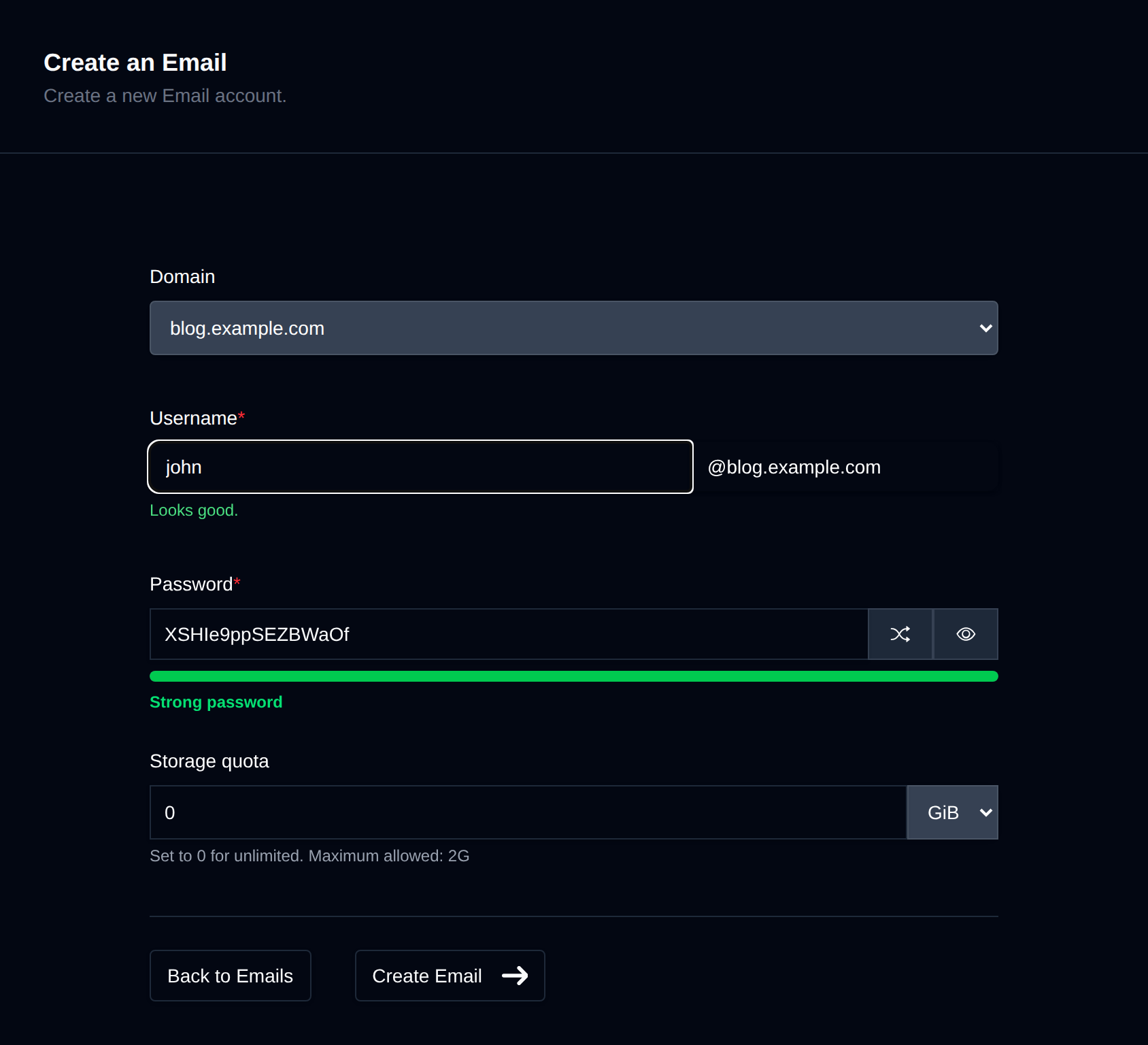
To create a new email account, click the New Email button.
Webmail
Clicking the Webmail link autologins you into an email address and opens the RoundCube Webmail client in a new tab.


Manage
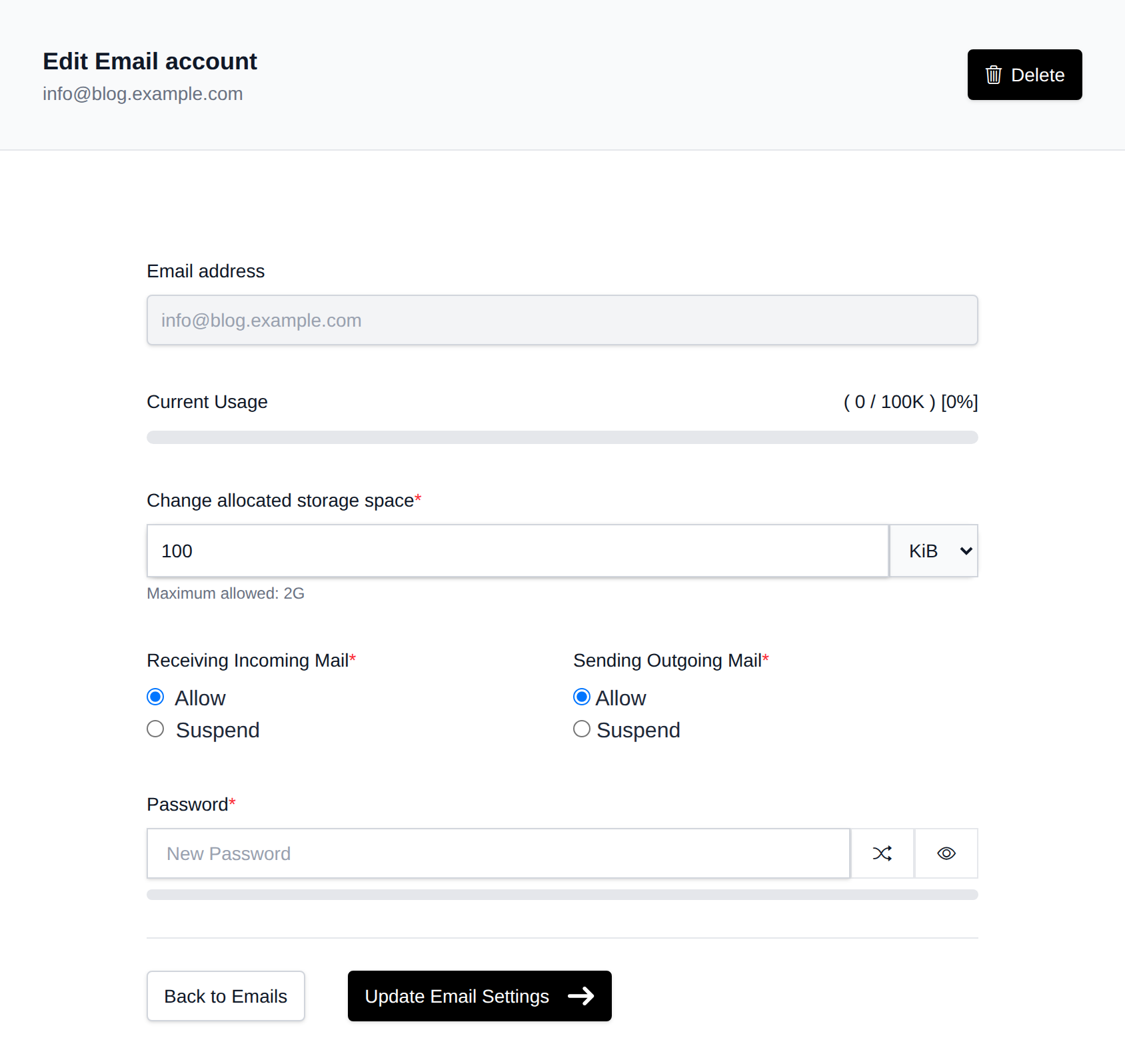
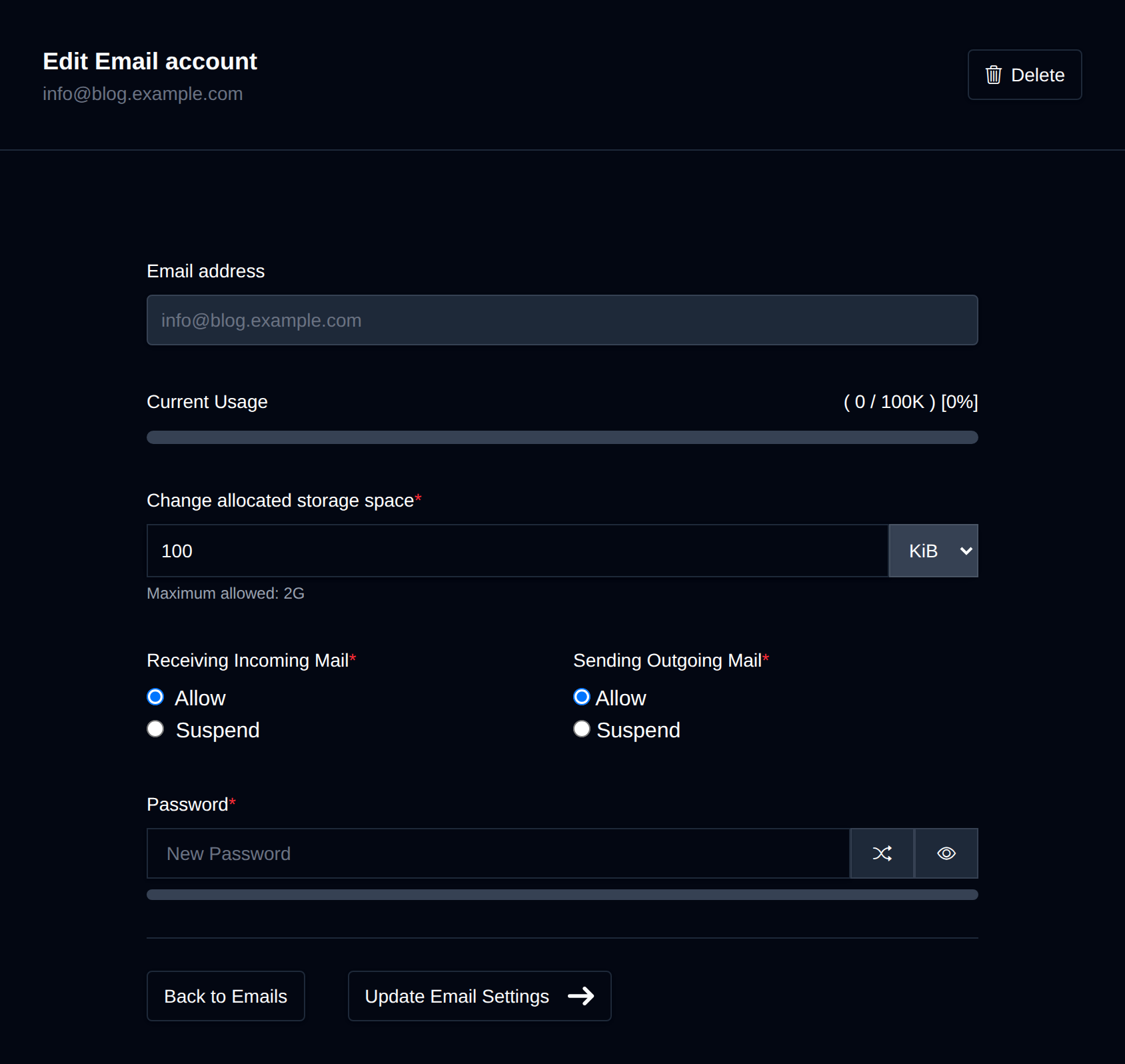
Clicking Manage for an account opens the management screen where you can:
- Change the account password
- Update storage quota
- Suspend incoming and/or outgoing emails
Connect Devices
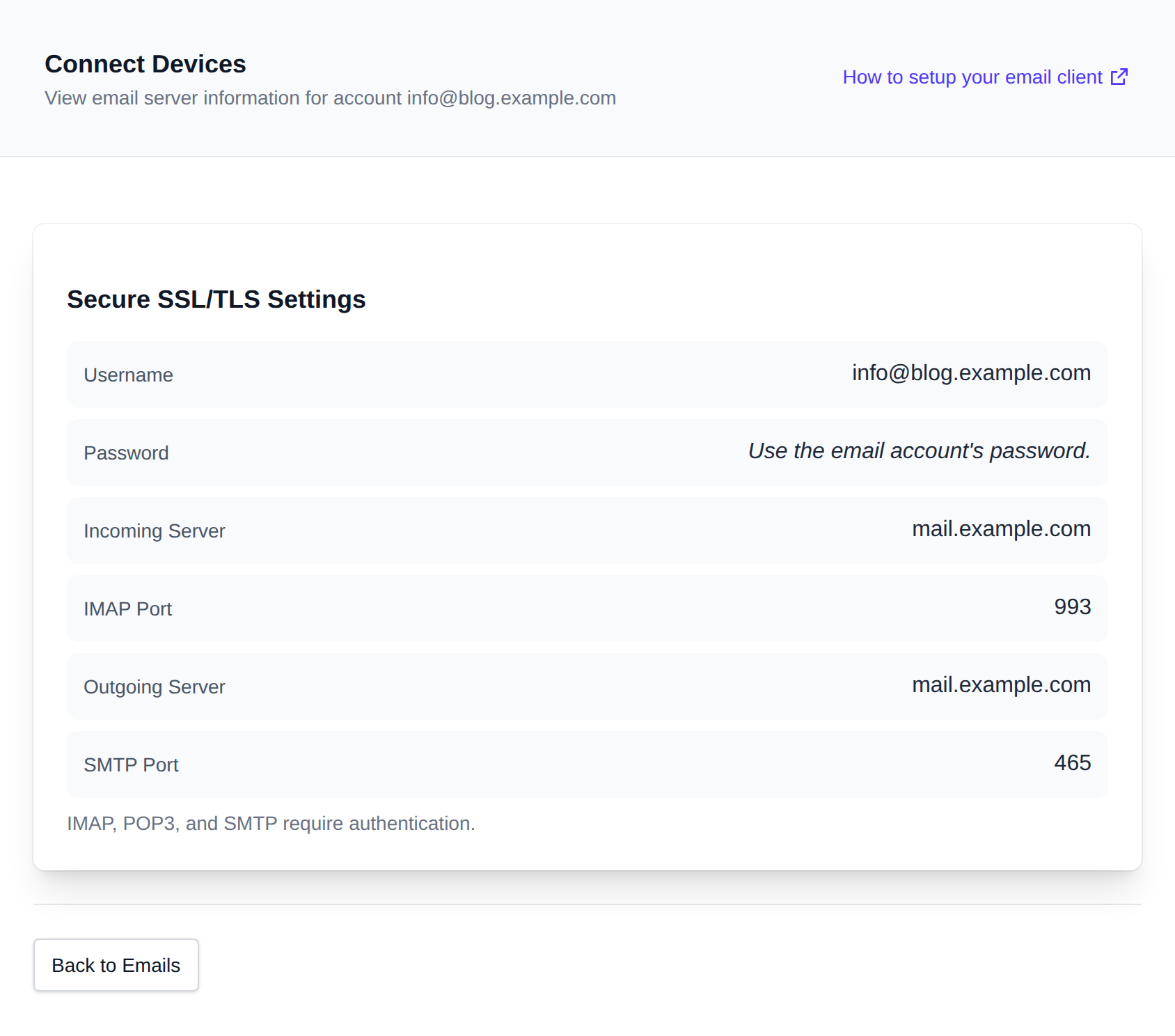
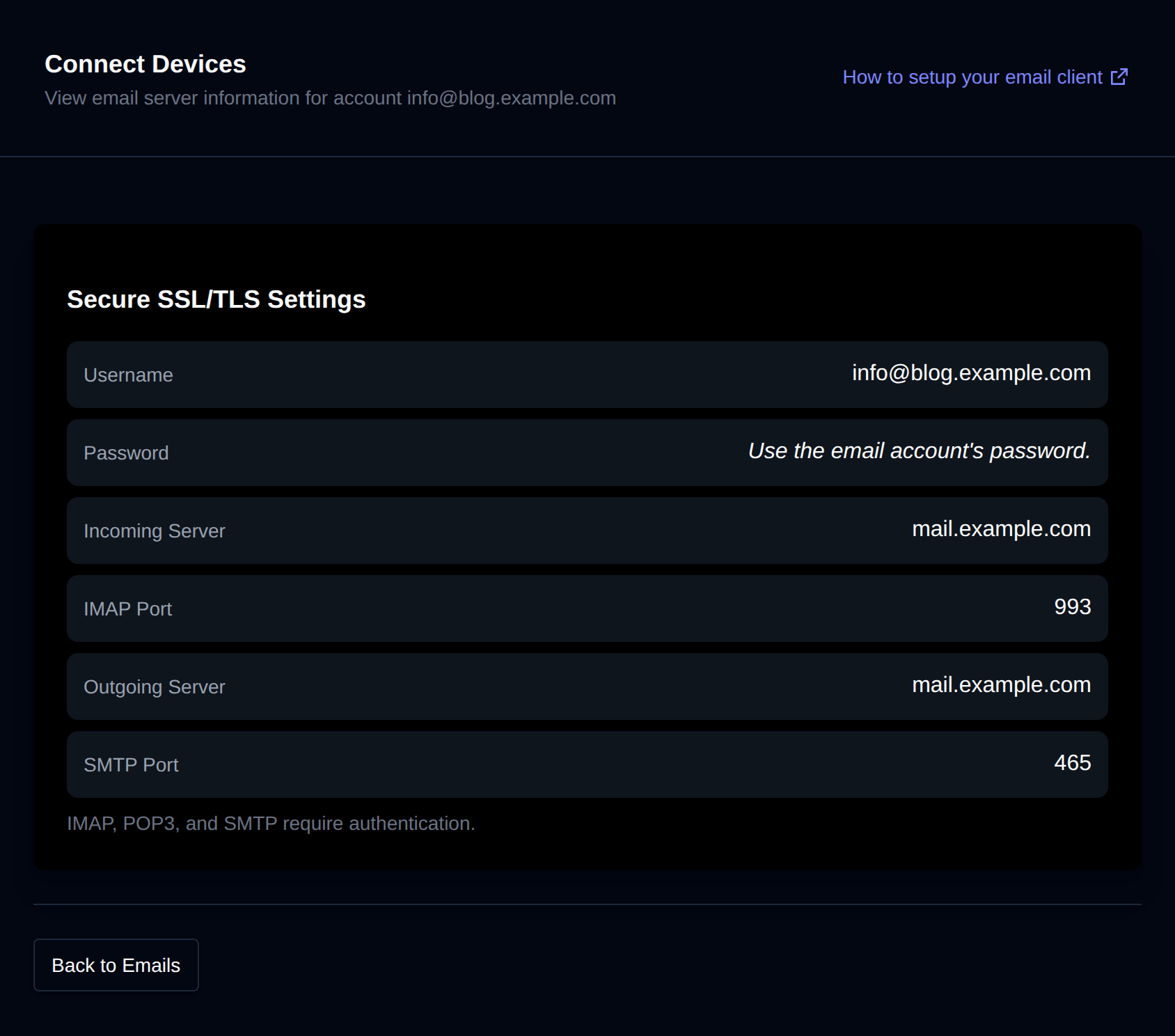
Click Connect Devices to view the email server settings for that account.
Specific guides on how to set an email client using a specific device or service:
Was this helpful?