Version: 2.0.10
Aliases
An alias forwards mail from a non-existing address to one or more destinations. Recipients can be local or external.
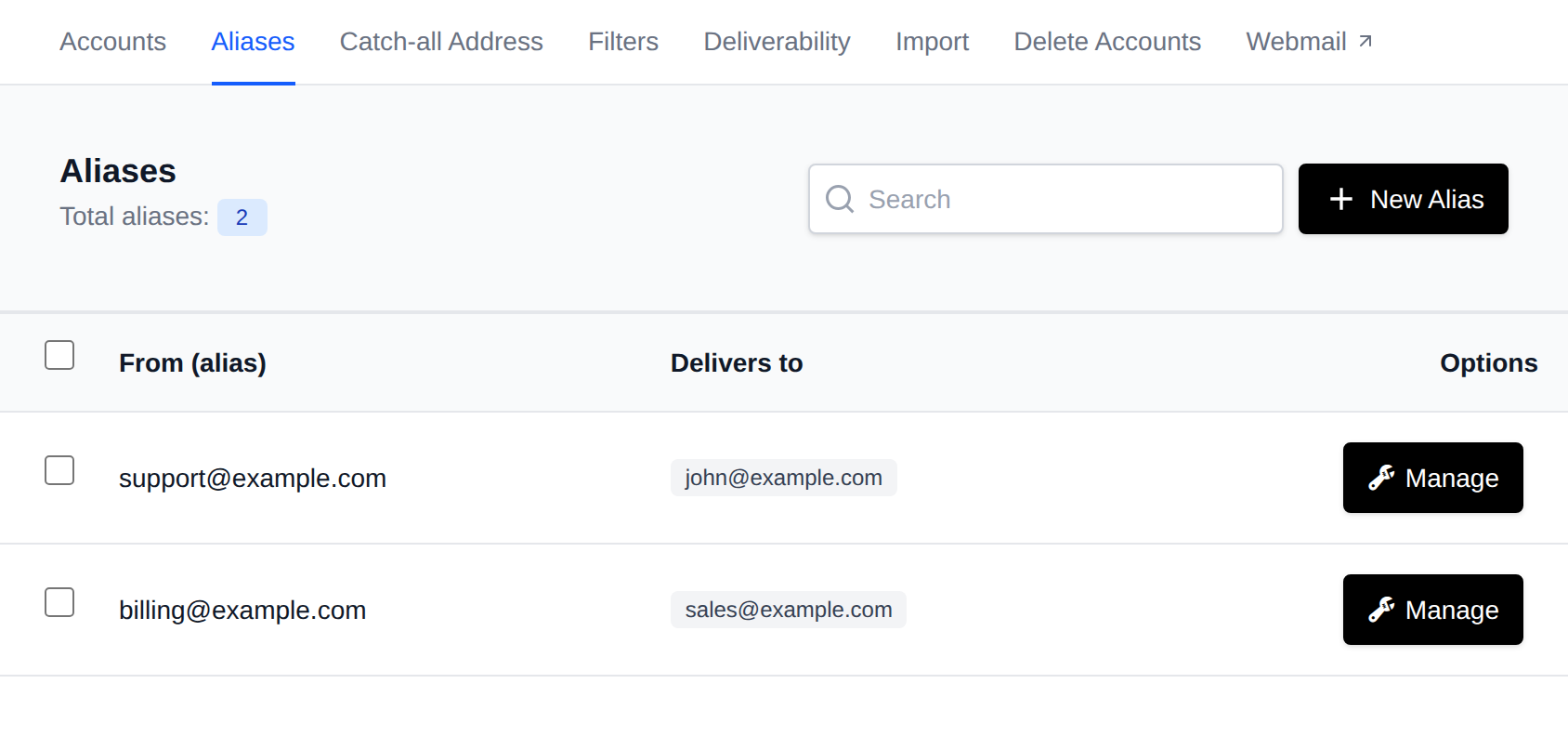
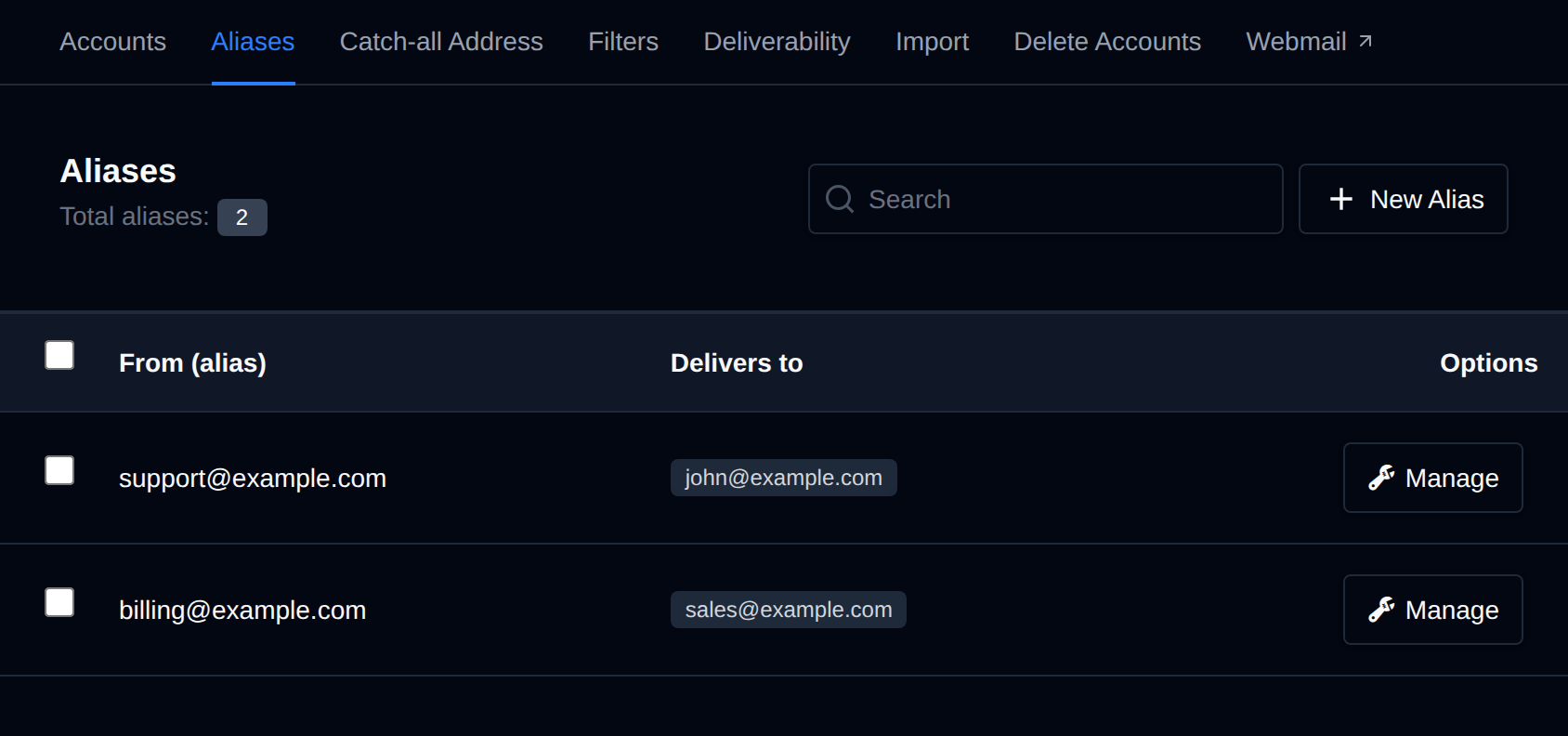
Aliases are managed via Postfix. Each alias has one source address and one or more destination addresses. Mail sent to the alias is forwarded to all configured destinations: the alias itself does not store any mail.
Creating an Alias
-
Go to OpenPanel > Emails > Aliases.
-
Click New Alias.
-
Fill in the form:
Field Description Domain The domain the alias will belong to (e.g. yourdomain.com)Alias address The local part of the alias (e.g. info→[email protected])Destination address The address that mail will be forwarded to -
Click Create Alias.
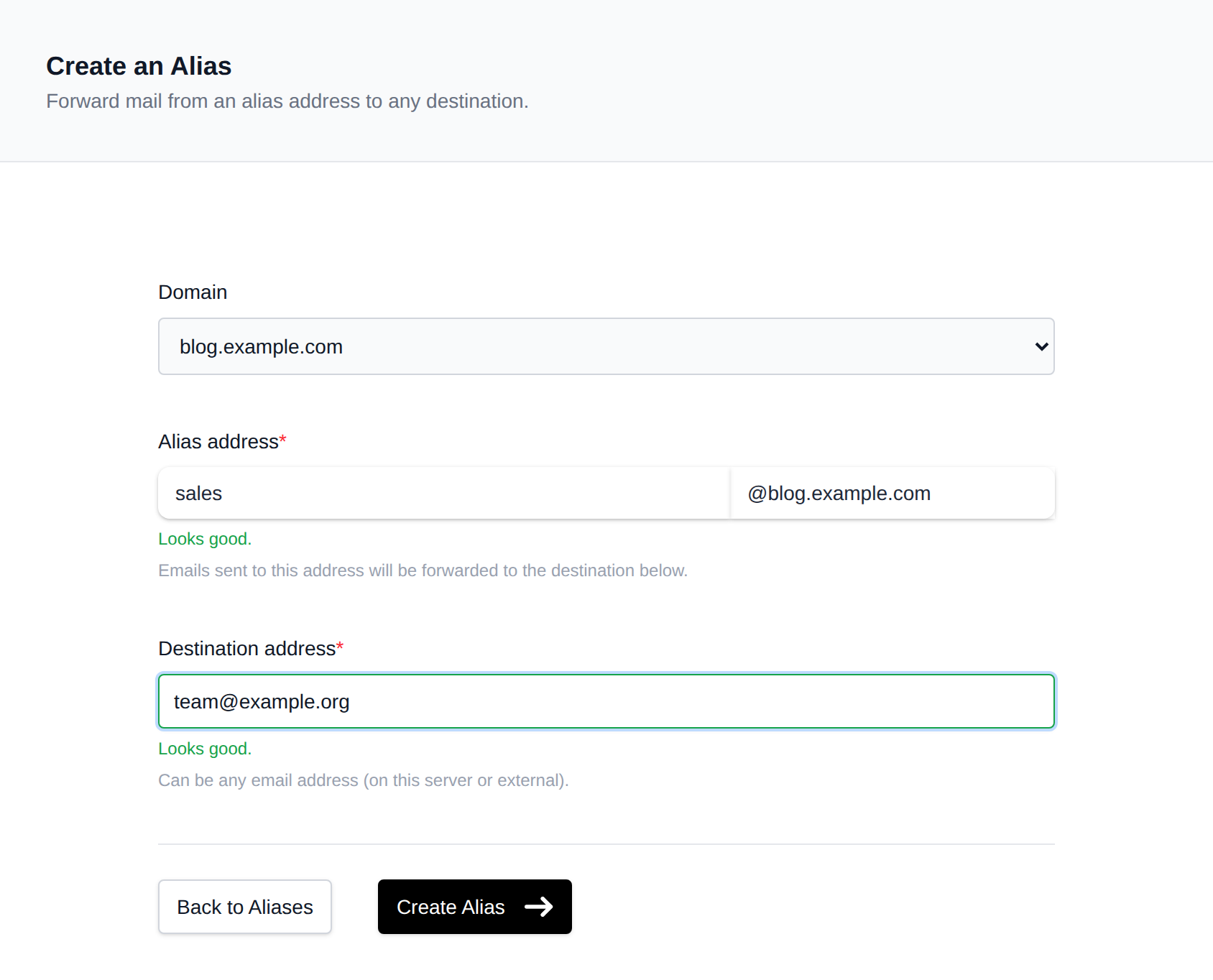
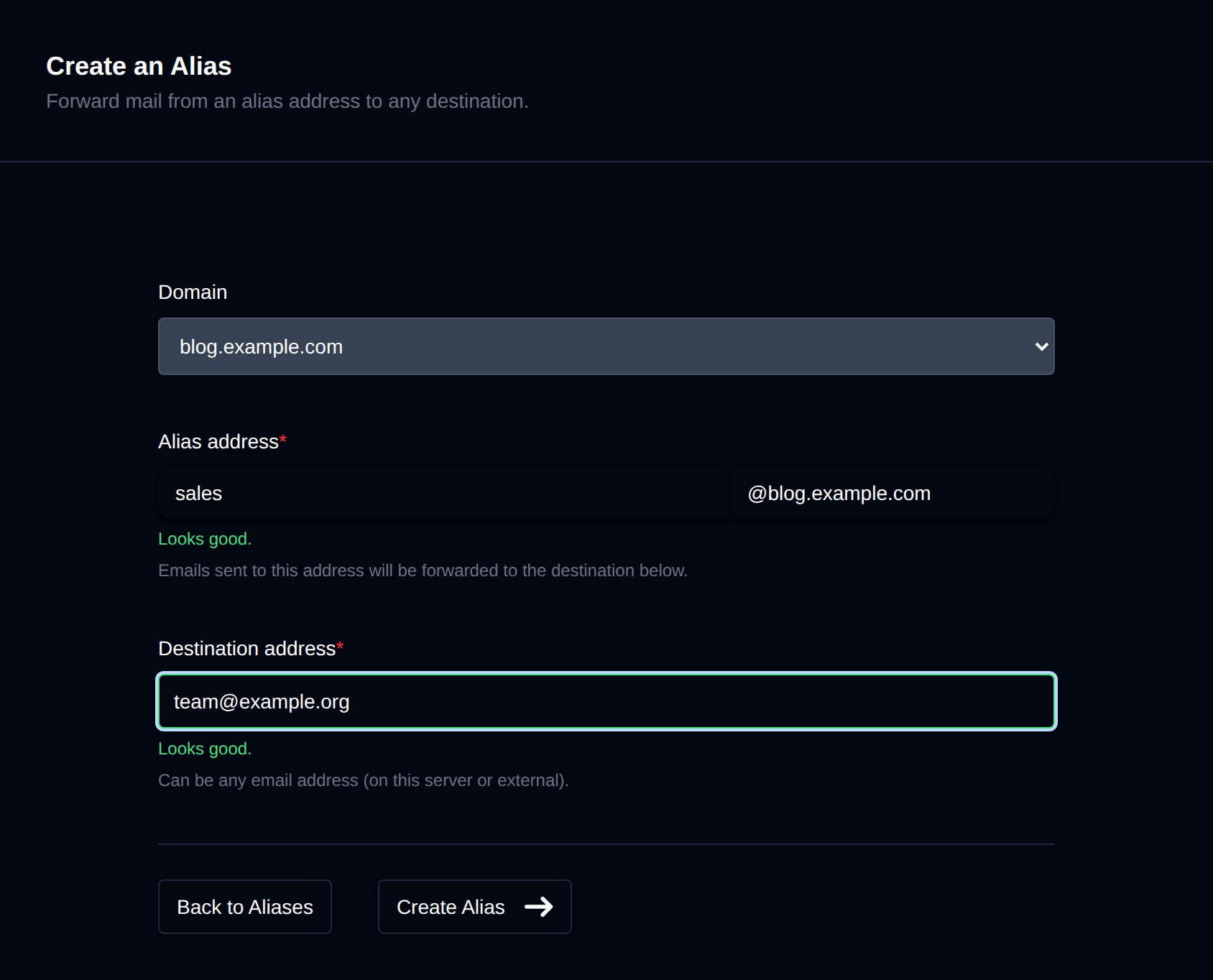
The destination can be any valid email address, either on this server or external.
Managing an Alias
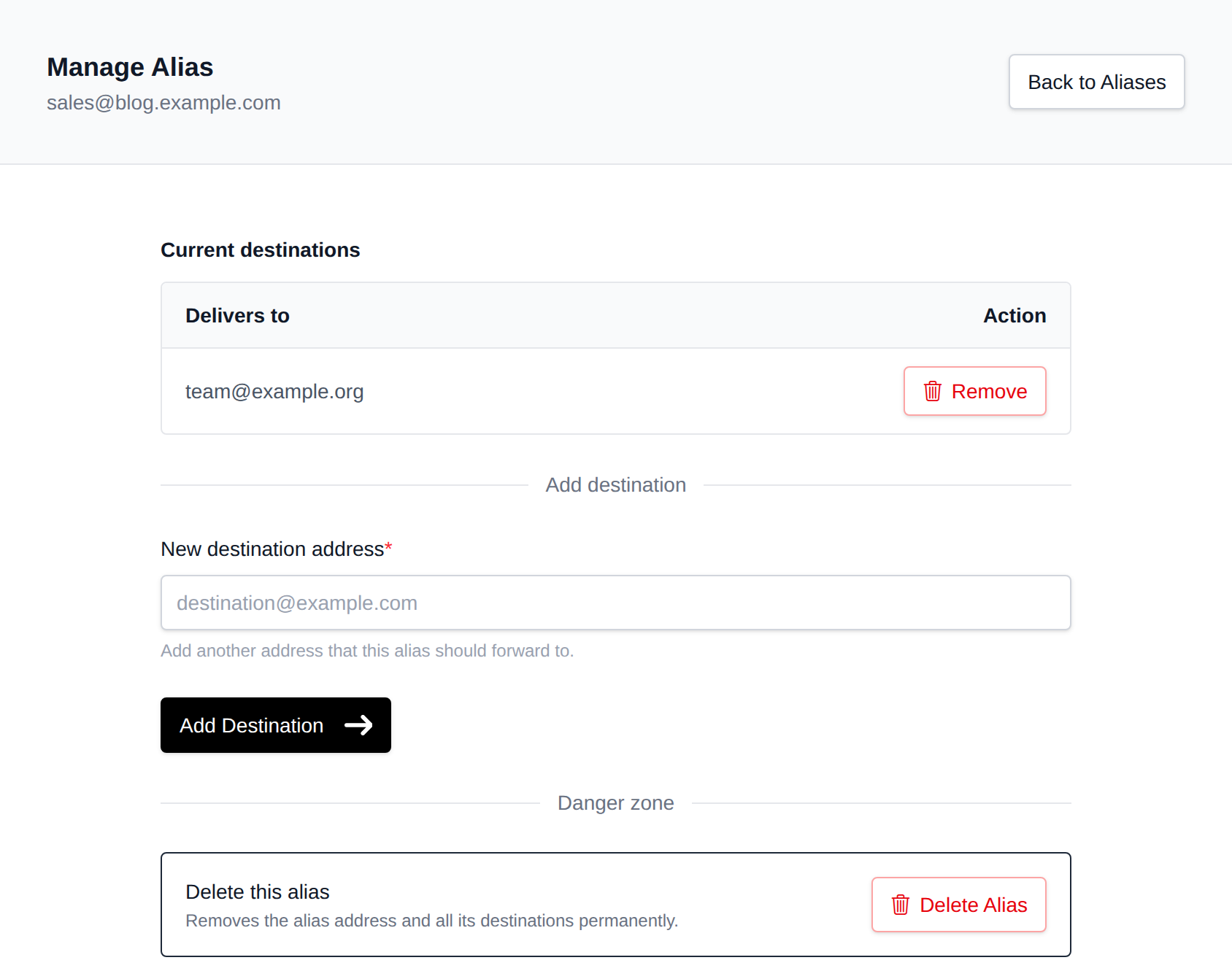
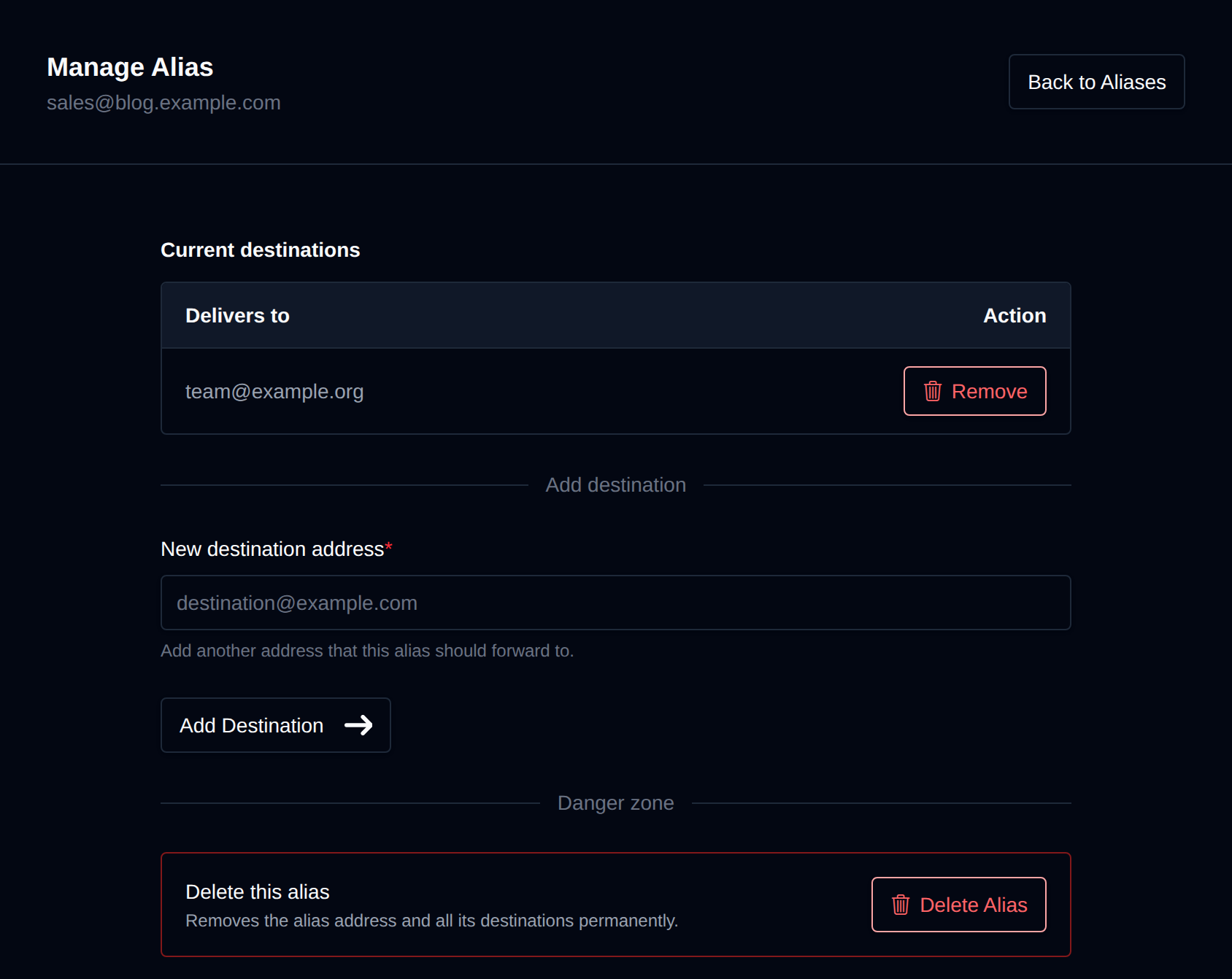
Click Manage next to any alias to open its detail page. From there you can:
- Add a destination: enter an email address and click Add Destination. A single alias can forward to multiple addresses simultaneously.
- Remove a destination: click Remove next to any destination. If all destinations are removed the alias stops delivering mail.
- Delete the alias: permanently removes the alias address and all its destinations. This cannot be undone.
Was this helpful?