Version: 2.0.10
Upload from Device
The Upload from Device page allows you to easily upload files from your local device to a selected directory on the server.
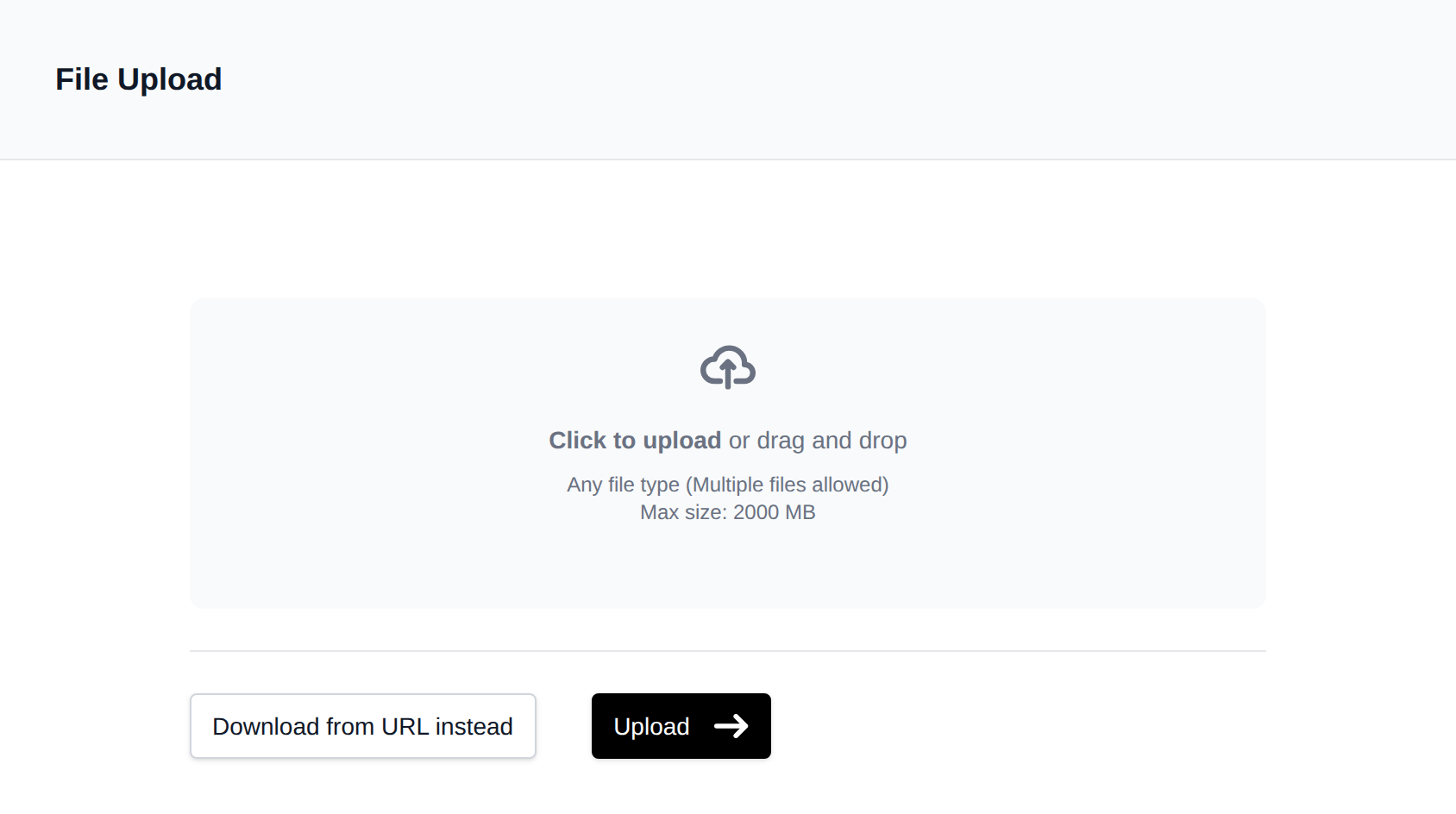
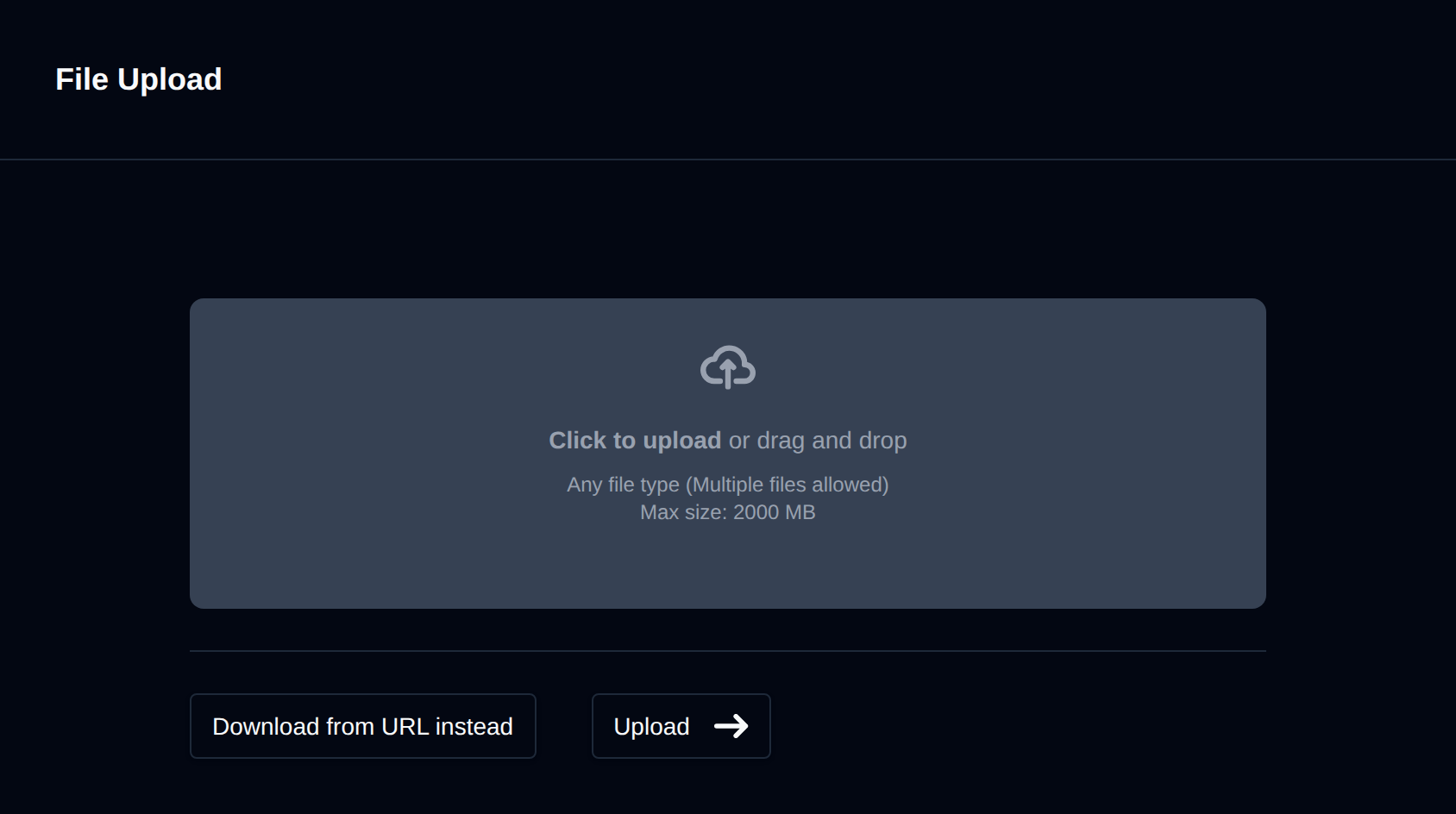
To upload:
- Navigate to the desired directory.
- Click the Upload button.
- Drag and drop files or select them manually from your device.
- Click Upload to begin.
A progress bar will display the status of each file. You can upload multiple files at once.
⚠️ The upload size limit is configured by the administrator.
For large files (over 1GB), we recommend using FTP or the Download from URL feature instead.
Was this helpful?