Version: 2.0.10
Change Language
You can customize your experience by selecting your preferred language.
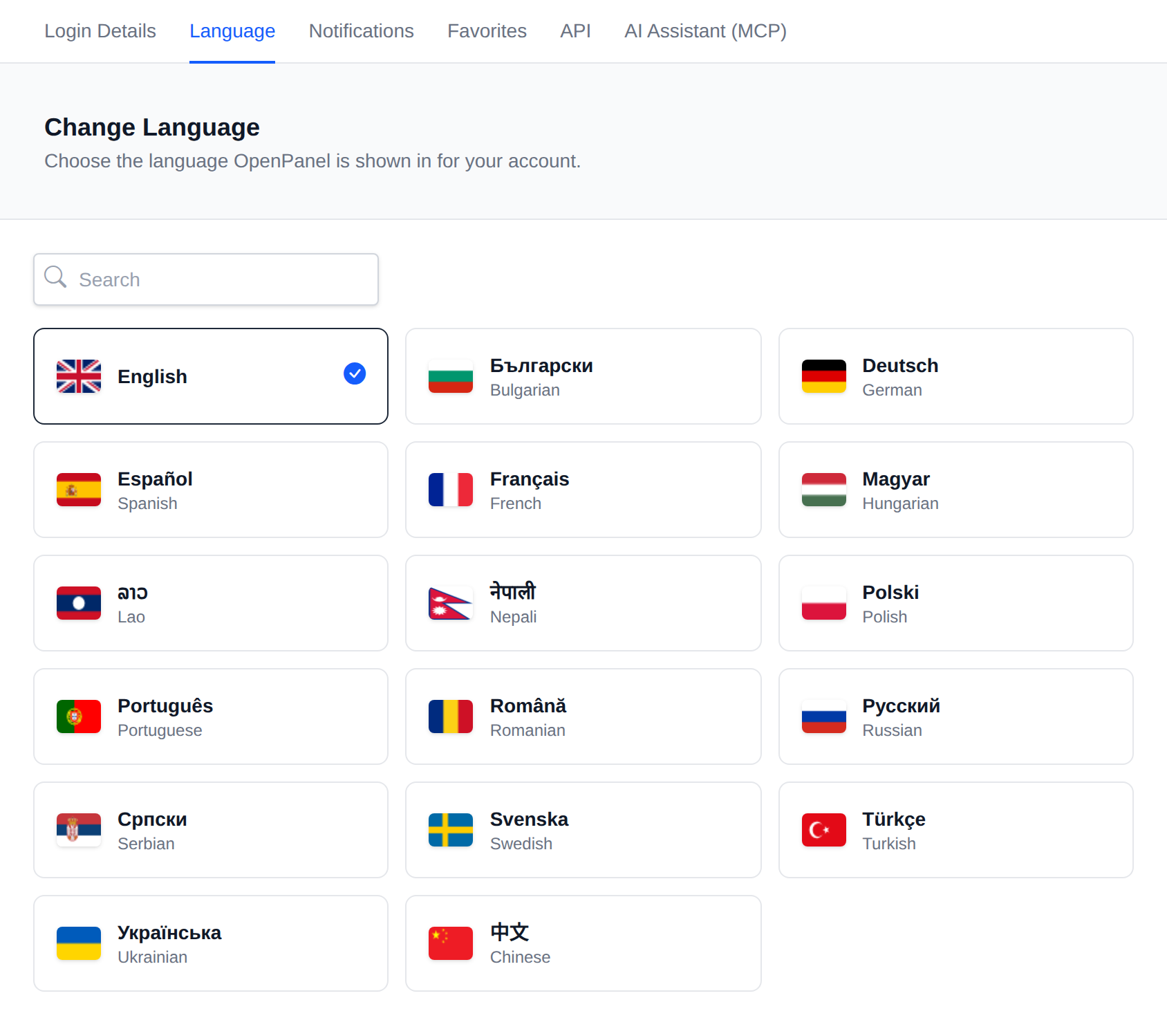
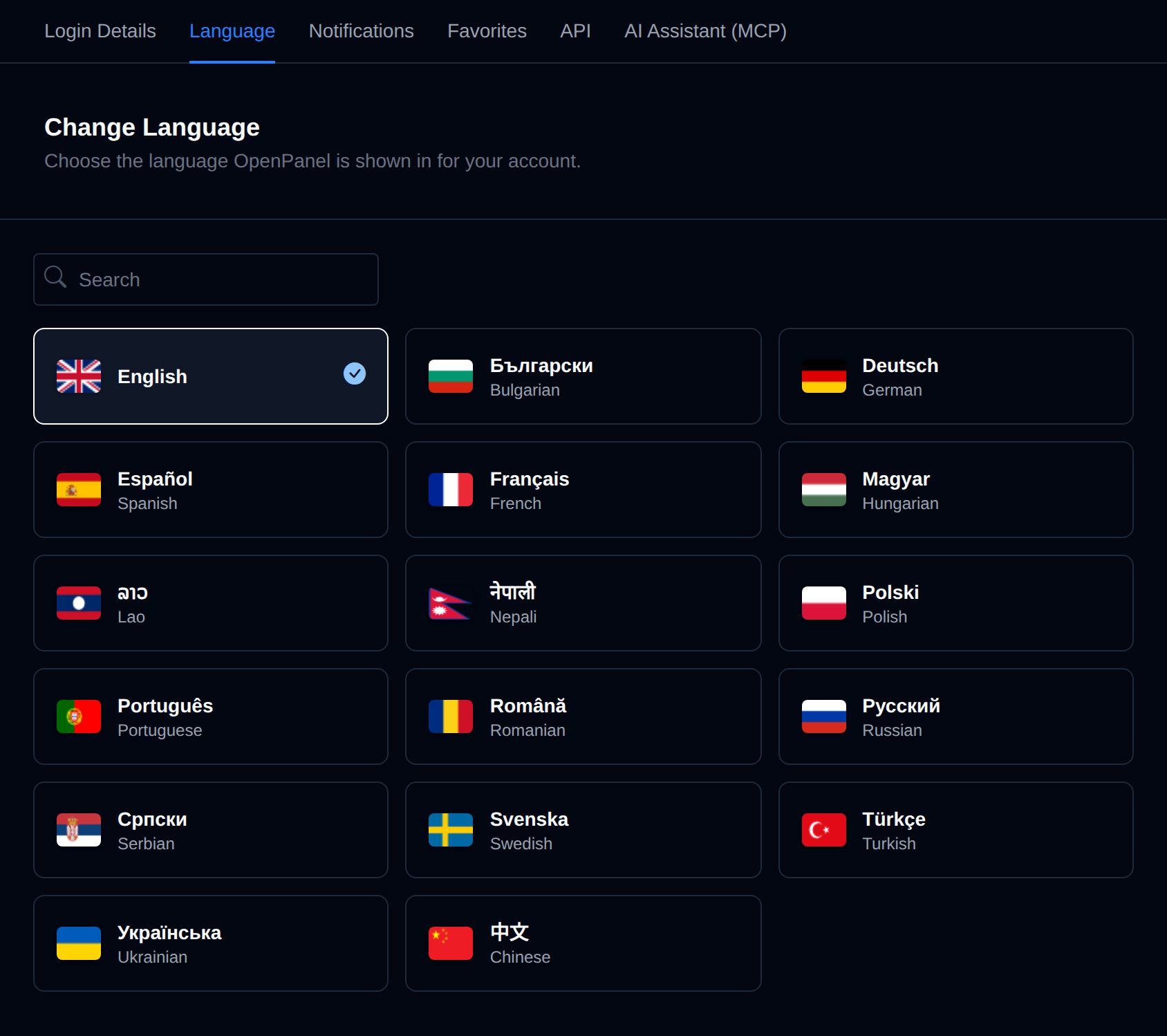
Changing Your Language
- Navigate to Account > Change Language.
- Select your desired language from the dropdown menu.
- The interface will immediately update to reflect your selection.
Available Languages
Languages are configured by Administrator from OpenAdmin > Settings > Locales
Missing a Language?
If your language is not available, you can help translate OpenPanel here to improve accessibility for everyone.
Was this helpful?