Databases
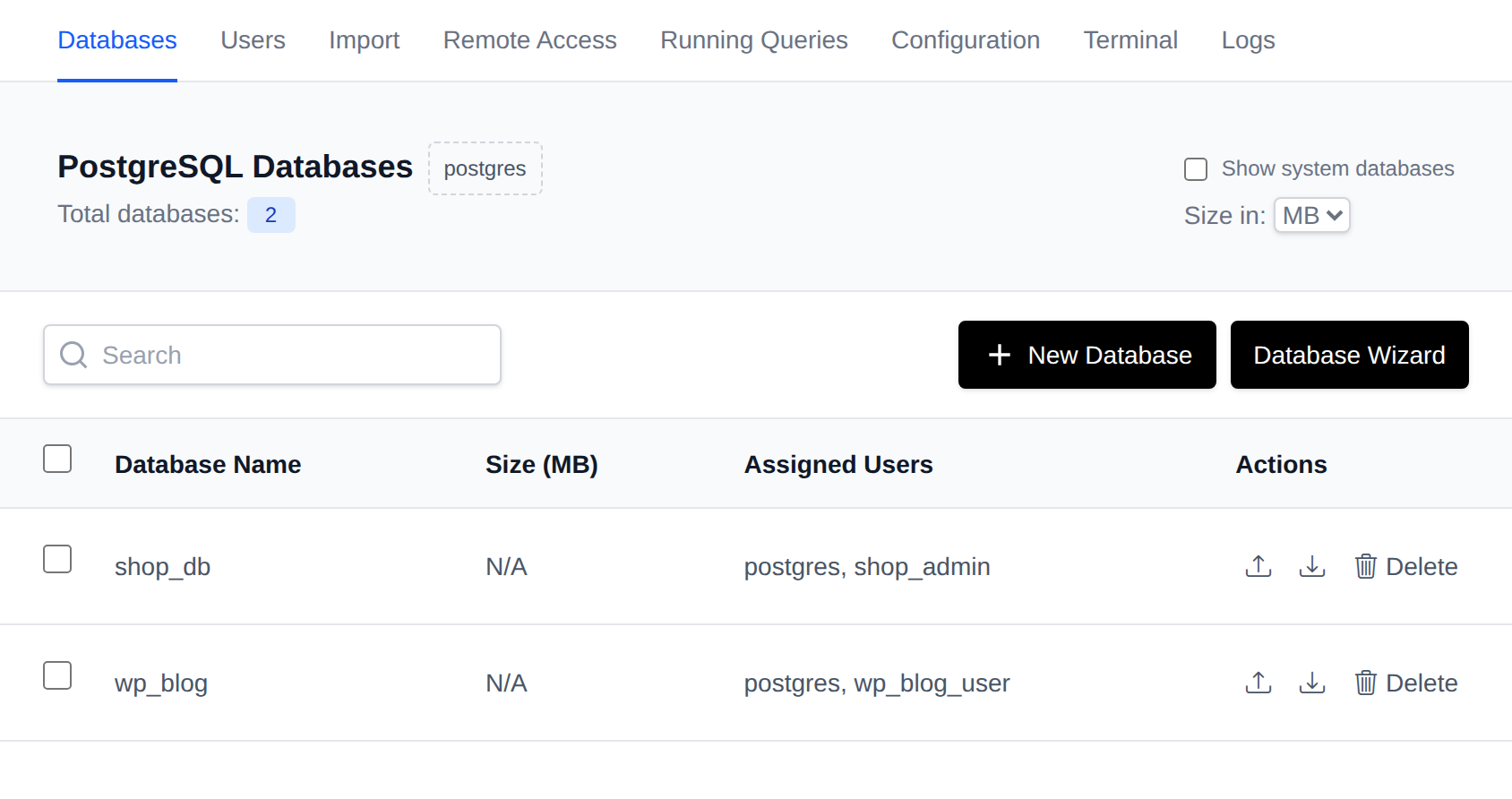
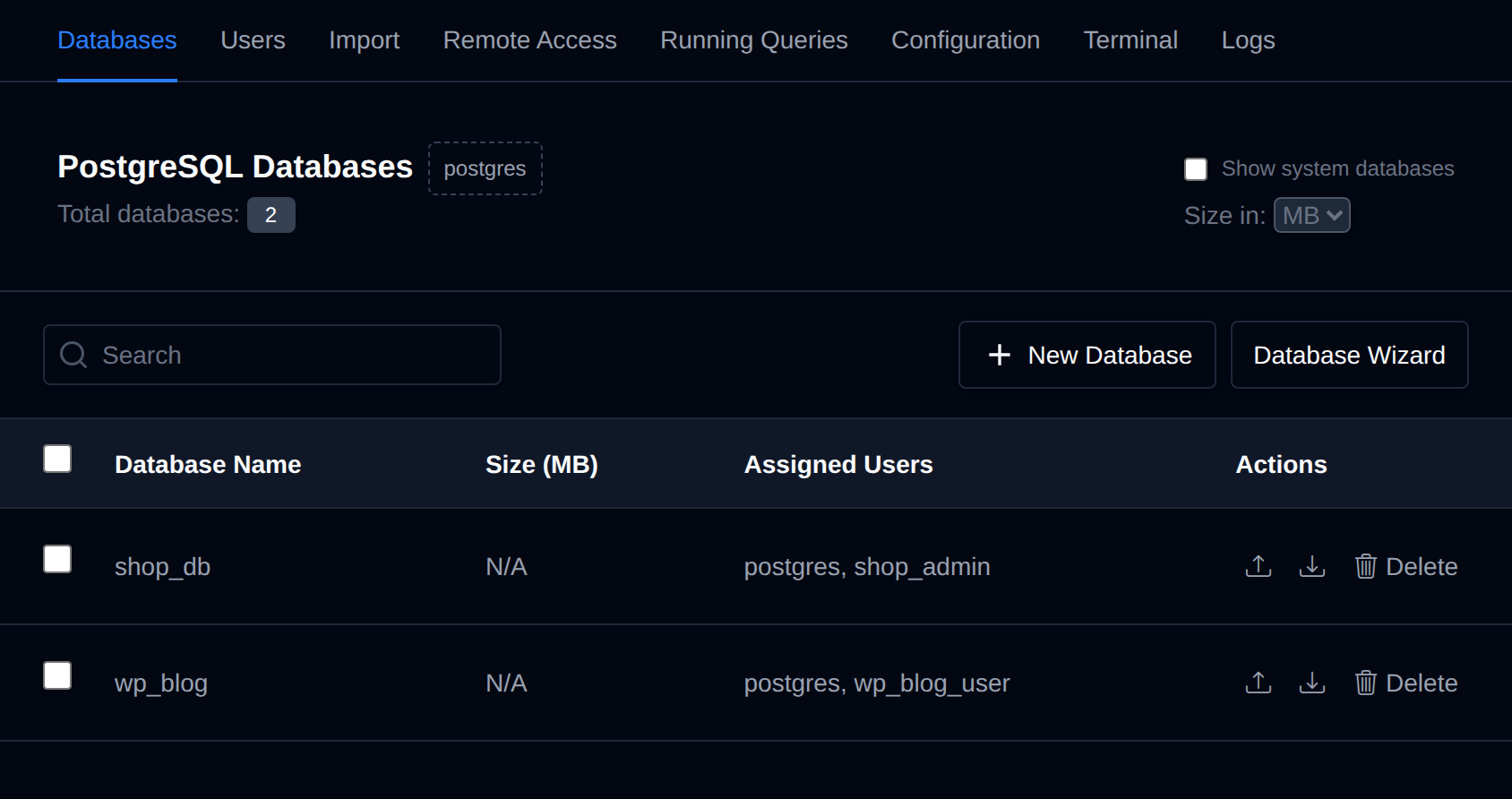
PostgreSQL databases are used to store and manage your application's data, making it accessible and organized for your applications and services.
On the Databases page, you can view and manage your PostgreSQL databases.
The page provides a table containing the users databases, along with options related to them:
- Databases: Here, you can view database sizes and all users assigned to each database.
Available options on the Databases page are:
- View Databases and assigned Users
- Create a new database
- Delete a PostgreSQL Database
System databases (postgres, template0, template1) are always listed separately and cannot be deleted or imported into. Use the Show system databases switch to display or hide them in the table.
Create a PostgreSQL Database
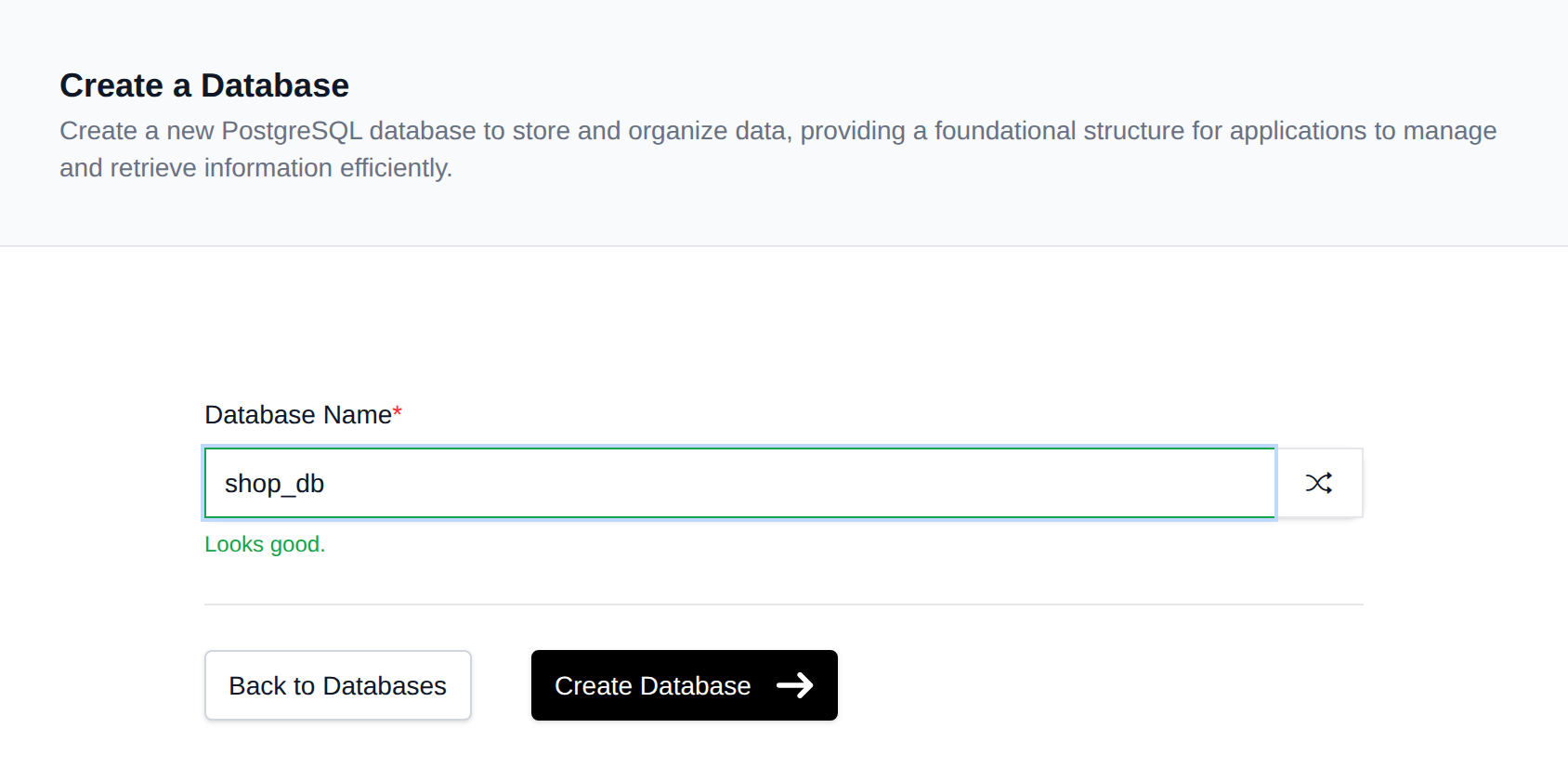
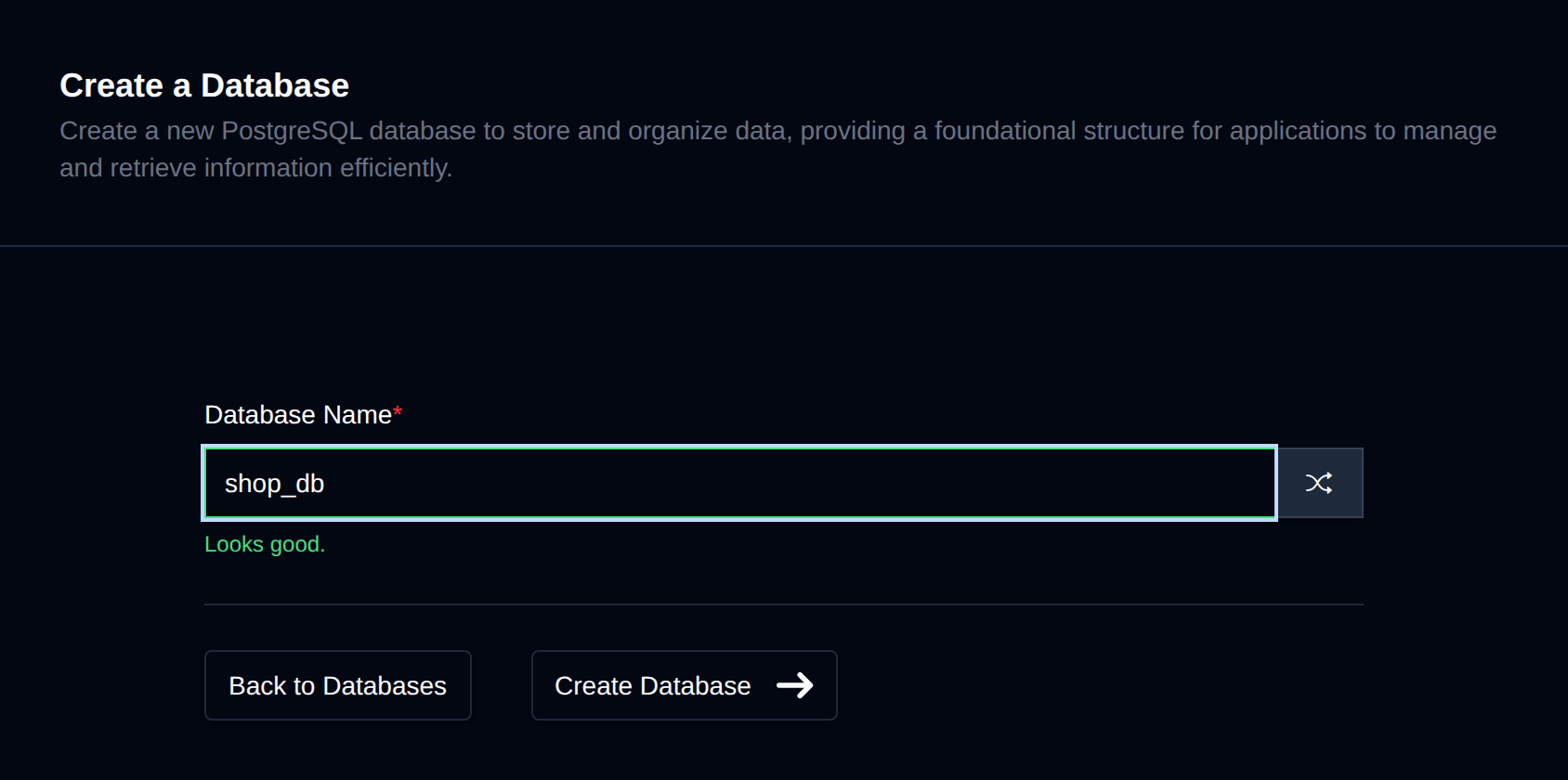
To create a new PostgreSQL database, click on the "New Database" button and fill in the name of the new database.
Delete a PostgreSQL Database
To delete an existing PostgreSQL database, click on the "Delete" button next to the database name in the table.
The button turns into Confirm with a 5-second countdown. Click it again before the countdown ends to delete the database; otherwise it reverts to Delete.


⚠️ Deleting a PostgreSQL database will permanently delete all tables and data for that database.
The New Database and Database Wizard actions are only available while the PostgreSQL service is running.