Version: 2.0.13
Change Language
You can customize your experience by selecting your preferred language.
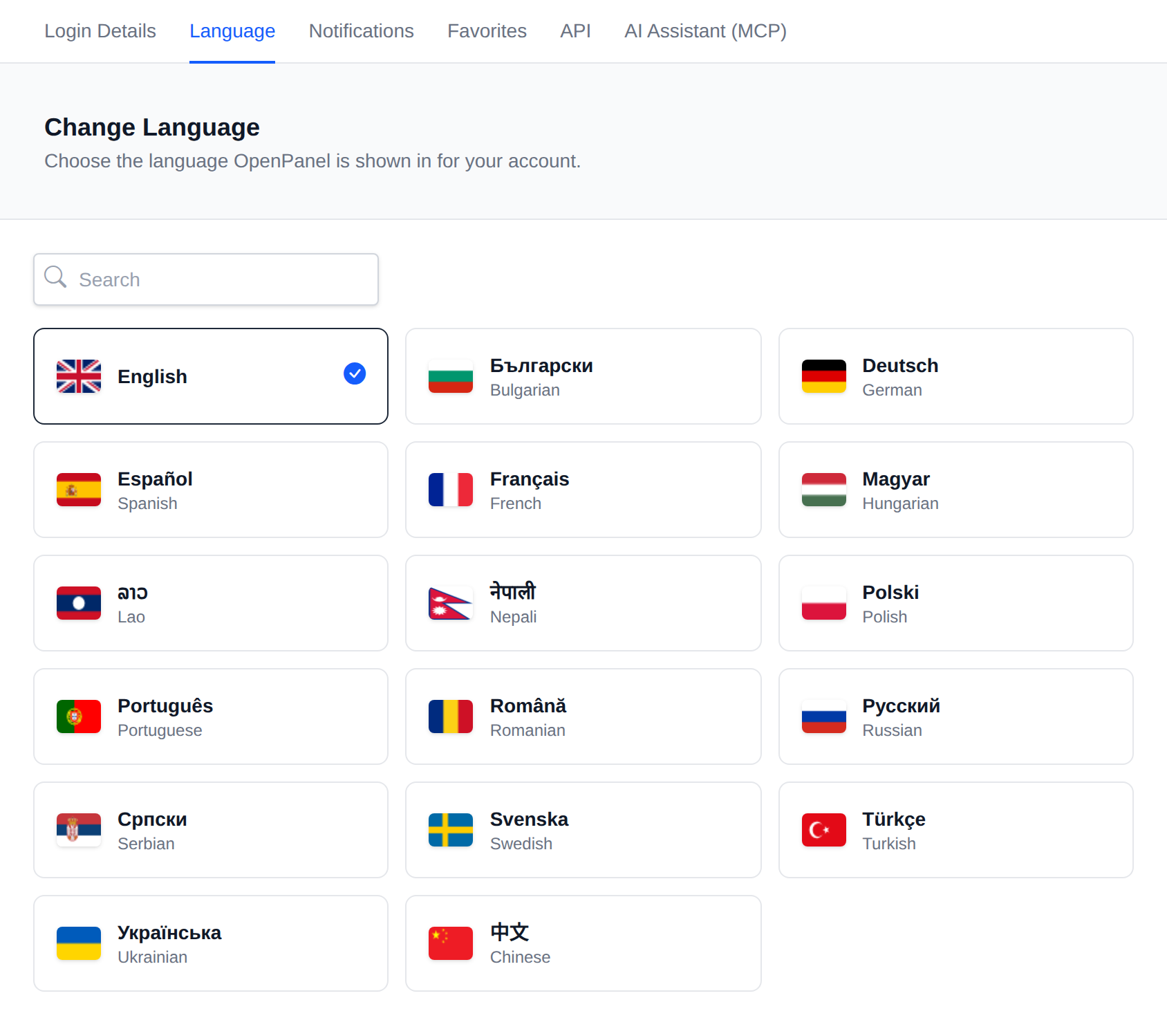
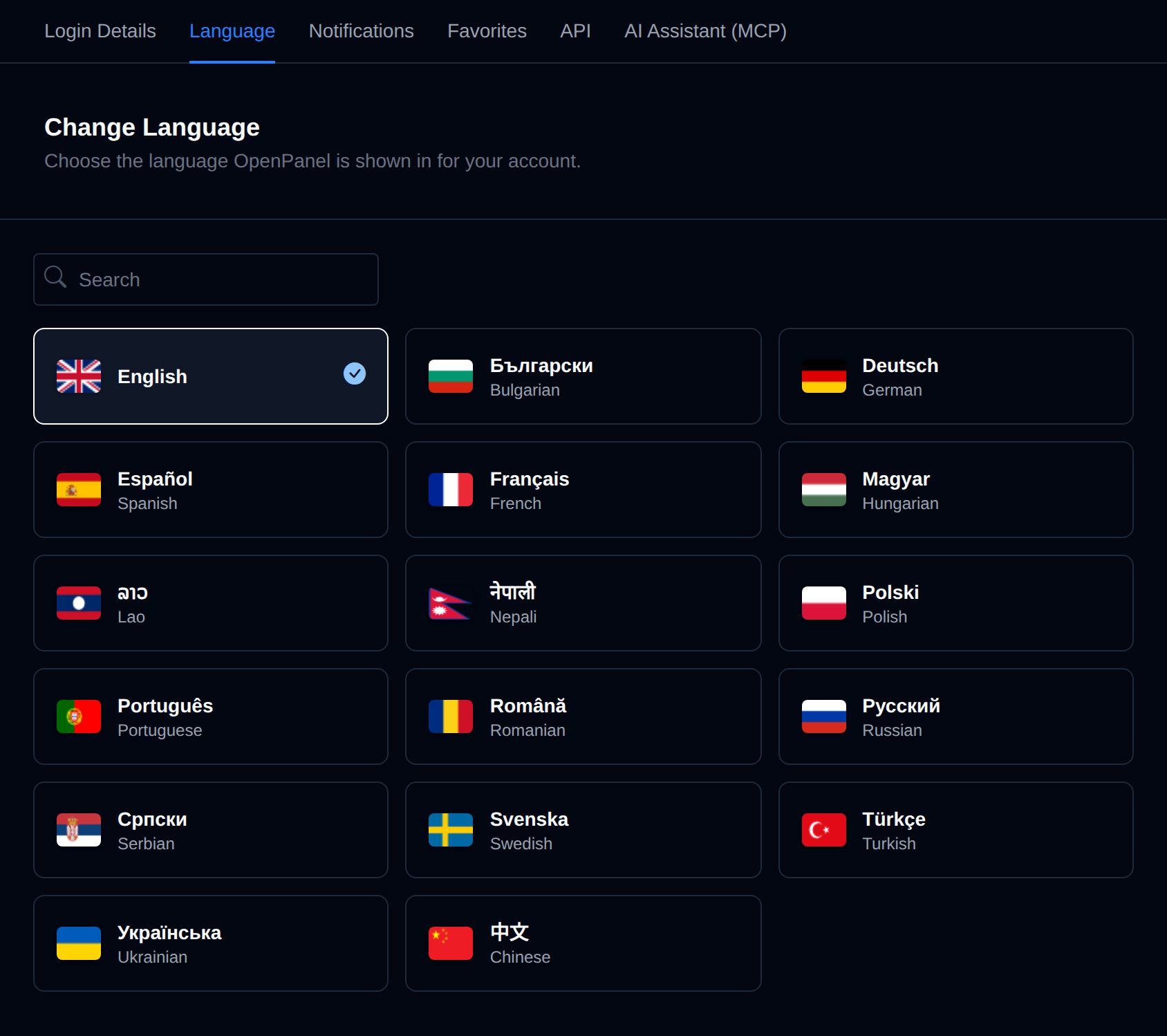
Changing Your Language
- Navigate to Account > Language.
- Click the card of the language you want. Each card shows the flag, the language's own name and its English name, and the current language is highlighted with a check mark. Use the search box to find a language by either name.
- The interface immediately updates to the selected language.
You can also change the language before signing in, from the language picker at the bottom of the login page.
Available Languages
Languages are configured by Administrator from OpenAdmin > Settings > Locales
Missing a Language?
If your language is not available, you can help translate OpenPanel here to improve accessibility for everyone.
Was this helpful?