Email Accounts
If the Emails module is enabled on the server and your user account has access, you'll see a table listing all current email accounts, the total number of accounts, a search bar, and an option to add a new account.
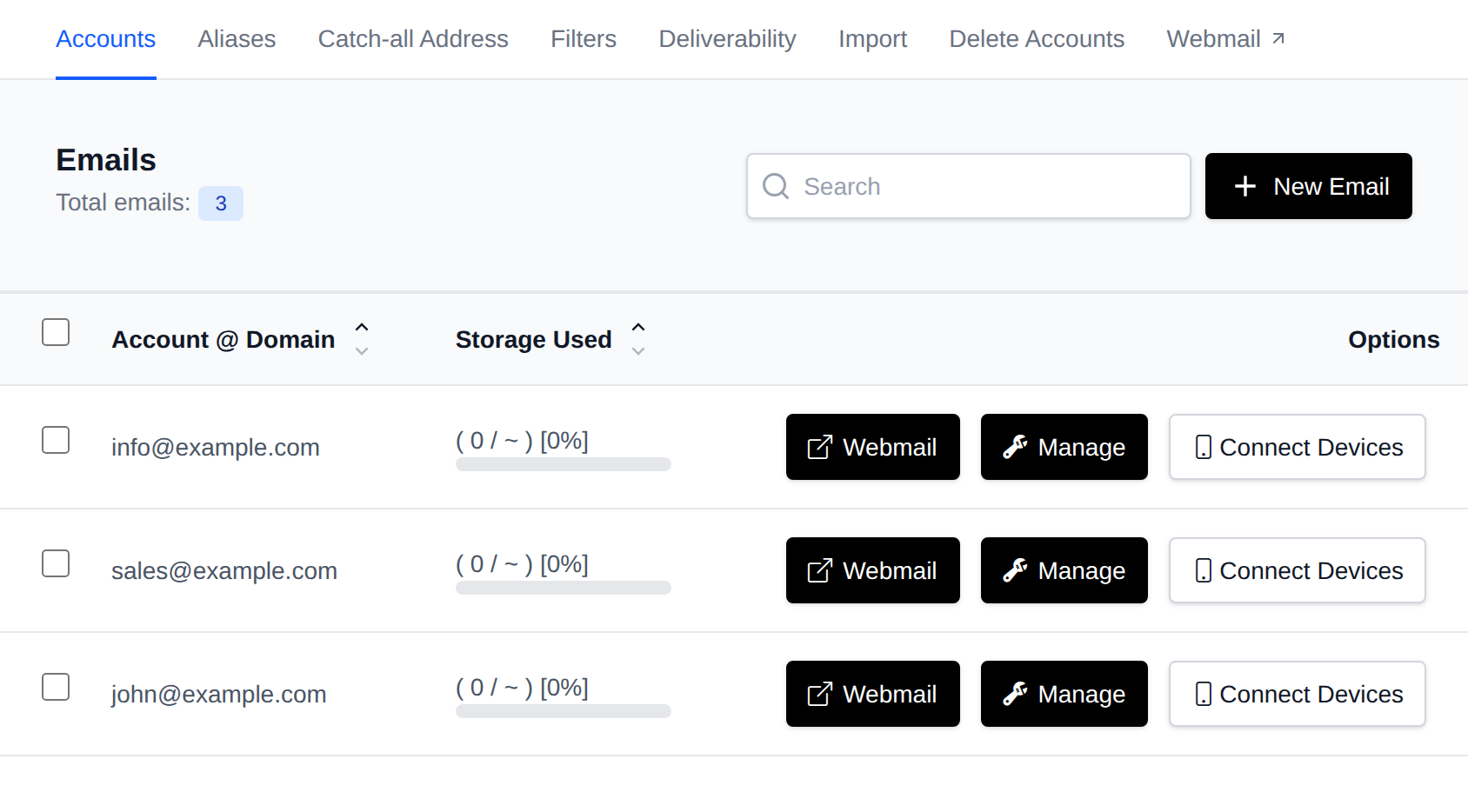
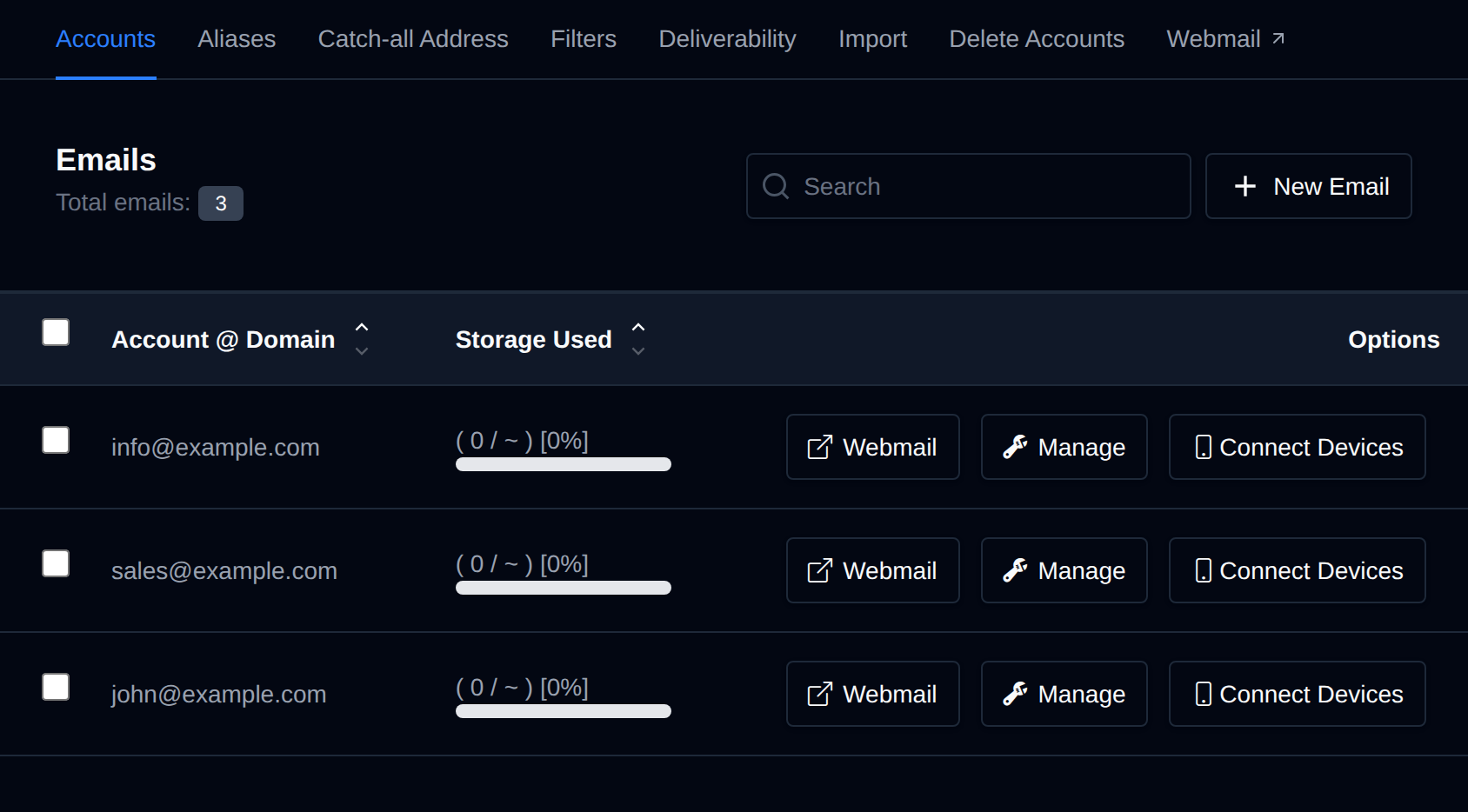
- The total number of email accounts is displayed at the top left.
- A search bar is available on the top right for quick filtering.
From this interface, you can view all your email accounts and their details:
- Account @ Domain: the full email address
- Storage Used: quota usage with a percentage indicator (unit depends on the mailbox's allocated quota: KiB, MiB, GiB, or TiB)
- Options: buttons for Webmail, Manage, and Connect Devices
Create Email
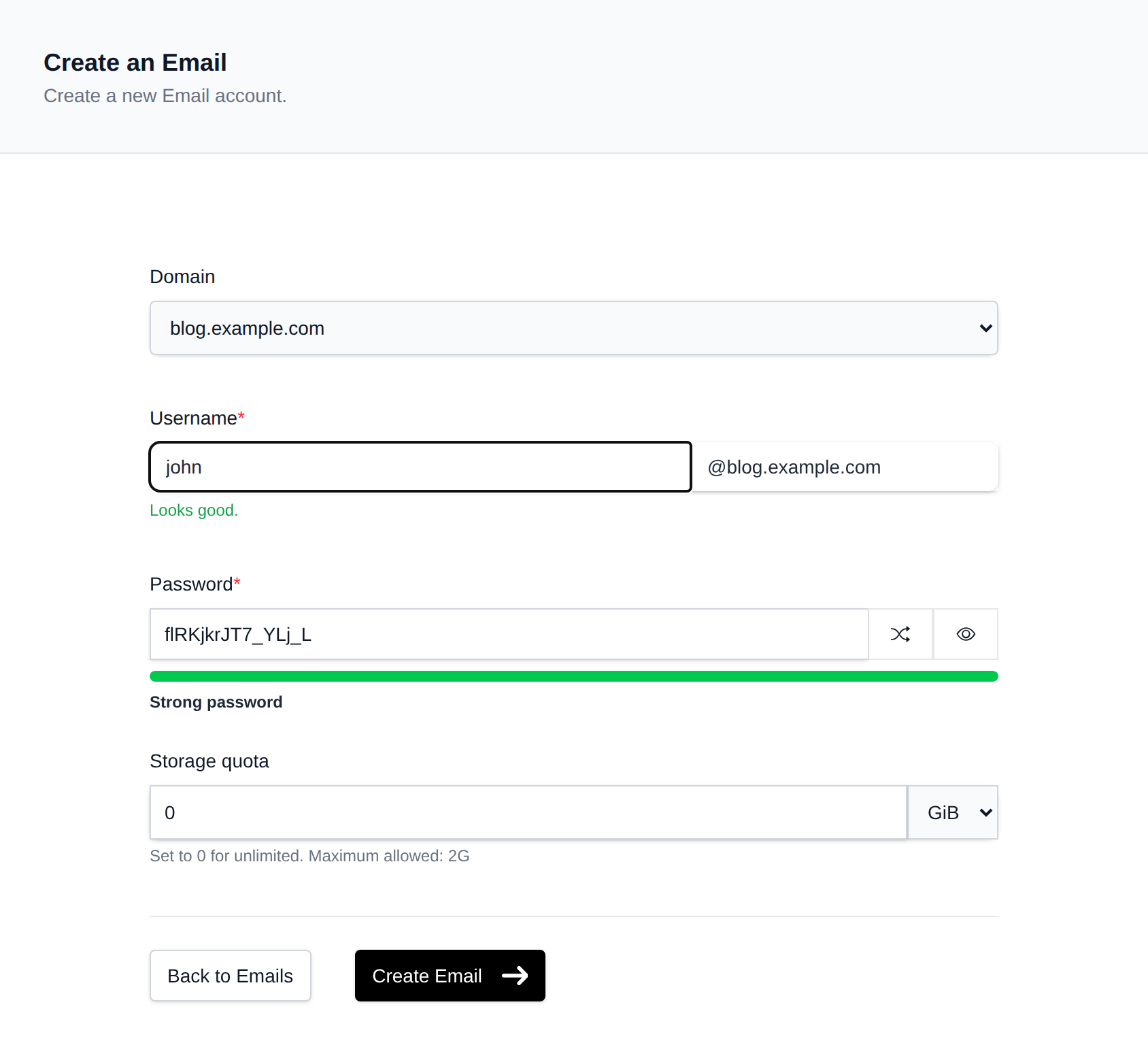
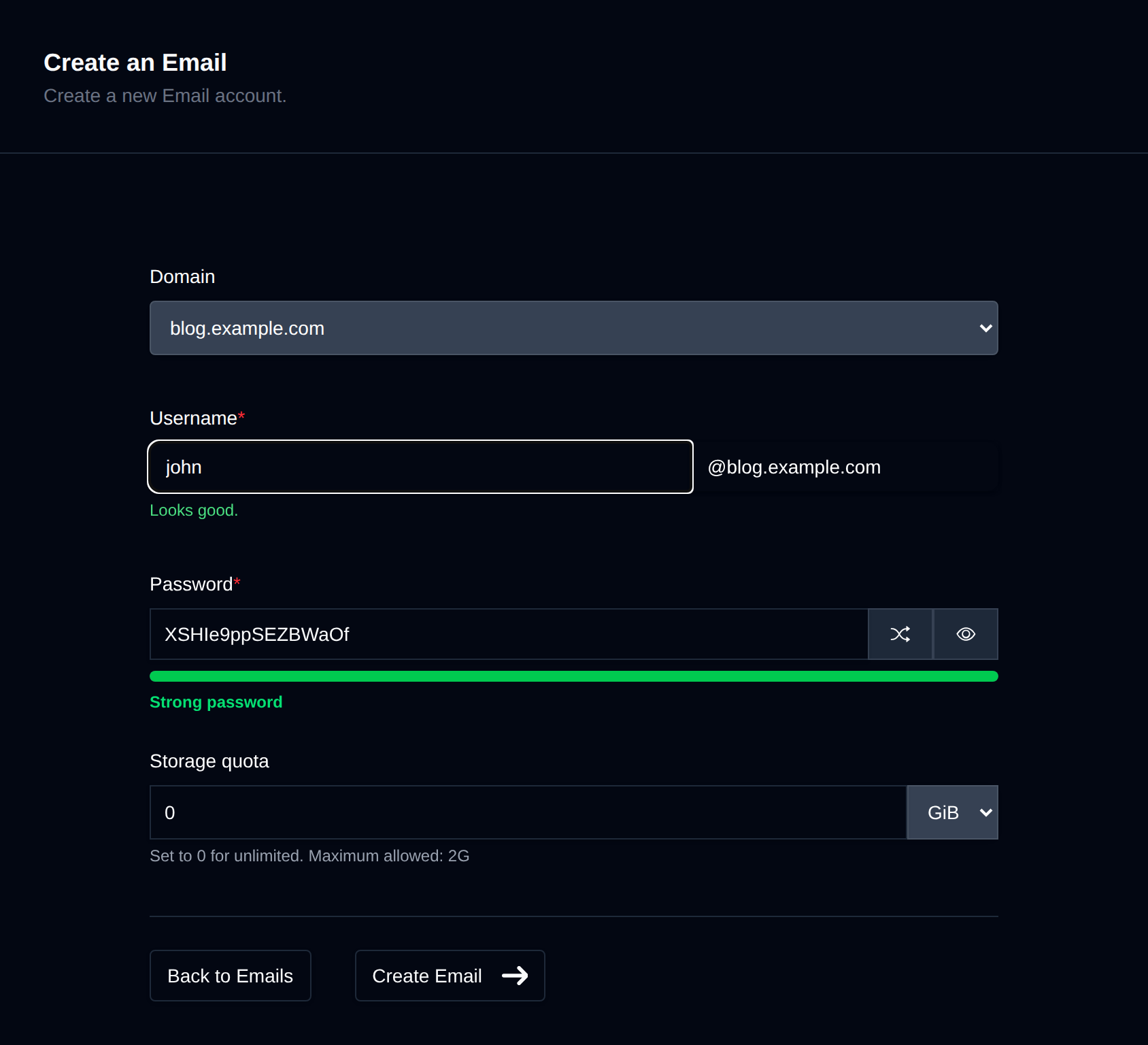
To create a new email account, click the New Email button.
Webmail
Clicking the Webmail link autologins you into an email address and opens the RoundCube Webmail client in a new tab.


Manage
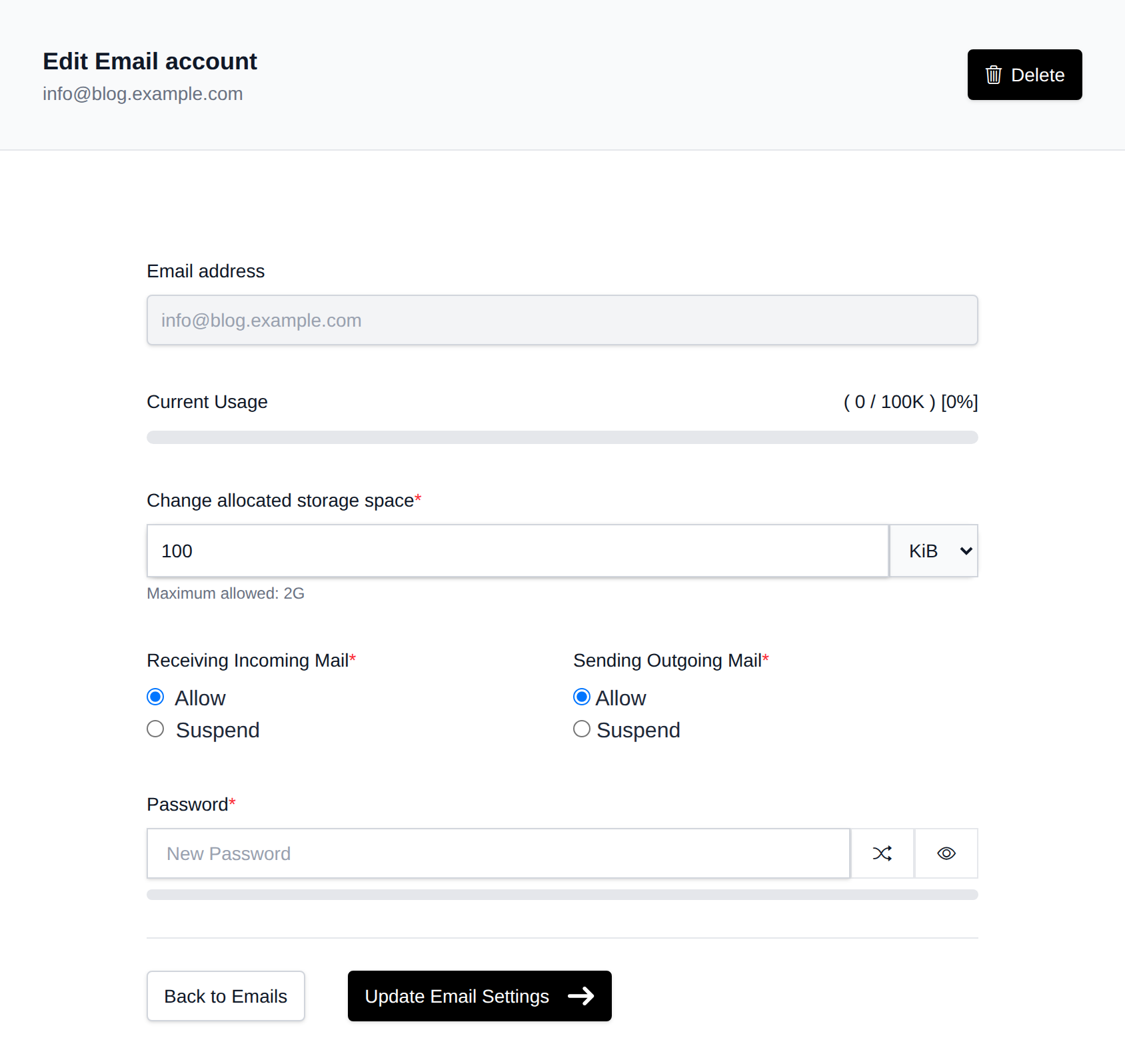
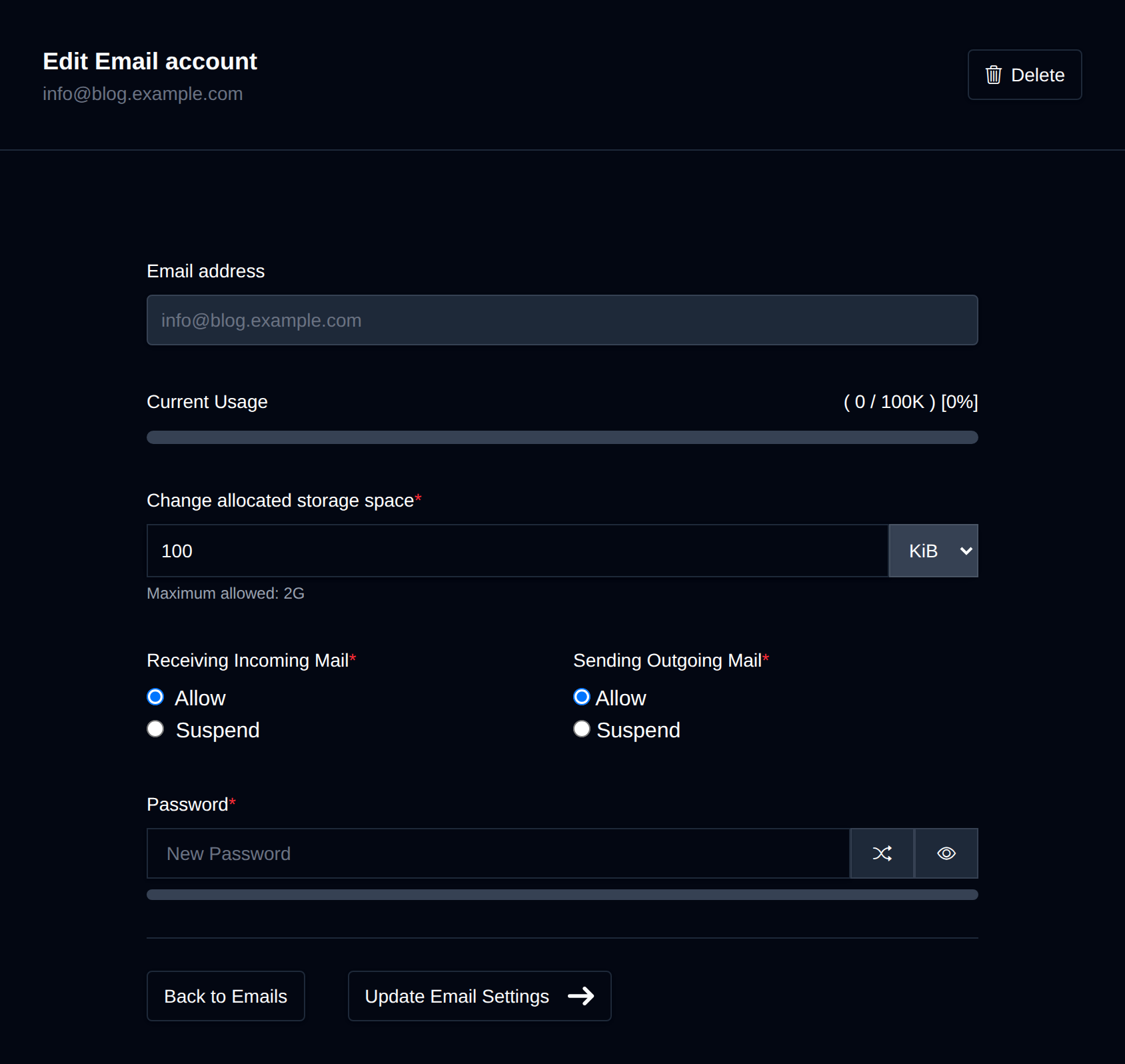
Clicking Manage for an account opens the management screen where you can:
- Change the account password
- Update storage quota
- Suspend incoming and/or outgoing emails
Bulk Actions
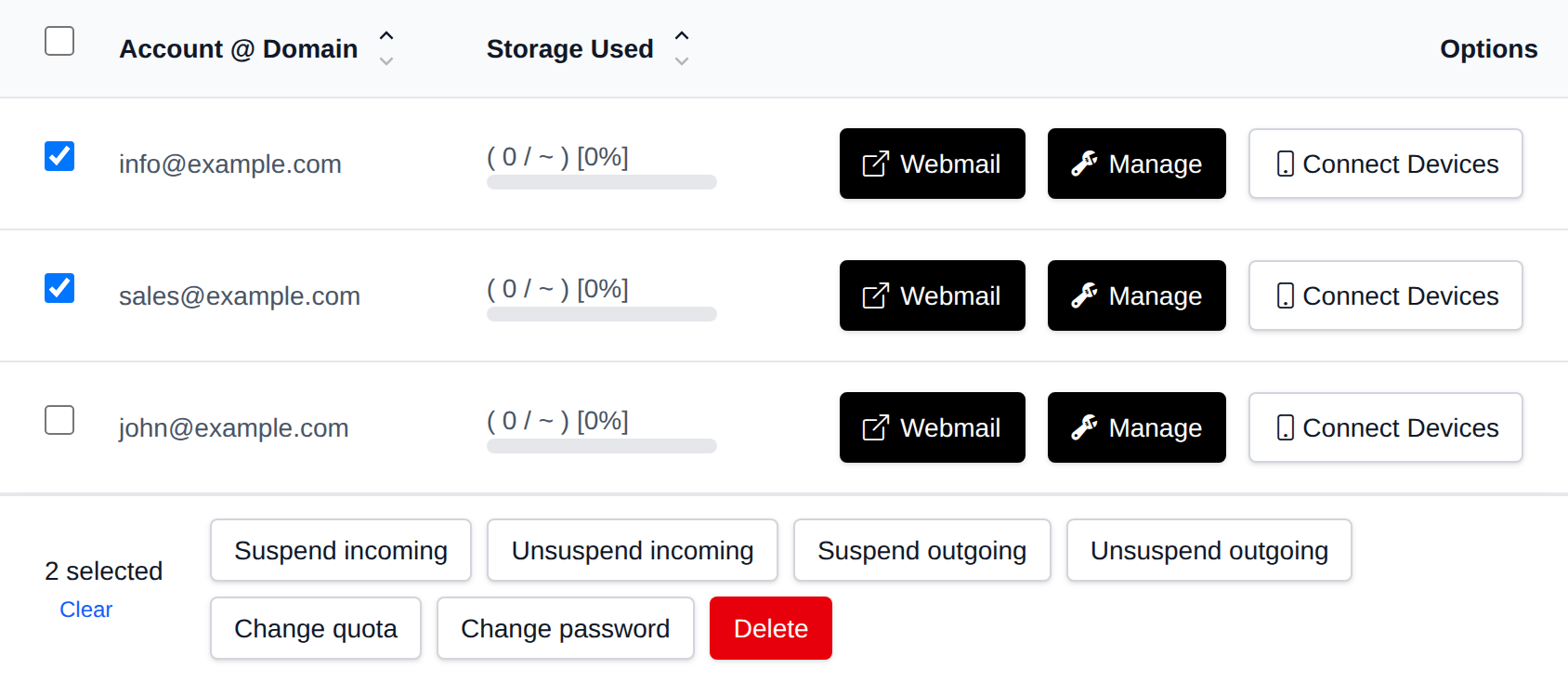
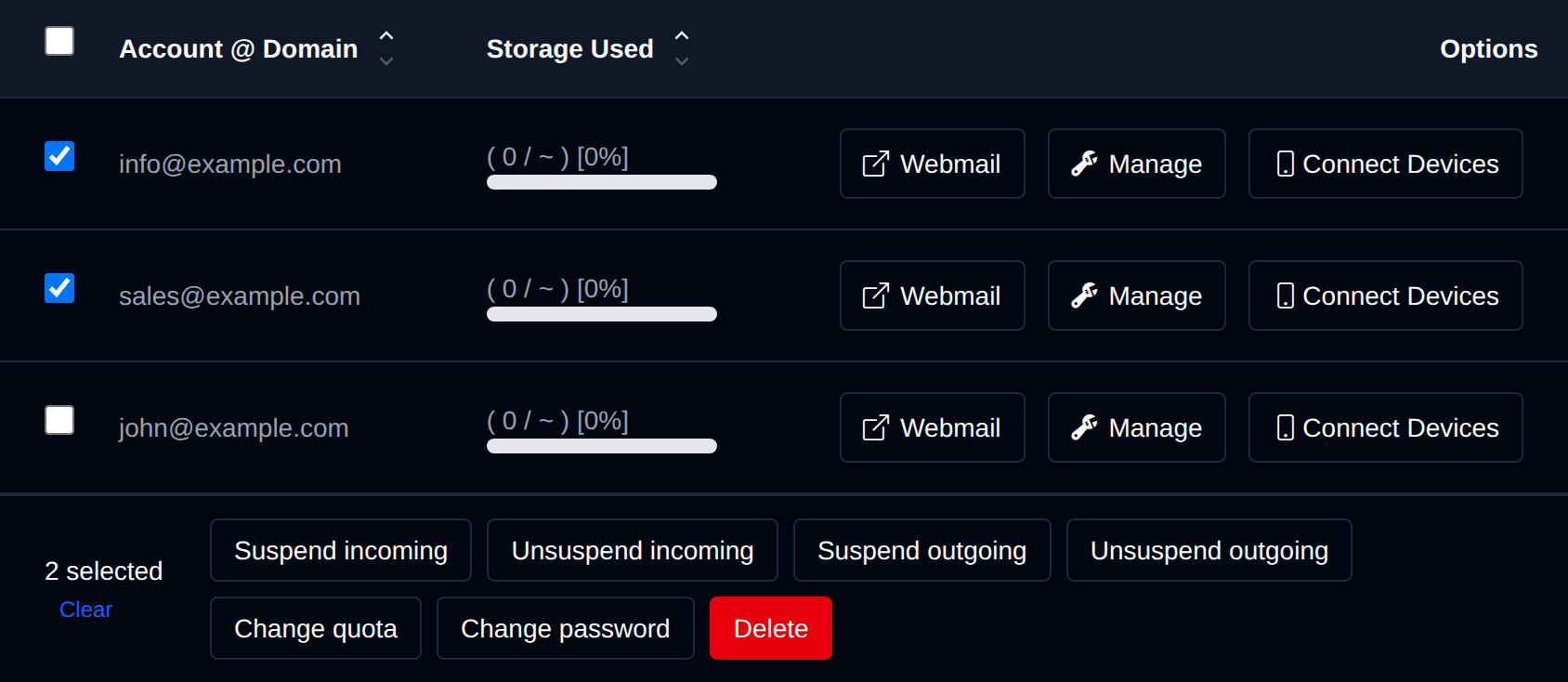
Tick the checkbox of one or more accounts, or the checkbox in the table header to select every account shown by the current search. A bar appears at the bottom of the page with the number selected, a Clear link and these actions:
| Action | What it does |
|---|---|
| Suspend incoming | Stops the selected accounts from receiving emails. |
| Unsuspend incoming | Lets them receive emails again. |
| Suspend outgoing | Stops the selected accounts from sending emails. |
| Unsuspend outgoing | Lets them send emails again. |
| Change quota | Sets the mailbox size in GB, 0 is unlimited. It can't be more than your plan allows. |
| Change password | Sets the same new password on the selected accounts. |
| Delete | Permanently deletes the selected accounts and all their emails. |
Click an action, confirm it, and it runs on the selected accounts one after another. When it's done the page reloads with a notice listing the accounts it worked for, or which ones failed and why.
Connect Devices
Click Connect Devices to view the email server settings for that account.
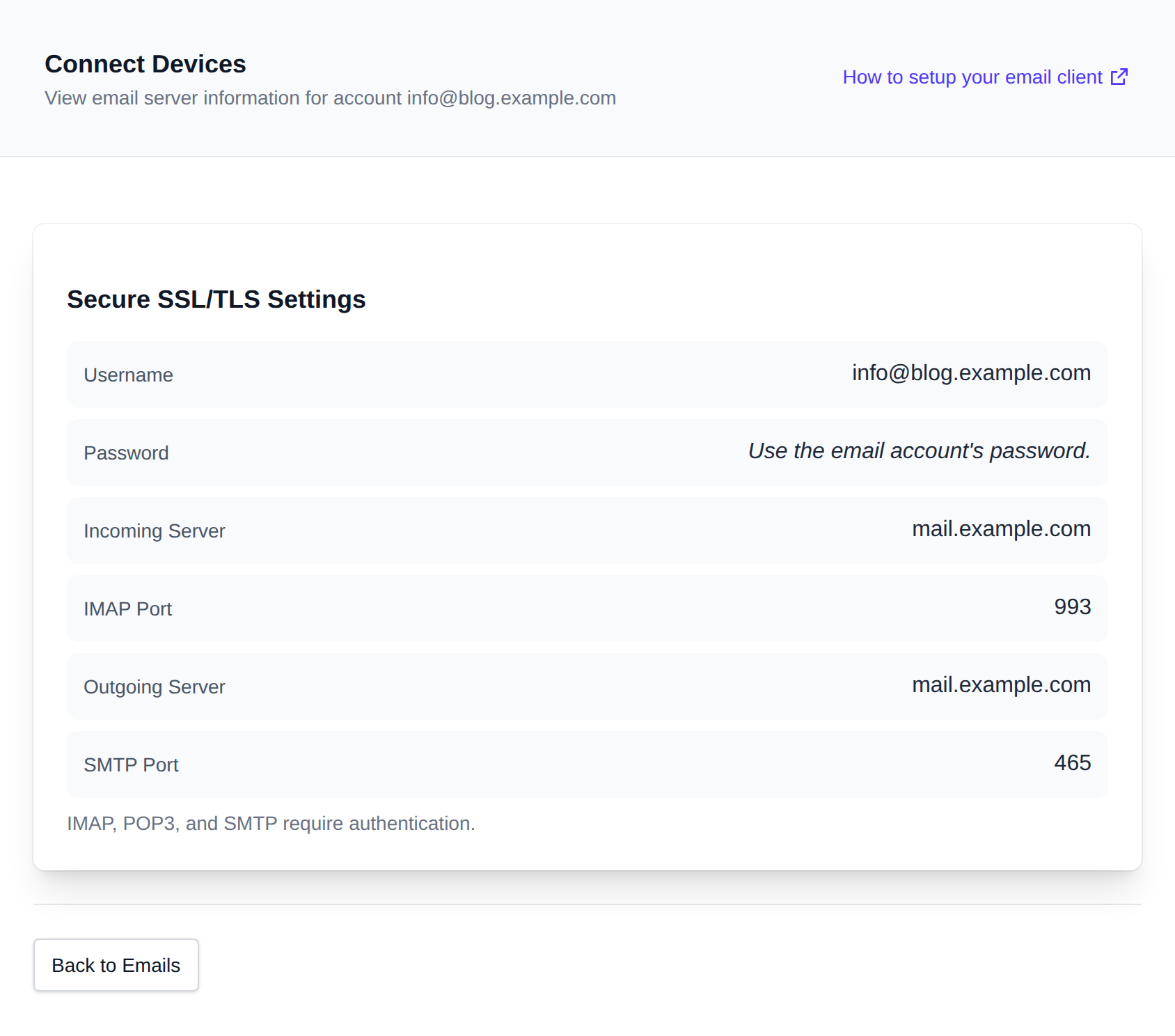
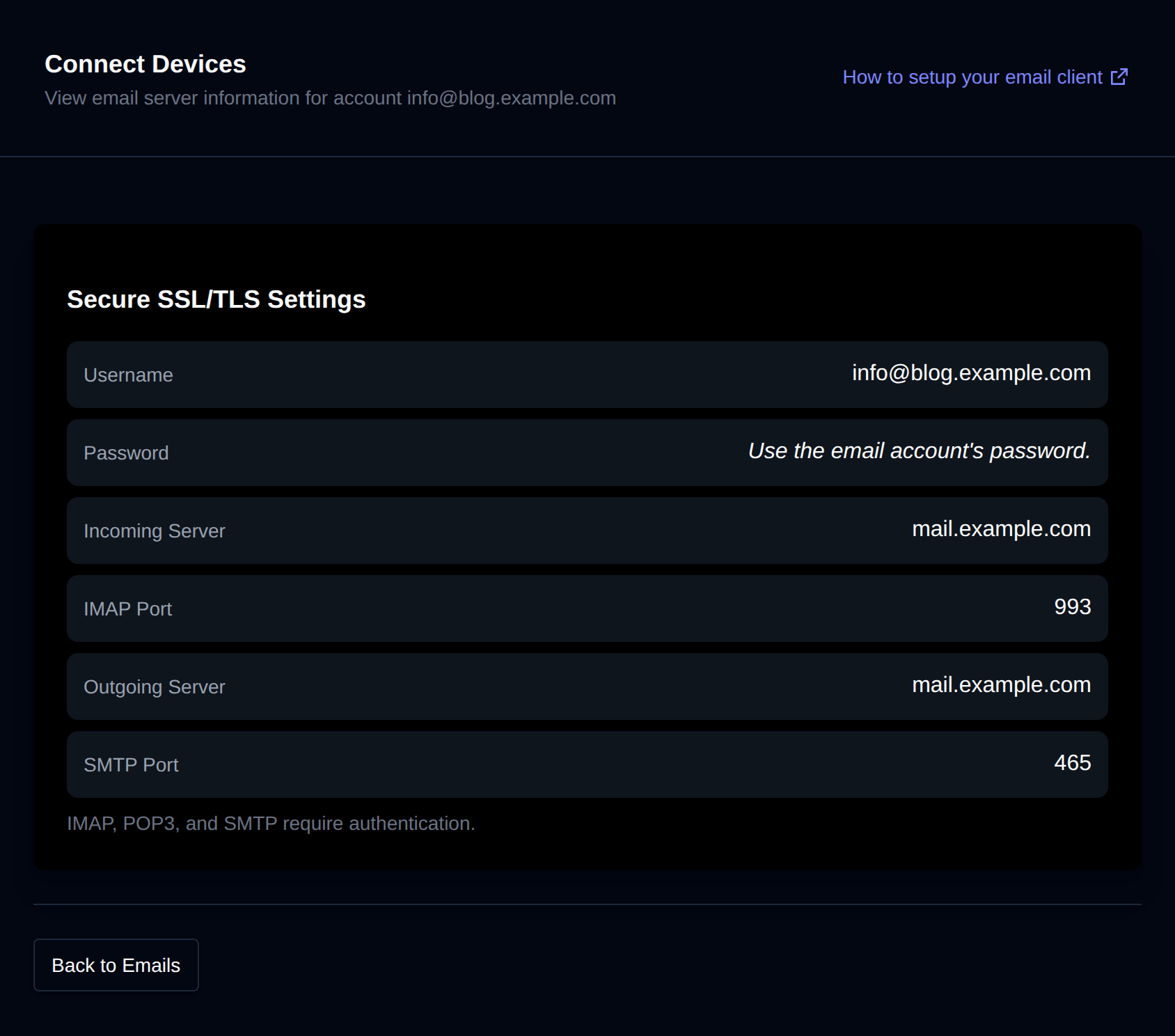
Specific guides on how to set an email client using a specific device or service: