Web Firewall (Coraza)
The Security > Web Firewall (Coraza) page manages CorazaWAF, the Web Application Firewall built into OpenPanel. It inspects every request to your users' websites and blocks common attacks such as SQL injection, cross-site scripting (XSS) and access to restricted files, using the OWASP Core Rule Set (CRS).
The page has four tabs:
- Overview – turn the firewall on or off, update the rules, manage app profiles and see which domains are attacked the most.
- Rules – enable or disable whole rule sets, and turn off single rules on every domain.
- Domains – change the firewall mode and disabled rules of one domain, or of all domains of a user.
- Logs – see what the firewall blocked, for the whole server, one user or one domain.
The Documentation button on each tab opens the part of this page about that tab.
Overview
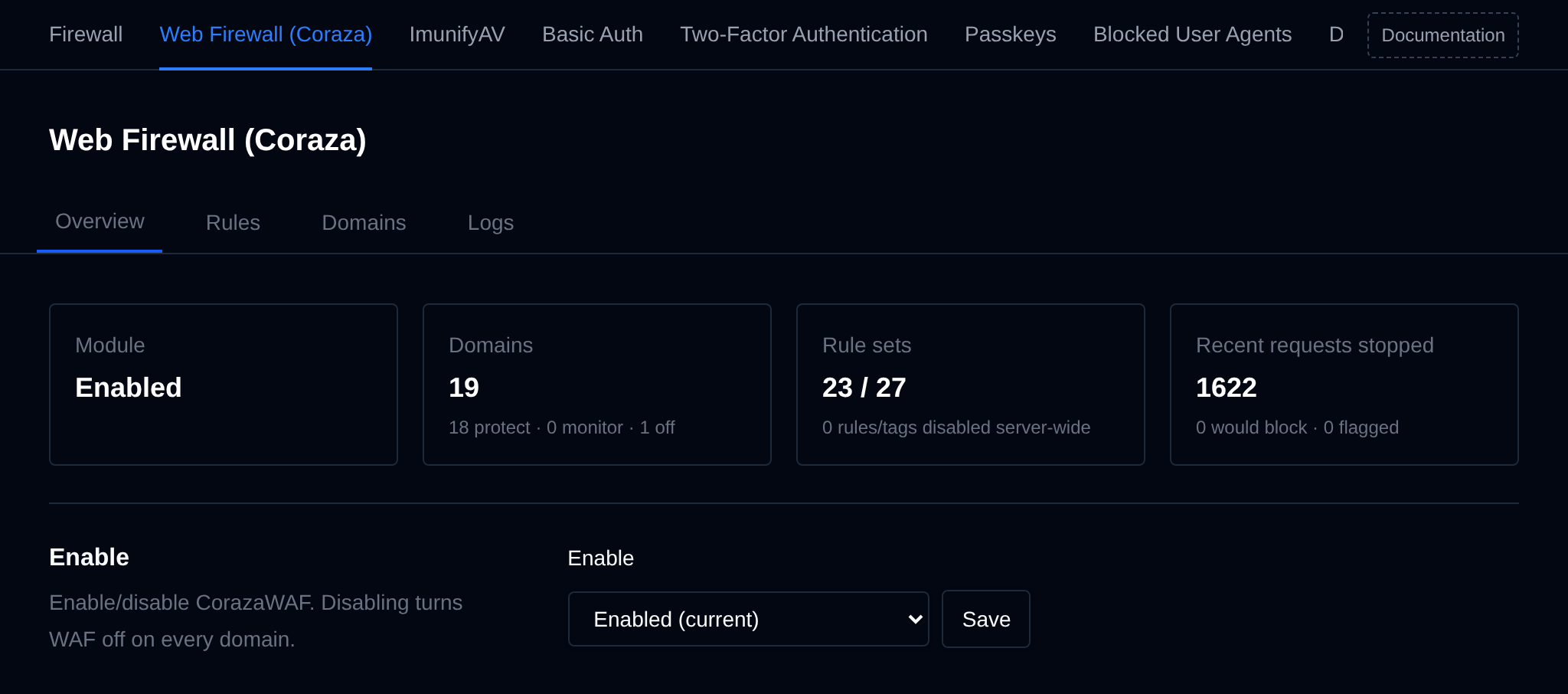
The Overview tab shows the state of the firewall at a glance:
- Module – whether CorazaWAF is enabled.
- Domains – how many domains have a WAF config, and how many of them are in each mode: protect, monitor only or off.
- Rule sets – active rule sets out of all installed ones, and how many rules and tags are disabled on all domains.
- Recent requests stopped – requests blocked in the newest 500 log entries of each domain, plus the ones that would have been blocked by domains in monitor only mode and the ones that were only flagged.
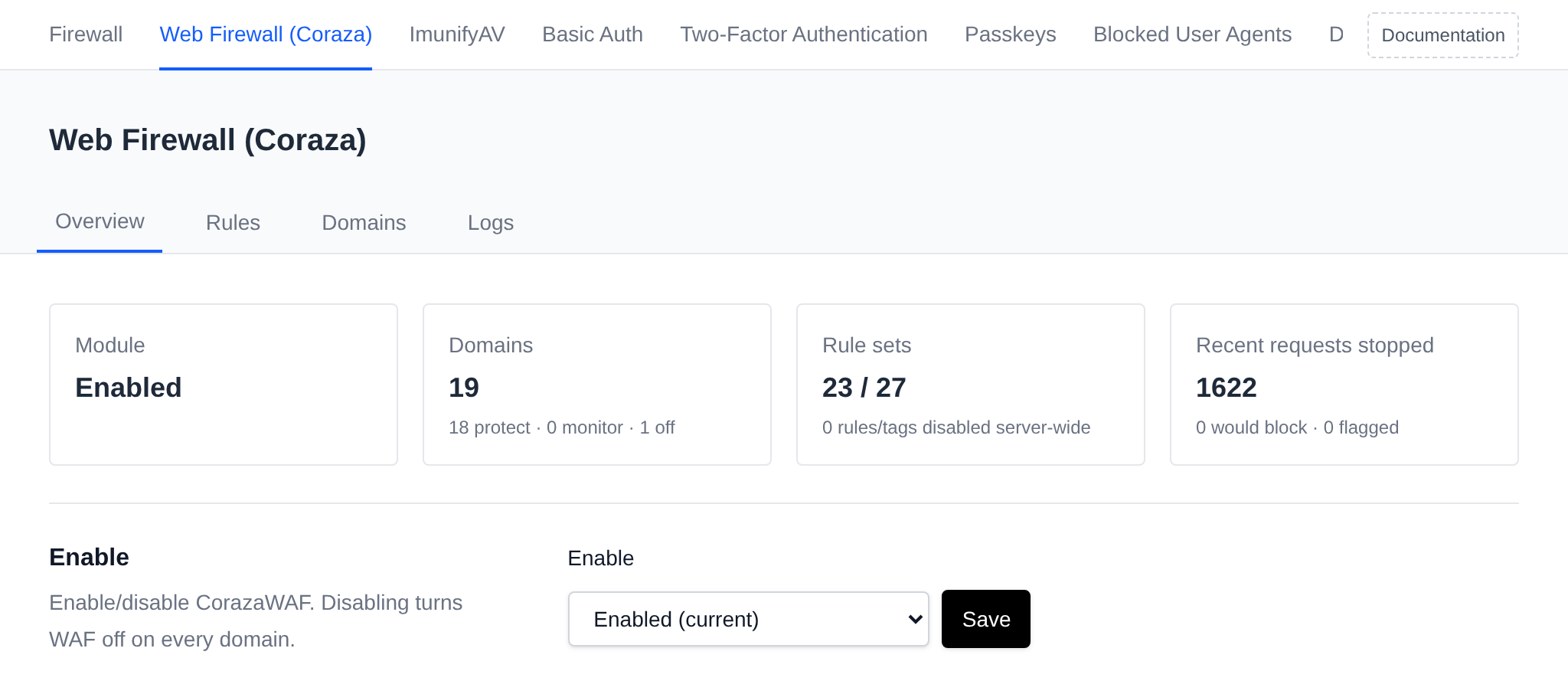
Enable
Pick Enabled or Disabled and click Save next to the dropdown.
- Enabled runs
opencli waf enable: it downloads the rules and app profiles, enables the WAF module so users can manage the firewall, turns the firewall on for every domain (except domains of users turned off withopencli waf user USERNAME disable) and restarts the web server with the Coraza image. New domains get the firewall automatically. - Disabled runs
opencli waf disable -y: it disables the WAF module and turns the firewall off on all existing and new domains.
While Disabled is selected, a recommendation to enable it is shown, since the WAF blocks common attacks like SQL injection and XSS before they reach user sites.
OWASP Core Rule Set
Shows the installed CRS version. OpenAdmin checks GitHub for new rules in the background every few hours, and Check for updates checks right away.


When the rules are up to date, only the installed version and the time of the last check are shown. When updates are available, the section lists the incoming changes and shows an Update rules button. It runs opencli waf update, which pulls the new CRS rules and app profiles and reloads the web server. Rule sets you disabled stay disabled after an update.
App profiles
App profiles are the official CRS rule exclusion plugins for popular apps. Users turn them on per domain in OpenPanel, to stop false blocks when they edit posts, upload files or save settings in that app.
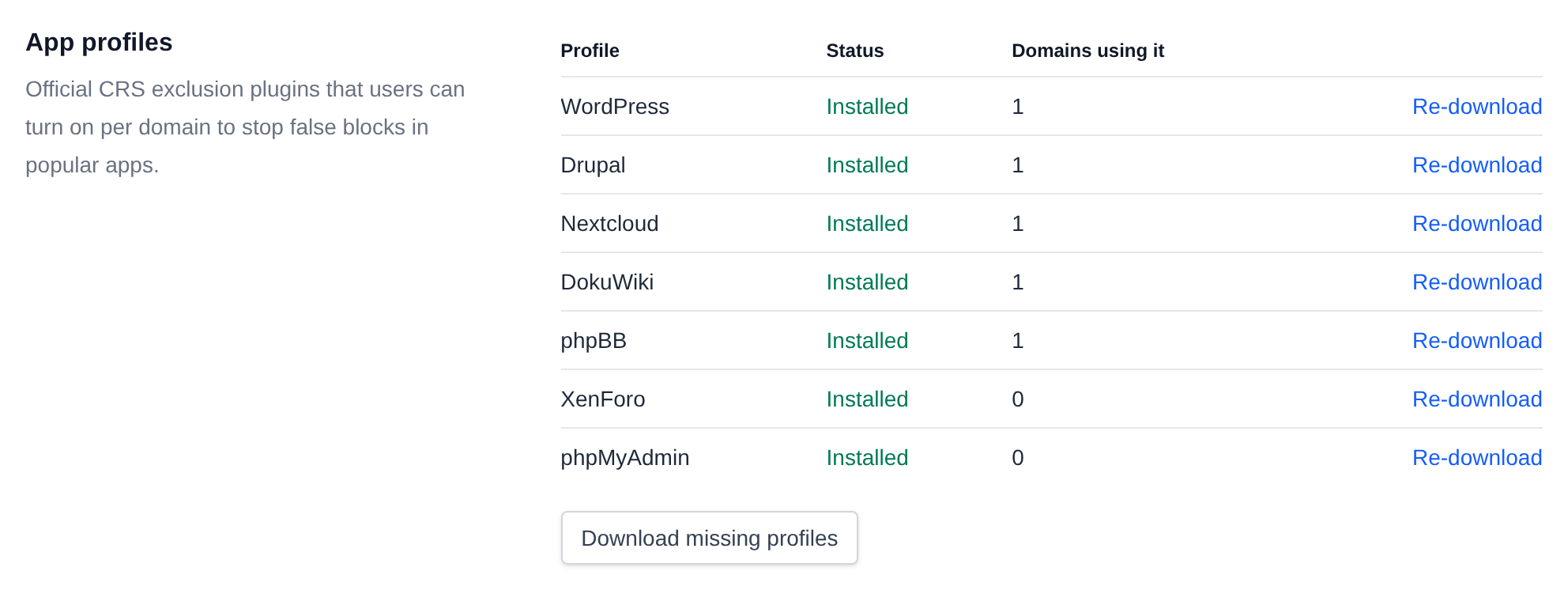
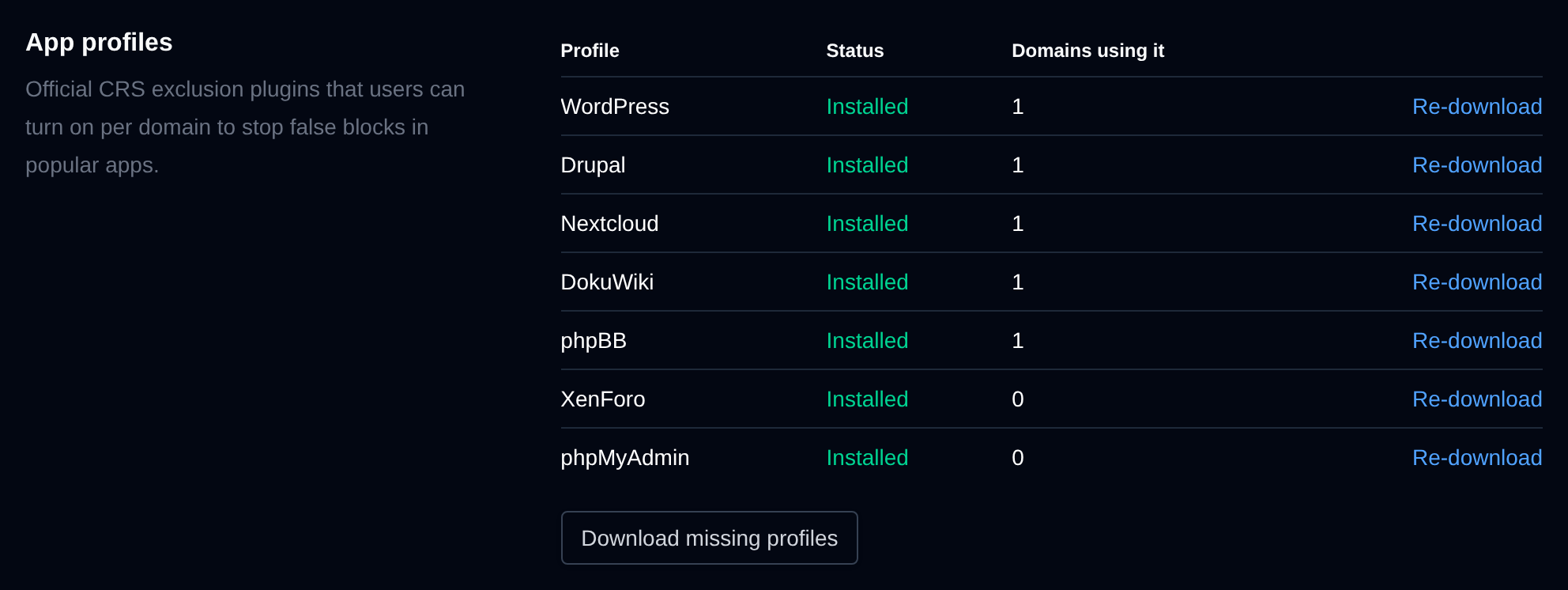
The table lists WordPress, Drupal, Nextcloud, DokuWiki, phpBB, XenForo and phpMyAdmin with:
- Status – Installed, or Missing when the plugin wasn't downloaded.
- Domains using it – how many domains have the profile turned on.
- Re-download (or Download for a missing one) – downloads the plugin again, for example when its files were changed or deleted. If the download fails, the old copy is kept, so domains using the profile keep working.
When any profile is missing, a recommendation to install them is shown above the table.
Download missing profiles downloads every profile that isn't installed yet.
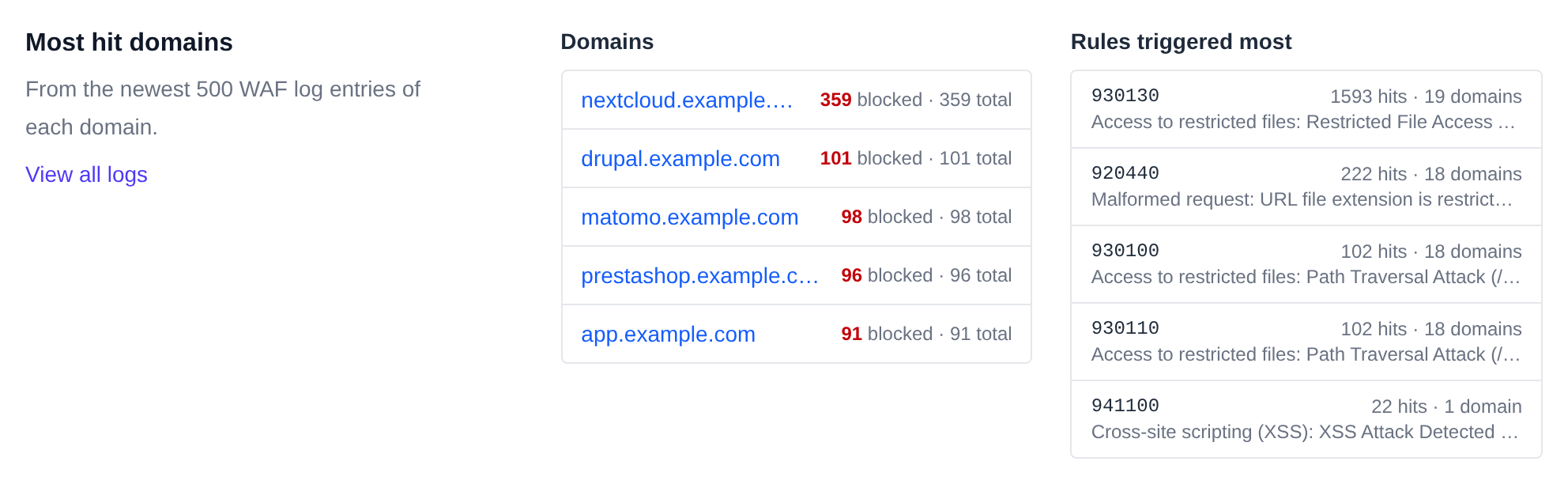
Most hit domains
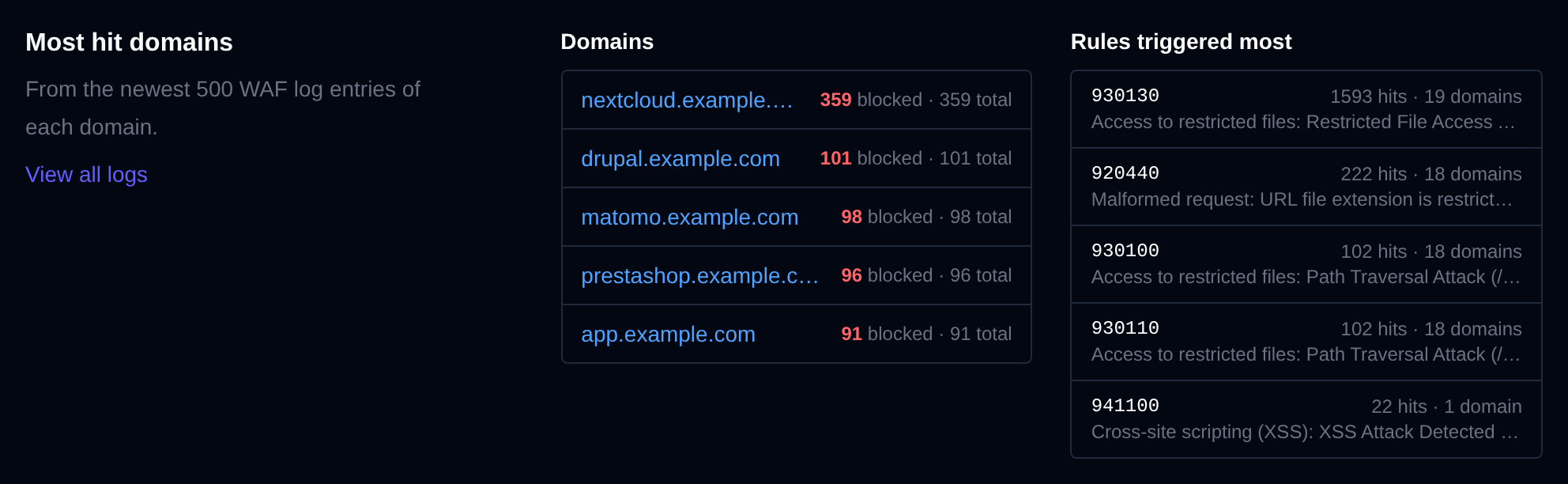
The domains blocked the most and the rules that blocked the most requests, from the newest 500 log entries of each domain. Click a domain to open its logs, or View all logs to open the Logs tab.
Rules
The Rules tab manages the rule sets from the OWASP Core Rule Set and the rules turned off on all domains.
Rule sets
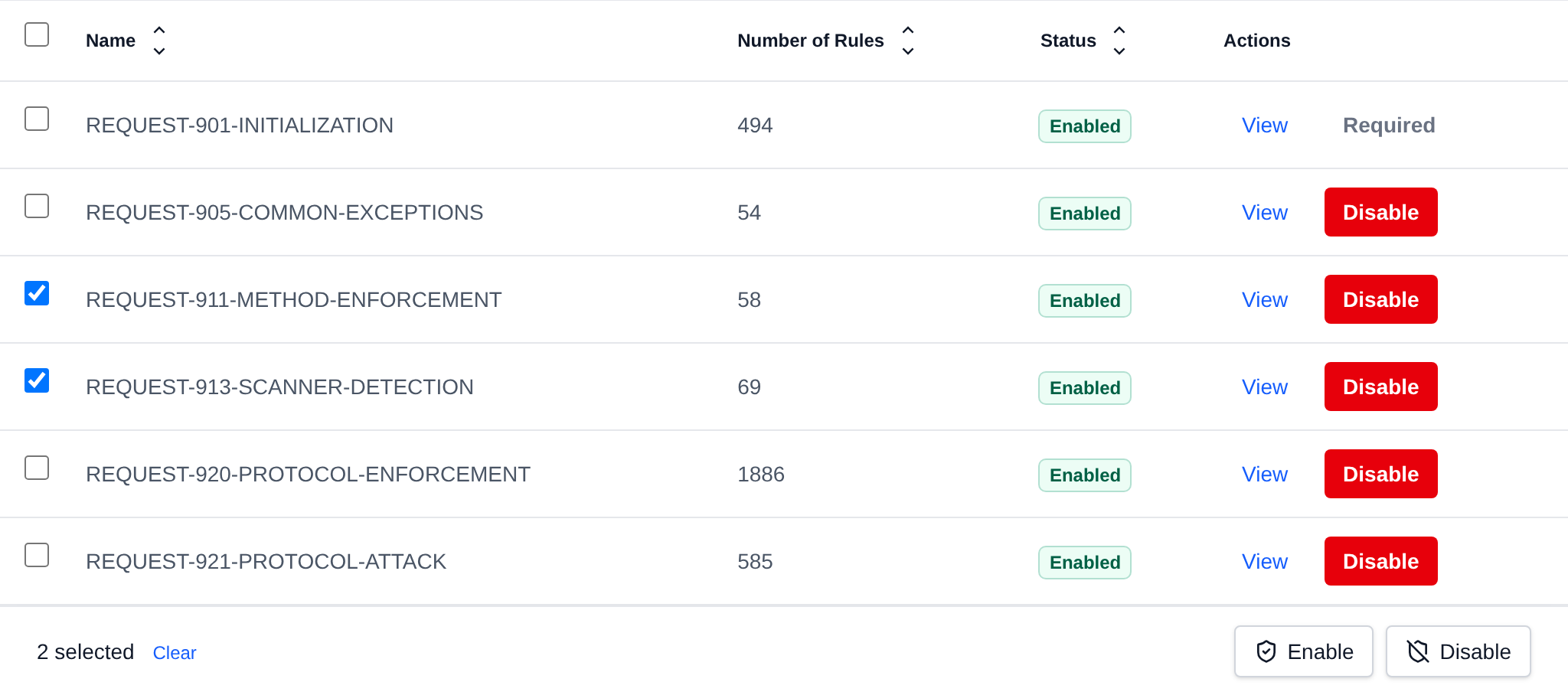
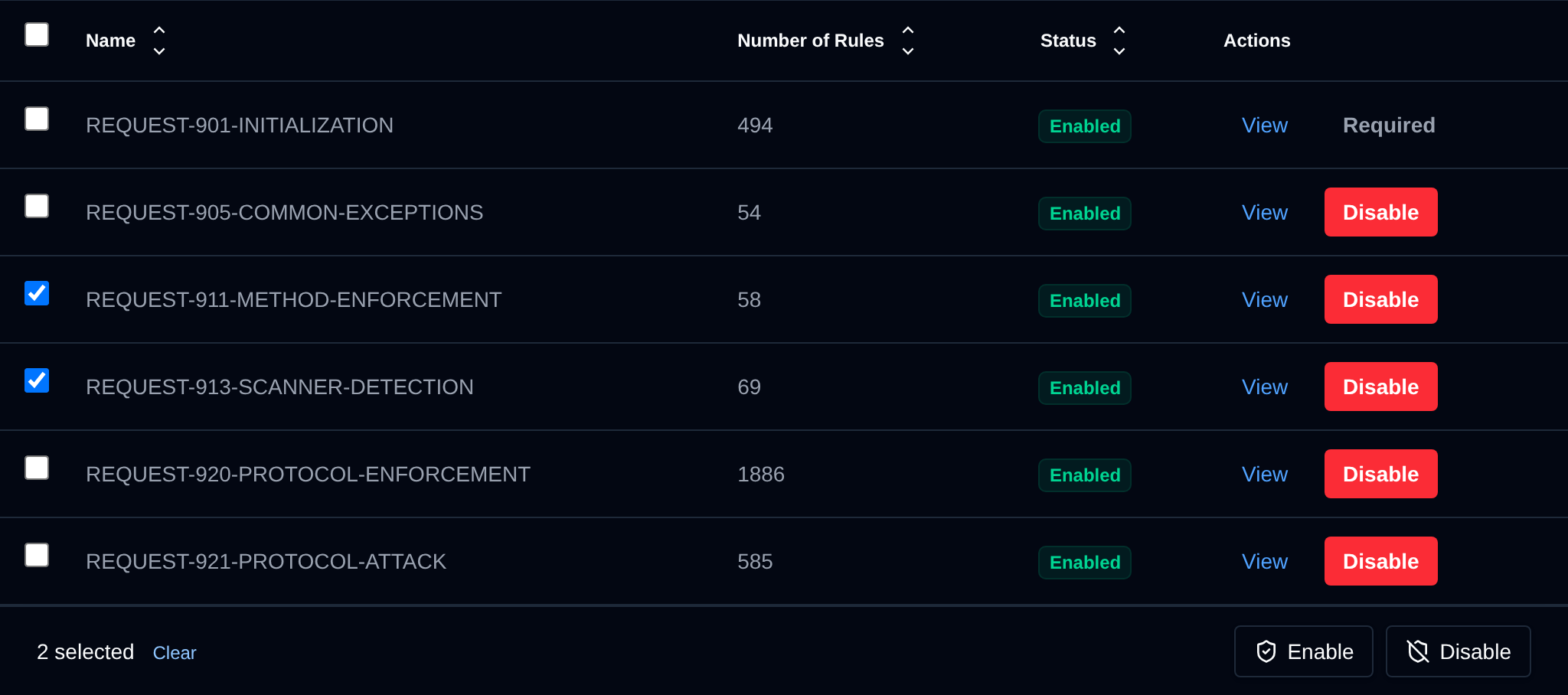
Each rule set is a file of rules for one kind of attack, like REQUEST-942-APPLICATION-ATTACK-SQLI. The table shows:
- Name – the rule set name, hover it to see the file path.
- Number of Rules – the number of lines in the rule set.
- Status – Enabled or Disabled.
- Actions – View opens the rule set's contents, and Enable or Disable toggles it.
REQUEST-901-INITIALIZATION shows Required instead of a toggle: every other rule set depends on it, so without it every request would be blocked.
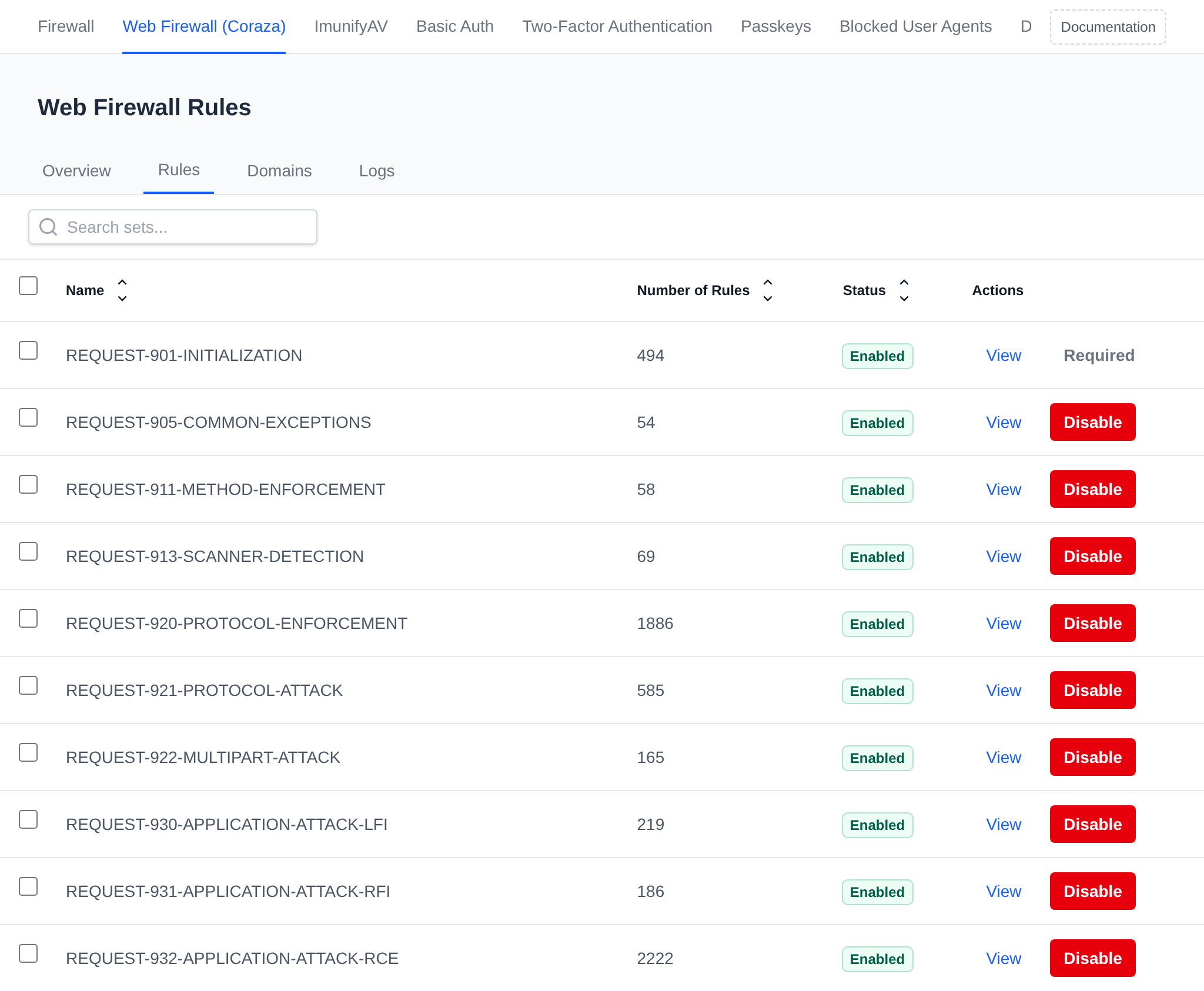
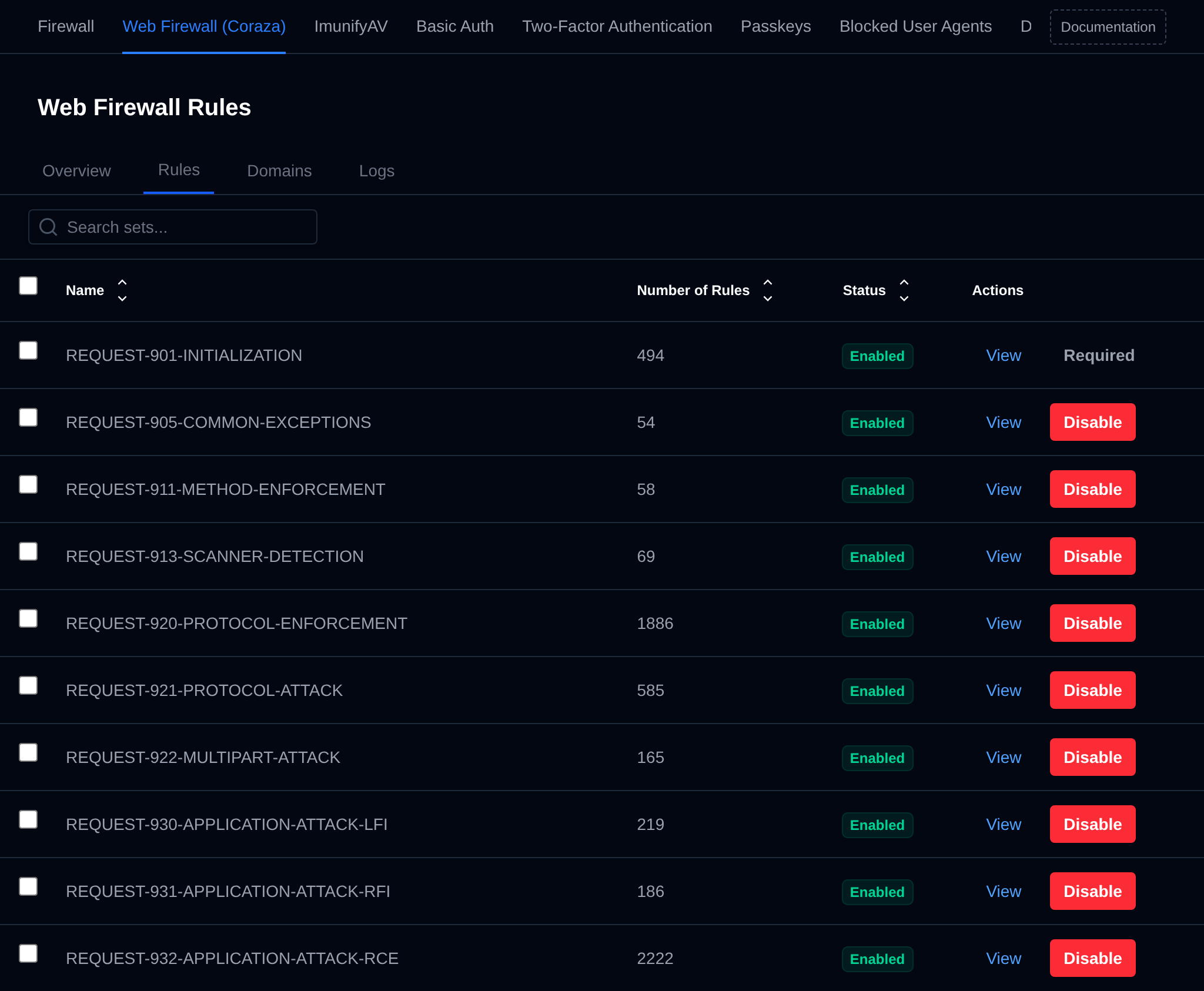
Click a column header to sort the table, and use the search box to find a rule set by name. Restart Caddy after enabling or disabling rule sets to apply the changes.
Bulk Actions
Tick the checkbox of one or more rule sets, or the checkbox in the table header to select all rule sets shown by the current search. A bar appears at the bottom of the page with the number selected, a Clear link and these actions:
| Action | What it does |
|---|---|
| Enable | Enables the selected rule sets. |
| Disable | Disables the selected rule sets. |
Click an action, confirm it, and it runs on the selected rule sets one after another. When it's done the page reloads with a notice listing the rule sets it worked for, or which ones failed and why.
Disabled on all domains
Turn off single rules or whole tags on every domain on the server, for example a rule that blocks normal visitors on most of your sites.
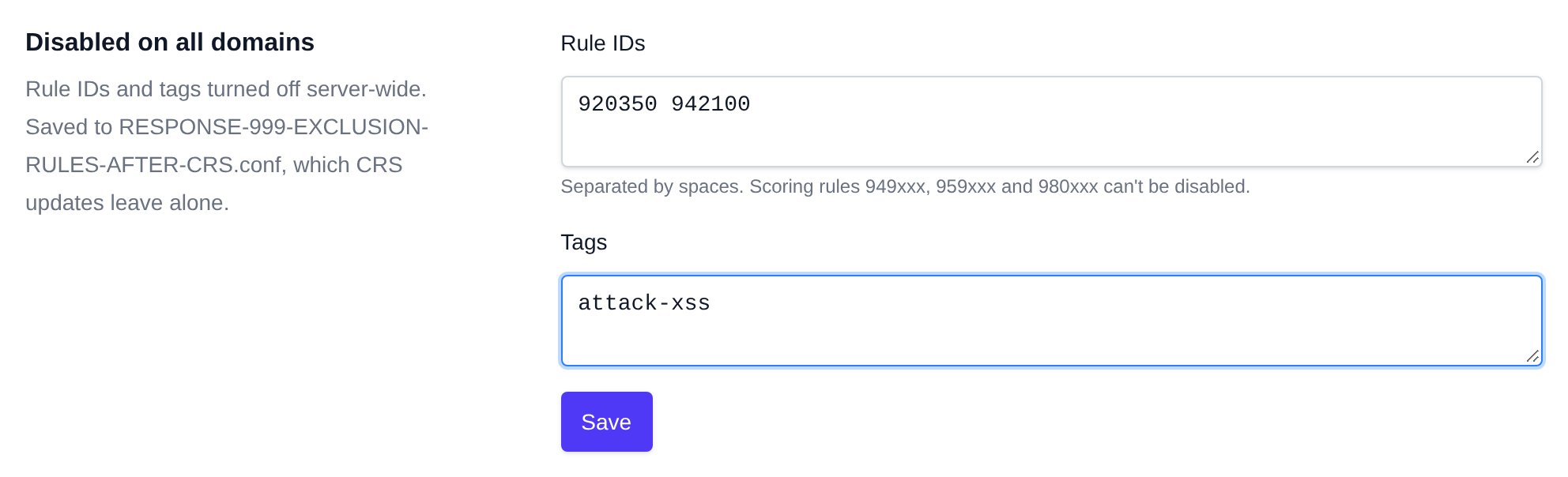
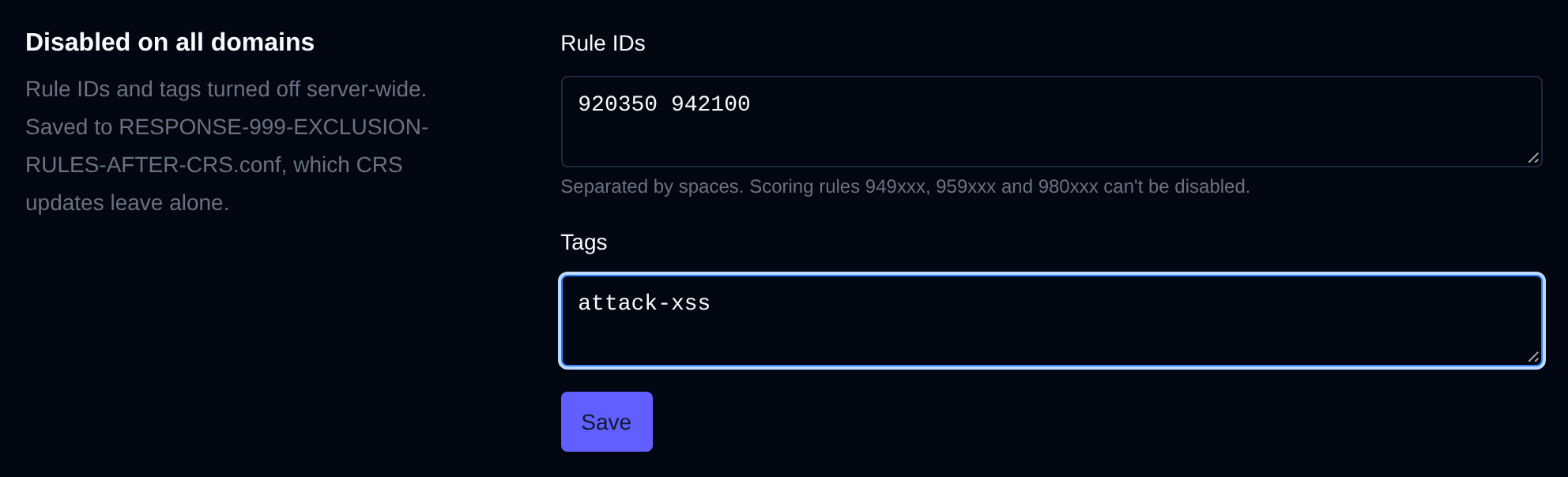
- Rule IDs – rule numbers separated by spaces, like
920350 942100. The scoring rules949xxx,959xxxand980xxxcan't be disabled: they add up the scores of the other rules, so turning them off would turn off blocking completely. - Tags – CRS tags separated by spaces, like
attack-xssorlanguage-java. Every rule with that tag is turned off.
Click Save to apply them. They're saved to RESPONSE-999-EXCLUSION-RULES-AFTER-CRS.conf in the CRS rules folder, which every domain loads and which rule updates don't overwrite. You can also disable a rule on all domains straight from the Logs tab.
Domains
The Domains tab lists every domain with a WAF config:
- Domain and User – the domain and the user who owns it. Click the user to manage all their domains at once.
- Mode – Protect blocks attacks, Monitor only logs them without blocking, Off disables the firewall for the domain.
- Level – the protection level the user picked in OpenPanel: Compatibility, Standard or Strict, with one, two or three dots. Custom means the level was edited by hand.
- Disabled rules/tags – how many rules and tags are turned off for the domain.
- Actions – Manage opens the domain's WAF settings, Logs opens its logs.
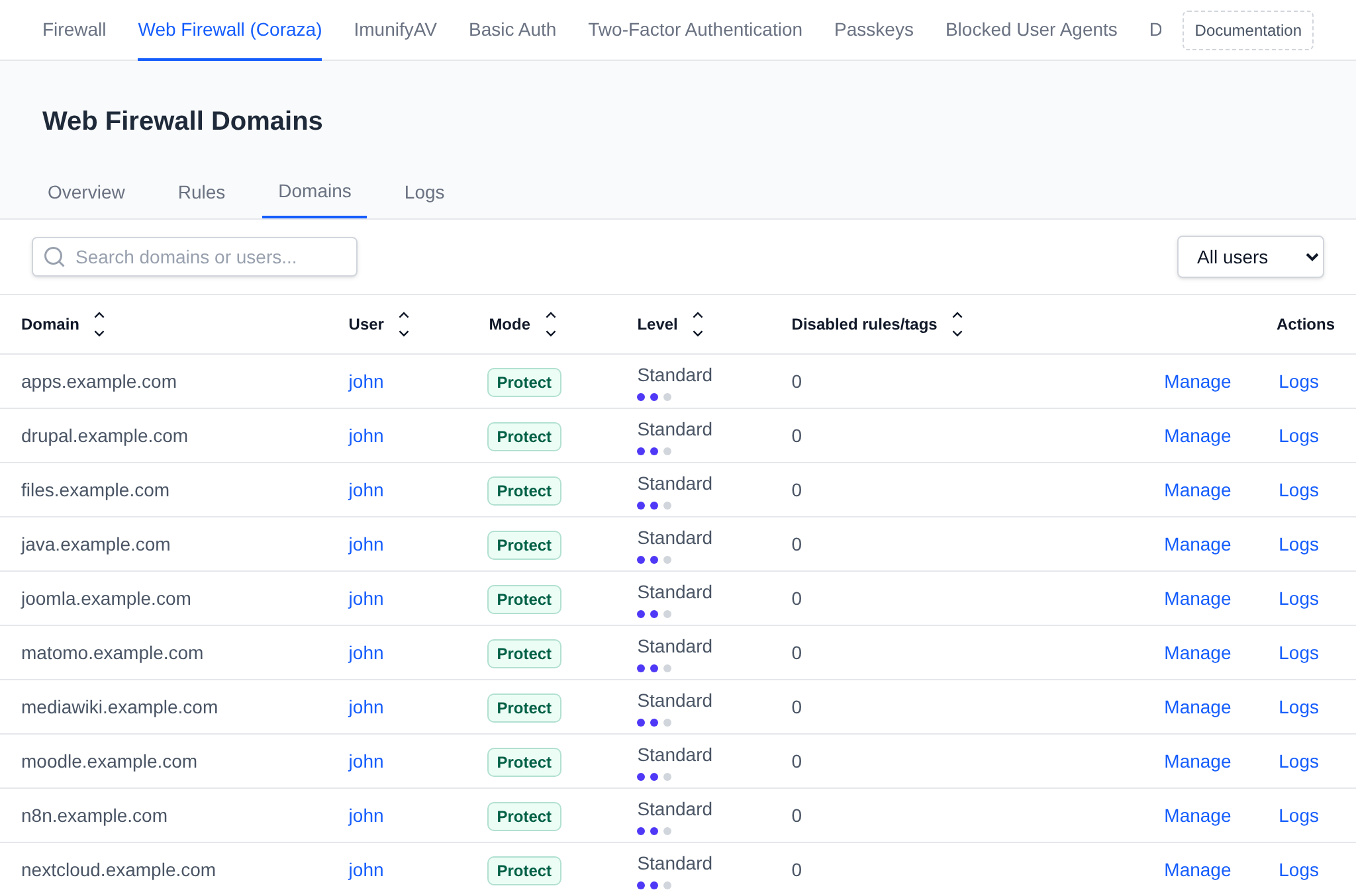
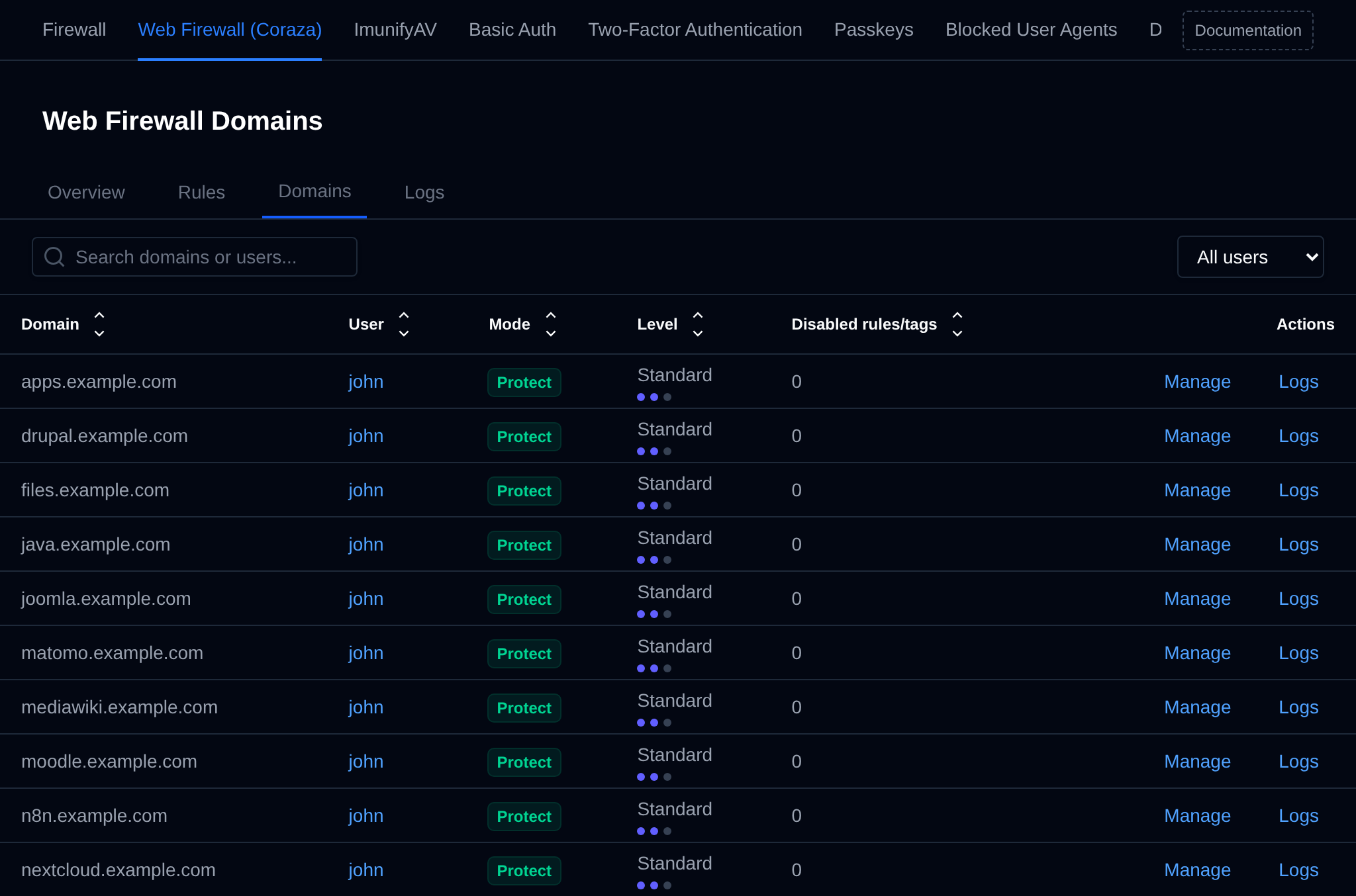
Search by domain or user, pick a user from the dropdown to show only their domains, and click a column header to sort the table.
Settings of a domain
Click Manage next to a domain to open its WAF settings.
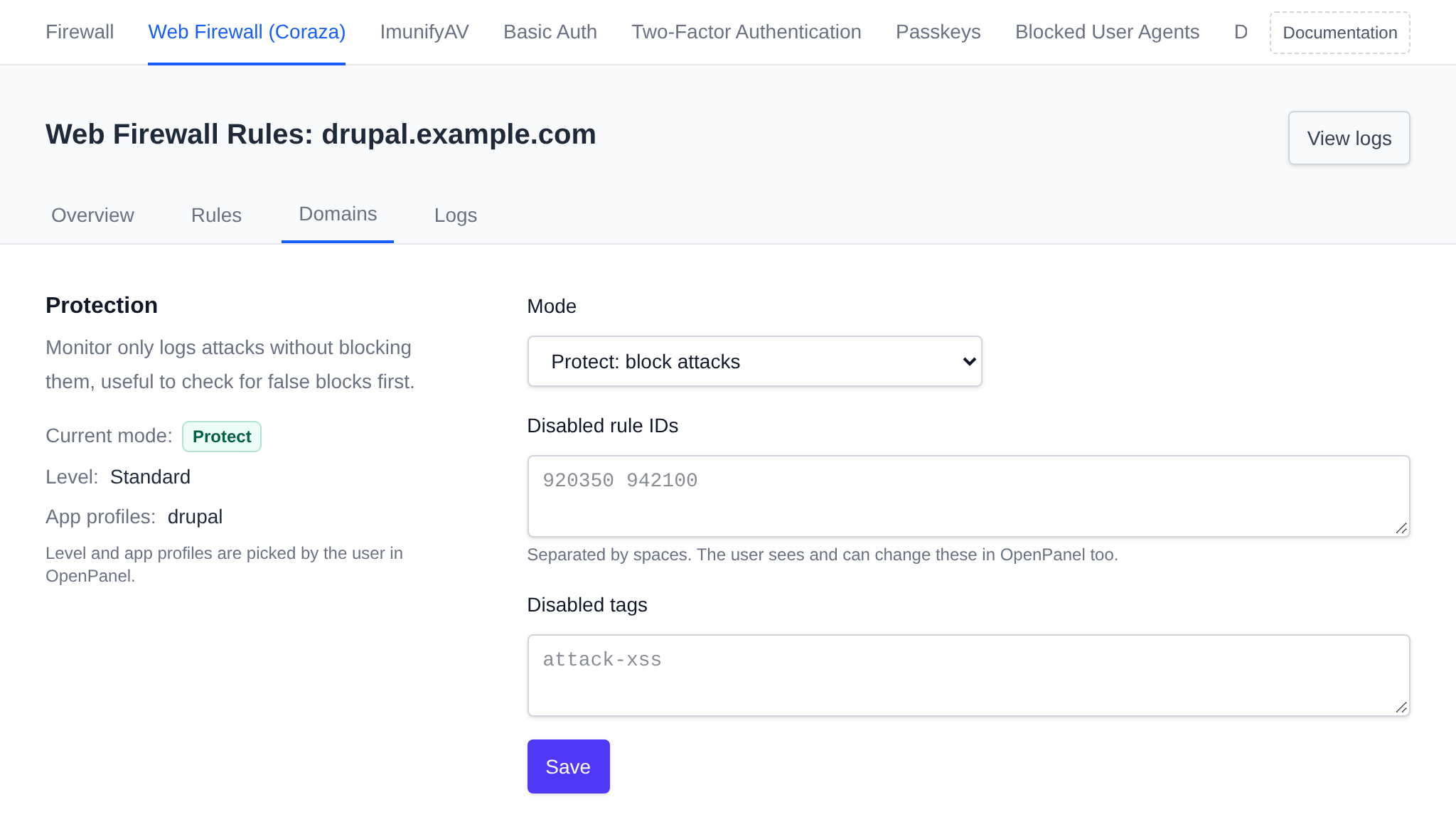
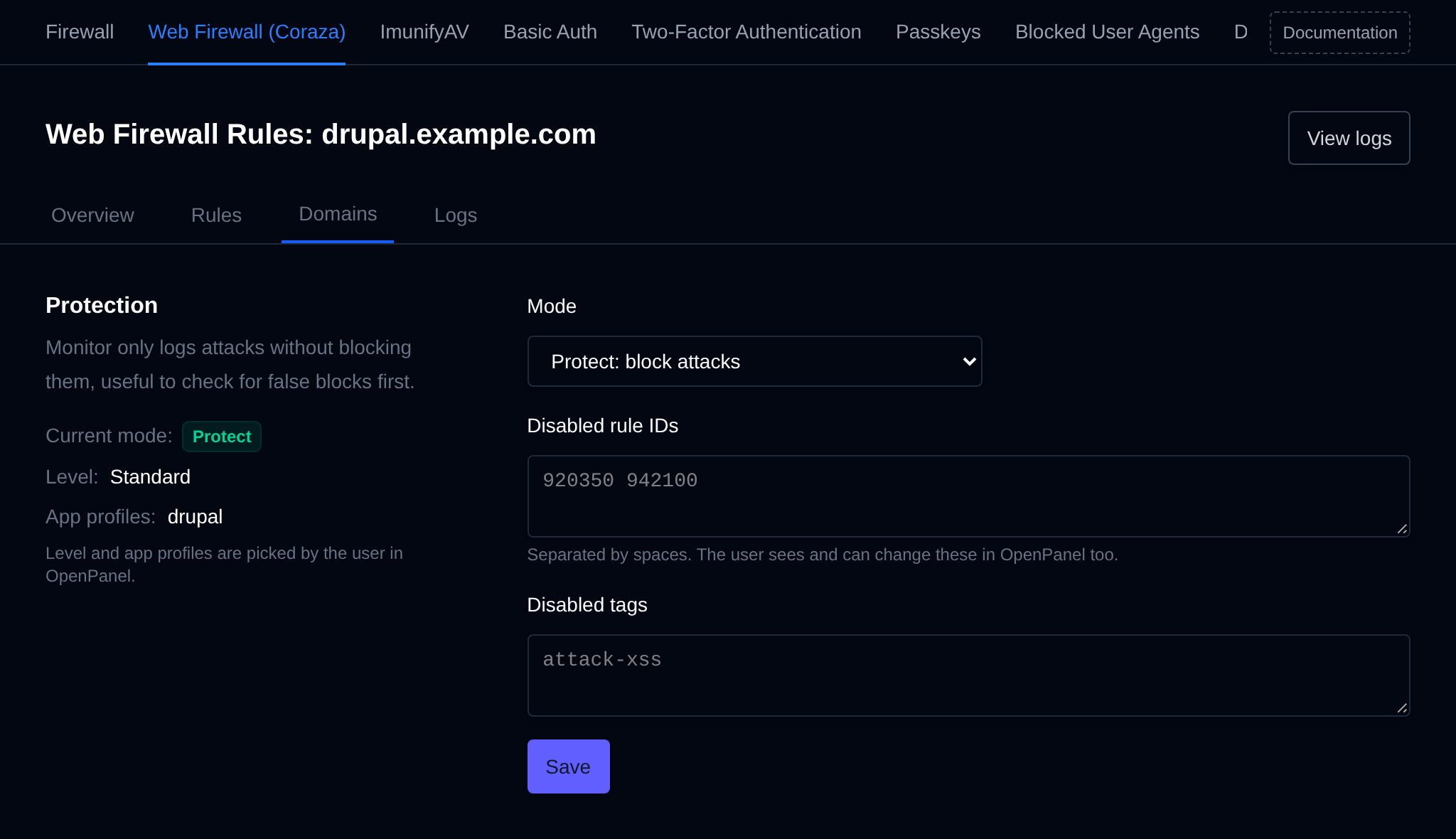
- Mode – Protect, Monitor only or Off. Monitor only is useful to check a site for false blocks before turning blocking on.
- Disabled rule IDs – rule numbers turned off for this domain, separated by spaces.
- Disabled tags – CRS tags turned off for this domain.
Click Save to apply the changes, the web server reloads on its own. The domain owner sees the same disabled rules and tags in OpenPanel and can change them there too. The protection level and app profiles are shown on the left, they're picked by the user in OpenPanel. View logs opens the domain's logs.
All domains of a user
Click a user on the Domains tab to change the firewall for all of their domains at once.
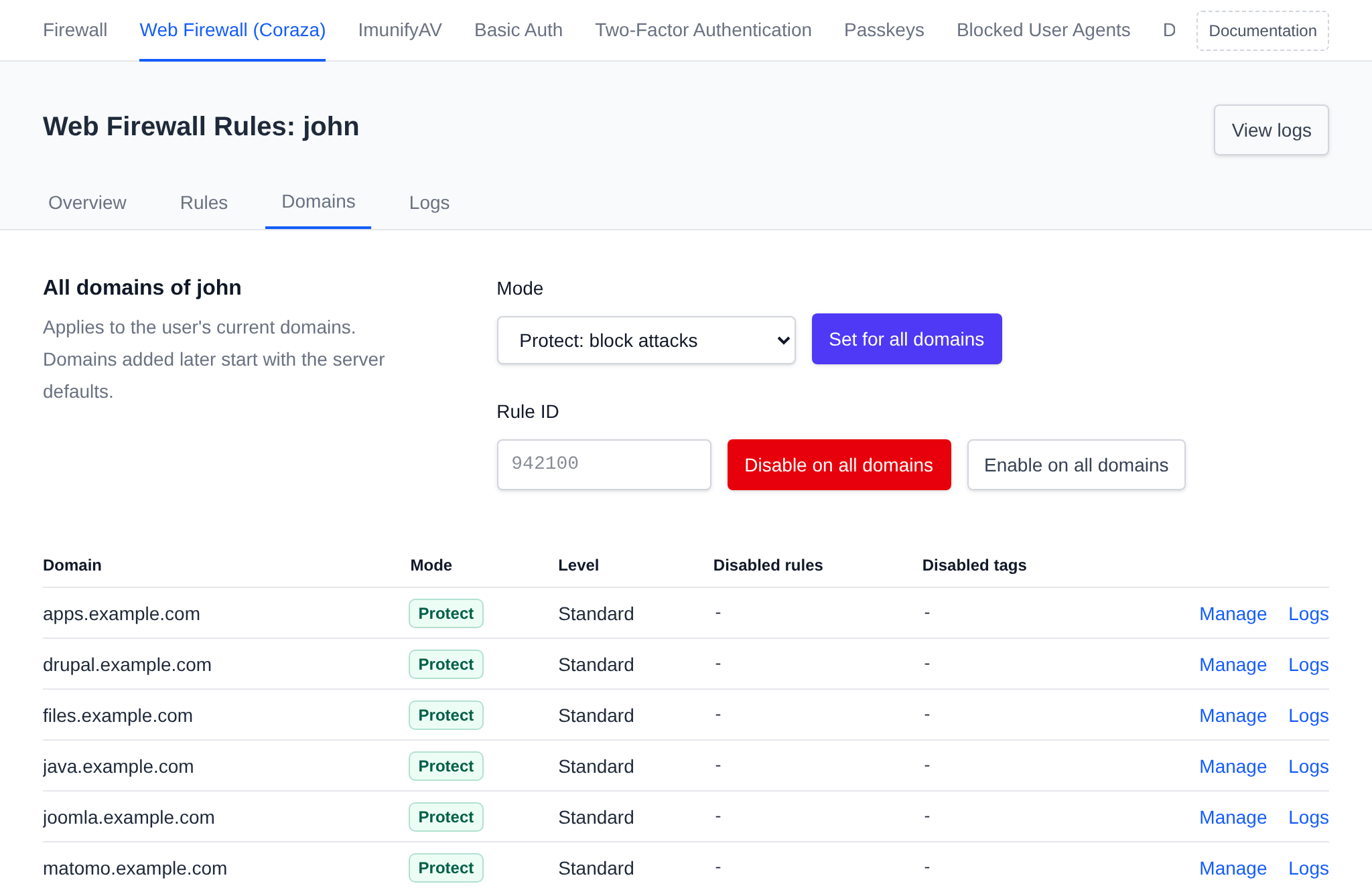
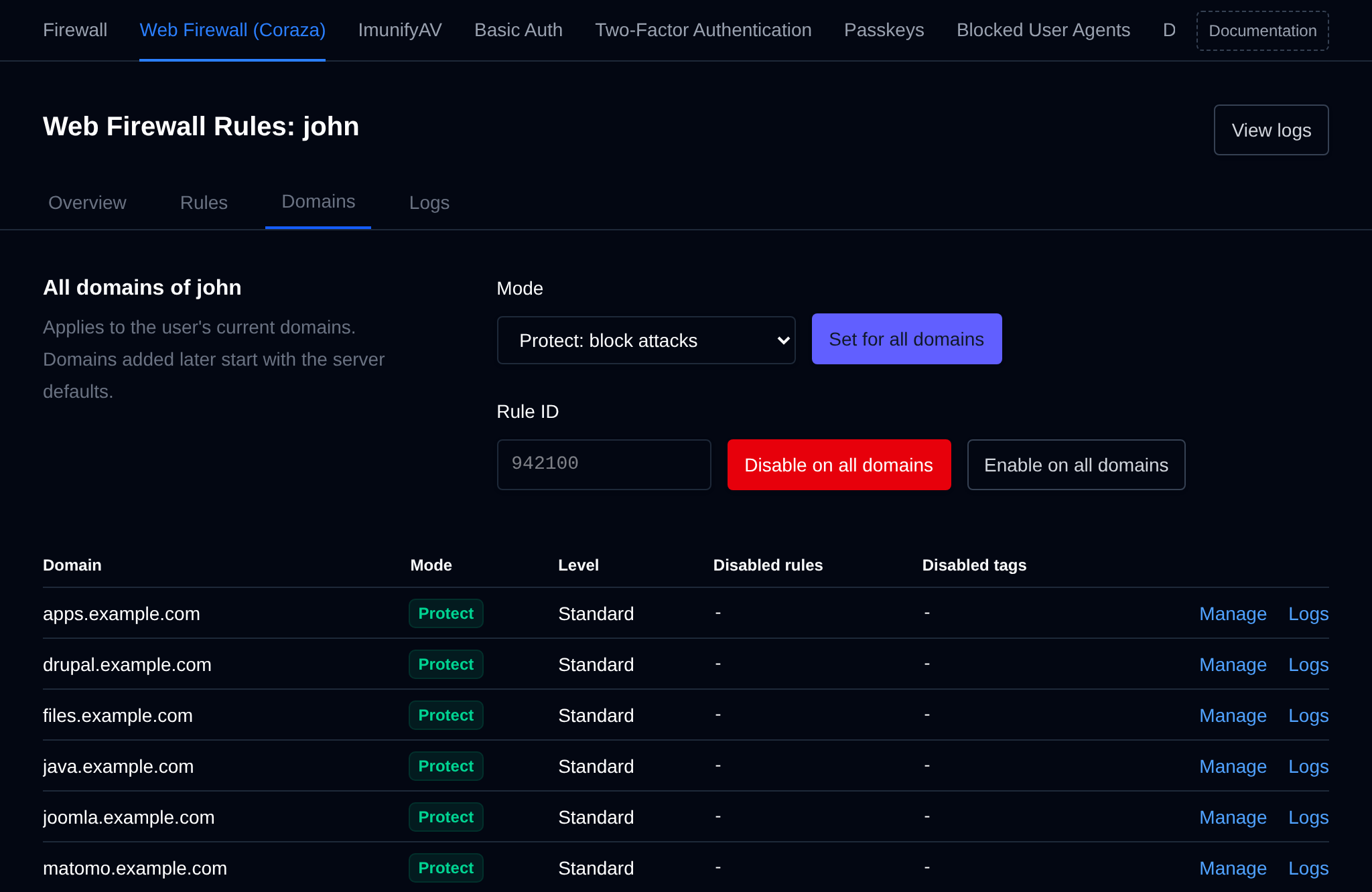
- Mode – pick a mode and click Set for all domains.
- Rule ID – enter a rule number and click Disable on all domains or Enable on all domains.
The table below shows the mode, level, disabled rules and disabled tags of each of the user's domains. The changes apply to the domains the user has now, domains they add later start with the server defaults.
Logs
The Logs tab shows what the firewall stopped across all domains on the server, from the newest 500 log entries of each domain. Pick a user from the dropdown to see only their domains.
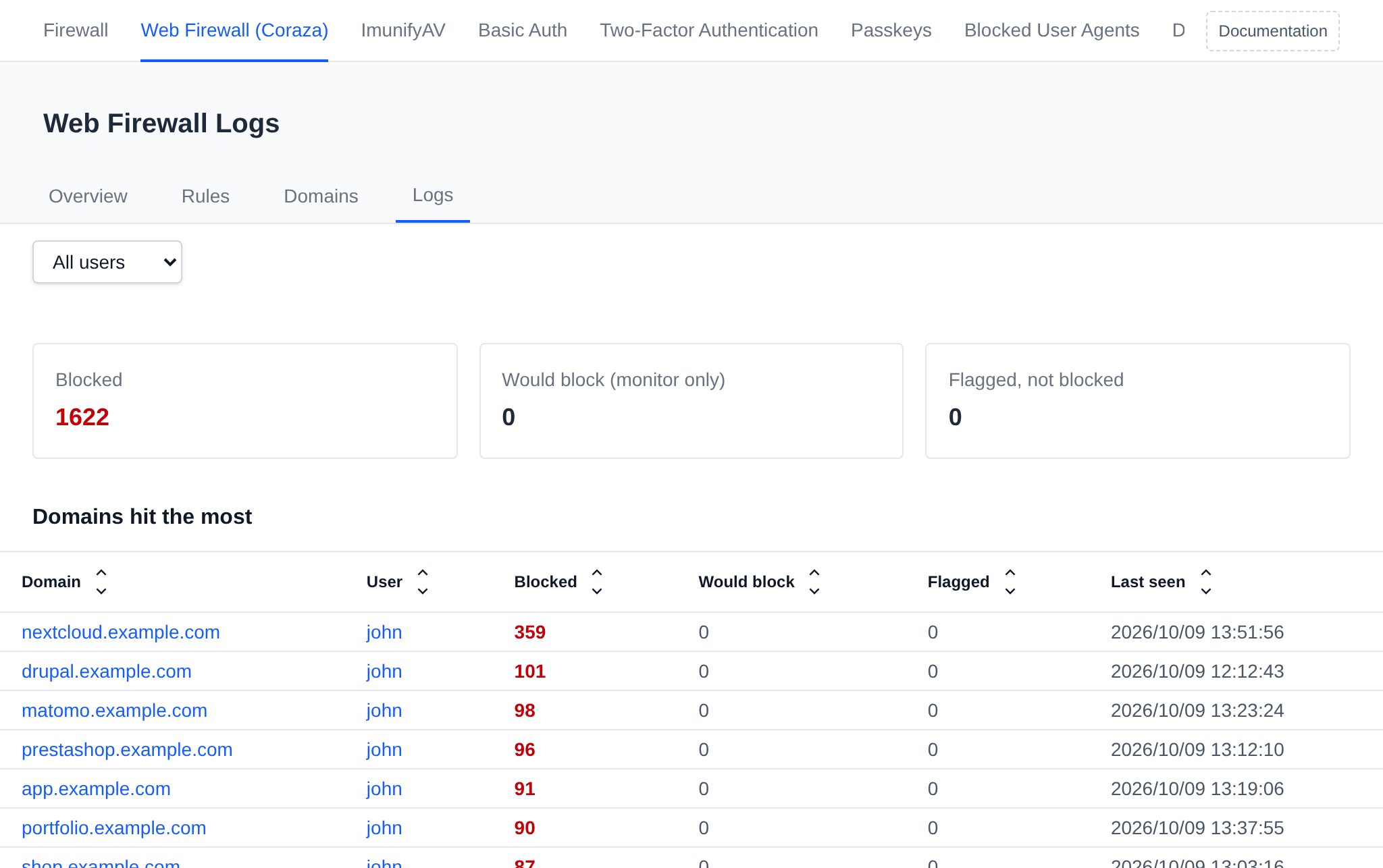
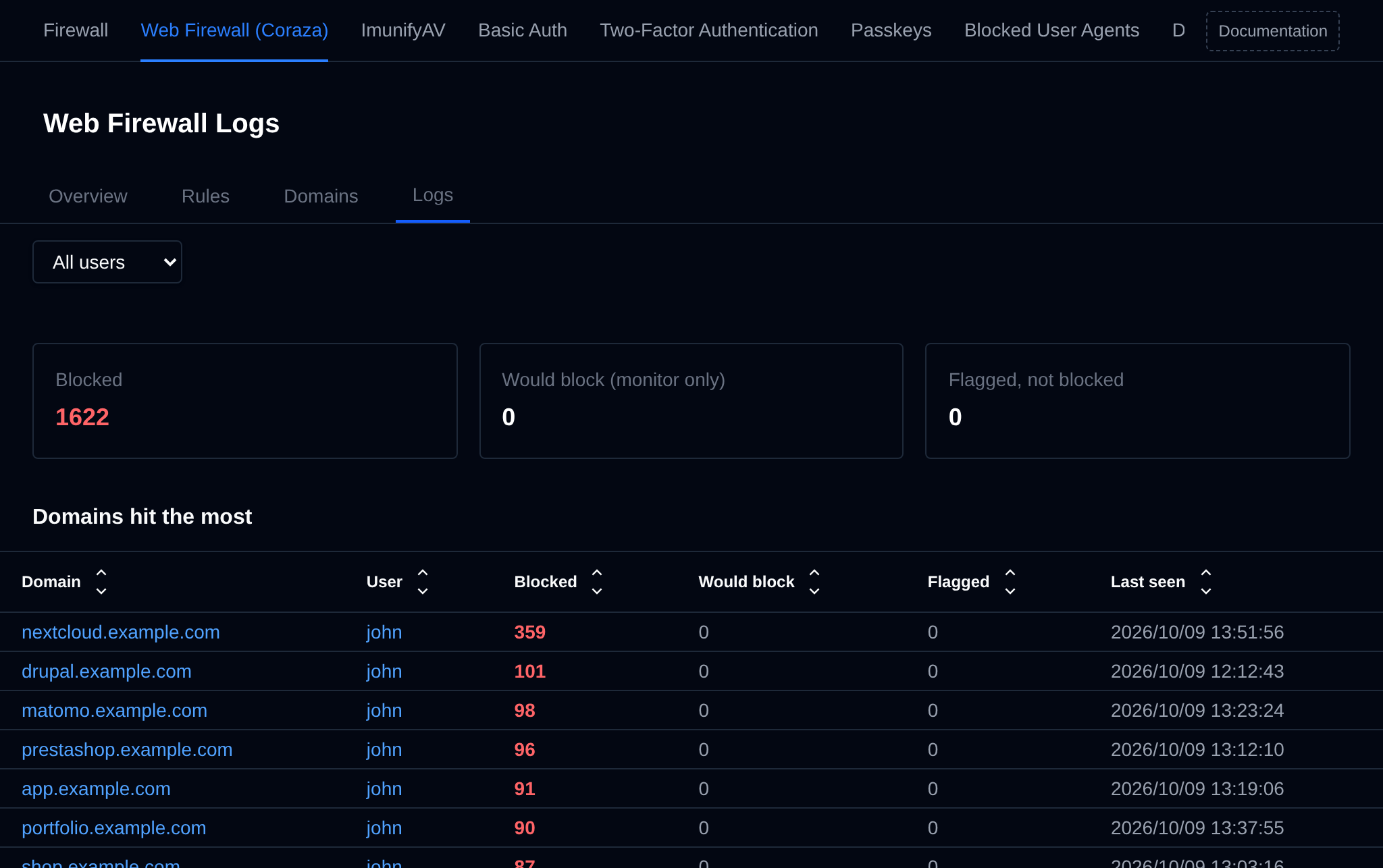
The three totals at the top count requests that were:
- Blocked – stopped by the firewall.
- Would block (monitor only) – attacks on domains in monitor only mode, which would have been blocked in protect mode.
- Flagged, not blocked – requests that matched a rule but didn't score high enough to be blocked.
Domains hit the most lists the domains with the most blocked requests, with the owner, the number of blocked, would block and flagged requests, and when the last one happened. Click a domain or user to open their logs.
Rules triggered
The rules that matched the most requests, with the rules behind actual blocks first.
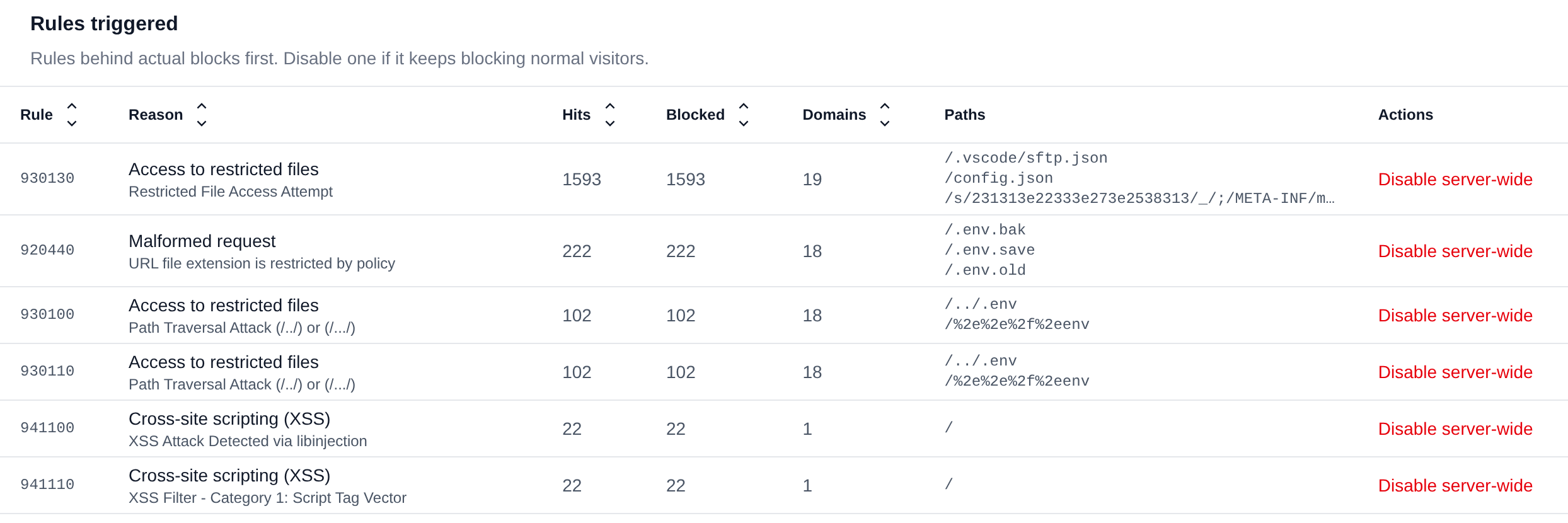
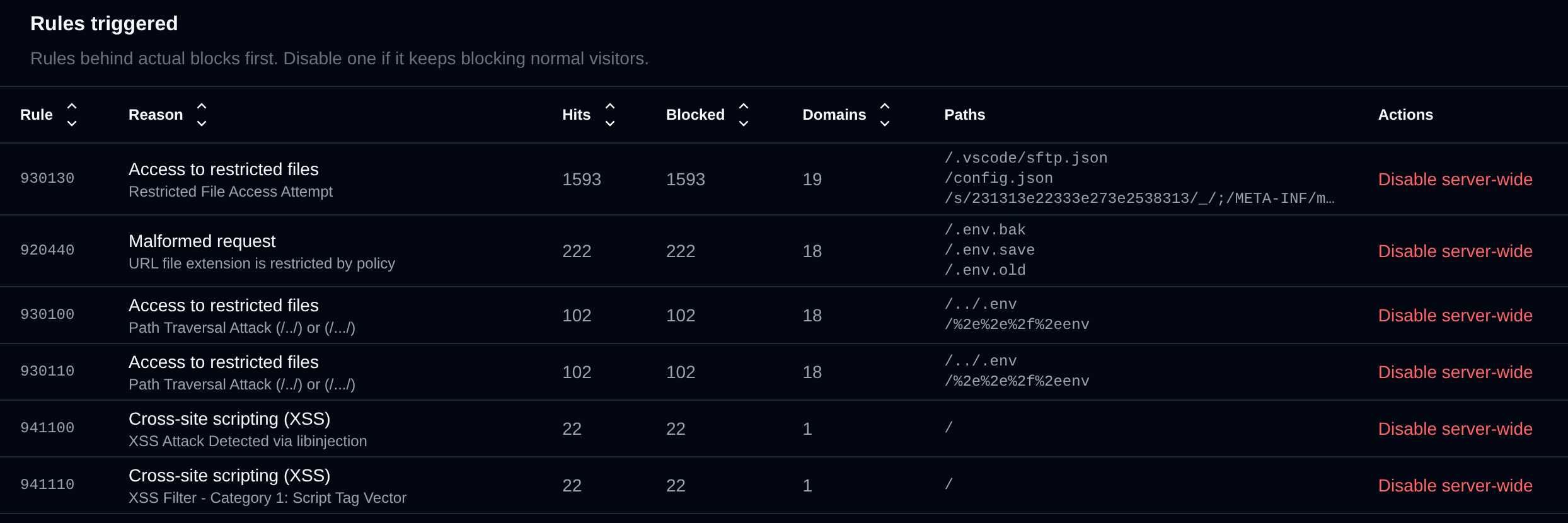
For each rule the table shows the rule ID, the kind of attack in plain words and the rule's message, how many requests it matched and blocked, on how many domains, and up to three of the paths it matched. If a rule keeps blocking normal visitors:
- Disable server-wide adds it to the rules disabled on all domains. Enable server-wide turns it back on.
- On the logs of a user or a domain, Disable for user or Disable for domain turns it off only there.
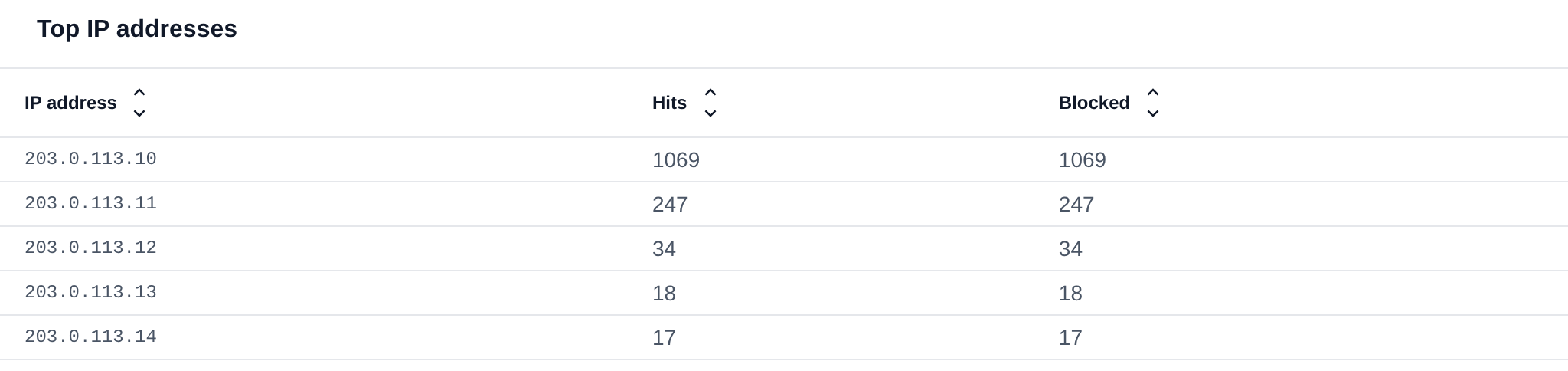
Top IP addresses and latest requests
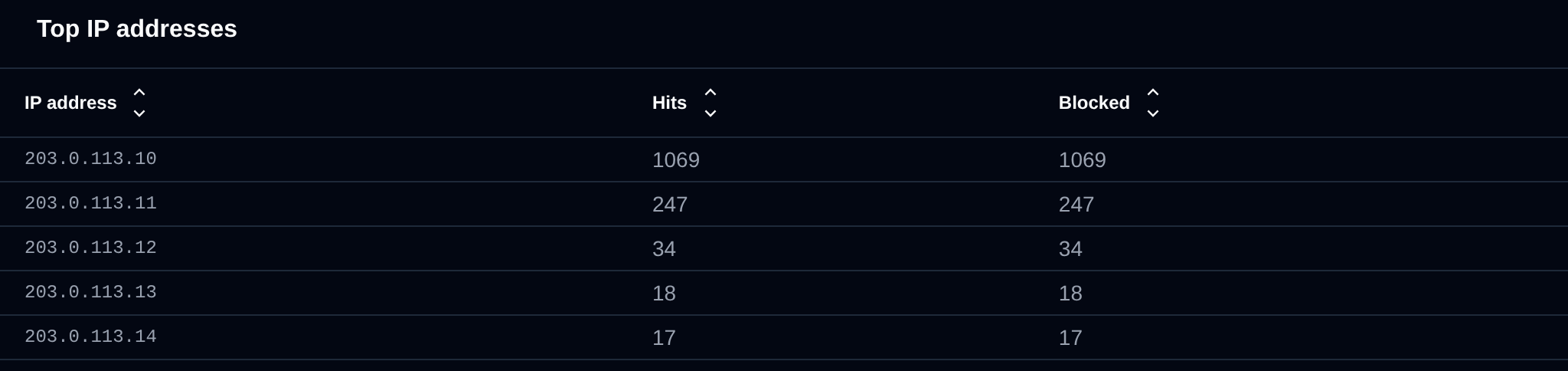
Top IP addresses lists the 20 addresses with the most flagged requests and how many of them were blocked.
Latest requests lists the newest requests the firewall flagged: the time, domain, IP address, method and path, the response status, the result and the IDs of the rules that matched. Hover a rule ID to see what it detected. The status shows - when the firewall stopped the request before the website sent a response.
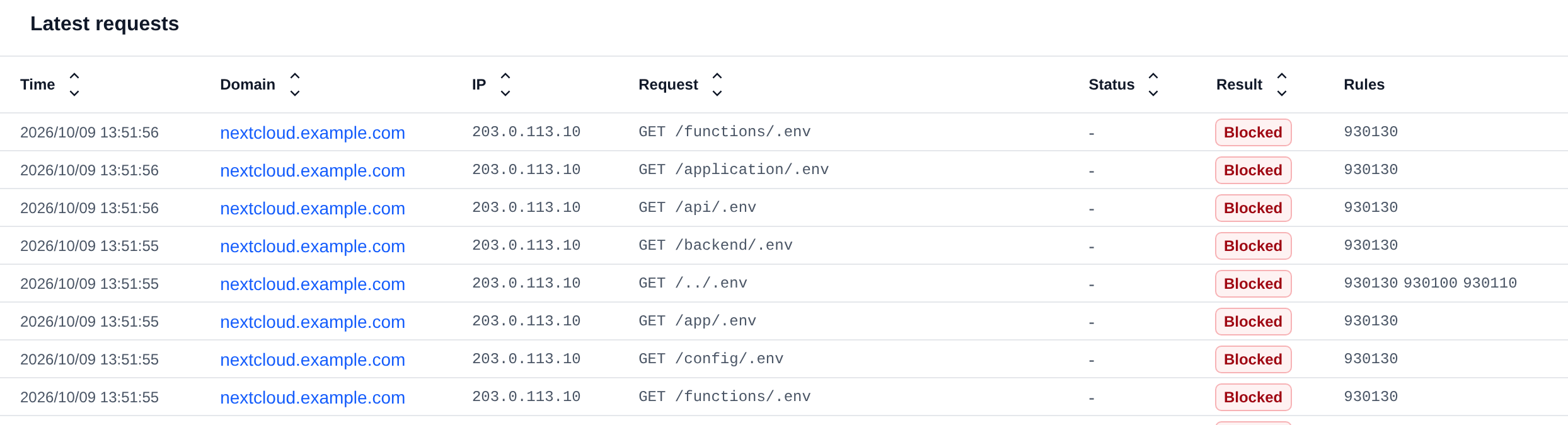
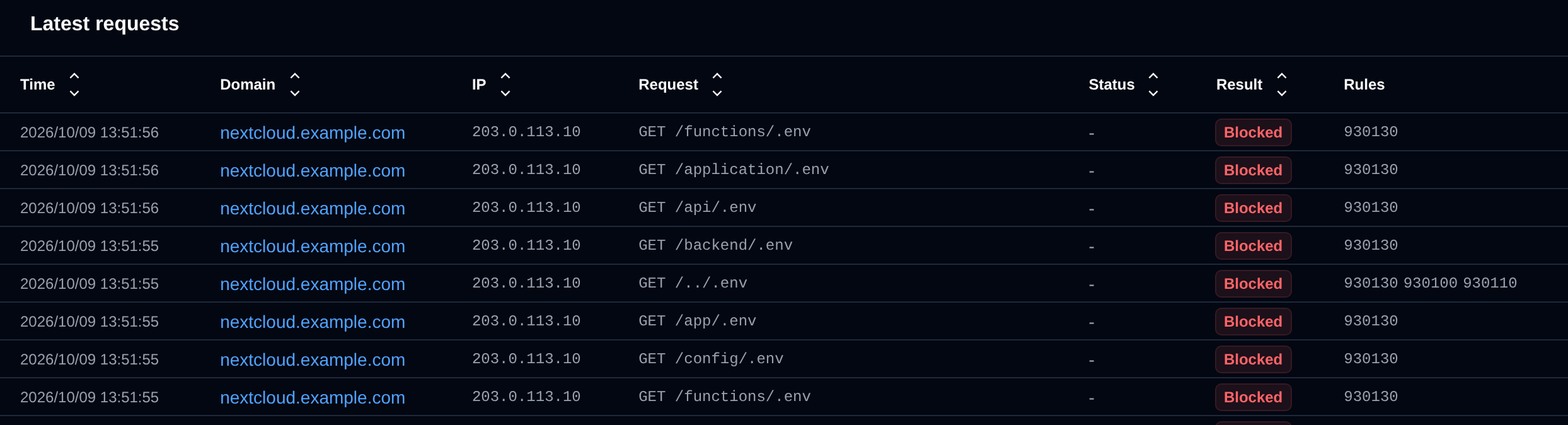
Every table on the Logs tab can be sorted by clicking a column header.
Logs of a user or domain
Pick a user from the dropdown, or click a domain or user anywhere on the WAF pages, to see only their logs.
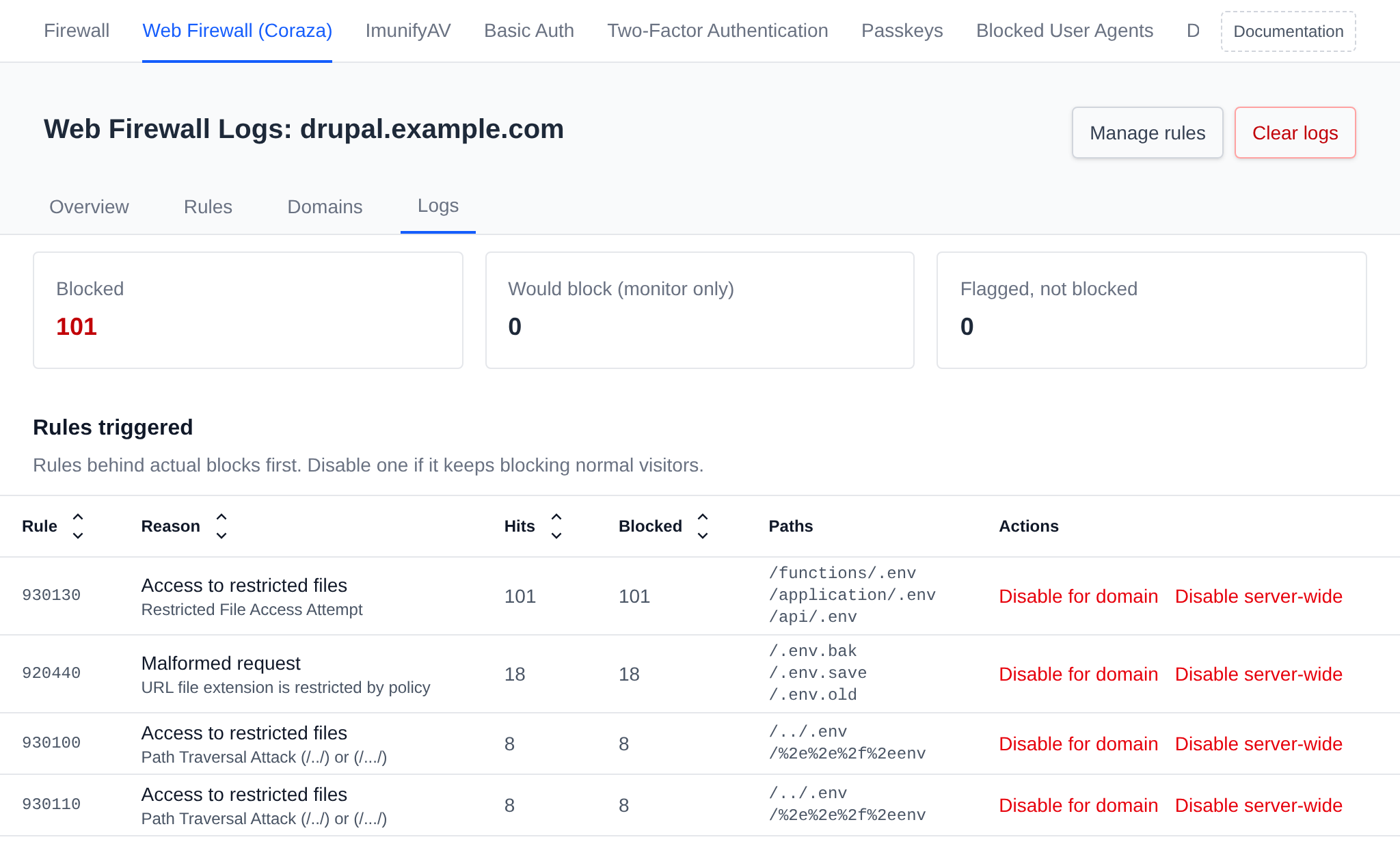
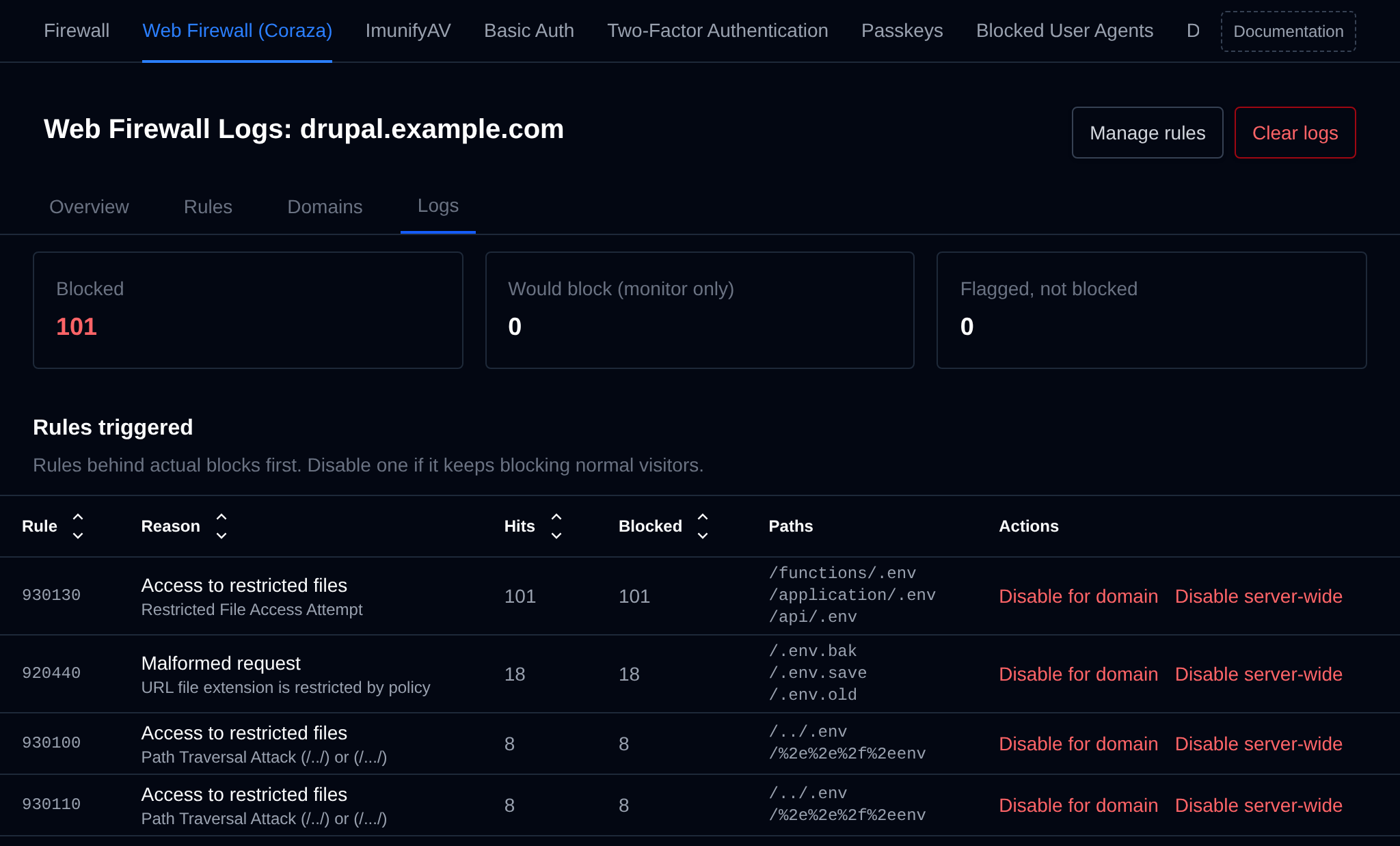
- Manage rules opens the settings of the domain or of all the user's domains.
- Clear logs empties the WAF logs of the domain, or of every domain of the user, after a confirmation.
- Disable for domain (or Disable for user) next to a rule turns it off only for that domain or user, Enable for domain turns it back on.
The domain's owner sees the same logs in OpenPanel, on their own WAF page.