DNS Cluster
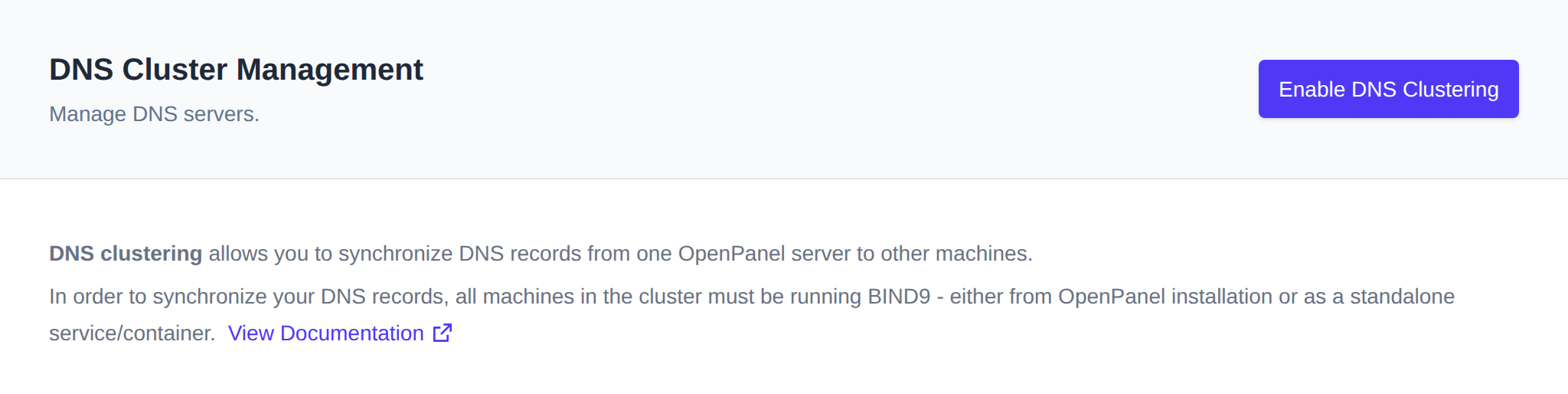
DNS clustering allows you to synchronize DNS records from one OpenPanel server to other machines.
To use this feature, all machines in the cluster must be running BIND9 — either through the OpenPanel installation or as a standalone service/container.
DNS Cluster is only shown in the Domains sidebar group when an Enterprise license is active and the dns module is enabled on the server.
Only IPv4 slave server addresses are currently supported.
Enable Clustering
Click Enable DNS Clustering to activate the feature.
Add Slave Servers
To set up a slave BIND9 server, follow the instructions in How-to Guides > DNS Clustering.
Once the slave is ready:
- Click Add Server and enter the slave server's IPv4 address in the form on the master server.
- As you type, OpenAdmin checks connectivity to the slave over
rndcbefore allowing you to submit — the Add button stays disabled until the connection succeeds. - Click Add. OpenAdmin adds the slave's IP to the
allow-transfer/also-notifydirectives, restarts the DNS service, and syncs all existing DNS zones to the new slave in the background. - All future domains and DNS changes made by users will be automatically propagated to the slave server.
To confirm the setup is working, check that the DNS zones appear on the slave server.
Remove Slave Server
There is currently no Remove button in the DNS Cluster page — slave servers can only be removed via the terminal (or the API).
Disable Clustering
Click Disable DNS Clustering to turn off the feature.