Service Status
The Service Status section allows you to view and control the status of system services and containers running on your server.
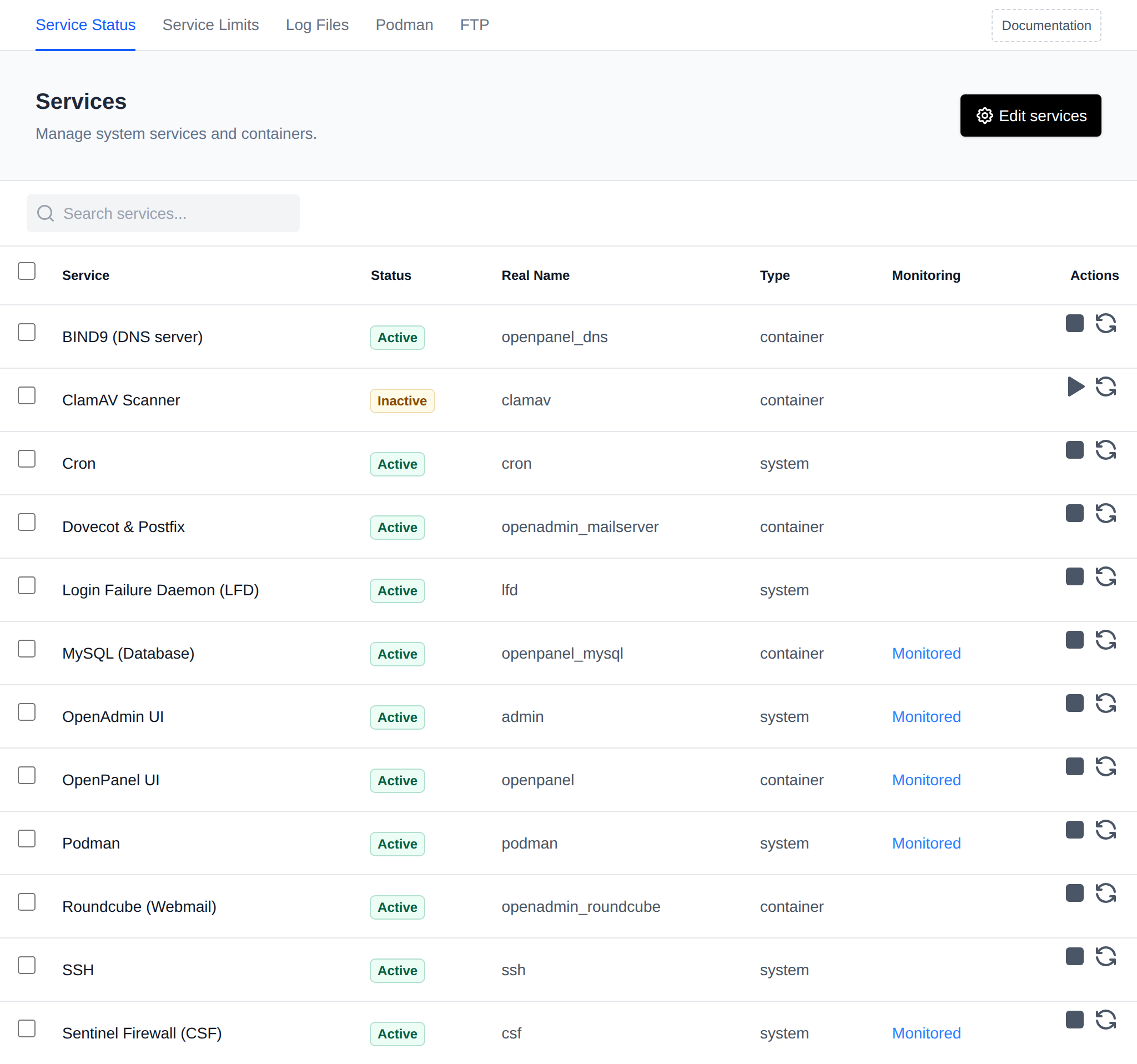
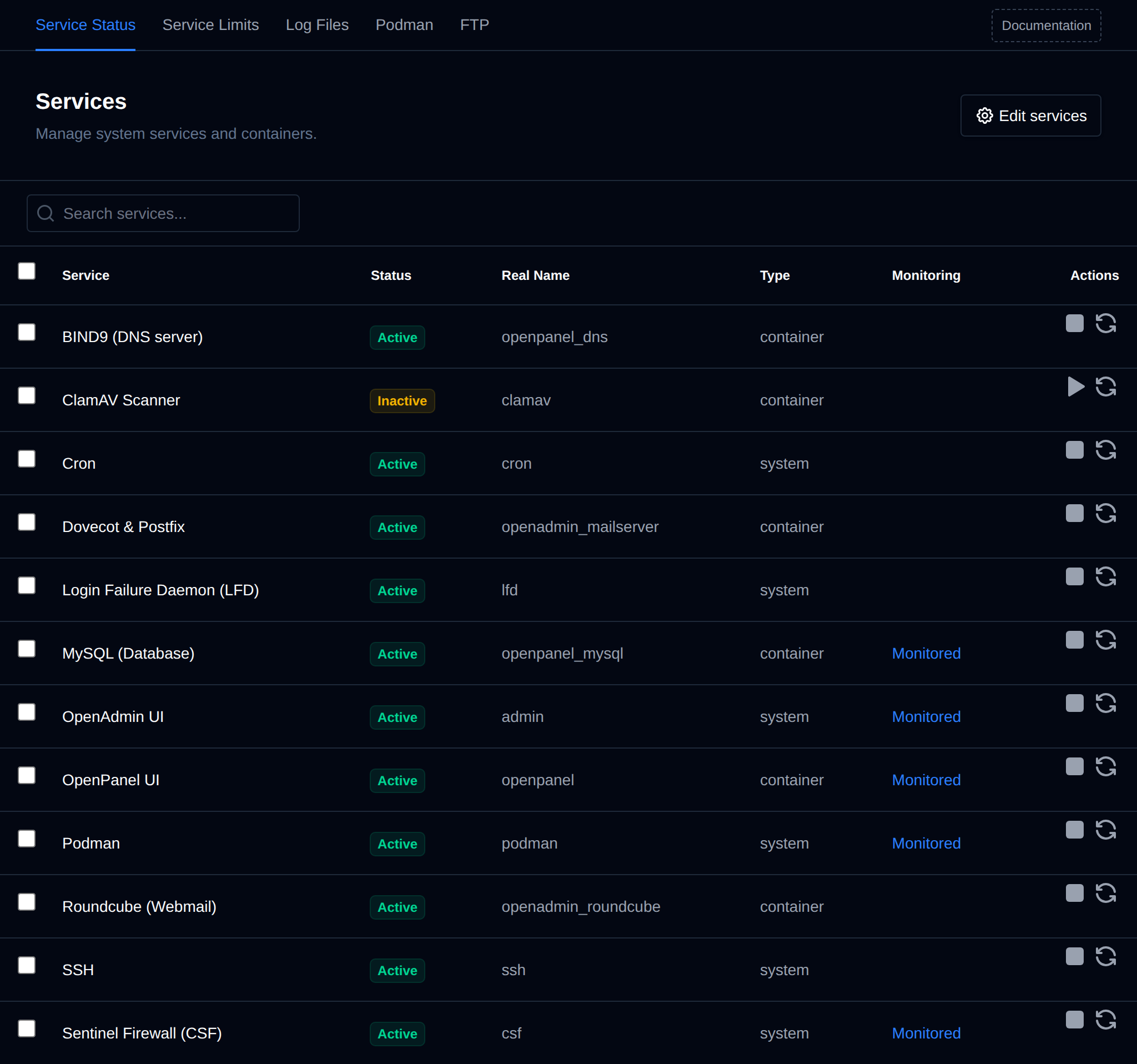
This table provides key details for each service:
- Service – Display name of the service.
- Status – Indicates if the service is active (running) or inactive.
- Version – Reserved for the service's current version; not populated in the current release.
- Real Name – Internal service name or container name (e.g., admin for OpenAdmin).
- Type – Identifies whether the service is a
systemprocess or adockercontainer (shown in the table as "container"). - Port – Reserved for the ports used by the service; not populated in the current release.
- Monitoring – Shows whether the service is actively being monitored and logged.
- Action – Options to start, stop, or restart the service.
Bulk Actions
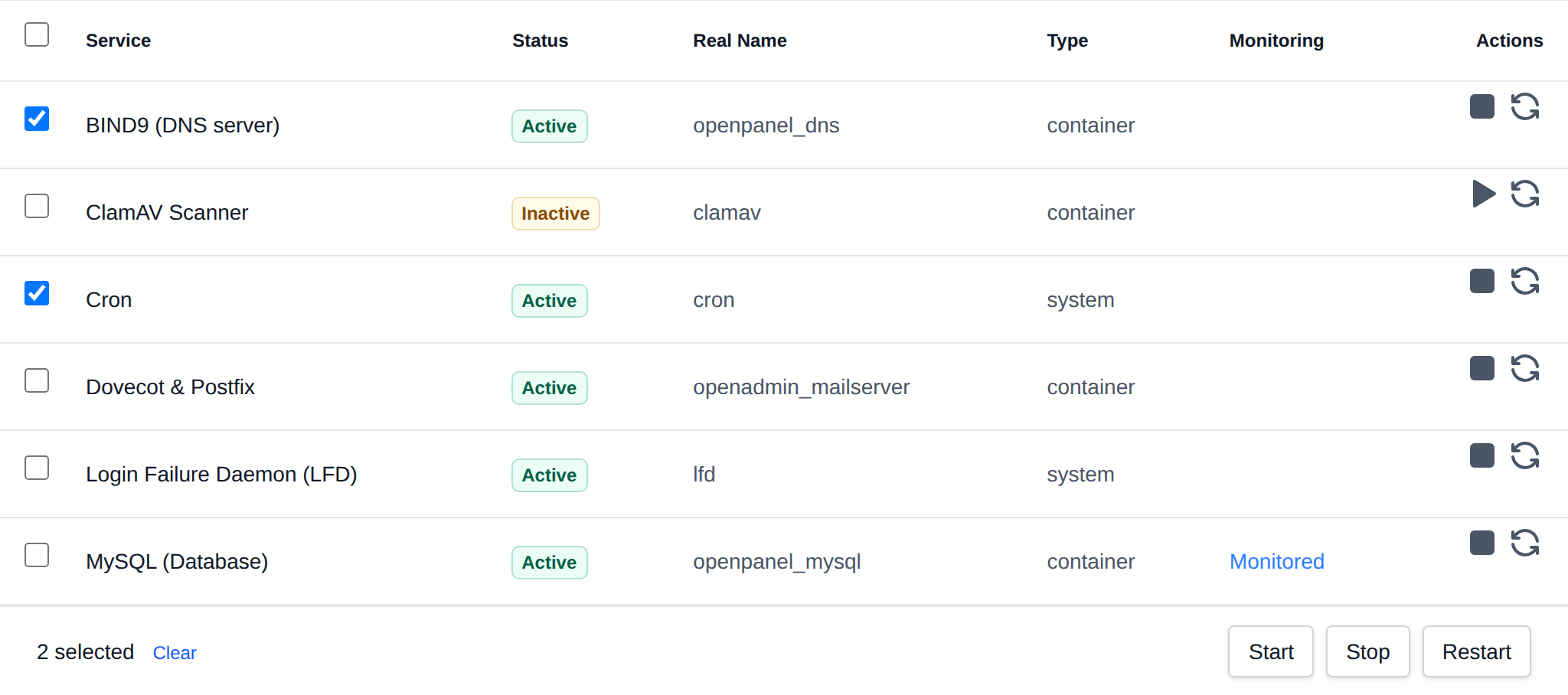
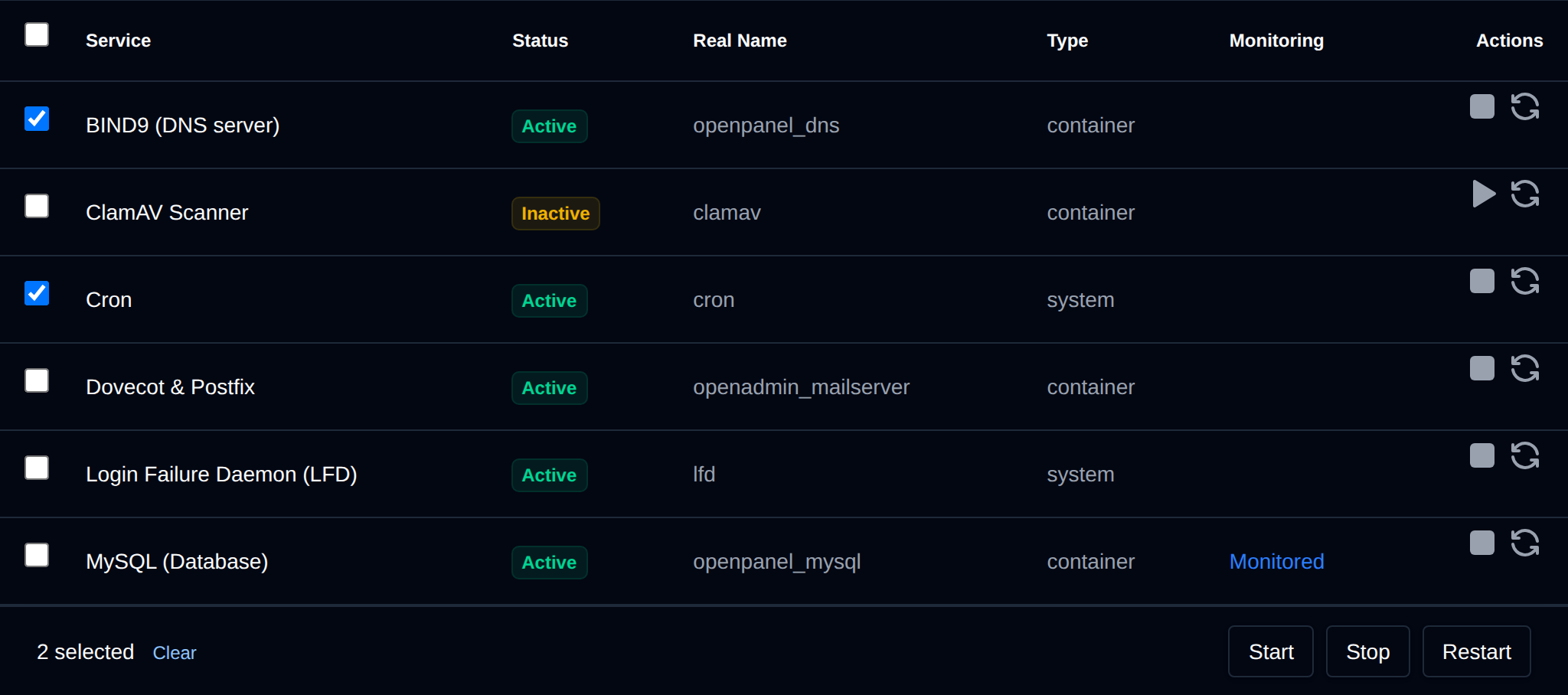
Tick the checkbox of one or more services, or the checkbox in the table header to select all services shown by the current search. A bar appears at the bottom of the page with the number selected, a Clear link and these actions:
| Action | What it does |
|---|---|
| Start | Starts the selected services, running ones are skipped. |
| Stop | Stops the selected services, stopped ones are skipped. |
| Restart | Restarts the selected services. |
OpenAdmin itself (admin) can only be started from here, stopping or restarting it would end the request that runs the bulk action.
Click an action, confirm it, and it runs on the selected services one after another. When it's done the page reloads with a notice listing the services it worked for, or which ones failed and why.
Edit Services
You can customize which services appear and are manageable from this section by clicking the Edit Services button.
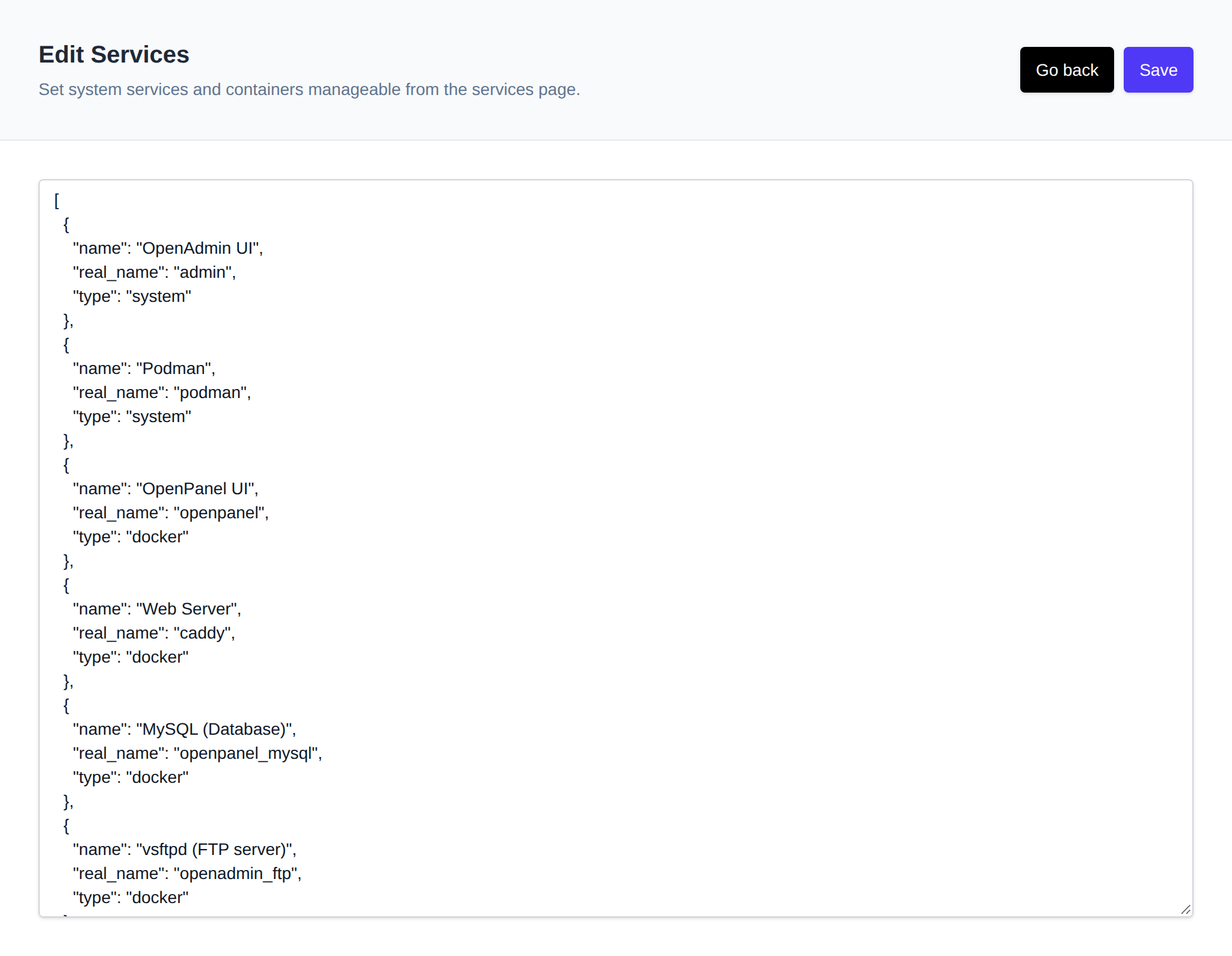
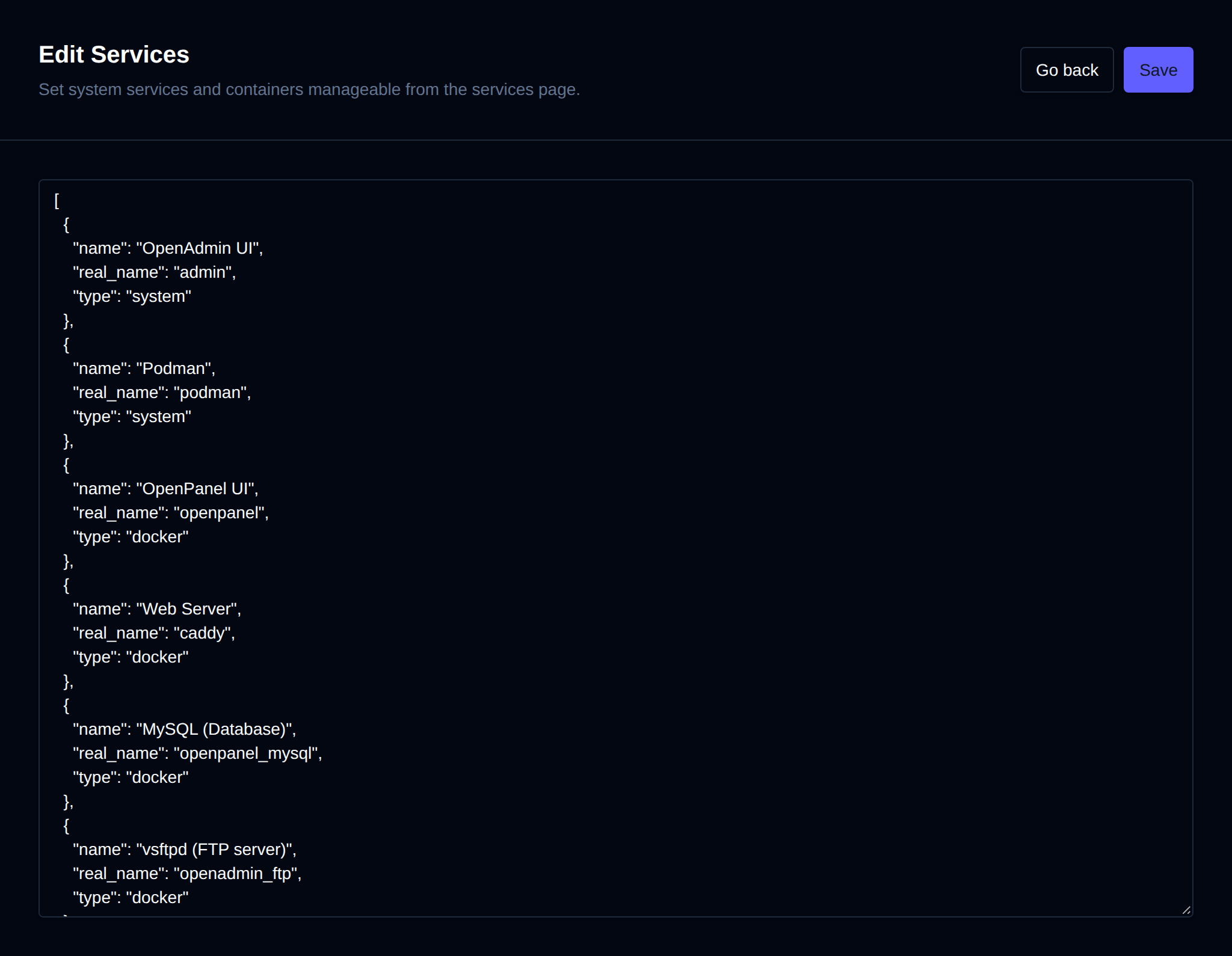
Services are configured in JSON format:
- name – Display name for the service.
- type – Either
systemordocker(services of typedockerare labeled "container" in the table). - real_name – Internal service or container identifier.
Core services (as listed under the Monitoring column) are tracked and, when one of them becomes unresponsive, an alert is sent to administrators. If you intentionally stop a monitored service, remember to disable the corresponding alert via the OpenAdmin Notifications page to avoid unnecessary alerts.