DNS Zone Editor
Edit the DNS zone for any domain hosted on the server.
The DNS Zone Editor in OpenAdmin is only shown in the Domains sidebar group when the dns module is enabled on the server.
- With OpenAdmin
- With OpenCLI
- Navigate to OpenAdmin > Domains > DNS Zone Editor.
- Select the domain whose zone you want to edit.
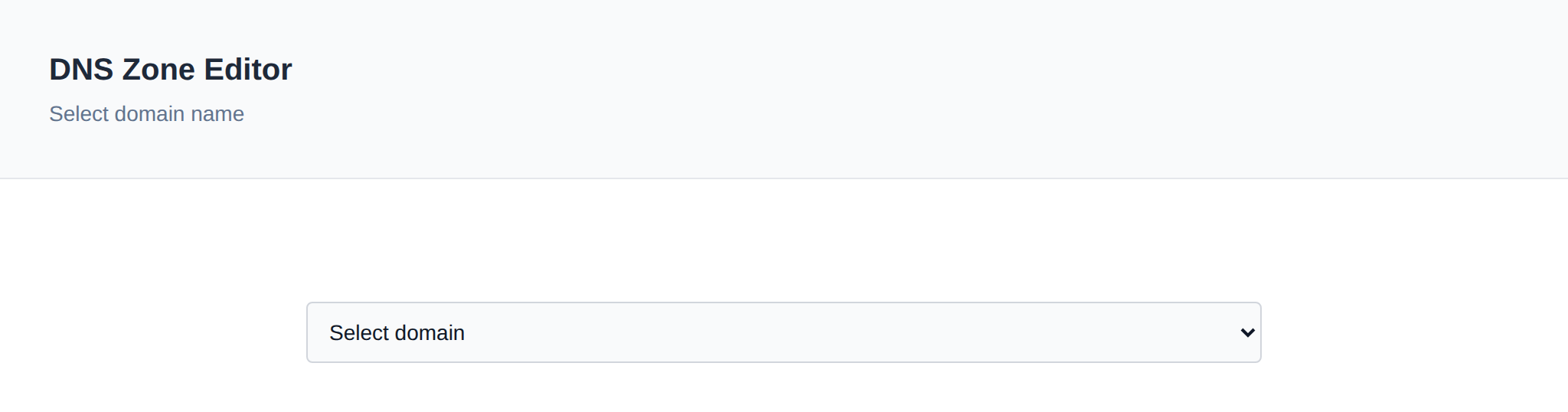
- Make your changes in the editor and click Save when done.
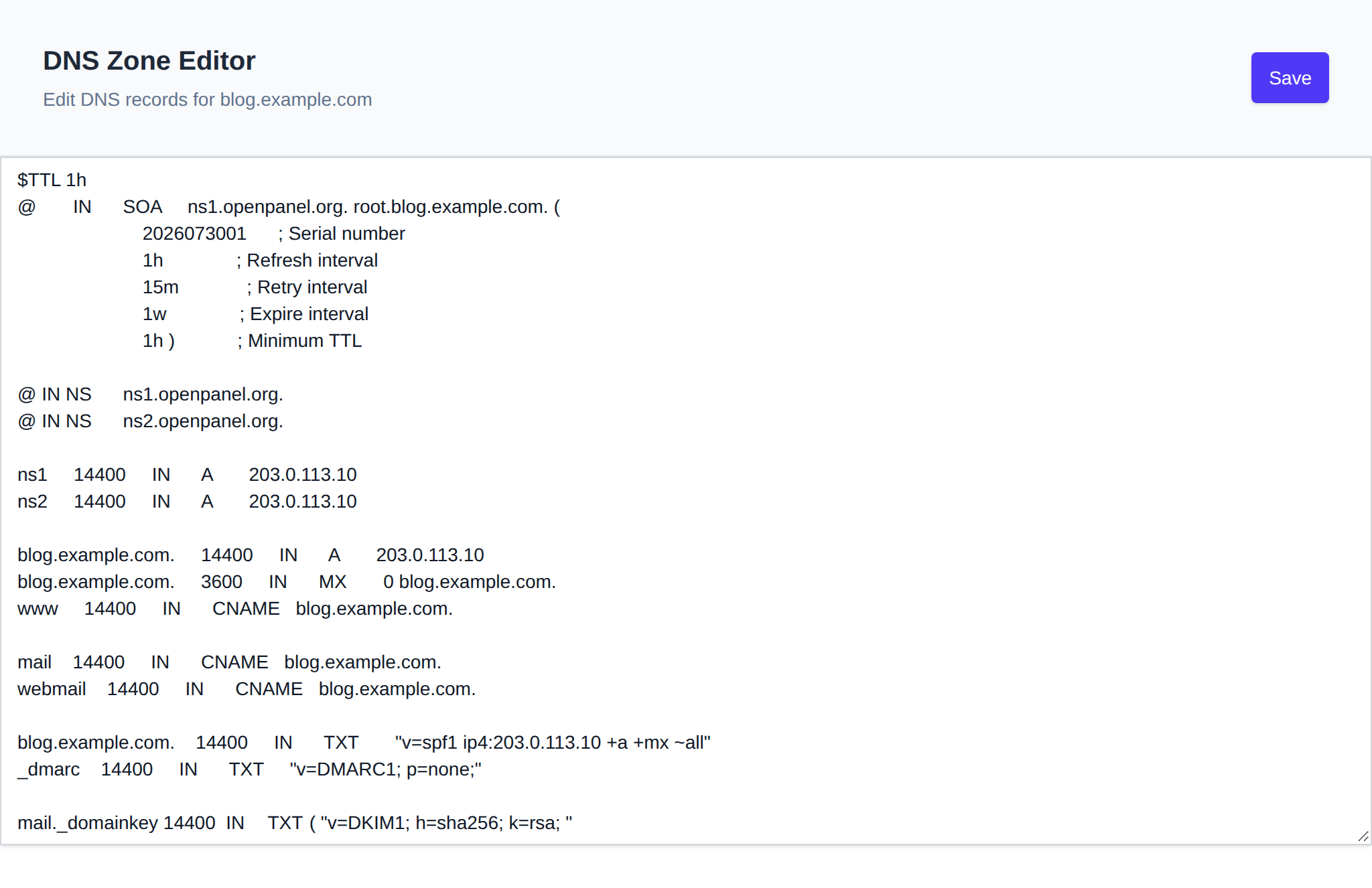
Before overwriting the zone file, OpenAdmin automatically creates a temporary backup of the previous version. The new content is validated (named-checkzone) before it is applied:
- ✅ If validation passes, the zone file is saved, BIND is reloaded (
rndc reload), and propagation begins immediately. - ⚠️ If there are syntax errors, the save is rejected and the zone file is automatically reverted to its previous version — your changes are not applied.
If you reload the page after a failed save with unsaved changes still pending, OpenAdmin will offer to restore your last edited (but not yet valid) version from its temporary backup so you don't lose your work.
Click Show Columns to also display ID, Docroot, and HTTP Strict Transport Security (HSTS) — HSTS can be toggled on/off directly from that column, the same way WAF can. Column visibility is remembered for your browser.
DNS zone files are stored in /etc/bind/zones/:
Edit the zone file /etc/bind/zones/<DOMAIN_NAME>.zone with your text editor, save, and to reload:
opencli domains-dns check <DOMAIN_NAME>
opencli domains-dns reload <DOMAIN_NAME>