Edit Domain Templates
Domains > Domain Templates holds the HTML pages visitors see on domains without a website and on suspended domains and accounts:
- Default Page: shown on new domains without any content.
- Suspended Website: shown on domains the user suspends, and on domains an Administrator suspends without picking a reason.
- Suspension Reasons: pages an Administrator can pick when suspending a domain, such as DMCA or overdue payment.
- Suspended User: shown on all domains of a suspended account.
The webserver, Varnish and Caddy configuration templates are on the VirtualHost Templates tab.
Default Page
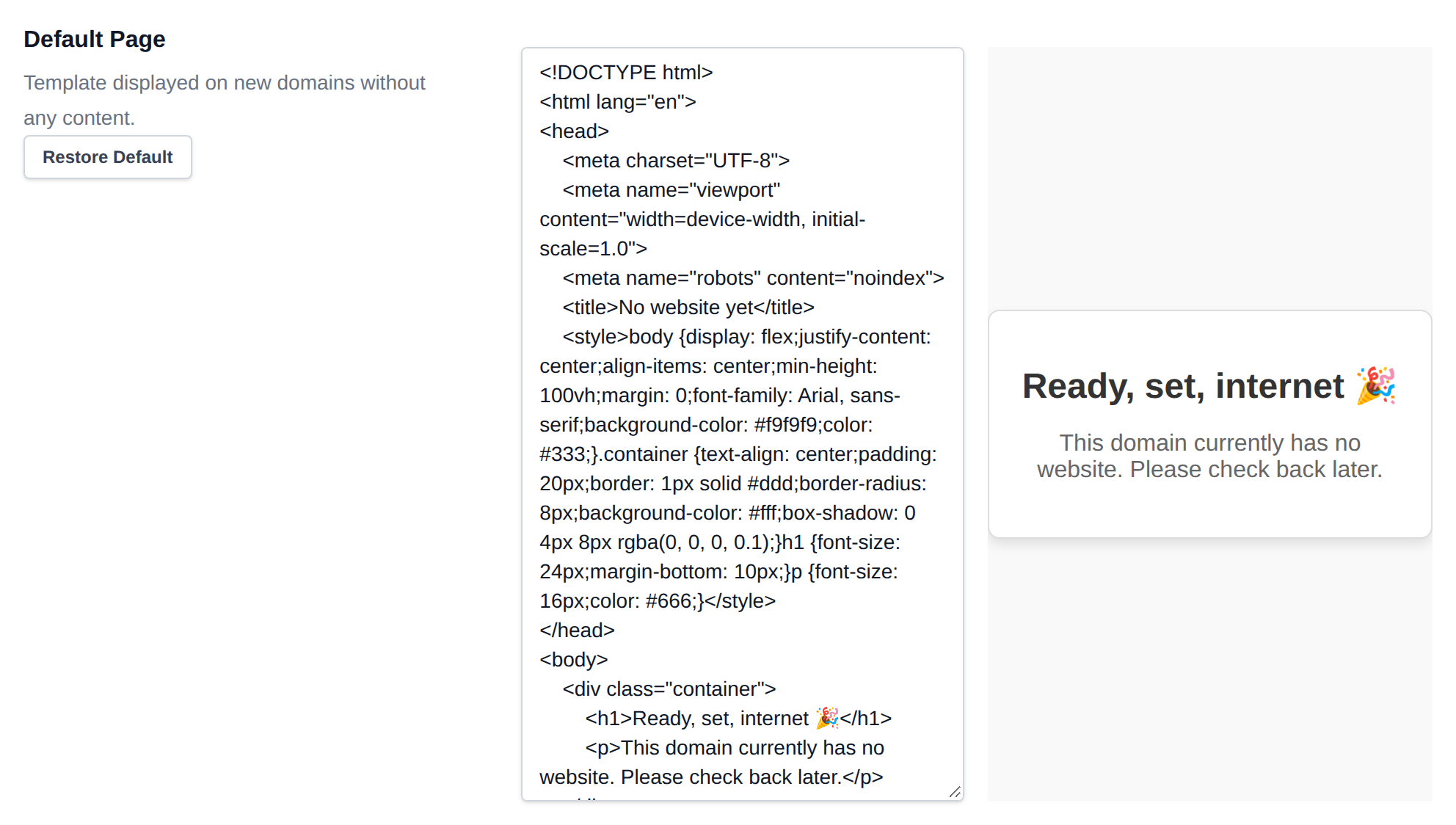
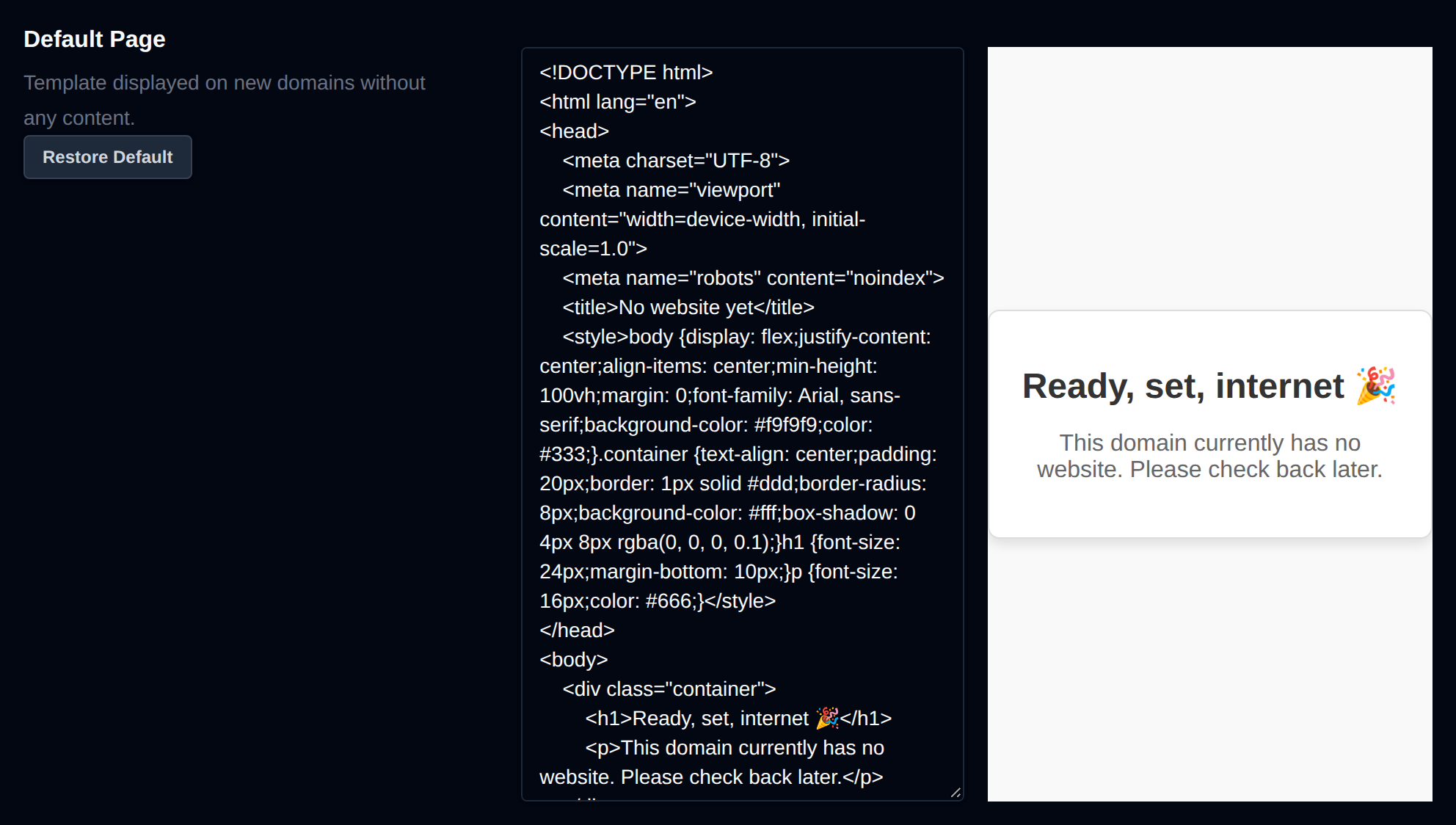
This is the HTML page shown on new domains that do not have index.html or index.php in their document root.
<!DOCTYPE html>
<html lang="en">
<head>
    <meta charset="UTF-8">
    <meta name="viewport" content="width=device-width, initial-scale=1.0">
    <meta name="robots" content="noindex">
    <title>No website yet</title>
    <style>body {display: flex;justify-content: center;align-items: center;min-height: 100vh;margin: 0;font-family: Arial, sans-serif;background-color: #f9f9f9;color: #333;}.container {text-align: center;padding: 20px;border: 1px solid #ddd;border-radius: 8px;background-color: #fff;box-shadow: 0 4px 8px rgba(0, 0, 0, 0.1);}h1 {font-size: 24px;margin-bottom: 10px;}p {font-size: 16px;color: #666;}</style>
</head>
<body>
    <div class="container">
        <h1>Reaaady, set, internet 🎉</h1>
        <p>This domain currently has no website. Please check back later.</p>
    </div>
</body>
</html>
- Edit the code on the left side of the editor.
- Preview live changes on the right side.
- When finished, click Save Files to apply your changes.
To revert to the original template:
- Click Restore Default to reload the version from GitHub.
- Don’t forget to click Save Files afterward to confirm the reset.
Suspended Website
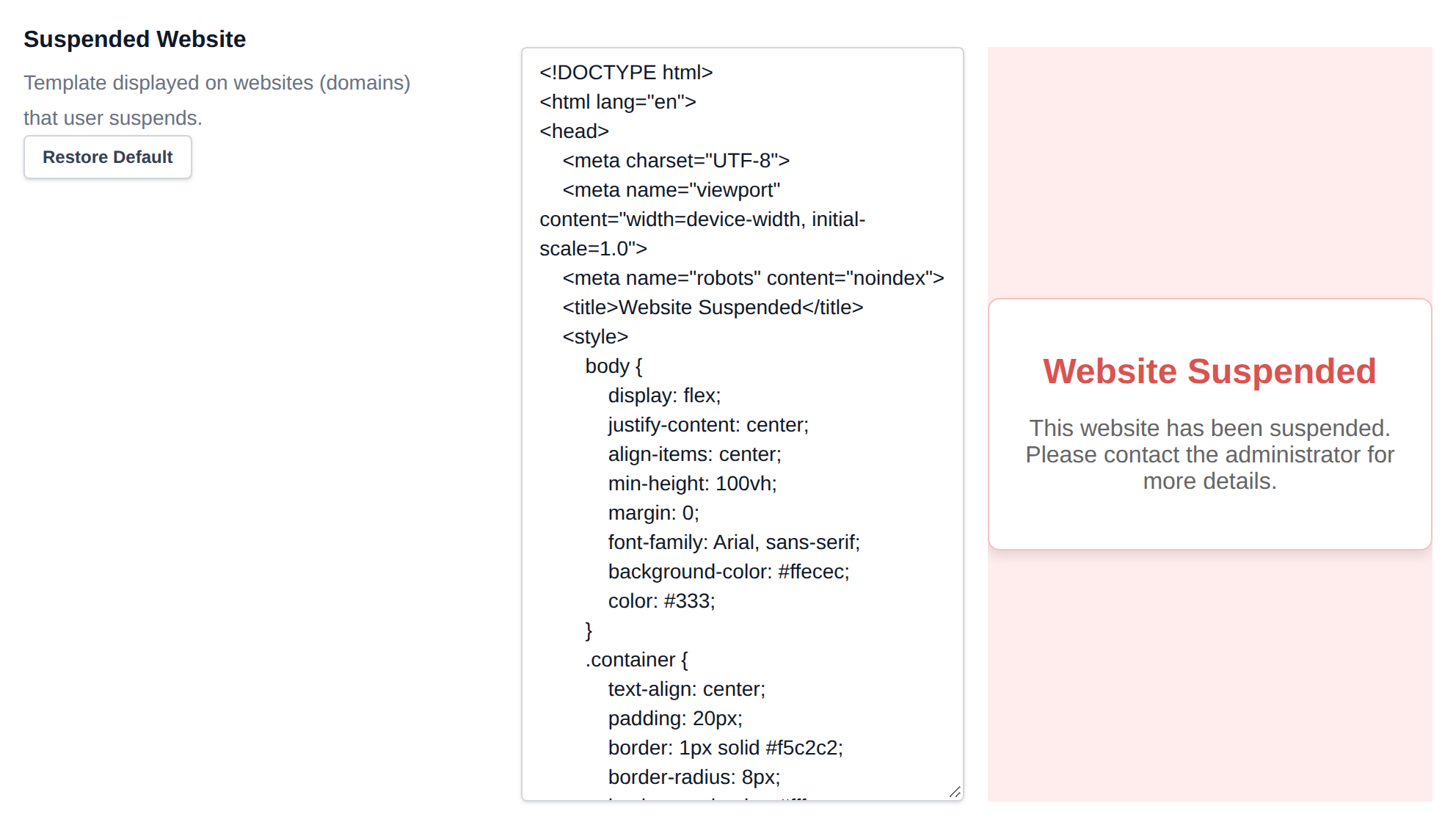
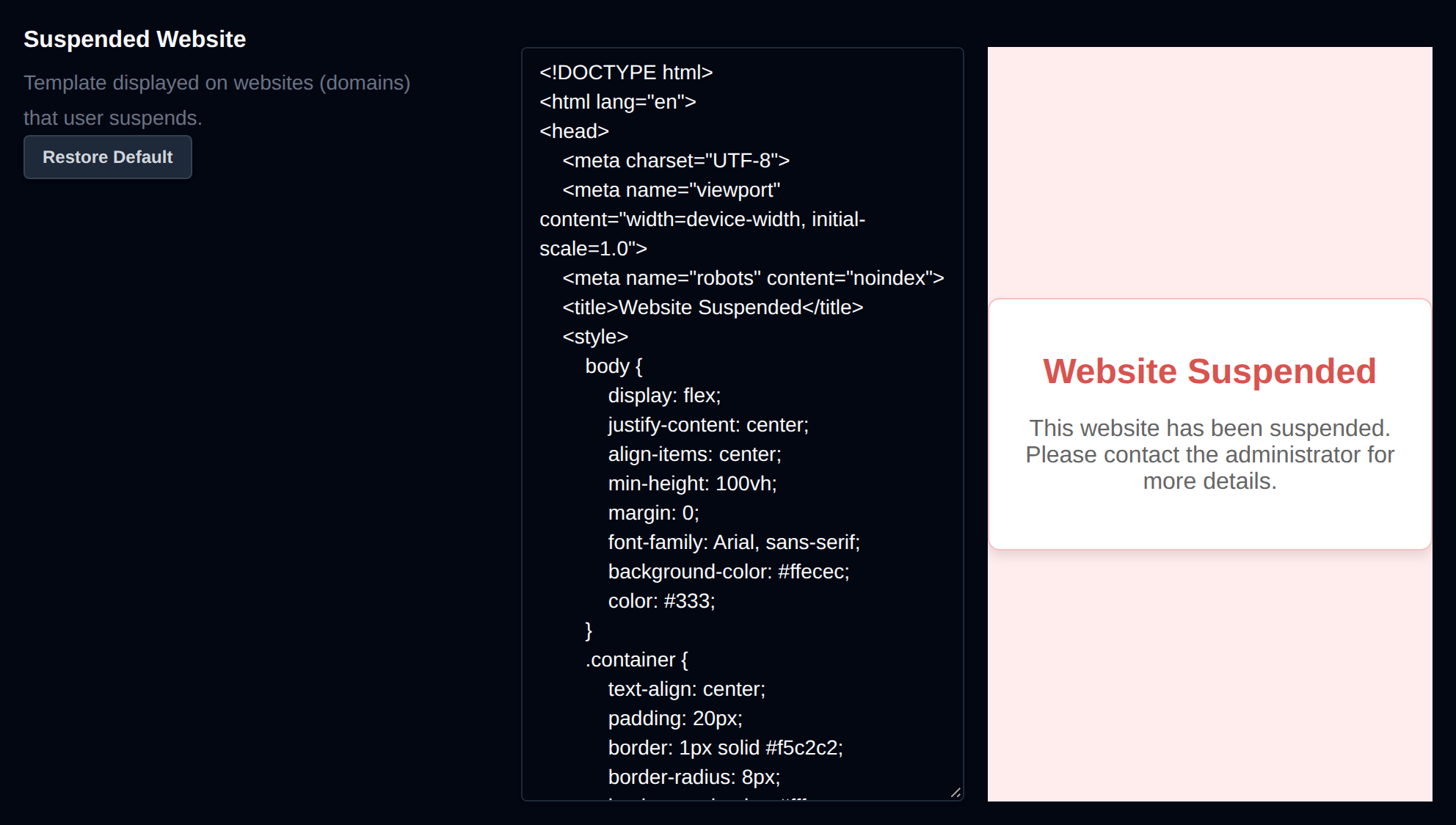
This is the HTML page shown on domains that users suspend manually, and on domains an Administrator suspends with the Default suspended page reason.
<!DOCTYPE html>
<html lang="en">
<head>
    <meta charset="UTF-8">
    <meta name="viewport" content="width=device-width, initial-scale=1.0">
    <meta name="robots" content="noindex">
    <title>Website Suspended</title>
    <style>body {display: flex;justify-content: center;align-items: center;min-height: 100vh;margin: 0;font-family: Arial, sans-serif;background-color: #ffecec;color: #333;}.container {text-align: center;padding: 20px;border: 1px solid #f5c2c2;border-radius: 8px;background-color: #fff;box-shadow: 0 4px 8px rgba(0, 0, 0, 0.1);}h1 {font-size: 24px;margin-bottom: 10px;color: #d9534f;}p {font-size: 16px;color: #666;}</style>
</head>
<body>
    <div class="container">
        <h1>Website Suspended</h1>
        <p>This website has been suspended. Please contact the administrator for more details.</p>
    </div>
</body>
</html>
- Edit the code on the left side of the editor.
- Preview live changes on the right side.
- When finished, click Save Files to apply your changes.
To revert to the original template:
- Click Restore Default to reload the version from GitHub.
- Don’t forget to click Save Files afterward to confirm the reset.
Suspension Reasons
Suspension reasons are pages an Administrator can pick when suspending a domain. Visitors of the suspended domain see the reason's page, and the user sees the reason's name next to the domain in OpenPanel.
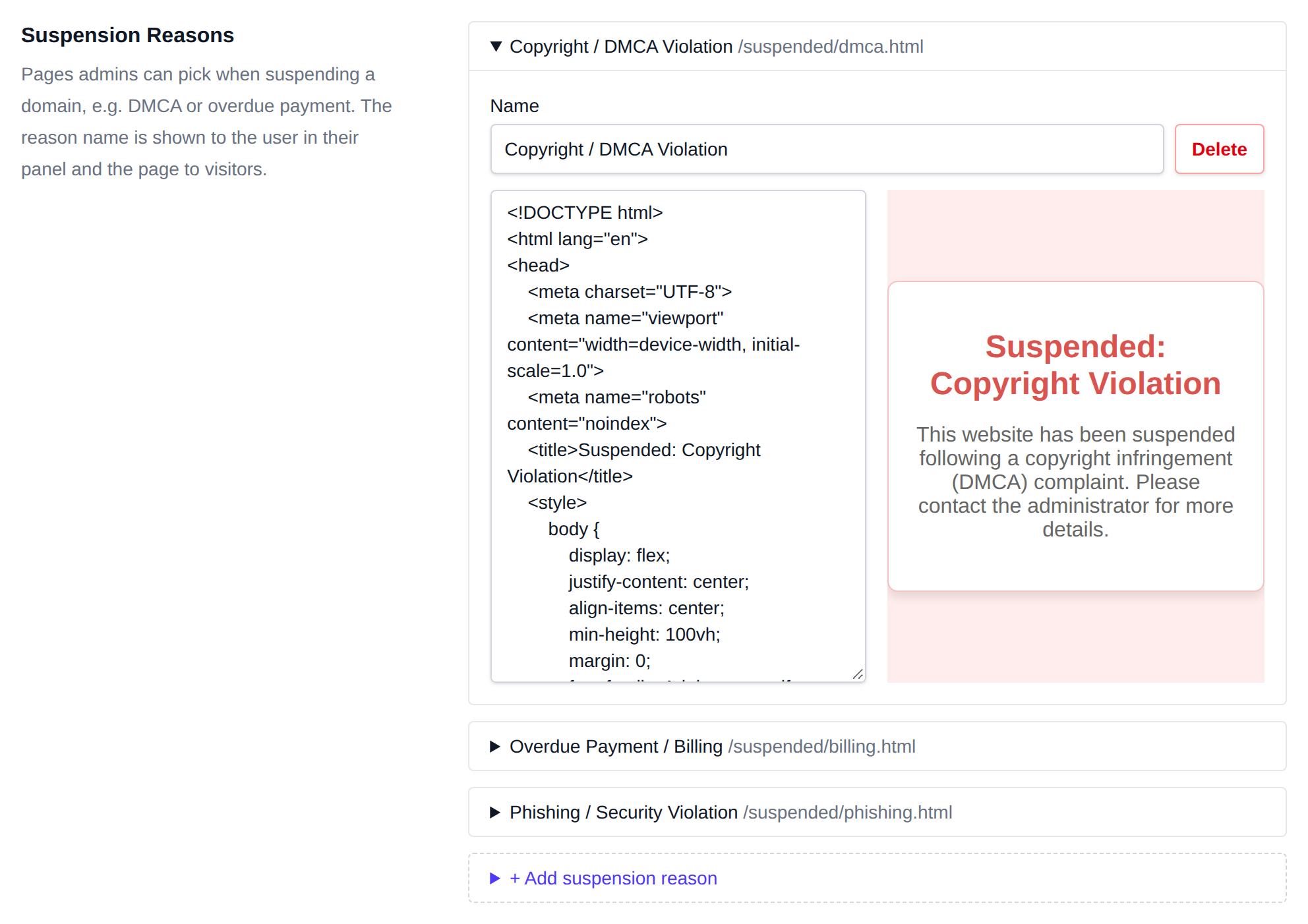
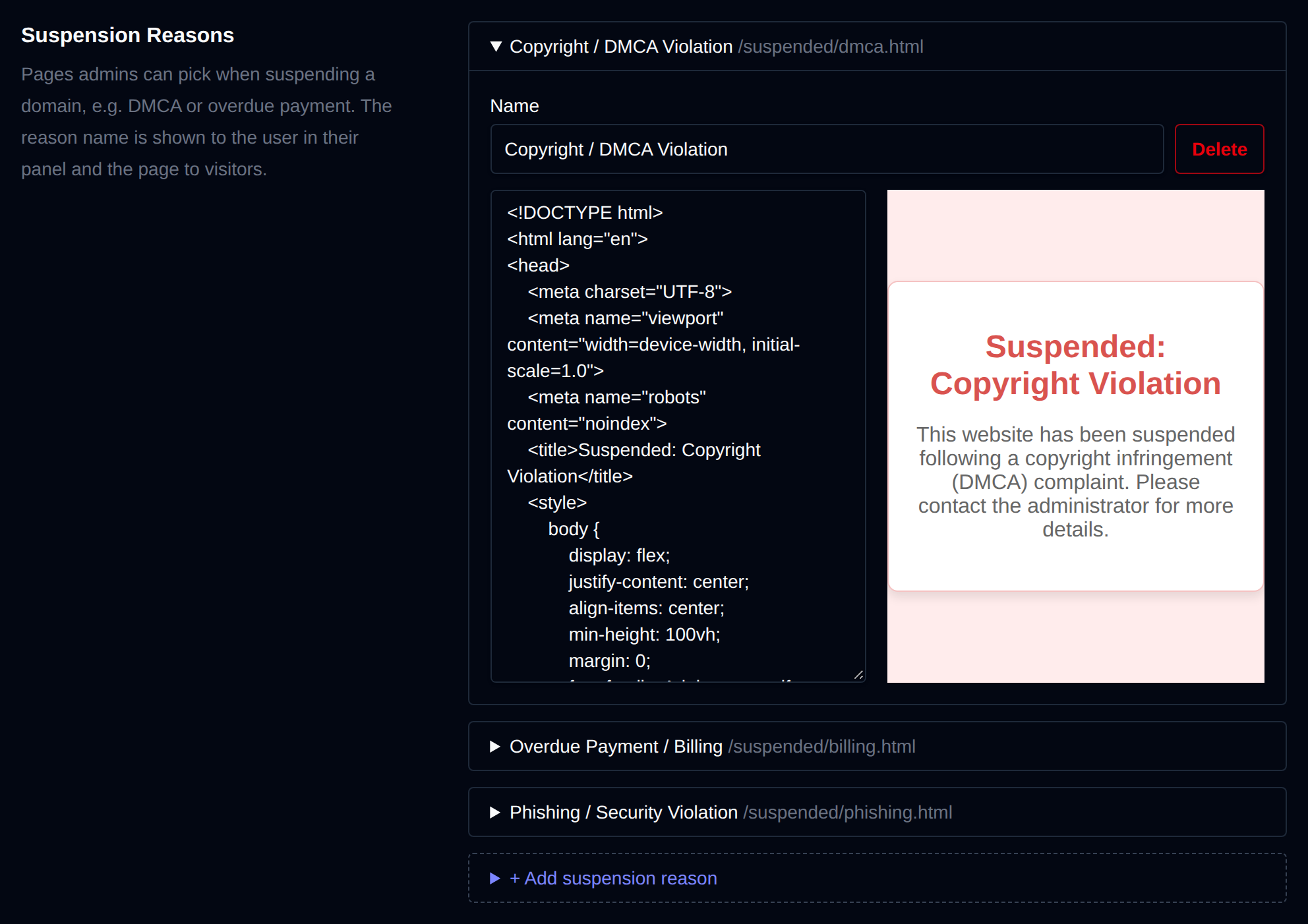
OpenPanel comes with three reasons:
| Reason | File |
|---|---|
| Copyright / DMCA Violation | /etc/openpanel/caddy/templates/suspended/dmca.html |
| Overdue Payment / Billing | /etc/openpanel/caddy/templates/suspended/billing.html |
| Phishing / Security Violation | /etc/openpanel/caddy/templates/suspended/phishing.html |
Click a reason to open it, then change its Name or HTML and click Save Files. The preview on the right updates as you type. The name is saved in the first line of the file as <!-- name: ... -->, renaming a reason keeps its file, so domains already suspended with it keep their page.
To add a reason:
- Click + Add suspension reason.
- Enter a Name, for example Spam / Abuse Complaint. The file name is made from it, so this one is saved as
spam-abuse-complaint.html. - Paste the HTML of the page, or leave it empty to start from a copy of the Suspended Website page.
- Click Save Files.
To remove a reason, open it and click Delete. A reason can't be deleted while any domain is suspended with it, the error lists those domains so you can unsuspend them or suspend them with another reason first.
Servers updated from an older version get the three default reasons with the 2.0.16 update, only when the file isn't there yet, so reasons you already edited are kept.
Suspended User
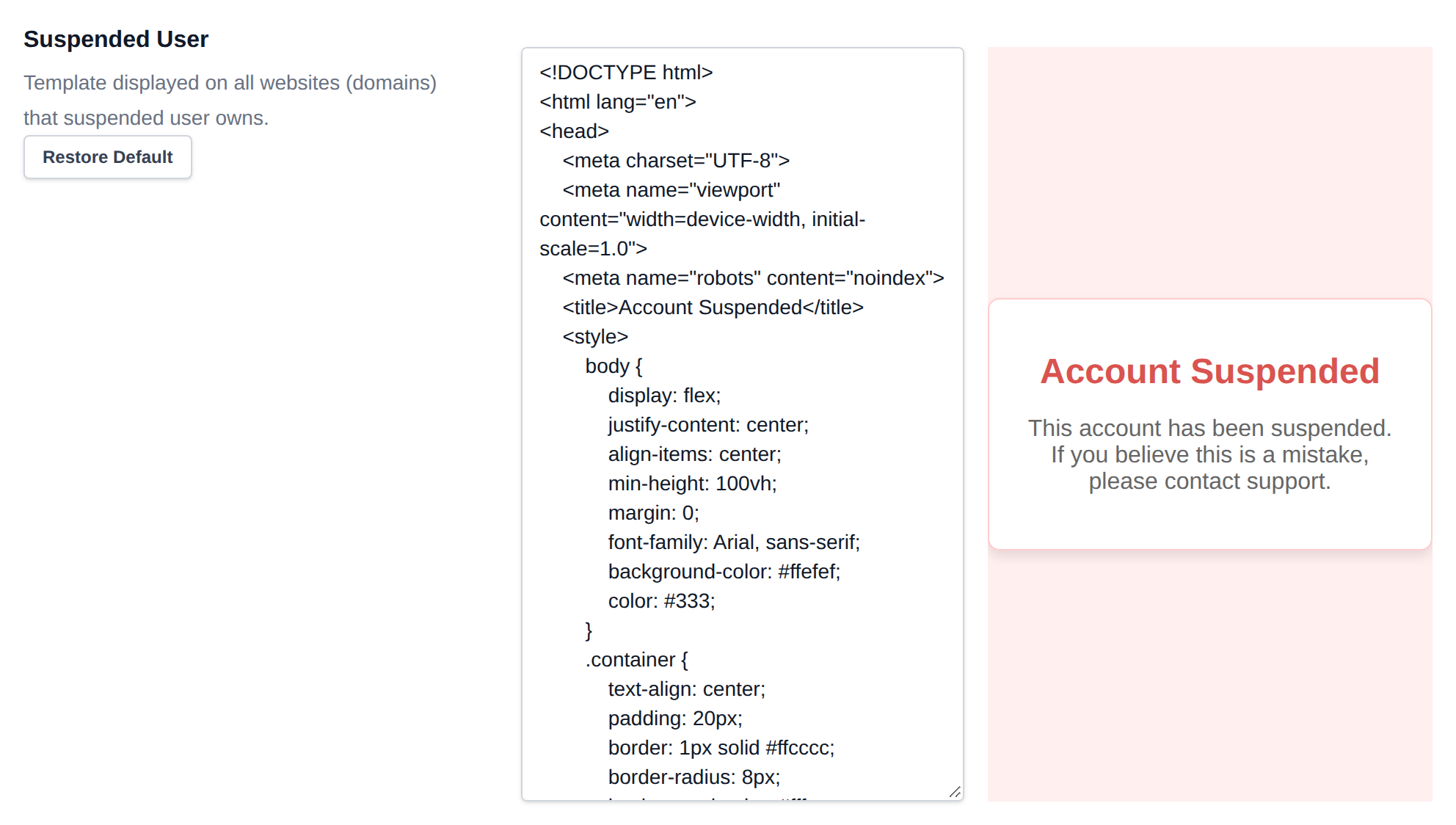
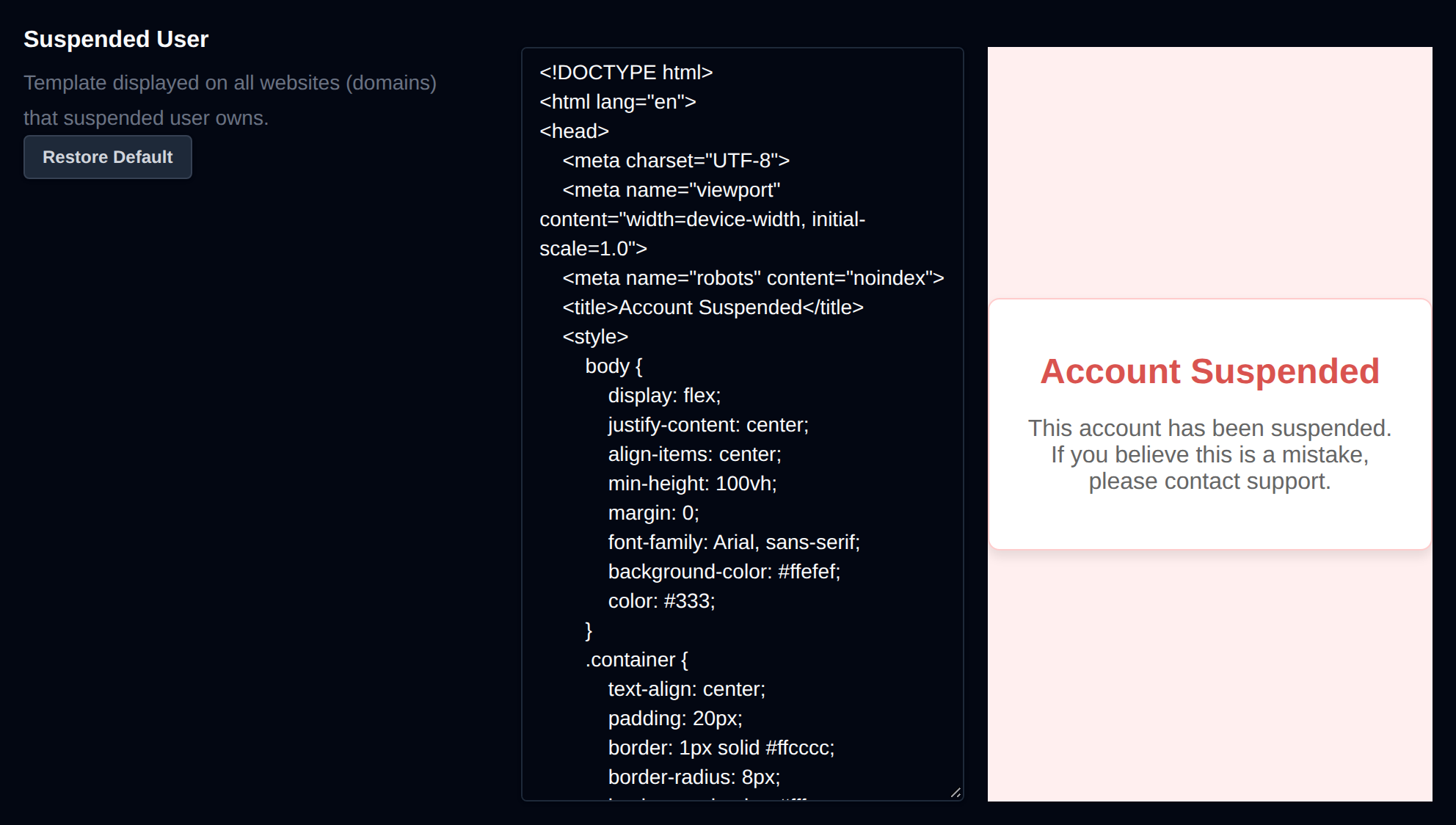
This is the HTML page shown on all domains owned by the user when their account is suspended by the Administrator.
<!DOCTYPE html>
<html lang="en">
<head>
    <meta charset="UTF-8">
    <meta name="viewport" content="width=device-width, initial-scale=1.0">
    <meta name="robots" content="noindex">
    <title>Account Suspended</title>
    <style>body {display: flex;justify-content: center;align-items: center;min-height: 100vh;margin: 0;font-family: Arial, sans-serif;background-color: #ffefef;color: #333;}.container {text-align: center;padding: 20px;border: 1px solid #ffcccc;border-radius: 8px;background-color: #fff;box-shadow: 0 4px 8px rgba(0, 0, 0, 0.1);}h1 {font-size: 24px;margin-bottom: 10px;color: #d9534f;}p {font-size: 16px;color: #666;}</style>
</head>
<body>
    <div class="container">
        <h1>Account Suspended</h1>
        <p>This account has been suspended. If you believe this is a mistake, please contact support.</p>
    </div>
</body>
</html>
- Edit the code on the left side of the editor.
- Preview live changes on the right side.
- When finished, click Save Files to apply your changes.
To revert to the original template:
- Click Restore Default to reload the version from GitHub.
- Don’t forget to click Save Files afterward to confirm the reset.