Resellers
The Resellers feature allows administrators to create and manage Reseller users within OpenPanel. Resellers can act as sub-administrators, managing their own set of user accounts within the limits defined by the root administrator.
This feature is useful for hosting providers who want to delegate control to third-party resellers, while still maintaining overall control and isolation.
Resellers is an Enterprise-only feature.
Resellers are managed from Accounts > Resellers. Reseller logins do not see this page - they instead manage their own account from Reseller Account at /account.
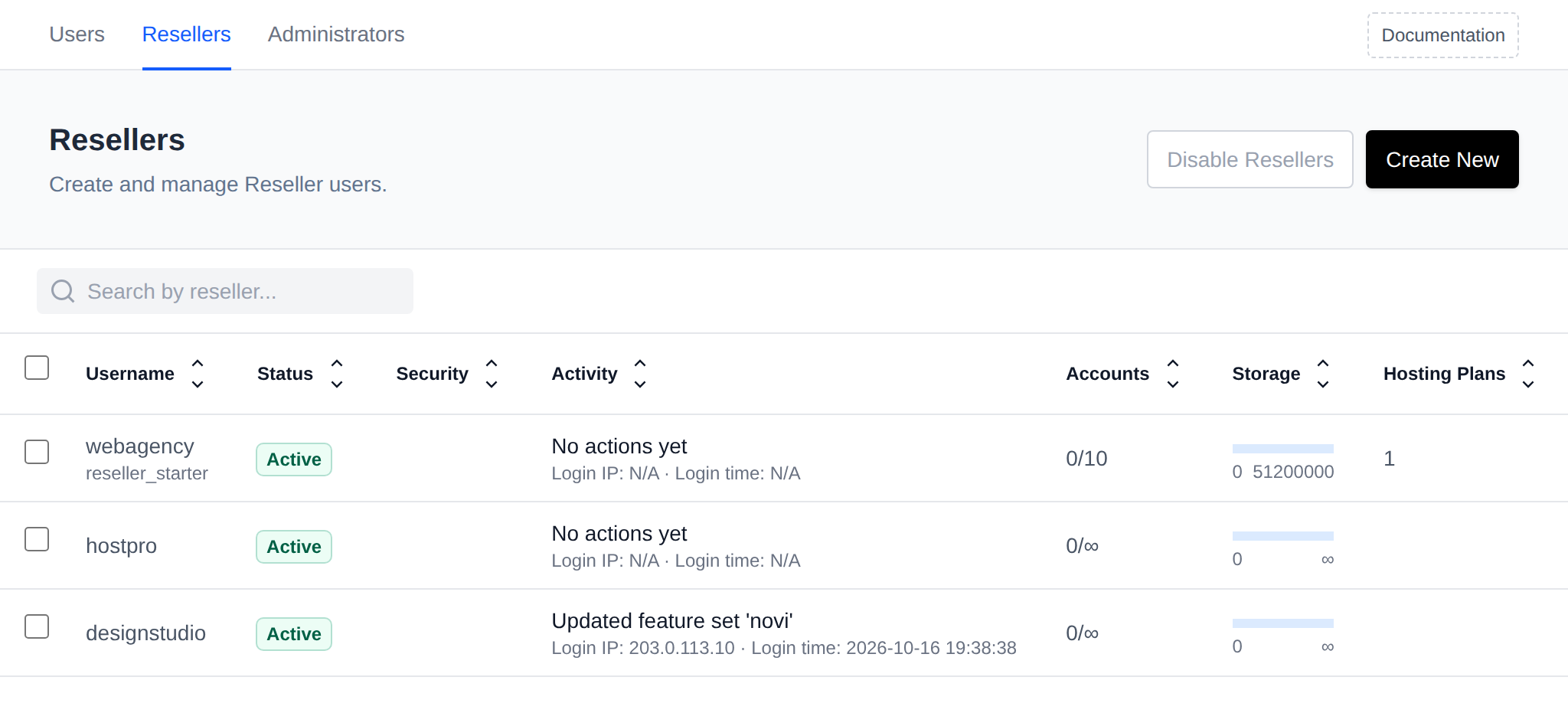
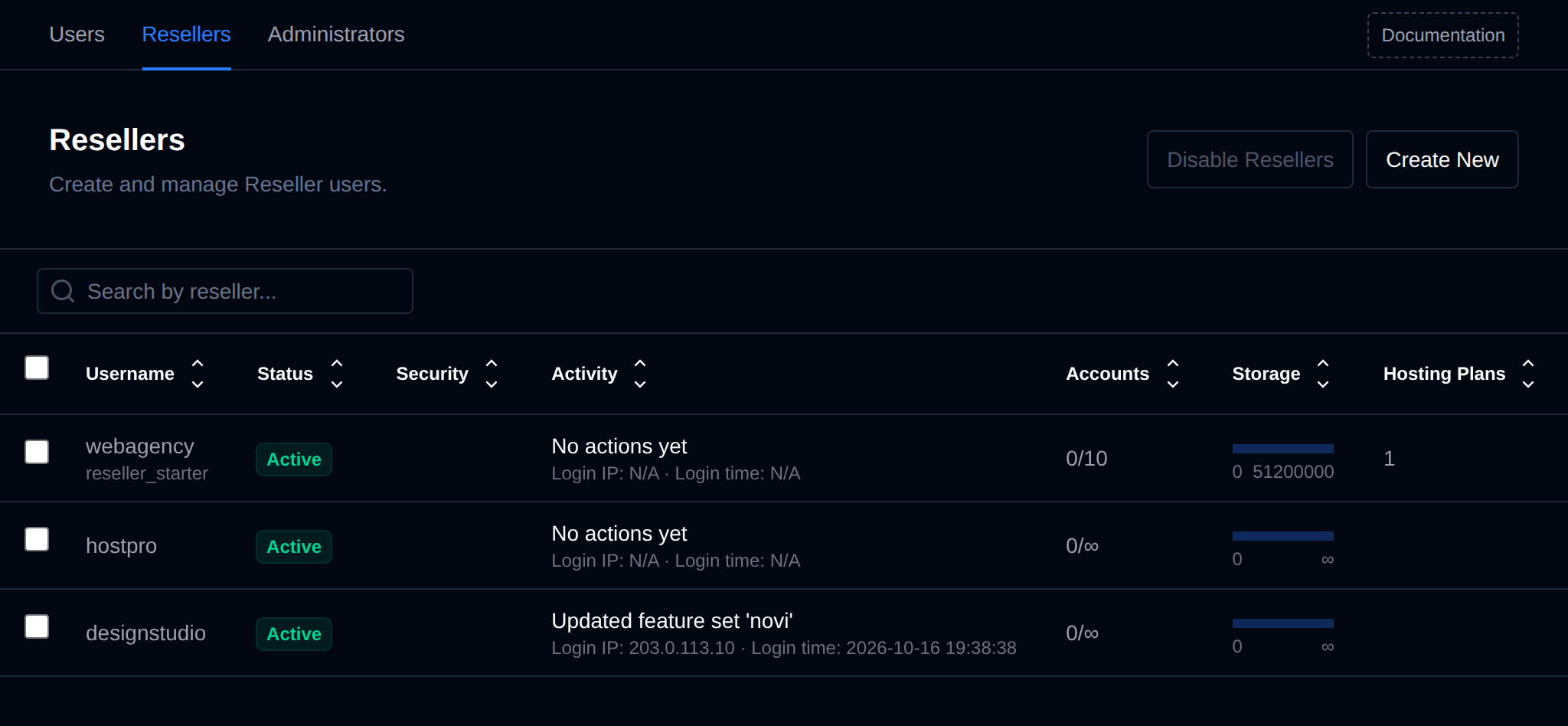
Reseller Management Interface
The interface displays a table of existing reseller users with the following columns:
-
Username
The unique identifier of the reseller user, with the name of their Reseller Package below it when they're on one. -
Status
Indicates whether the reseller account is active or suspended. -
Security
A green 2FA badge when the reseller has Two-Factor Authentication enabled and a green Passkeys badge when they have a passkey registered; the one that isn't set up is shown in grey. Empty when the reseller has neither. -
Activity
The last change the reseller made, linking to their Activity Log, with the IP address and time of their last login below it. Hover the action to see when it happened. -
Accounts
The number of user accounts currently managed by the reseller, shown as current/maximum (for example3/10, or3/∞when there is no limit). The current count links to the reseller's users on the Users page, and the maximum links to the reseller's Edit Plans & Limits page. -
Storage
A progress bar showing how much of the reseller's disk usage allowance is currently used. -
Hosting Plans
The number of hosting plans available to the reseller for assigning to their users.
Click the arrows next to a column name to sort the table by that column.
Each row also has an Edit menu with the available actions:
- Edit Plans & Limits - move the reseller to another Reseller Package with Apply Package, or set their Max Accounts, Max Disk Usage (in blocks), and the hosting plans they're allowed to assign to their users by hand. Limits set by hand are replaced when the reseller's package is edited or another package is applied.
- Rename - change the reseller's username.
- Change Password - set a new password for the reseller.
- Activity Log - open the reseller's Activity Log.
- Disable 2FA / Disable Passkeys - shown only when enabled for that reseller; lets the Super Admin remove it.
- Suspend / Unsuspend - temporarily disable the reseller's access.
- Delete - permanently remove the reseller account.
To create a new reseller, click Create New, set a username and password, optionally pick a Reseller Package, and click Create. The package's limits are applied to the new reseller. Without a package, or before any packages exist, the reseller gets the default limits from /etc/openpanel/openadmin/config/reseller_template.json.
Resellers can be turned off for the whole server with the Disable Resellers button next to Create New, and turned back on with Enable Resellers. While reseller accounts exist the Disable Resellers button is greyed out, hover it to see how many reseller accounts have to be deleted first.
Reseller users have access only to the features and account management tools assigned to them by the root administrator. They cannot exceed the limits defined in their reseller settings (Max Accounts, Max Disk Usage, and the Hosting Plans made available to them), see How limits are enforced.
Bulk Actions
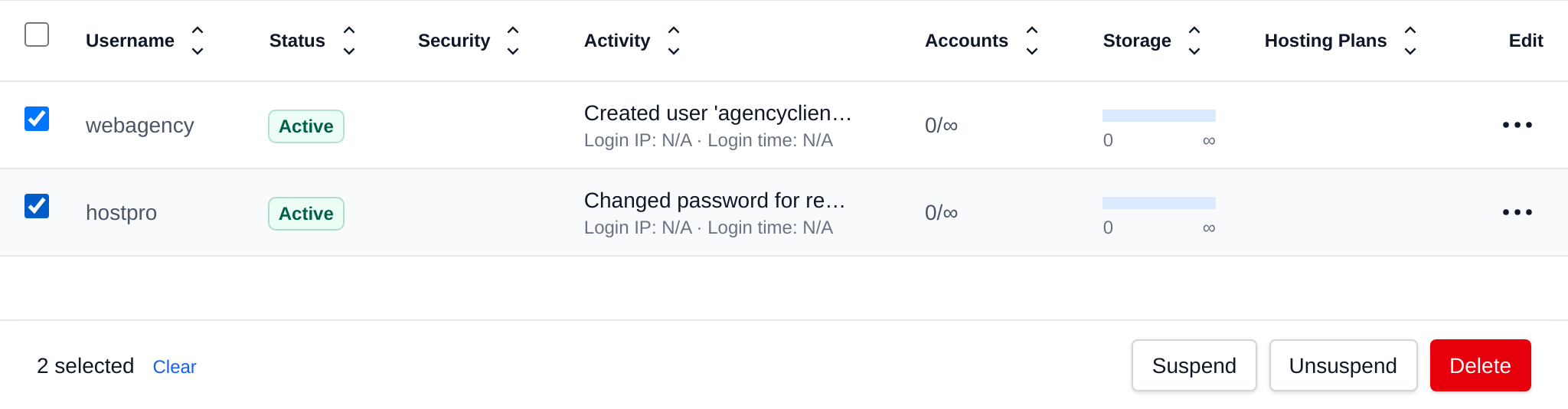
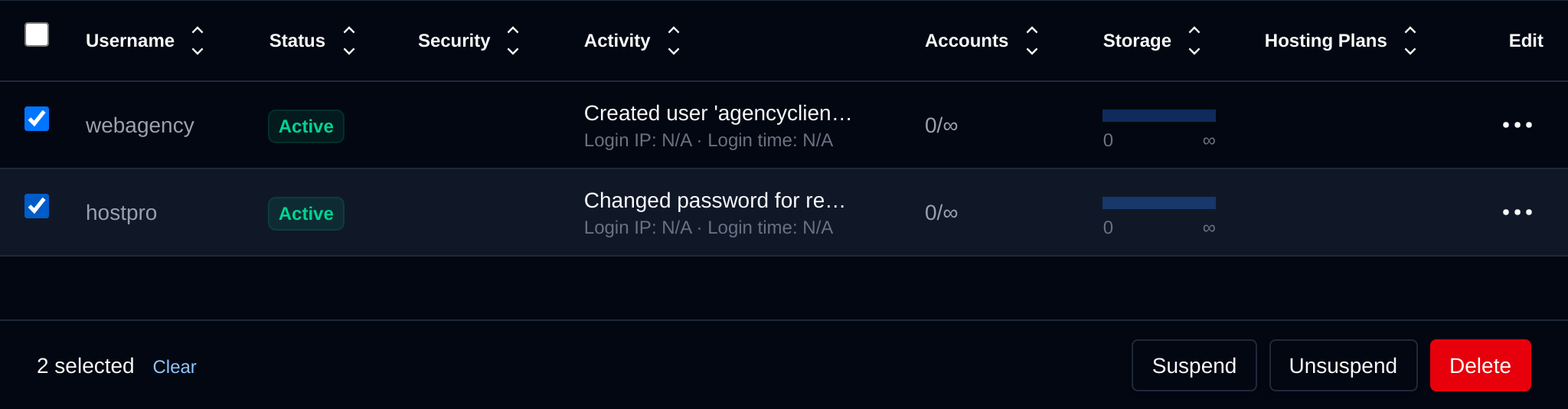
Tick the checkbox of one or more resellers, or the checkbox in the table header to select all resellers shown by the current search. A bar appears at the bottom of the page with the number selected, a Clear link and these actions:
| Action | What it does |
|---|---|
| Suspend | Suspends the selected resellers, they can't log in until unsuspended. |
| Unsuspend | Unsuspends the selected resellers. |
| Delete | Permanently deletes the selected reseller accounts. |
Click an action, confirm it, and it runs on the selected resellers one after another. When it's done the page reloads with a notice listing the resellers it worked for, or which ones failed and why.
Reseller Account
When a Reseller logs in, they see a Reseller Account page (/account) instead of the full Accounts section, where they can:
- Change Password – Set a new password for their own login.
- Branding – Set a custom Logo URL shown instead of the default OpenPanel logo on every account they own (does not apply to the login page).
- My Activity Log – The button in the top right opens their own Activity Log. Resellers can only see their own log, not the logs of other resellers or administrators.
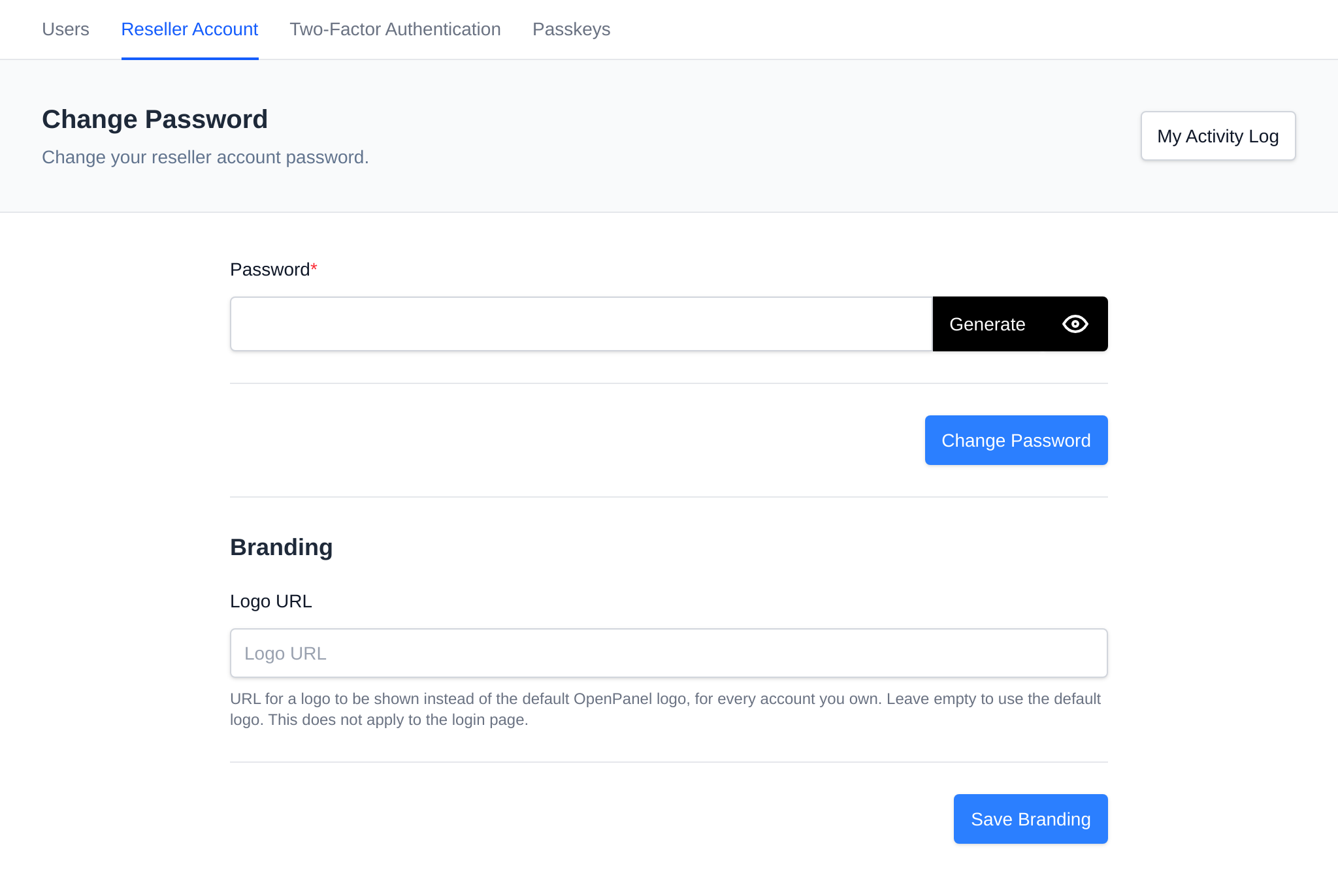
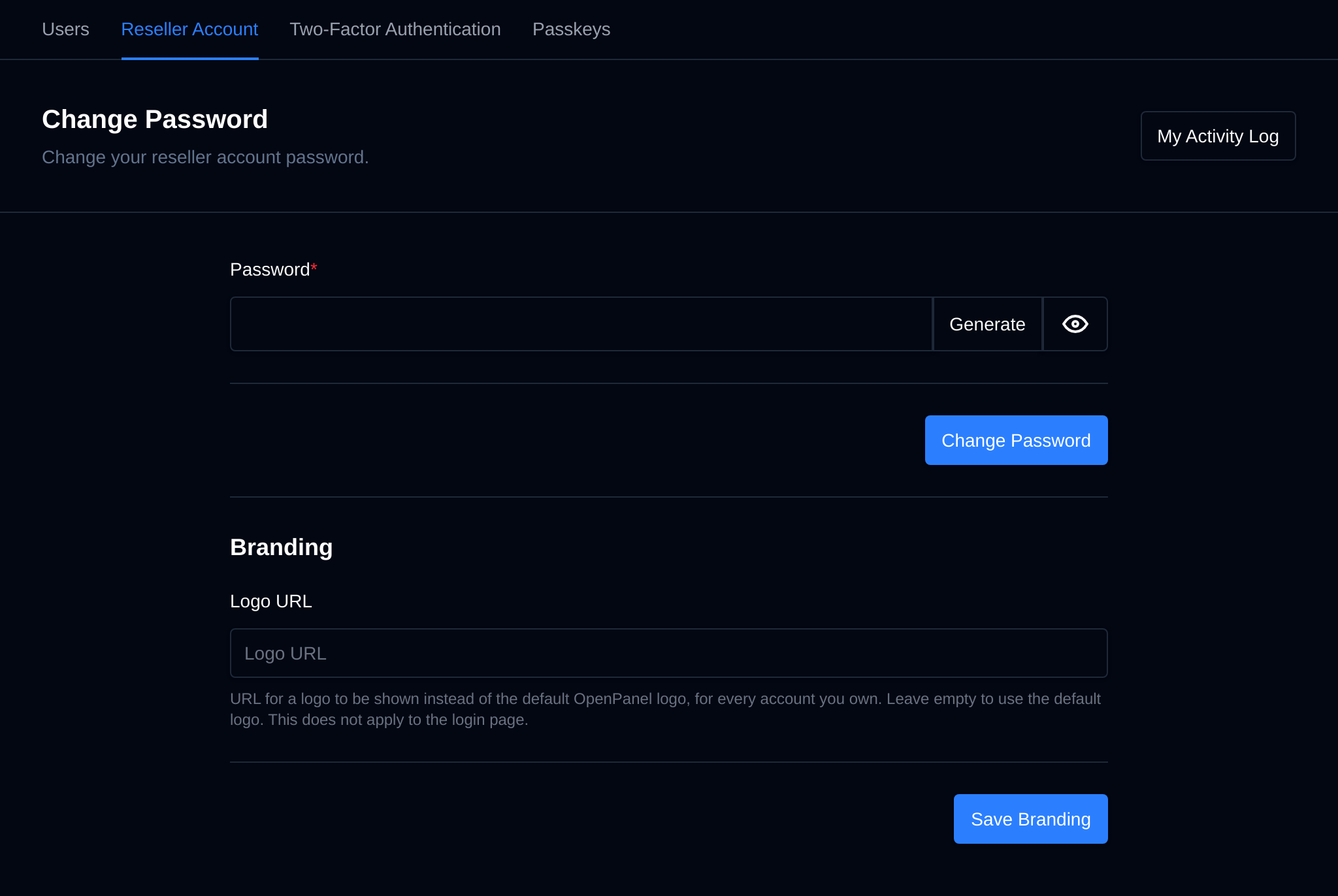
Resellers also have their own Two-Factor Authentication and Passkeys pages under Security, scoped to their own login only.
Pages resellers can use
Besides their users, User Packages, the Feature Manager and their own account, resellers can open these OpenAdmin pages. Each one only shows the users a reseller owns, those users' domains, databases and the emails on those domains:
| Page | What resellers can do |
|---|---|
| Domains > Domains | List, add, suspend, unsuspend and delete their users' domains, change PHP version, WAF, HSTS, Cloudflare and DNS for them, and use the bulk actions. The SSL, VirtualHost, Caddy and config file editors stay with administrators. |
| Domains > DNS Zone Editor | Edit the DNS zones of their users' domains. |
| Domains > Rate Limiting | Set default, custom or no rate limits for their users' domains. The server default can only be changed by administrators. |
| Databases | See the MySQL, MariaDB, PostgreSQL and MongoDB databases of their users, and export, import or open them in phpMyAdmin. See MySQL Databases. |
| Emails > Accounts | Add email accounts on their users' domains, change their password, quota and send/receive restrictions, delete them and open webmail. |
| Emails > Queue | See queued messages sent from their users' domains or sent only to their users, and retry or delete them. Retry all and Delete all only act on those messages. |
| Emails > Email Deliverability | See the DKIM, SPF and DMARC status of their users' domains. See Email Deliverability. |
| Backups > Import Account | Upload and restore OpenPanel backups as their own users, within their limits, and see the logs of their own imports. See Imports by resellers. |
| Services > FTP | See FTP accounts on their users' domains and set their quota. The Configuration tab isn't shown. |
| Security > Web Firewall (Coraza) | The Domains and Logs tabs for their users' domains, including per domain and per user WAF rules. The overview and server wide rules stay with administrators. |
| Security > ImunifyAV | A list of their users with the last scan and infected files. Scan queues a scan of the user's files and Open opens ImunifyAV logged in as that user, so only that user's files are shown. Installing ImunifyAV is up to the administrator. |
| Server > Resource Usage | View server load, memory, CPU, disk and network usage, without the links to the process manager or the Drop Cache buttons. |
| Server > Scheduled Actions | View the system jobs and their schedule, read only. |
| Settings > Locales | Install and update locales. Setting the default locale and deleting locales stays with administrators. |
The same rules apply to the API endpoints behind these pages when they're called with a reseller's token, see the OpenAdmin API.
Business guide: How to offer reseller hosting with OpenPanel