User Packages
Hosting plans set limits for users.
List hosting plans
- With OpenAdmin
- With OpenCLI
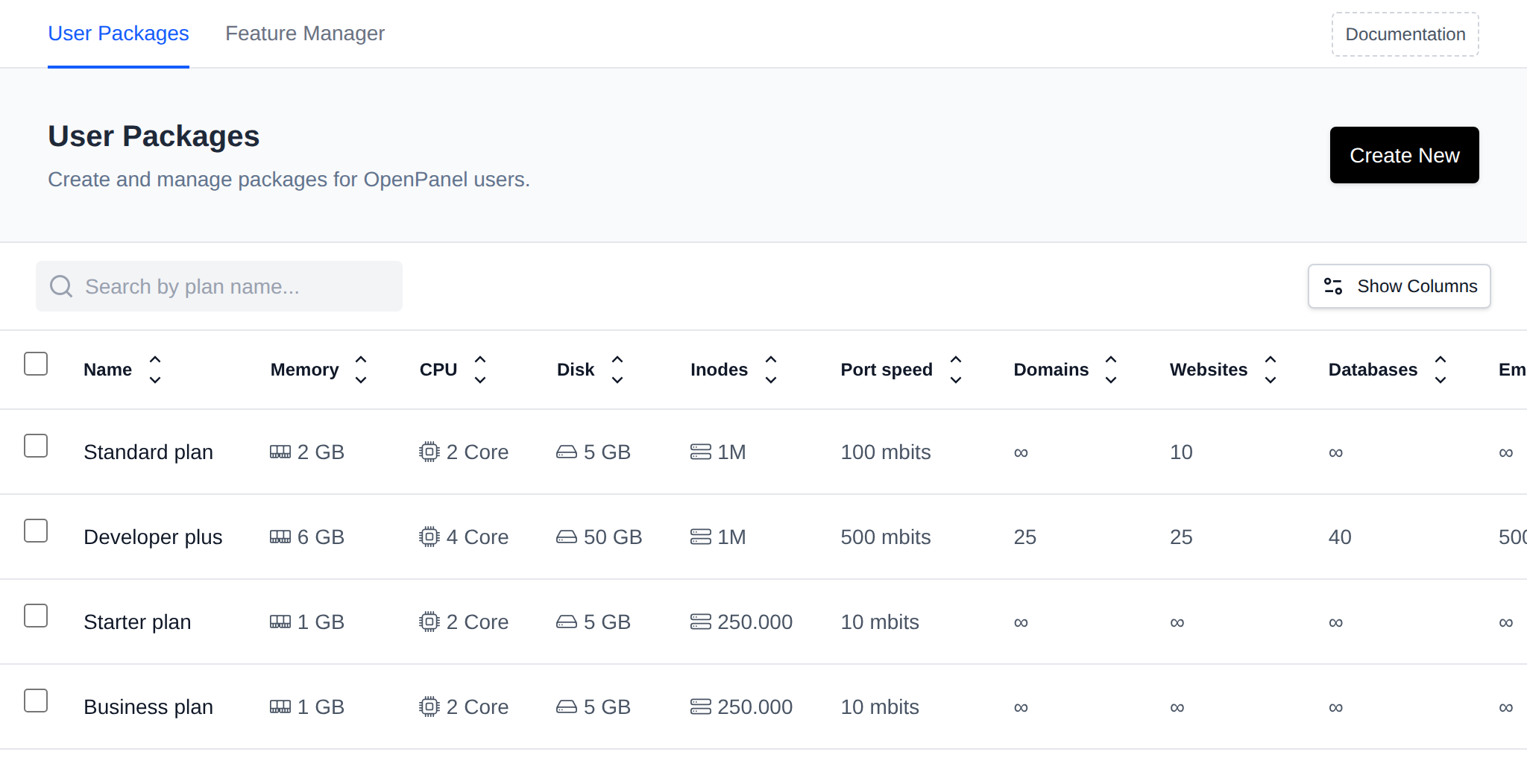
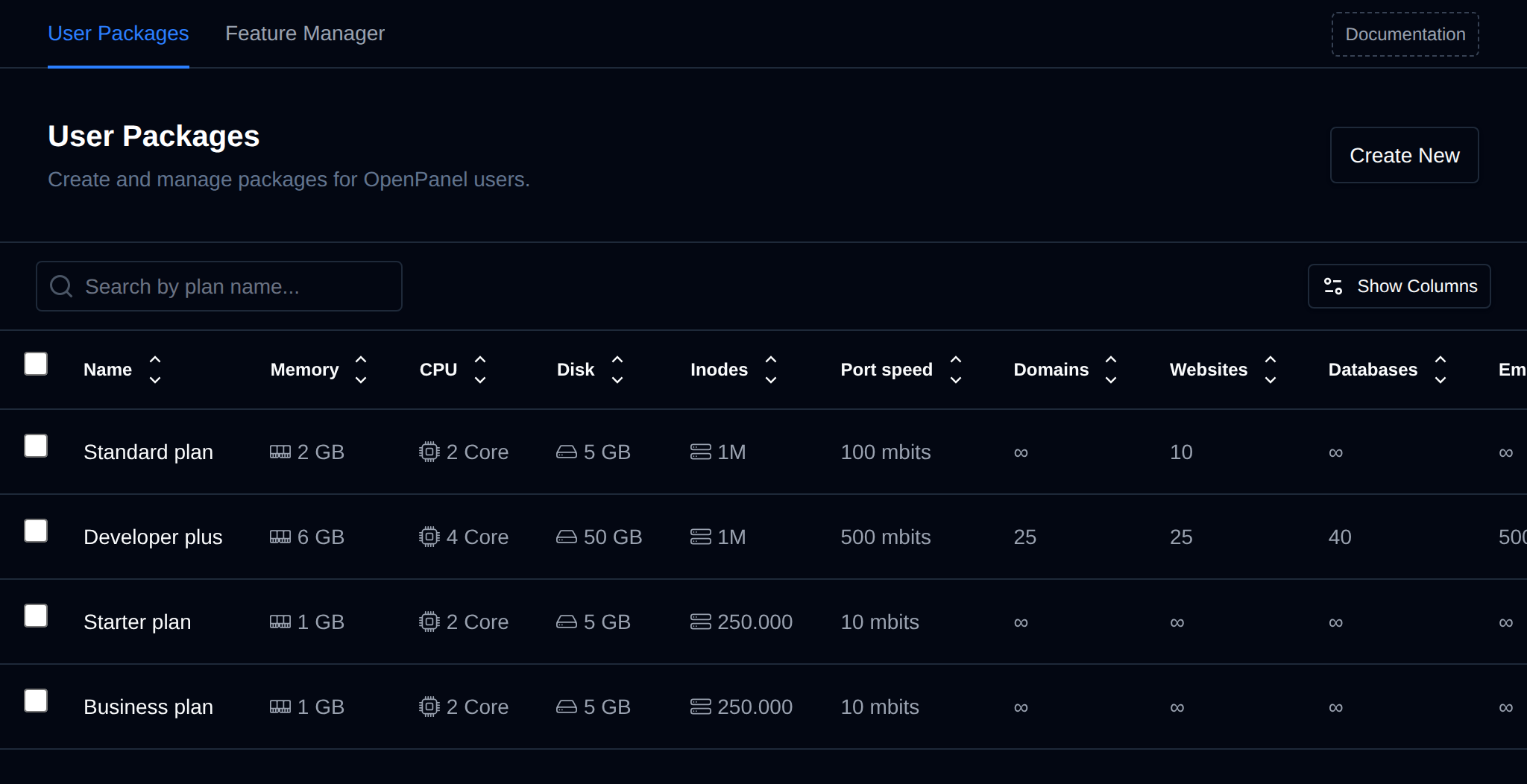
To list existing plans navigate to OpenAdmin > Hosting Plans > User Packages:
| Field | Description |
|---|---|
| Name | Display name of the plan. |
| Description | Optional plan description, shown to users on their Server Information page. |
| Memory | Physical Memory (RAM) in GB allocated to the user on this hosting plan. |
| CPU | Number of CPU cores dedicated to the user on this hosting plan. |
| Disk | Disk space in GB allocated for all user files. |
| Inodes | Limits the total number of files allowed for the user. |
| Port Speed | Maximum bandwidth (port speed) for the user, in mbit/s. |
| Domains | Total number of domain names allowed per user on the plan. |
| Websites | Total number of websites (WordPress, Website Builder, NodeJS, Python) per user on the plan. |
| Databases | Total number of MySQL and PostgreSQL databases allowed per user on the plan. The limit applies separately to each database engine. |
| Email accounts | Total number of email accounts that user can create on the plan. |
| Mailbox quota | Max mailbox size for email accounts that user can set on this plan. |
| Max hourly emails | Max number of emails that all addresses under this account can send within one hour. |
| FTP accounts | Total number of ftp accounts that user can create on the plan. |
| Feature Set | Feature Sets determine which pages users can access from the OpenPanel interface. |
| Used by | Number of users currently on this plan. Click the number to view those users. |
To list all current hosting packages (plans) run:
opencli plan-list
Example output:
[root@fajlovi ~]# opencli plan-list
+----+----------------+------------------------+---------------+----------------+-------------+-----------+------------+--------------+----------+------+------+-----------+-------------+-----------------+------------------+
| id | name           | description            | domains_limit | websites_limit | email_limit | ftp_limit | disk_limit | inodes_limit | db_limit | cpu  | ram  | bandwidth | feature_set | max_email_quota | max_hourly_email |
+----+----------------+------------------------+---------------+----------------+-------------+-----------+------------+--------------+----------+------+------+-----------+-------------+-----------------+------------------+
|  1 | Standard plan  | Small plan for testing |             0 |             10 |           0 |         0 | 5 GB       |      1000000 |        0 | 2    | 2g   |        10 | basic       | 0               | 0                |
|  2 | Developer Plus | 4 cores, 6G ram        |             0 |             10 |           0 |         0 | 20 GB      |      2500000 |        0 | 4    | 6g   |       100 | default     | 0               | 1000             |
+----+----------------+------------------------+---------------+----------------+-------------+-----------+------------+--------------+----------+------+------+-----------+-------------+-----------------+------------------+
You can also format the data as JSON:
opencli plan-list --json
Bulk Actions
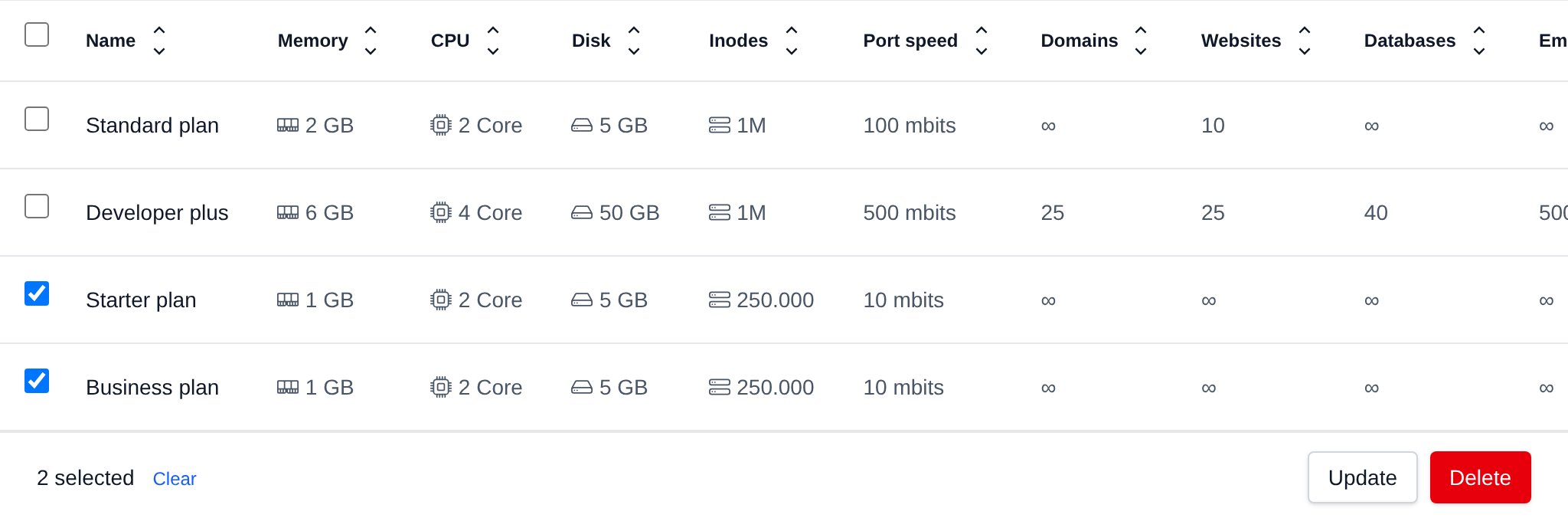
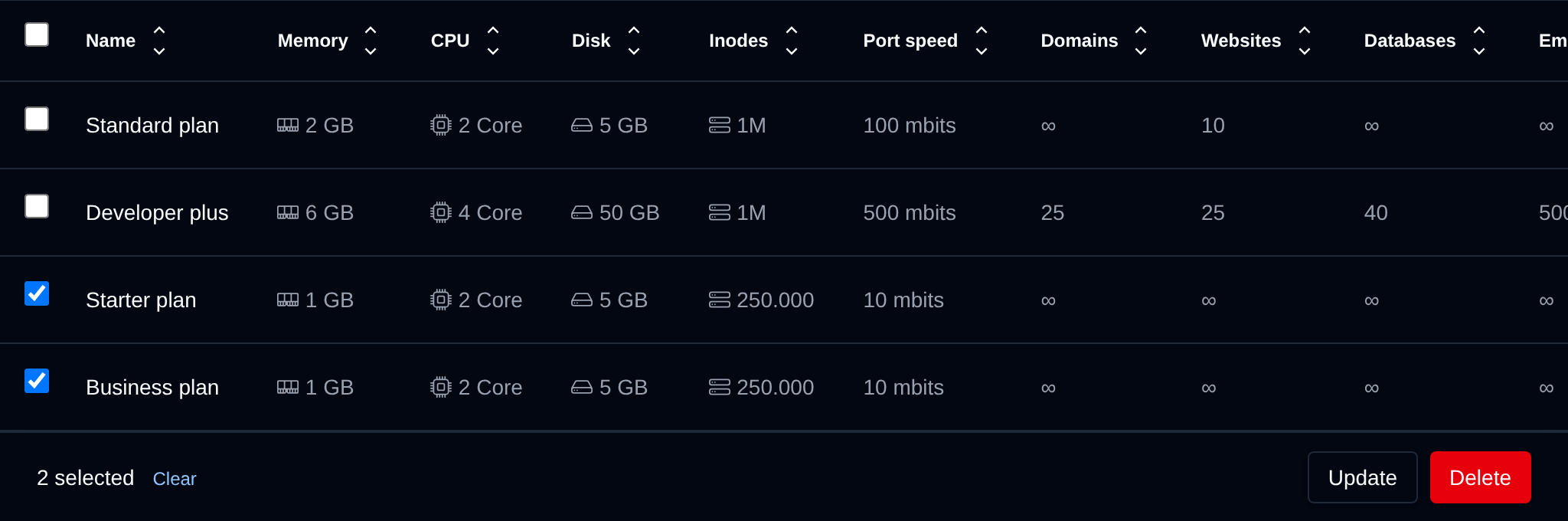
Tick the checkbox of one or more plans, or the checkbox in the table header to select all plans shown by the current search. A bar appears at the bottom of the page with the number selected, a Clear link and these actions:
| Action | What it does |
|---|---|
| Update | Sets one limit on all selected plans: pick the limit (disk, inodes, CPU, memory, port speed, domains, websites, databases, email accounts, max email quota, max emails per hour, FTP accounts or feature set) and enter the new value. The other limits of each plan stay as they are, and users on the plans get the new limit too. |
| Delete | Deletes the selected plans. Plans that still have users on them are skipped, move their users to another plan first. |
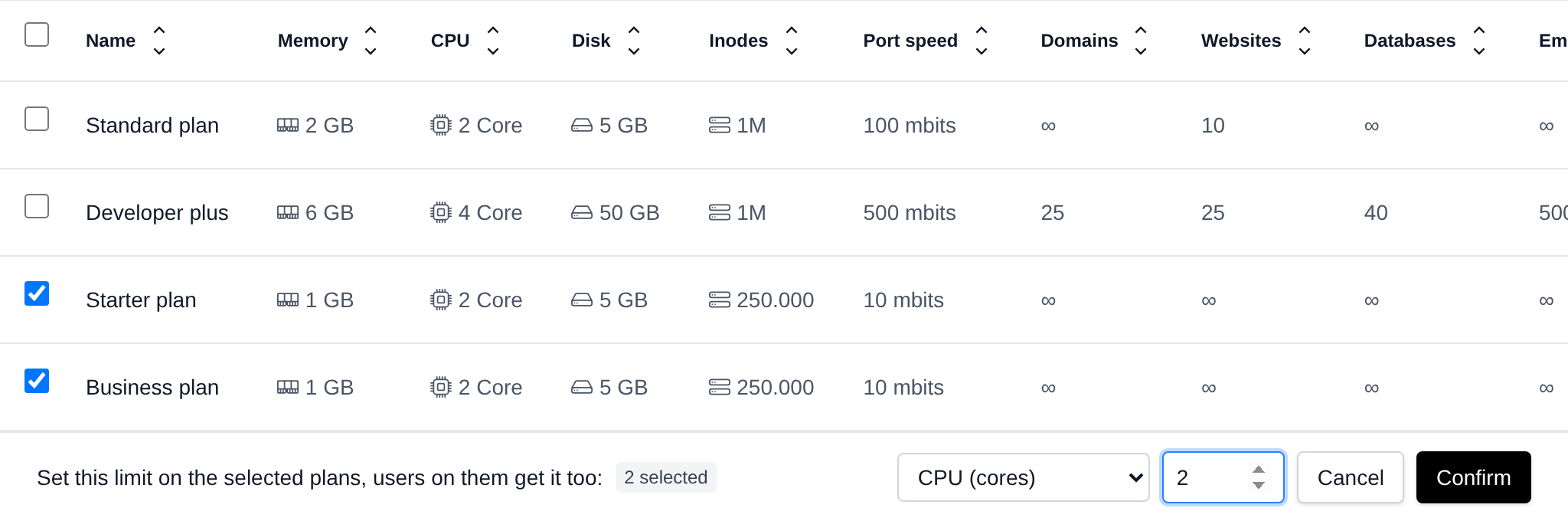
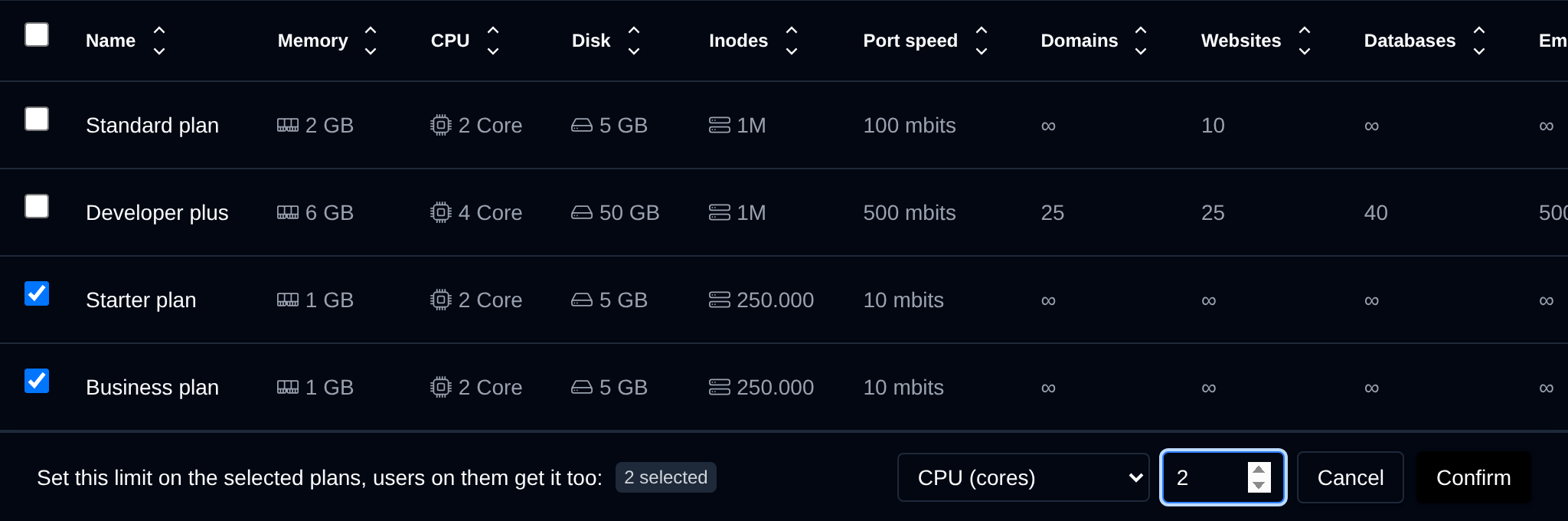
Values are checked the same way as on the Edit plan page: limits are whole numbers of 0 or more, and the max email quota is a number followed by K, M, G or T, like 1G.
Click an action, confirm it, and it runs on the selected plans one after another. When it's done the page reloads with a notice listing the plans it worked for, or which ones failed and why.
Create a plan
- With OpenAdmin
- With OpenCLI
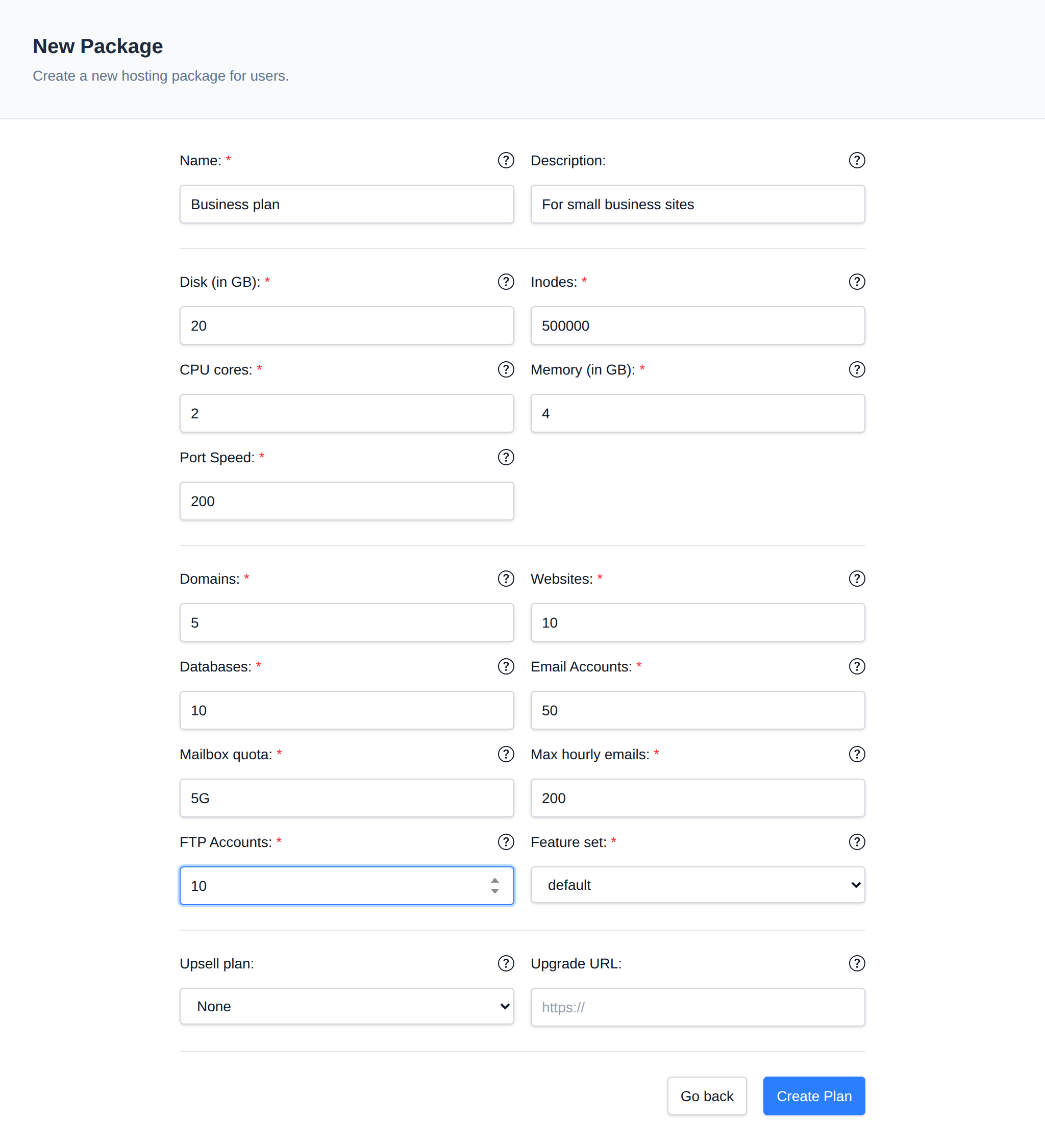
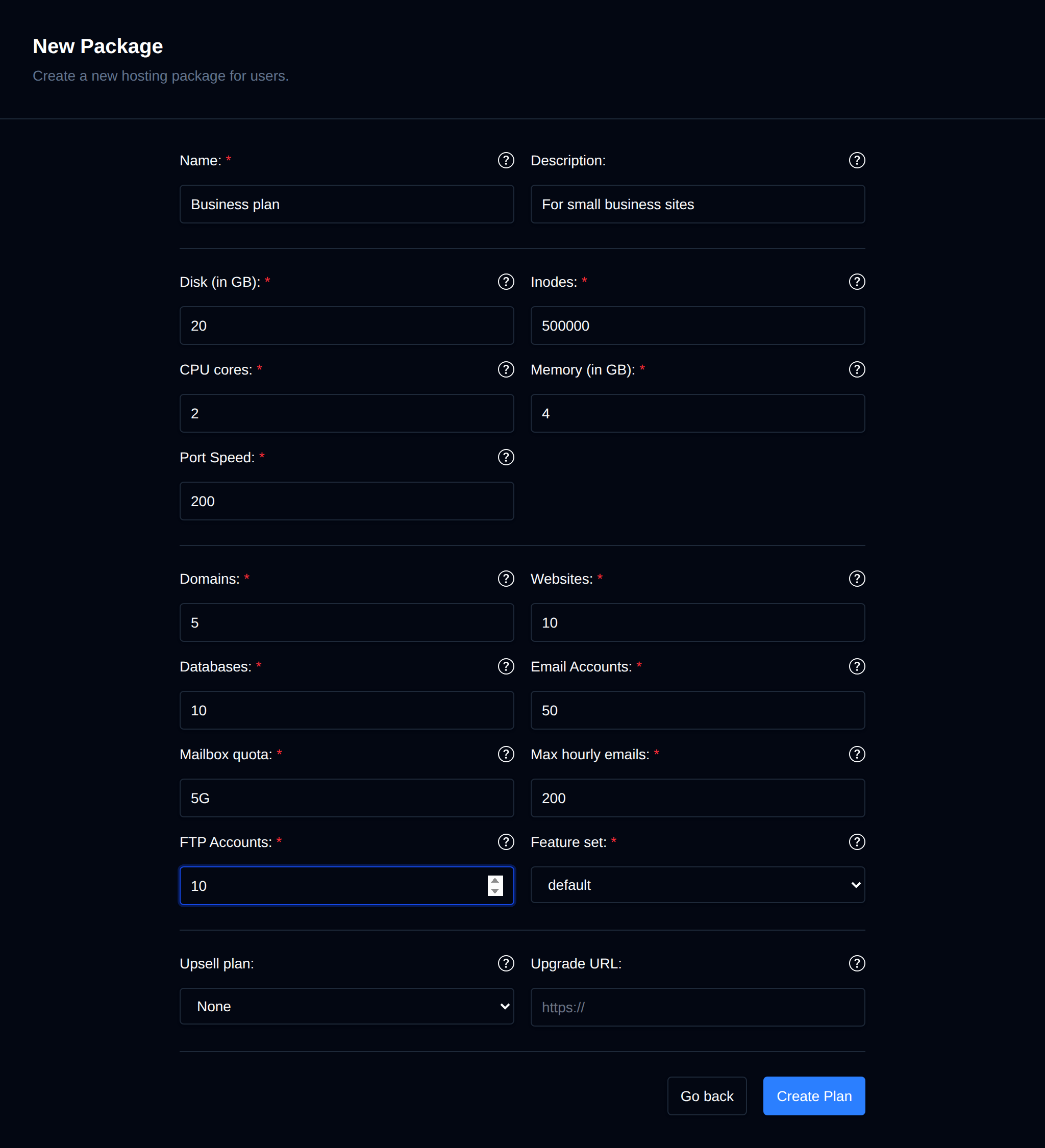
To create a new hosting package, click the 'Create New' button and configure the desired limits:
- Name – Plan name.
- Description – Optional plan description. It is visible to users on their Server Information page, not just to admins.
- Disk – Disk space in GB to allocate for user services, files and logs. Use
0for unlimited. - Inodes – Total number of files to allow the user on this plan. Use
0for unlimited. - CPU cores – Limits the total CPU (cores) used by all of the user's running services combined. Set to
0for unlimited, the user can then use all cores but 2. - Memory – Limits the total memory (in GB) used by all of the user's running services combined, swap isn't used. Set to
0for unlimited, the user is then slowed down above 80% of the server's RAM and stopped at 90%. The process limit follows the memory limit. - Port Speed – Bandwidth (port speed) limit, in Mbit/s, for the user's services.
- Domains – Total number of domains: primary, addons, aliases. Subdomains are excluded.
- Websites – Max number of websites the user can install/manage on this plan. Includes WordPress, NodeJS, Python and Website Builder. Use
0for unlimited. - Databases – Max number of MySQL and PostgreSQL databases the user can have on this plan. The limit applies separately to each engine (e.g. a value of
10allows up to 10 MySQL databases and up to 10 PostgreSQL databases). Use0for unlimited. - Email Accounts – Max number of email accounts the user can create and manage on this plan. Use
0for unlimited. - Mailbox quota – Max mailbox size for email accounts that user can set on this plan. Examples:
100k,250M,3G,1T, or0for unlimited. - Max hourly emails – Max number of emails that all addresses under this account can send within one hour. Use
0for unlimited. The limit of each domain can be changed in Emails > Domain Limits. - FTP Accounts – Max number of FTP accounts the user can create and manage on this plan. Use
0for unlimited. - Feature set – Feature set that determines which features users on this plan have access to.
To create a new plan run the following command:
pencli plan-create name"<TEXT>" description="<TEXT>" emails=<COUNT> ftp=<COUNT> domains=<COUNT> websites=<COUNT> disk=<COUNT> inodes=<COUNT> databases=<COUNT> cpu=<COUNT> ram=<COUNT> bandwidth=<COUNT> feature_set=<NAME> max_email_quota=<COUNT> max_hourly_email=<COUNT>
Example:
opencli plan-create name="New Plan" description="This is a new plan" emails=100 ftp=50 domains=20 websites=30 disk=100 inodes=100000 databases=10 cpu=4 ram=8 bandwidth=100 feature_set=default max_email_quota=2G max_hourly_email=1000
Modify plan
To change plan limits, go to OpenAdmin > Hosting Plans > User Packages, click the ... (kebab) menu at the end of the plan's row, choose Edit, and set the new limits.


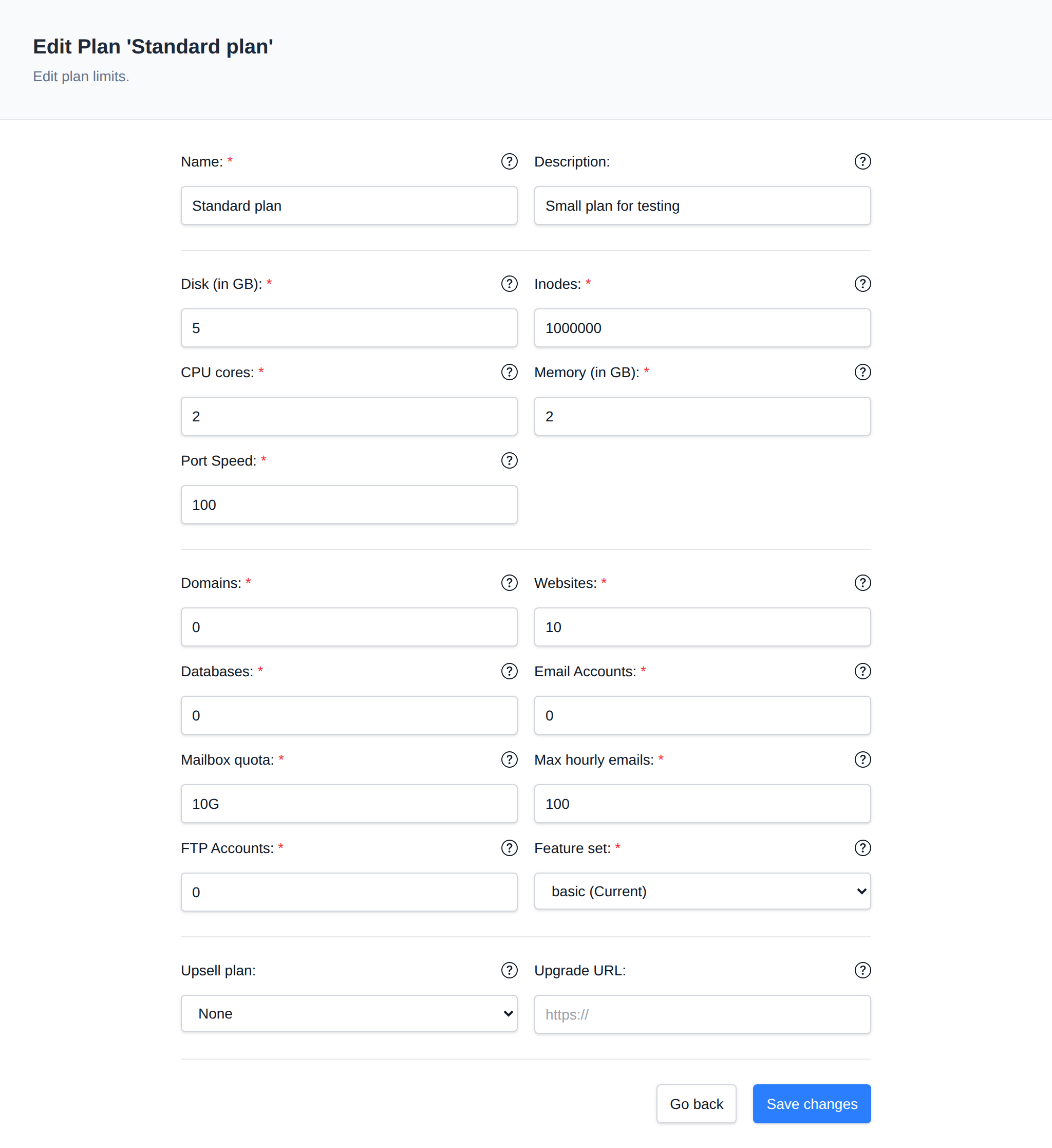
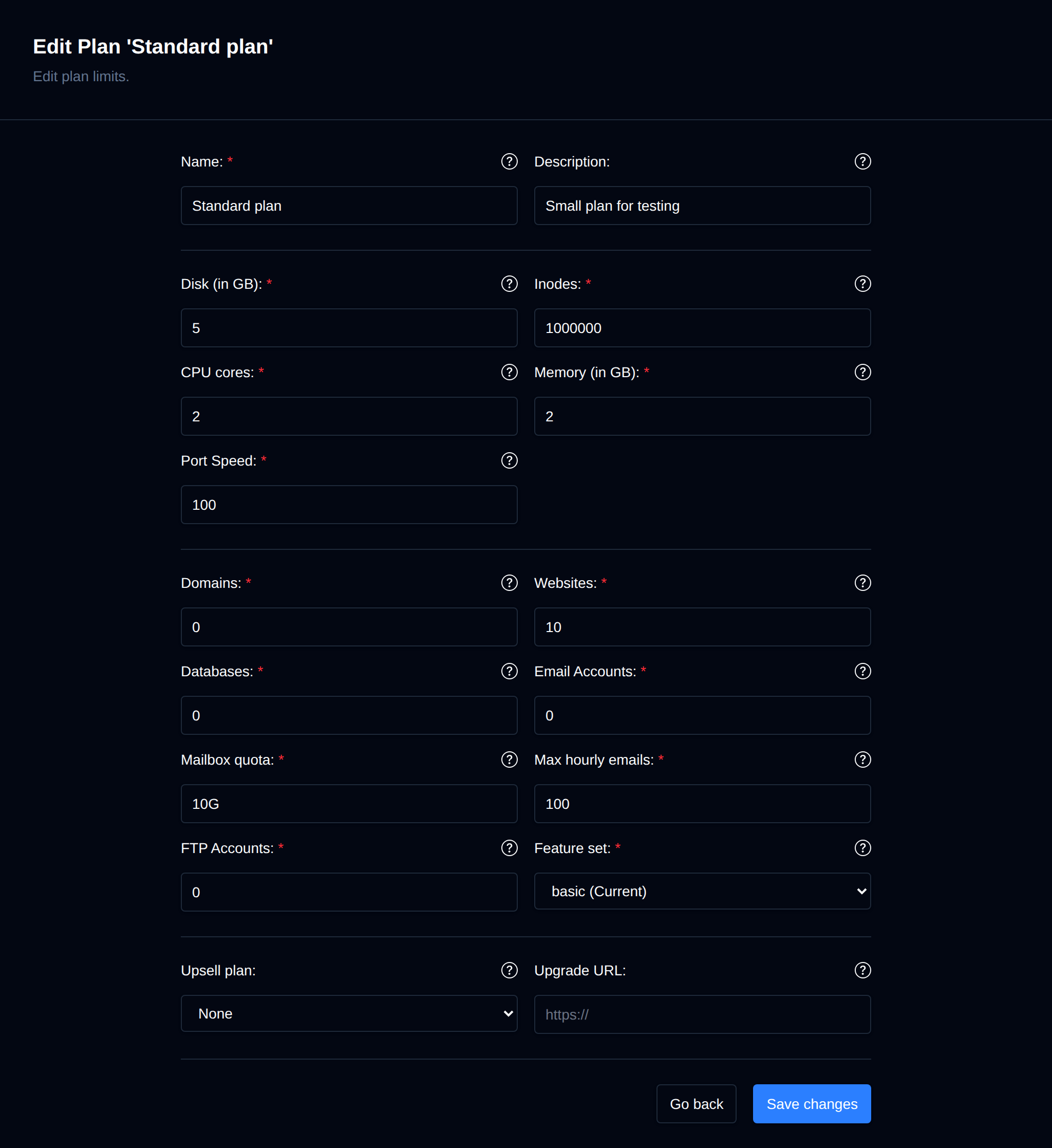
The new limits will be applied immediately to all accounts using the package.
List Users on Plan
- With OpenAdmin
- With OpenCLI
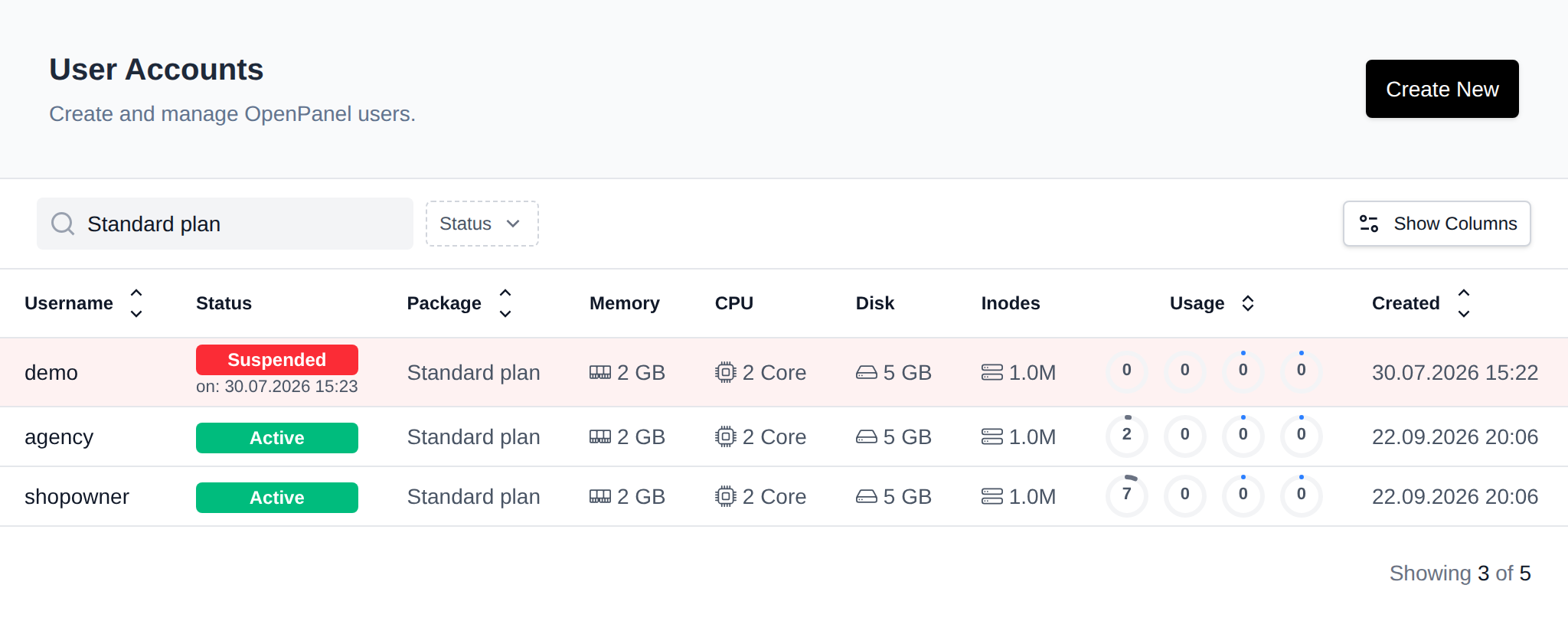
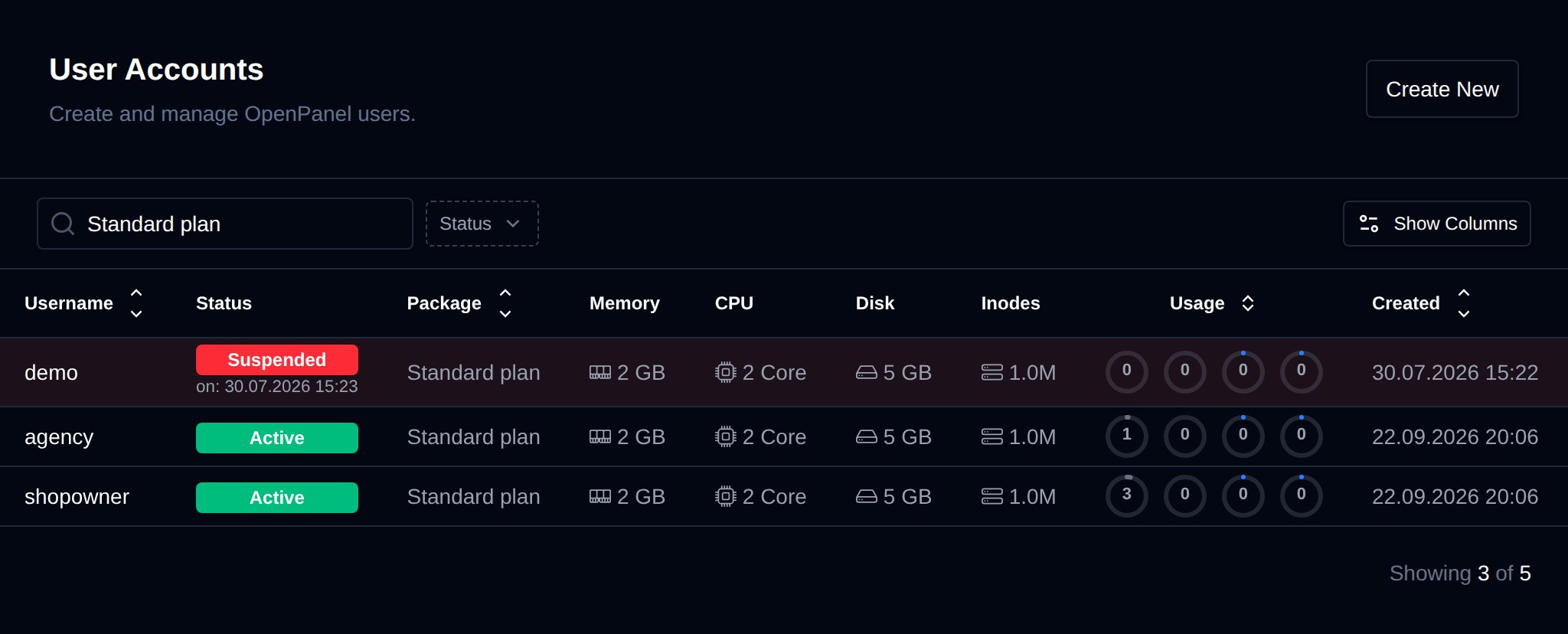
To view all users that are currently using a hosting package, click the number shown in the Used by column for that plan on the User Packages page - this opens the Users list already filtered to that package. Alternatively, on the Users page, sort the table by the Package column, or type the package name in the search field.
List all users that are currently using a plan:
opencli plan-usage
Example:
[root@fajlovi ~]# opencli plan-usage 'Standard plan'
+----+----------------------------------+----------------------+---------------+---------------------+
| id | username                         | email                | plan_name     | registered_date     |
+----+----------------------------------+----------------------+---------------+---------------------+
|  3 | forums                           | [email protected] | Standard plan | 2025-05-08 19:25:47 |
| 19 | radovan                          | [email protected] | Standard plan | 2025-05-29 07:47:15 |
+----+----------------------------------+----------------------+---------------+---------------------+
You can also format the data as JSON:
opencli plan-usage --json
Delete Plan
- With OpenAdmin
- With OpenCLI
To delete a hosting package, click the ... (kebab) menu at the end of the package's row and choose Delete. The Delete option only appears in the menu when the package has no users assigned to it.
To delete a hosting plan:
opencli plan-delete <PLAN_NAME>
Example:
opencli plan-delete 'Standard plan'
Note: A package cannot be deleted if it has users assigned to it.
Need a starting point? See Suggested hosting plan limits.