ImunifyAV
ImunifyAV enhances your server’s security by allowing you to scan user website files for malicious content.
Note: Imunify, its trademarks, and all related assets are the property of CloudLinux Zug GmbH.
Install
Starting version 1.5.4 - ImunifyAV is included with OpenPanel by default.
If you are using an older version, to install, run:
opencli imunify install
This command installs the latest PHP version, the imunify360-agent, and configures access through OpenAdmin.
If ImunifyAV is not installed, opening the ImunifyAV page in OpenAdmin shows a Not Configured message with instructions to run this command.
Start
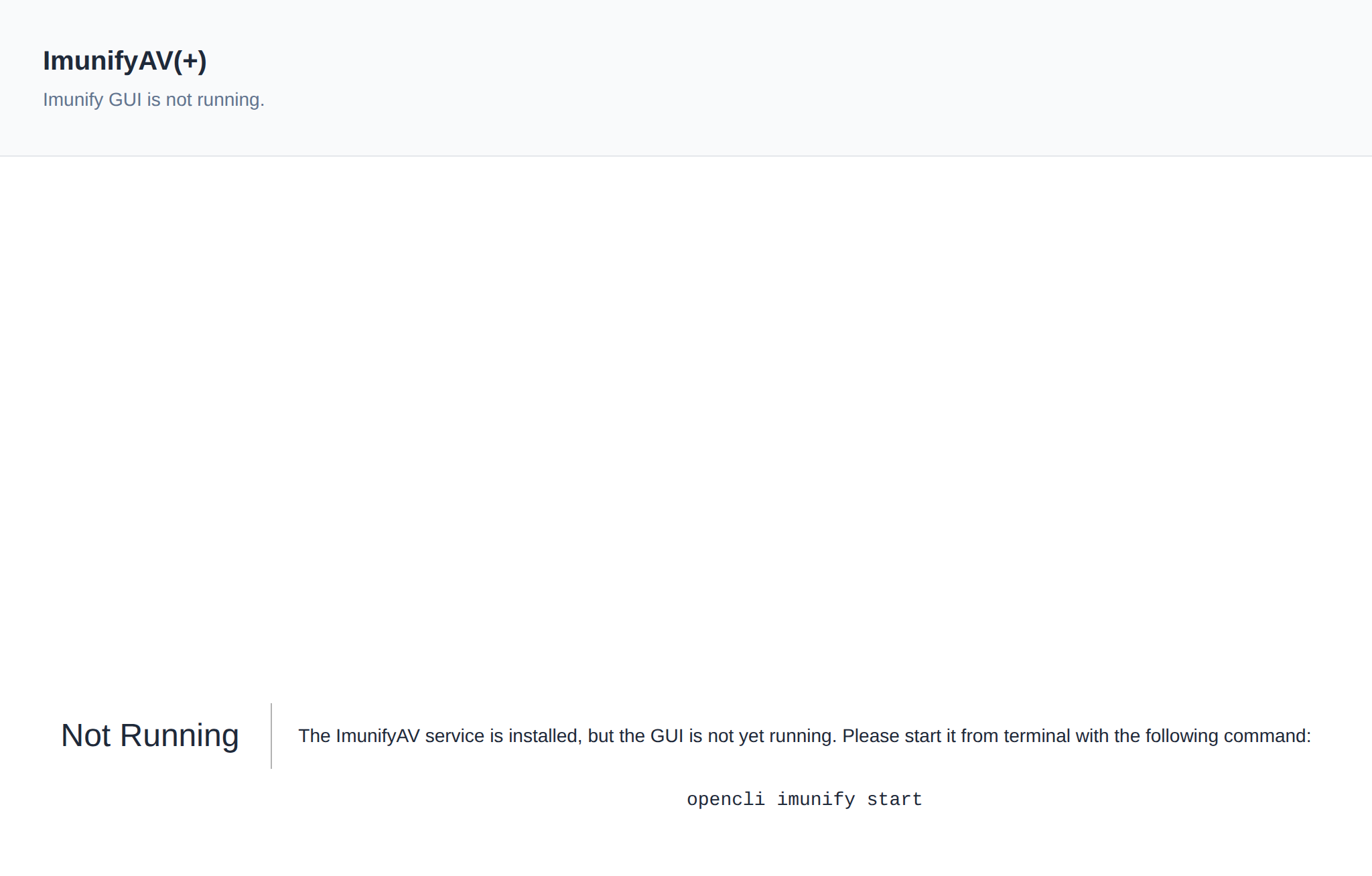
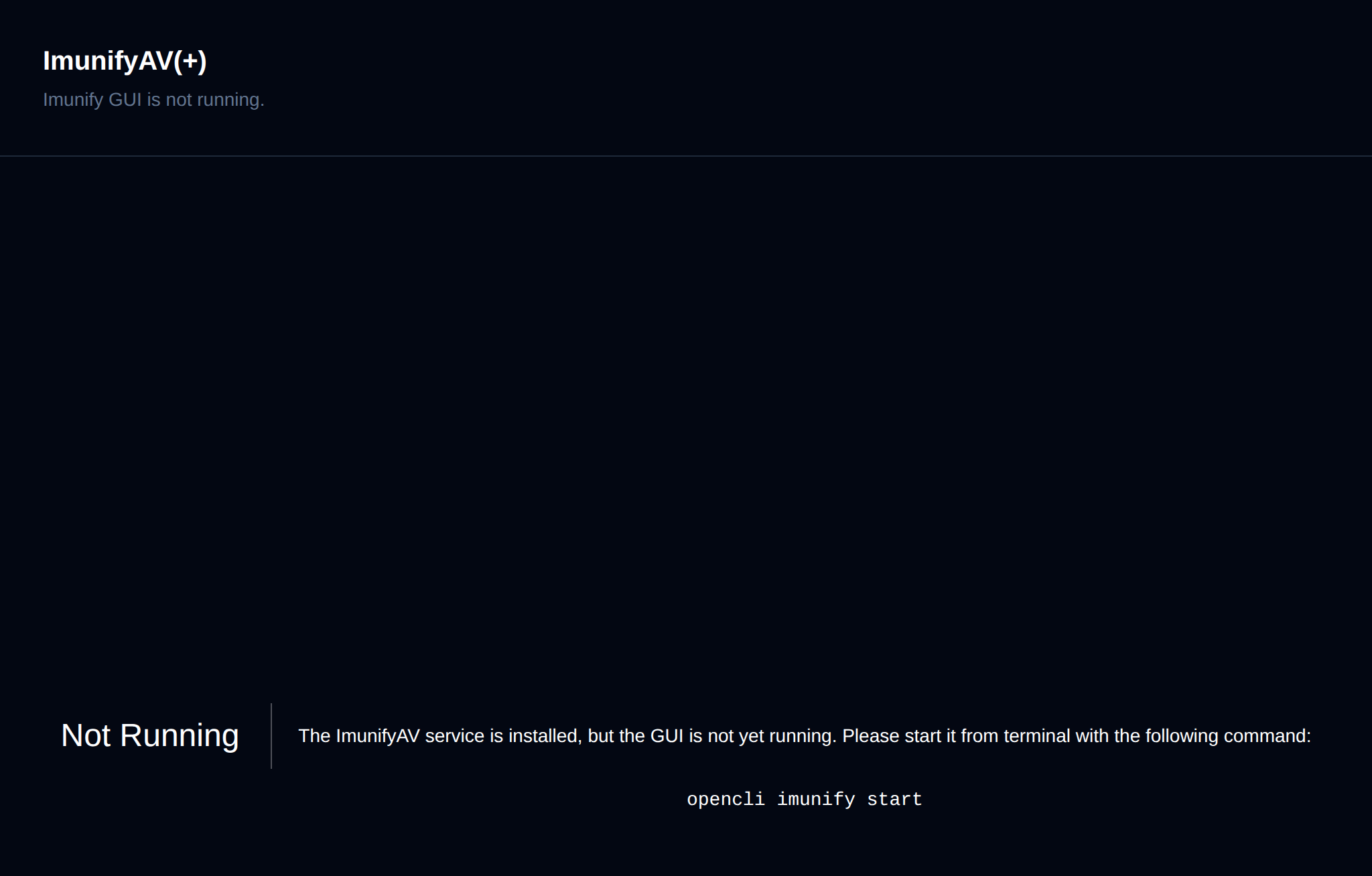
OpenAdmin automatically attempts to start the ImunifyAV service the first time you open its page. If the service is still not running afterwards, a Not Running message is shown, prompting you to start it manually from the terminal:
opencli imunify start
Login
Access the ImunifyAV GUI from OpenAdmin > Security > ImunifyAV. OpenAdmin automatically logs you in using a generated token; if token generation fails, a warning is shown and you'll need to log in manually using the server's SSH username and password.
Manage
Imunify allows you to scan user files and detect any malicious content.
For more usage examples refer to How-to Guides > Setting Up ImunifyAV.