Version: 2.0.14
Terminal
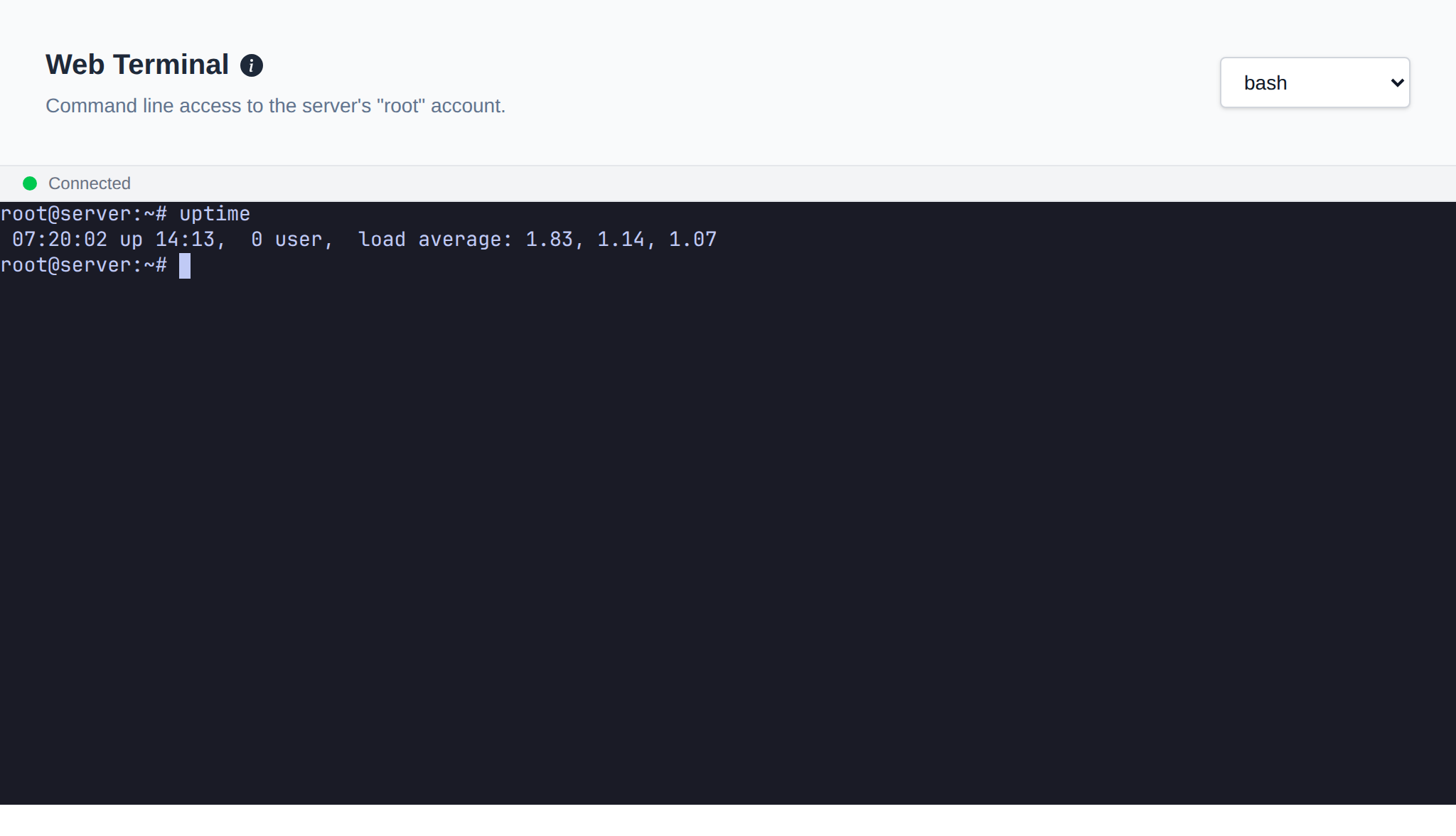
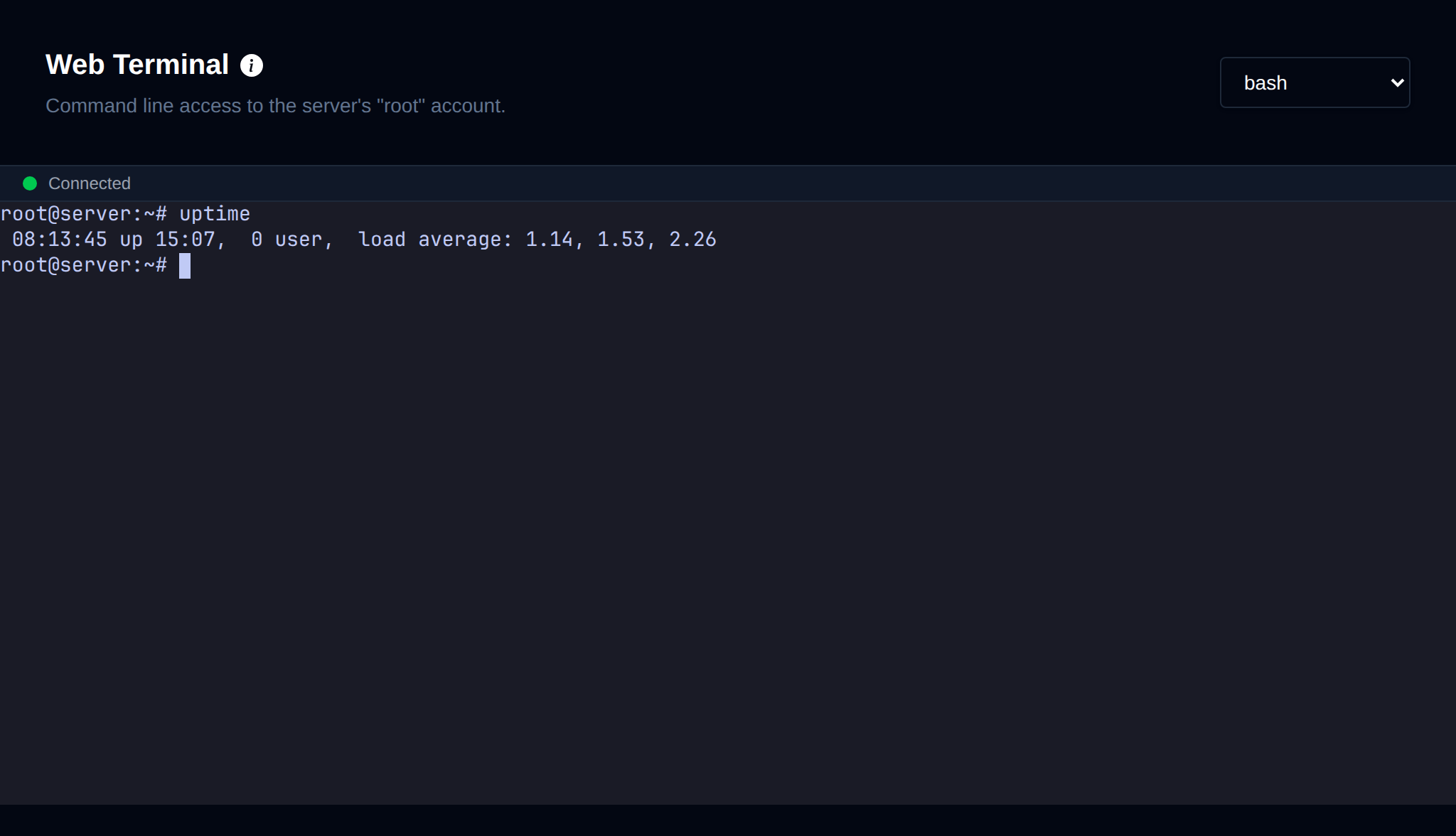
The Web Terminal is available in OpenAdmin, allowing Administrators to manage their server environment directly from the browser.
- Log in to your OpenAdmin panel.
- Navigate to Server > Terminal.
- Use the dropdown menu or selector to choose your preferred shell type:
shorbash. - The terminal interface will load, and you can begin typing commands immediately.
Other sessions already open on the server are shown next to the page description: web terminals with the admin, IP and start time, and SSH sessions with the IP they're from. On a user's container terminal, other web terminals open on the same container are shown.
INFORMATION
The web terminal is available to Super Admin and Admin (staff) logins. Reseller logins will see a 403 error on this page.
To disable the web terminal entirely, refer to How to disable the Terminal feature in OpenAdmin
Was this helpful?