Email Accounts
The Emails > Accounts page provides an overview of all email accounts managed through OpenPanel.
Use this interface to review usage, access webmail, and manage individual or multiple email accounts.
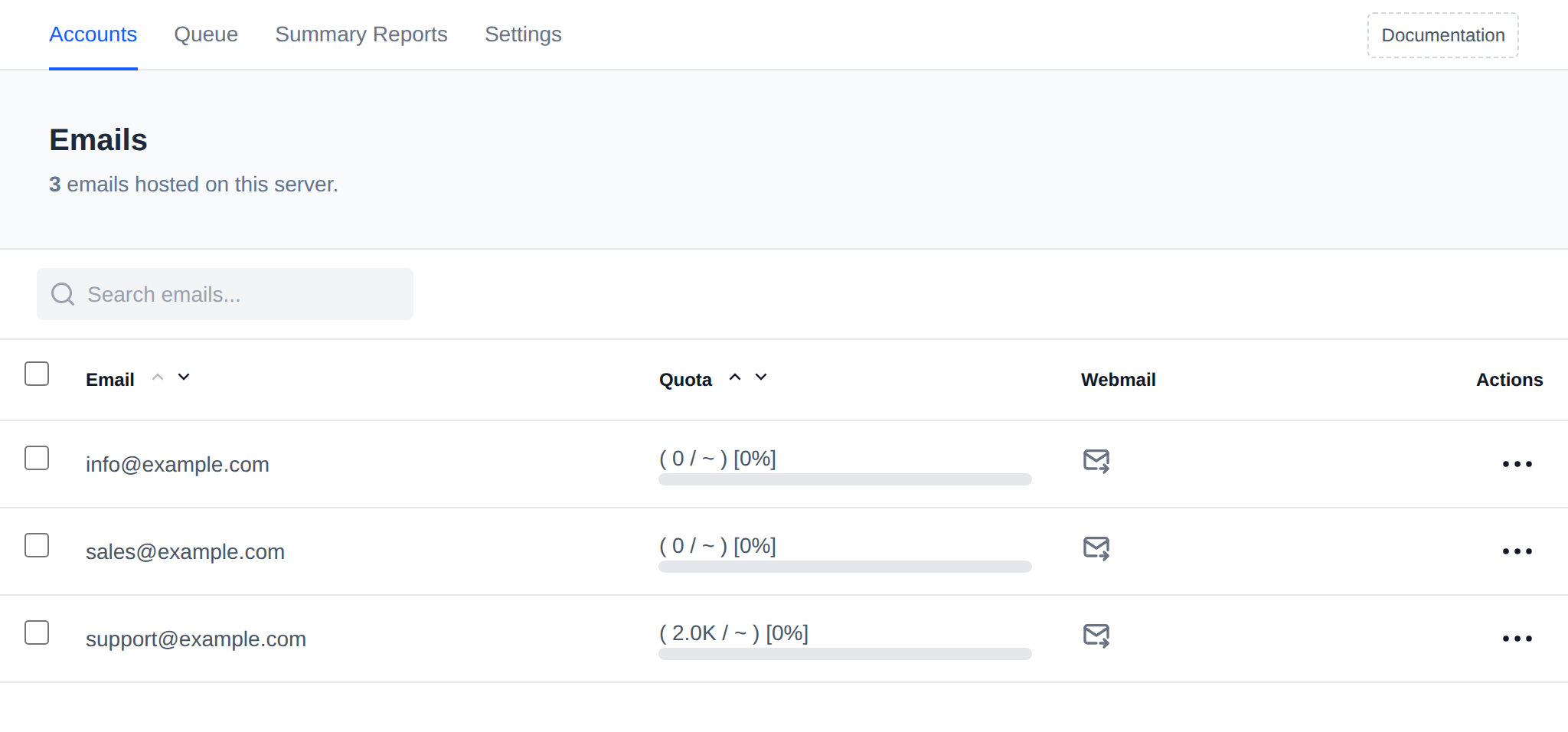
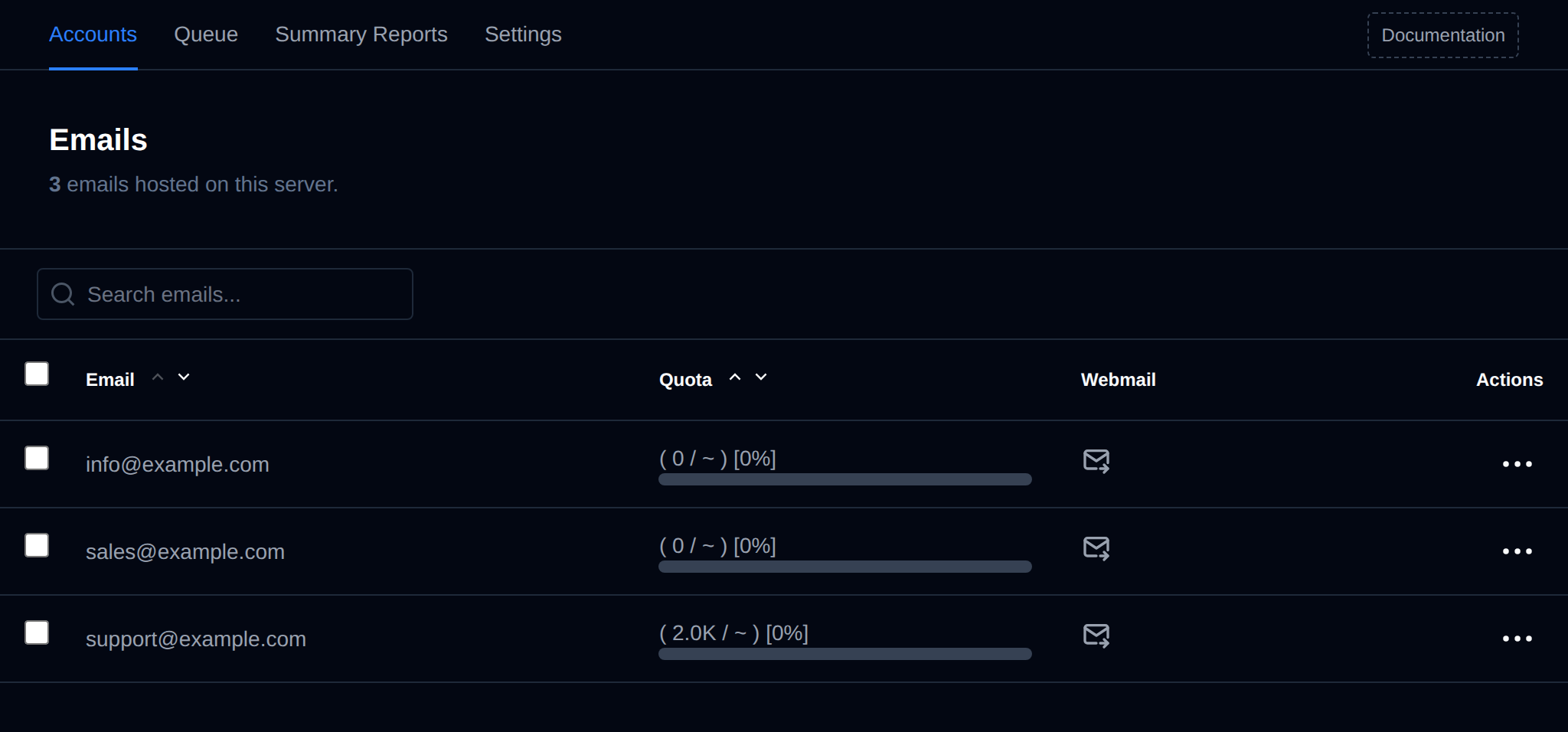
The table includes the following information:
- Email – The full email address of the account.
- Quota – The storage limit assigned to the account, together with a usage progress bar.
- Webmail – A quick-access button to log in directly to the webmail interface for that account.
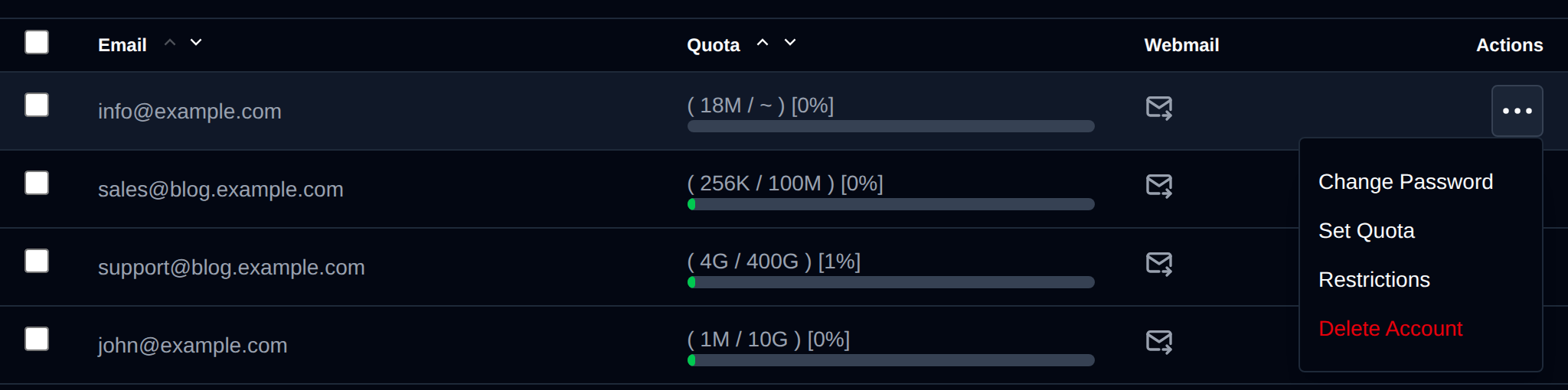
- Actions – A per-row menu with:
- Change Password – set a new password for the mailbox.
- Set Quota – set or remove the mailbox storage quota.
- Restrictions – restrict the account from sending and/or receiving mail.
- Delete Account – permanently remove the mailbox.
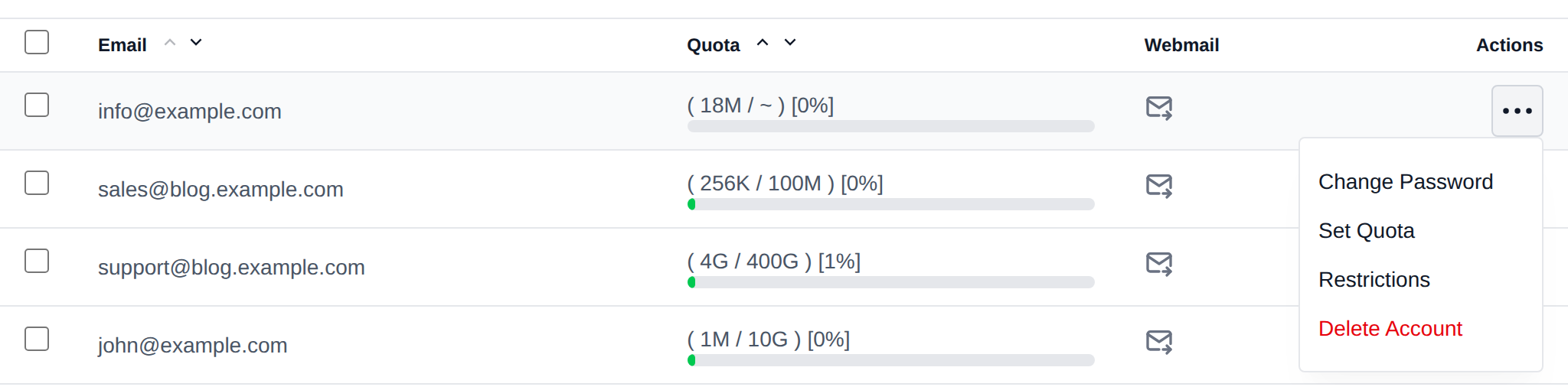
A search box is also available to filter the list by email address.
Bulk Actions
Tick the checkbox of one or more email accounts, or the checkbox in the table header to select all email accounts shown by the current search. A bar appears at the bottom of the page with the number selected, a Clear link and these actions:
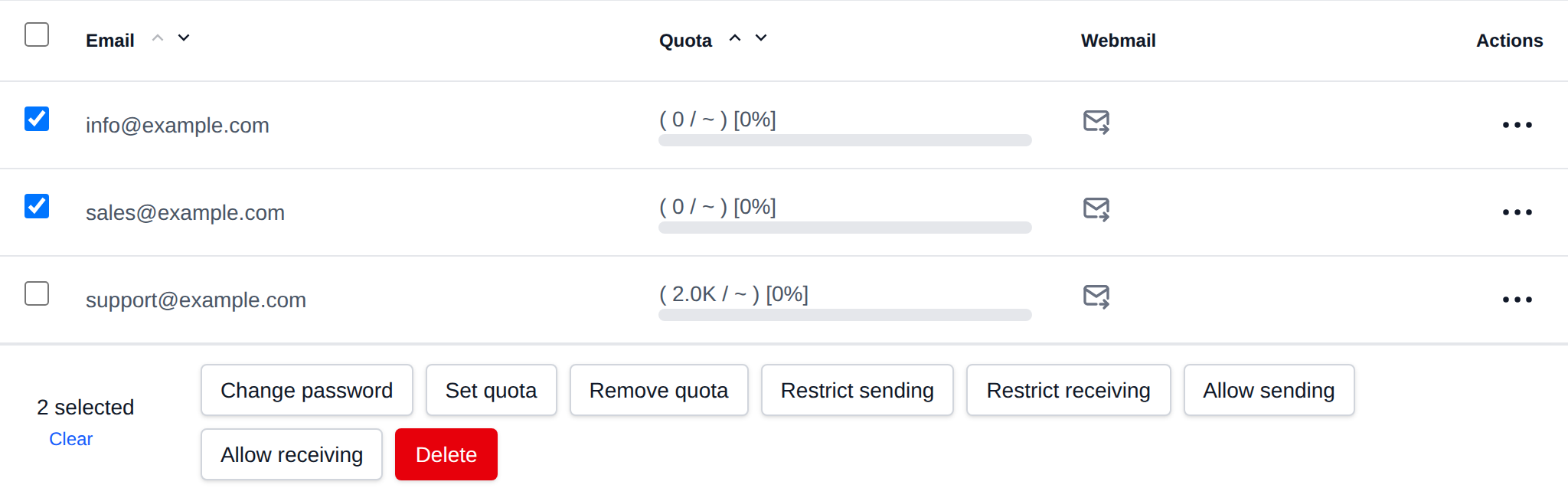
| Action | What it does |
|---|---|
| Change password | Sets the password you enter for all selected accounts. |
| Set quota | Sets the mailbox quota you enter, a number with K, M, G or T like 512M or 2G. |
| Remove quota | Removes the mailbox quota limit. |
| Restrict sending | Blocks the selected accounts from sending mail. |
| Restrict receiving | Blocks the selected accounts from receiving mail. |
| Allow sending | Removes the sending restriction. |
| Allow receiving | Removes the receiving restriction. |
| Delete | Permanently deletes the selected accounts and their mail. |
Click an action, confirm it, and it runs on the selected email accounts one after another. When it's done the page reloads with a notice listing the email accounts it worked for, or which ones failed and why.
This section is useful for monitoring email resource usage and offering users easy access to their inbox.
Outgoing/incoming mail that is queued but not yet delivered can be reviewed separately on the Queue page (Emails > Queue), where messages can be retried or deleted individually, in bulk, or all at once.
Emails are only available on OpenPanel Enterprise edition