Manage Domains
Domains page displays all domains currently hosted on server.
List domains
- With OpenAdmin
- With OpenCLI
To list all current domains navigate to Domains page.
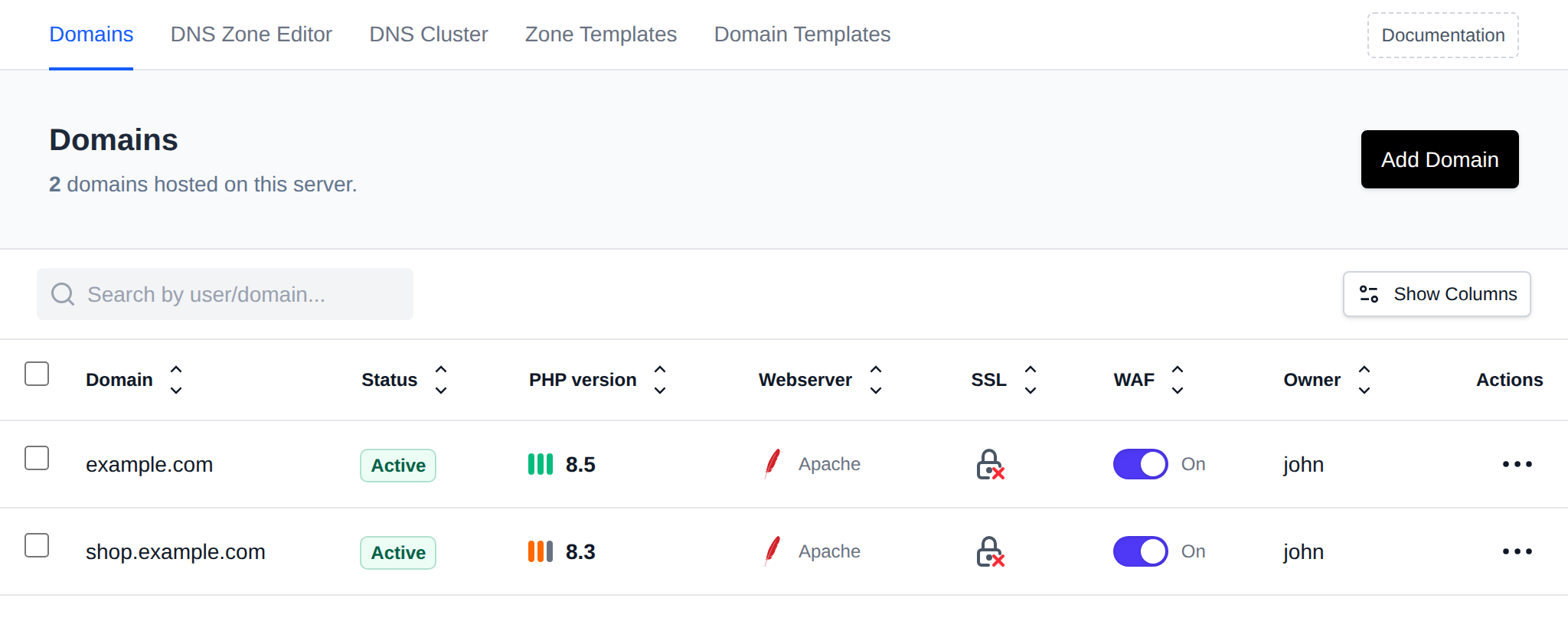
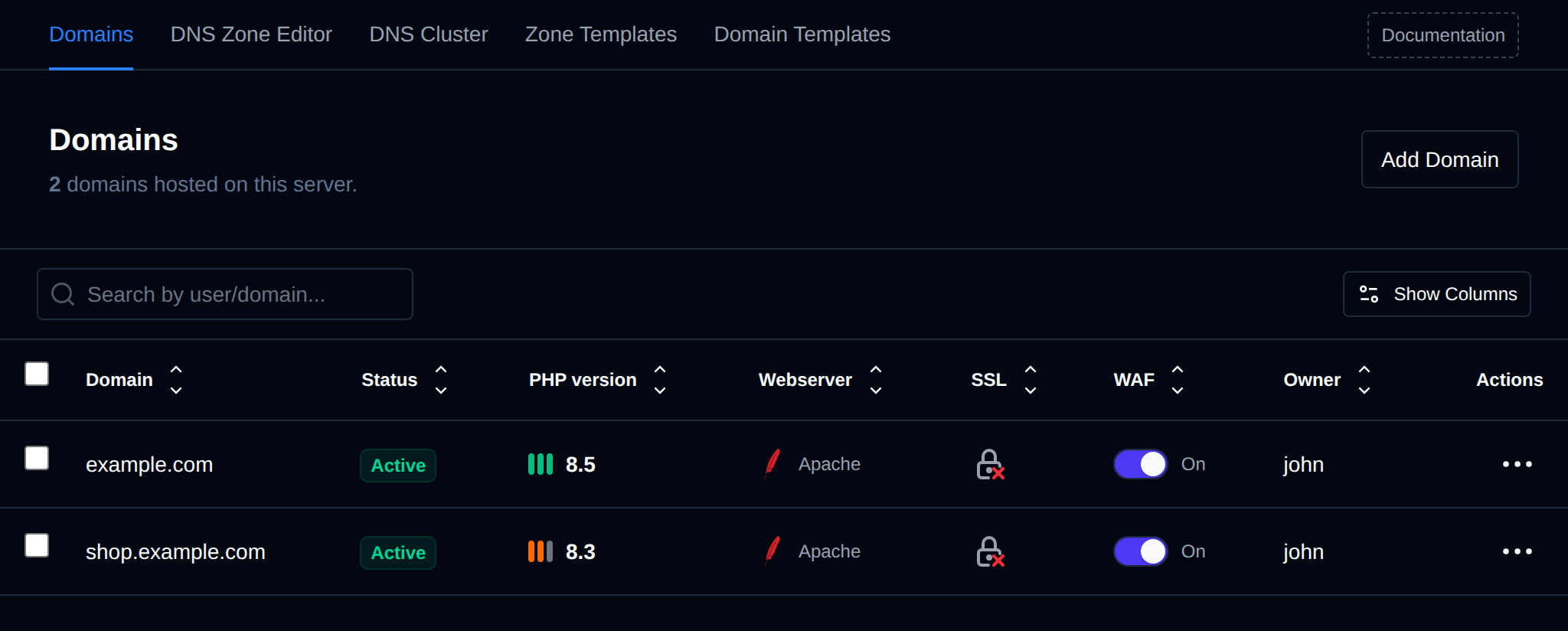
The table shows these columns by default:
| Column | Description |
|---|---|
| Domain | The domain name. |
| Status | Active, or Suspended by admin / Suspended by user with the suspension reason below it. Hover over the badge to see the comment. |
| PHP version | The PHP version configured for the domain. Hover over it and click the pencil icon to change it. |
| Webserver | The webserver of the account that owns the domain (Apache, Nginx, OpenResty or OpenLiteSpeed). |
| SSL | Whether the domain has an SSL certificate. |
| WAF | Toggle to enable or disable Coraza WAF for the domain. |
| Owner | The OpenPanel user who owns the domain. |
| Actions | Menu with the domain actions. |
Click Show Columns to show or hide columns. These optional columns are hidden by default:
| Column | Description |
|---|---|
| ID | The internal ID of the domain. |
| Docroot | The document root directory of the domain. |
| HTTP Strict Transport Security (HSTS) | Toggle to enable or disable HSTS for the domain, like WAF. |
| Rate limit | Default, Custom or Off, click it to open Rate Limiting. |
Any default column except Actions can be hidden the same way. Column visibility is remembered for your browser.
Use the search box (Search by user/domain...) to filter the list by domain name or owning username.
To list all current domains run:
opencli domains-all
Example output:
root@server:~# opencli domains-all
openpanel.com
openpanel.org
demo.openpanel.com
api.openpanel.com
support.openpanel.org
ip.openpanel.com
my.openpanel.com
Bulk Actions
Tick the checkbox of one or more domains, or the checkbox in the table header to select all domains shown by the current search. A bar appears at the bottom of the page with the number selected, a Clear link and these actions:
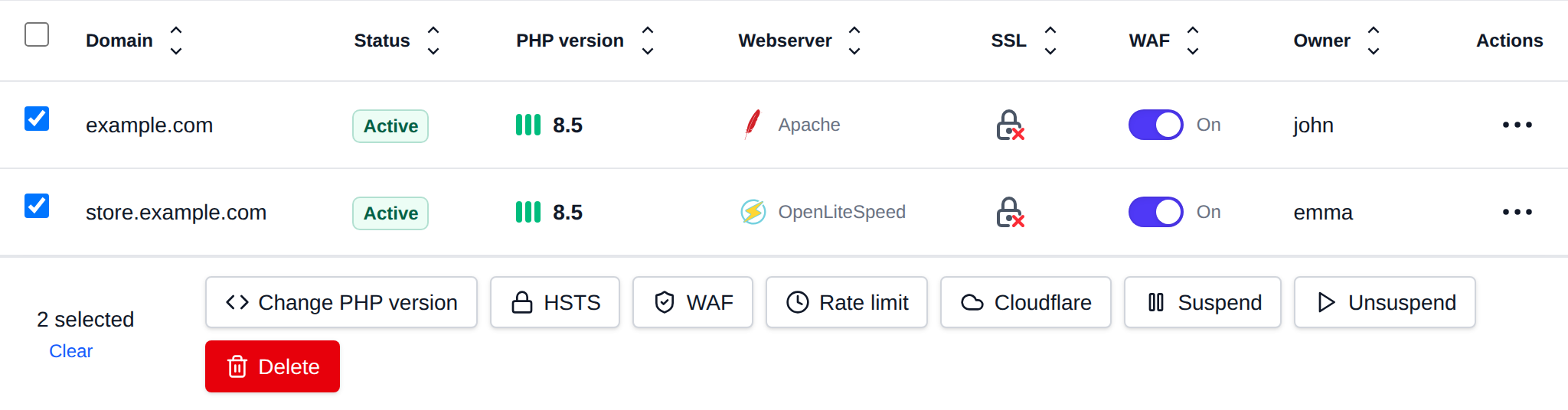
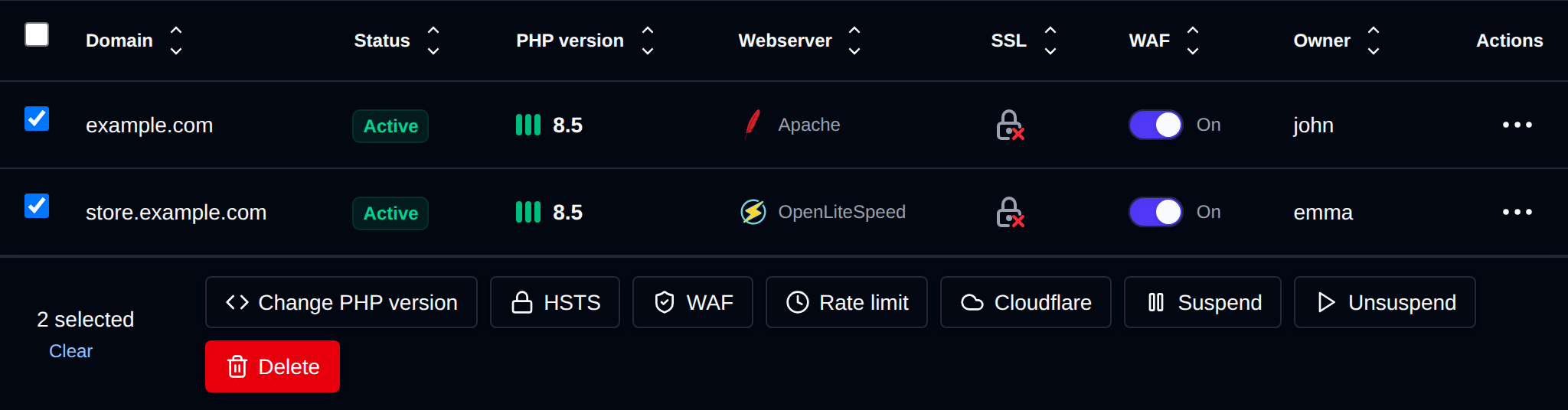
| Action | What it does |
|---|---|
| Change PHP version | Sets the PHP version you pick from the versions installed for the domains' owners. A domain whose owner doesn't have that version is skipped with an error. |
| HSTS | Turns HSTS on or off for the selected domains. |
| WAF | Turns the CorazaWAF on or off for the selected domains. |
| Rate limit | Puts the selected domains on the server default rate limit, or removes their limits. Custom limits are set on the Rate Limiting page. |
| Cloudflare | Restricts the selected domains to Cloudflare, or removes the restriction. Restricted domains that aren't proxied through Cloudflare return 403 to visitors. |
| Suspend | Suspends the selected domains with the reason you pick. Users can't unsuspend or change them. |
| Unsuspend | Unsuspends the selected domains. |
| Delete | Deletes the selected domains with their DNS zones, SSL and web server configuration, the files are kept. |
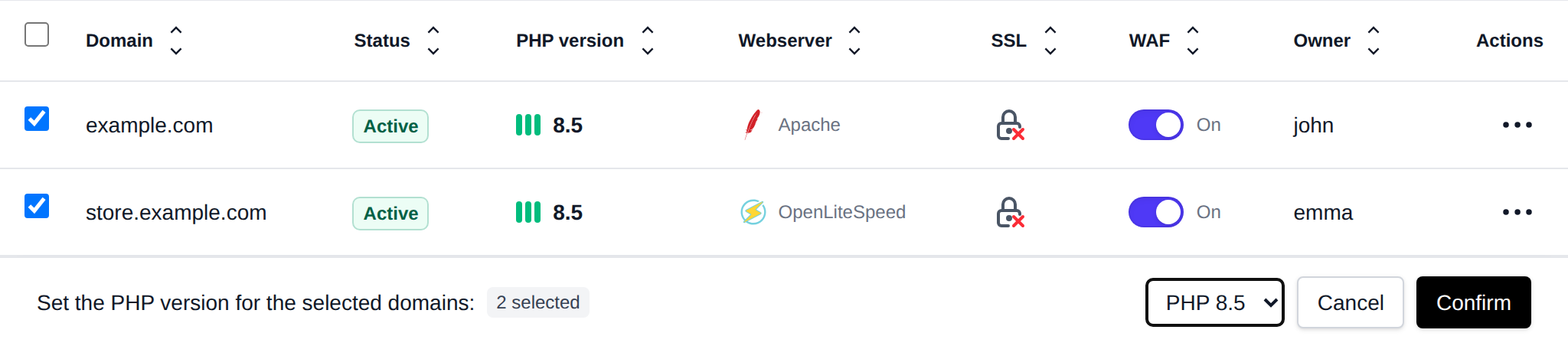
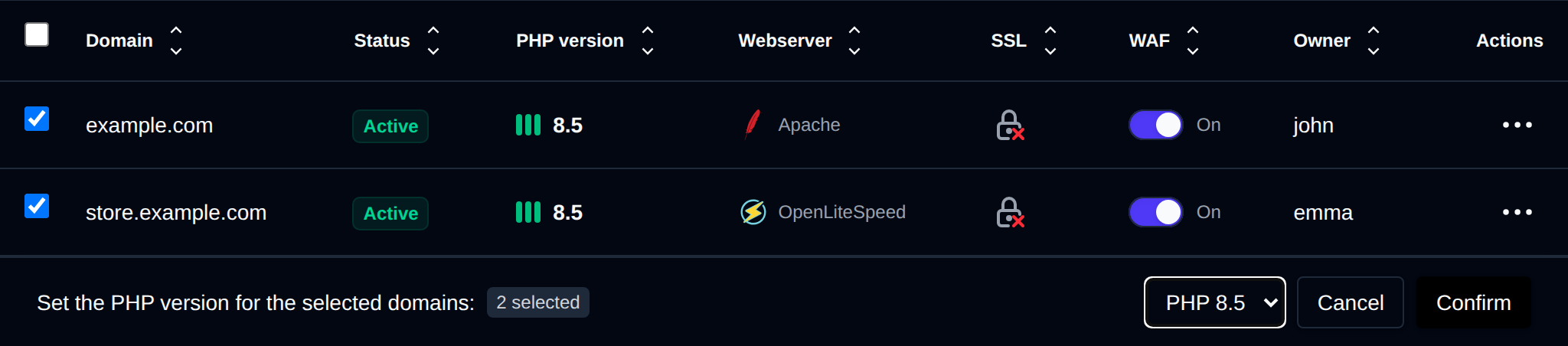
Click an action, confirm it, and it runs on the selected domains one after another. When it's done the page reloads with a notice listing the domains it worked for, or which ones failed and why.
Add domain
- With OpenAdmin
- With OpenCLI
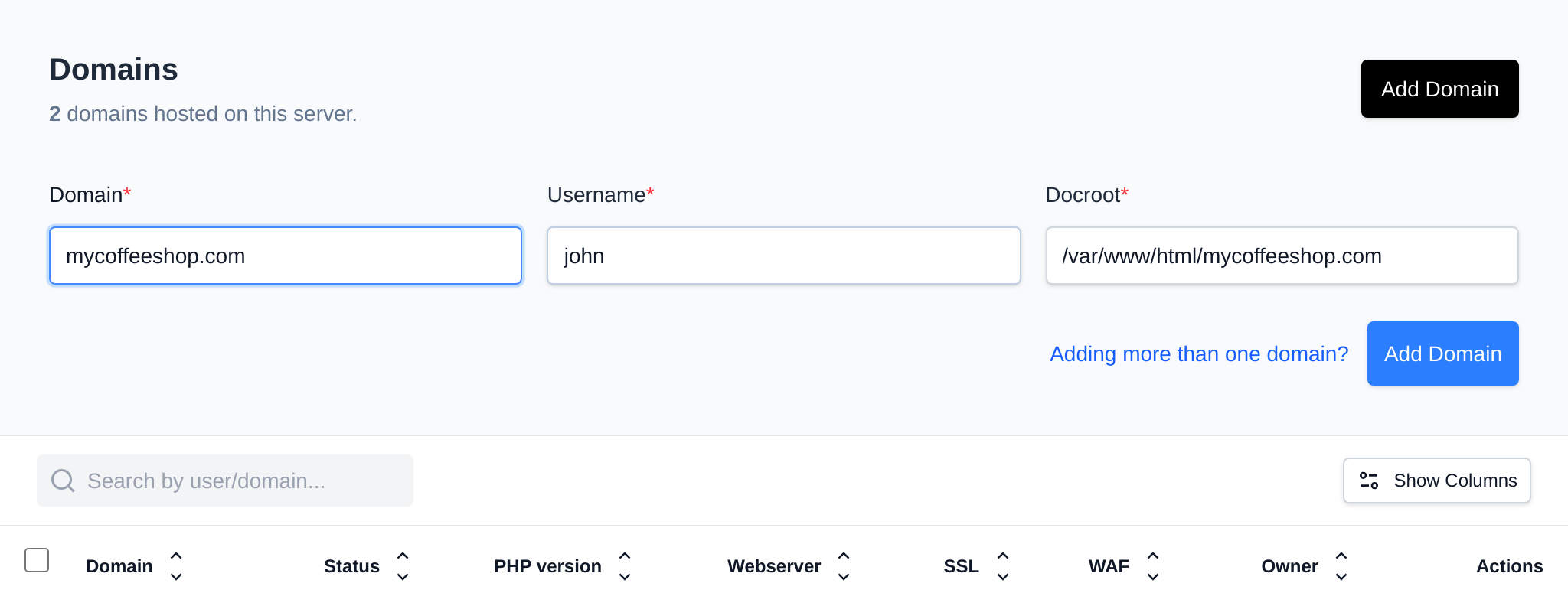
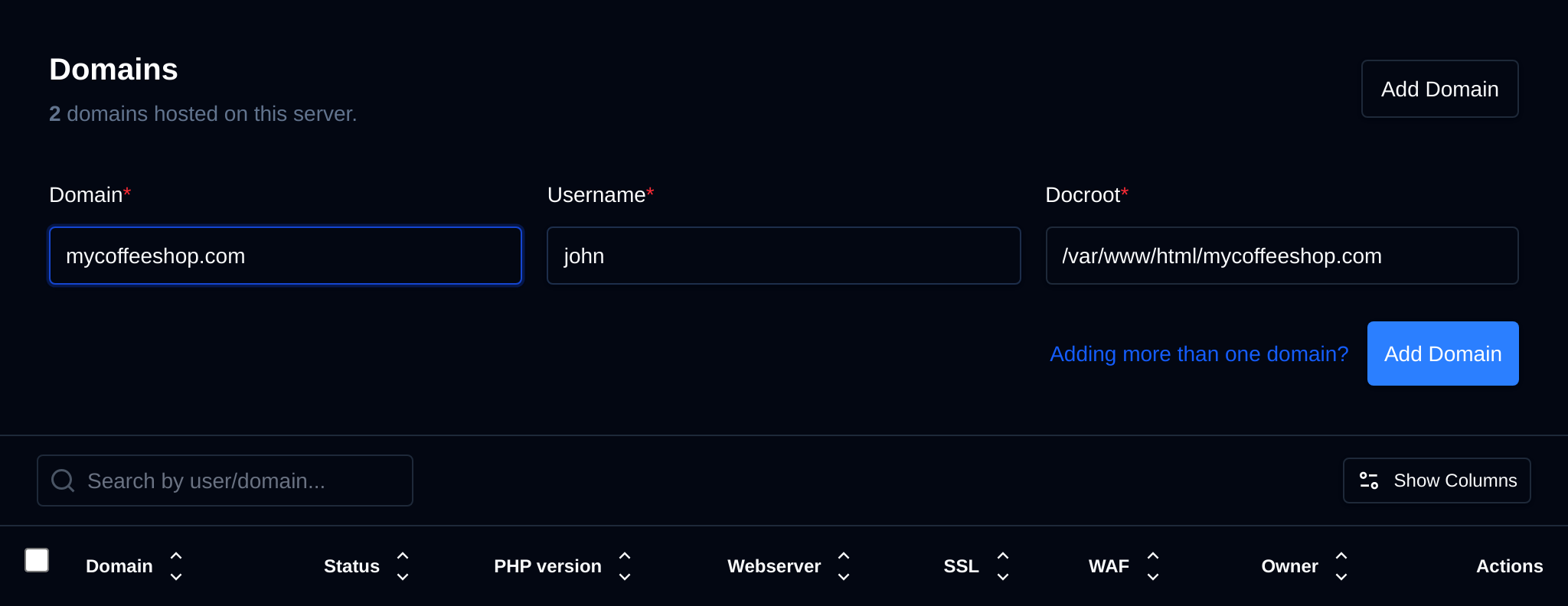
Click on 'Add Domain' button, insert the domain and select the user to add it, then click on 'Add Domain'.
With an Enterprise license the form also has a Docroot field next to the username. It starts as /var/www/html/ and fills in /var/www/html/<domain> as you type the domain, so you only need to change it for a custom folder, for example /var/www/html/shop/public. The docroot must start with /var/www/html/, can only contain letters, numbers, dots, dashes, underscores and slashes, and can't contain ... On Community edition the docroot is always /var/www/html/<domain>.
To add a new domain run the following command:
opencli domains-add <DOMAIN_NAME> <USERNAME> [--docroot /var/www/html/<FOLDER>] [--debug]
Without --docroot, the domain uses /var/www/html/<DOMAIN_NAME>.
Example:
root@stefan:/usr/local/admin# opencli domains-add pejcci.rs wzs11p2i --debug
Checking if domain already exists on the server
Adding pejcci.rs to the domains database
Purging cached list of domains for the account
Creating document root directory /home/wzs11p2i/pejcci.rs
Checking webserver configuration
Checking if default vhosts file exists for Nginx
Checking IPv4 address for the account
Creating /etc/nginx/sites-available/pejcci.rs.conf
Restarting nginx to apply changes
Creating vhosts proxy file for Nginx
Webserver is running, reloading configuration
Creating DNS zone file: /etc/bind/zones/pejcci.rs.zone
DNS service is running, adding the zone
Adding the newly created zone file to the DNS server
Checking and setting nginx service to automatically start on reboot
Starting service for the default PHP version 8.2
Checking and setting PHP service to automatically start on reboot
Checking and starting the ssl generation service
Starting Let'sEncrypt SSL generation in background
Domain pejcci.rs added successfully
Bulk add domains
To add several domains at once, click on 'Add Domain' and then on Adding more than one domain? next to the submit button. The form turns into a text area where you enter one domain per line:
<DOMAIN>|<USERNAME>|<DOCROOT>|<PHP_VERSION>
The docroot and PHP version are optional, and spaces can be used instead of |. For example:
mycoffeeshop.com|john
bakery.rs|john|/var/www/html/bakery/public
blog.bakery.rs|john|/var/www/html/bakery/blog|8.3
teashop.net stefan 8.4
- A docroot starts with
/and a PHP version looks like8.3, so you can leave out either one, for exampledomain.com|john|8.3. - A custom docroot requires an Enterprise license, with the same rules as the single Add domain form. Without a docroot the domain uses
/var/www/html/<DOMAIN>. - Empty lines and lines starting with
#are skipped. Up to 500 domains can be added at once.
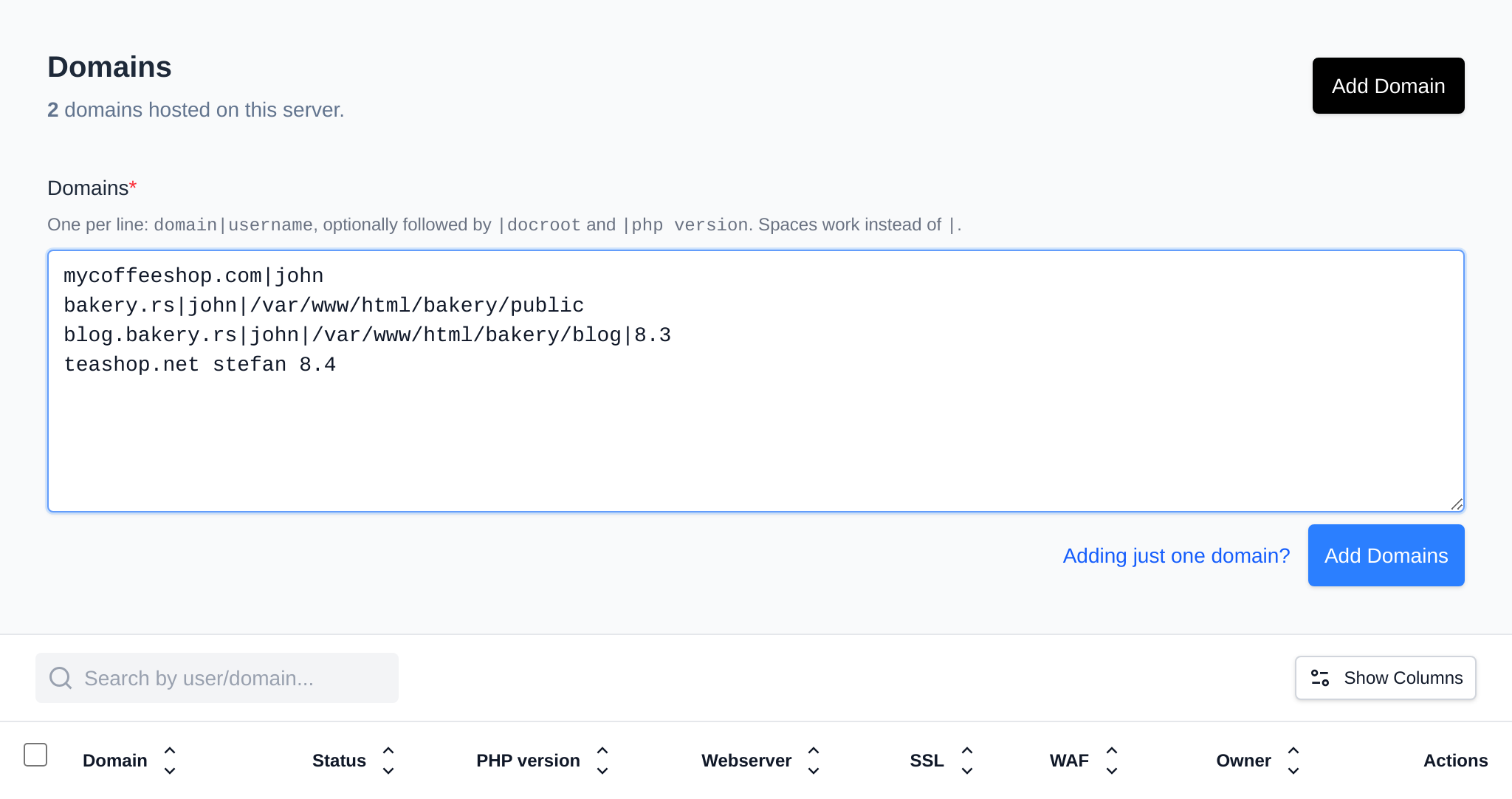
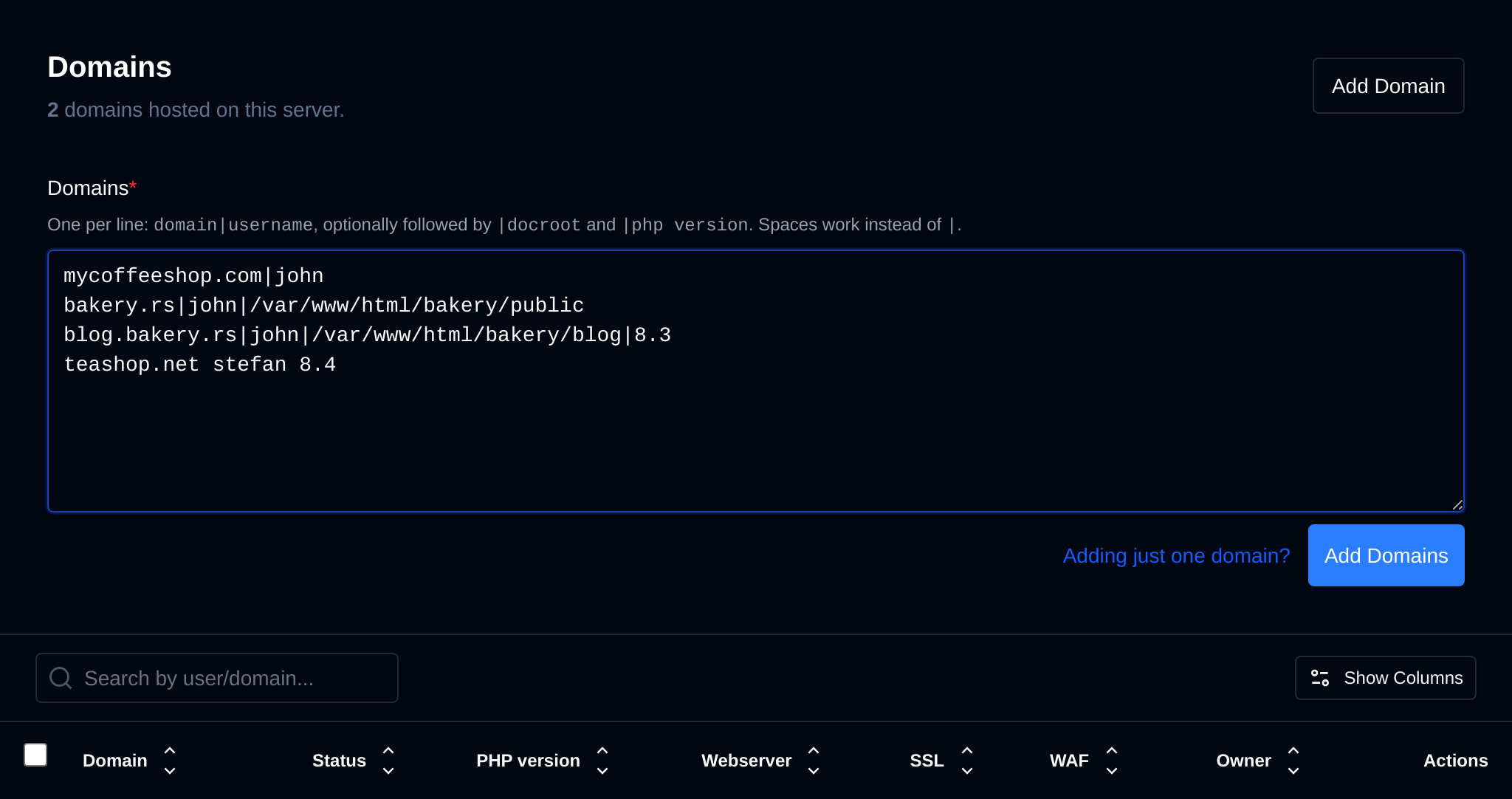
The list is checked when you leave the text area and again on the server before anything is added: every line with a problem is listed with its line number, along with users that don't exist or are suspended, and domains that appear twice. If any line is wrong, no domains are added.
When the list is valid, the domains are added one after another and the form shows the progress. When all of them are added the page reloads. If some fail (for example because the domain already exists on the server), the form lists each failed line with the error and the rest are still added.
Click Adding just one domain? to go back to the single domain form.
Domain actions
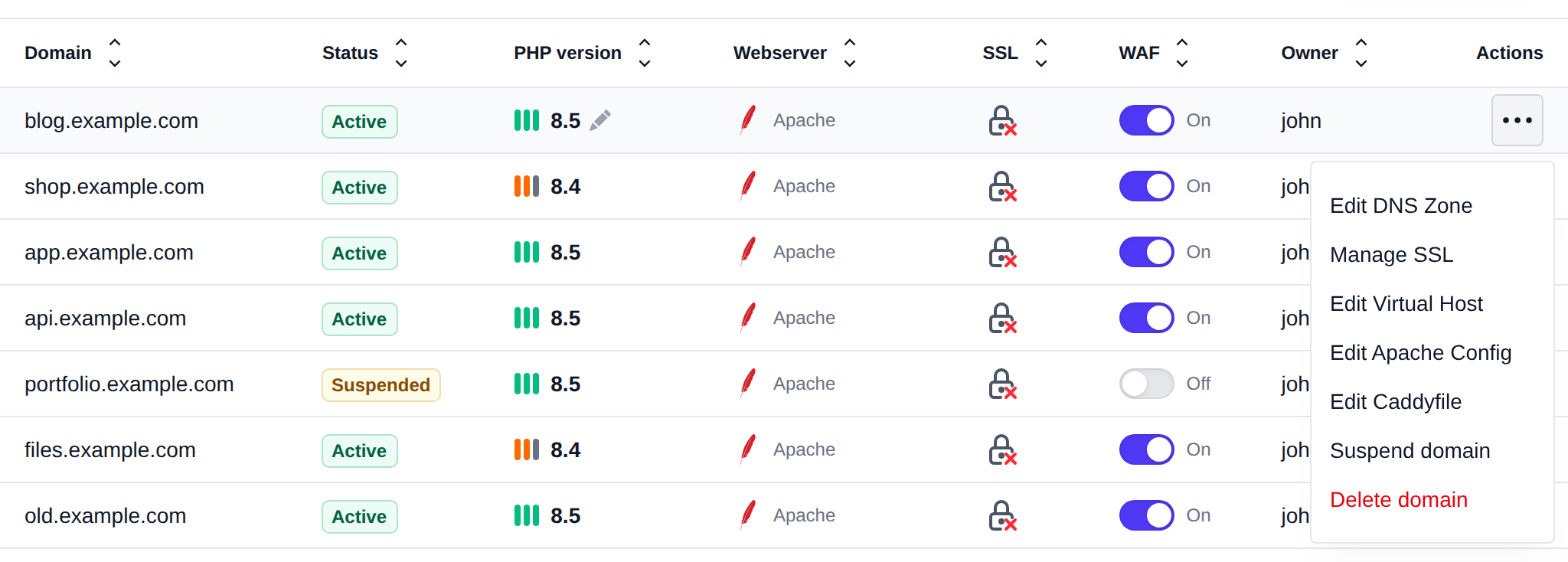
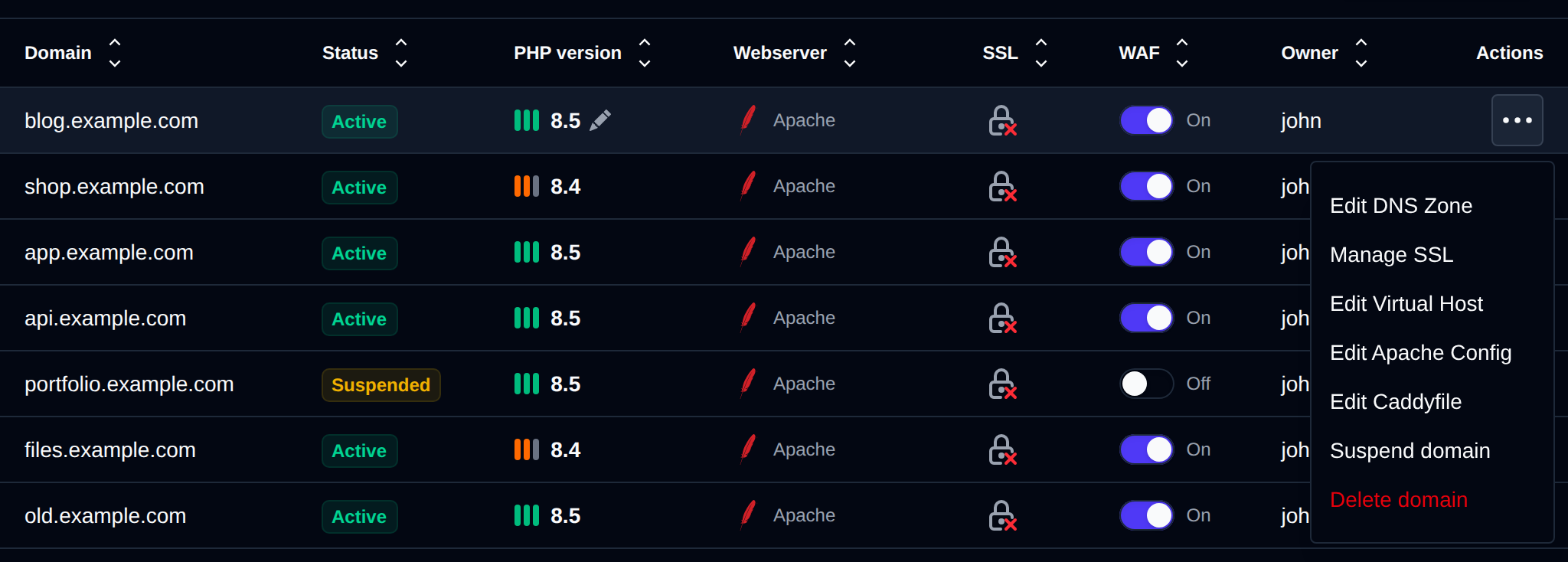
Each row in the Domains table has an actions menu (the ⋮ button) with the following options:
- Edit DNS Zone — opens the DNS Zone Editor for this domain. Only shown if the dns module is enabled.
- Suspend domain / Unsuspend domain — suspends the domain with a reason, see Suspend a domain below, or unsuspends it.
- Manage SSL — opens the SSL page for the domain. Not shown for suspended domains.
- Edit Virtual Host — opens the VirtualHost config editor for the domain.
- Edit Apache Config — opens the webserver configuration file of the domain owner (the label follows the owner's webserver).
- Edit Caddyfile — opens the Caddy config editor for the domain.
- Delete domain — permanently deletes the domain, see Delete domain below.
Suspend a domain
Suspending a domain replaces its website with a suspended page, email and other services keep working. To suspend a domain:
- Open the domain's actions menu (
⋮) and click Suspend domain. - Pick a Reason. Default suspended page shows the Suspended Website page, the other options are the suspension reasons from Domains > Domain Templates, such as Copyright / DMCA Violation or Overdue Payment / Billing.
- Optionally enter a Comment, for example a ticket number. The user sees it in OpenPanel.
- Click Suspend.
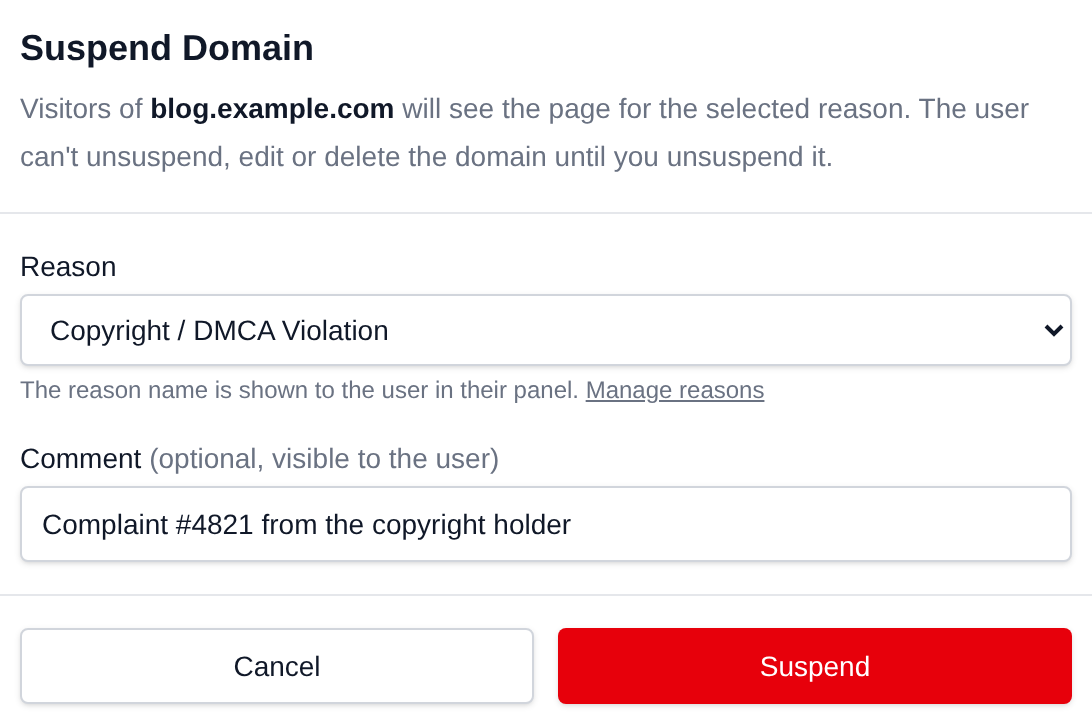
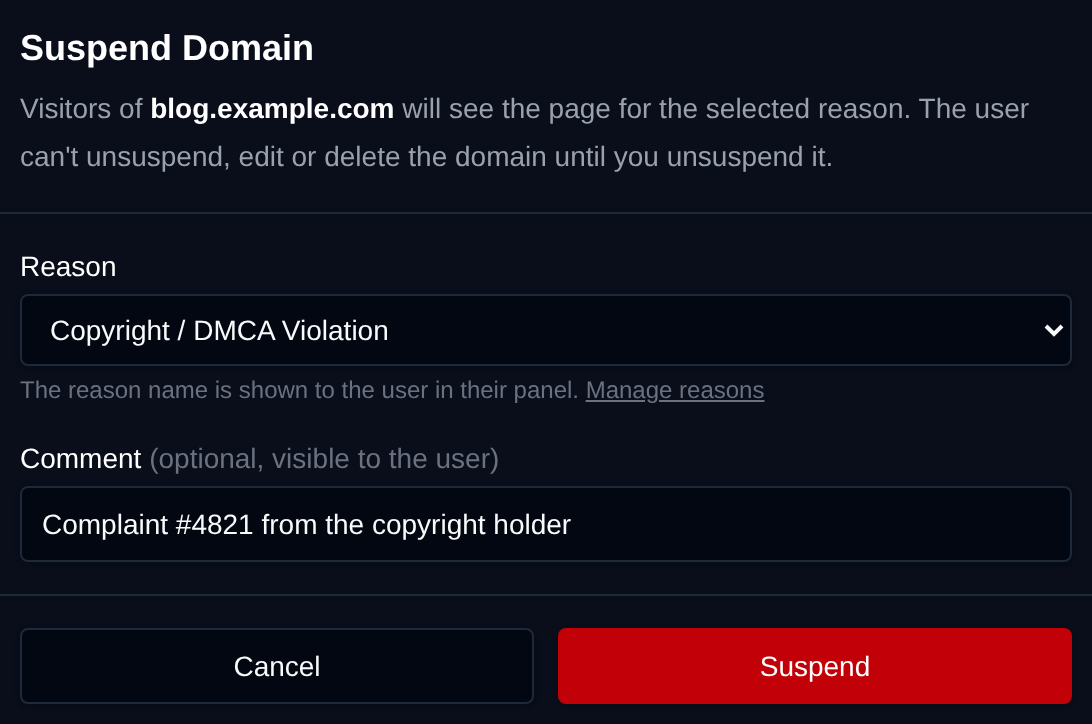
The Status column then shows Suspended by admin with the reason below it:
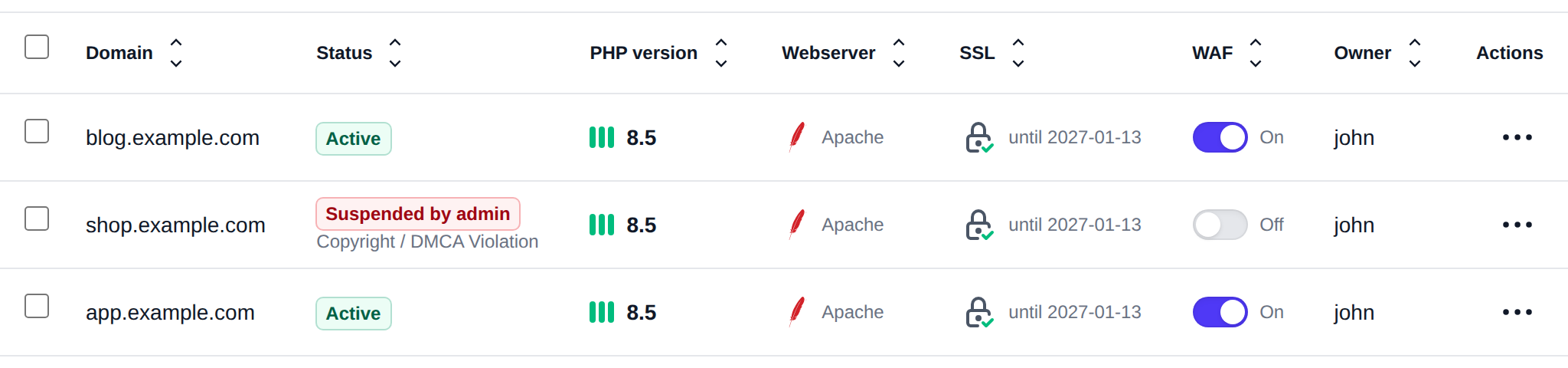
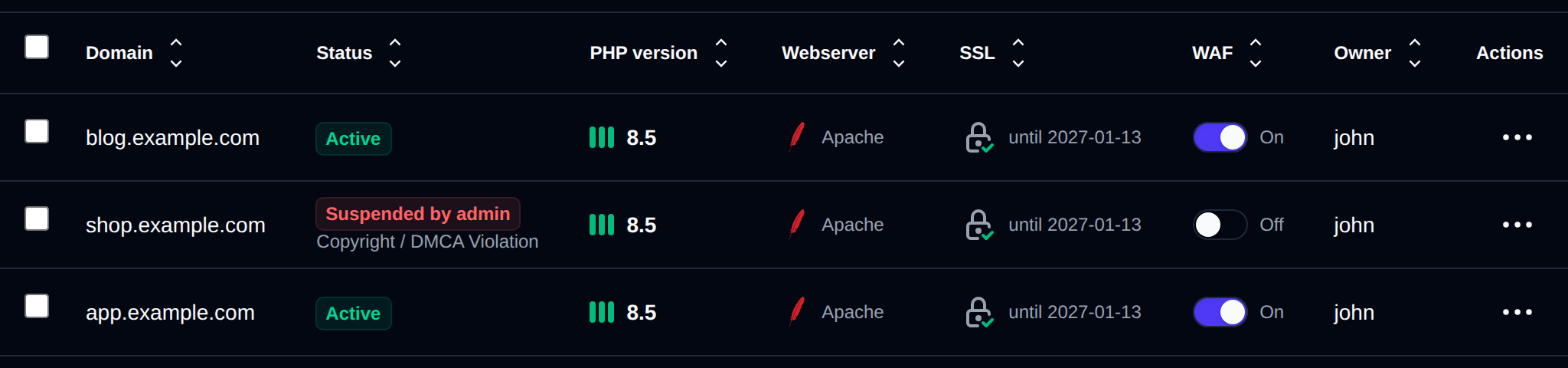
A domain suspended by an Administrator is locked for the user. In OpenPanel the user sees Suspended by Admin and the reason, and can't unsuspend, delete or edit the domain: changing its docroot, VirtualHost, redirect, SSL, Cloudflare setting or DNS zone is refused, from the panel and from the API, until an Administrator unsuspends it. Users can still suspend and unsuspend their own domains, these show as Suspended by user. Suspending a domain the user already suspended turns it into an admin suspension.
To unsuspend, open the actions menu and click Unsuspend domain. The domain's original configuration is put back.
From the terminal, use opencli domains-suspend with --by=admin, --template=<reason> and --comment="...", and opencli domains-unsuspend <domain> --by=admin. Without --by=admin the suspension counts as the user's own.
Move domain
This is currently not possible.
Delete domain
Domains can be deleted directly from OpenAdmin:
- Open the domain's actions menu (
⋮) in the Domains table and click Delete domain. - A confirmation dialog lists what will be removed: VHost configuration files, Caddyfile entries, SSL certificates, and email accounts & redirects. Website files and the docroot directory are not deleted.
- Type the domain name to confirm, then click Delete Permanently.
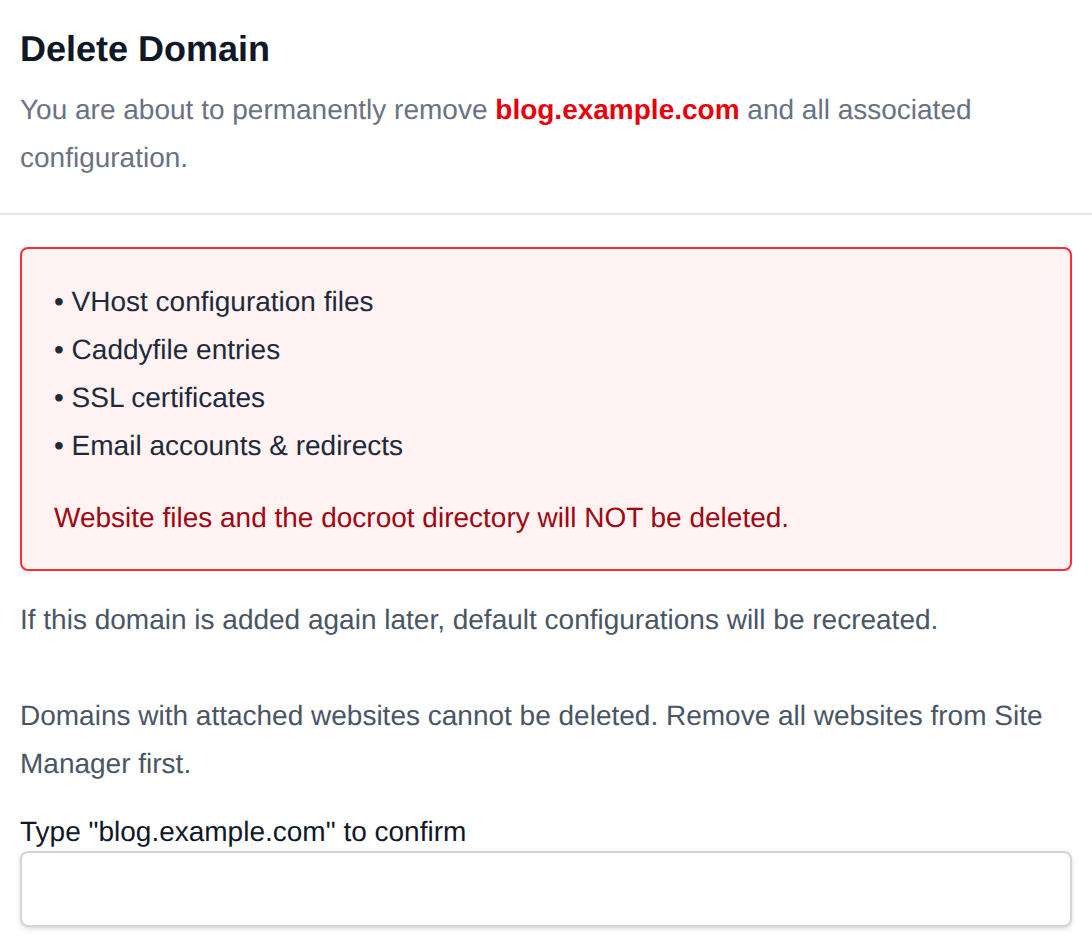
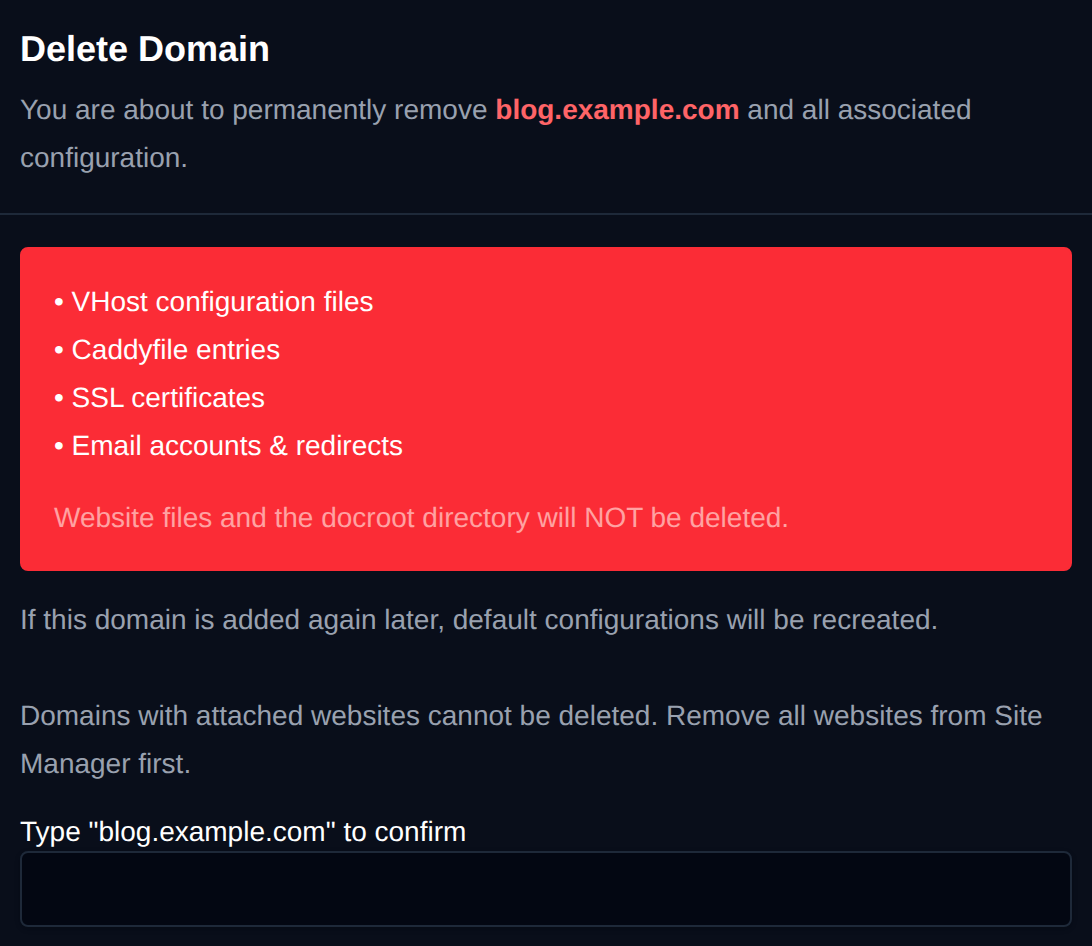
Domains with attached websites cannot be deleted — remove all websites from Site Manager first. If the domain is added again later, default configurations are recreated.