Service Limits
The Service Limits section allows Administrators to view and adjust the allocated CPU and Memory resources for system services.
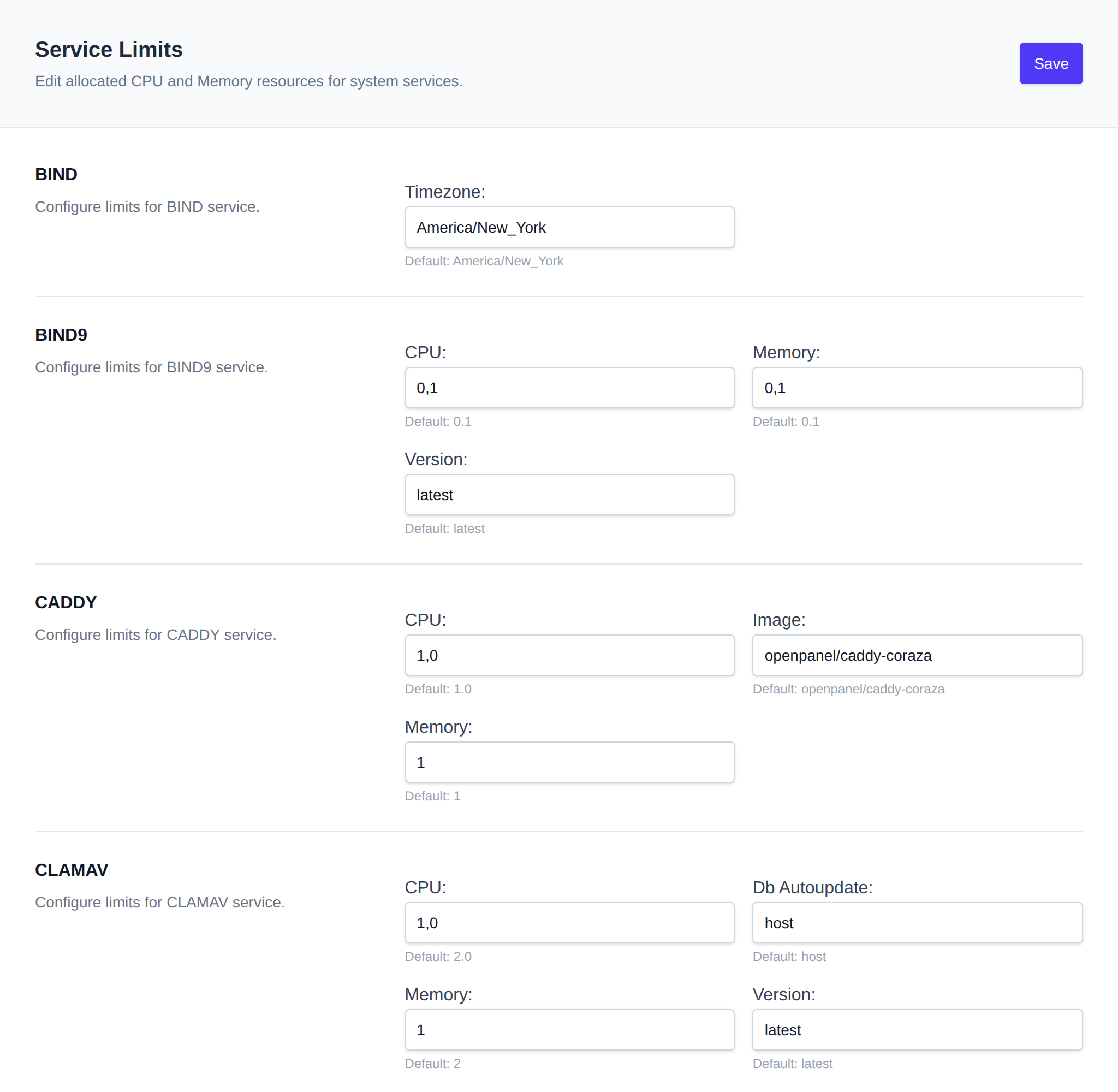
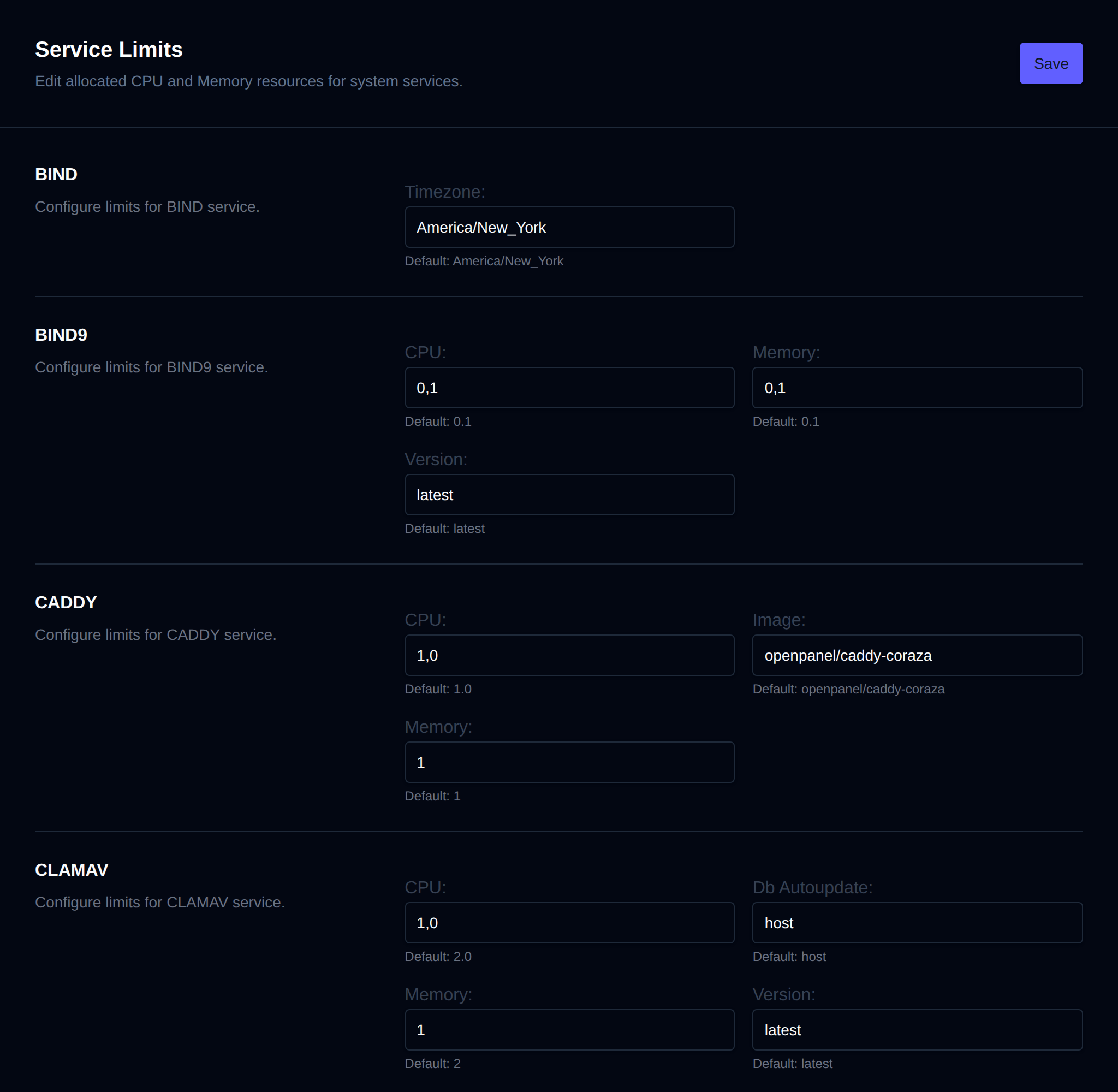
To update limits, enter new values in the fields for the appropriate service.
Note: The service must be stopped and restarted for the new limits to take effect.
Available Services (by default):
- openpanel
- caddy
- mysql
- clamav
- redis
- bind9
- ftp
- phpmyadmin
This list reflects the CPU/RAM entries currently present in /root/.env — the page is built dynamically from that file, so any additional *_CPU/*_RAM (or *_CPUS/*_RAM) pairs added there will also appear as editable services.
Recommendations
Under each limit a recommendation is shown when the value is below the recommended minimum or above the recommended maximum, based on the server's CPU and RAM, the enabled modules and the number of users and domains. 0 means unlimited and never shows a recommendation. CPU is in cores, RAM in GB.
| Service | Recommended |
|---|---|
| openpanel | at least 2 on servers with over 4 GB RAM, otherwise at least 1 |
| caddy | at least 1 per 20 domains so SSL certificates can be issued and renewed, or a third of the server's RAM/CPU on servers under 10 GB RAM. No more than 8 GB RAM and 6 CPU |
| mysql | 0.5 per 10 users, no more than a third of the openpanel container's limit |
| bind9 | at least 0.1, only when the DNS module is enabled |
| clamav | 4 (2 is the minimum), no more than 6, only when the malware scanner module is enabled |
| ftp | 0.5 plus 0.1 per 10 users, no more than 3 GB RAM and 2 CPU, only when the FTP module is enabled |
| phpmyadmin | at least 2 CPU, and RAM of at least 1 GB or more to fit PHPMYADMIN_MEMORY_LIMIT and PHPMYADMIN_UPLOAD_LIMIT, only when the phpMyAdmin module is enabled |
CLAMD_STARTUP_DELAY is recommended between 30 and 600 seconds, since ClamAV downloads its malware signature database on startup.
To edit limits via the terminal, modify the /root/.env file directly.