Podman
OpenAdmin > Services > Podman gives Administrators visibility into the host's Podman installation and lets them manage the shared image store. It's only available to Administrators and Users — not Resellers. It has five tabs: Info, Images, Volumes, Networks, and Disk Usage.
Info
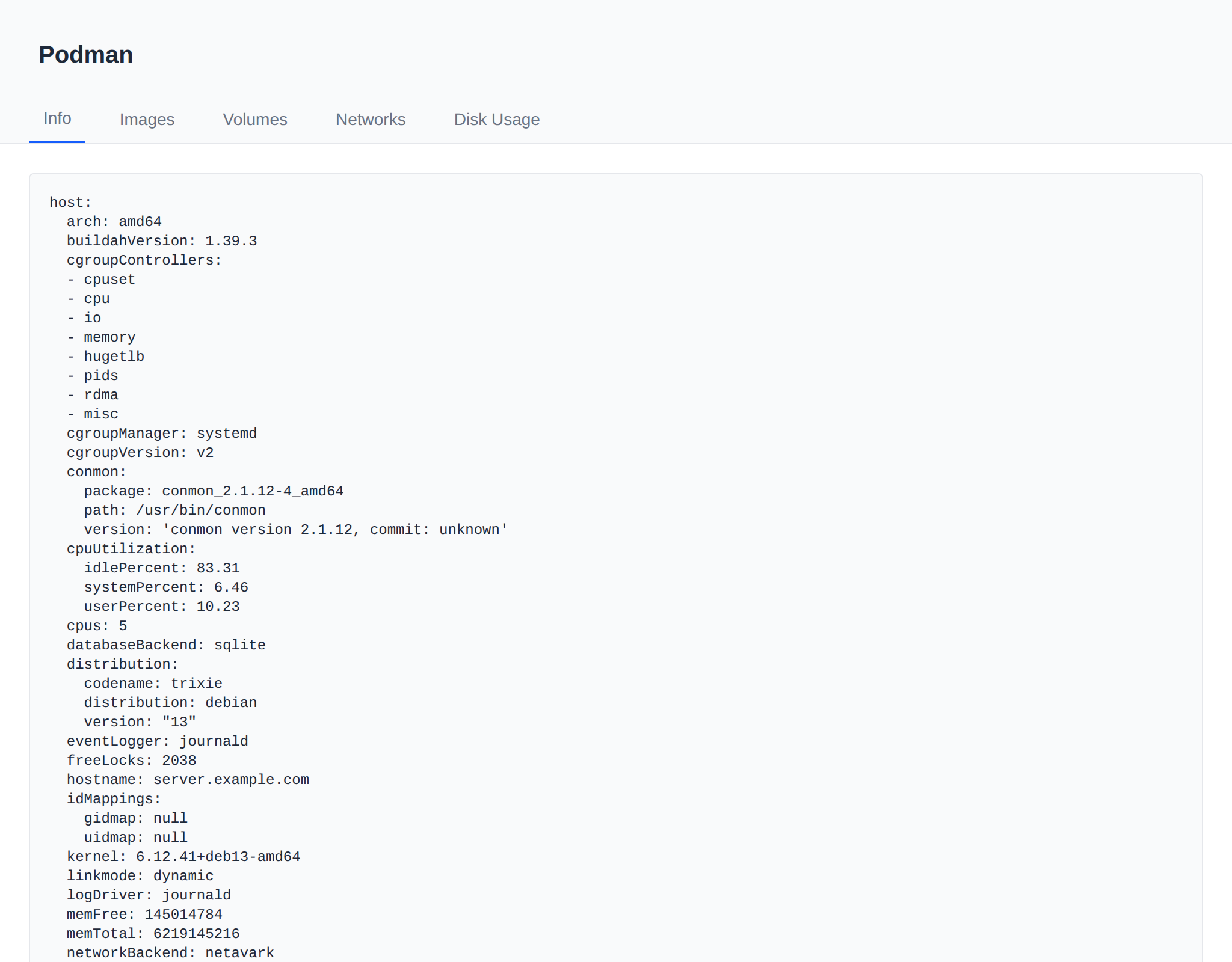
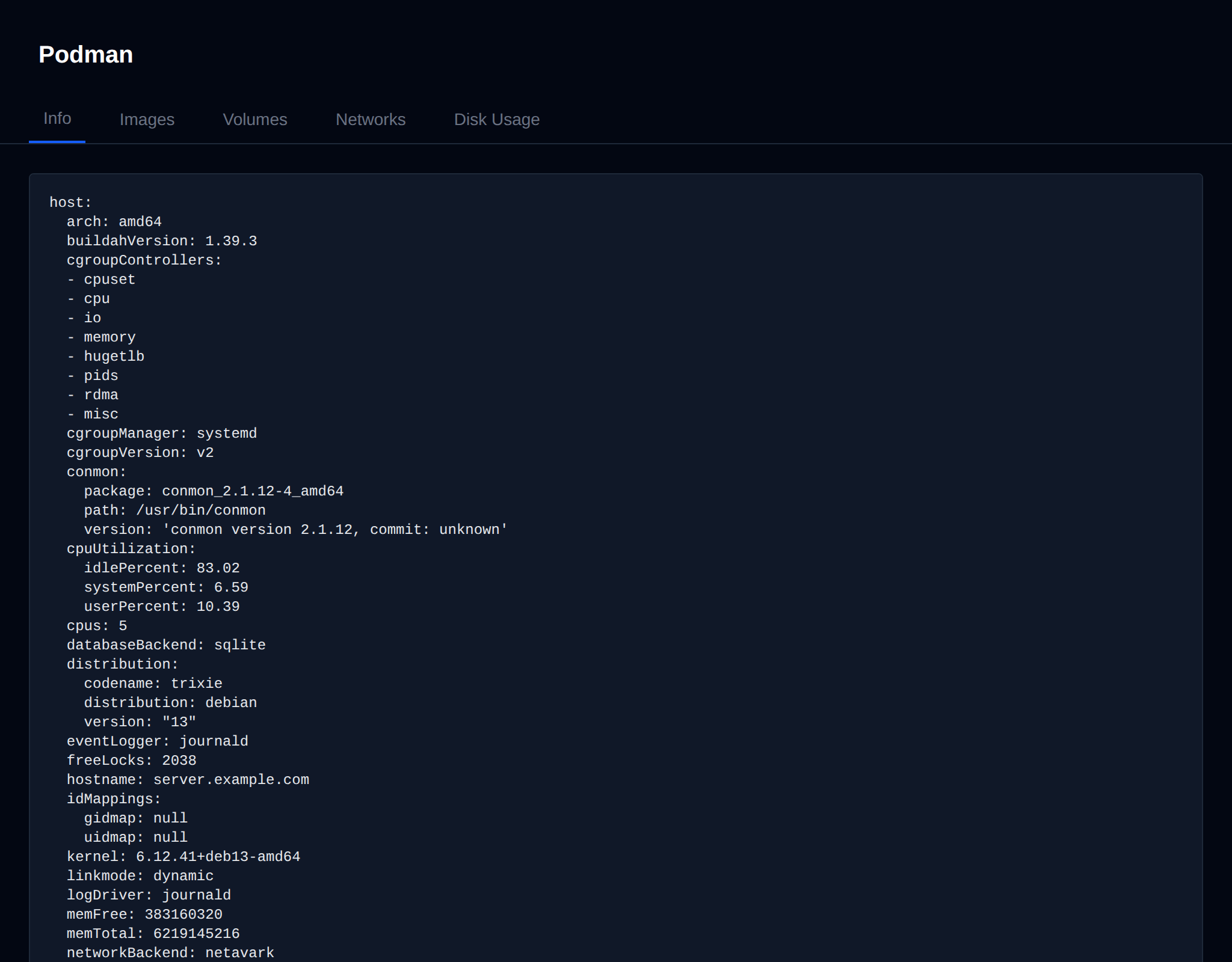
Raw output of podman info, exactly as it would appear on the terminal.
Images
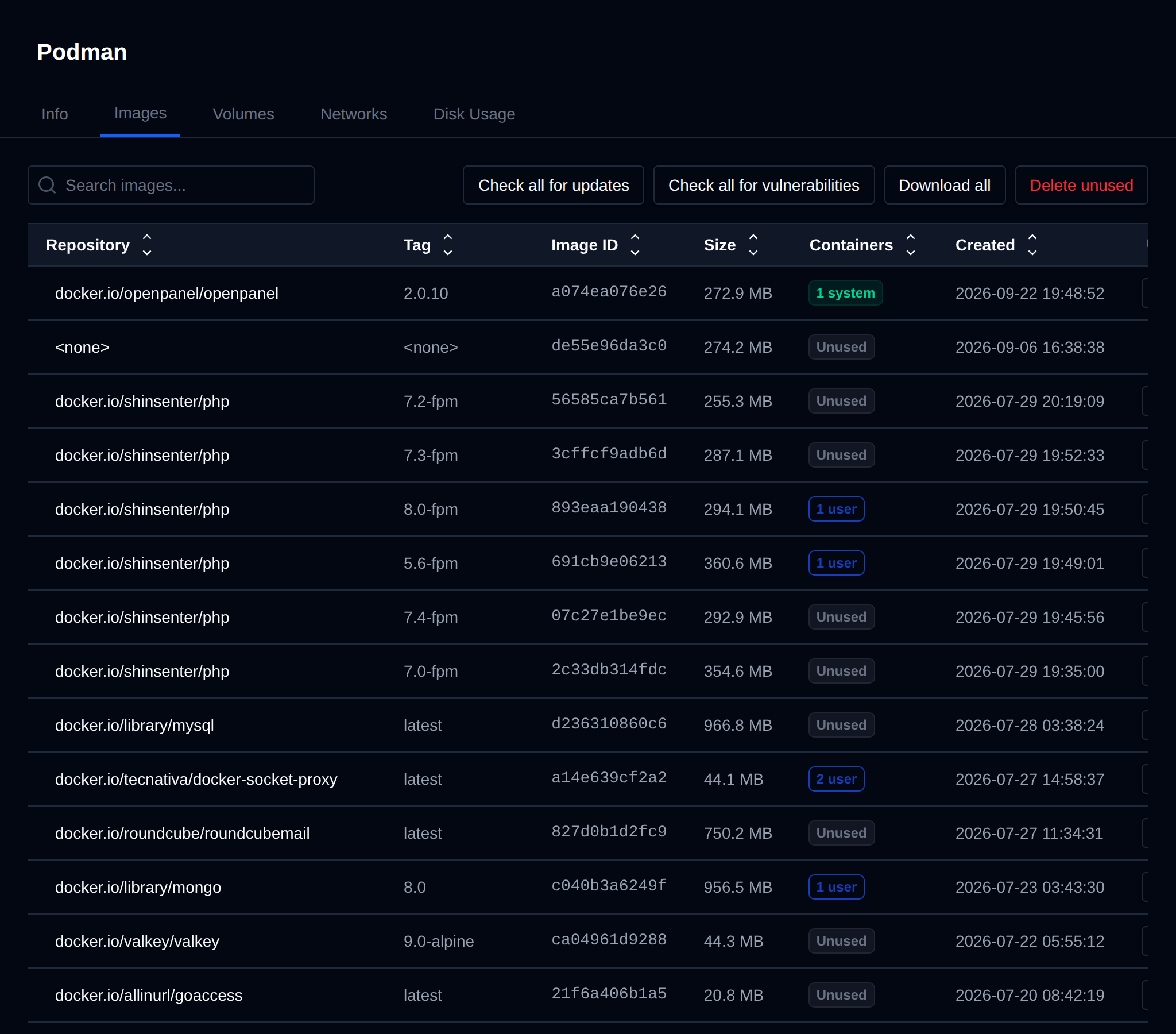
Lists every image in the shared image store — the same store every hosting user's rootless Podman instance reads from, so an image only needs to be pulled once to be available to all users. The table shows:
- Repository / Tag / Image ID / Size / Created
- Containers — how many containers currently use the image, split into N system (root's own containers, e.g. the mail server) and N user (summed across every hosting user's own containers). An image with neither shows Unused.
- Update — Check compares the local image's digest against the registry's current one (no download, just a manifest fetch). If a newer digest is available it shows Update available with an Update button to re-pull; otherwise Up to date with a Recheck option. Pulling an update does not affect already-running containers — they keep using the content they started with until stopped/recreated.
- Delete — only offered for images with 0 system and 0 user containers using them.
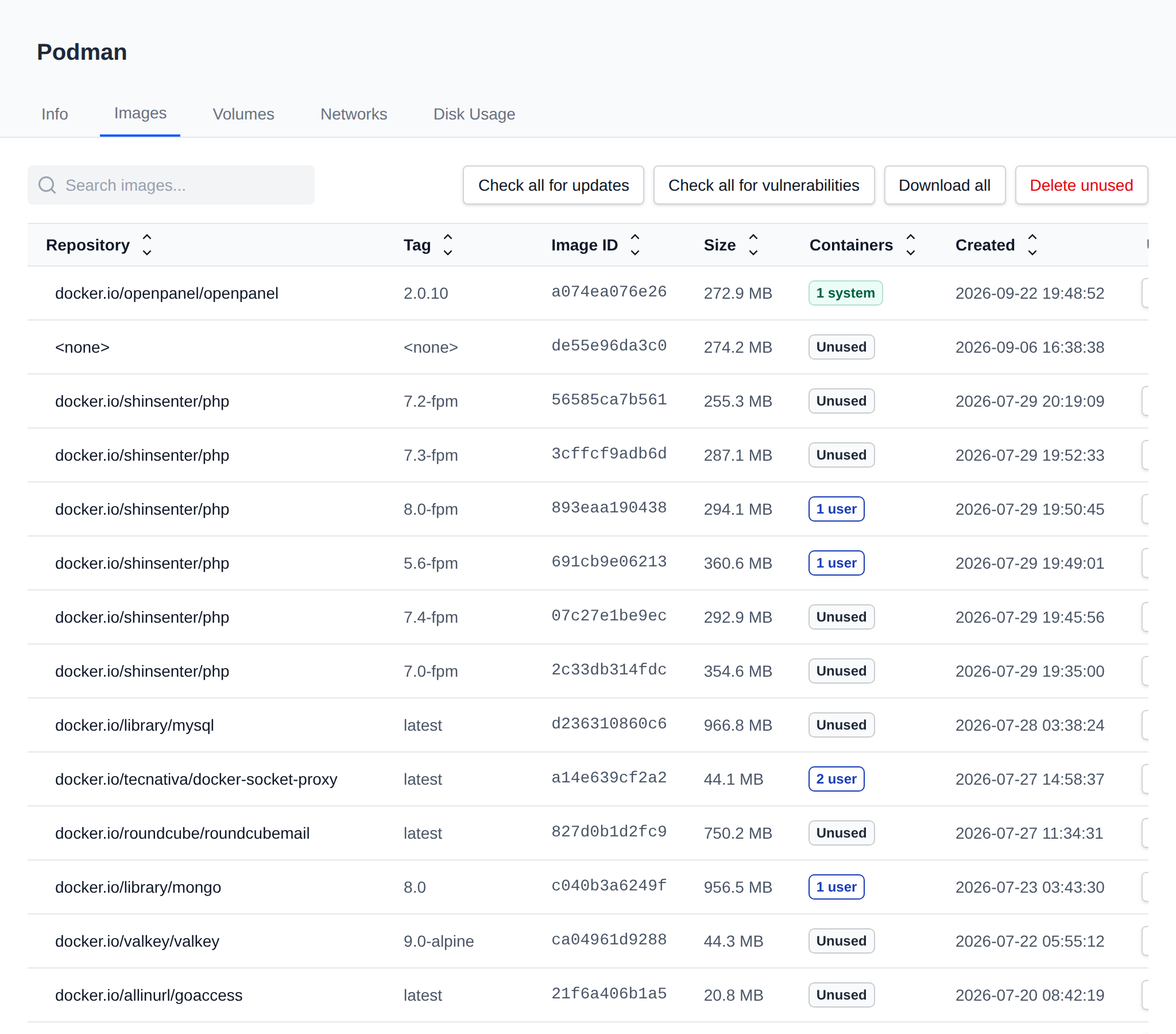
The table also cross-references the compose stack used to provision new users (/etc/openpanel/docker/compose/1.0/docker-compose.yml). Any image that stack references but that isn't in the shared store yet shows as Not downloaded, with a one-click Pull.
Three bulk actions sit above the table:
- Check all for updates — runs the digest check against every downloaded image.
- Download all — pulls every image the stack references that's currently missing.
- Delete unused — removes every currently-downloaded image with 0 system and 0 user containers.
All of these (per-image and bulk) run in the background with a progress toast, since a pull can take a while for a large image.
Volumes / Networks
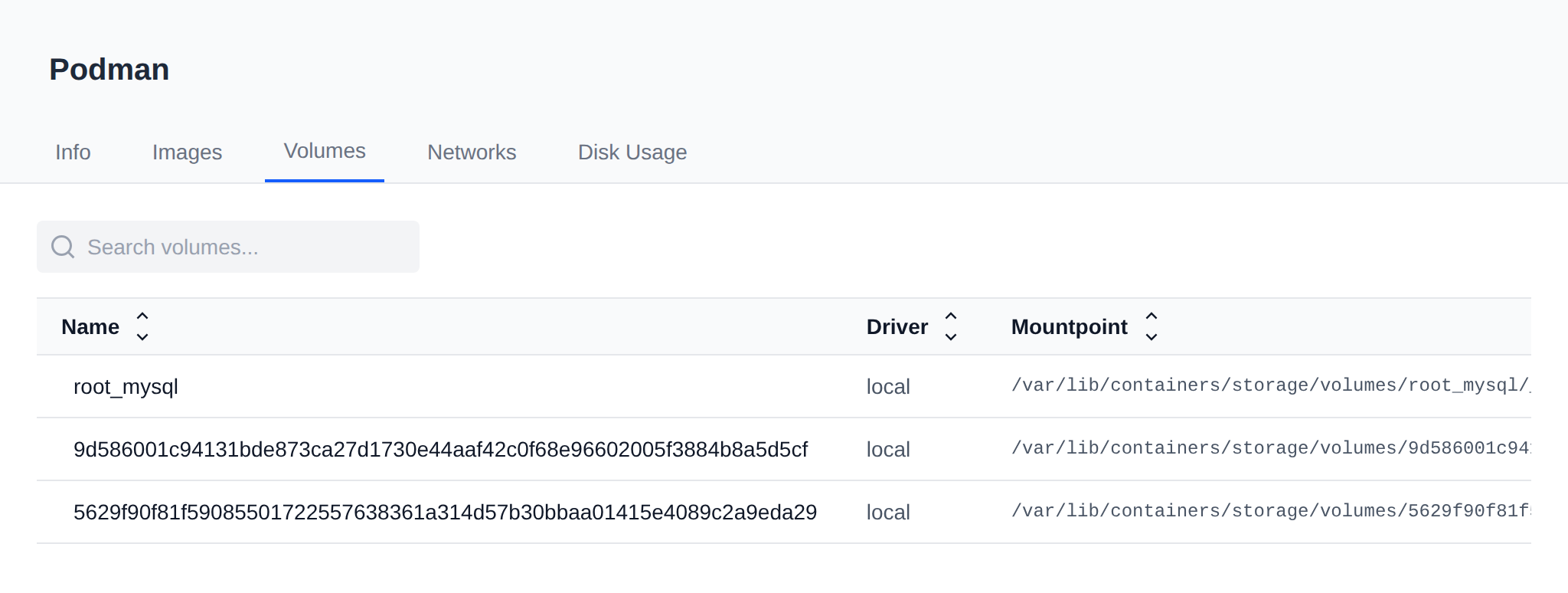
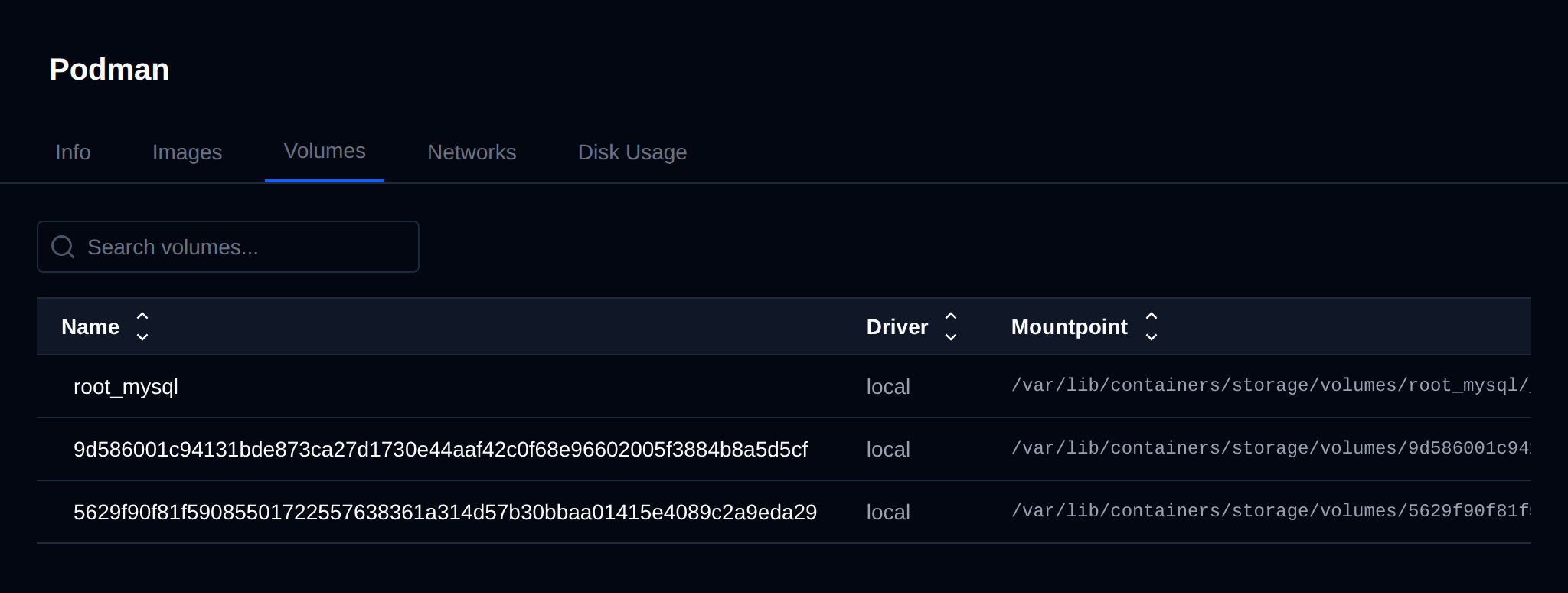
Read-only listings of podman volume ls / podman network ls for the local context.
Disk Usage
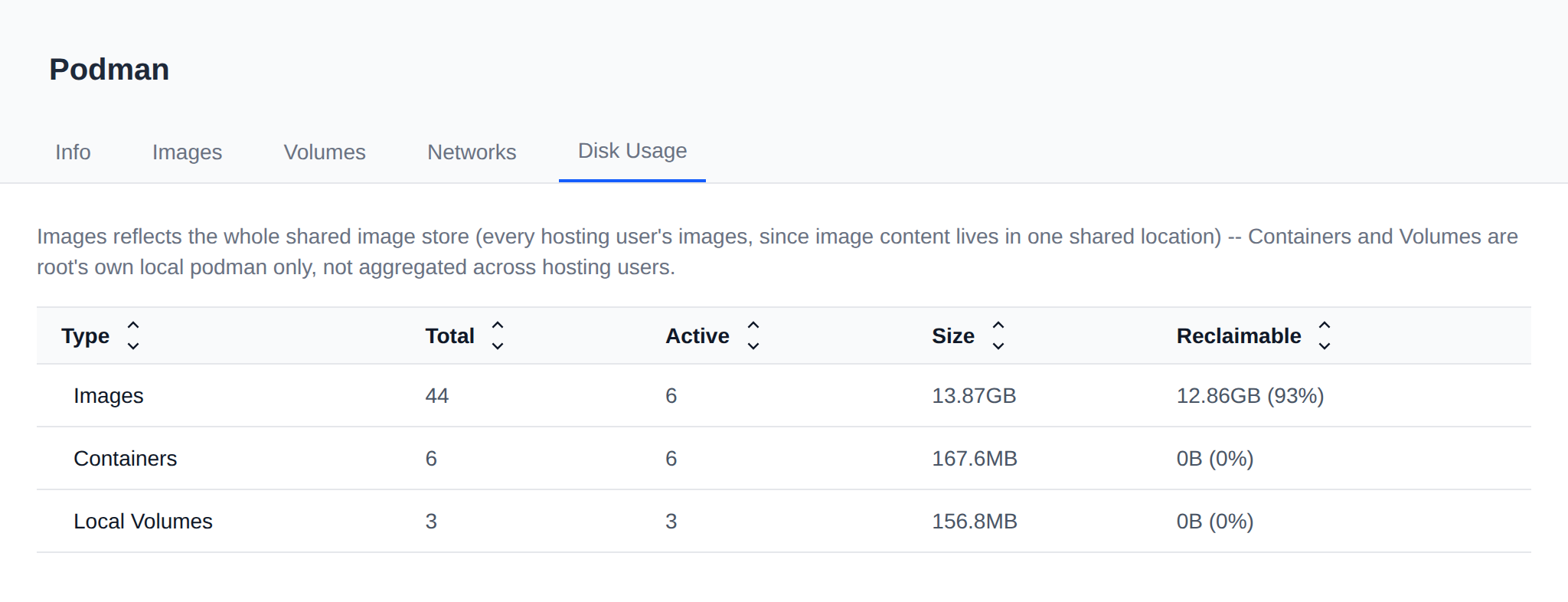
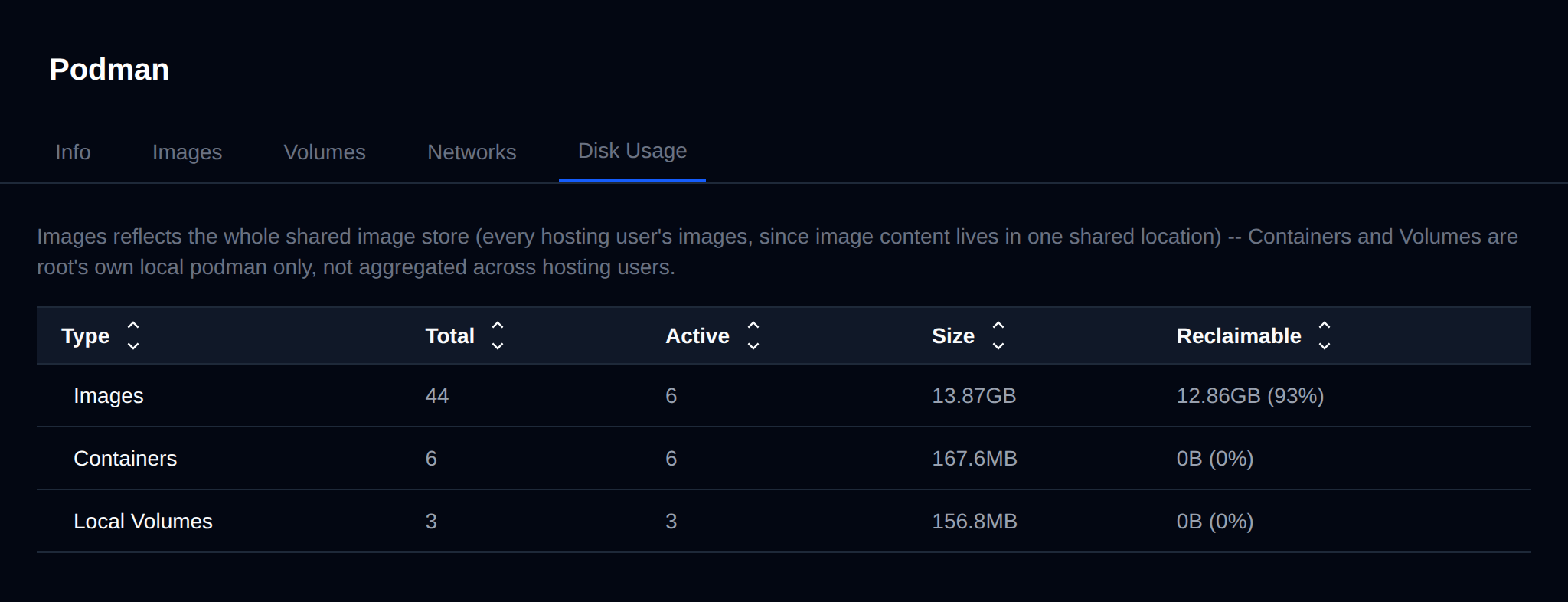
podman system df output — Images reflects the whole shared store (every hosting user's images), while Containers and Volumes are root's own local Podman only, not aggregated across hosting users.
Sorting and search
Every table column has click-to-sort arrows (frontend-only, no page reload), and each tab has a search box that filters across every visible column.