System Backups
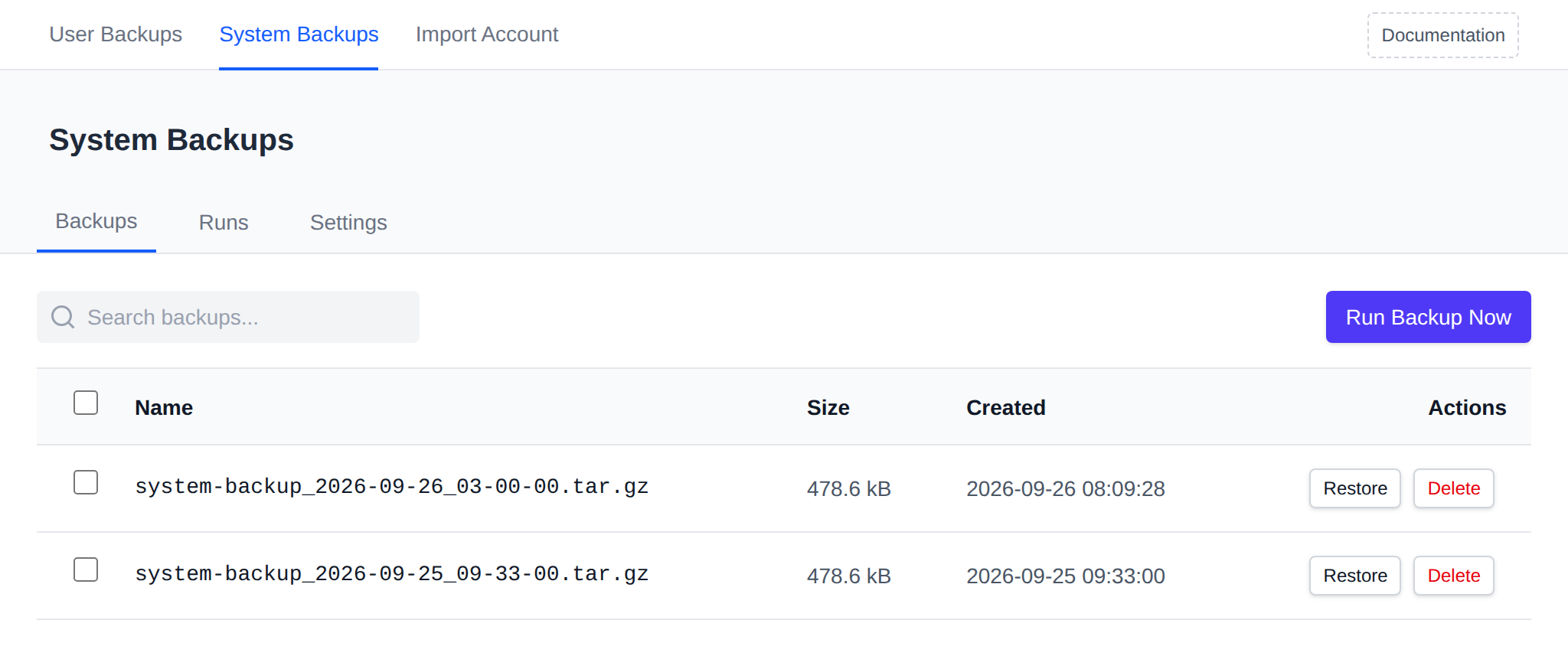
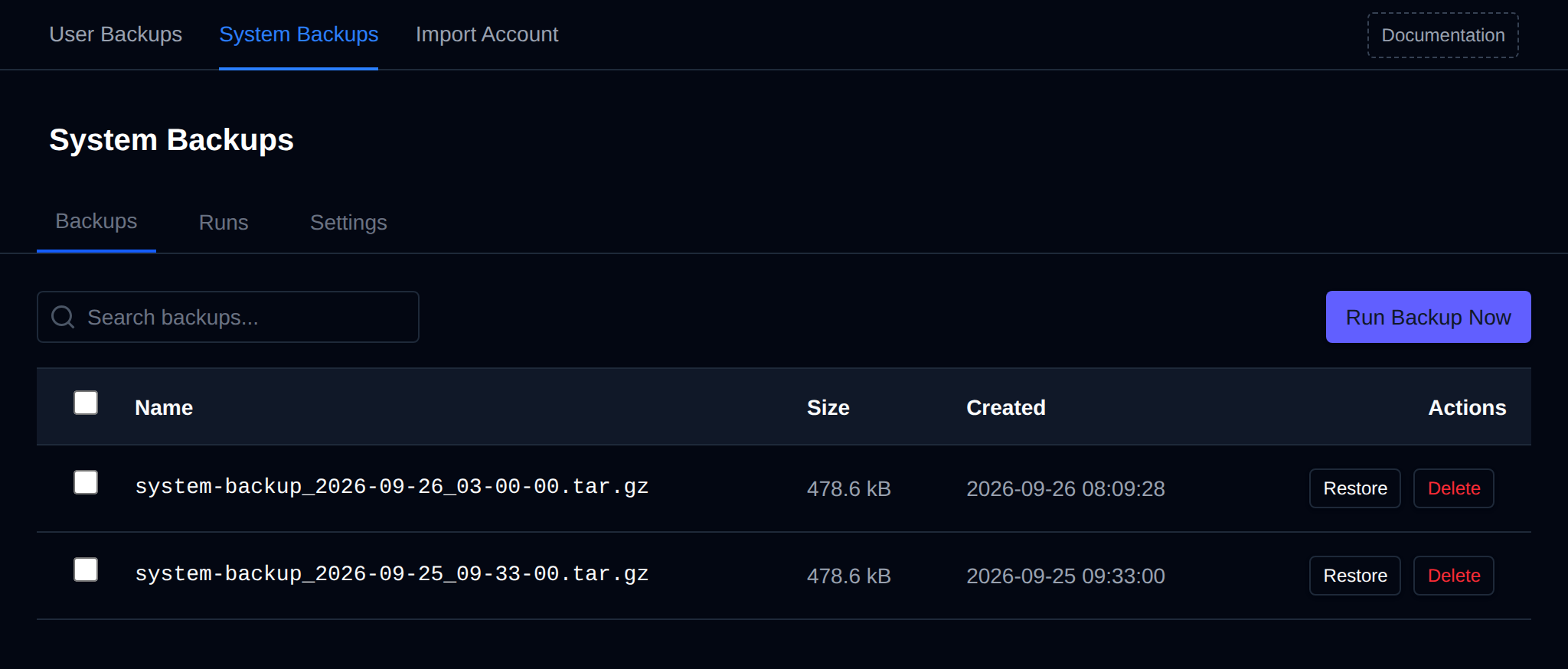
OpenAdmin > Backups > System backs up the server's own configuration — not website files, databases, or mailbox contents. It's for disaster recovery of the panel and its services, and is only available to Administrators and Users, not Resellers. It has three tabs: Backups, Runs, and Settings.
Everything here is driven by opencli backup, which archives a curated set of paths under /etc/openpanel/, plus /root/docker-compose.yml and /root/.env, plus the mail server's compose.yml, .env, and mailserver.env (but not mail accounts or DKIM keys). Real user data (site files, databases, mailboxes) and large downloadable assets (CMS installer archives, the GeoIP database, the vendored WAF ruleset, etc.) are deliberately excluded.
Backups
Lists every archive in the configured destination directory, with:
- Name, Size, Created
- Restore — extracts the archive back over the live paths it came from. Affected services may need a restart afterward to pick up the restored config.
- Delete — removes the archive file. Confirms first; cannot be undone.
Run Backup Now creates a new backup immediately (in the background, with a progress toast).
Bulk Actions
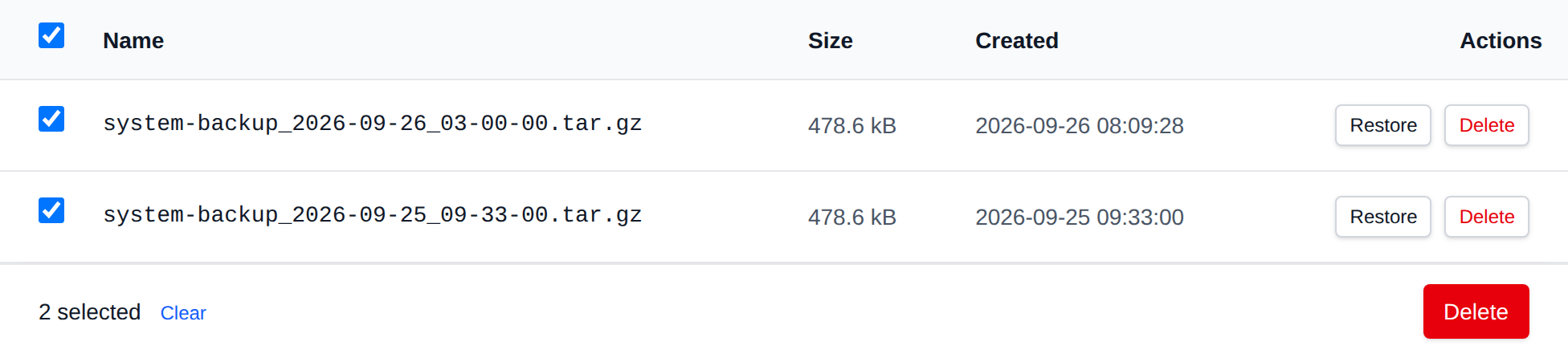
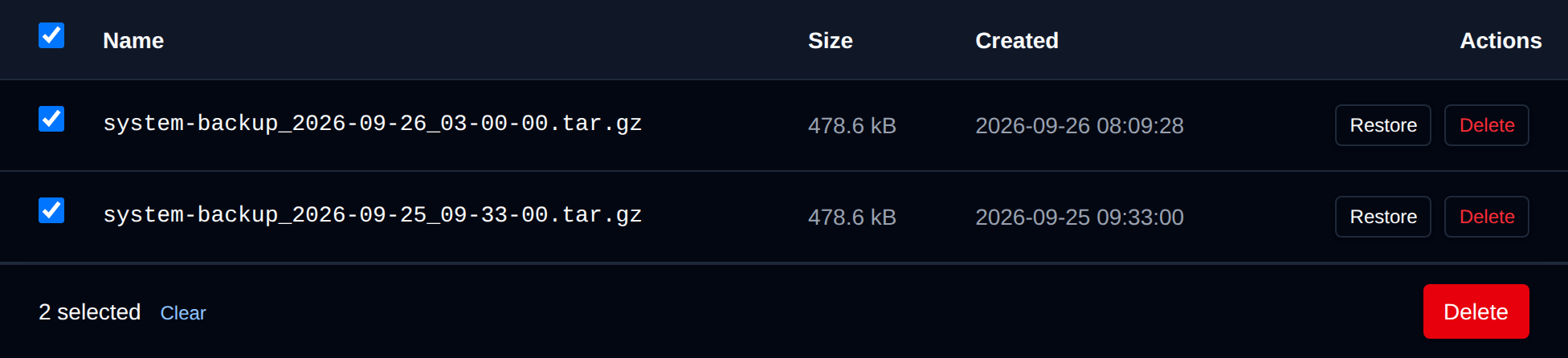
Tick the checkbox of one or more backups, or the checkbox in the table header to select all backups shown by the current search. A bar appears at the bottom of the page with the number selected, a Clear link and these actions:
| Action | What it does |
|---|---|
| Delete | Permanently deletes the selected backup archives. |
Click an action, confirm it, and it runs on the selected backups one after another. When it's done the page reloads with a notice listing the backups it worked for, or which ones failed and why.
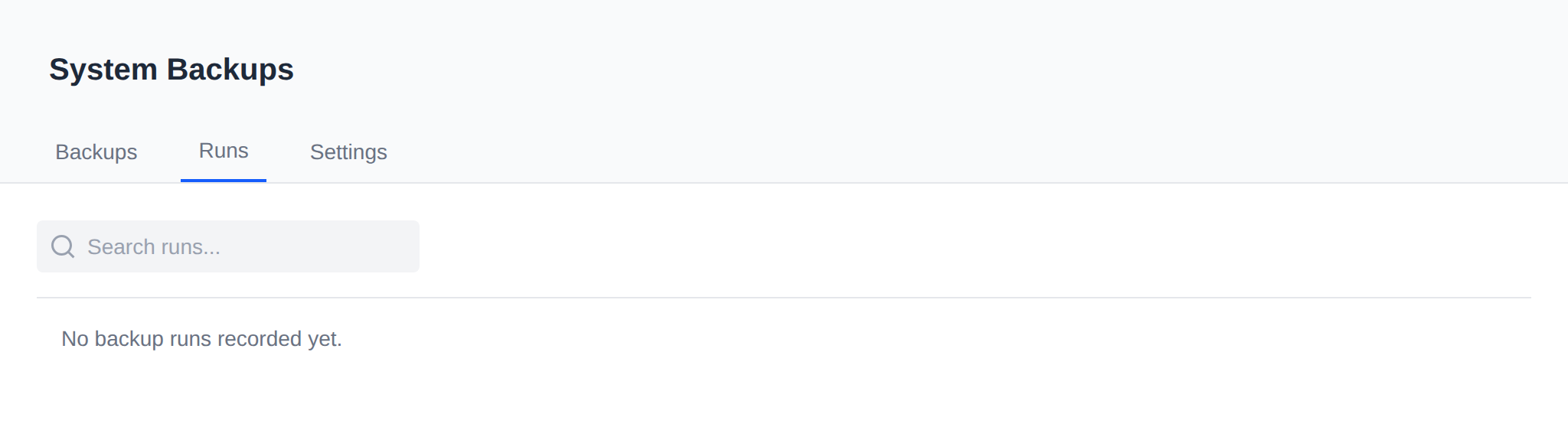
Runs
History of every backup/restore/delete action taken from this page — timestamp, action, success/failure, archive name, duration, and detail.
Settings
- Destination — directory where backup archives are stored. Created automatically if it doesn't exist.
- Retention (days) — backups older than this are pruned after each new run.
-1keeps every backup indefinitely.
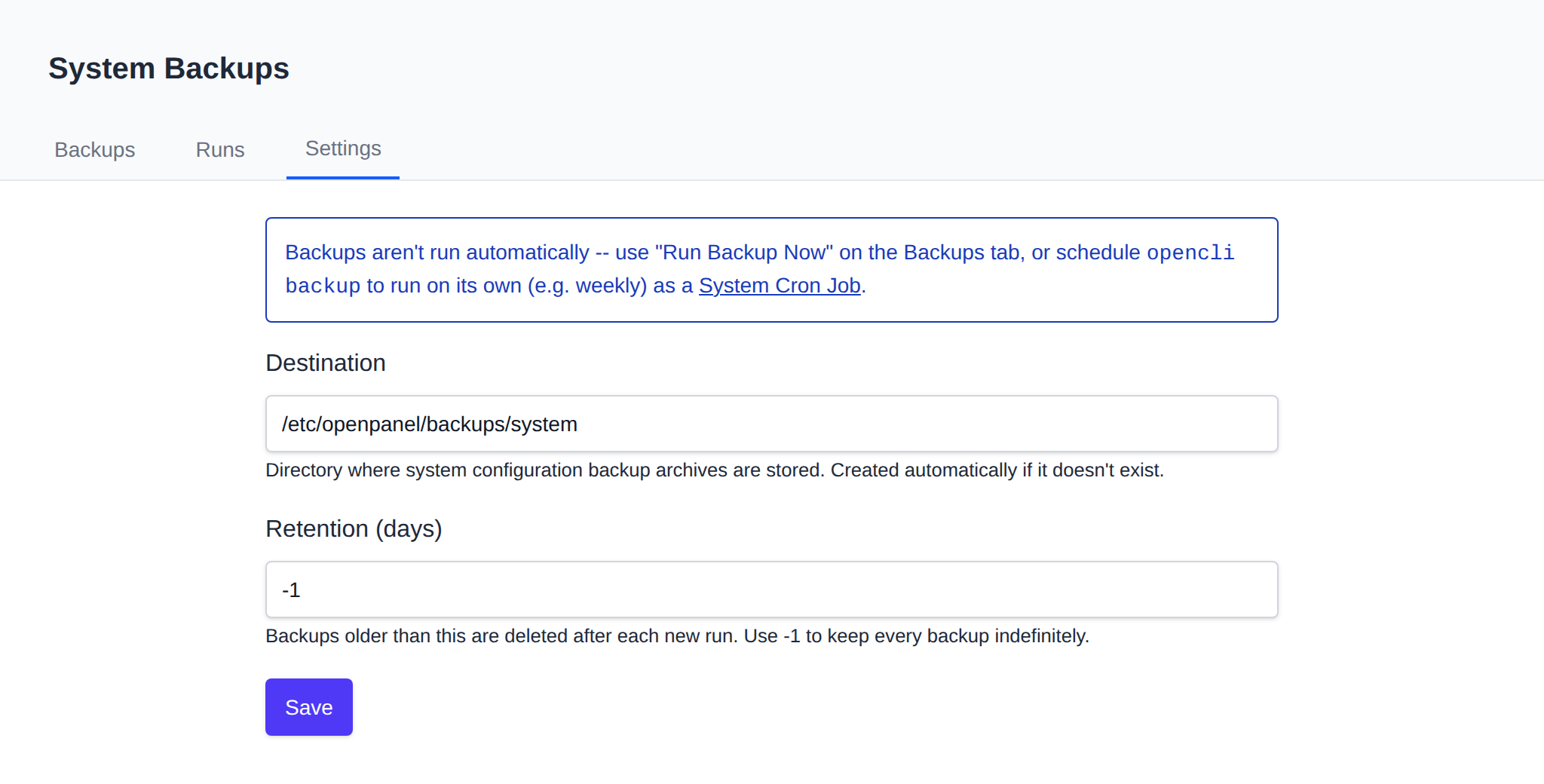
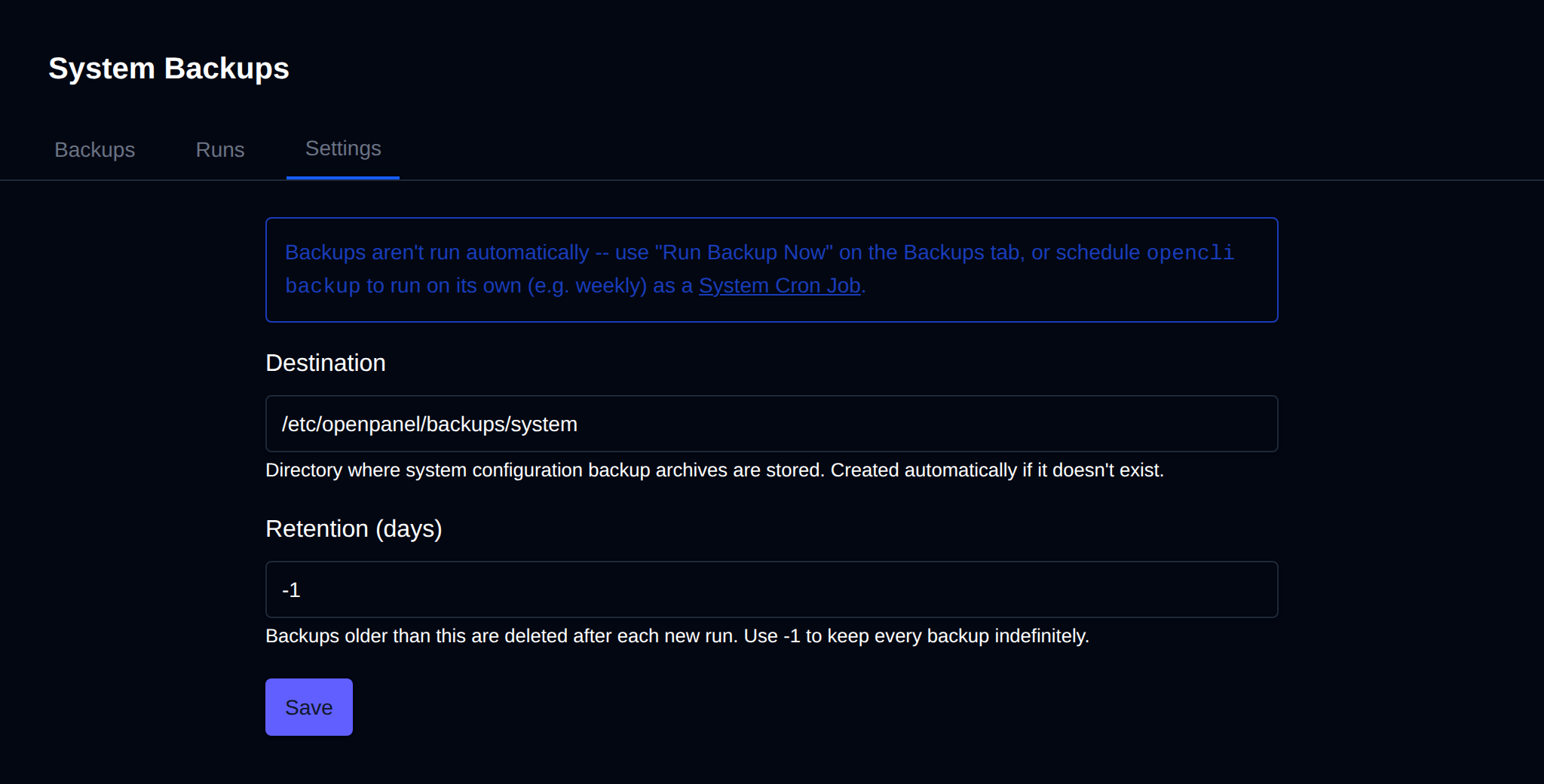
Automatic scheduling isn't built into this page — schedule opencli backup to run on its own (e.g. weekly) as a System Cron Job.
Settings are stored in /etc/openpanel/openadmin/config/backups.ini, which opencli backup itself reads at run time.