User Backups
OpenAdmin > Backups > Users controls how hosting users' own account backups (websites, databases, etc. — via each user's docker-volume-backup service) run. It's only available to Administrators and Users, not Resellers. It has three tabs: Settings, Configuration, and Runs.
There are two mutually exclusive modes, controlled entirely by the schedule of the opencli docker-backup System Cron Job:
- User Configured (default) — each user manages their own backup from their own account, when the Backups module is enabled for them. Nothing runs centrally; the cron entry is set to a disabled placeholder schedule.
- Admin Configured — the Administrator runs backups for every user centrally, on one schedule, via
opencli docker-backup. Users can no longer view or change their own backup destination or settings in the panel — they can still list existing backups and restore from them (their Backups page opens the Restore & Download page directly), but where and how backups are stored is entirely up to the Administrator.
See the Configuring OpenPanel Backups article for the fuller comparison between the two approaches.
Settings
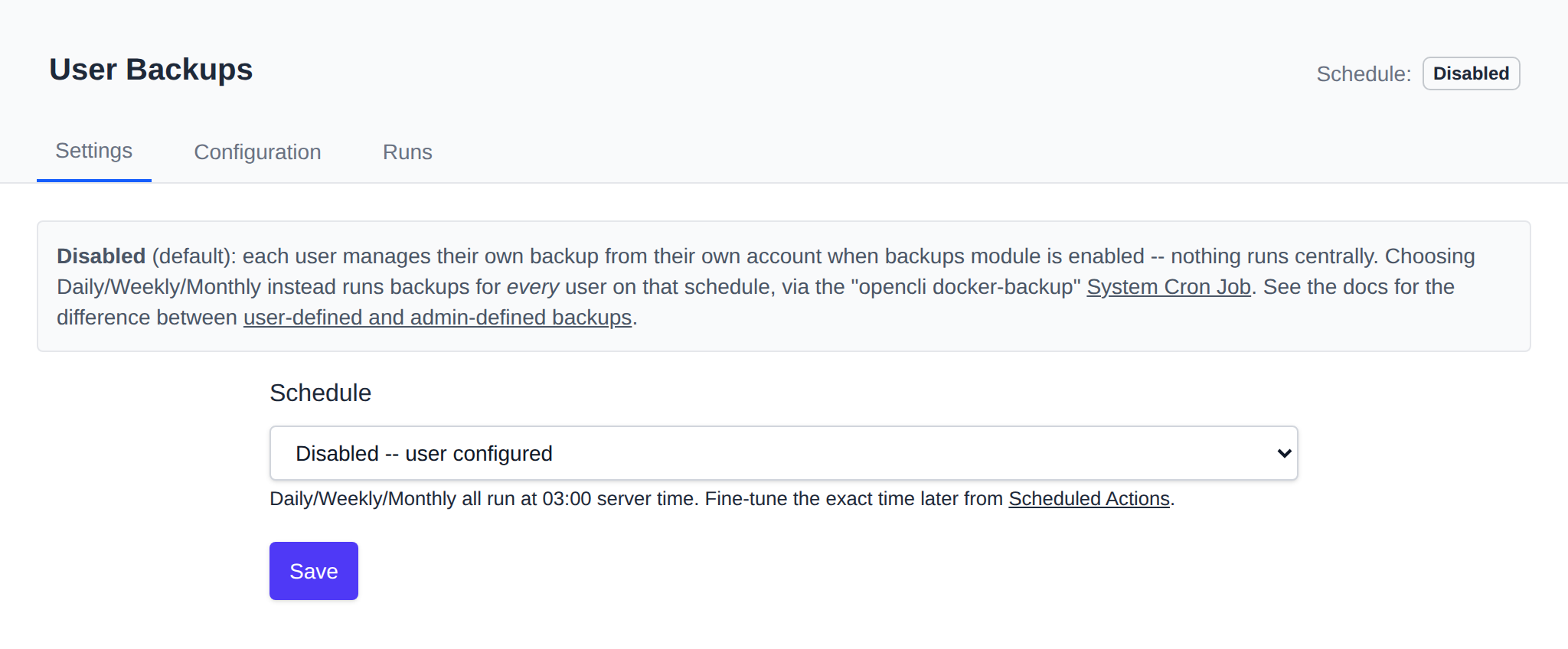
A single dropdown decides the mode:
- Disabled — user configured (the default).
- Daily / Weekly / Monthly — admin configured, all running at 03:00 server time. Fine-tune the exact time afterward from Scheduled Actions.
Saving updates the opencli docker-backup cron entry's schedule accordingly.
Saving to Daily/Weekly/Monthly also drops an empty admin.backups marker file into /etc/openpanel/skeleton/, so every account created from then on is provisioned admin-configured (its Backups > Destinations and Backups > Settings pages are locked, per-account, from the moment it's created). Switching back to Disabled removes the marker from the skeleton, so accounts created afterward go back to fully user-configured.
This only affects new accounts — it doesn't touch any account that already exists. To lock down an existing account's backup destination/settings after the fact, create an empty admin.backups file yourself in that account's own config directory:
touch /etc/openpanel/openpanel/core/users/<username>/admin.backups
Removing that file returns the account to user-configured (assuming the Backups module itself is still enabled for it).
Configuration
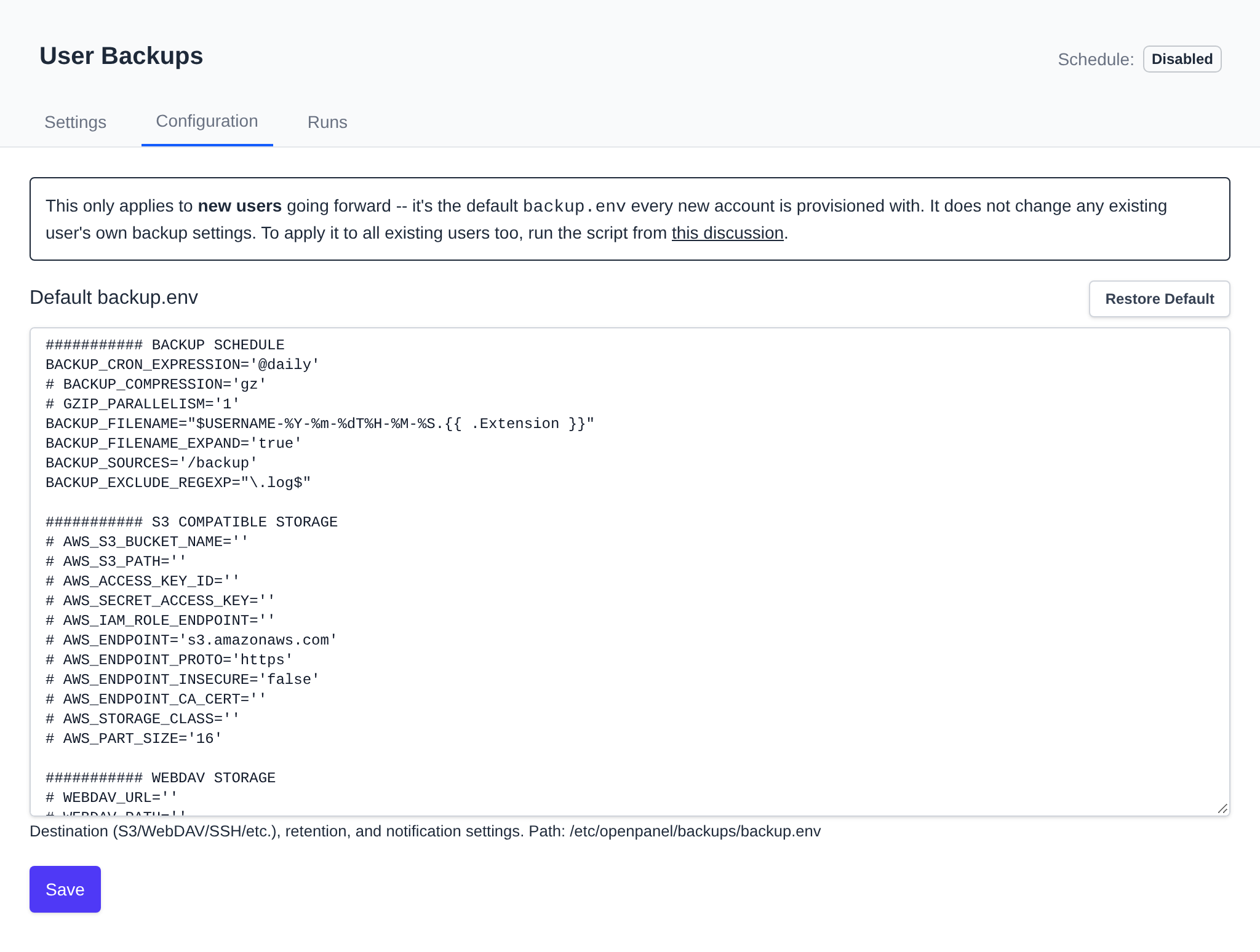
Edits /etc/openpanel/backups/backup.env — the default docker-volume-backup settings (destination, retention, notifications, etc.) every new user account is provisioned with. This does not change any existing user's own backup settings, only what future accounts start with.
A Restore Default button fetches OpenPanel's shipped default backup.env from GitHub into the field (client-side, no server round trip) — click Save afterward to actually apply it.
Runs
Raw log of every opencli docker-backup run (/var/log/openpanel/admin/docker-backup.log).
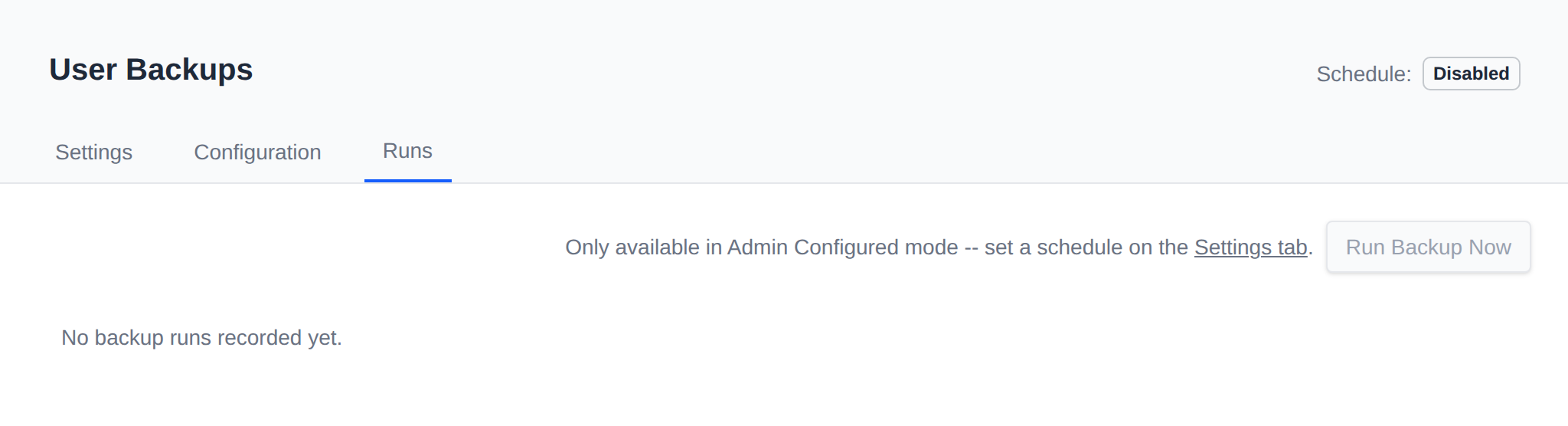
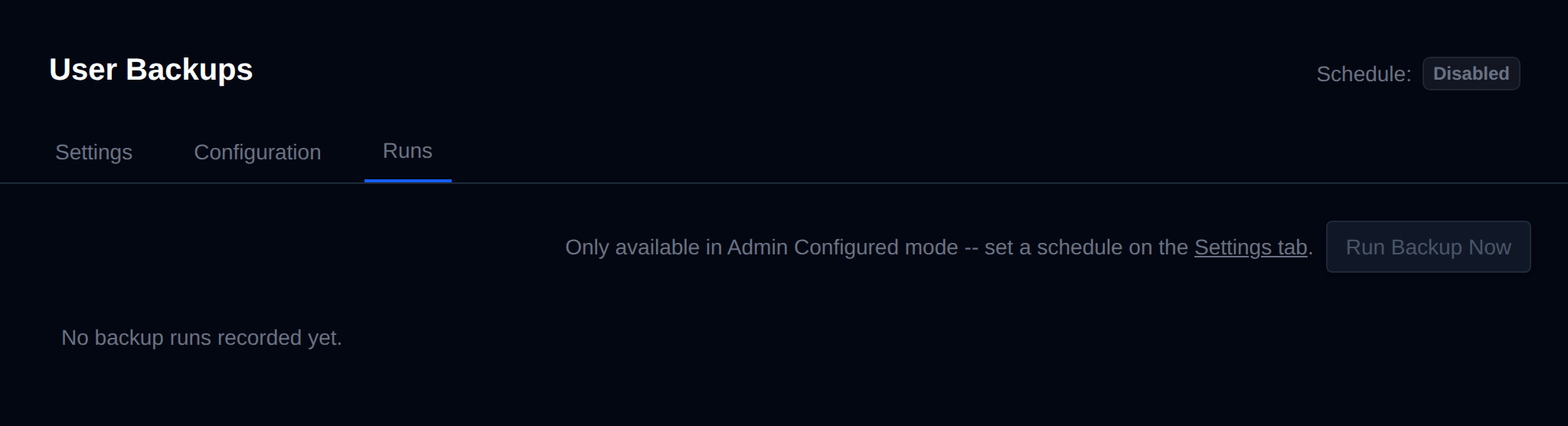
Run Backup Now triggers opencli docker-backup immediately for every user. It's only available in Admin Configured mode — in Disabled mode there's no central schedule for it to act on, since each user's own settings apply instead.