Version: 2.0.15
Passkeys
Passkeys let you sign in to your own OpenAdmin account using your device's built-in authentication (fingerprint, face recognition, security key, or PIN) instead of, or in addition to, a password.
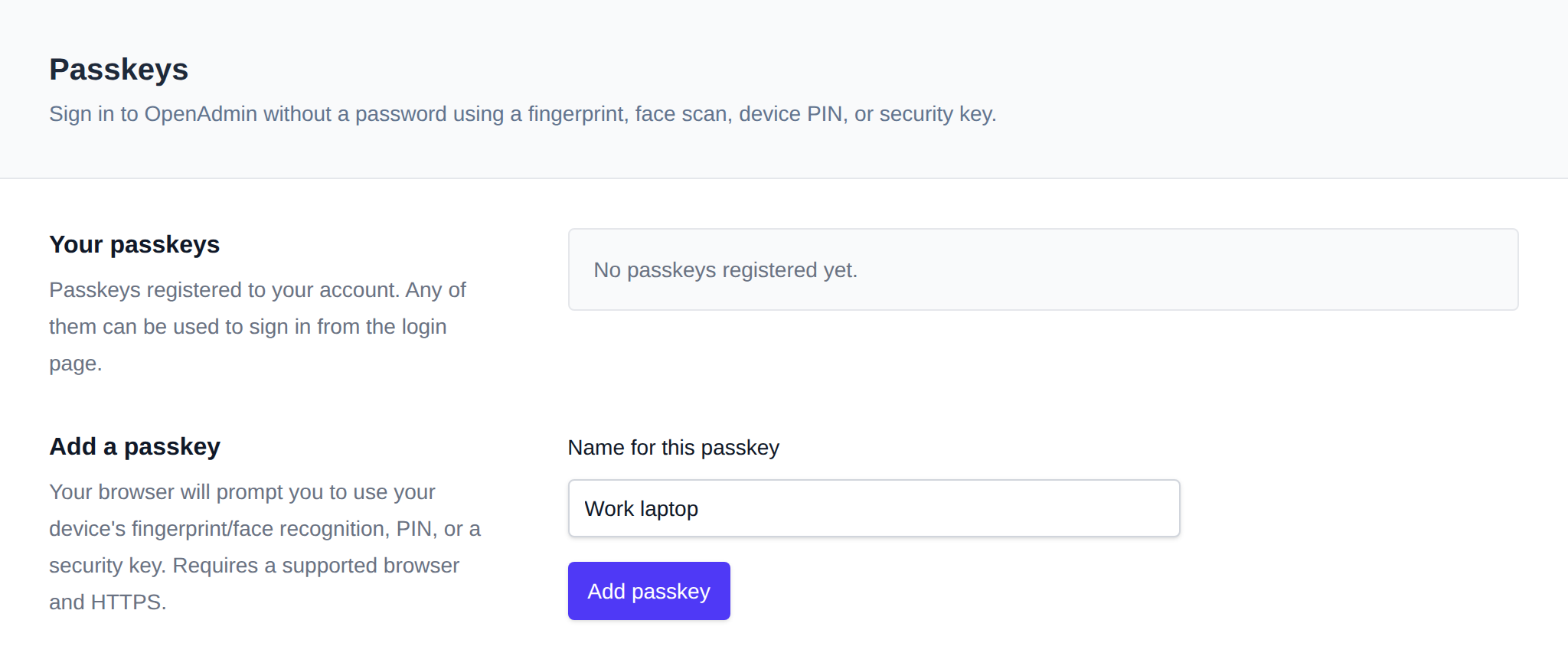
Use OpenAdmin > Security > Passkeys to manage them.
Register a Passkey
- Open the Passkeys page.
- Click to register a new passkey and follow your browser/OS prompt (Windows Hello, Touch ID, a hardware security key, etc.).
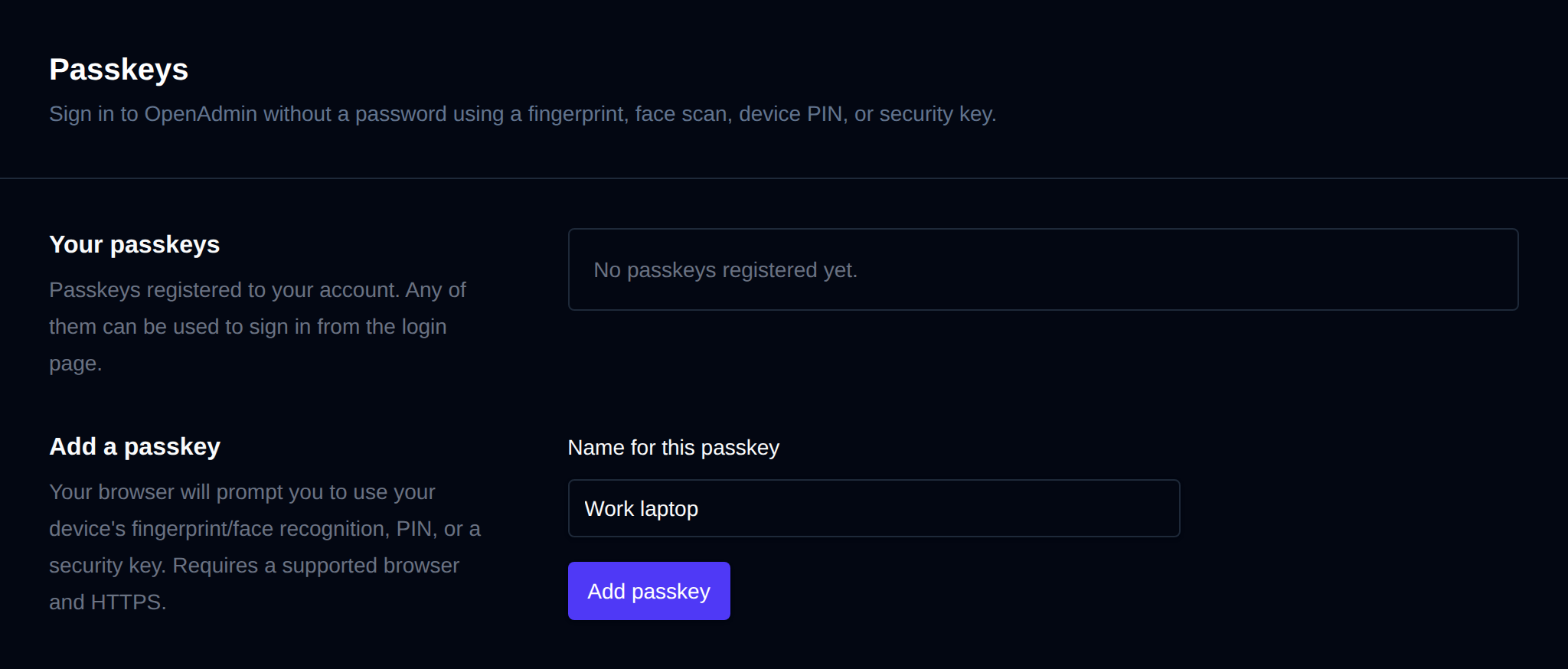
- Optionally rename the passkey to something recognizable (e.g. "Work laptop").
You can register multiple passkeys for the same account, and remove any of them from this page at any time.
Was this helpful?