Select PHP Version
Assign a PHP version to each domain. Changing the version updates the domain's configuration file and reloads the web server, which may temporarily interrupt website processes for that domain.
For each version, the current development status is displayed, highlighting domains using outdated or unsupported PHP versions that may require an update.
Ensure you check your site's requirements before selecting the appropriate PHP version.
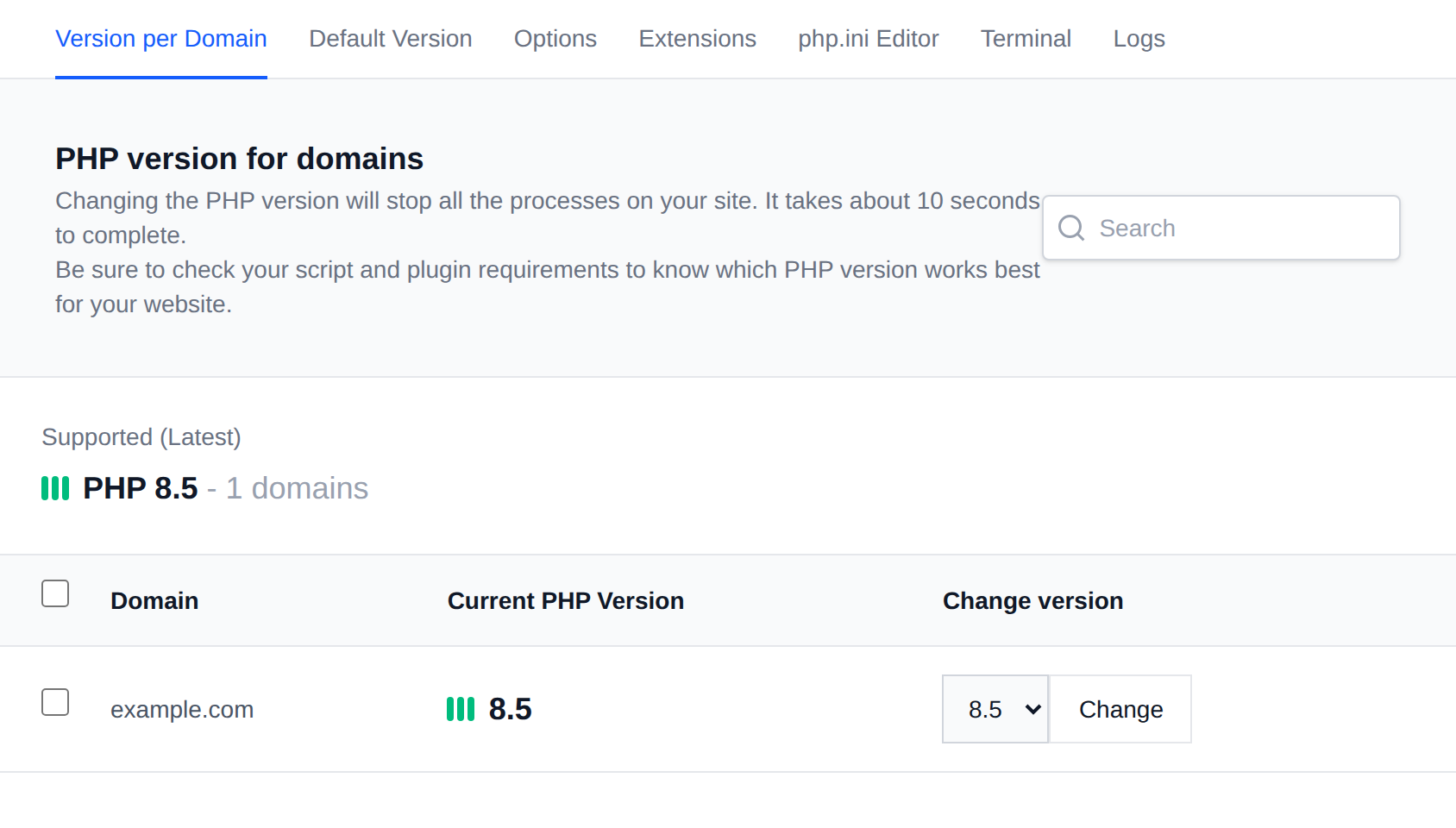
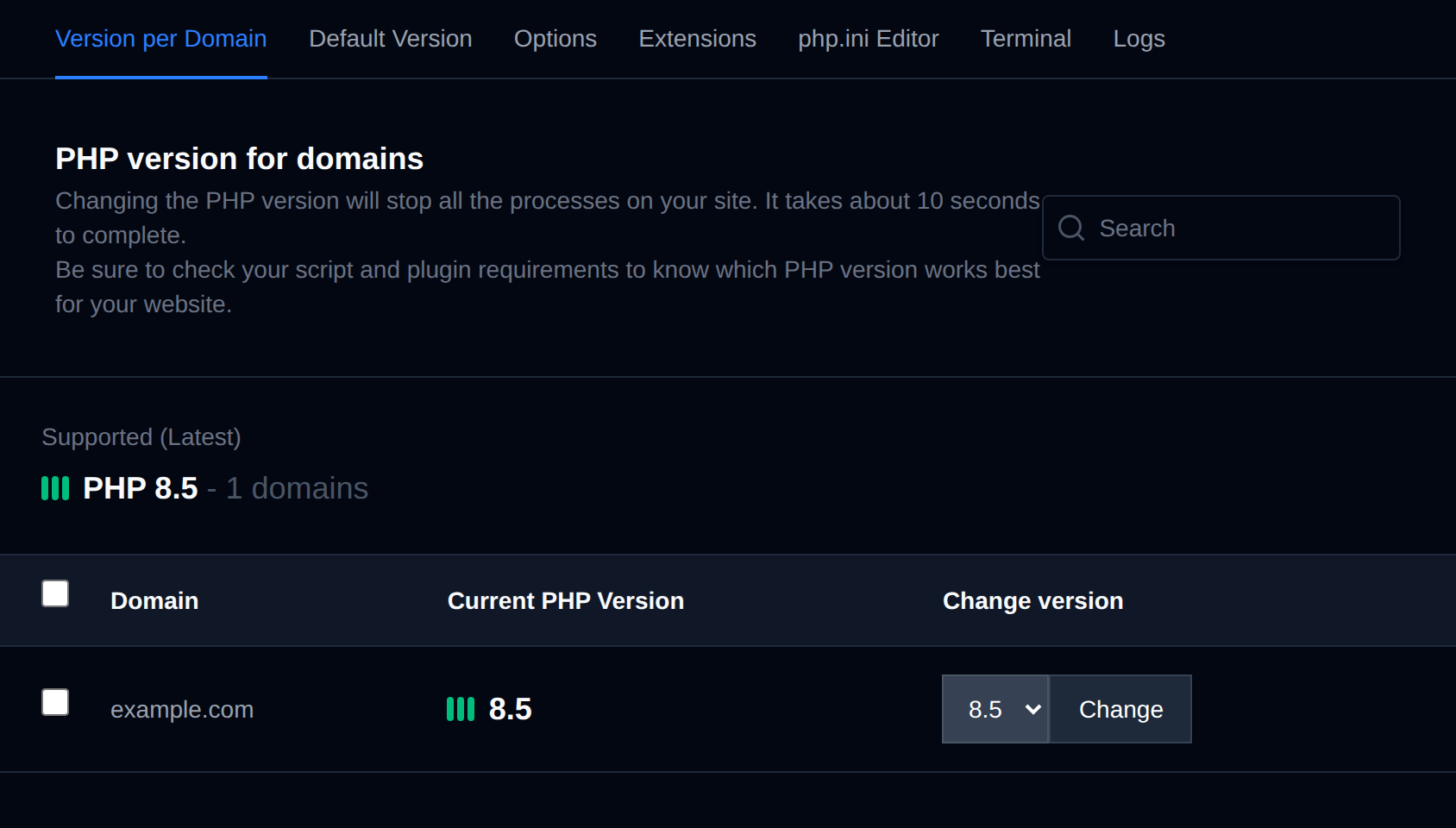
If you are using OpenLitespeed or Litespeed as webserver, PHP version can not be set per-domain — only a single PHP version is used for all domains. Use the Default PHP Version page instead to change it for all domains at once.
Step-by-step guide: How to change the PHP version per domain
Bulk Actions
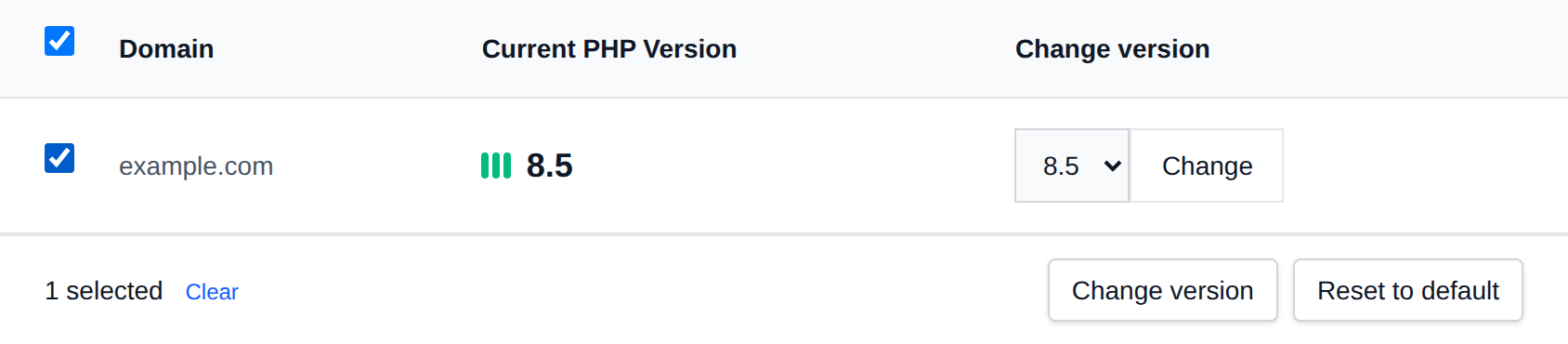
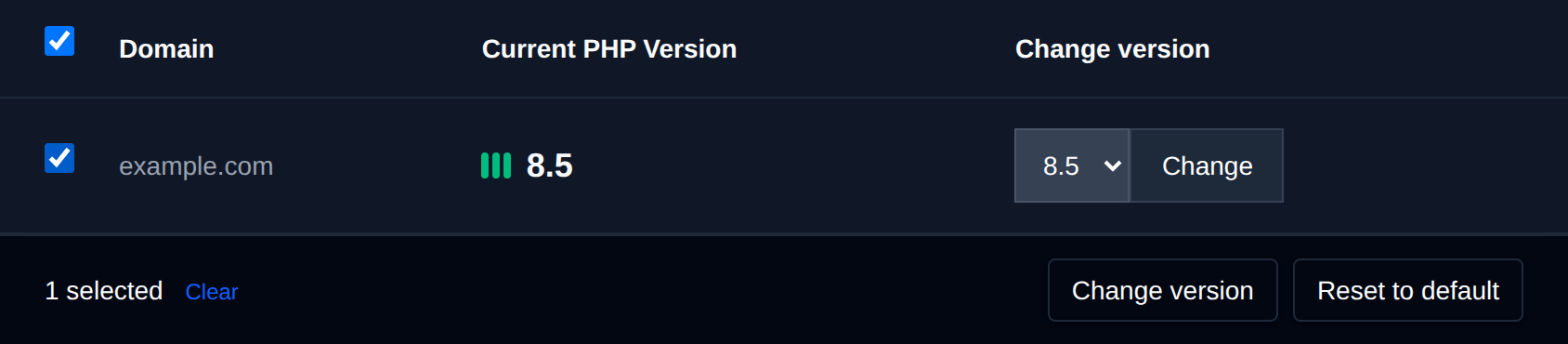
Tick the checkbox of one or more domains, or the checkbox in the table header to select every domain shown by the current search. A bar appears at the bottom of the page with the number selected, a Clear link and these actions:
| Action | What it does |
|---|---|
| Change version | Switches the selected domains to the PHP version you pick. |
| Reset to default | Switches the selected domains to your default PHP version. |
Domains already on that version are left as they are.
Click an action, confirm it, and it runs on the selected domains one after another. When it's done the page reloads with a notice listing the domains it worked for, or which ones failed and why.