Assign User to DB
Assign a MySQL user to an existing database to grant permissions for executing queries, modifying tables, and managing data.
This is a critical step after creating a database and user - without it, the user won't be able to interact with the database.
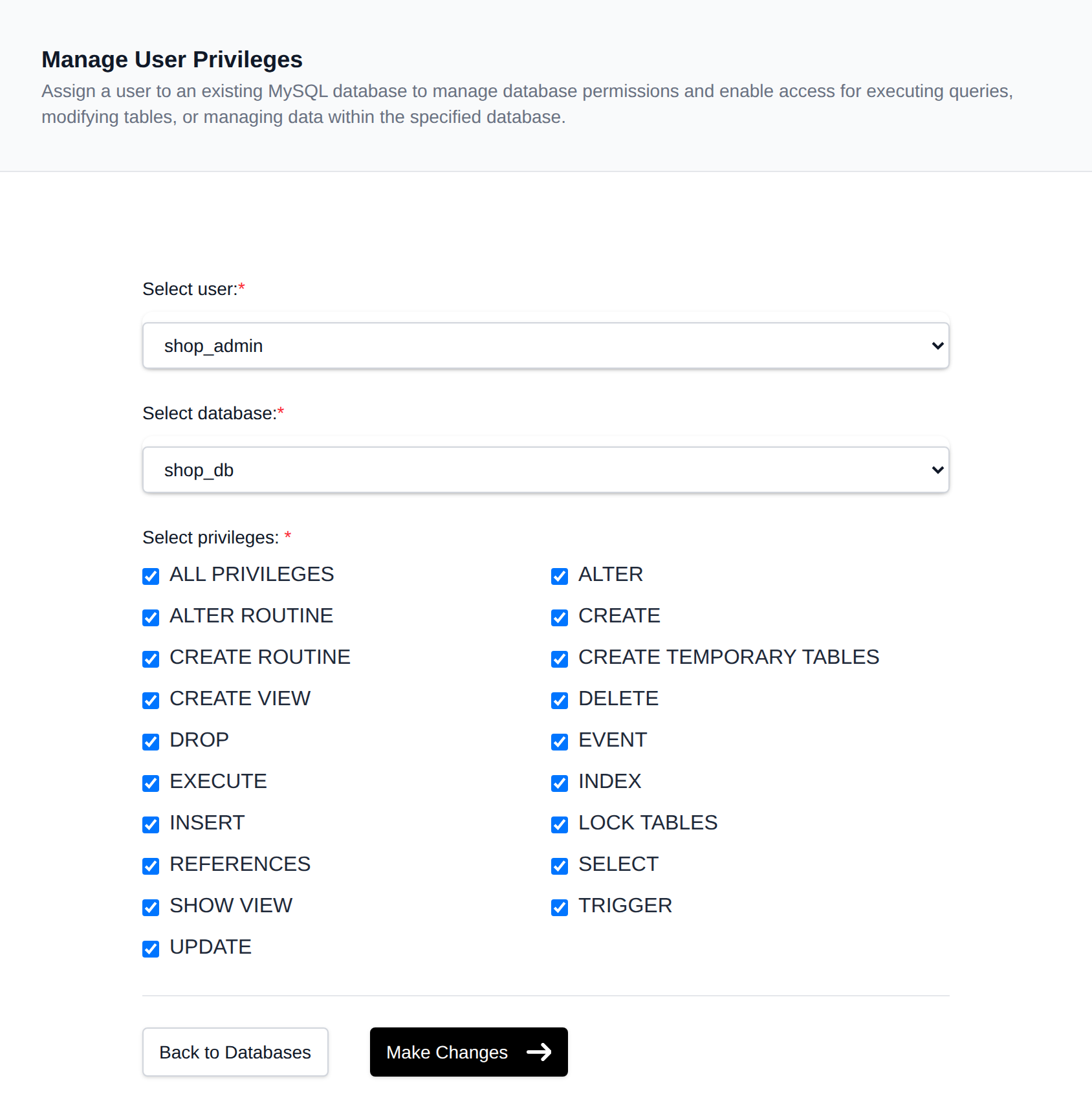
To assign an existing user to a database, navigate to OpenPanel > MySQL > Users > Assign User:
-
Select a User
Choose the MySQL user you want to grant access to. -
Select a Database
Choose the existing database the user should be assigned to. -
Select Privileges
Pick one or more privileges to grant (e.g.SELECT,INSERT,UPDATE,DELETE,CREATE,DROP, ...), or check ALL PRIVILEGES to select all of them at once.
If the selected user already has privileges on the selected database, the matching checkboxes are pre-selected automatically so you can see (and adjust) their current access. -
Click 'Make Changes'
After selecting the user, database, and privileges, click the Make Changes button. The selected privileges replace any privileges the user previously had on that database.