Notifications
The Account > Notifications page lets users pick which events they get an email about. Each event has its own card with a switch, and some cards have extra options that show up once the switch is on.
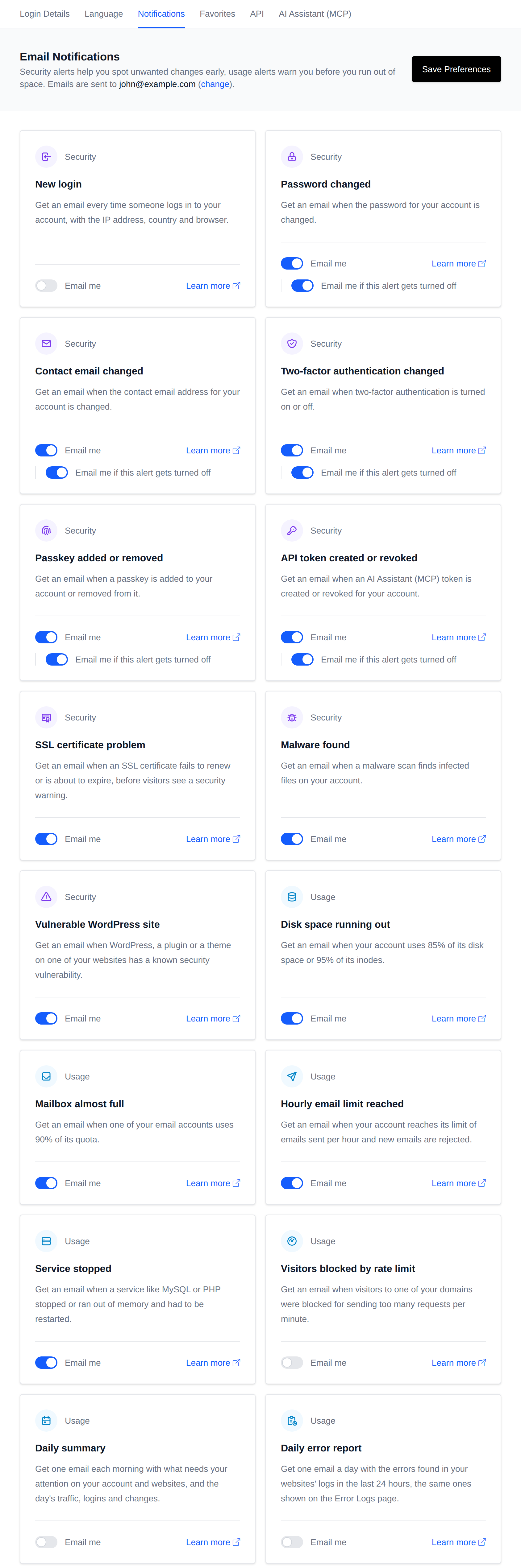
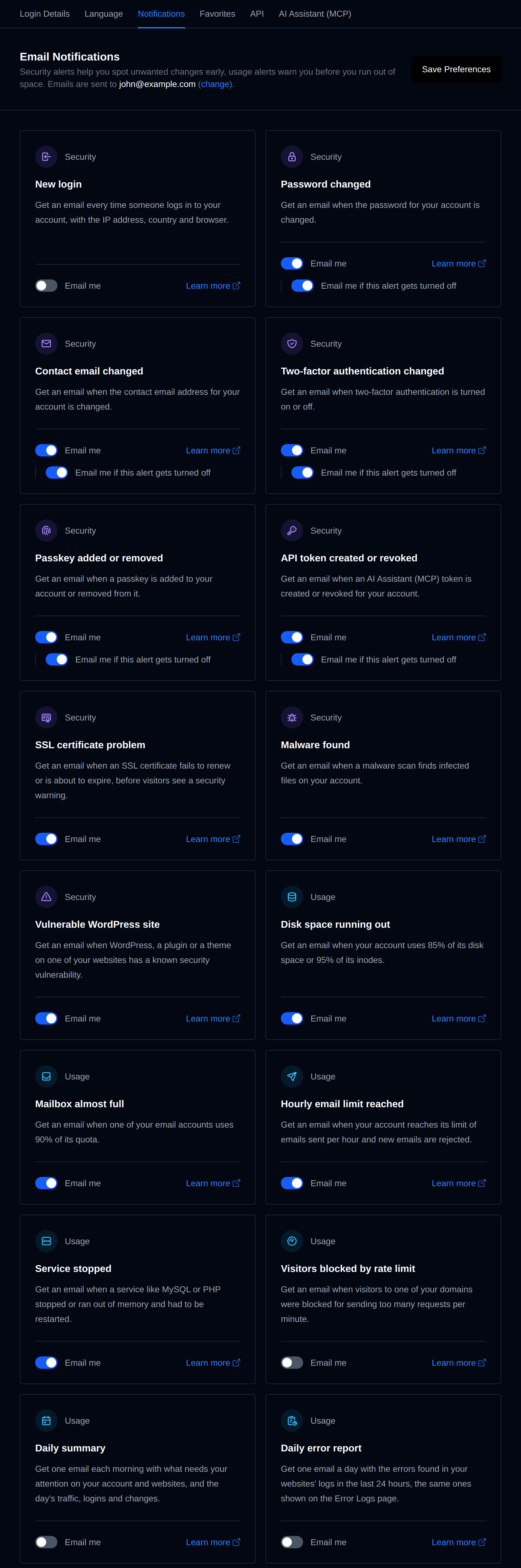
If you do not see the Notifications page, ask your provider to enable the notifications module.
Emails go to the contact email address set on the Account page. They're sent through OpenAdmin using the SMTP settings from OpenAdmin > Settings > Notifications, so if nothing arrives, ask your provider to check those.
Changes made through the OpenPanel API do send the same emails as changes made from the panel.
Security alerts
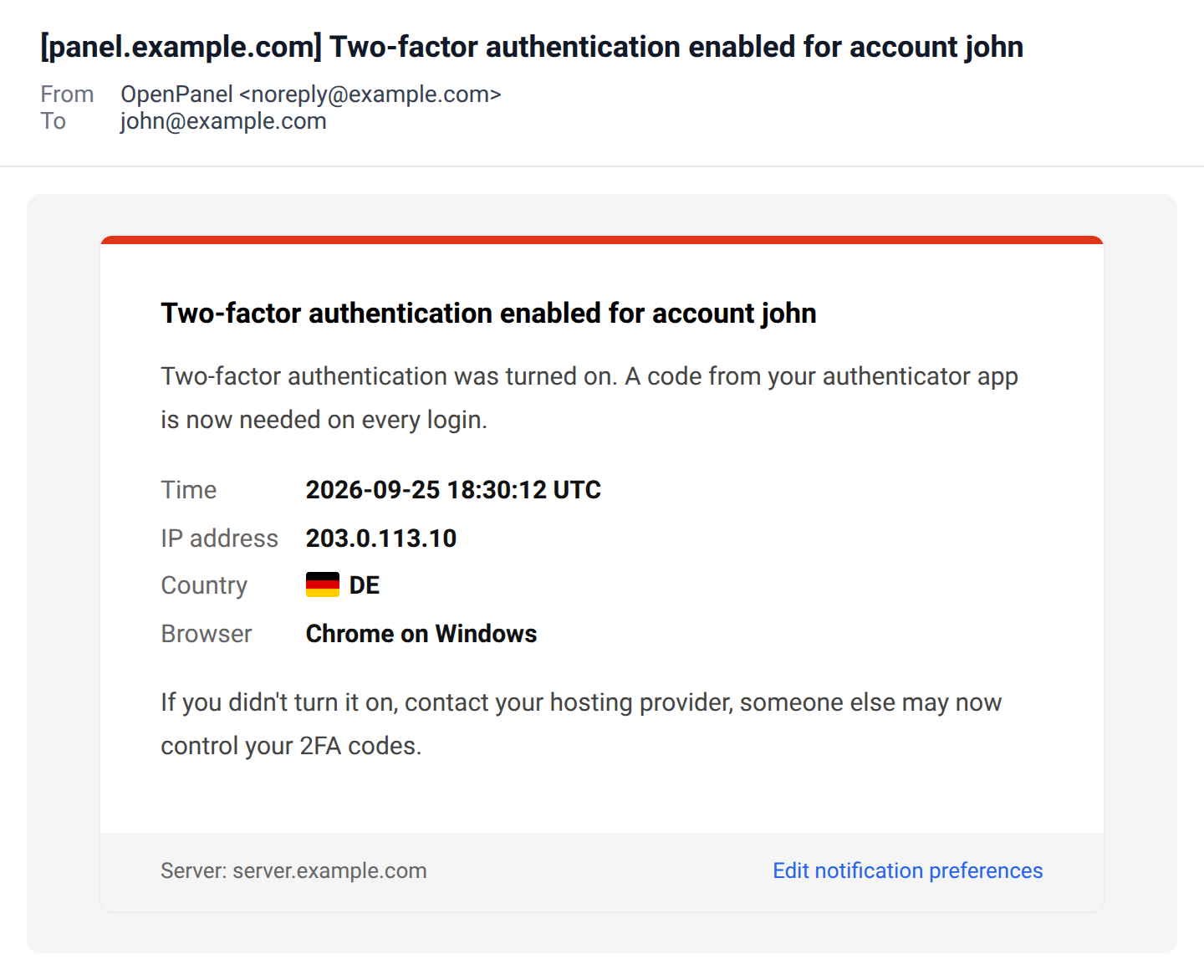
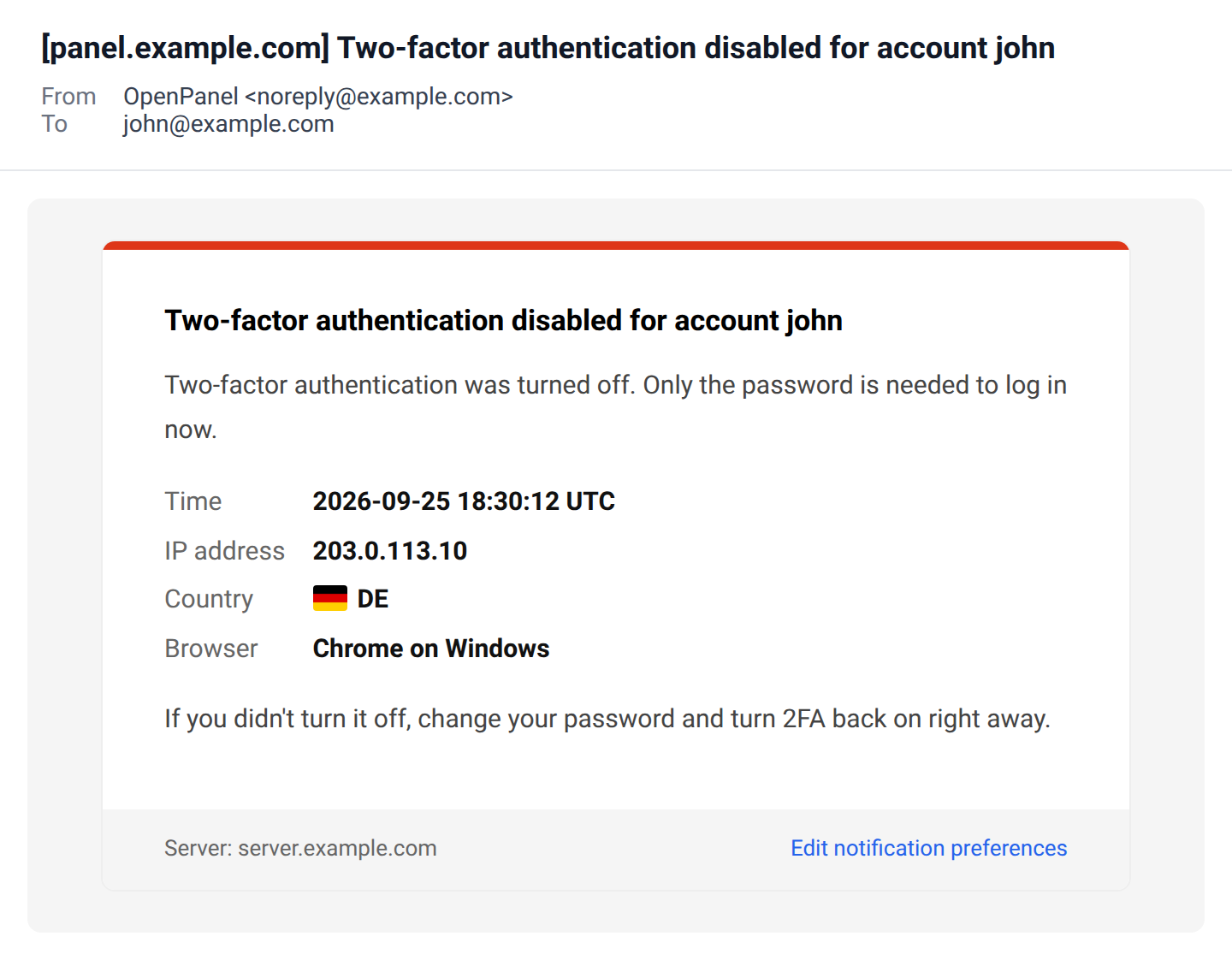
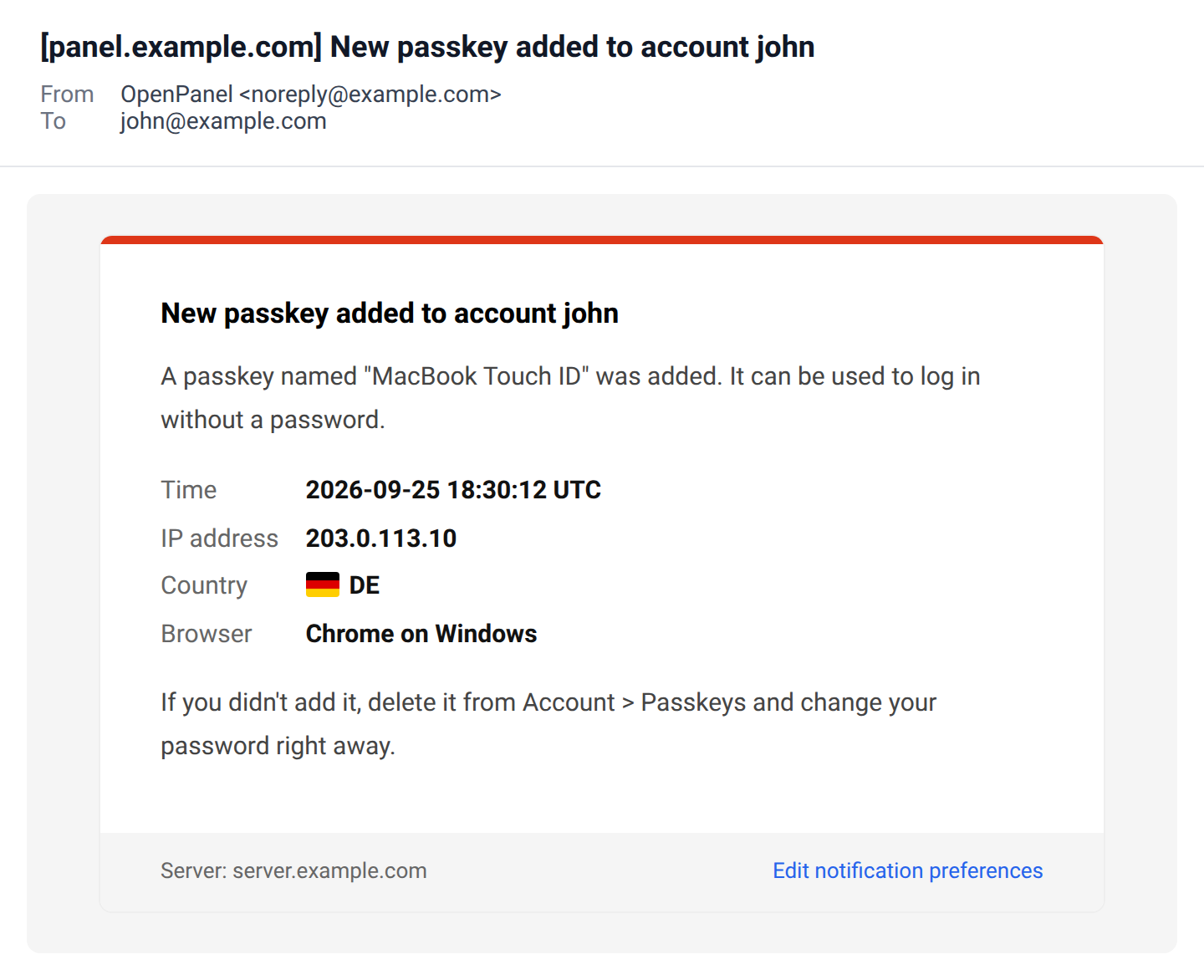
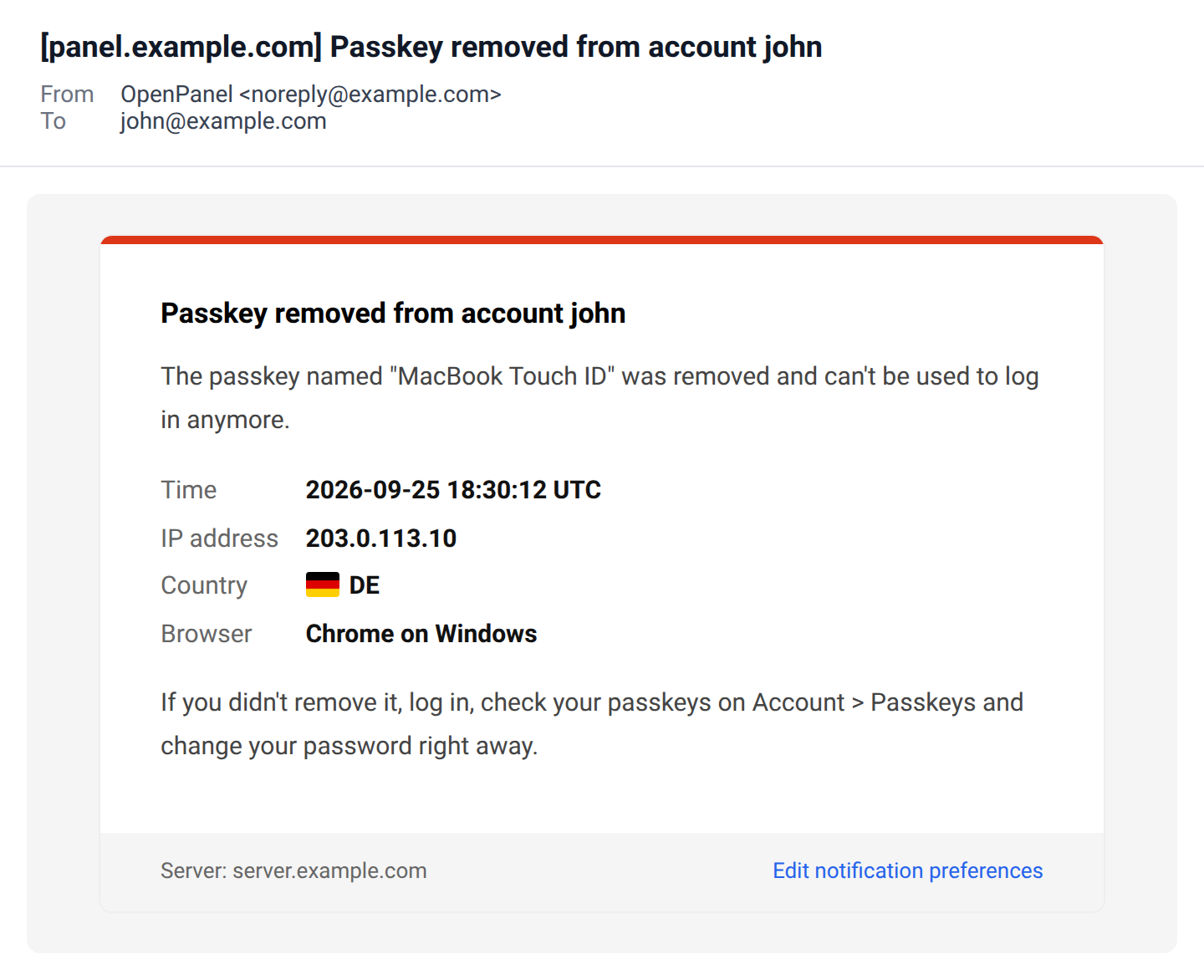
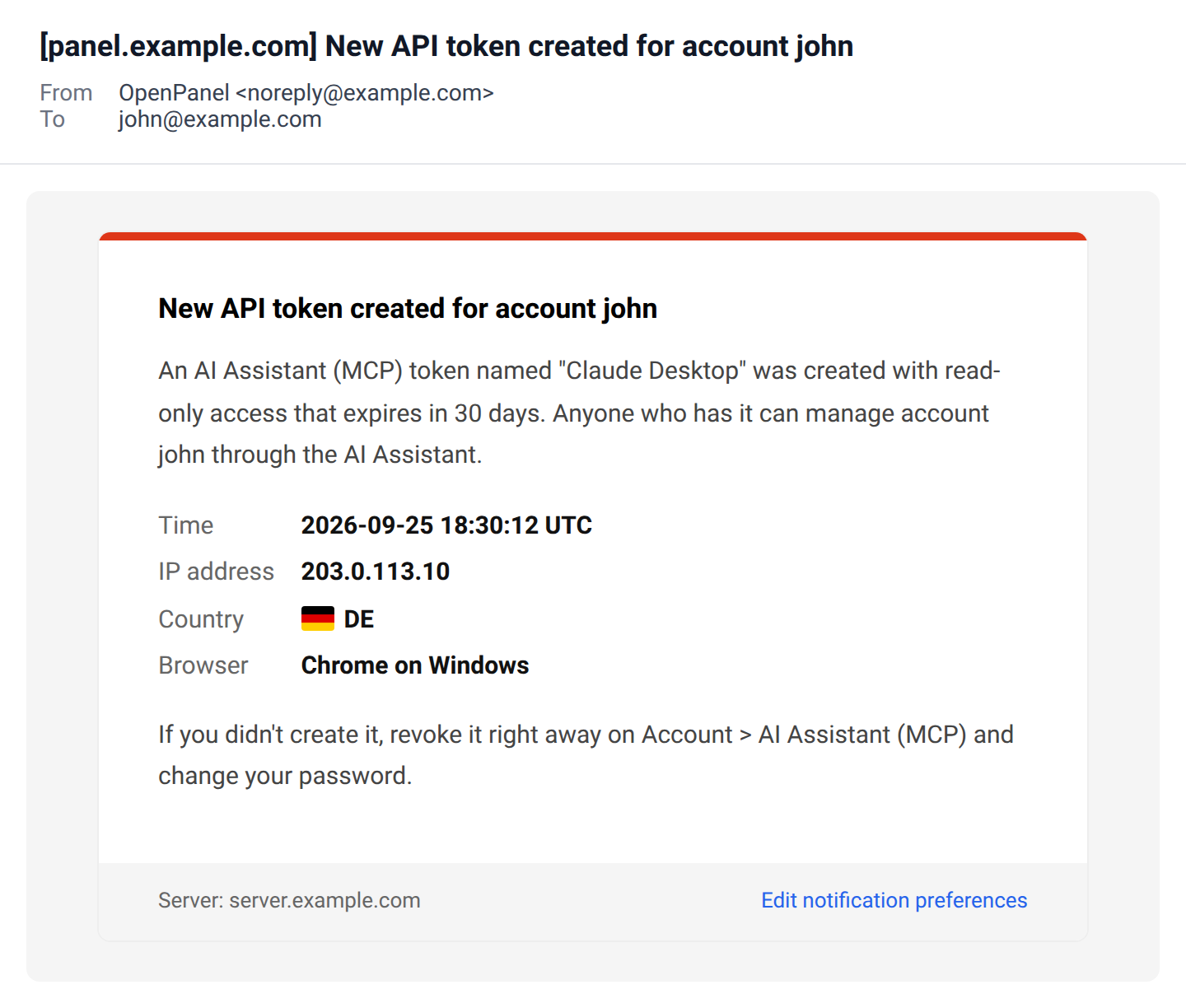
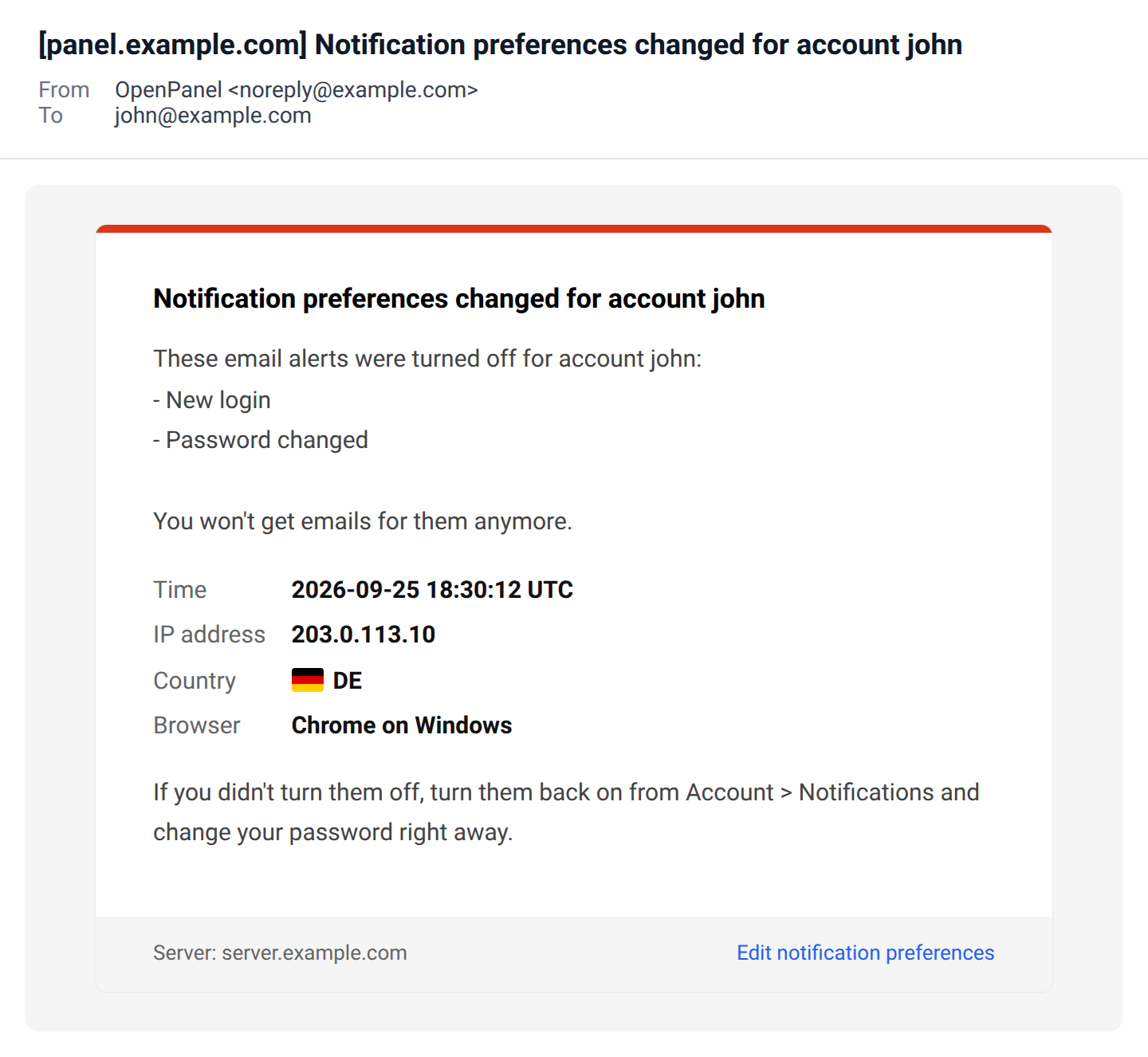
Emails about changes to the account (logins, password, email address, 2FA, passkeys and API tokens) show when the change was made, the IP address, the country with its flag, the browser and operating system, and what to do if it wasn't you.
New login
Sends an email every time someone logs in to the account, from the panel or the API. Besides the details above, it shows how they logged in: password, password and 2FA code, passkey or the API. The country is looked up from the IP address and shows UNKNOWN if the lookup fails.
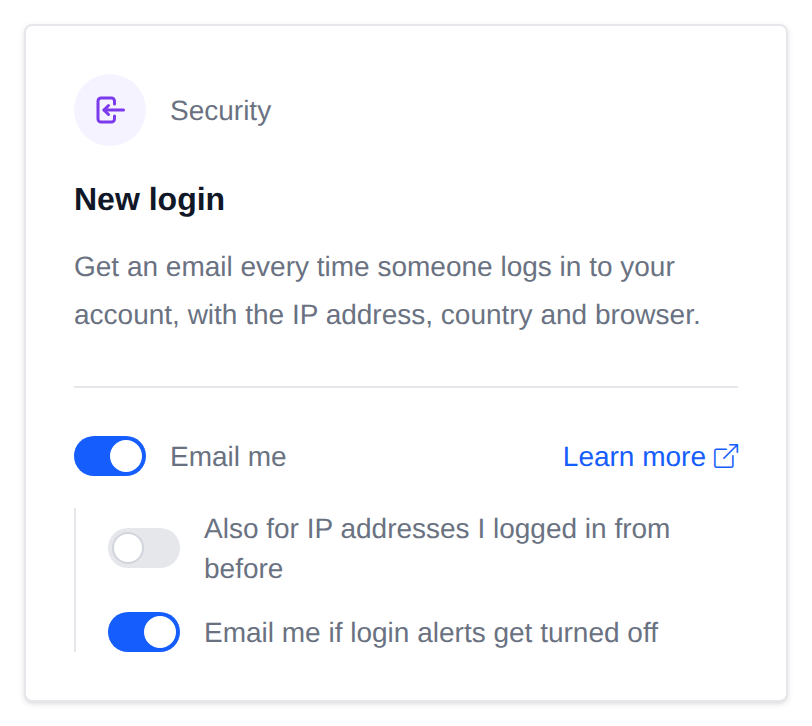
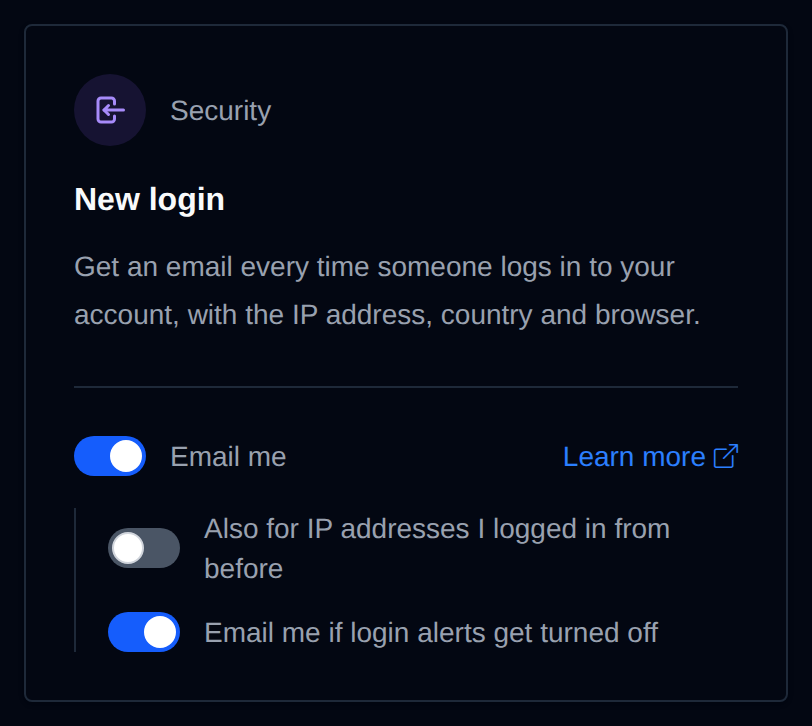
Here is an example of the email.
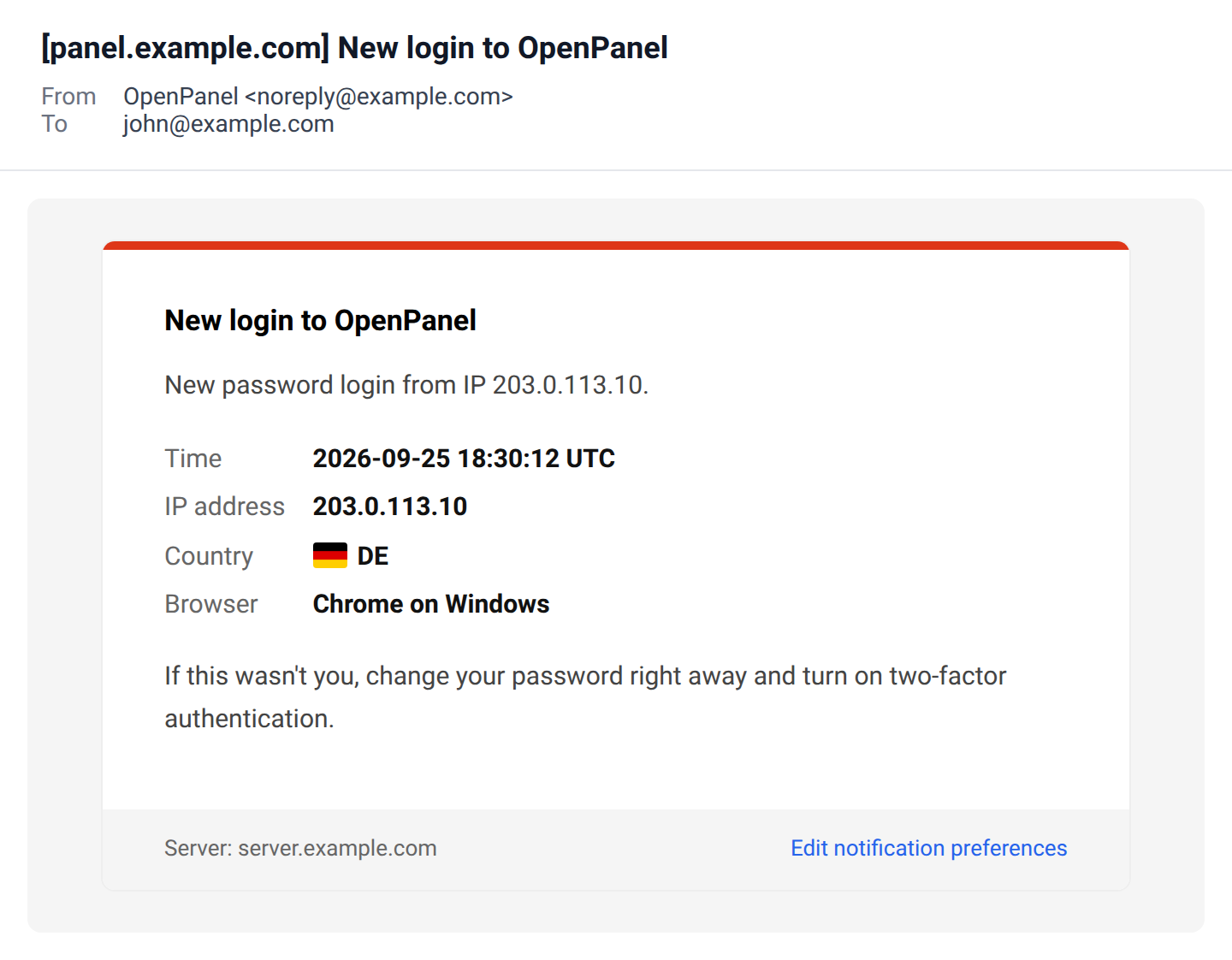
By default, logins from an IP address that's already in your login history don't send an email, so you only hear about logins from new places. Turn on Also for IP addresses I logged in from before to get an email for every login.
If you didn't log in yourself, change your password right away and turn on two-factor authentication.
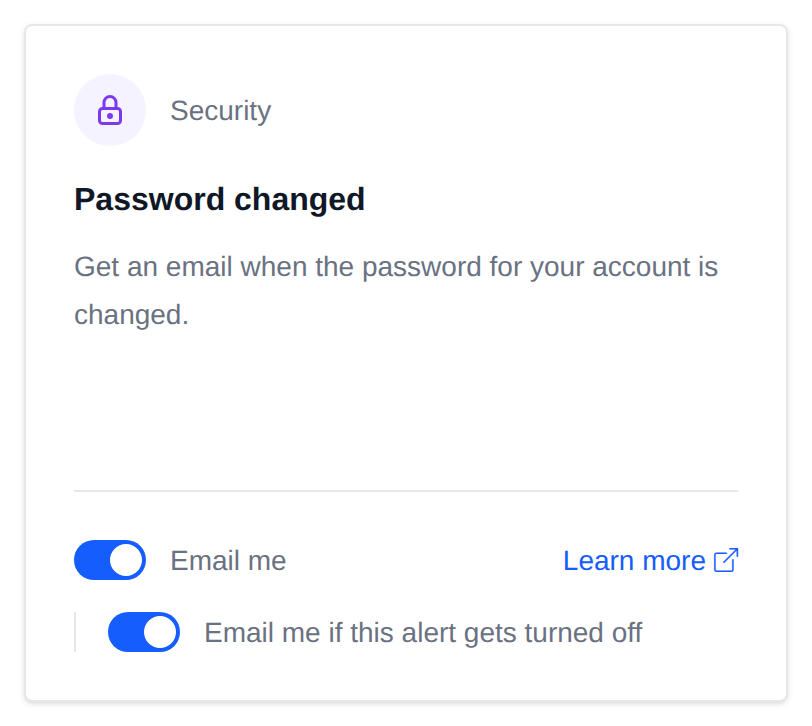
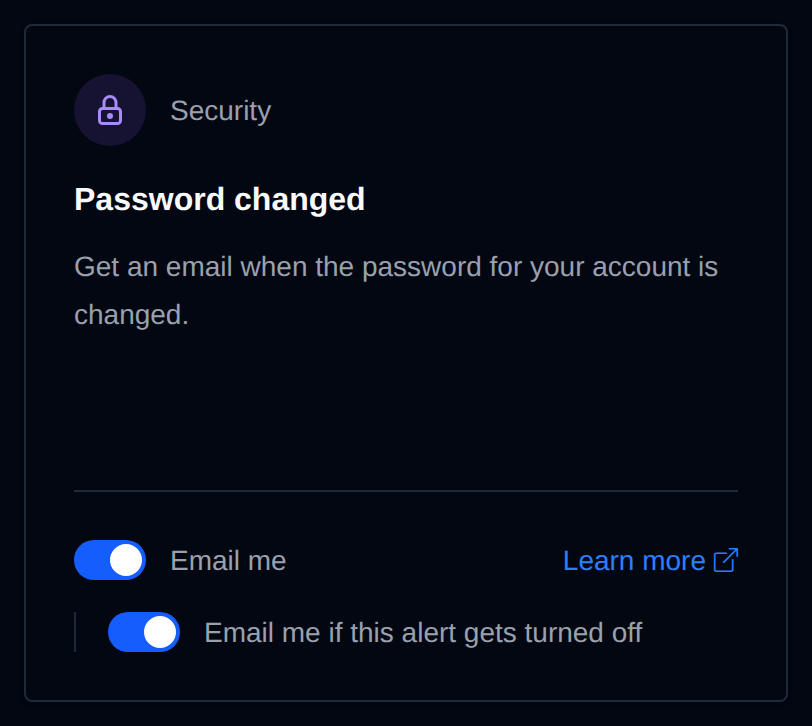
Password changed
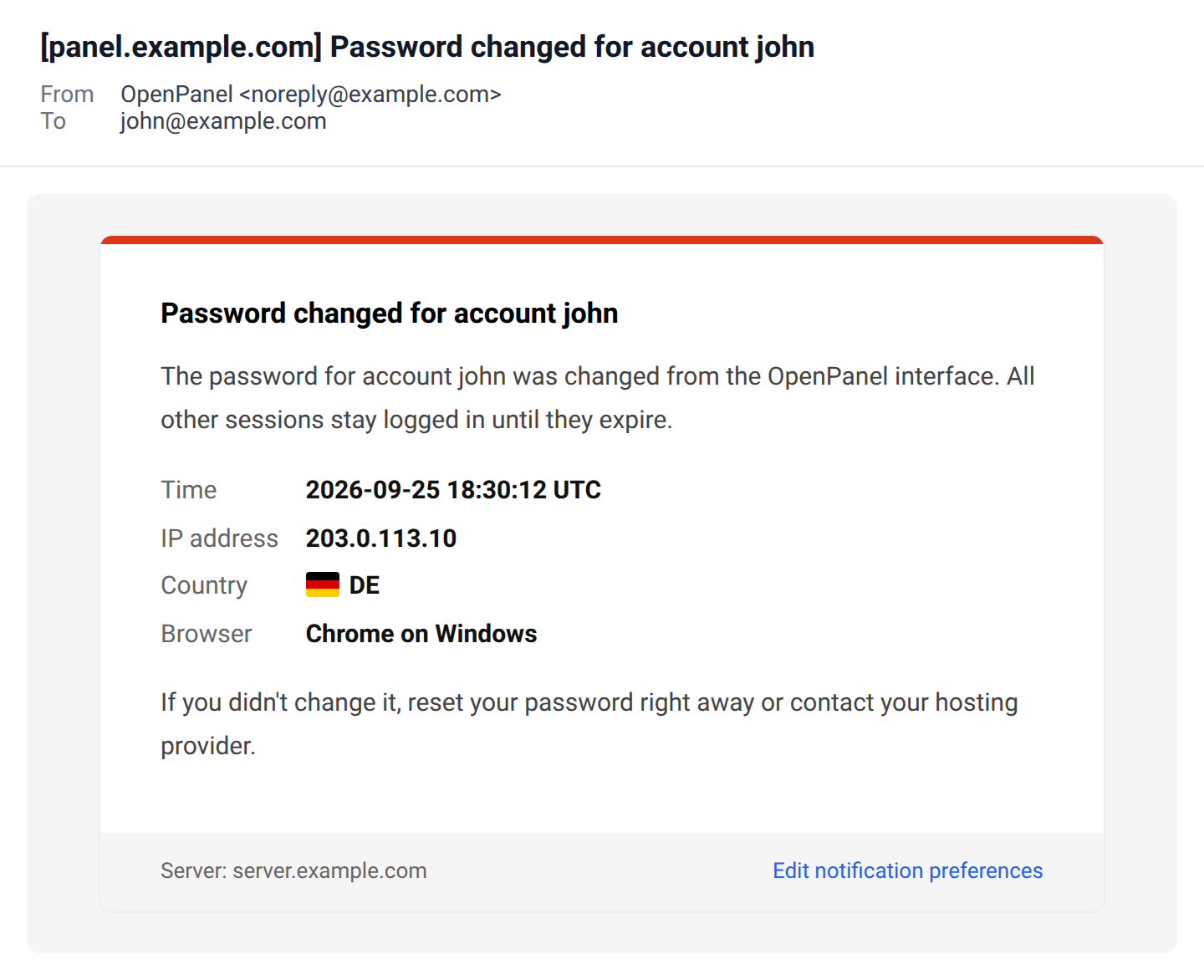
Sends an email when the account password is changed, and says whether it was changed from the panel or the API. If you didn't change it, reset your password or contact your provider.
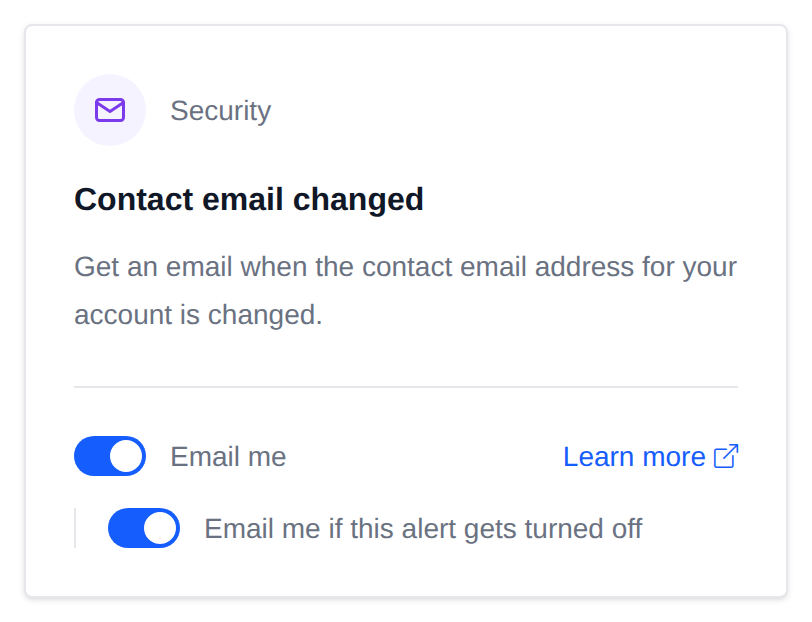
Contact email changed
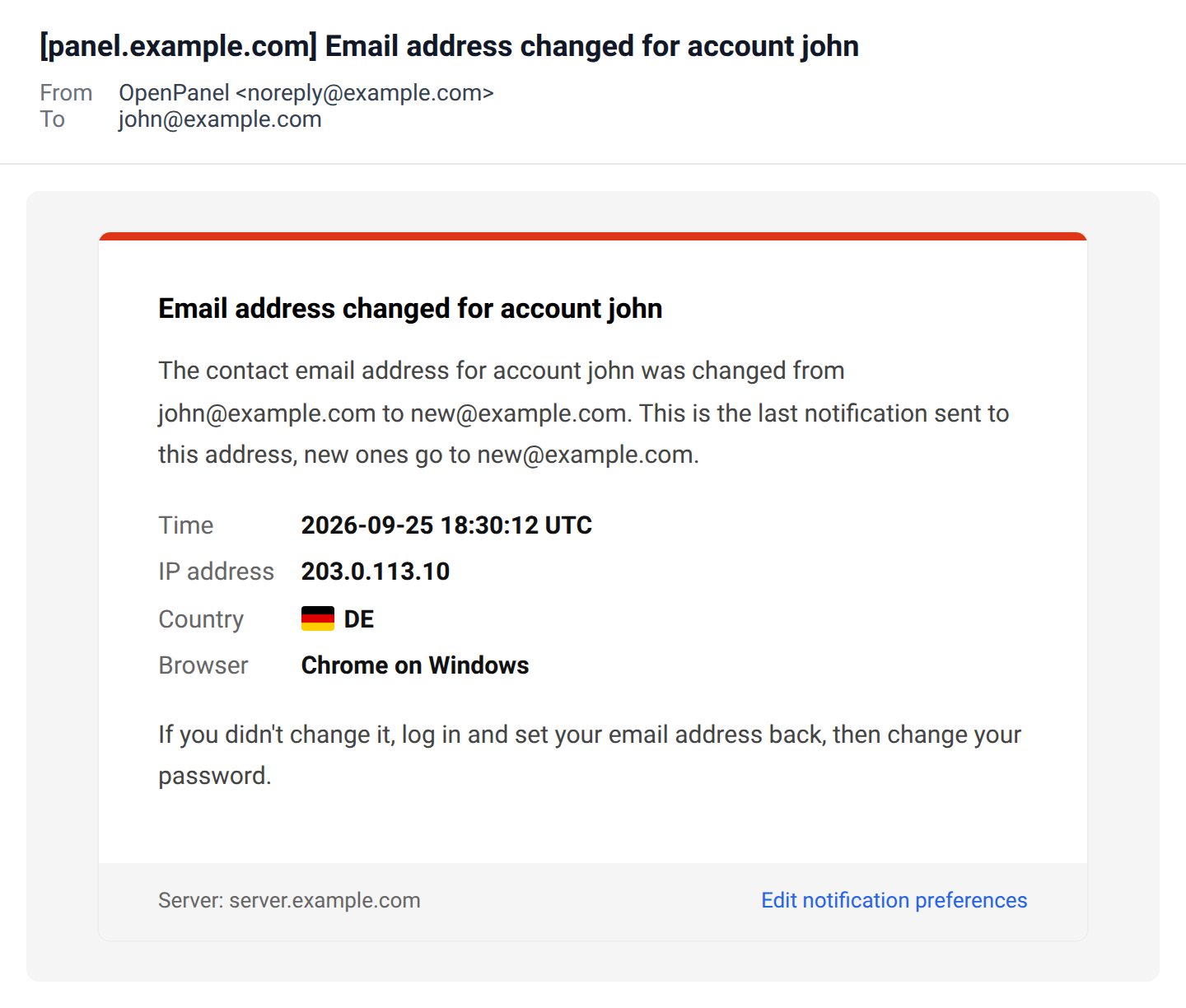
Sends an email when the contact email address for the account is changed. The email shows the old and the new address and goes to the old one, so the real owner knows about it even if someone else changed it.
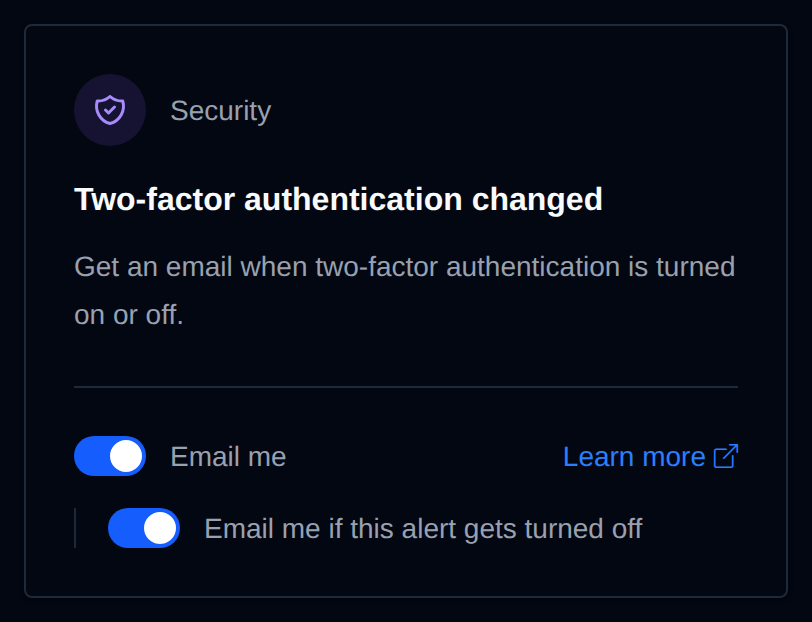
Two-factor authentication changed
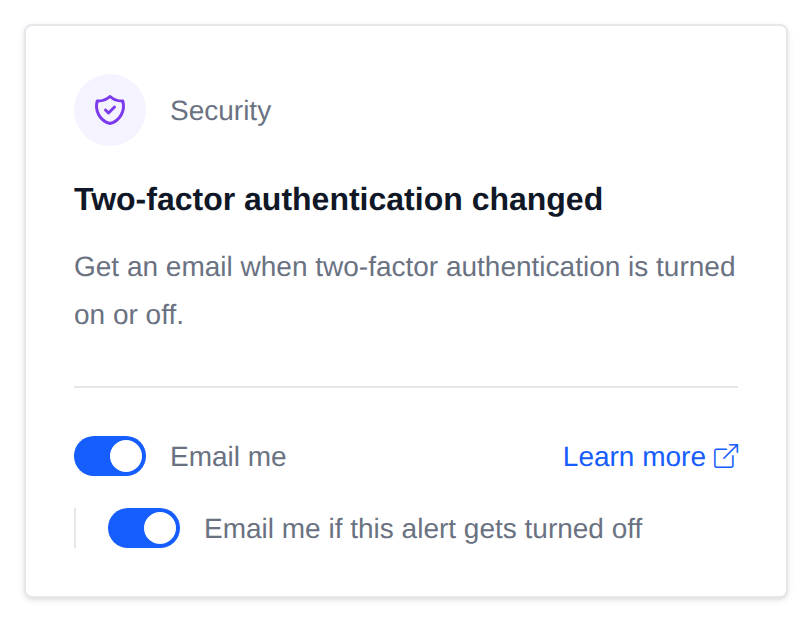
Sends an email when two-factor authentication is turned on or off, or when 2FA setup is started.
When 2FA is turned on:
When 2FA is turned off:
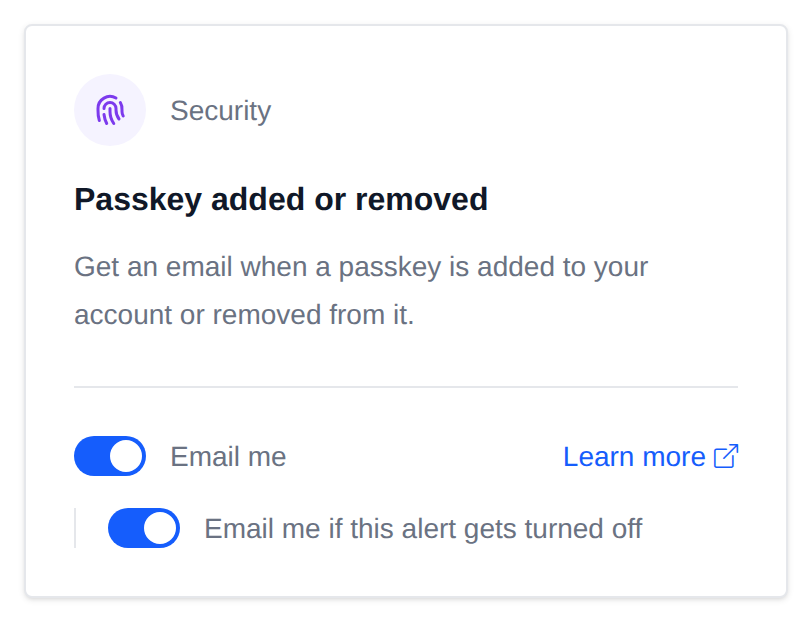
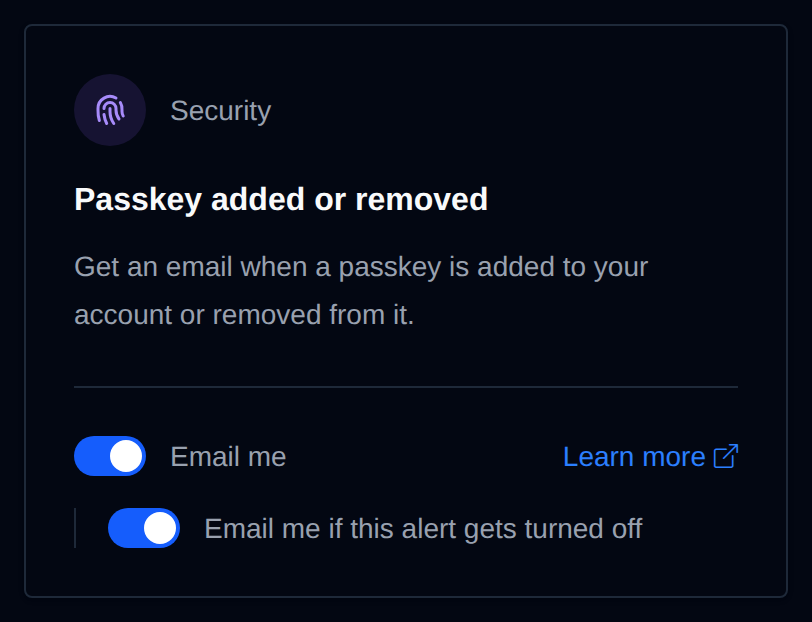
Passkey added or removed
Sends an email when a passkey is added to the account or removed from it, from the panel or the API. The email includes the passkey's name.
When a passkey is added:
When a passkey is removed:
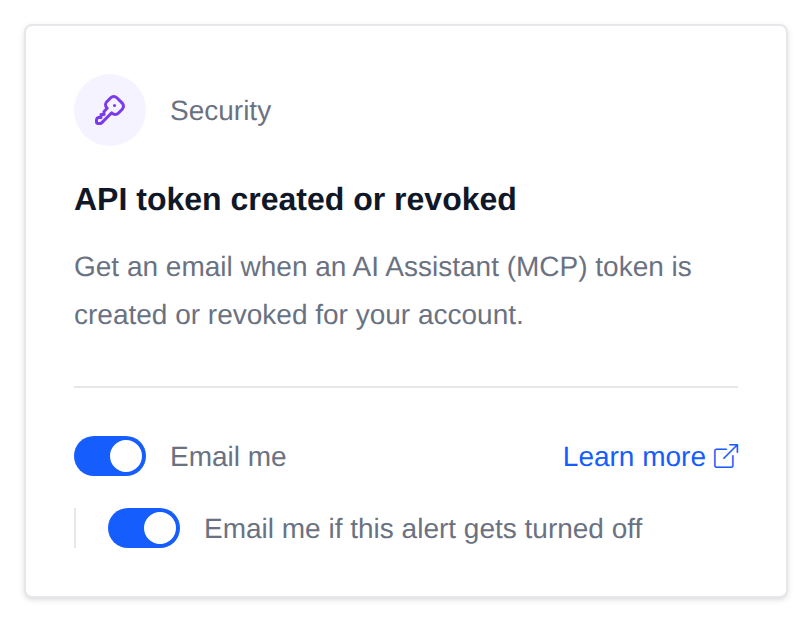
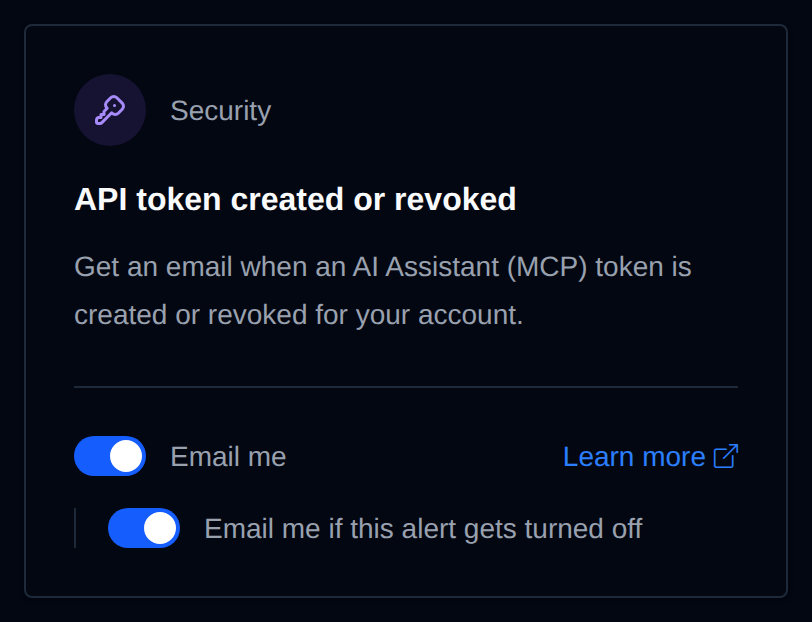
API token created or revoked
Sends an email when a token for the AI Assistant (MCP) is created or revoked, from the panel or the API. The email includes the token's name, and for a new token whether it has full or read-only access and when it expires. Anyone with the token can manage the account, so treat it like a password.
SSL certificate problem
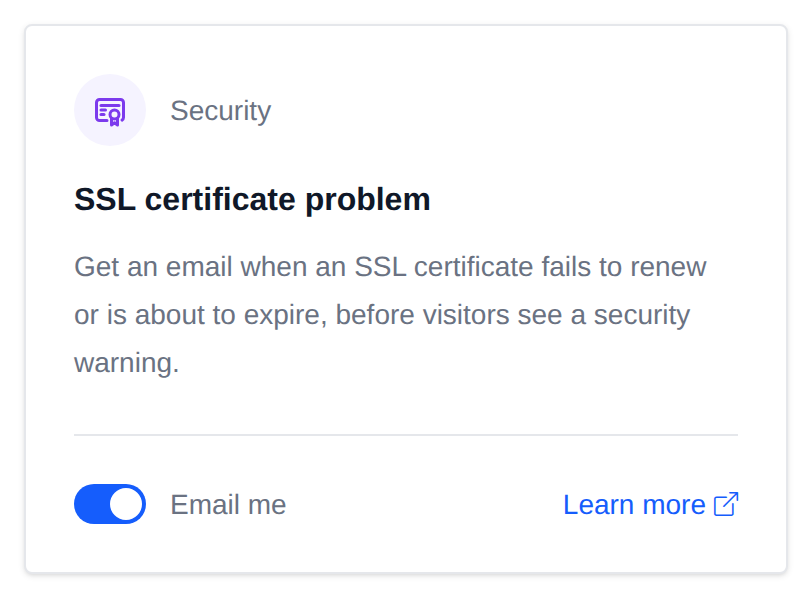
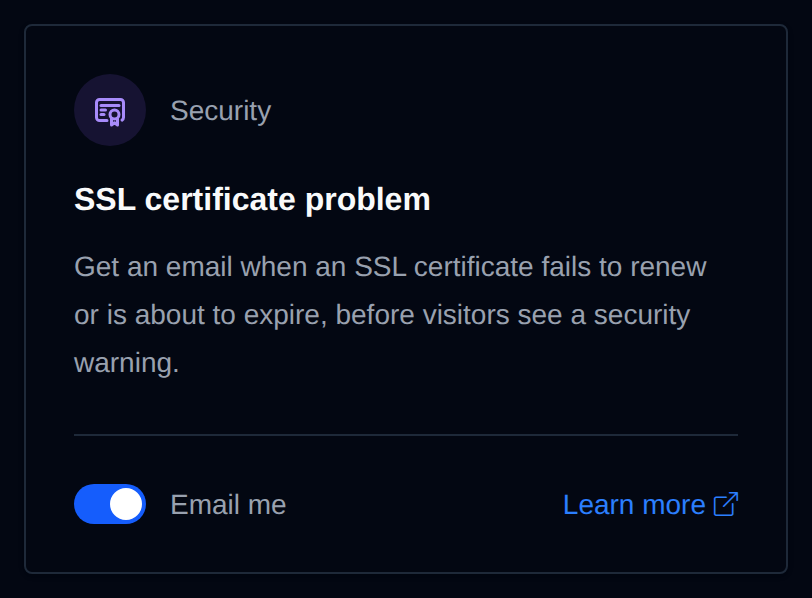
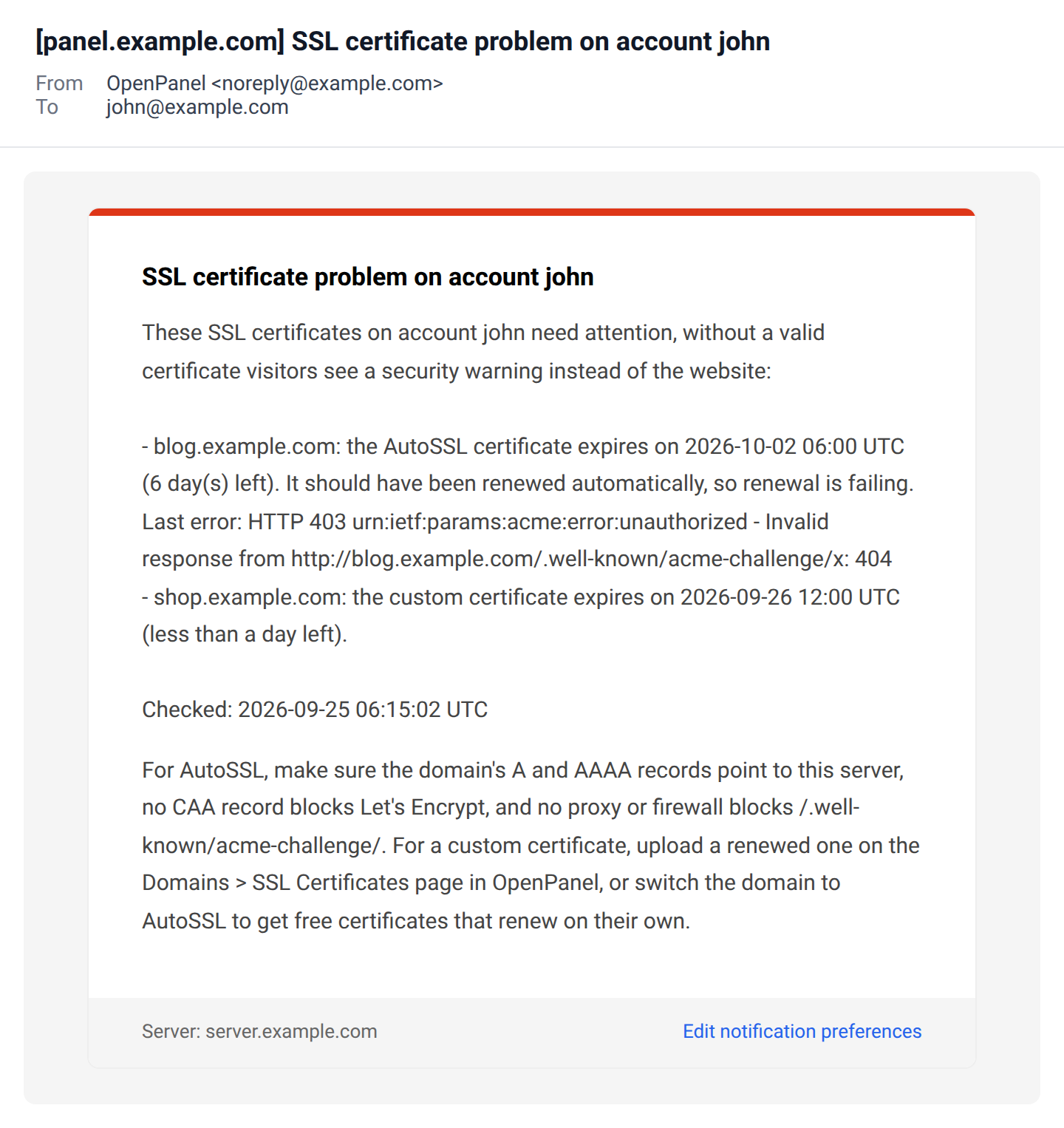
Checks the SSL certificate of every domain that points to this server once a day, and sends an email when:
- an AutoSSL certificate has 7 days or less left. AutoSSL certificates are renewed about 30 days before they expire, so this means renewal is failing. The email includes the last error from the web server, for example a DNS record pointing elsewhere.
- any certificate, AutoSSL or custom, has 1 day or less left.
Each alert is sent once per certificate, and all affected domains of the account are listed in one email. Domains that don't point to this server are skipped.
Malware found
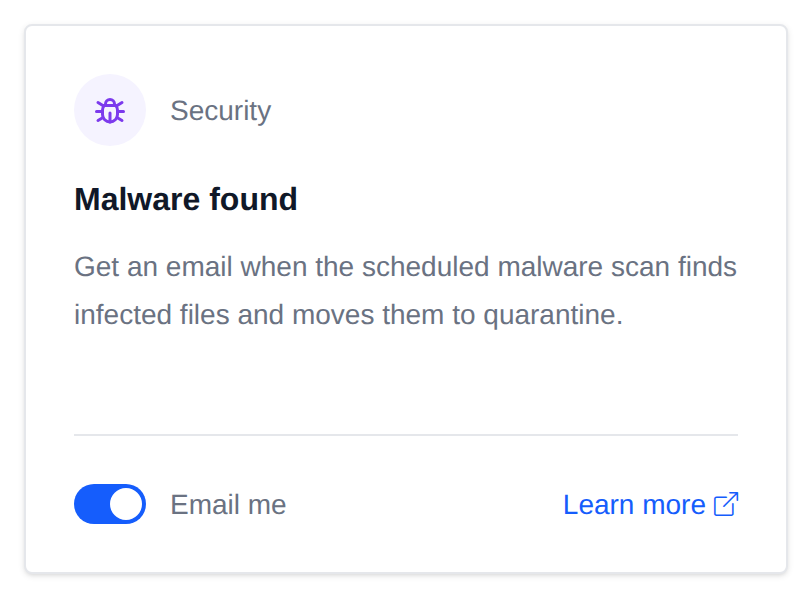
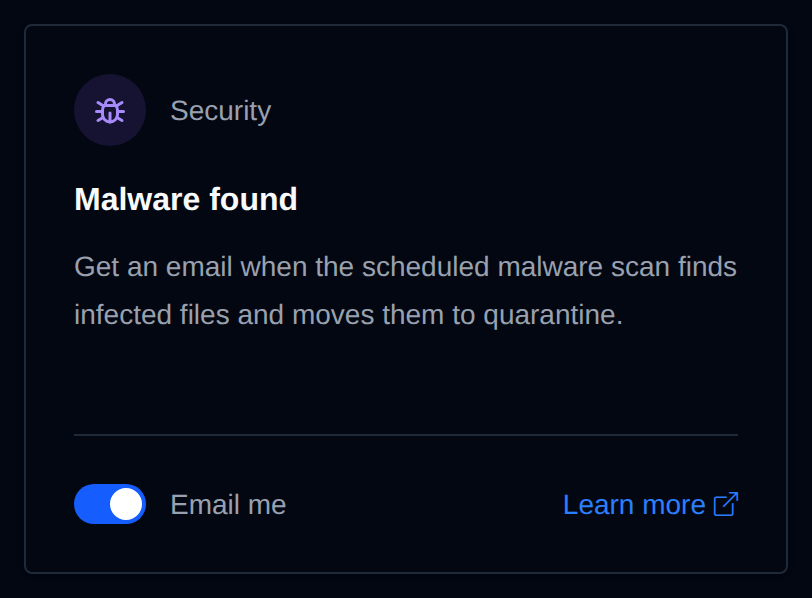
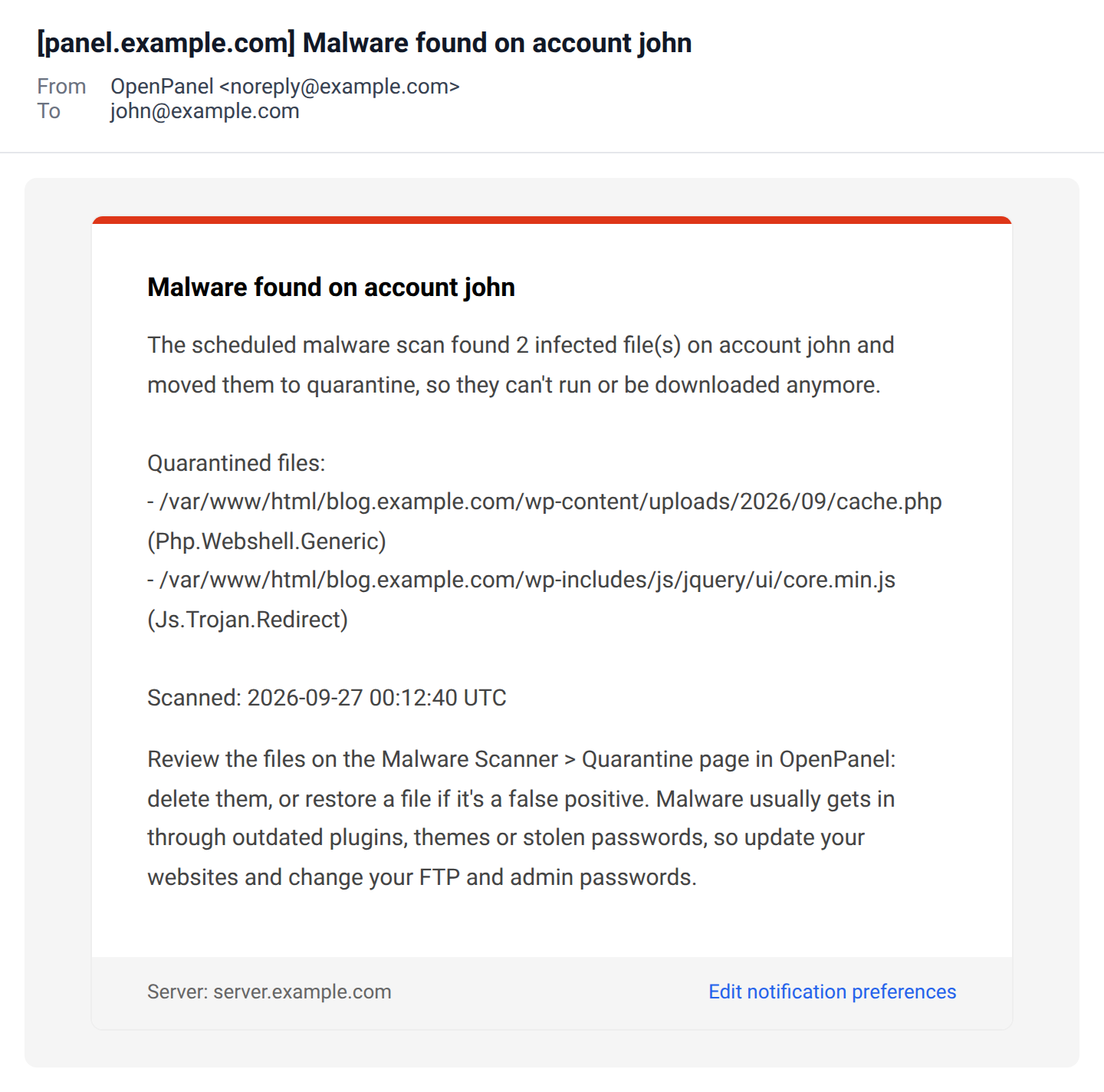
Sends an email when a malware scan finds infected files on the account:
- the scheduled ClamAV scan moves them to quarantine. The email lists up to 20 files with the malware signature found in each, and points to the Malware Scanner > Quarantine page to delete or restore them.
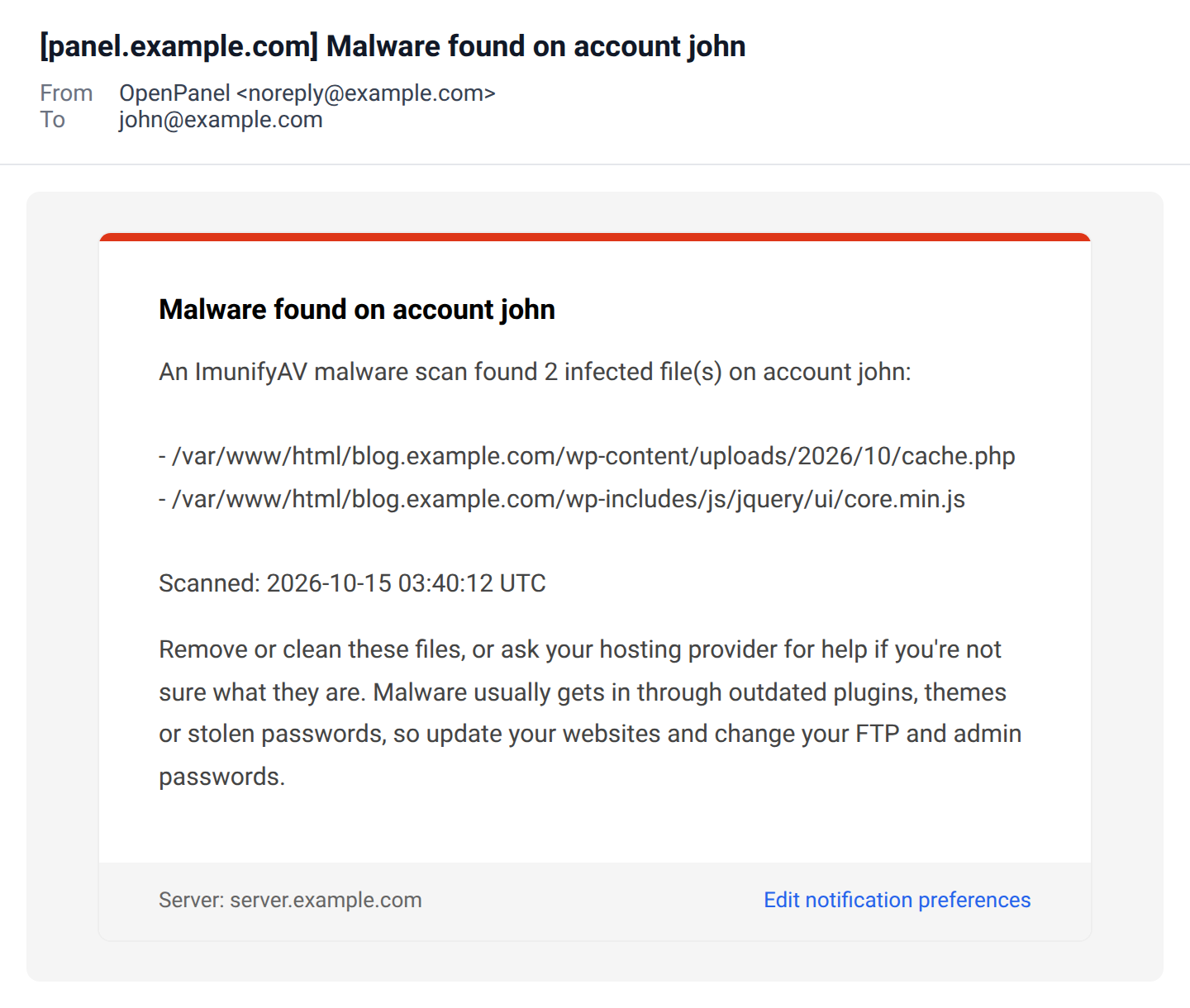
- when your provider uses ImunifyAV, a finished scan that found malware in your account lists up to 20 of the files. ImunifyAV doesn't quarantine them, so remove or clean them, or ask your provider for help.
Scans you start yourself from the Malware Scanner page don't send an email, since you see the results right away.
Vulnerable WordPress site
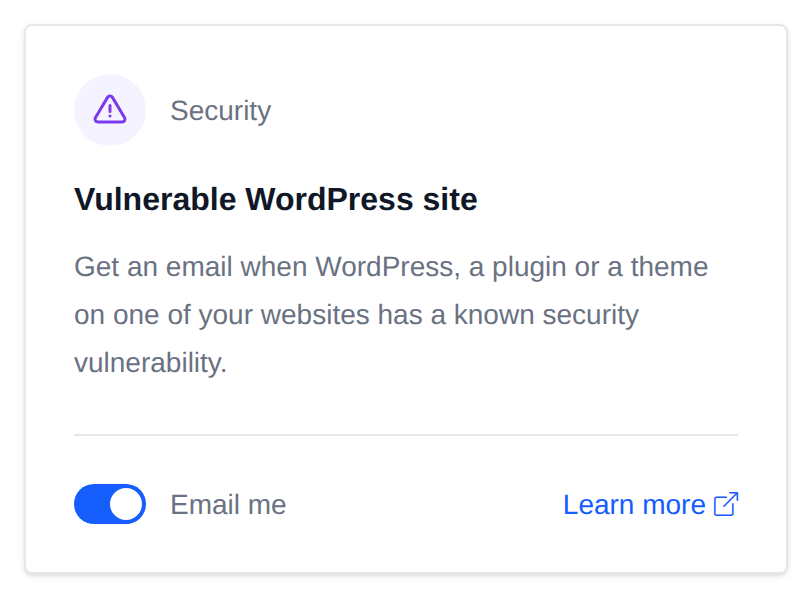
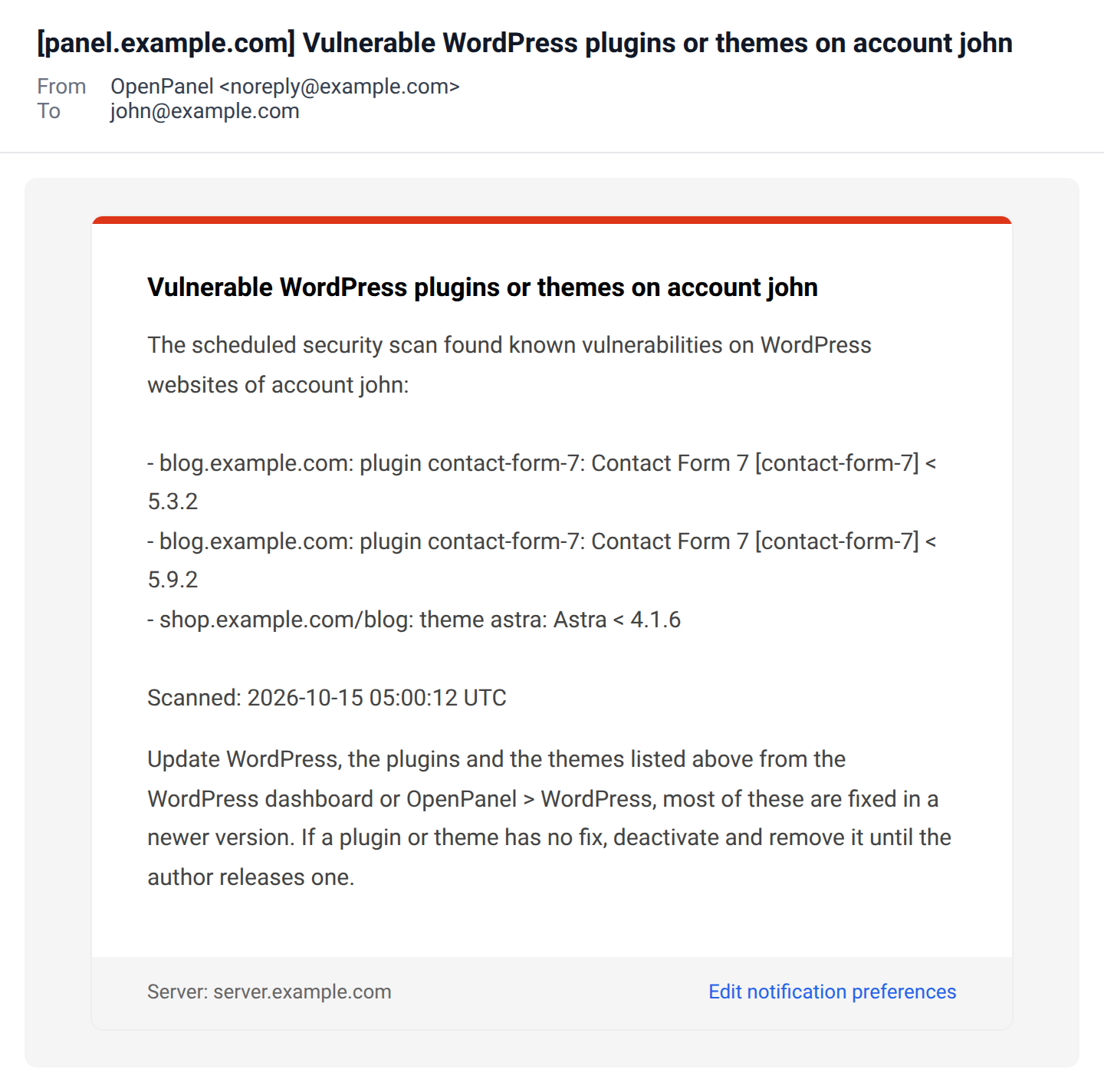
Sends an email when WordPress, a plugin or a theme on one of your WordPress websites has a known security vulnerability. The server checks every WordPress site every two days, and the email lists each new finding with the website, the plugin or theme and the vulnerable versions. A vulnerability already reported in an earlier email isn't sent again. This option only shows up when your hosting plan includes WordPress.
Email me if this alert gets turned off
Every security alert except SSL certificate problem, Malware found and Vulnerable WordPress site has this option, and it's on by default. When it's on and someone turns the alert itself off, an email is sent listing the alerts that were turned off. This way nobody can quietly turn off your login or password alerts before doing something with your account.
To really stop an alert, turn off this option first, save, and then turn off the alert.
Usage alerts
Disk space running out
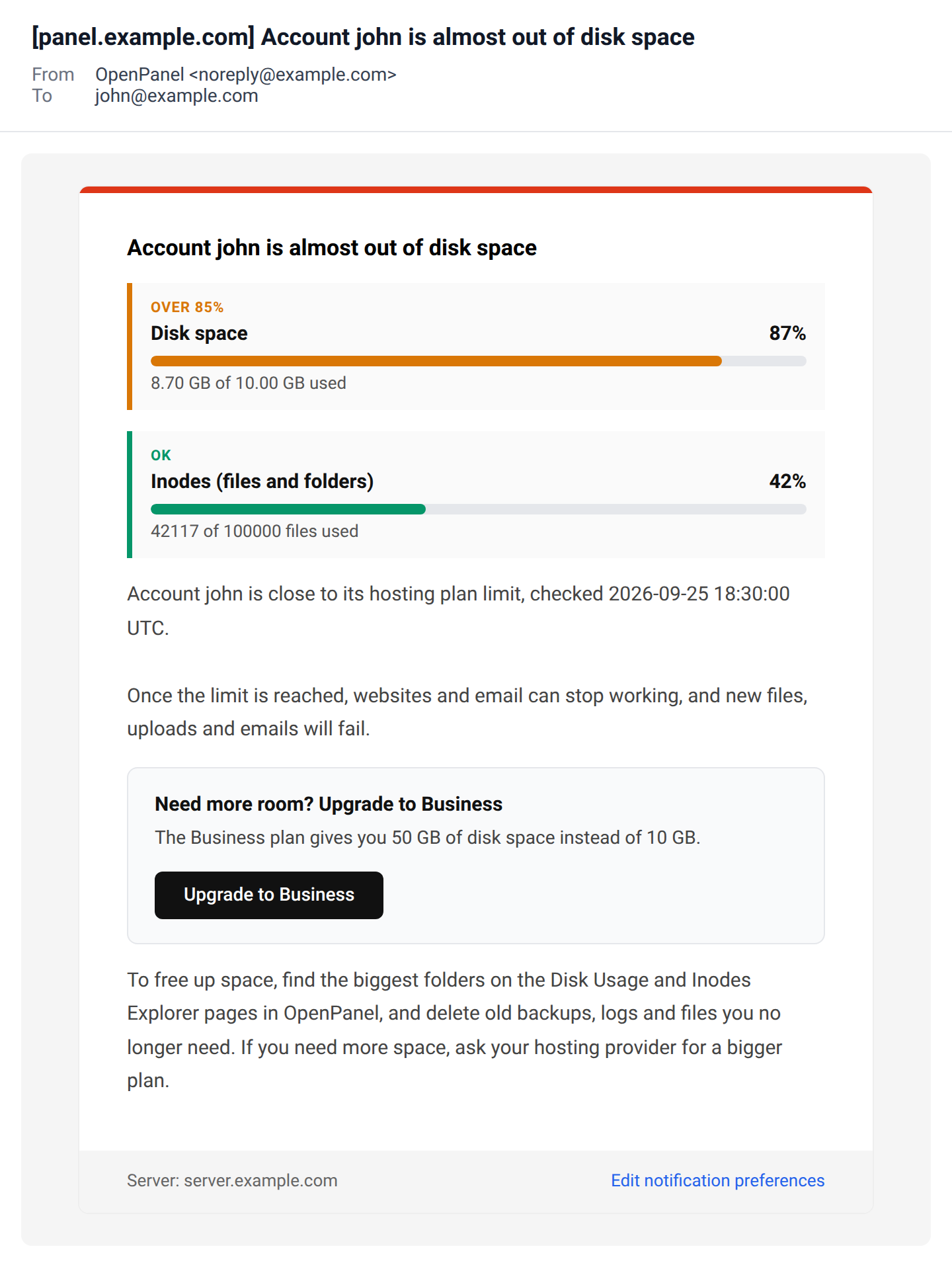
Sends an email when the account uses 85% of its disk space or 95% of its inodes (number of files). The email shows disk and inode usage as bars against the plan limits, marks the one over the limit, and suggests the Disk Usage and Inodes Explorer pages to find what takes up space.
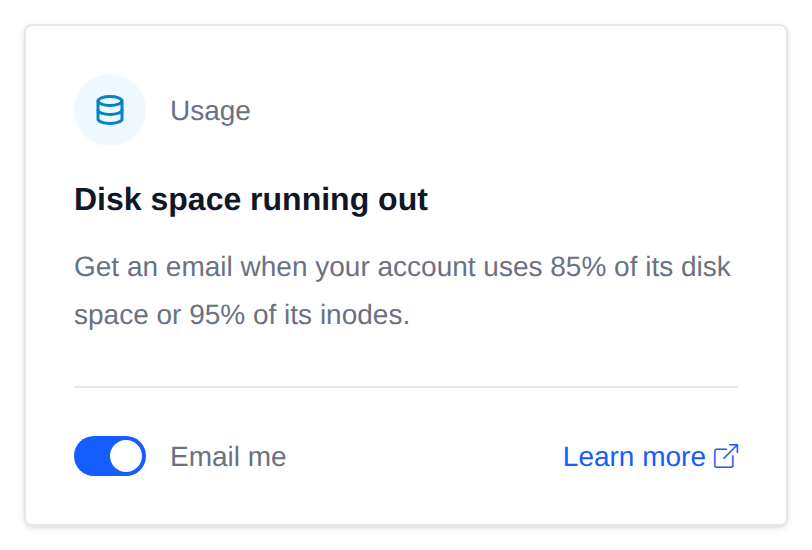
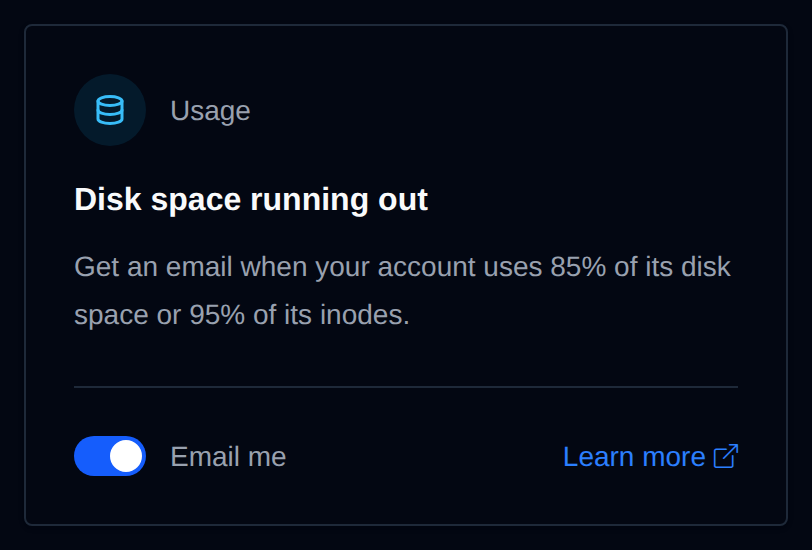
Usage is checked every 5 minutes. The email is sent once, and again only after usage drops below the limit and crosses it again, so you don't get the same email every few minutes. Your provider is also told about it.
Once the limit is reached, websites and email can stop working. Delete files you no longer need or ask your provider for a bigger plan.
Mailbox almost full
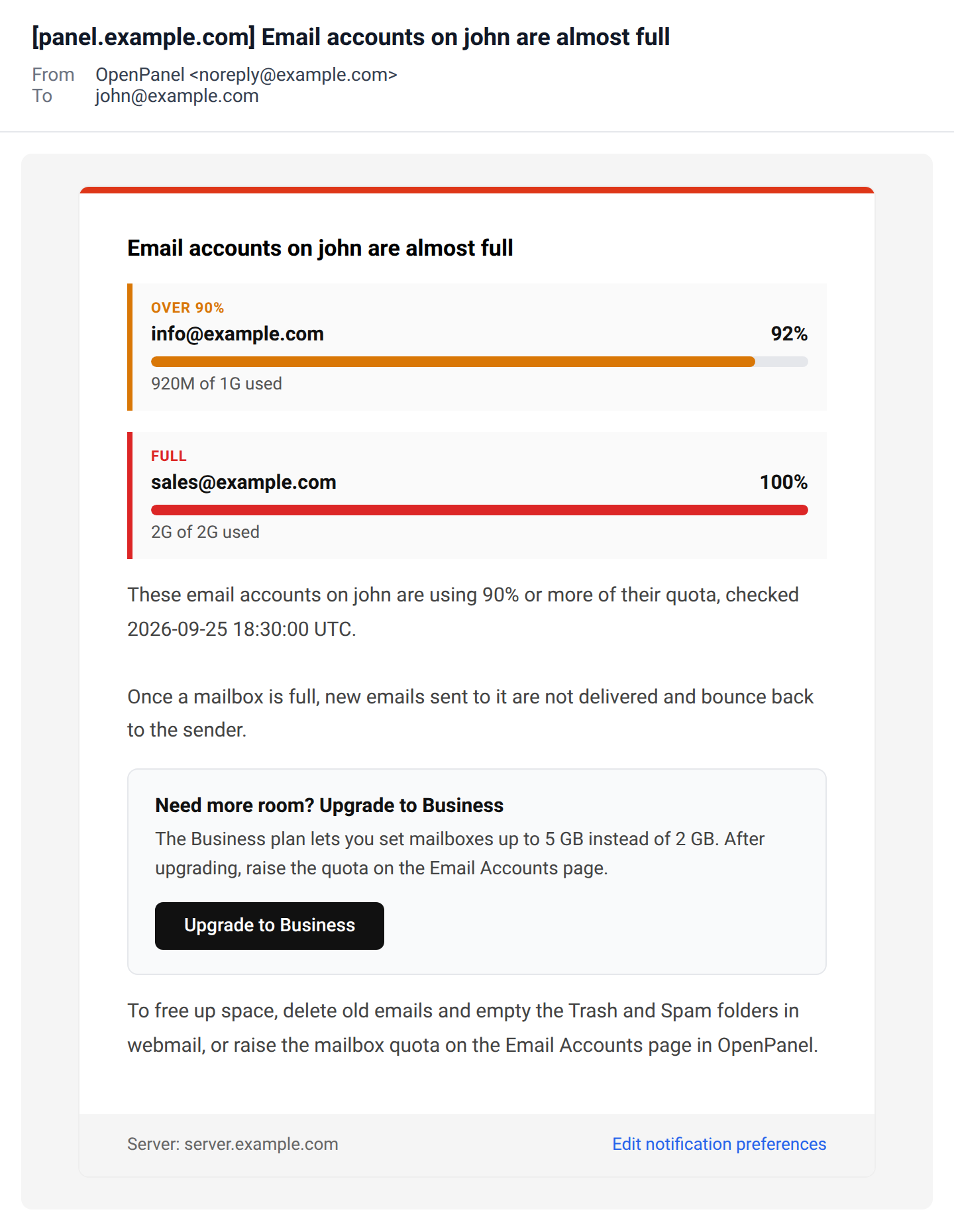
Sends an email when one of your email accounts uses 90% of its quota, showing a usage bar for each account that is almost full.
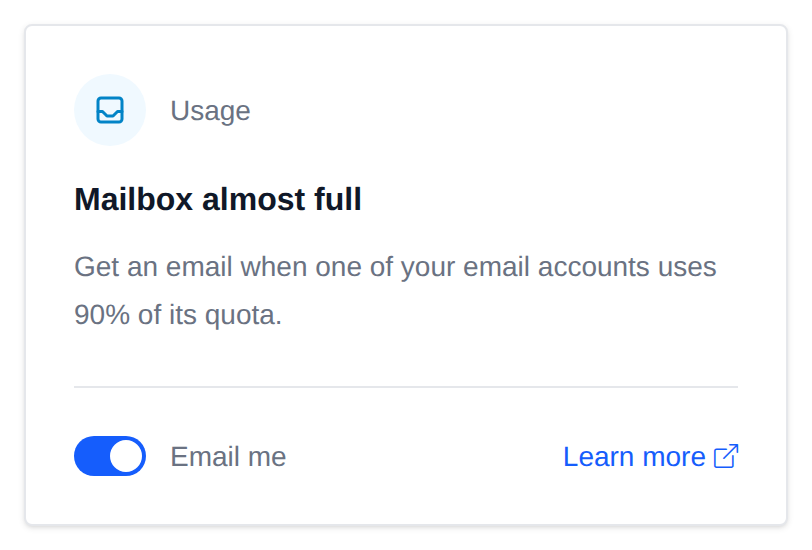
It's sent once per email account, and again only after usage drops below 90% and reaches it again.
When a mailbox is full, new emails to it are rejected. Delete old emails or raise the quota on the Email Accounts page.
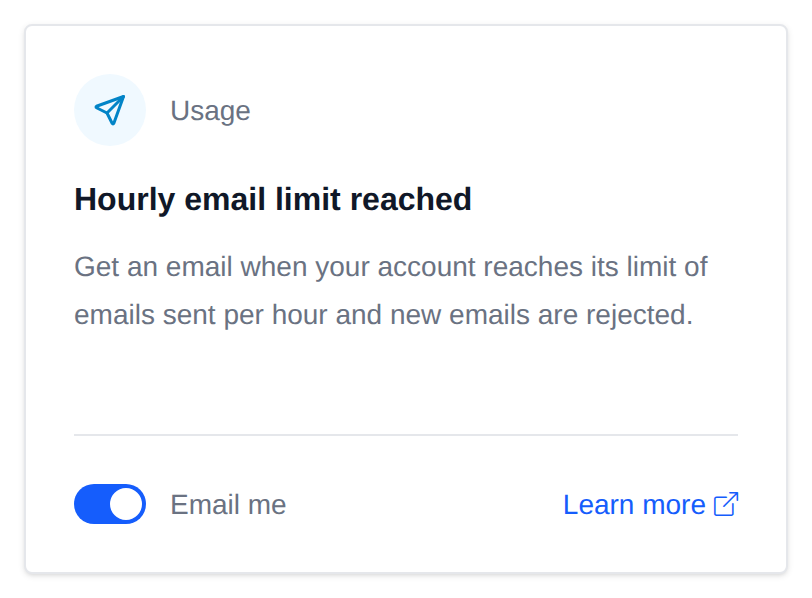
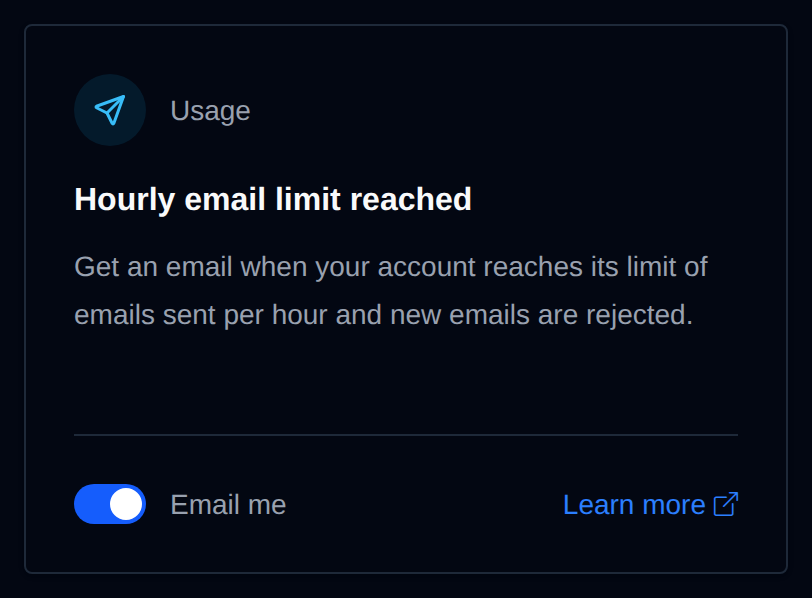
Hourly email limit reached
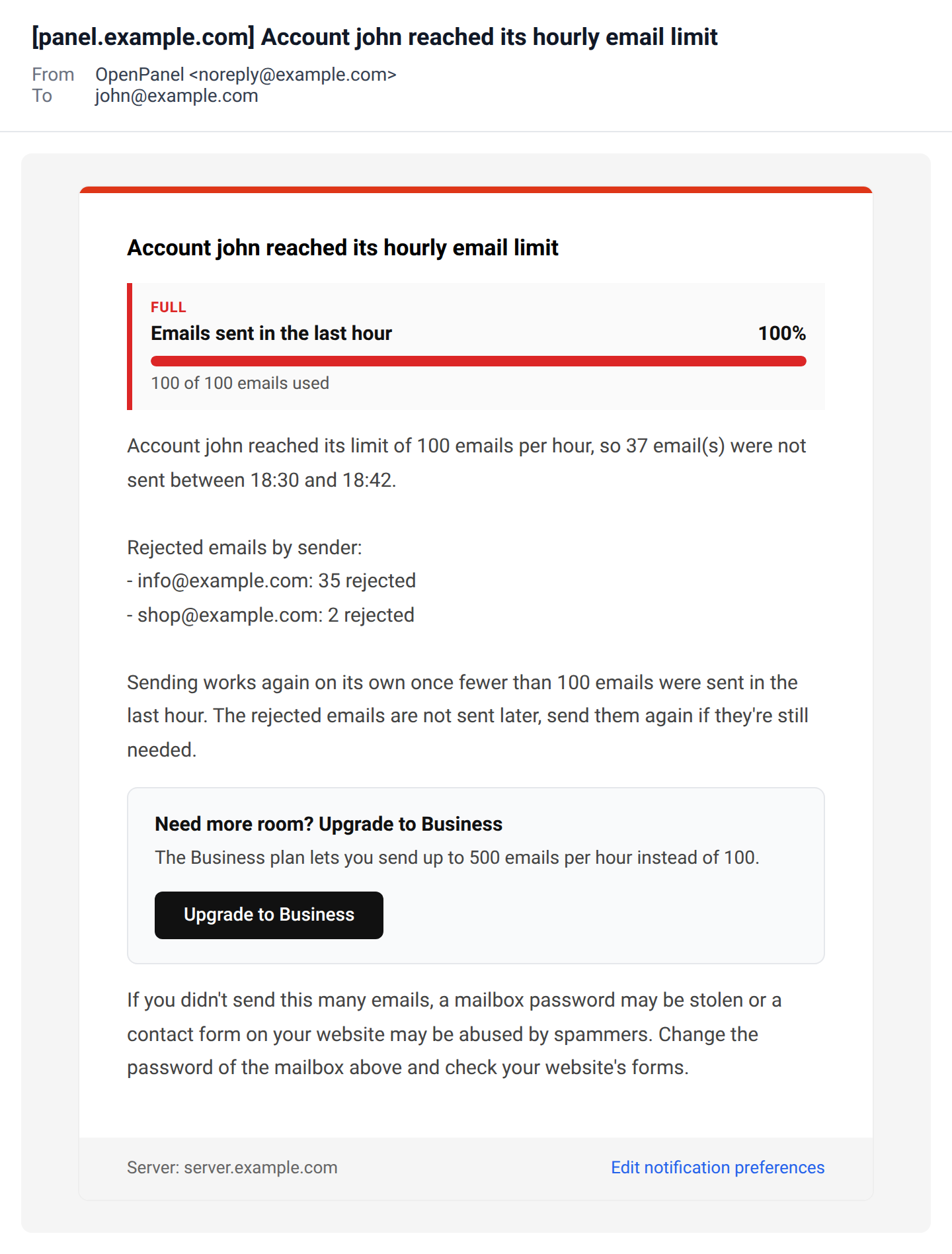
Sends an email when the account reaches the hourly email sending limit of its hosting plan and new emails are rejected. The limit counts emails from all domains on the account together. The email shows how many emails were rejected, when, and from which addresses.
A sudden spike often means a mailbox password was stolen or a contact form is abused by spammers, so the email also says what to check.
Rejections are checked every 30 minutes, and the email is sent at most once a day.
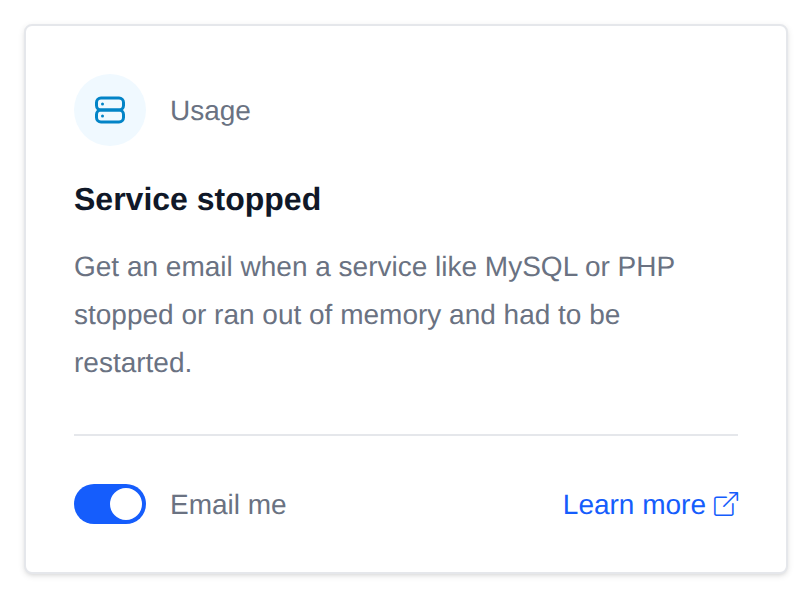
Service stopped
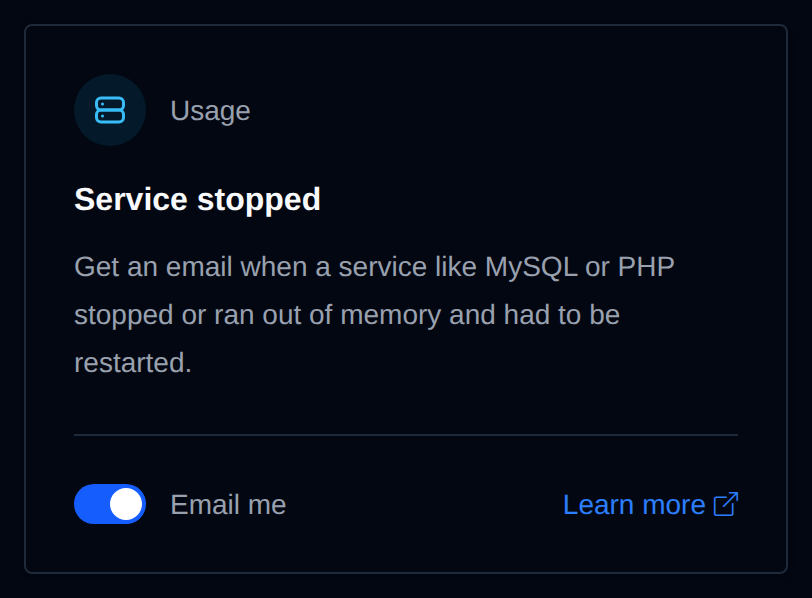
Sends an email when a service on the account, like MySQL or PHP, had stopped and the server's hourly automatic check had to start it again. The email lists each service, whether it ran out of memory, and whether it could be started again.
The email is sent at most once a day.
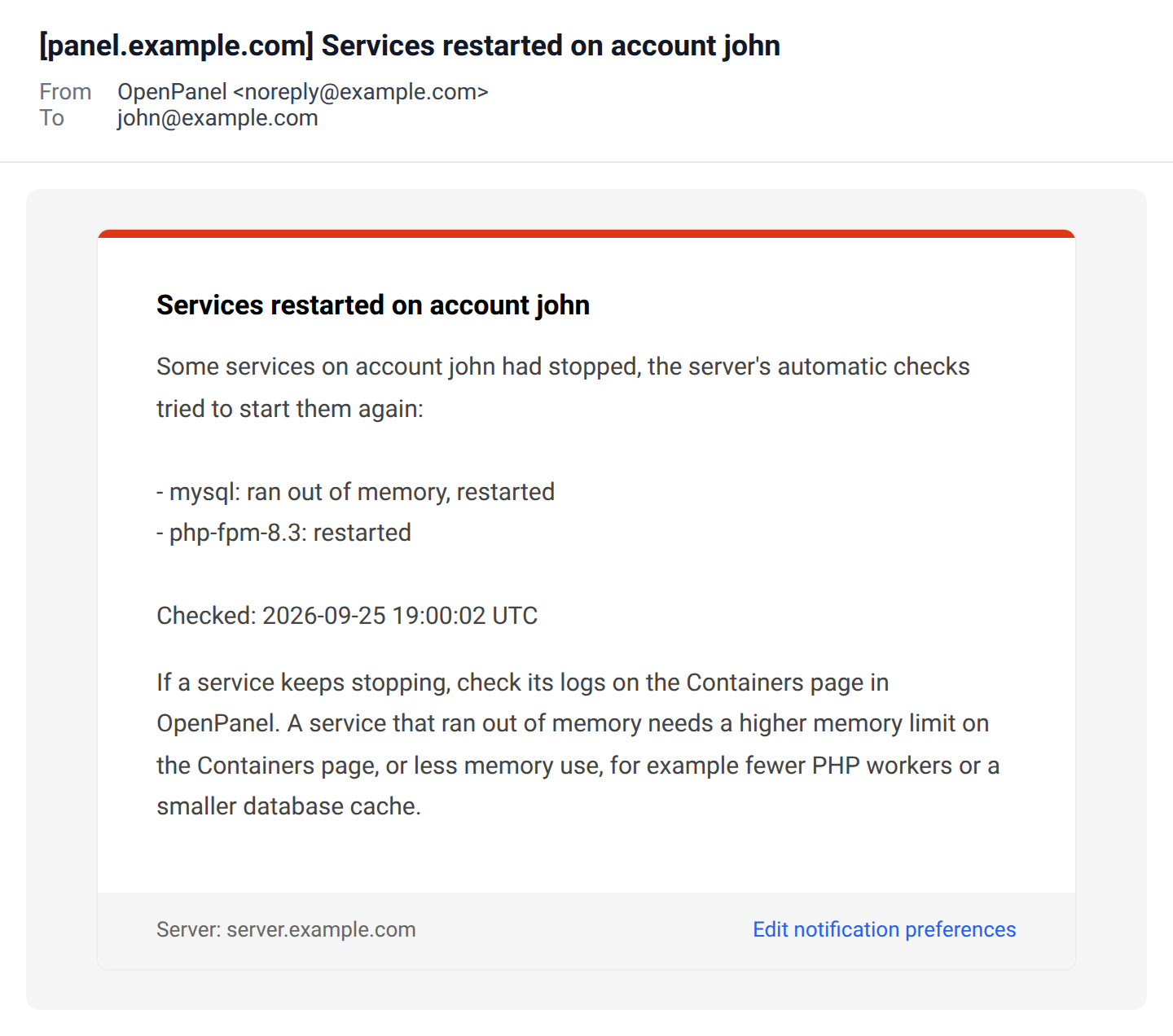
Visitors blocked by rate limit
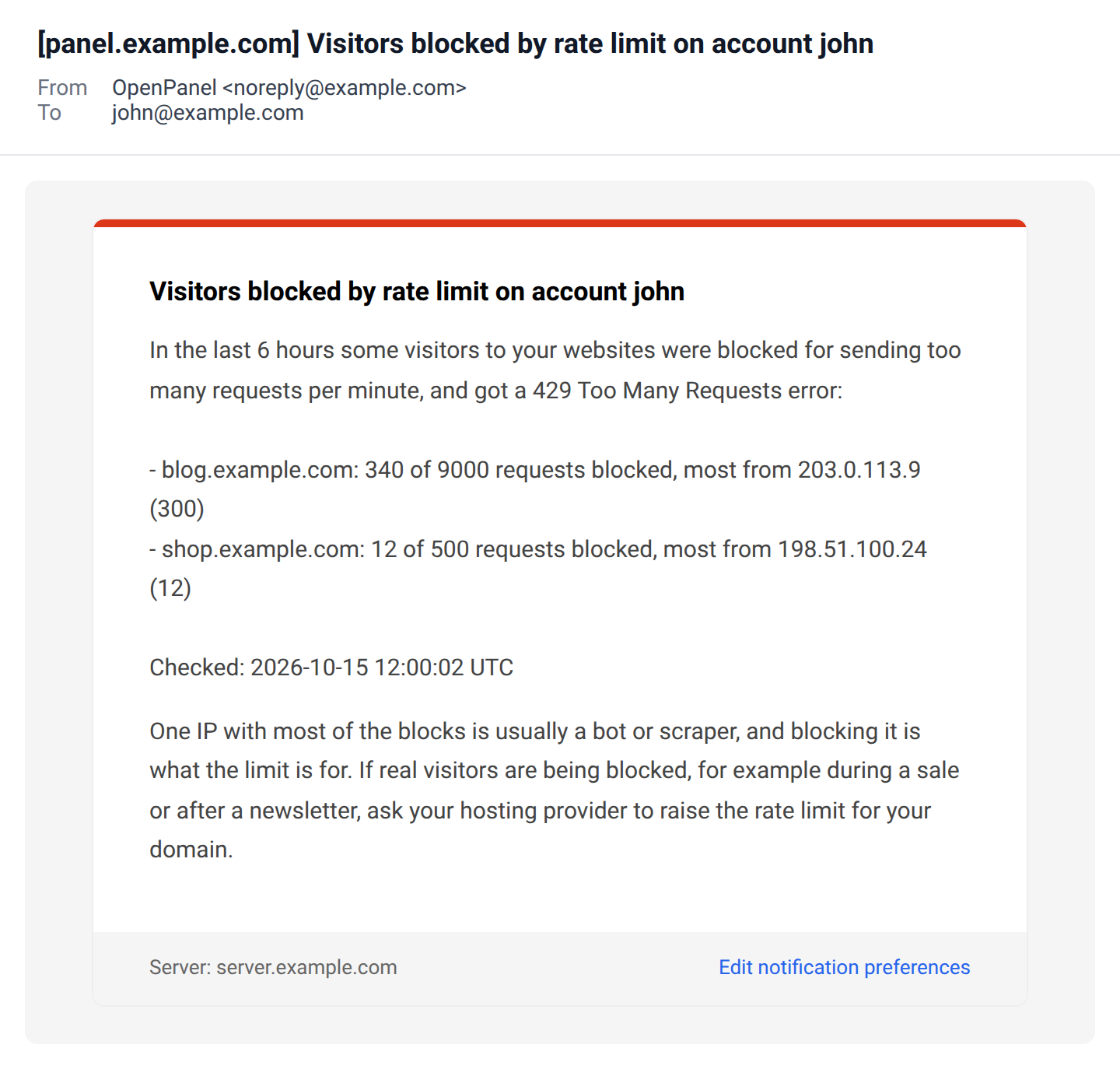
Sends an email when visitors to one of your domains got 429 Too Many Requests because they sent more requests per minute than the domain's rate limit allows. For each domain it lists how many requests were blocked out of all requests, and the IP that was blocked the most. One IP with most of the blocks is usually a bot or a scraper. If real visitors are being blocked, ask your provider to raise the limit.
It's off by default, and only sent when your provider turned on the rate limit check in OpenAdmin. Blocks are checked every 6 hours.
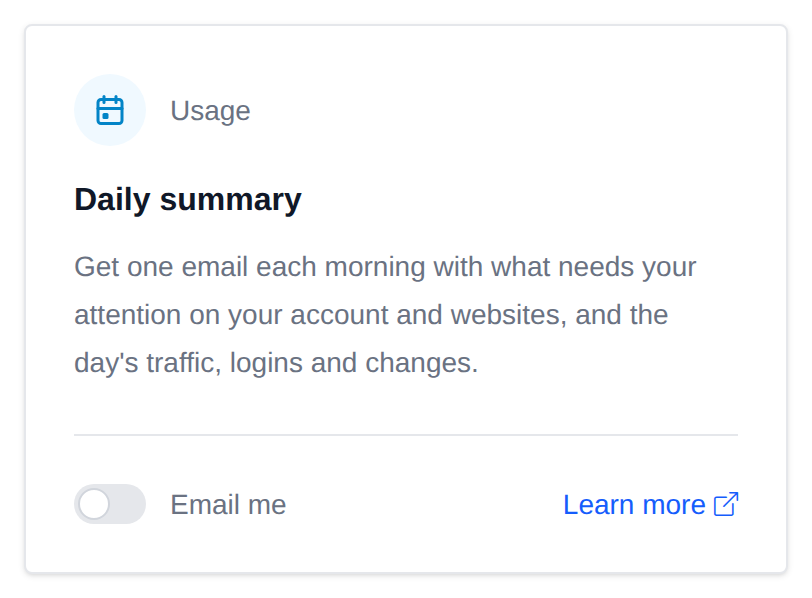
Daily summary
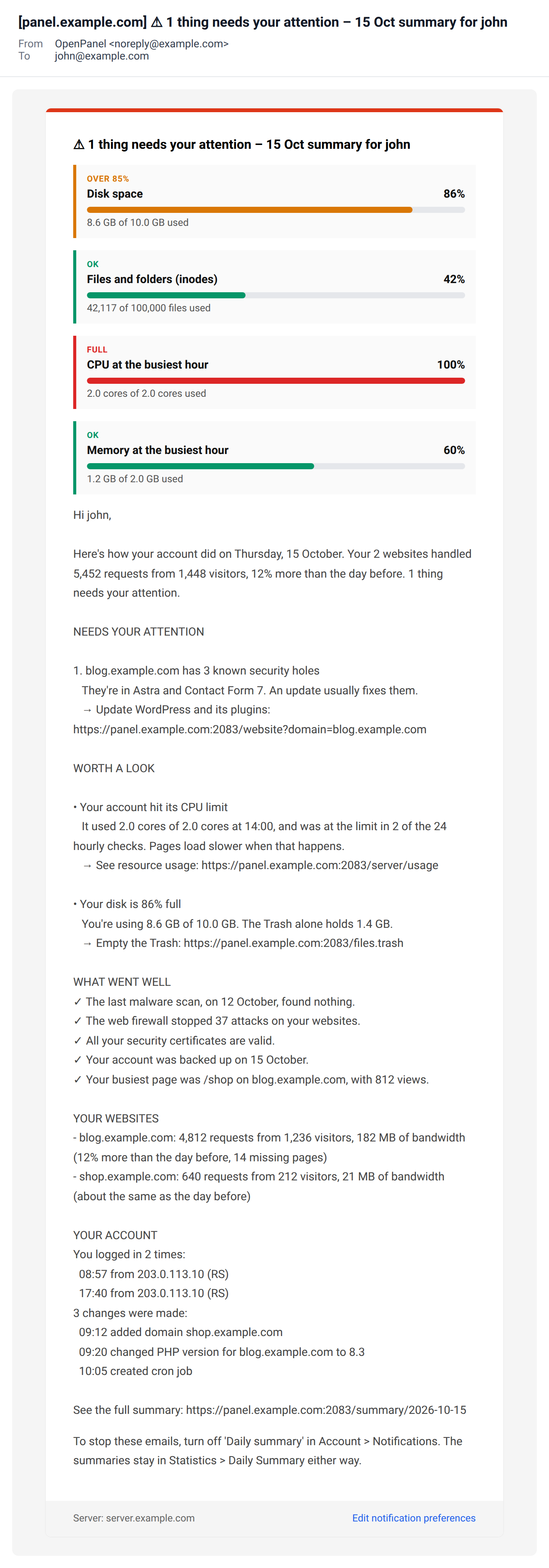
Sends one email every morning with the previous day's Daily Summary: what needs your attention first, each with a link to the page that fixes it, then what's worth a look, what's all good, and the day's traffic, logins and account changes. The subject says how many things need your attention.
It's off by default, and only shows up when your hosting plan includes the Daily Summary page.
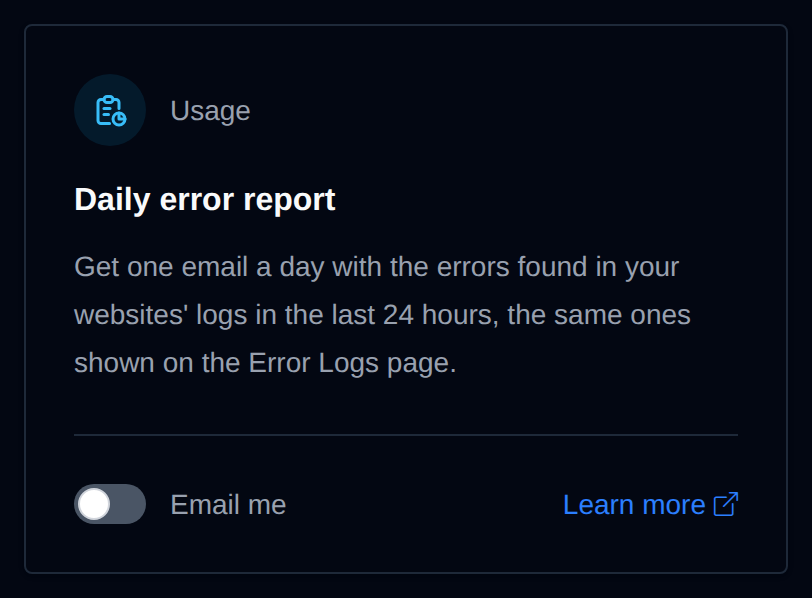
Daily error report
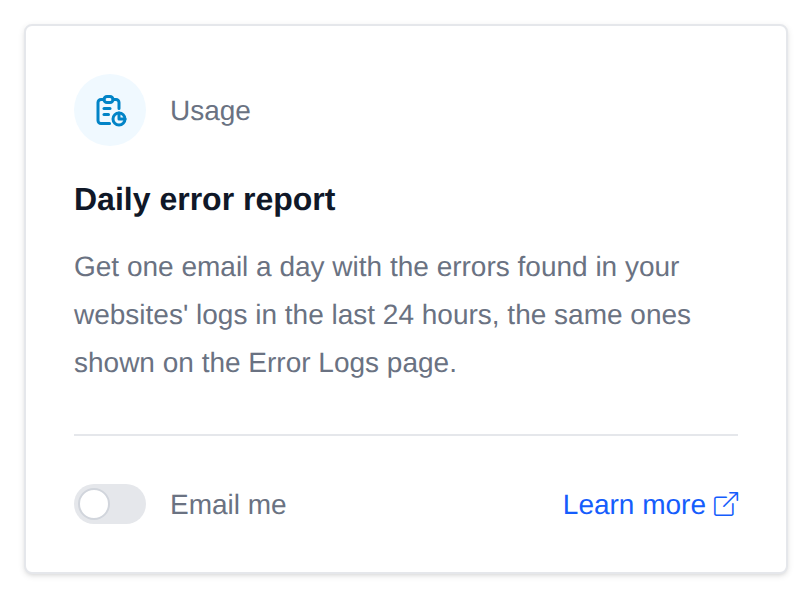
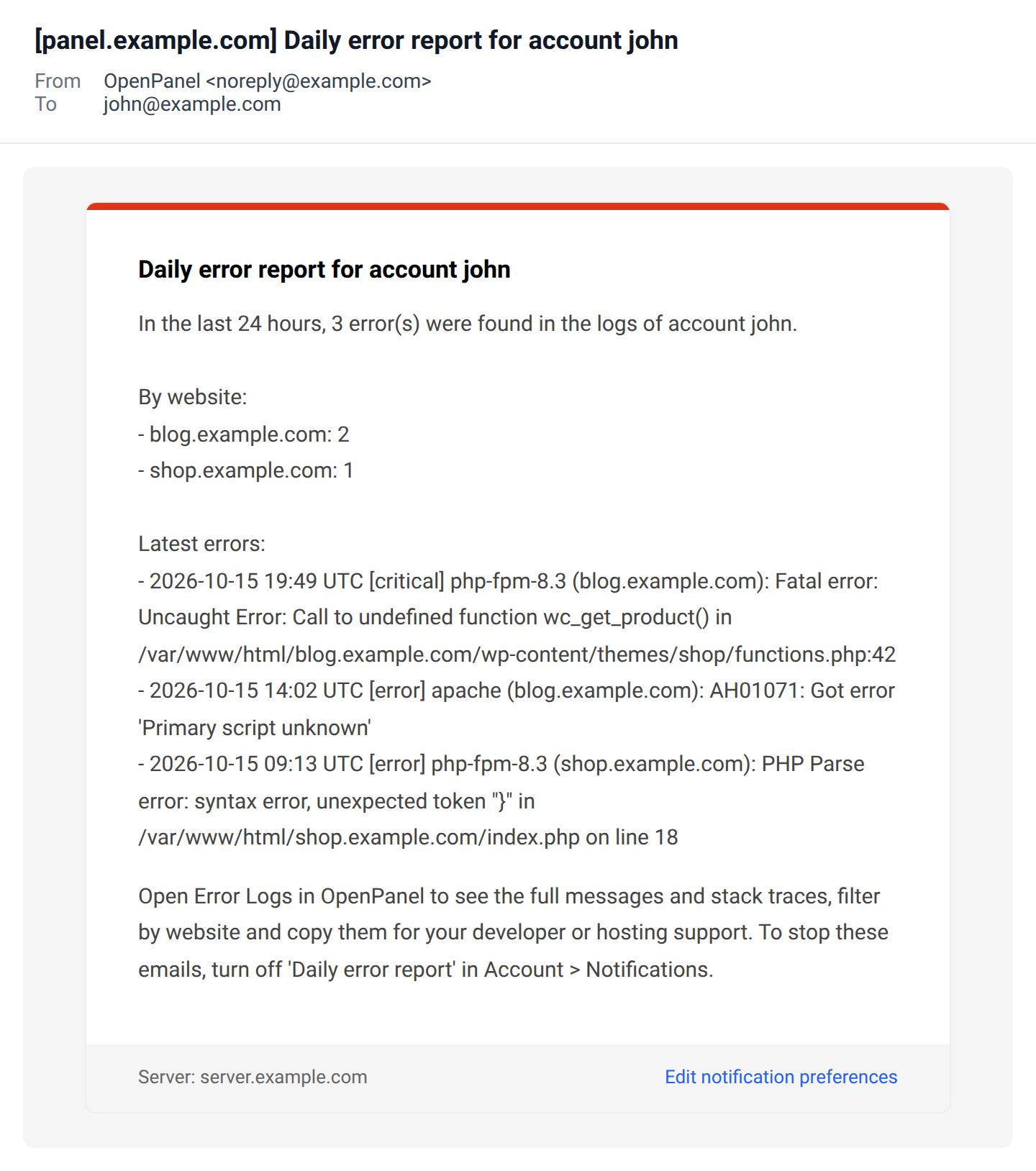
Sends one email a day with the errors and critical errors found in your websites' logs in the last 24 hours: how many per website, and the 20 newest with their time, service and first line of the message. It's not sent on days without errors. For the full messages and stack traces, open the Error Logs page.
It's off by default, and only shows up when your hosting plan includes the Error Logs page.
Upgrade offer
On Enterprise, if the account's hosting plan has an upsell plan with an upgrade URL, the disk space, mailbox and hourly email limit emails also get an Upgrade to section named after the upsell plan, with a button to Dashboard > Upgrade. It's only added when the upsell plan actually raises the limit that's running out: more disk space or inodes for the disk email, bigger maximum mailbox size for the mailbox email, and more emails per hour for the hourly limit email.
- Security alerts
- New login
- Password changed
- Contact email changed
- Two-factor authentication changed
- Passkey added or removed
- API token created or revoked
- SSL certificate problem
- Malware found
- Vulnerable WordPress site
- Email me if this alert gets turned off
- Usage alerts
- Disk space running out
- Mailbox almost full
- Hourly email limit reached
- Service stopped
- Visitors blocked by rate limit
- Daily summary
- Daily error report
- Upgrade offer