Version: 2.0.14
Elasticsearch
Elasticsearch is a powerful open-source search and analytics engine commonly used for:
- Full-text search
- Log analytics
- Real-time data exploration

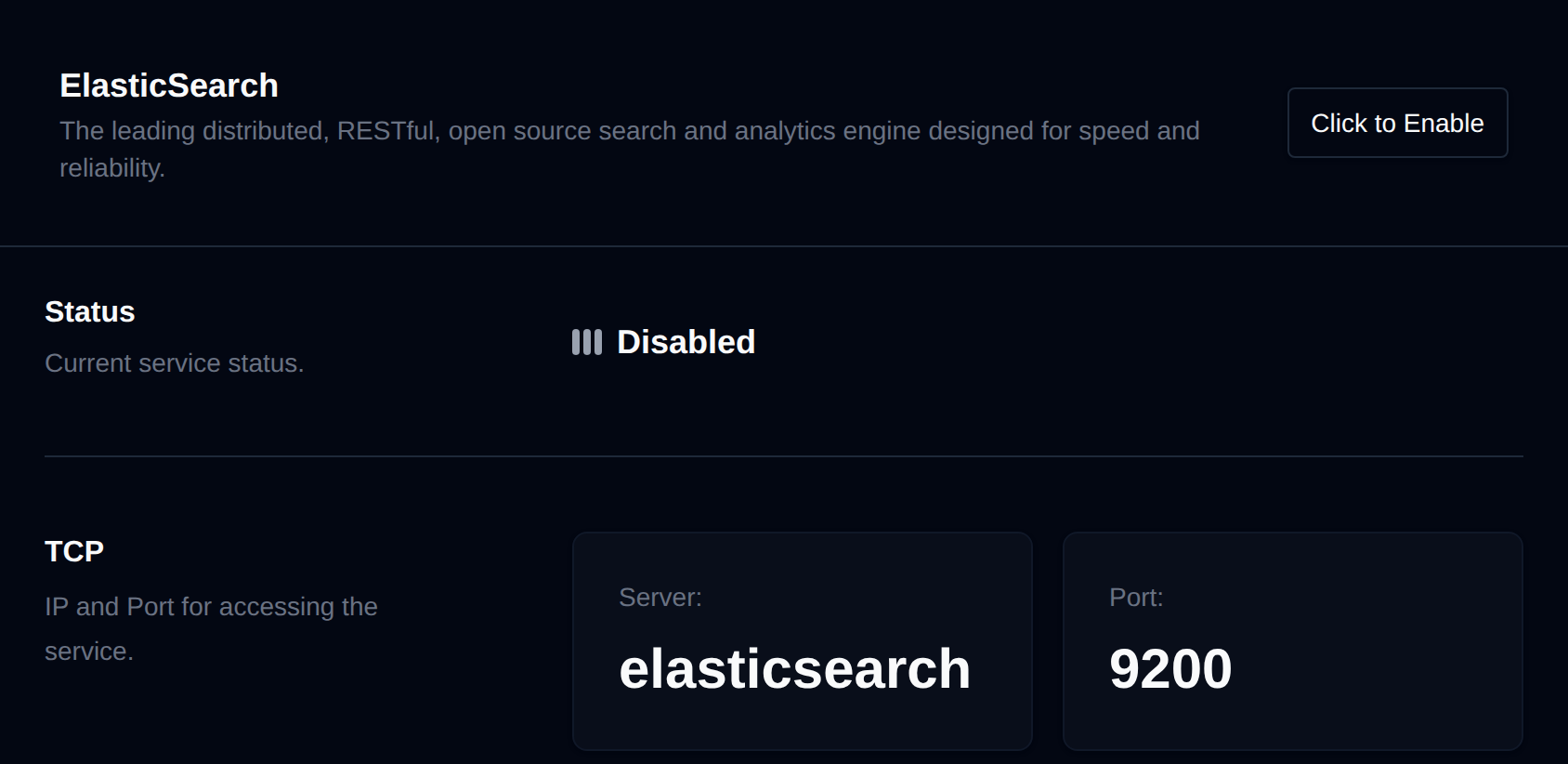
Use OpenPanel > Cache & Search > Elasticsearch to manage the Elasticsearch service, enabling fast and scalable search functionality across your applications and systems.
Status
Enable or disable the Elasticsearch service.
- The current status is displayed.
- Use the toggle option to enable or disable the service as needed.
TCP
Connection details for accessing the Elasticsearch API:
- Server:
elasticsearch - Port:
9200
Use these settings in external tools like curl, Kibana, Grafana, or application SDKs to query or manage data.
Container
While the service is running, real-time resource usage (CPU, memory, network and block I/O) is displayed. Click Edit limits to adjust the container's resource limits from the Containers page.
Logs
Monitor service activity and debug issues by viewing ElasticSearch logs.
- Click View service log to open the service log file and inspect output in real time.
Was this helpful?