Varnish
Varnish is a reverse caching proxy that acts as an HTTP accelerator, optimizing content-heavy dynamic websites and APIs.
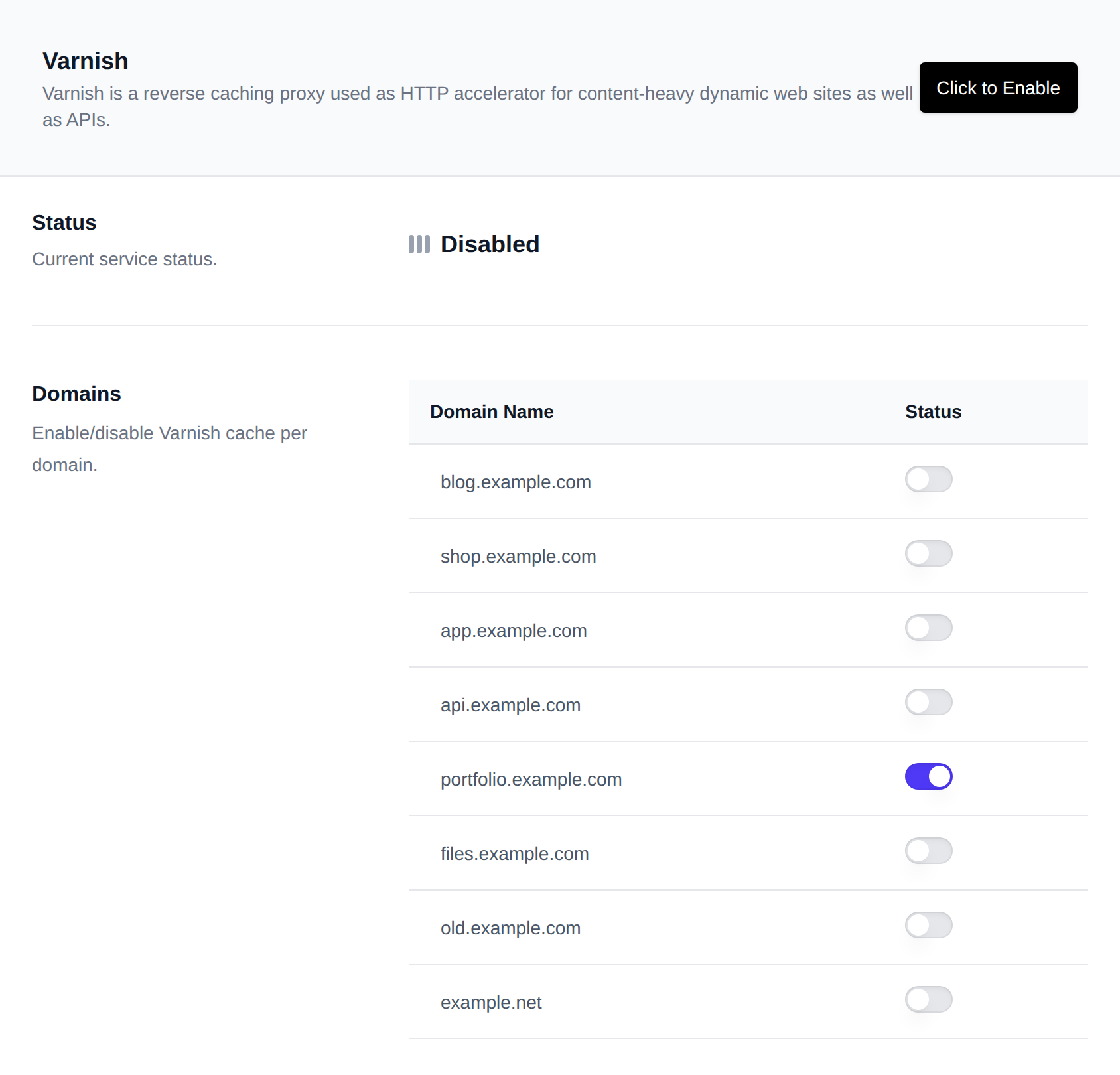
Use OpenPanel > Cache & Search > Varnish to manage the Varnish service, enable or disable it per domain, and view service logs.
Status
Enable or disable the Varnish service globally.
- The current service status is displayed.
- Use the toggle to enable or disable Varnish as needed.
Varnish Cache
While the service is running, real-time cache performance and efficiency metrics are displayed, including Hit Ratio, Hits, Misses, Pass, Requests, Backend Requests, Backend Failures and an overall Efficiency Score.
Domains
Control Varnish caching on a per-domain basis.
- Each domain has a toggle showing its current status.
- Click the toggle to enable or disable Varnish caching for that specific domain.
Container
While the service is running, real-time resource usage (CPU, memory, network and block I/O) is displayed. Click Edit limits to adjust the container's resource limits from the Containers page.
Logs
Monitor Varnish activity and troubleshoot issues by viewing service logs.
- Click View service log to open and follow the log output in real time.