Version: 2.0.17
Capitalize Domains
The Capitalize feature allows you to change the letter casing of your domain names for display purposes in the OpenPanel UI. This affects how domains are shown across all pages, without altering the actual DNS or domain configuration.
To capitalize a domain:
Navigate to Domains and open the Actions menu for the desired domain, then click on Capitalize.
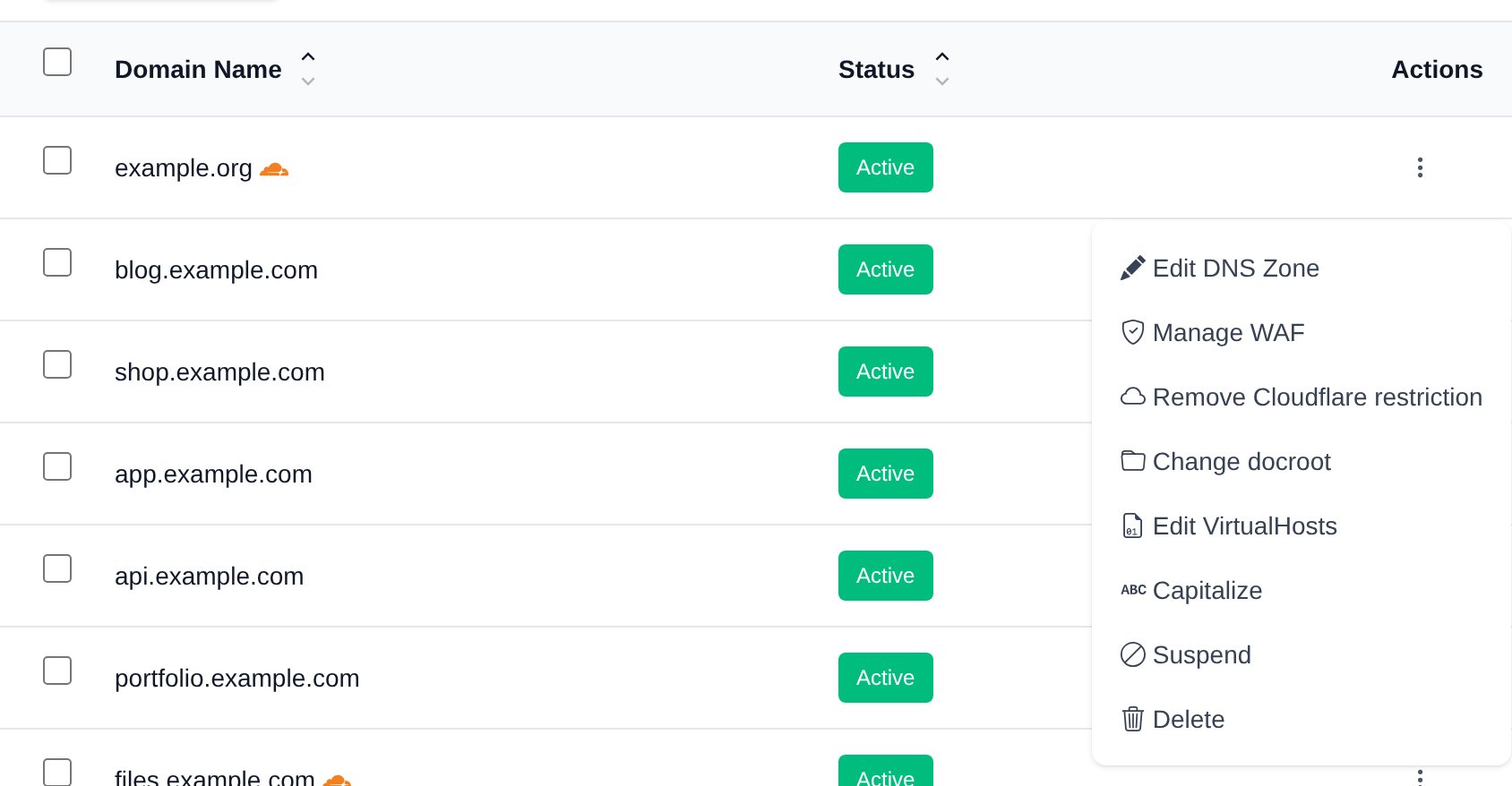
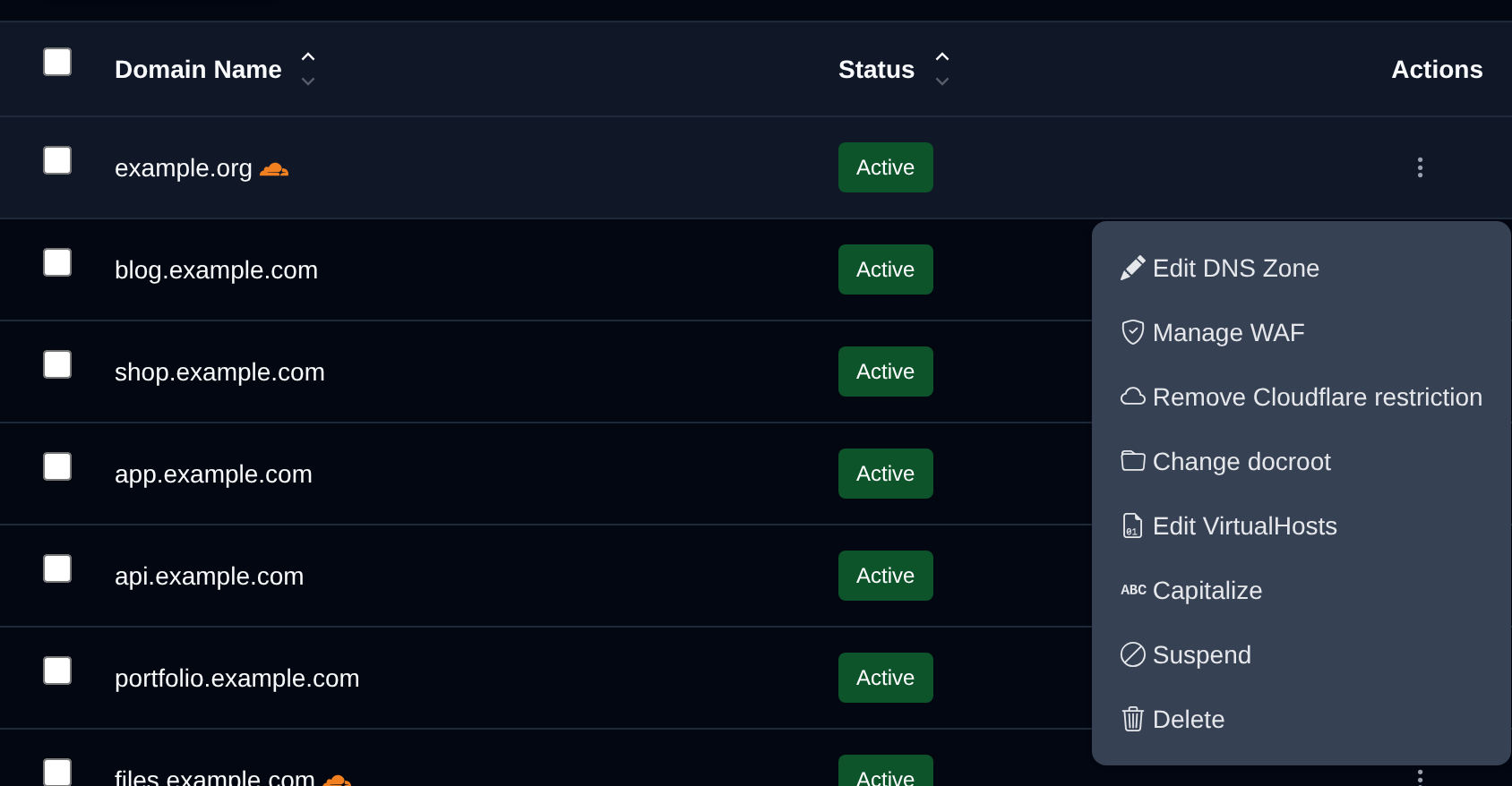
Click on any letter in the domain name to toggle its case (uppercase/lowercase).
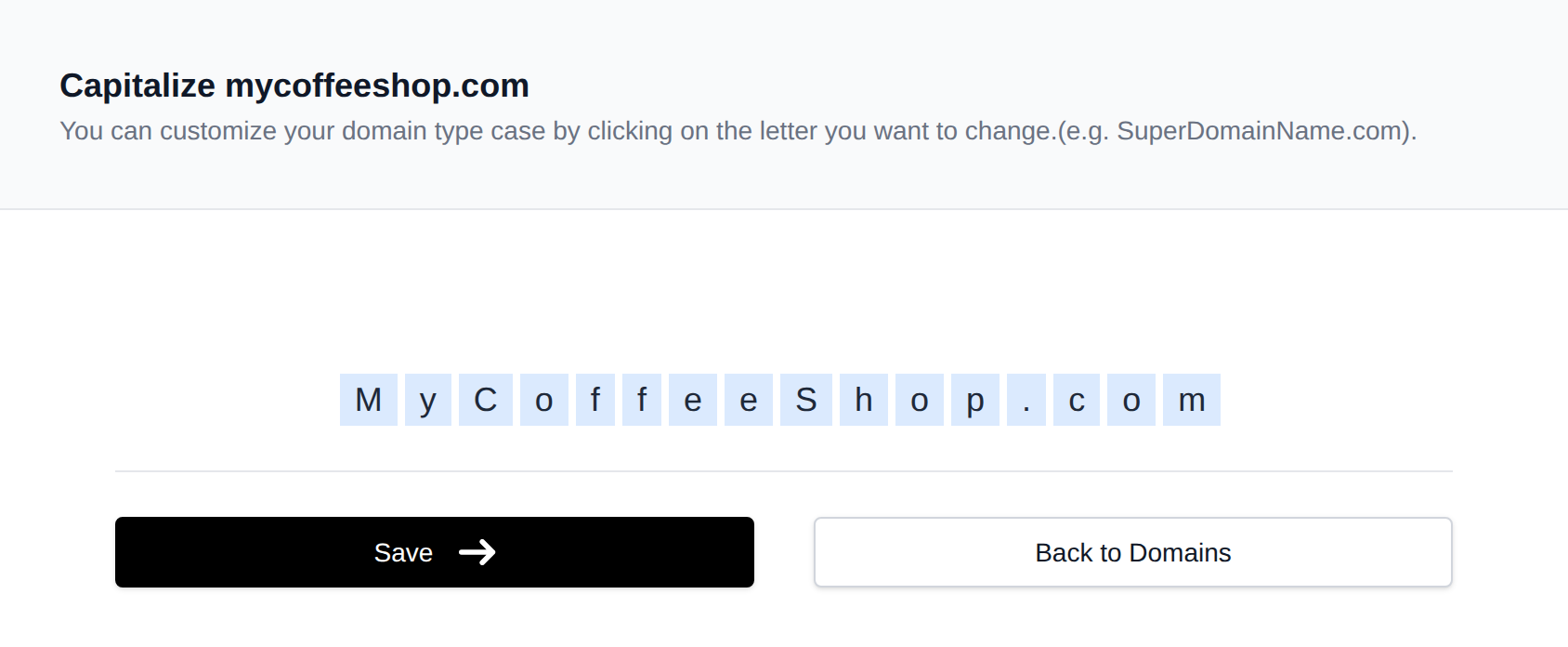
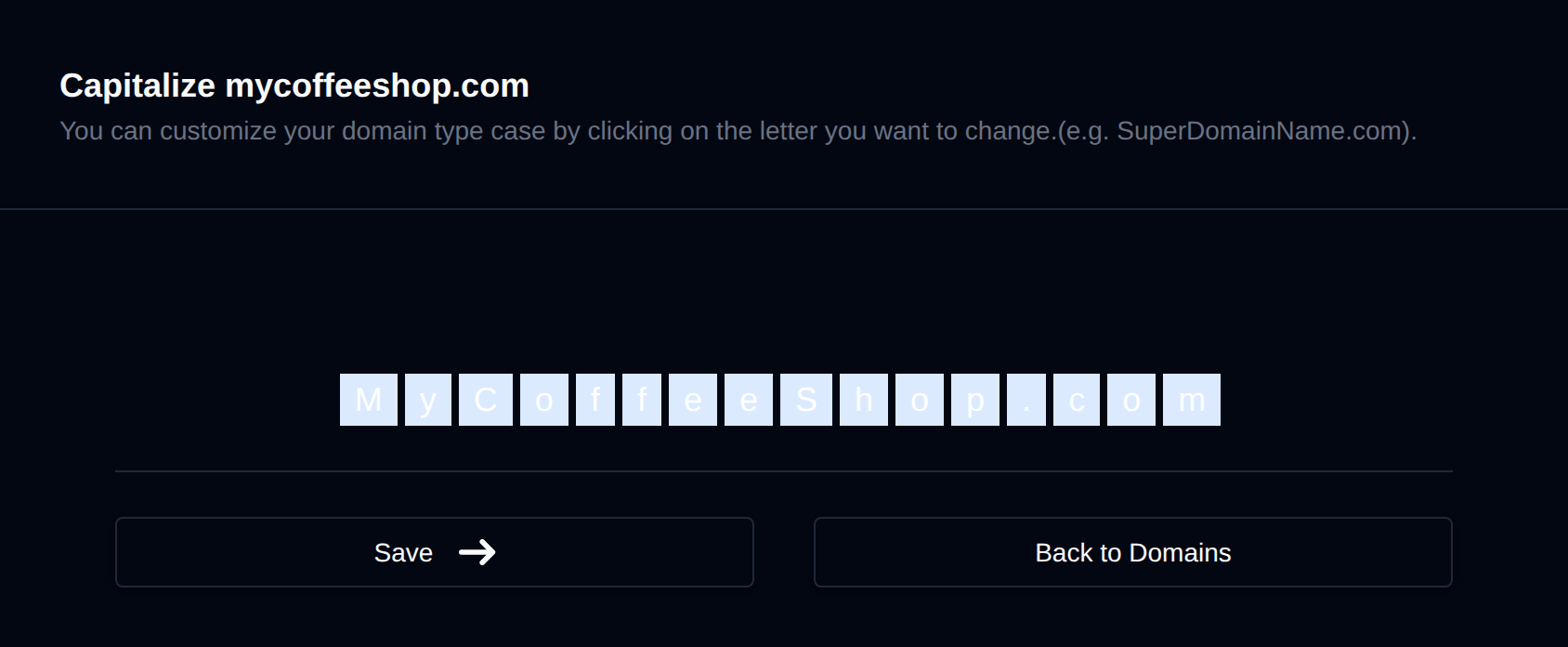
Once you've made your changes, click the Save button.
You can capitalize individual domains or update all of them as needed.
Was this helpful?