DNS
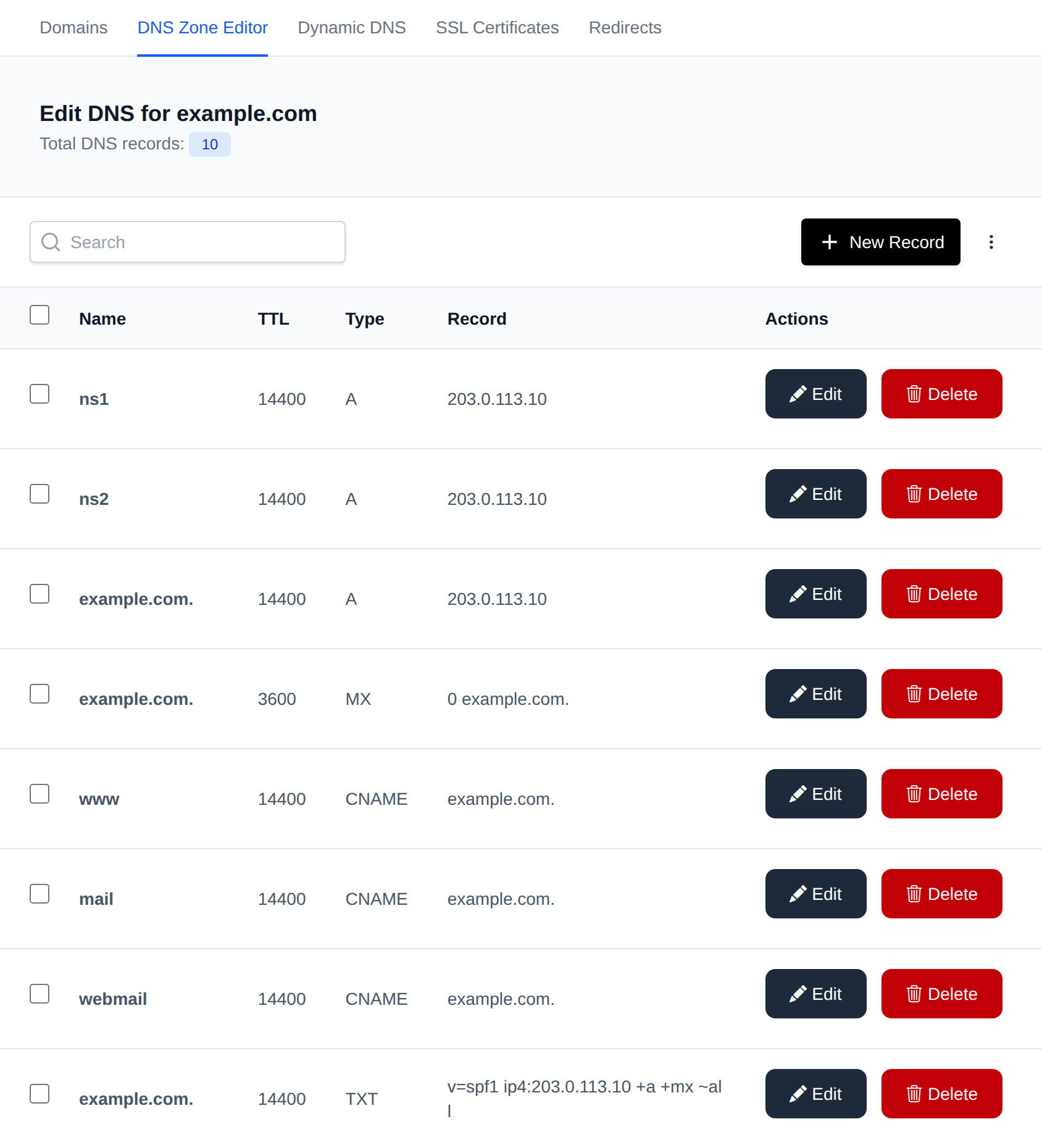
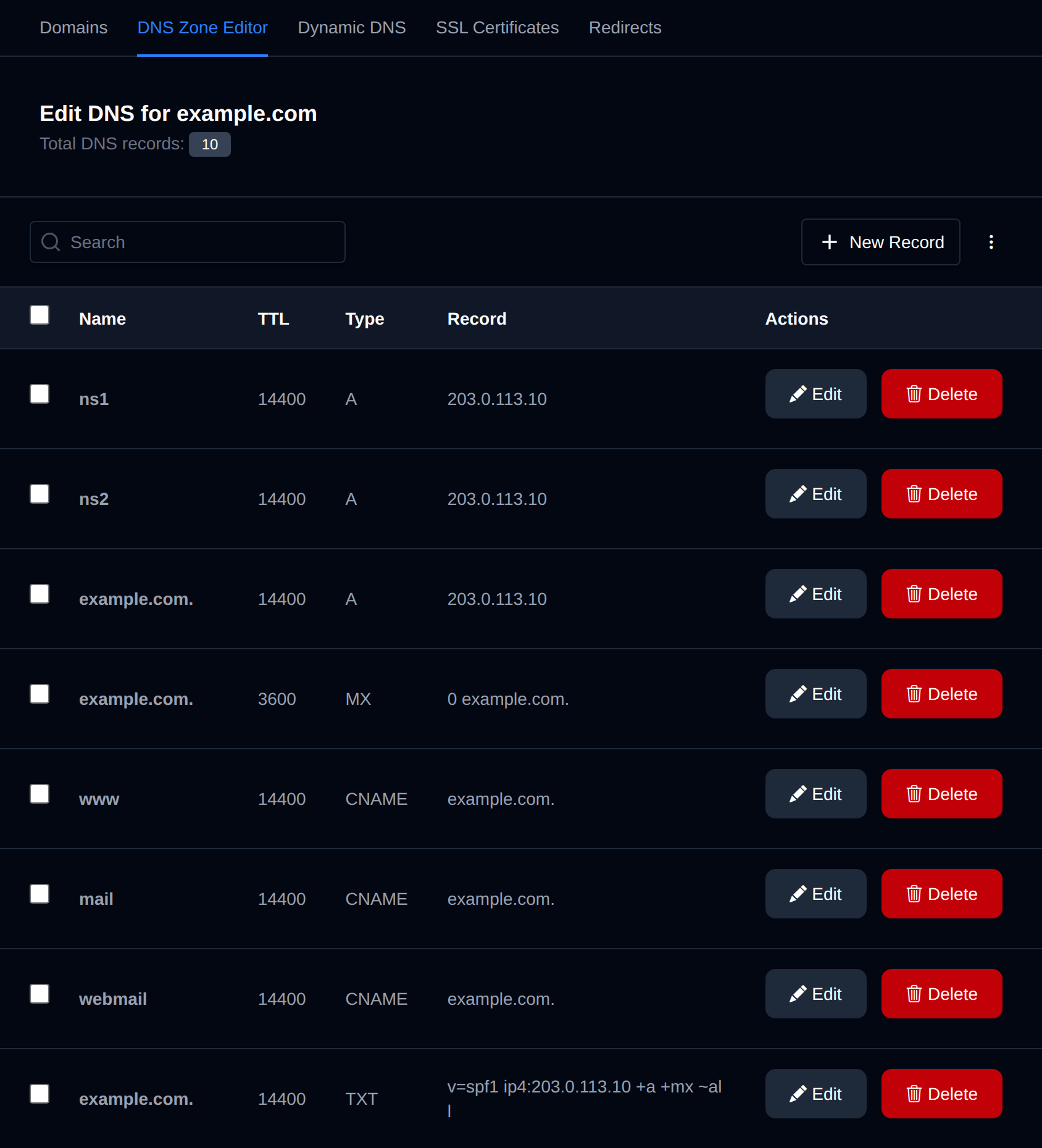
The DNS Zone Editor enables you to manage and edit Domain Name System (DNS) zone files, which are essential for mapping domain names to IP addresses and handling various DNS records such as A, CNAME, MX, and TXT records.
On the main DNS Zone Editor page, you can choose a domain name to view and modify its records.
Edit record
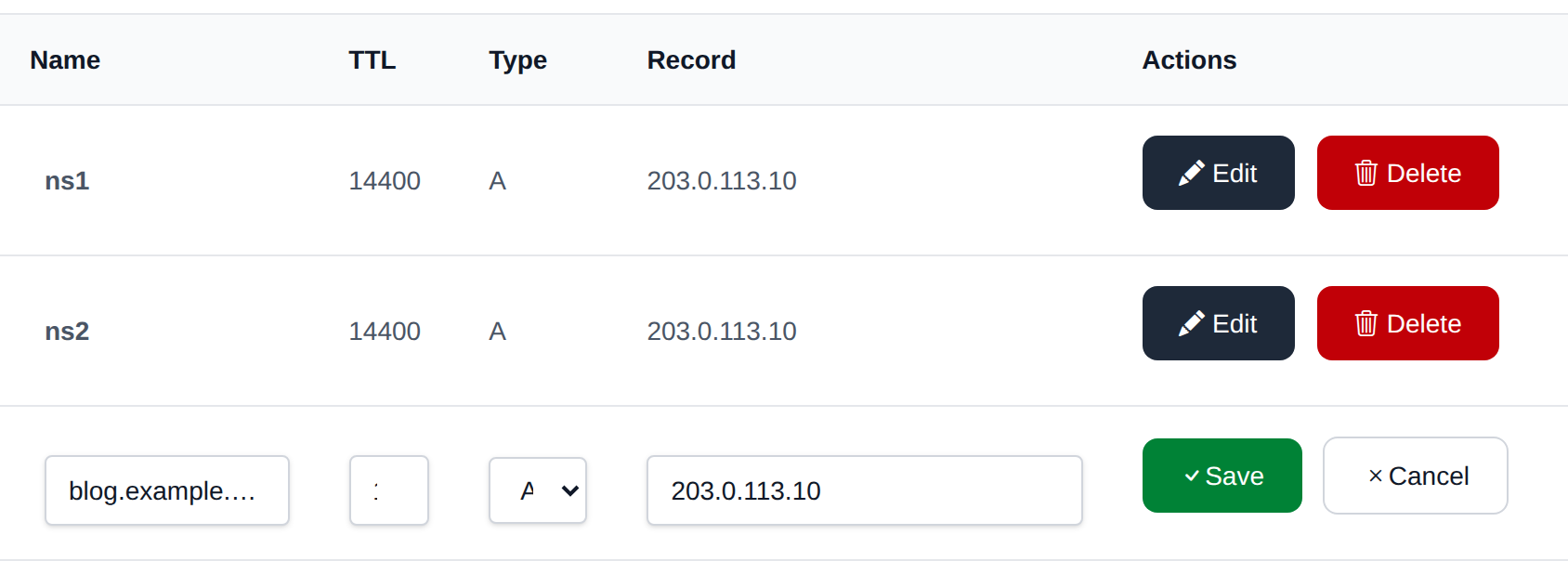
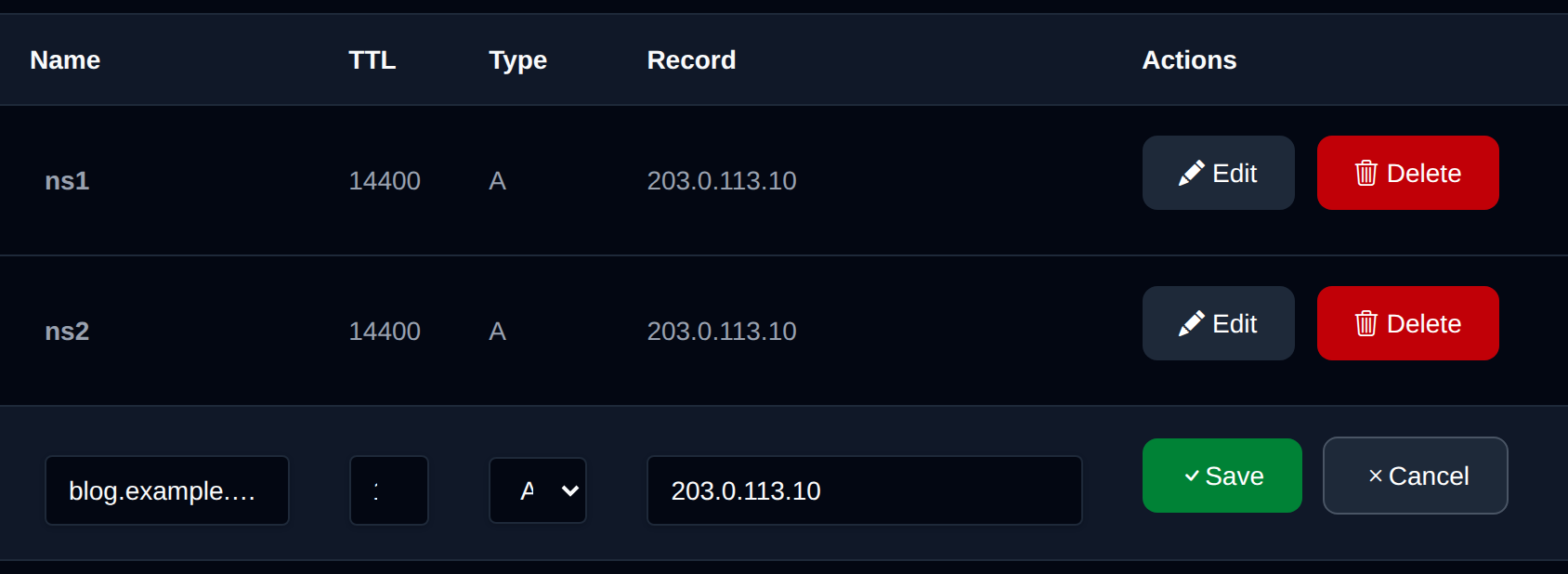
To modify an existing record, click on the 'Edit' button next to it. This will make the row editable, allowing you to save changes by clicking the 'Save' button or discard them by selecting the 'Cancel' button.
Create record
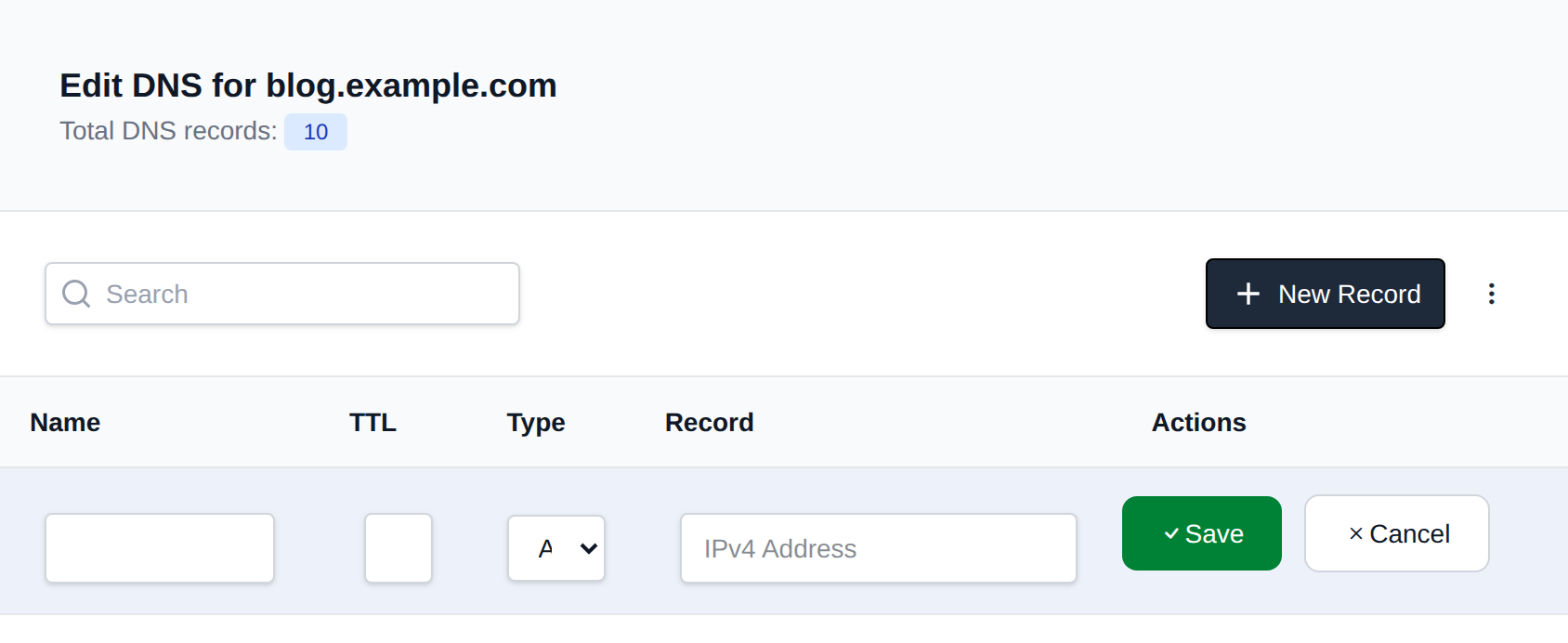
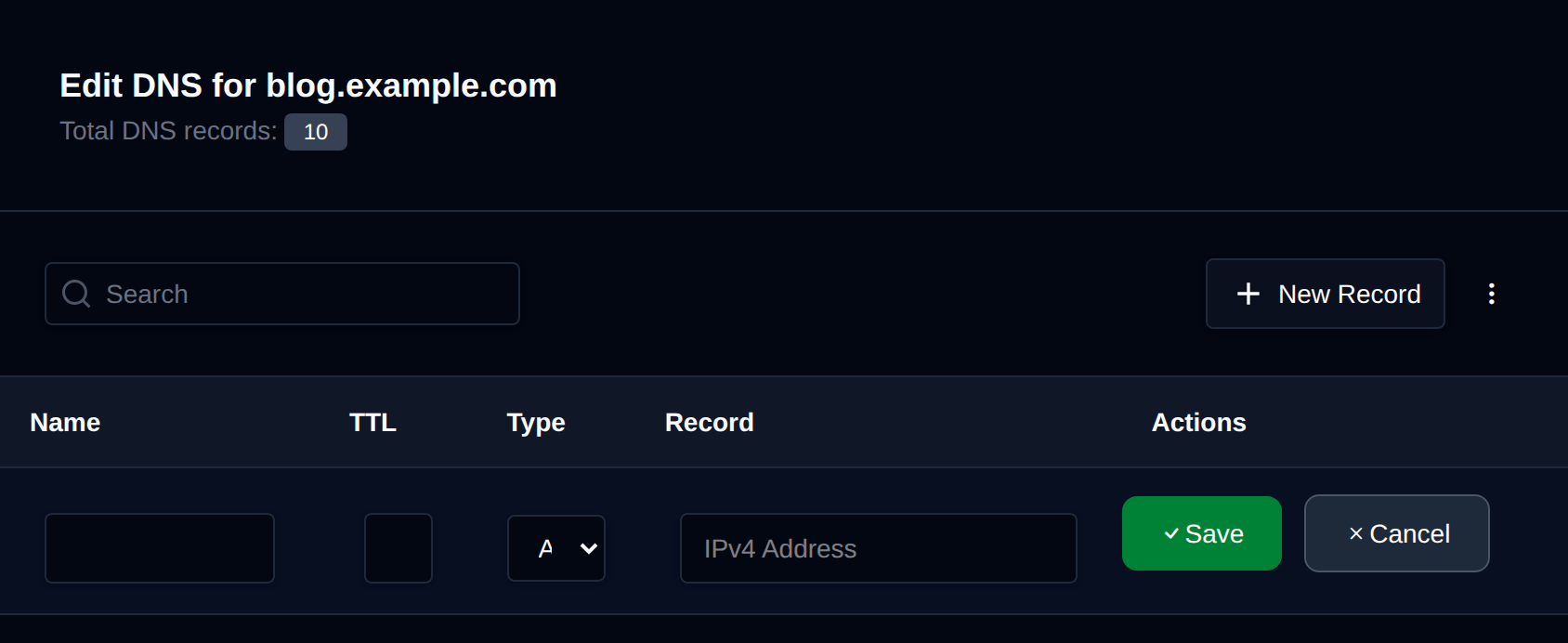
To create a new DNS record, click on the 'New Record' button.
This will add a new row at the top of the table where you can enter the record.
Supported DNS types: A, AAAA, CAA, CNAME, MX, SRV, TLSA, TXT
Delete record
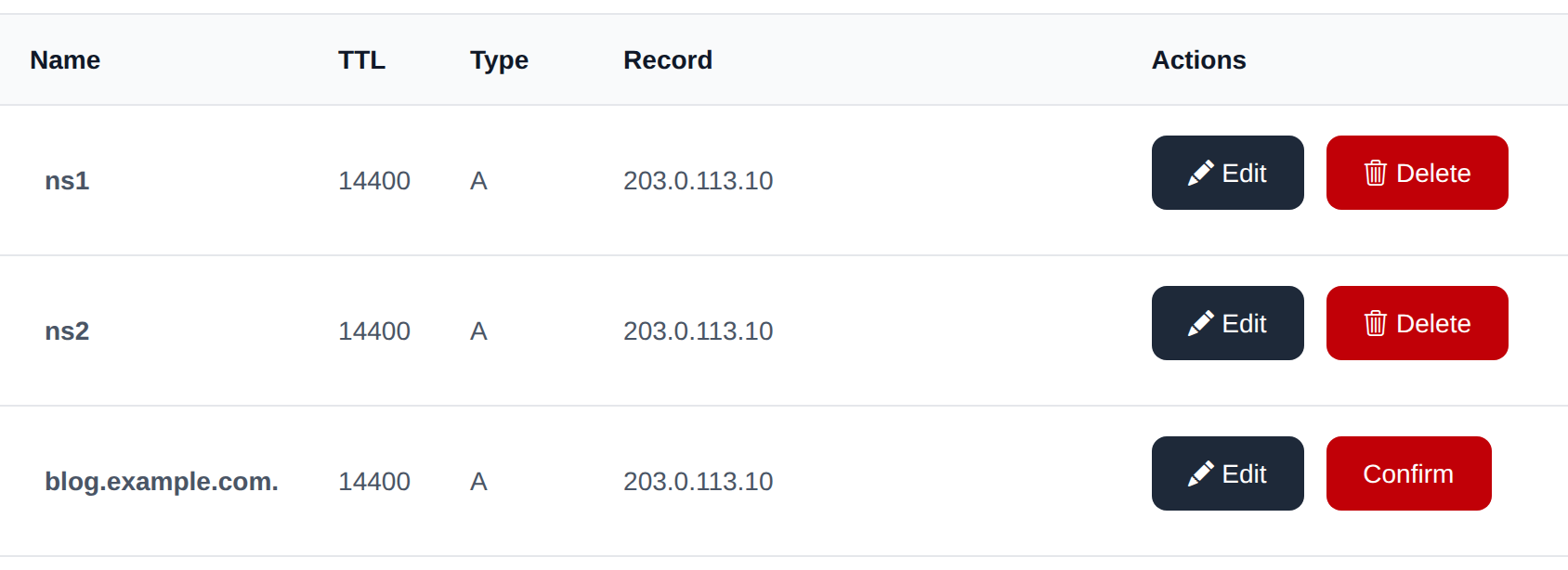
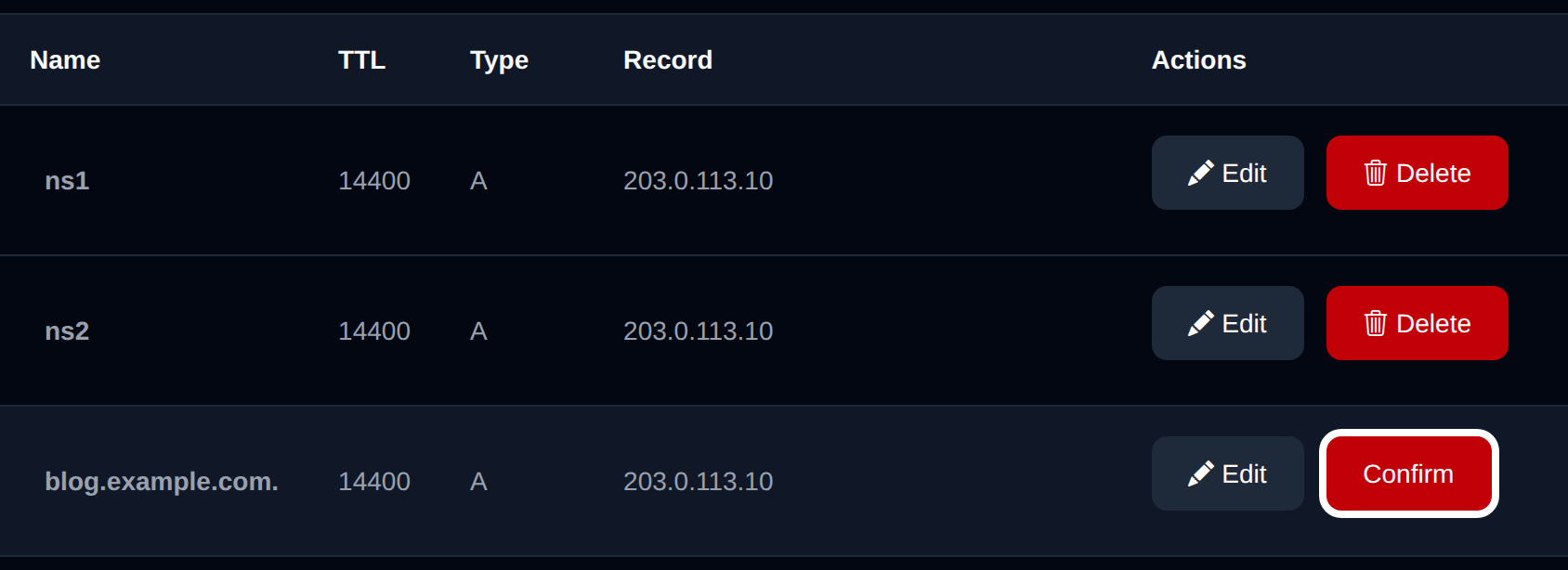
To remove an existing DNS record, click the delete button next to it. The button text will change to 'Confirm', and on the second click, it will permanently delete the record.
Bulk Actions
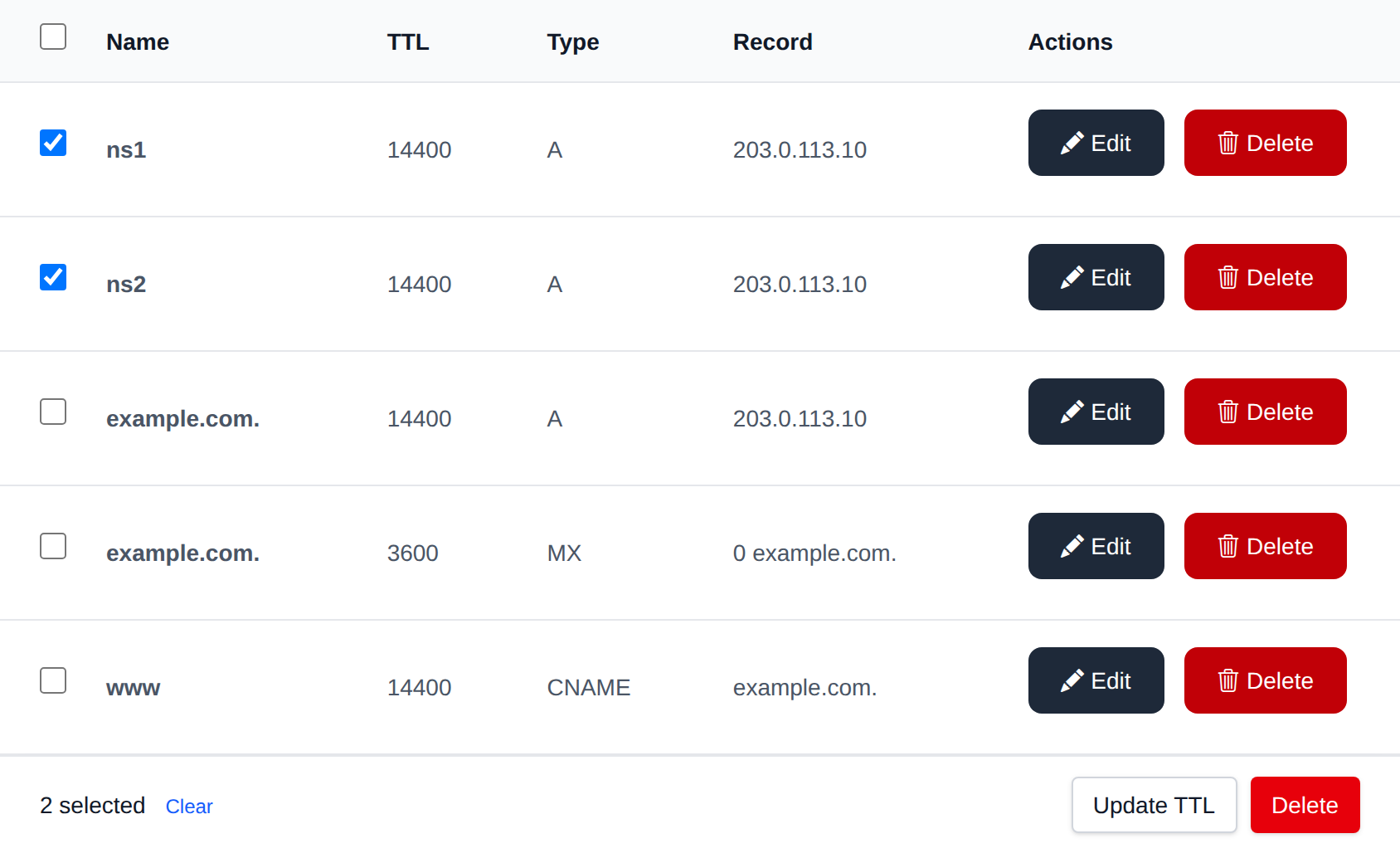
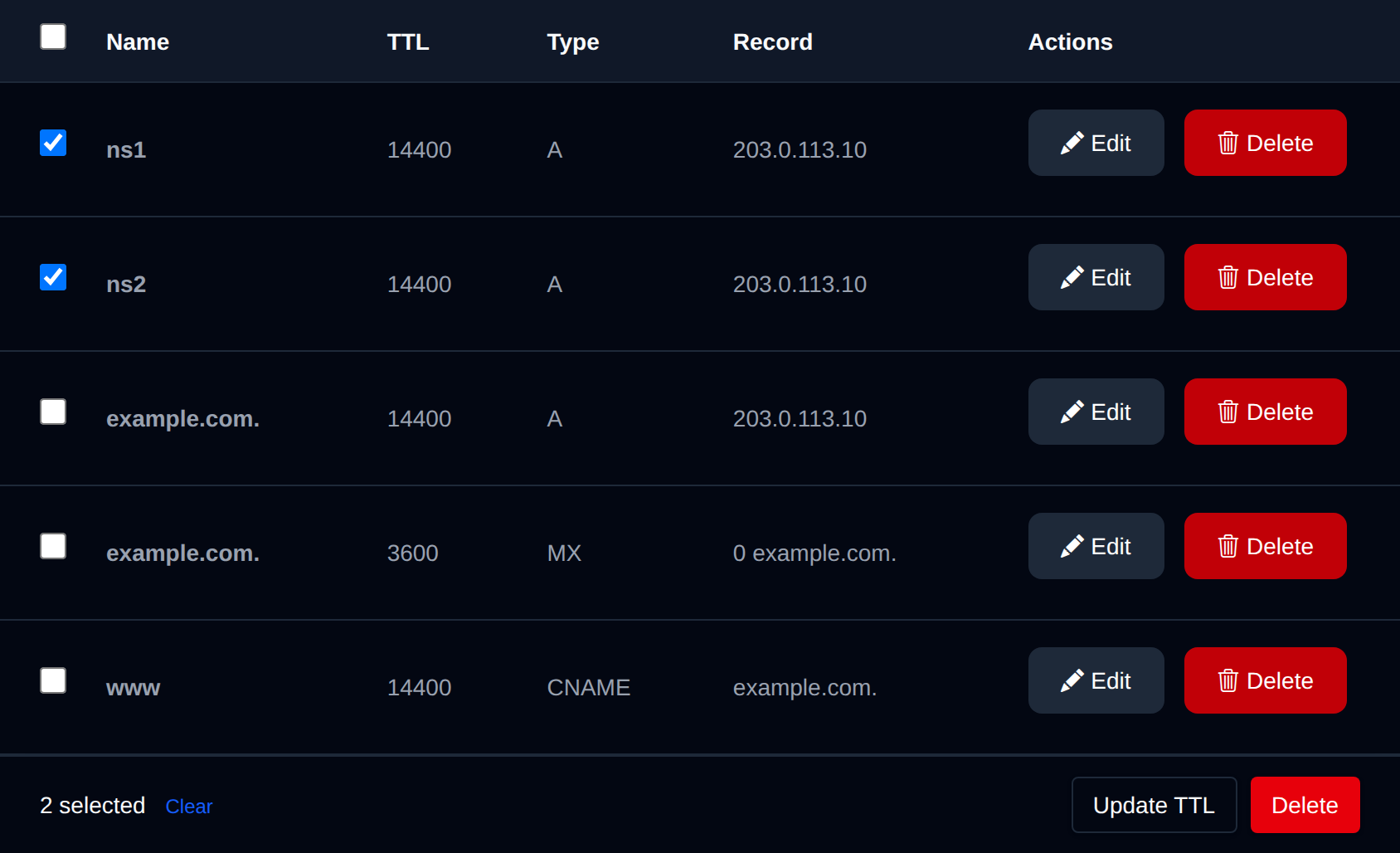
Tick the checkbox of one or more records, or the checkbox in the table header to select every record shown by the current search. A bar appears at the bottom of the page with the number selected, a Clear link and these actions:
| Action | What it does |
|---|---|
| Update TTL | Sets the TTL, in seconds (at least 60), of the selected records. |
| Delete | Deletes the selected records. |
All selected records are changed in one edit of the zone file, then the zone is reloaded once. If the zone changed since you opened the page, reload it and select the records again.
Click an action, confirm it, and it runs on the selected records one after another. When it's done the page reloads with a notice listing the records it worked for, or which ones failed and why.
Export Zone
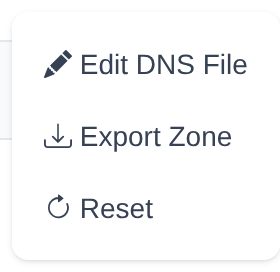
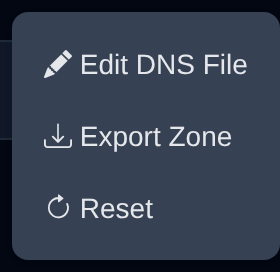
To export a DNS zone, click on the 'Export Zone' button. The zone file will be downloaded immediately.
Reset Zone
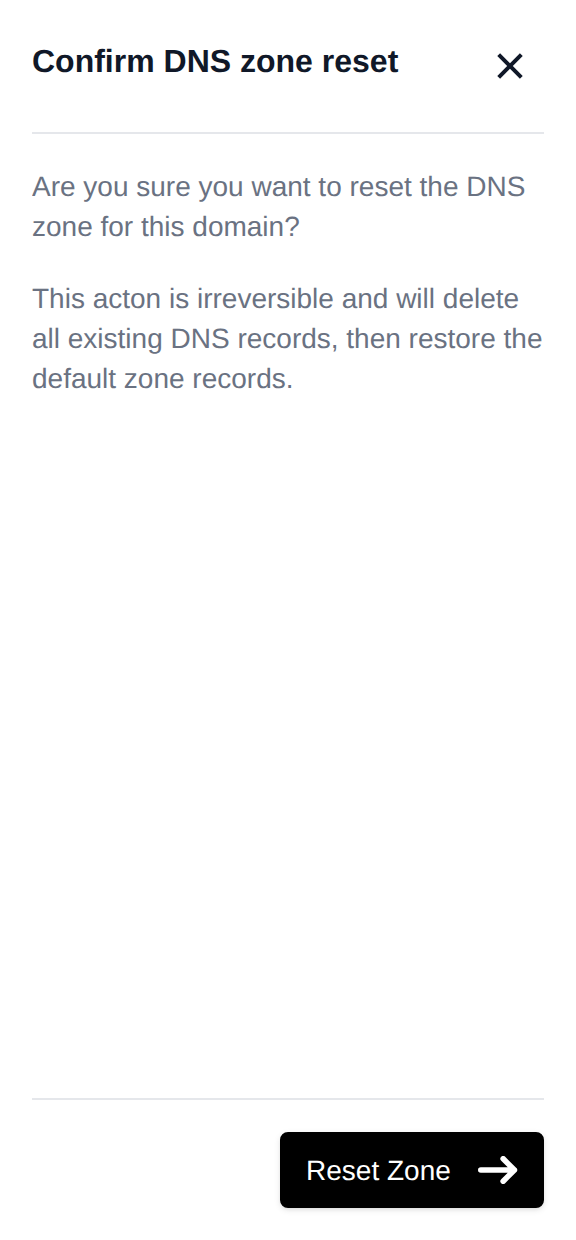
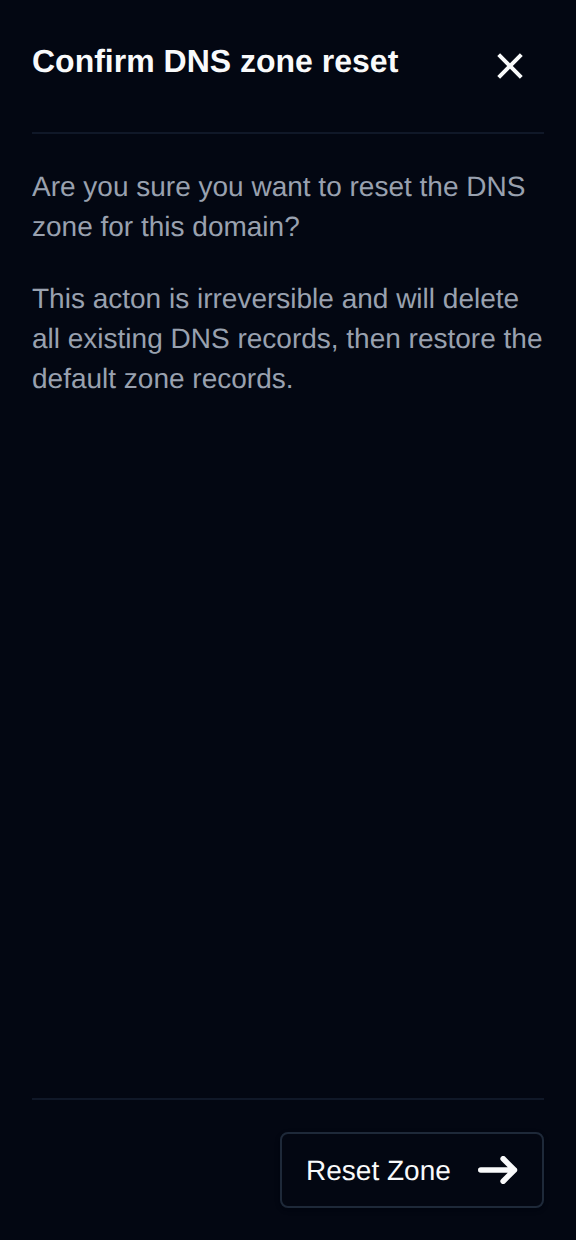
Resetting the zone will delete all existing records and create a default DNS zone, as if the domain had just been added again.
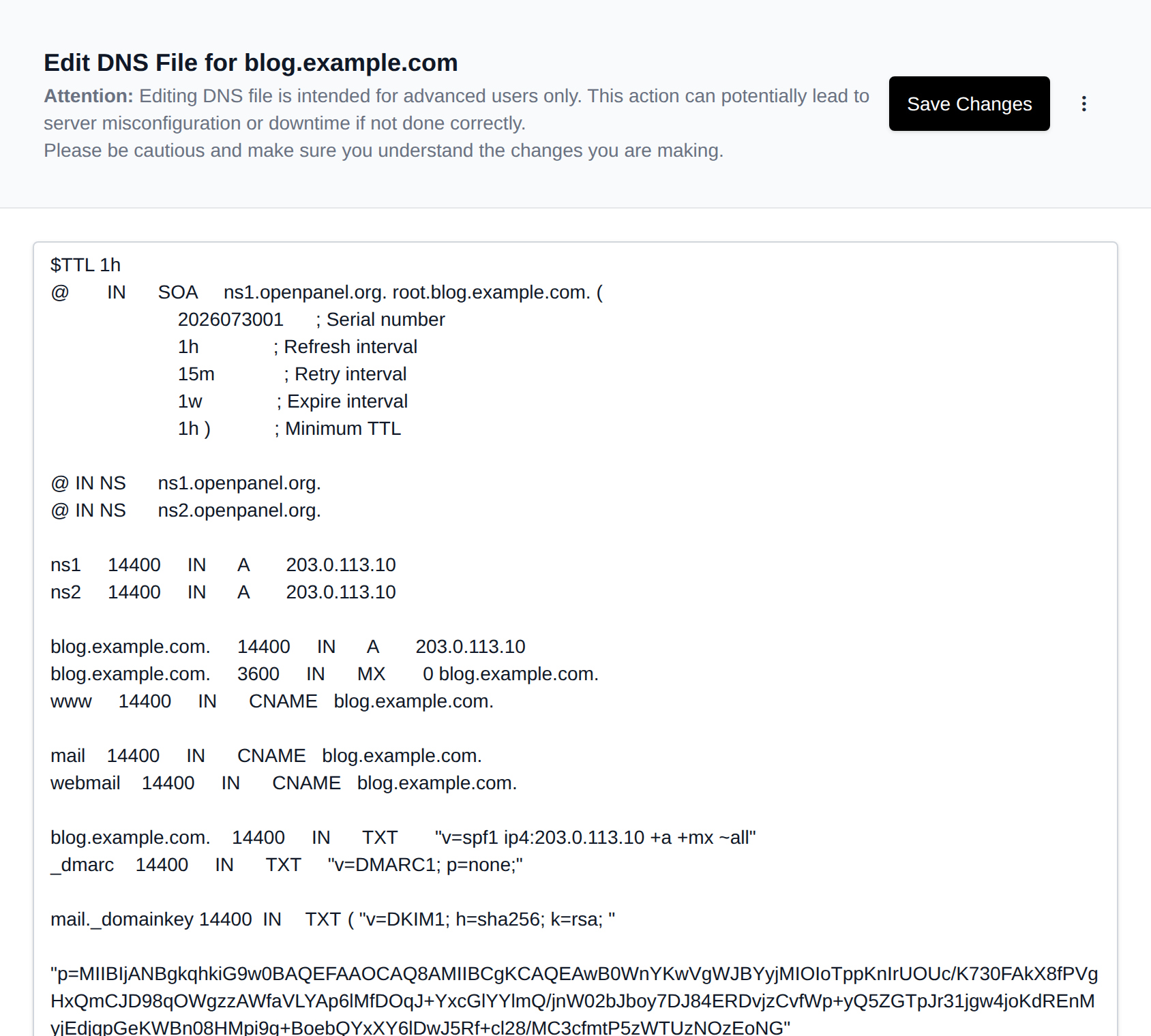
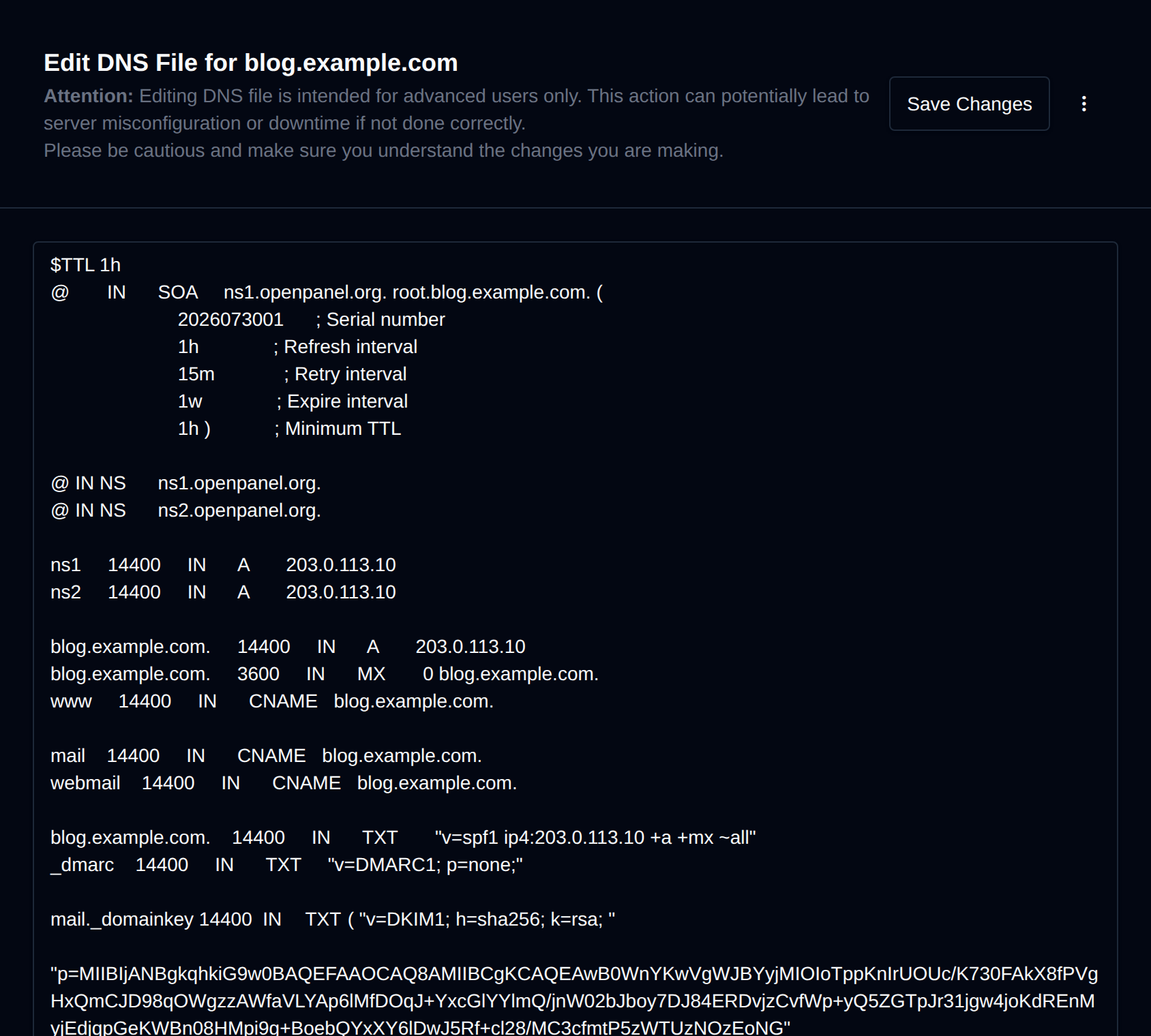
Advanced Editor
The Advanced Editor allows direct editing of the DNS zone file, including adding custom records or comments. It can also be used to import a DNS zone by pasting content from another server.